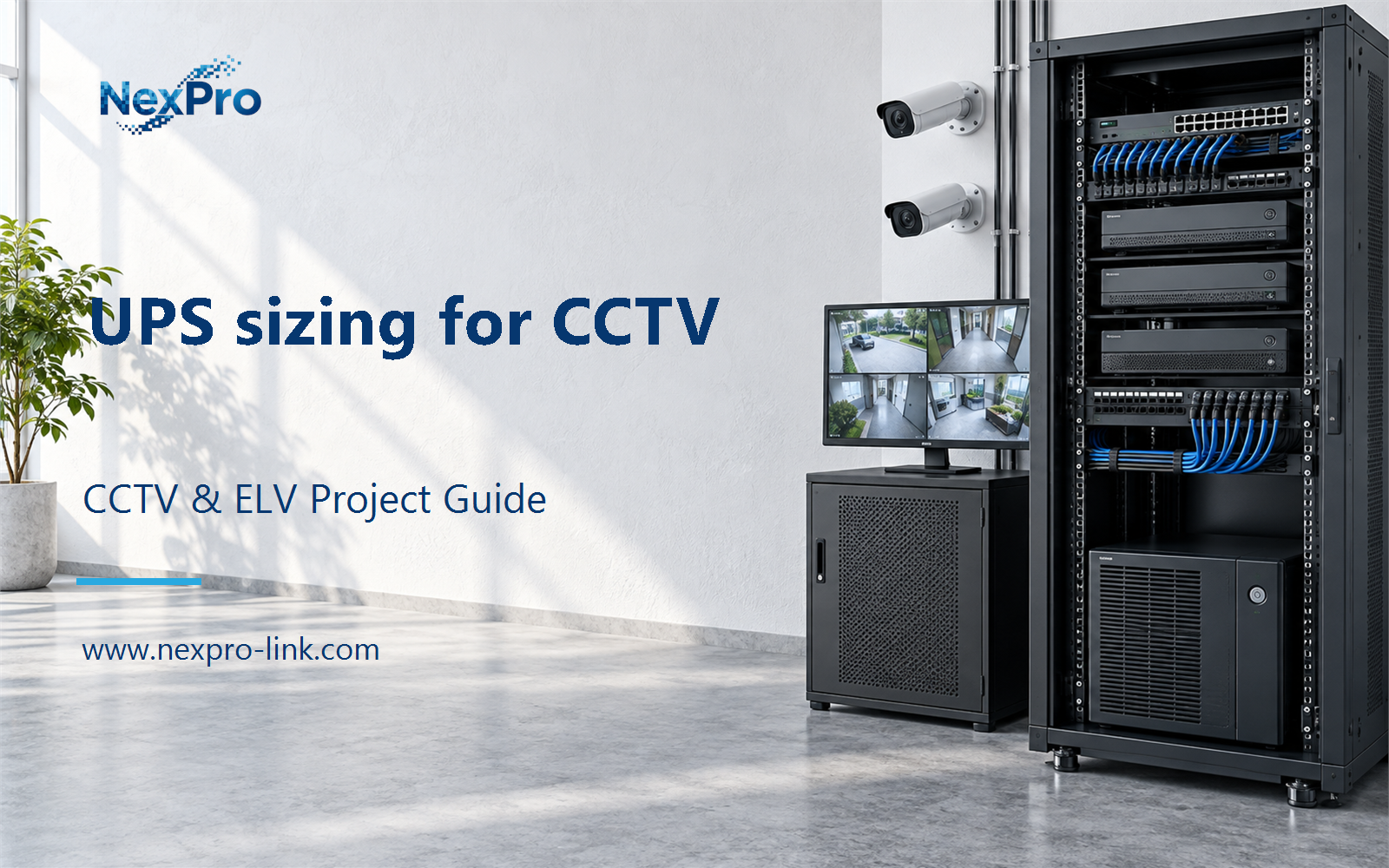
Plan UPS sizing for CCTV with practical guidance on define the protected service and set a transparent power margin. NexPro-Link project guide.
Section 01
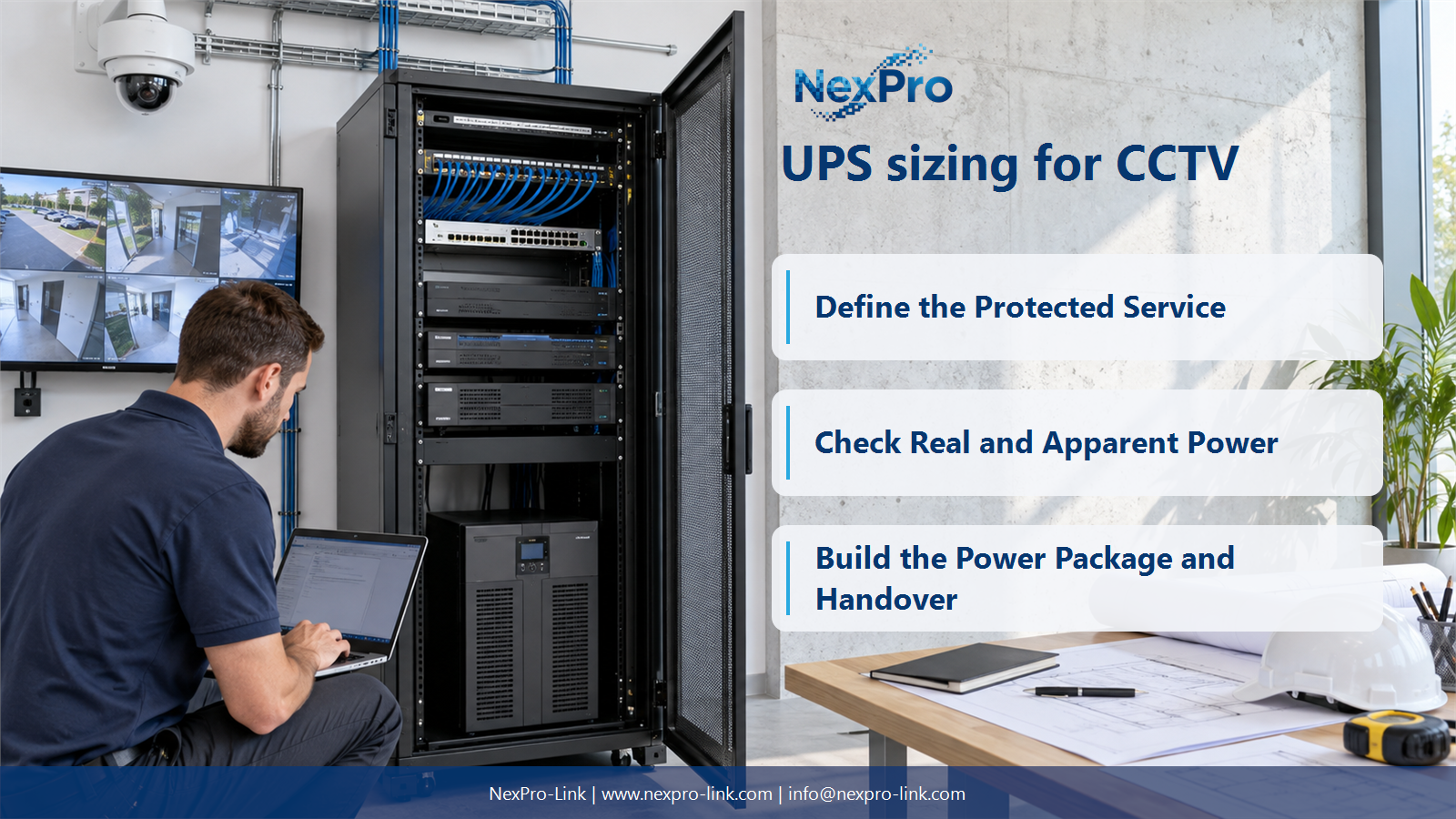
Define the Protected Service
Include every device required to deliver the agreed outage service: cameras through powered switches, recording, essential network and selected displays. Exclude optional loads explicitly. A recorder-only UPS does not preserve recording when its cameras or network path lose power.
Turn the answer into a working record using Service, Required device, Power source, Included.
| Decision area | Buyer question | Required output |
|---|---|---|
| Define the Protected Service | Which devices belong in a CCTV UPS load list? | Include every device required to deliver the agreed outage service: cameras through powered switches, recording, essential network and selected displays. |
| Avoid Double-Counting PoE Loads | Should camera watts be added to measured switch input watts? | Not when that input figure already includes the powered cameras. |
| Check Real and Apparent Power | Why must both W and VA be checked? | They describe different electrical quantities, and a UPS has applicable limits for both. |
Section 02
Avoid Double-Counting PoE Loads
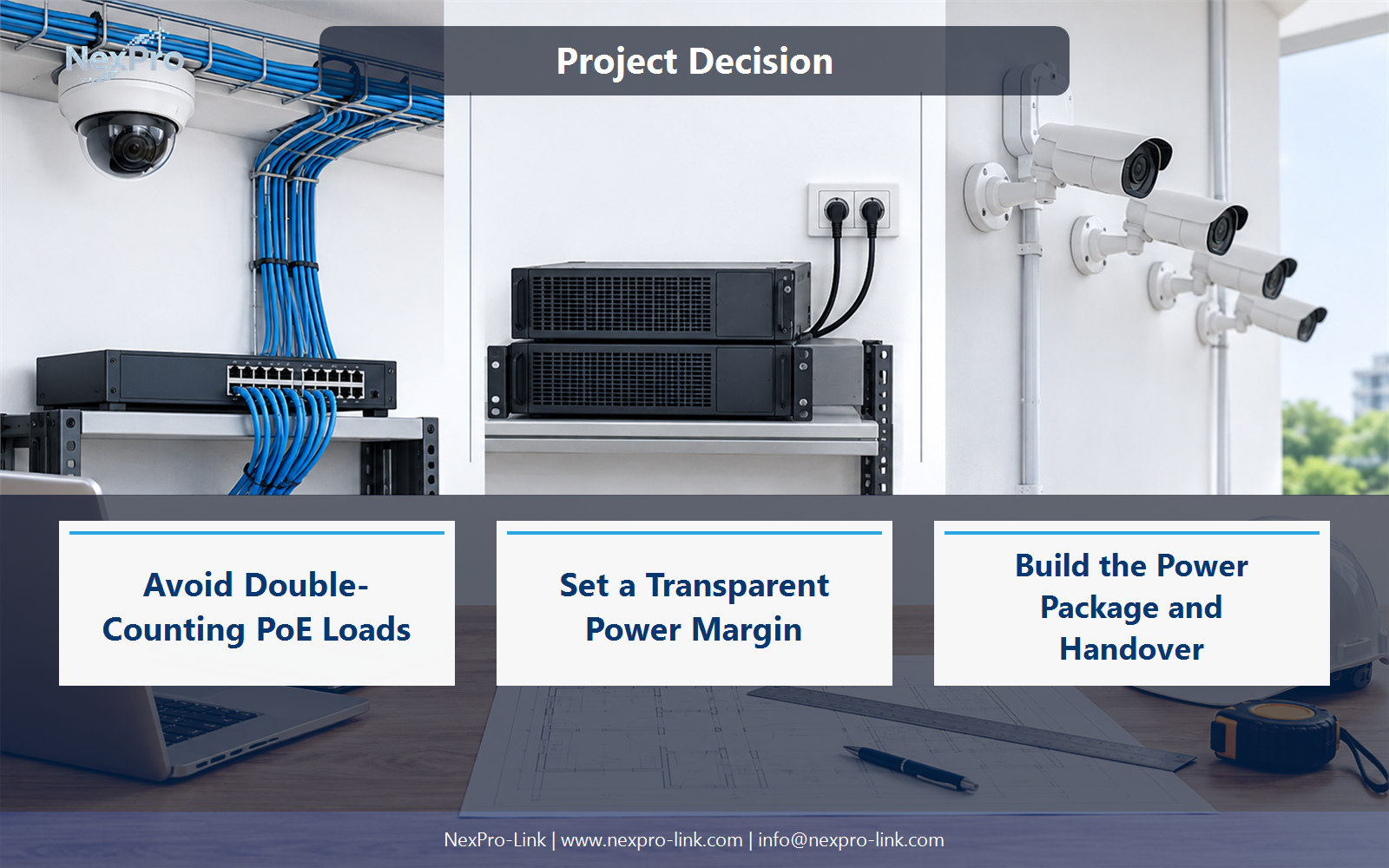
Not when that input figure already includes the powered cameras. Use a consistent load boundary. If calculating from component demand, account for switch consumption and conversion conditions; if using complete AC input, do not add the same downstream demand again.
Use Measured or estimated boundary, Downstream included, AC W to compare options on the same basis. Keep product capability, project assumption and operating responsibility in separate columns.
Section 03
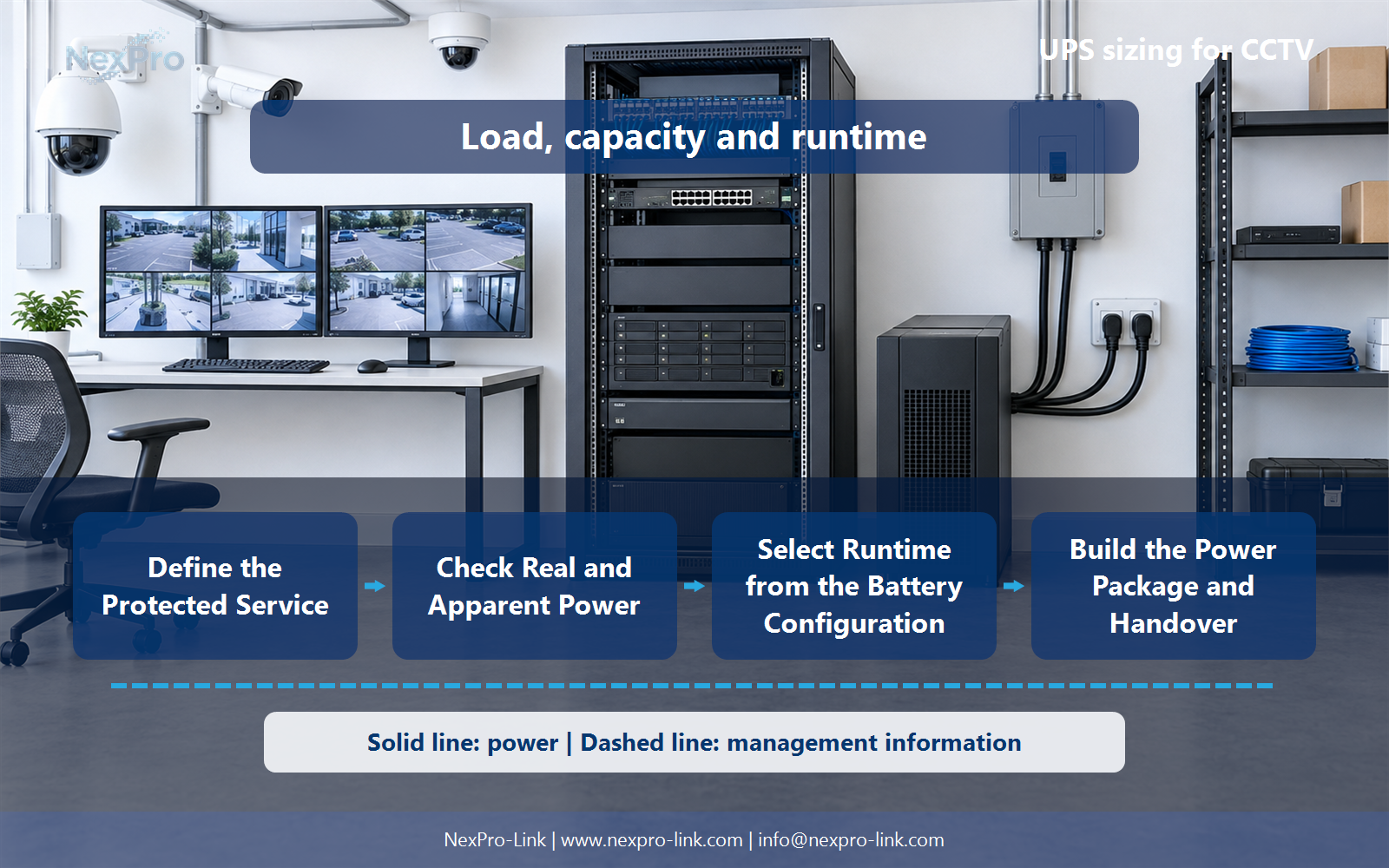
Check Real and Apparent Power
They describe different electrical quantities, and a UPS has applicable limits for both. Load power factor is not the same as UPS efficiency. Use the equipment and UPS ratings for the intended load rather than converting every system with one assumed universal factor.
The project output should make Load W, Load VA, Power factor context, UPS limits traceable from input to acceptance.
- Confirm the answer to: Why must both W and VA be checked?
- Record the project fields: Load W / Load VA / Power factor context / UPS limits.
- Keep product capability, project assumptions and site responsibility in separate records.
Section 04
Set a Transparent Power Margin
State whether the margin covers uncertainty, planned additions or an operating target. In the example, 640 W plus 25% is an 800 W planning target, not a runtime result. Also check load steps, environmental conditions and the supported equipment arrangement.
Record Base load, Margin purpose, Added capacity, Target before selecting a product family. That makes later substitutions possible without silently changing the operational requirement.
Section 05
Select Runtime from the Battery Configuration
No. Runtime depends on the actual load, battery configuration, condition, temperature and UPS behavior. Use applicable manufacturer runtime information or a qualified model for the selected arrangement. A VA label establishes neither stored energy nor a guaranteed operating duration.
Review UPS configuration, Battery, Actual load, Runtime data, Conditions with the party that will operate or maintain the system.
Section 06
Build the Power Package and Handover
Identify the UPS configuration, battery arrangement, mounting, required outlets and supported load and runtime conditions. Separate installation, bypass or electrical work according to scope. NexPro-Link product-series references should not be turned into a fixed configuration without those details.
Use UPS, Battery, Mounting, Outlets, Target load, Scope as the handoff between design and procurement.
Engineering references
These sources support the general planning principles. Always use the selected product's current datasheet and applicable project standards for final design.