ECO mode promises lower losses, and the savings are real when the load and the site can take them. The catch is that a peak-efficiency figure does not describe a full year of operation at your load.
Section 01
Draw the operating modes before discussing savings
ECO mode promises lower losses, and the savings are real when the load and the site can take them. The catch is that a peak-efficiency figure does not describe a full year of operation at your load. This guide walks through the power path, the transfer behavior, and a worked estimate, then turns those into the questions an RFQ should ask. Along the way it separates what ECO mode changes from what it leaves in place.
In double-conversion operation, the inverter supplies the load through the normal conversion path. In an energy-saving mode, the accepted source may feed the load through an alternate path until conditions require a transfer. The exact implementation belongs to the selected UPS, so the project diagram must follow its current technical data.
Mark which components condition the output in each mode and what happens when the source leaves the accepted window. The efficiency discussion is incomplete if the power path is hidden.
| Field | Double conversion | Energy-saving mode |
|---|---|---|
| Normal power path | Conversion path | Accepted alternate path |
| Source disturbance | Inverter already supplies load | Transfer behavior must be checked |
| Efficiency | Use value at real load | Use value at the same load |
| Policy | Default operating mode | Enable only under approved conditions |
Section 02
Check transfer conditions against the load
Review the permitted source window, detection logic and transfer behavior with the actual servers, storage, network and industrial loads. A compatible result for one power supply does not prove compatibility for every device sharing the output.
Site disturbances matter as much as load tolerance. Repeated voltage or frequency excursions can cause frequent mode changes, so event records and a controlled evaluation are more useful than a generic claim that ECO mode is always efficient.
- List loads that have stricter interruption or power-quality requirements.
- Review generator operation and source switching states.
- Define which alarm or event ends the evaluation.
Section 03
Calculate savings at the same real load
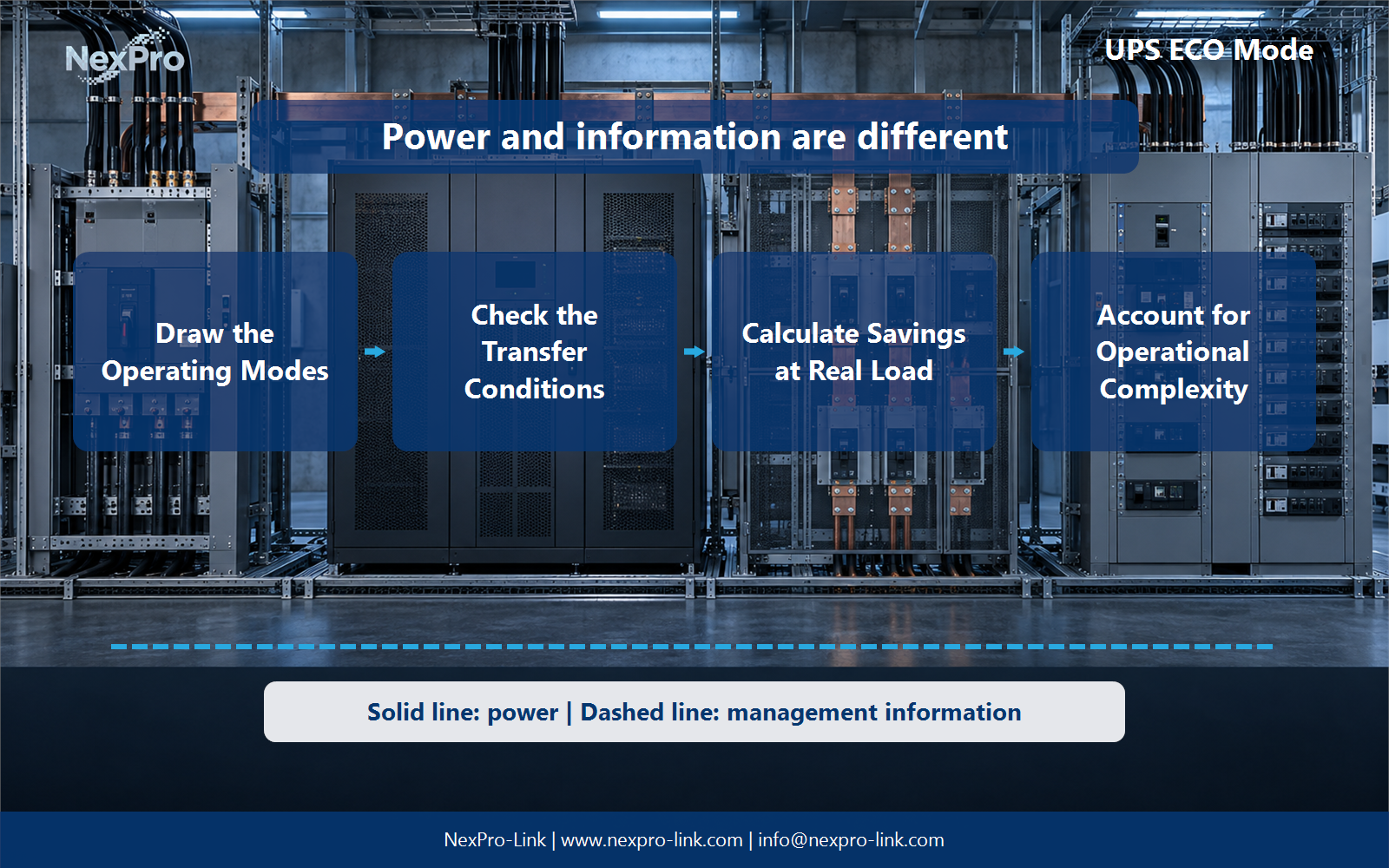
Compare both modes at the expected output load and operating hours. Input power is output power divided by efficiency. The difference between the two input values is the loss reduction available for an energy estimate.
If the technical space is cooled, the heat reduction may also affect cooling energy. Keep that calculation separate and use the site's cooling assumptions rather than applying a universal multiplier.
Section 04
Turn ECO mode into an operating policy
State who can enable the mode, the required source condition, the excluded loads, the monitoring period and the rollback trigger. Record the selected mode in commissioning and maintenance documentation so a later service visit does not change the risk profile unnoticed.
A controlled trial should compare power, source events, mode transfers and load behavior. It should not create a disturbance that the site is not prepared to manage.
Section 05
Buyer questions for UPS ECO Mode: Energy Savings and Transfer Trade-Offs
For Facility engineers and energy managers, these six checks separate UPS ECO mode power path decisions from assumptions that belong to the wider project.
| Buyer question | Practical answer | Project output |
|---|---|---|
| How does ECO mode change the normal supply path? | The implementation depends on the UPS, but economy modes typically change how much power conversion remains in the normal path. Use the actual model's mode description and transitions. Compare protected behavior in each state instead of describing every economy mode as identical. | Mode diagram: economy / inverter / battery / bypass |
| What matters besides a quoted efficiency number? | Examine when the unit transfers, how the output behaves during that transition and whether the load tolerates it. Include abnormal input and overload cases where specified. A mode can be efficient without meeting the site's continuity objective. | Transition matrix: trigger / destination / output behavior / load tolerance |
| How should ECO savings be estimated? | Use the same useful output load and hours for both operating modes, with efficiency values relevant to that loading. Report the energy difference and tariff assumption. Do not treat an advertised peak efficiency or a hypothetical 99 percent value as a measured result for all installations. | Energy table: mode / load / efficiency / hours / cost |
| Why does changing modes require an operating policy? | Operators need to know which mode is active, which alarms matter and when an exceptional condition should change the policy. A savings decision that cannot be monitored or explained at handover may create confusion during a fault or maintenance event. | Policy sheet: allowed mode / conditions / alarm / owner |
| How should a site evaluate ECO before routine use? | Compare documented mode performance with equipment requirements and use an authorized evaluation plan where necessary. Define the stop conditions and a return to the approved mode. For a project-specific decision, record criteria, safe scope, observation and rollback in the evaluation plan. This keeps the equipment inputs and intended service outcome aligned. | Evaluation plan: criteria / safe scope / observation / rollback |
| What should the RFQ state about ECO operation? | State the intended normal mode, acceptable transitions and efficiency reporting basis. NexPro-Link can discuss available modes for the selected configuration. Separate possible energy savings from the guaranteed equipment scope and avoid promising financial or clinical suitability merely because ECO can be disabled. | RFQ fields: mode / transfer behavior / efficiency basis / control |
Section 06
Calculate one annual energy example
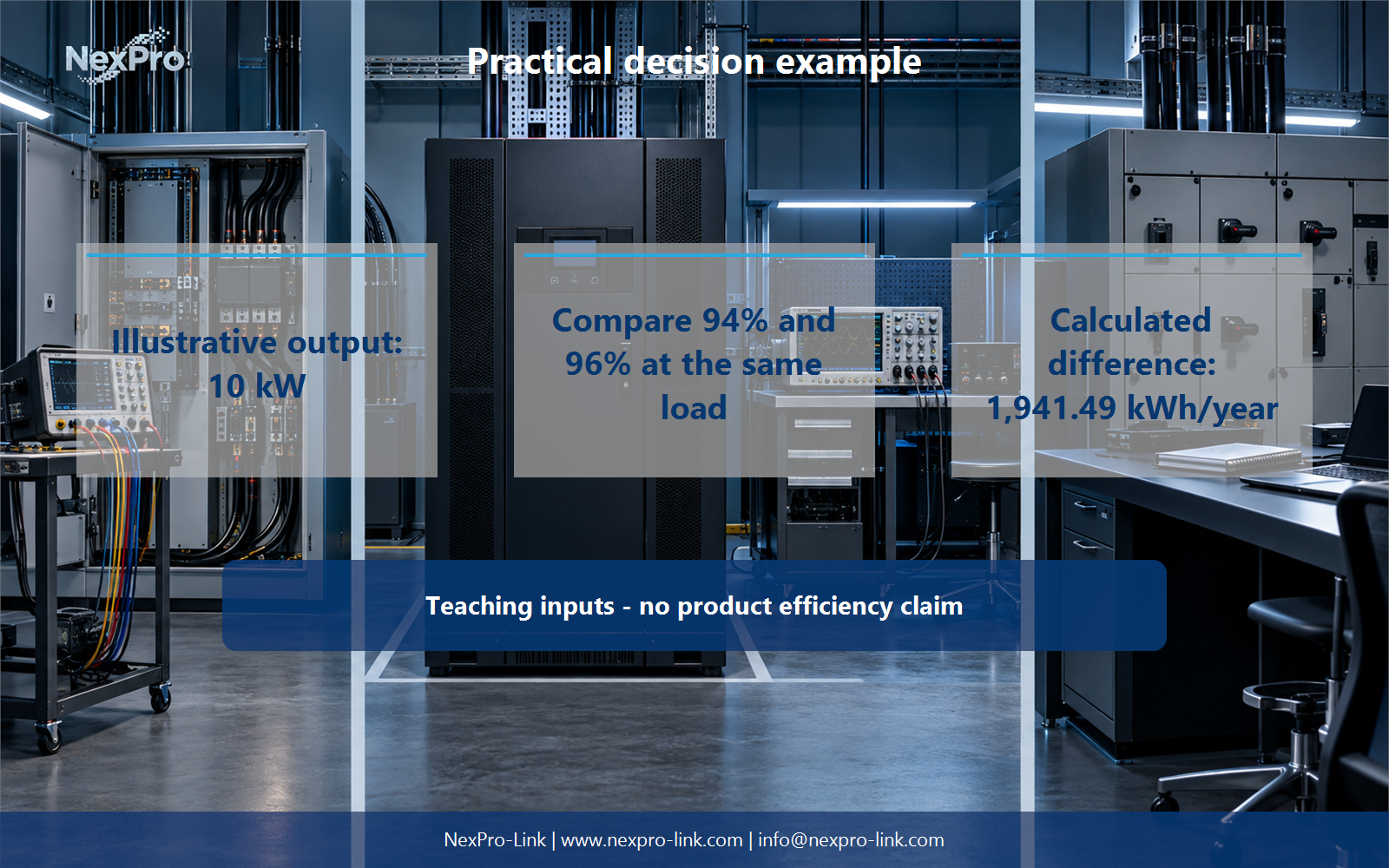
At a constant 10 kW output, 94 percent efficiency requires 10.638 kW input, while 96 percent requires 10.417 kW. The difference is about 0.222 kW. Across 8,760 hours, that equals 1,941.49 kWh per year using the unrounded calculation.
At an illustrative electricity rate of USD 0.15 per kWh, the energy difference is about USD 291.22 per year. This is a teaching calculation, not an efficiency claim for a named UPS and not a decision to enable ECO mode.
Engineering references
These sources support the general planning principles. Always use the selected product's current datasheet and applicable project standards for final design.