Zone underground parking by obstruction, connection exposure and service access. Select camera and lighting candidates only after the intended moving-target view and permitted installation conditions are clear.
Section 01
Survey ceiling obstructions before choosing positions
Choose camera positions by the required sightline, connection exposure and maintenance route before selecting a housing or resolution. Use a task-matched lighting comparison for the remaining candidates. Change the position or equipment scope when beams, services, water exposure or access prevent the approved recorded view; a metal body alone establishes no environmental suitability.
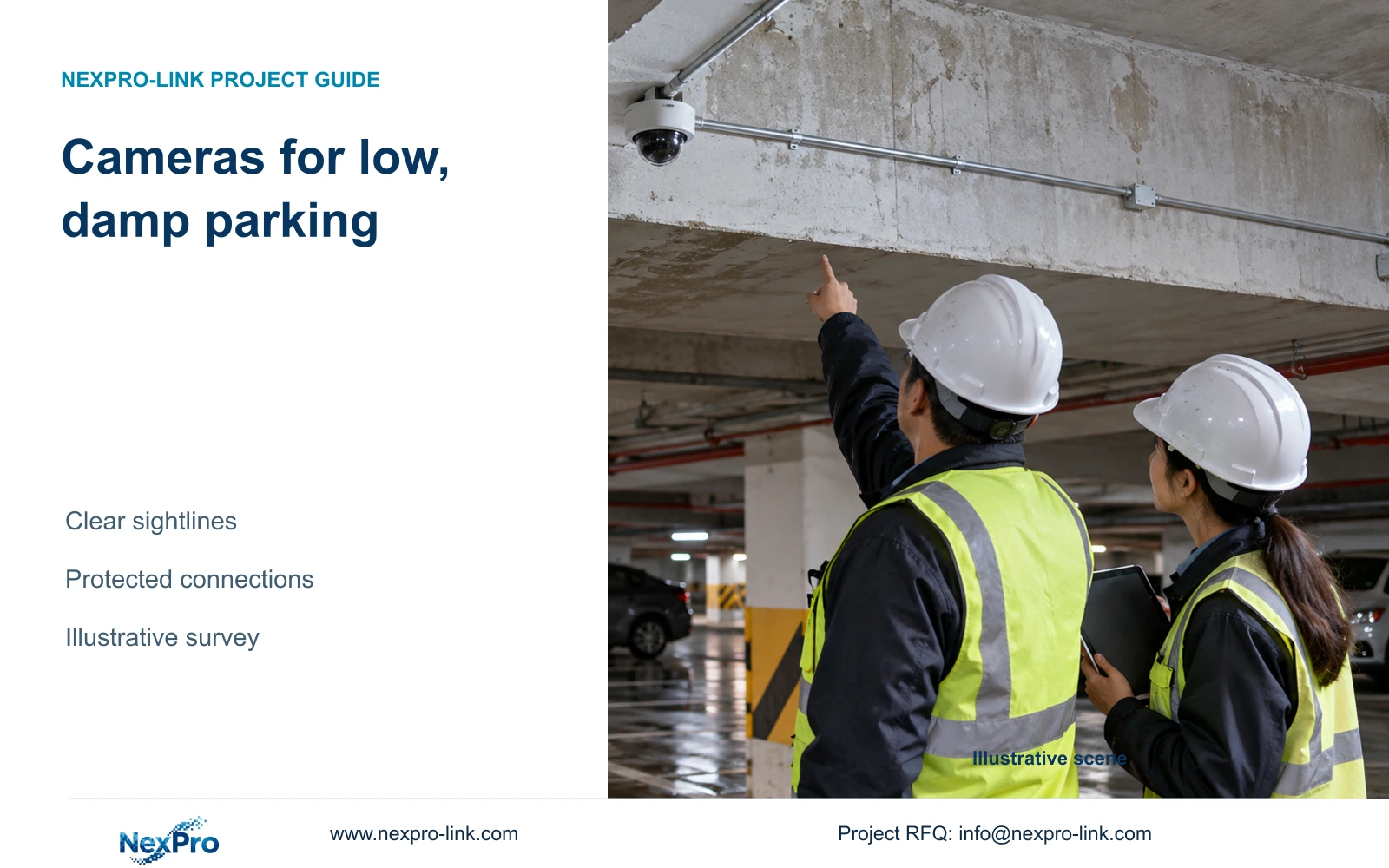
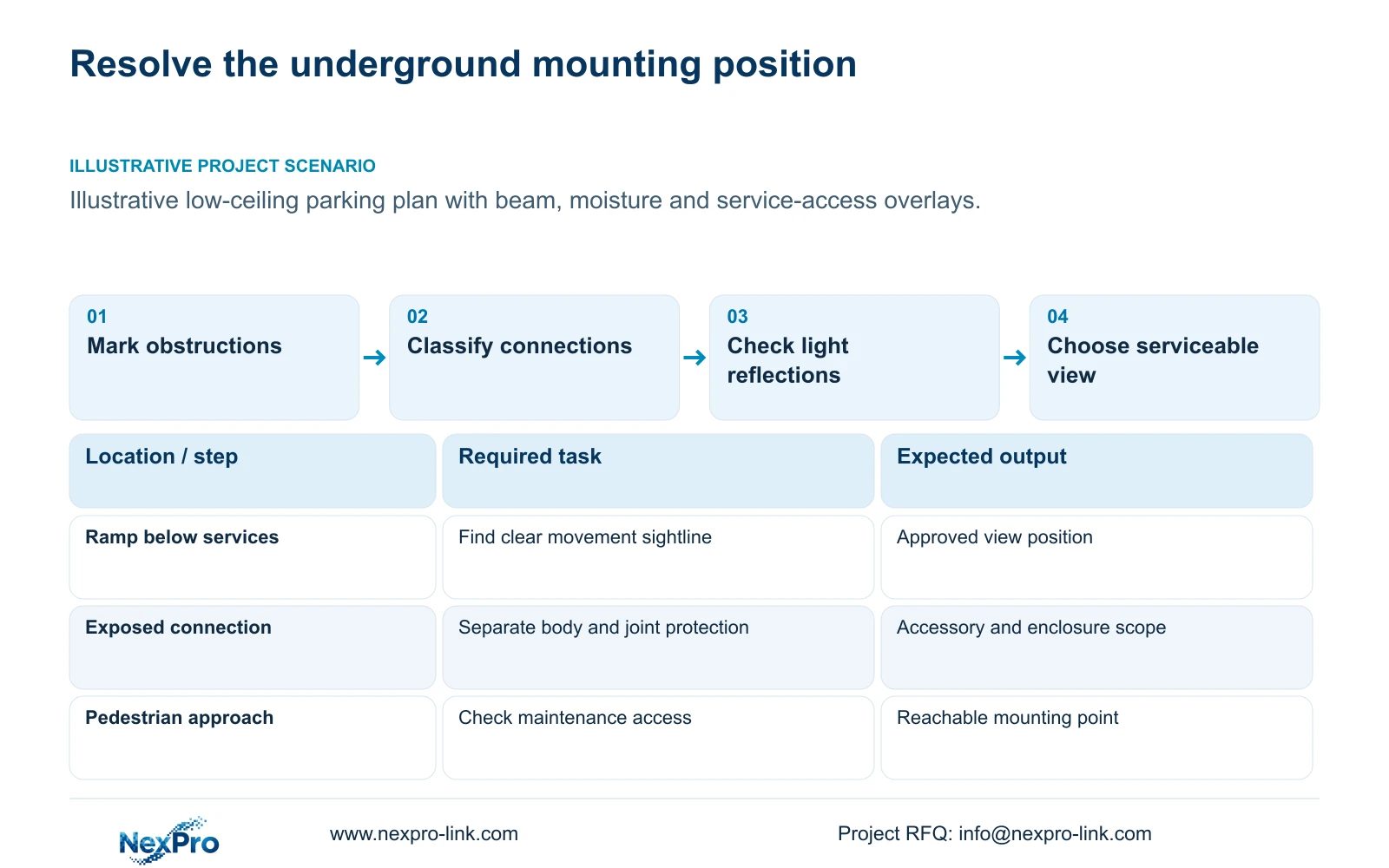
Mark ceiling beams, ducts and pipe routes on the parking plan, then relate them to pedestrian approaches, ramps and circulation tasks. Check the view from the proposed installed position, including obstruction by parked vehicles. A point that looks clear on a floor plan may place a beam across the target plane once mounting height and direction are considered.
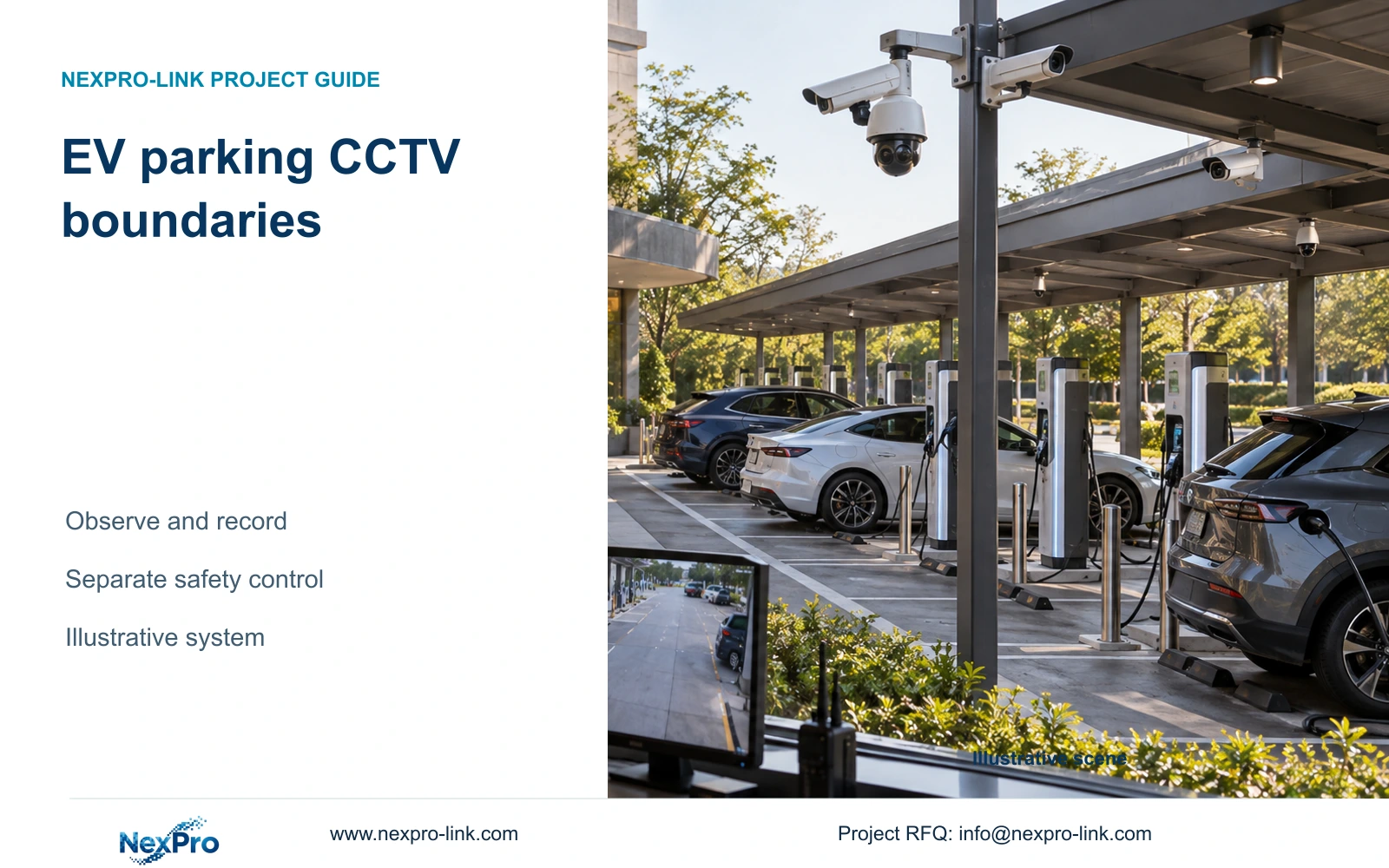
Separate overview from required moving detail. The camera schedule should name the observable task and permitted boundary for each position. Ordinary parking observation, dedicated plate reading and barrier control remain distinct scopes. CASE09's illustrative ramp and entrance groups provide task examples, not a coverage count derived from parking area or hotel room numbers.
| Required task | Given information | Decision still needed |
|---|---|---|
| Ramp movement overview | Beam and pipe positions | Clear installed sightline and target width |
| Pedestrian approach detail | Low ceiling and parked vehicles | View position without recurring obstruction |
| Serviceable installation | Available maintenance route | Reachable mount and protected connection location |
Section 02
Separate dry and exposed connection locations
Classify the camera body and its connection location separately. A camera beneath a sheltered ceiling may have a termination exposed to moisture elsewhere along the route. Record the location of the cable entry and any joint, with the required enclosure and installation scope. The proposal needs to address the whole installed connection arrangement.
The supplied BL2812M product PDF lists IP66 and an operating range of -20 to +60°C for NexPro-BL2812M55-5MP-DIC-AI and NexPro-BL2812M88-8MP-DIC-AI. Those fields support an initial model check. They do not establish an assembled junction's rating, a corrosion qualification or an impact rating inferred from the housing appearance.
Keep dry cabinet locations distinct from exposed ramp connections in the BOQ. Where exposure cannot be resolved by position and supported connection accessories, obtain an explicitly suitable equipment arrangement. Local installation personnel must settle cable routing and protection details. A camera rating should not be used to omit the connection materials or conceal uncertainty about their installed conditions.
Section 03
Compare lighting under the same recording task
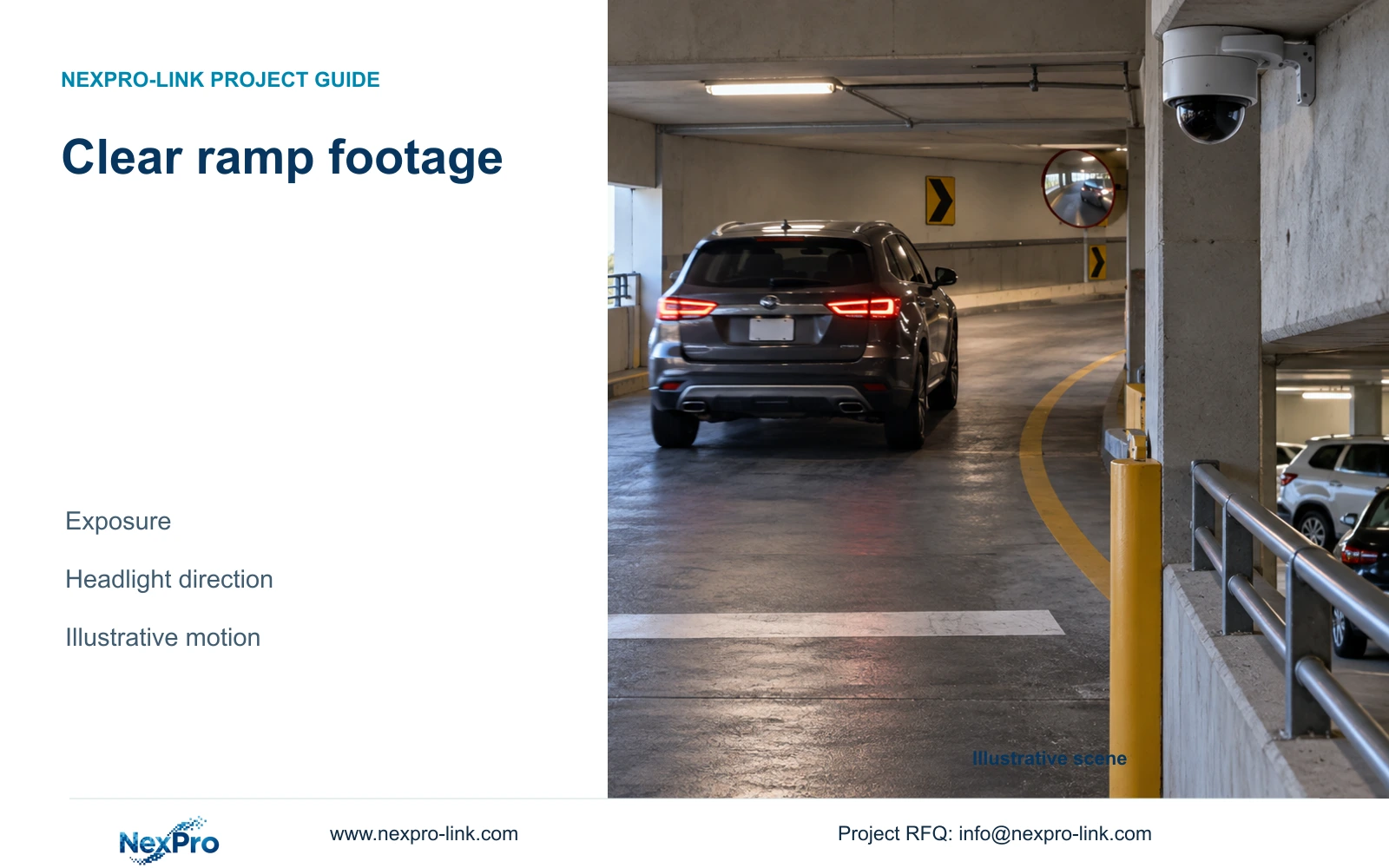
Define whether the point needs outline visibility, color information or moving detail. IR, visible illumination and event-triggered supplementary light serve different purposes. Check the selected model's actual modes and permitted light spill, particularly where illumination can affect adjacent occupied areas or reflect from glass and nearby surfaces.
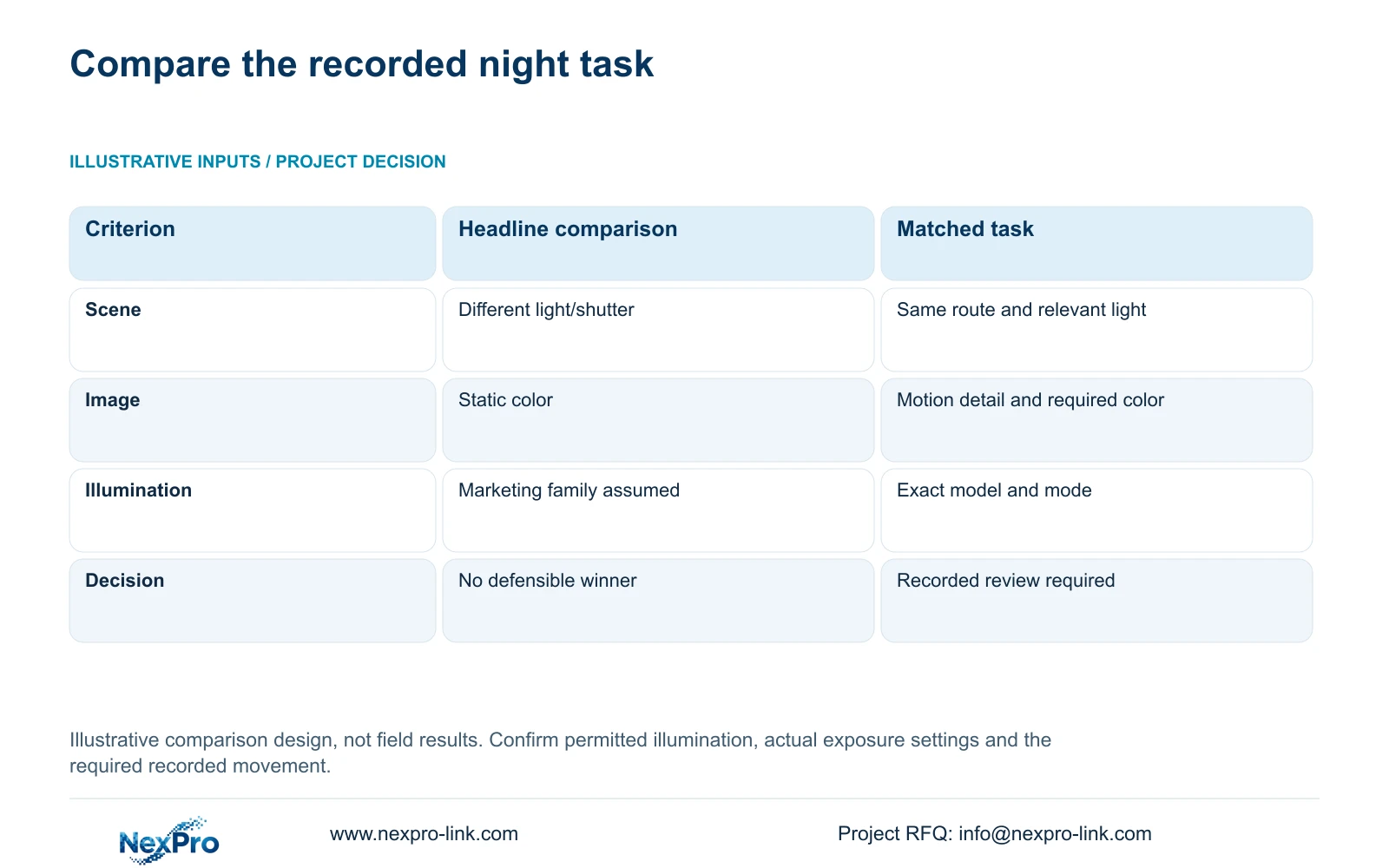
Compare candidates using the same target route and relevant lighting conditions. Record exposure and gain conditions with the selected illumination mode; a minimum-lux headline without those conditions cannot rank the recorded outcome fairly. Review movement through the frame and lighting transitions, rather than using a stationary color snapshot as proof of moving-detail performance.
The PDF lists dual light and a 2.8–12mm motorized lens for the two BL candidates. The 5MP model includes a 2880×1620 main-stream mode, while the 8MP model lists 3840×2160 at 25 fps. These are product fields, not comparative night tests. Choose after recorded task review, and revise framing or lighting if reflections or motion prevent the intended result.
| Metric / condition | Single low-lux headline | Task-matched night comparison |
|---|---|---|
| Scene | Different light and shutter conditions | Same target route and relevant light |
| Image task | Static color appearance | Motion detail plus required color/overview |
| Light control | Assumed by marketing family | Exact model and selected mode |
| Decision | No defensible winner | Choose after recorded task comparison |
Section 04
Select mounting points that remain reachable
Check how a technician reaches the camera and its connection after the parking area opens. Coordinate the mounting location with the permitted working area and required vehicle management. A clear image position that needs impractical access for routine service can create a different operational problem, so compare both observation and maintenance consequences.
Include room for the selected mounting and connection arrangement without blocking the target view. Keep the service location identifiable in the camera schedule and installation record. Remote motorized-lens adjustment can help with framing where supported, but it does not remove the need to reach damaged connections or replace equipment.
The low-light comparison should guide this placement decision. If a reachable position produces strong reflections or loses the required movement detail, evaluate another position before accepting a higher-resolution substitute. A motorized varifocal lens changes framing; it does not provide PTZ patrol. No precise field-of-view angle should be invented without the required sensor geometry or official model data.
Section 05
Size the floor network around actual routes
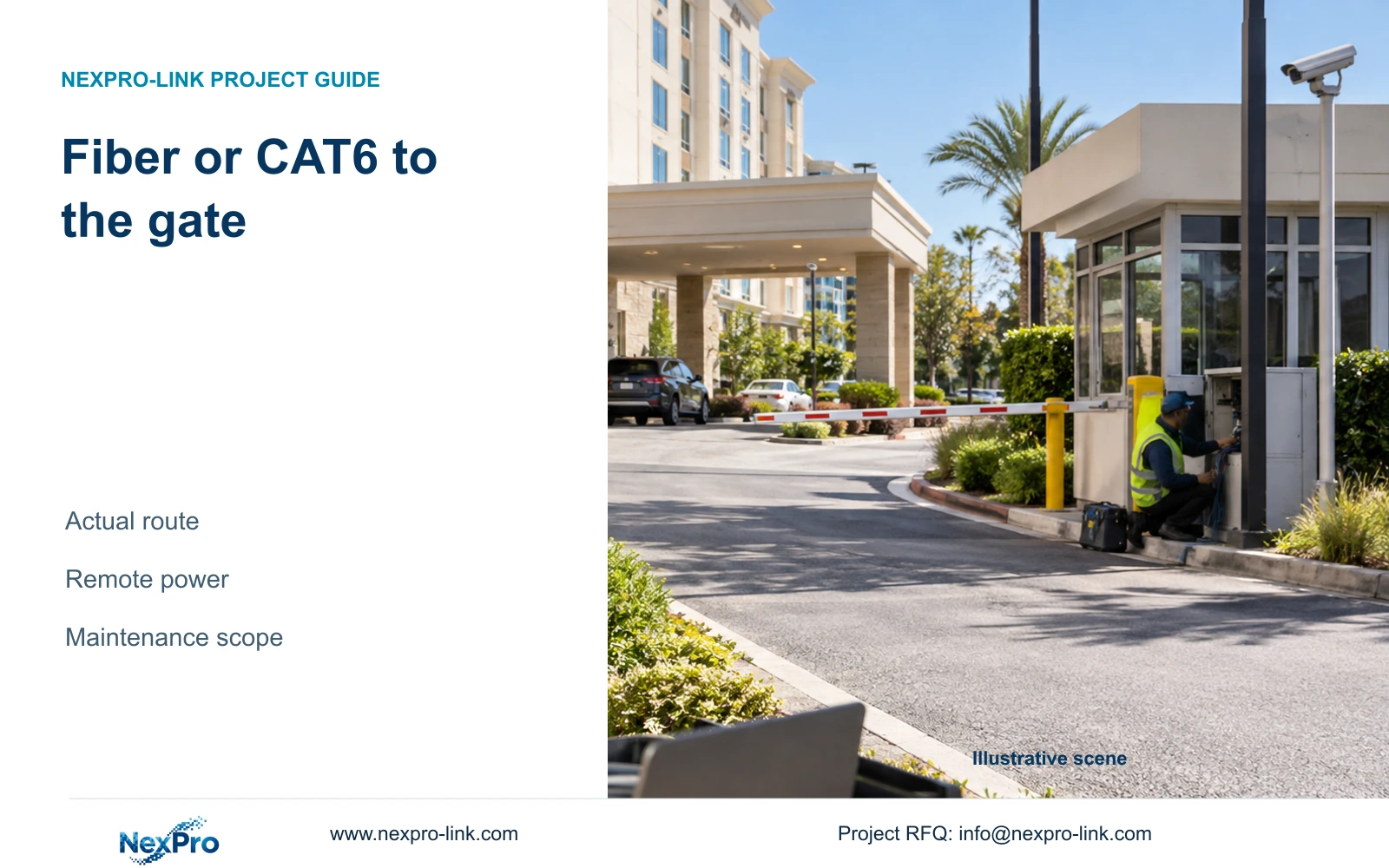
Trace each installed cable route, including vertical sections and termination allowances. The supplied Fluke guidance uses a typical 90 m permanent-link and 100 m channel basis, with the actual category and test arrangement dependent on the project. A straight-line drawing distance is insufficient to decide whether a remote node is needed.
If a remote switch solves a route problem, include its enclosure, local power and maintenance access. Fiber carries data and does not automatically power that node. CASE09 independently assumes two groups of eight cameras, each at a hypothetical 12 W PD peak, requiring 133.33 W PSE output budget with its stated losses and reserve. These figures are teaching inputs, not BL camera power specifications.
NexPro SW-POE1618G is a candidate with 16 PoE access ports and two uplinks. Its source title and detailed access-speed fields conflict, and no numerical total PoE budget is supplied. It cannot be declared sufficient from that example. Request actual maximum camera demand, per-port capability and total output budget, then calculate recording and viewing traffic on each shared path separately.
Section 06
Define the observations needed at commissioning
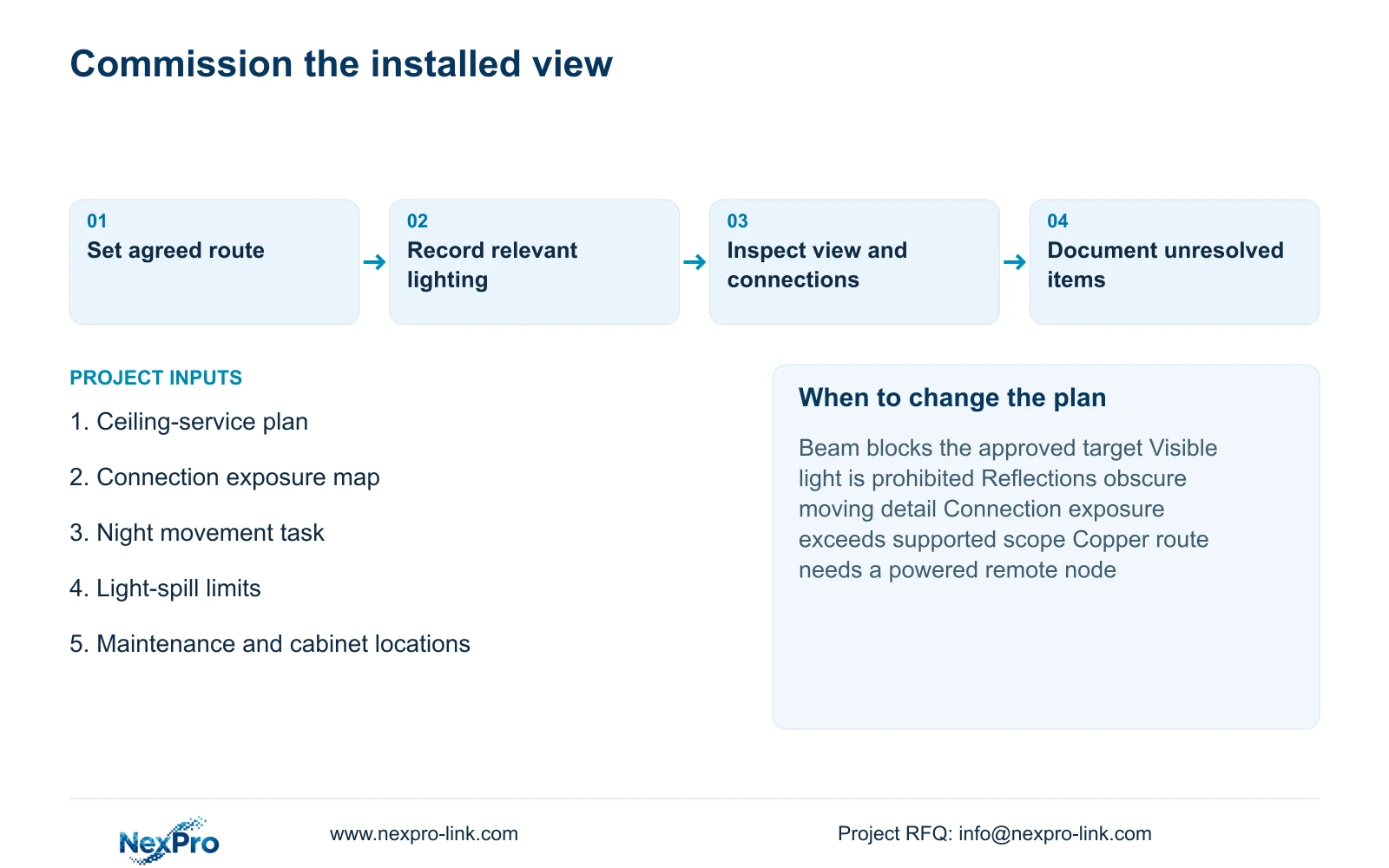
Specify a recorded review of the approved route under relevant lighting, including moving subjects and mode transitions. Identify the model, firmware and recording profile used. Check installed sightlines and connection locations against the approved schedule, then record observations and unresolved items. Planned checks are not completed test results.
Recommend dual-light candidates where visible illumination is permitted and the recorded task can be met. Change to an appropriate IR arrangement, revised position or specialist equipment when light spill, reflections or exposure conditions make that choice unsuitable. Ordinary cameras must not be represented as thermal imaging or dedicated ANPR equipment. Audio needs its own authorized scope.
Send the parking plan with ceiling-service positions, exposed connection locations and the intended night task to info@nexpro-link.com. Include maintenance constraints and available cabinet locations so hotel project equipment support can discuss the camera and network scope. BOQ and tender support can separate equipment from connection accessories and local work. NexPro-Link's CCTV manufacturing core and coordinated supporting supply do not imply that all installation responsibilities are included.
Section 07
Buyer questions
Does IP66 mean the complete cable connection is protected? It does not establish the rating of every installed joint or enclosure. Specify the connection accessories and exposure conditions separately, then confirm the supported installed arrangement.
Is 8MP the safer choice for a dark ramp? Resolution alone cannot answer that. Compare the required moving detail at the relevant light level, exposure and framing. A position or illumination change may resolve the task without changing pixel count.
What information makes the first camera proposal useful? Provide the ceiling-service plan, target views, connection exposure and maintenance access. Add available lighting and permitted light spill, plus cabinet locations and likely cable routes.
Engineering references
These sources support the general planning principles. Always use the selected product's current datasheet and applicable project standards for final design.