Separate generation capability from monitoring continuity; do not infer continuous auxiliary power from the presence of solar panels.
Section 01
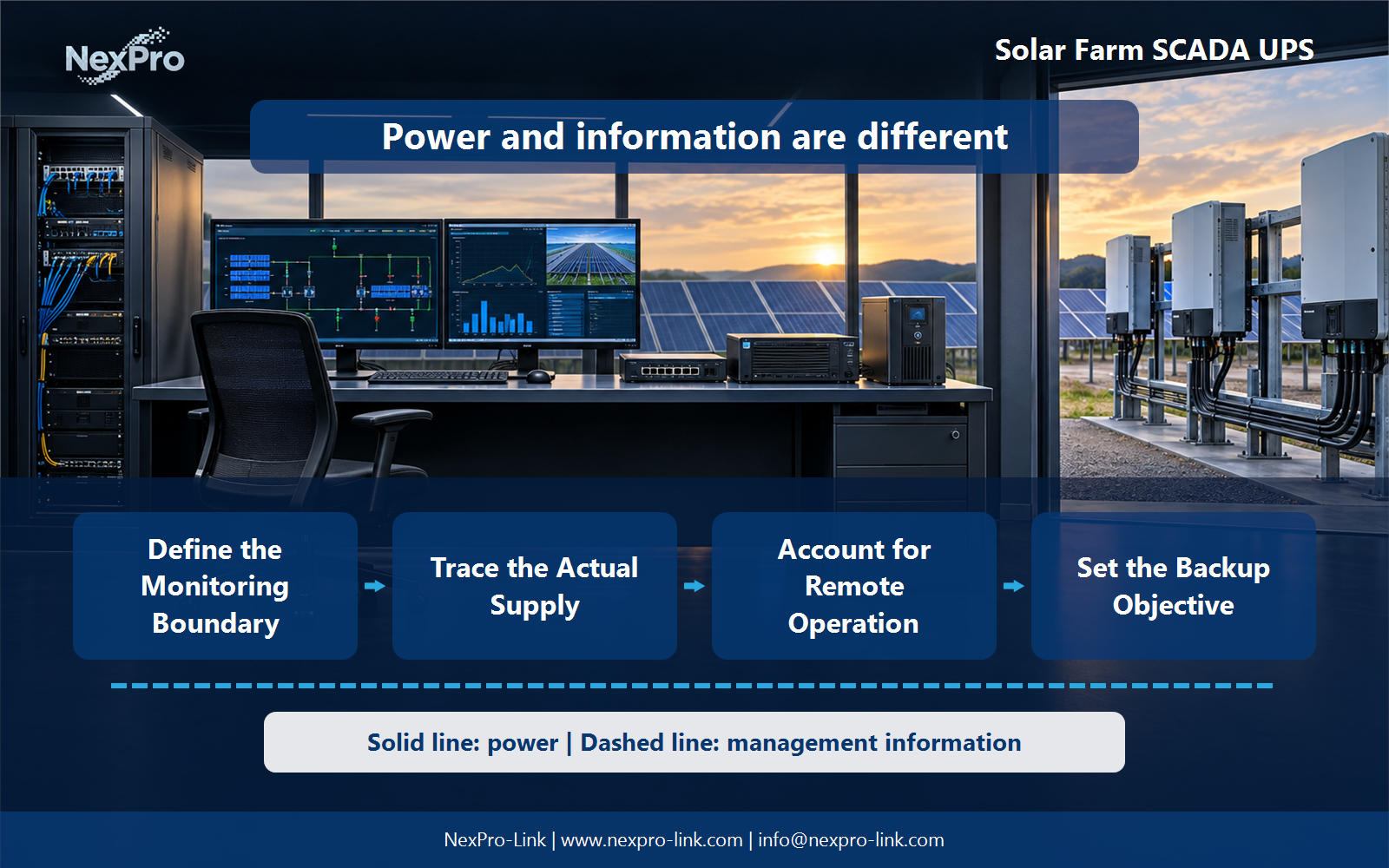
Define the Monitoring Boundary
Separate generation capability from monitoring continuity; do not infer continuous auxiliary power from the presence of solar panels.
Identify the monitoring, communication and local data functions required by the operating plan. Keep inverter power stages and safety controls separately specified. A small support UPS is not a backup source for the solar plant's generation output.
Capture the answer in the scope map: scada / communications / data / generation boundary before equipment is compared. This gives the project team a concrete service target and exposes missing dependencies early.
| Decision area | Project question | Required output |
|---|---|---|
| Define the Monitoring Boundary | What should remain available when generation stops? | Scope map: SCADA / communications / data / generation boundary |
| Trace the Actual Supply | Does the presence of solar panels guarantee auxiliary power? | Source path: auxiliary / conversion / UPS / support load |
| Account for Remote Operation | What changes at an unattended site? | State map: power / communication / local action / alarm |

Section 02
Trace the Actual Supply
No. Trace the actual auxiliary supply and its behavior during the events of interest. Generation, storage and monitoring may have distinct controls and interfaces. The design should explain the source path rather than assume sunlight always supports the protected equipment.
Use the source path: auxiliary / conversion / ups / support load to keep real interfaces and operating states visible. Measured demand, equipment limits and future allowances should remain separate entries.
Section 03
Account for Remote Operation
Define local action, remote alarms and service access in addition to electrical capacity. Communication loss and power loss should be distinguished. A support system should not depend exclusively on a remote command that may be unavailable during the event.
Review the state map: power / communication / local action / alarm with the owners of the connected systems. Power continuity only supports the functions that remain connected and available during the event.
- Confirm the answer to: What changes at an unattended site?
- Draw electrical power as a solid path and management information as a separate dashed path.
- Keep external services and specialist approvals outside the UPS equipment claim.
Section 04
Set the Backup Objective
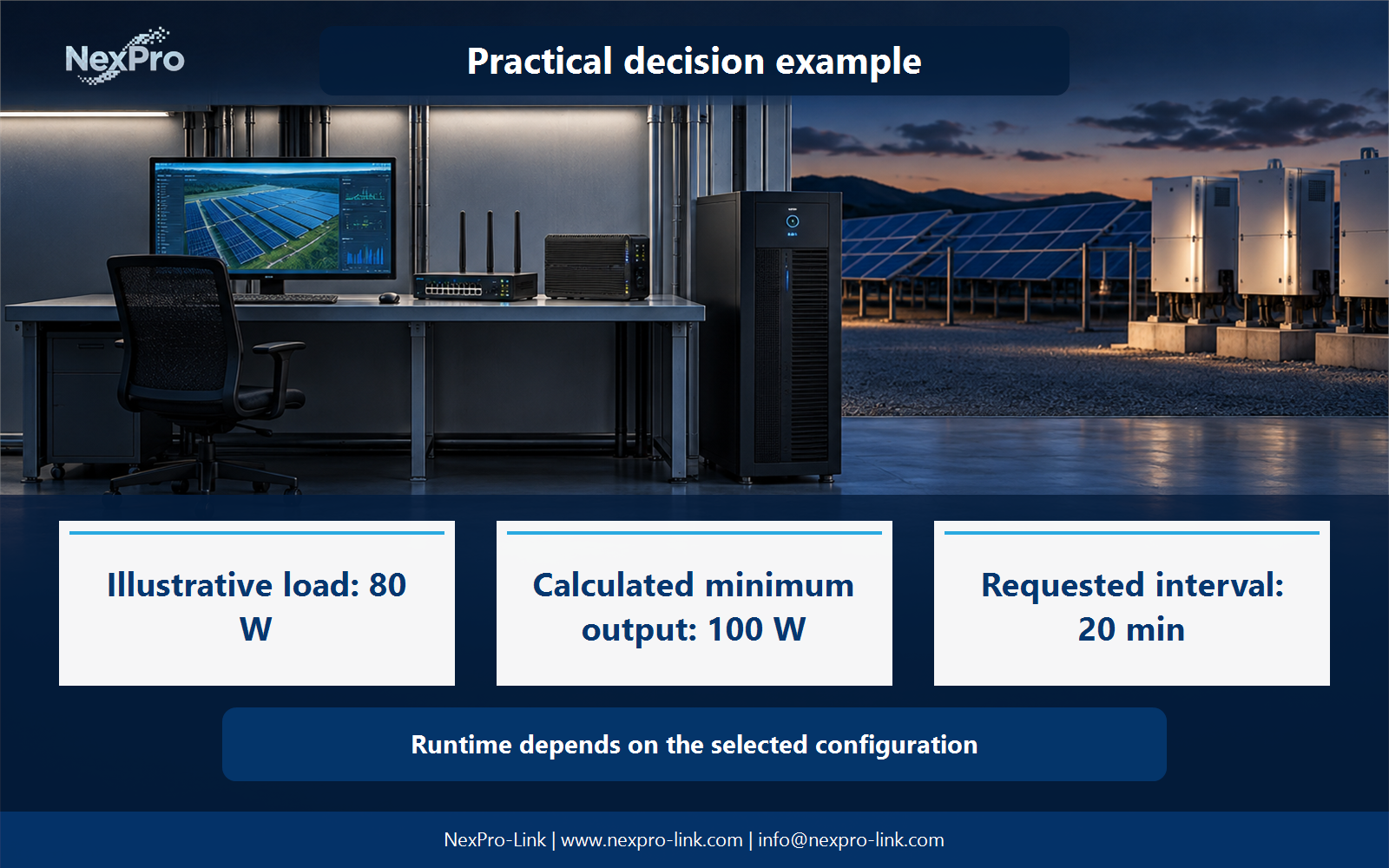
Use the required event recording, source recovery and service-response plan. State the load and objective explicitly. Do not treat a generic long-runtime battery arrangement as proof that all site functions remain available through every outage.
Document this choice in the timeline: event capture / communication / recovery / reserve, including the condition that triggers it and the person responsible for the response.
Section 05
Coordinate Recovery Data
Check the supported data services, communications and current system state using the platform's procedures. Distinguish stored observations from live values. Power restoration alone should not be used to infer that telemetry is current or complete.
Test the sequence represented by the recovery table: storage / link / live values / missing interval during an approved maintenance window. Record the observations needed to confirm recovery.
Section 06
Prepare the Solar Support Package
Provide the support equipment schedule, source diagram and environmental conditions. NexPro-Link can discuss backup equipment within that boundary. Generation controls, inverter compatibility and specialized electrical approvals remain part of the actual project specification.
Send the completed package: support loads / source / environment / interfaces / exclusions with the project request. It is more useful than a capacity number without interfaces, operating states or a defined service boundary.
Engineering references
These sources support the general planning principles. Always use the selected product's current datasheet and applicable project standards for final design.