Power protection covers the collection, historian and viewing chain; remote nodes are positioned separately. Plan the project from SCADA dependency map, historian loads and remote-node power arrangements.
Section 01
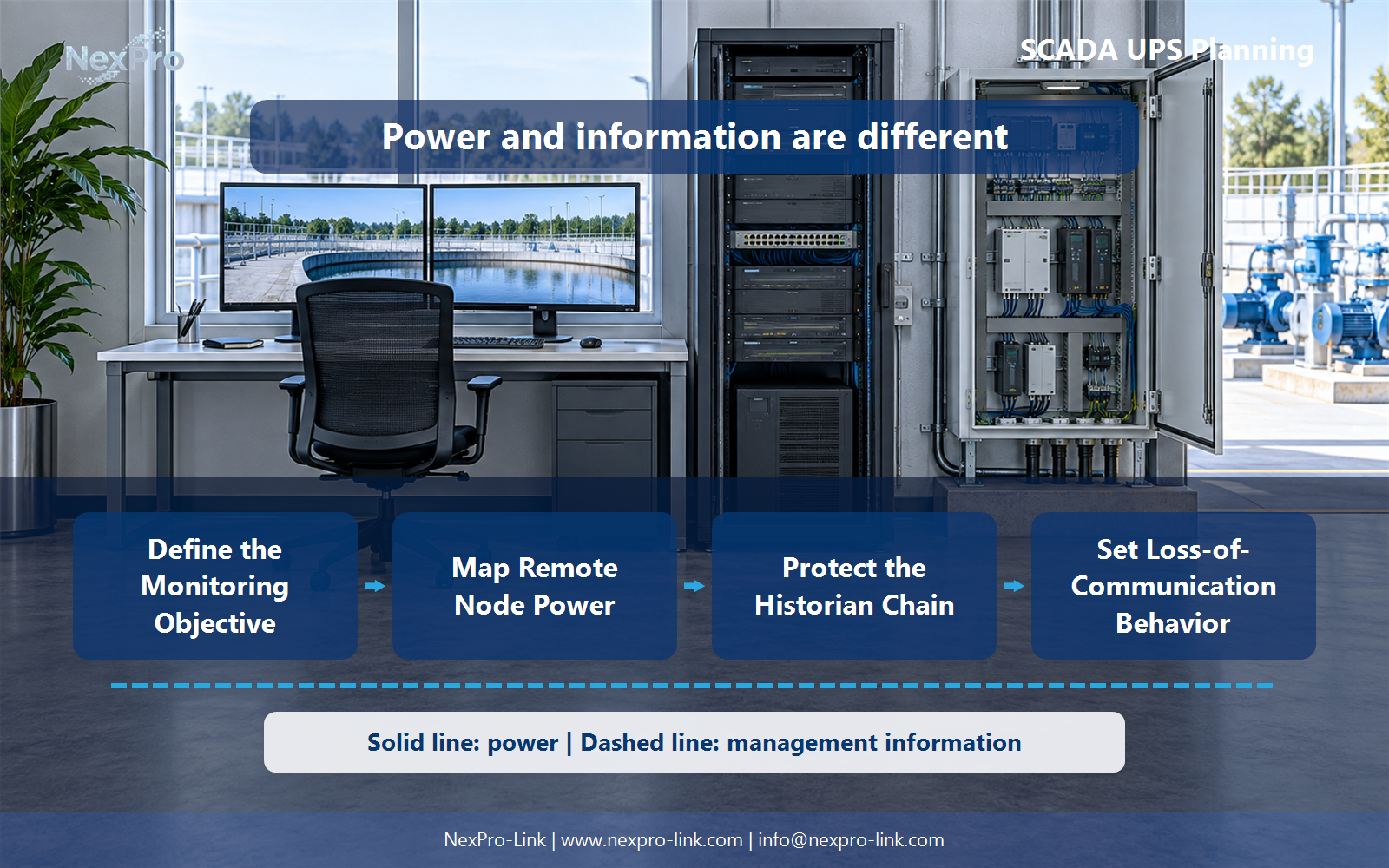
Define the Monitoring Objective
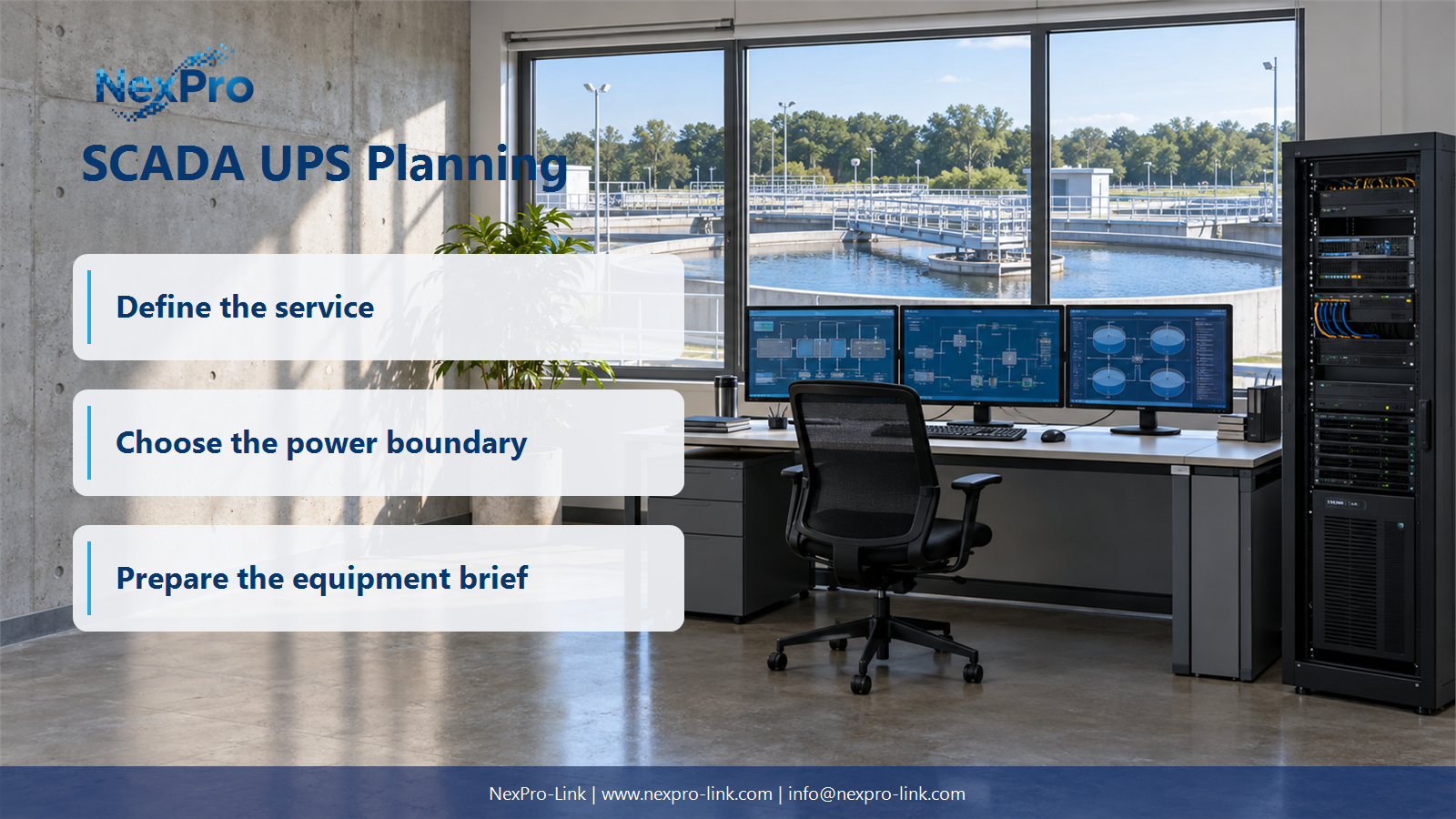
The immediate issue for Industrial control IT and process monitoring engineers is: What should the UPS preserve in a SCADA system? Identify the required telemetry, historical records and operator access for the approved process. List the supporting servers, gateways and networks. Do not equate continued monitoring with authority to maintain or restart the physical process. This article turns that answer into function map: telemetry / historian / operator / communications and a supplier brief based on SCADA dependency map, historian loads and remote-node power arrangements.
Power protection covers the collection, historian and viewing chain; remote nodes are positioned separately.
The first step is to write down what "keep monitoring alive" means for this site. That list has four parts. Telemetry covers the live values operators need, such as flow, level, pressure, and valve position. History covers the records the historian must retain through a disturbance. Operator access covers the workstations or web sessions people use to look at both. Communications covers the servers, gateways, switches, and network paths that move the values from the field to the screen.
One boundary needs to be stated plainly. Keeping the monitoring platform powered does not grant anyone authority to maintain or restart the physical process. That authority stays with the plant's process and safety procedures. A UPS keeps the screen alive; it does not decide who may act on the screen.
| Decision area | Project question | Required output |
|---|---|---|
| Define the Monitoring Objective | What should the UPS preserve in a SCADA system? | Function map: telemetry / historian / operator / communications |
| Map Remote Node Power | Can a central UPS protect every remote terminal? | Node table: location / source / backup / data path |
| Protect the Historian Chain | Why include storage and time services? | Record chain: collection / time / historian / storage |
Section 02
Map Remote Node Power
One large UPS in the server room does not protect the whole system. It protects only the equipment wired to its output. Field telemetry often comes from remote terminal units (RTUs) or PLCs in cabinets far from the control room, each with its own supply. Walk the site and record where every remote node gets power and what happens if that source fails.
The central platform can stay online while field data goes silent, which leaves operators looking at a live screen with nothing new on it. The service objective has to respect that boundary.
The three "to confirm" entries are deliberate. A planning document that guesses at field backup arrangements is worse than one that marks them as open questions. The UPS scope for the central room does not reach these remote cabinets unless the project adds local units there.
[Figure 2: scada-ups-planning-preserve-telemetry-history-and-operator-access-02.webp]
Section 03
Protect the Historian Chain
Historical data depends on more than the collection application. A record survives only if four links hold: the collector that samples the value, the time source that stamps it, the historian that writes it, and the storage that keeps it. If any link loses power or time, the record can come out missing, duplicated, or mislabeled.
Time is the part people forget. If the historian and its time service drift apart during an outage, a later operator may see two records that disagree about when an event happened. Keeping the historian powered while the time server is down does not fix that. The UPS runtime should cover the components that must stay on for an orderly stop or a continued run, and the plan should say which of those two is the target.
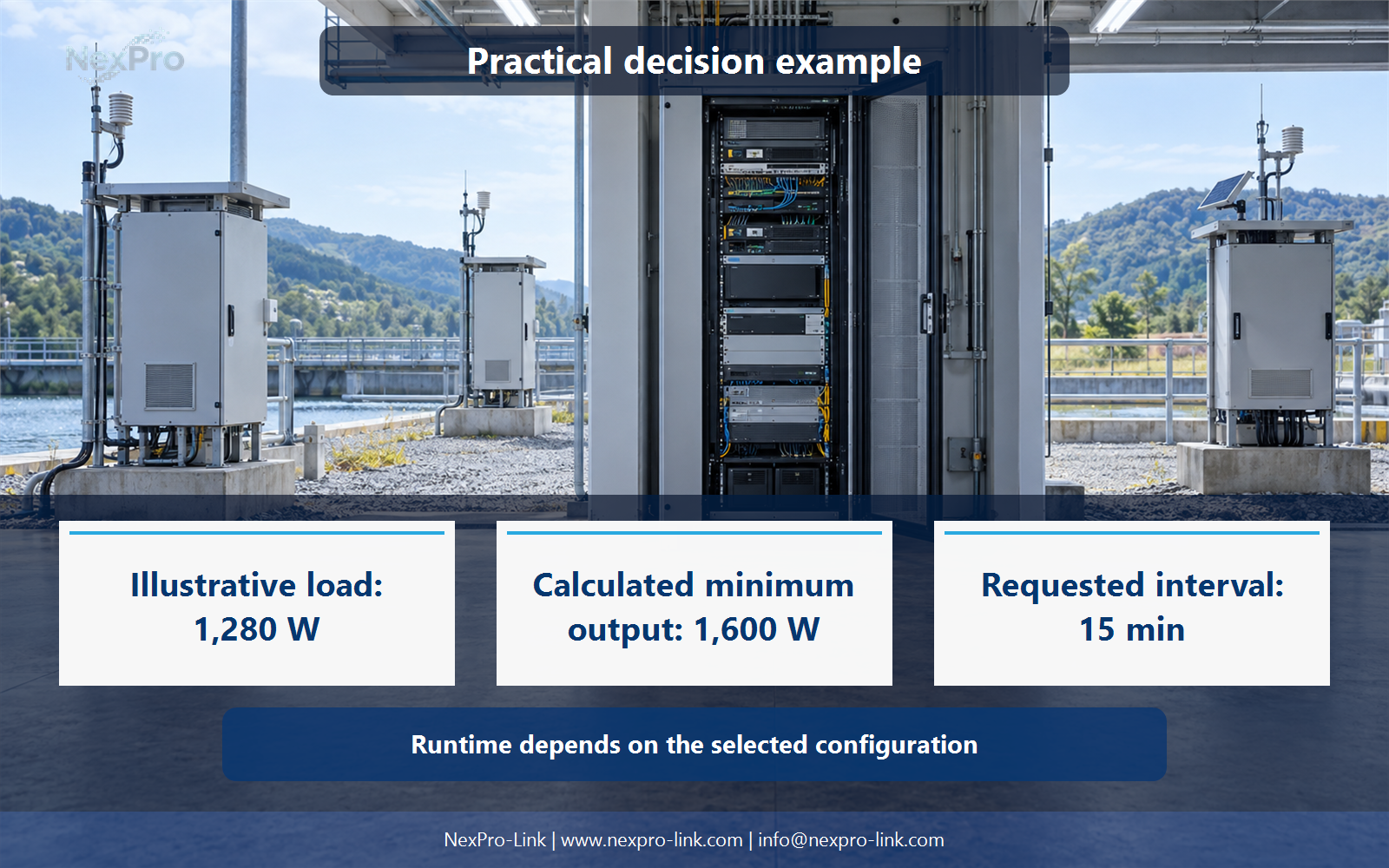
UPS runtime supports an orderly operation or stop. It does not by itself make the process records complete or correctly synchronized. Those outcomes also depend on collector buffers, historian configuration, and the time source, so they belong in the application design rather than on the UPS nameplate.
- Confirm the answer to: Why include storage and time services?
- Draw electrical power as a solid path and management information as a separate dashed path.
- Keep external services and specialist approvals outside the UPS equipment claim.
Section 04
Set Loss-of-Communication Behavior
Power loss and communication loss are different events, and the system should show them differently. If an RTU goes quiet because its radio link dropped, the operator should see a communication failure rather than a false zero. If the link dropped because the RTU lost power, that is a power event at the node, not a SCADA alarm at the server.
Write the approved behavior into a state table before the outage. Missing telemetry should not automatically trigger an improvised power cycle. Cycling power on a hunch can restart equipment that was running fine and hide the real fault.
The table keeps the equipment inputs and the intended service outcome aligned. Each row names what the operator should see, so a later fault can be matched to the right row instead of guessed.
Section 05
Plan Recovery and Data Gaps
After power returns, operators should confirm three things before they trust the screen again. Is the live data current, or is it a cached value from before the outage? Where are the gaps in the historian, and are they acceptable? Are the interfaces people need, such as the historian query or the reporting view, actually available?
Recovery follows the platform and process procedures. A cleared UPS alarm does not by itself mean recovery is complete, because a green UPS says nothing about whether the historian caught up or the remote nodes came back. Record the outcome in a recovery record.
The "to record" entries are the point. This is a working checklist for the team, not a claim that recovery was verified.
Section 06
Prepare a Monitoring-Power Brief
Once the boundaries are mapped, put them into a brief NexPro-Link can work with. Send the central and remote load schedules, the source paths, and the continuity objective. With those three inputs, NexPro-Link can discuss which UPS equipment, interfaces, and supply scope fit the project.
The brief should separate what the UPS covers from what the process requires. Process safety and application integration are specific system requirements. They are not generic UPS features, so list them as project conditions rather than as things a UPS alone will deliver.
Engineering references
These sources support the general planning principles. Always use the selected product's current datasheet and applicable project standards for final design.