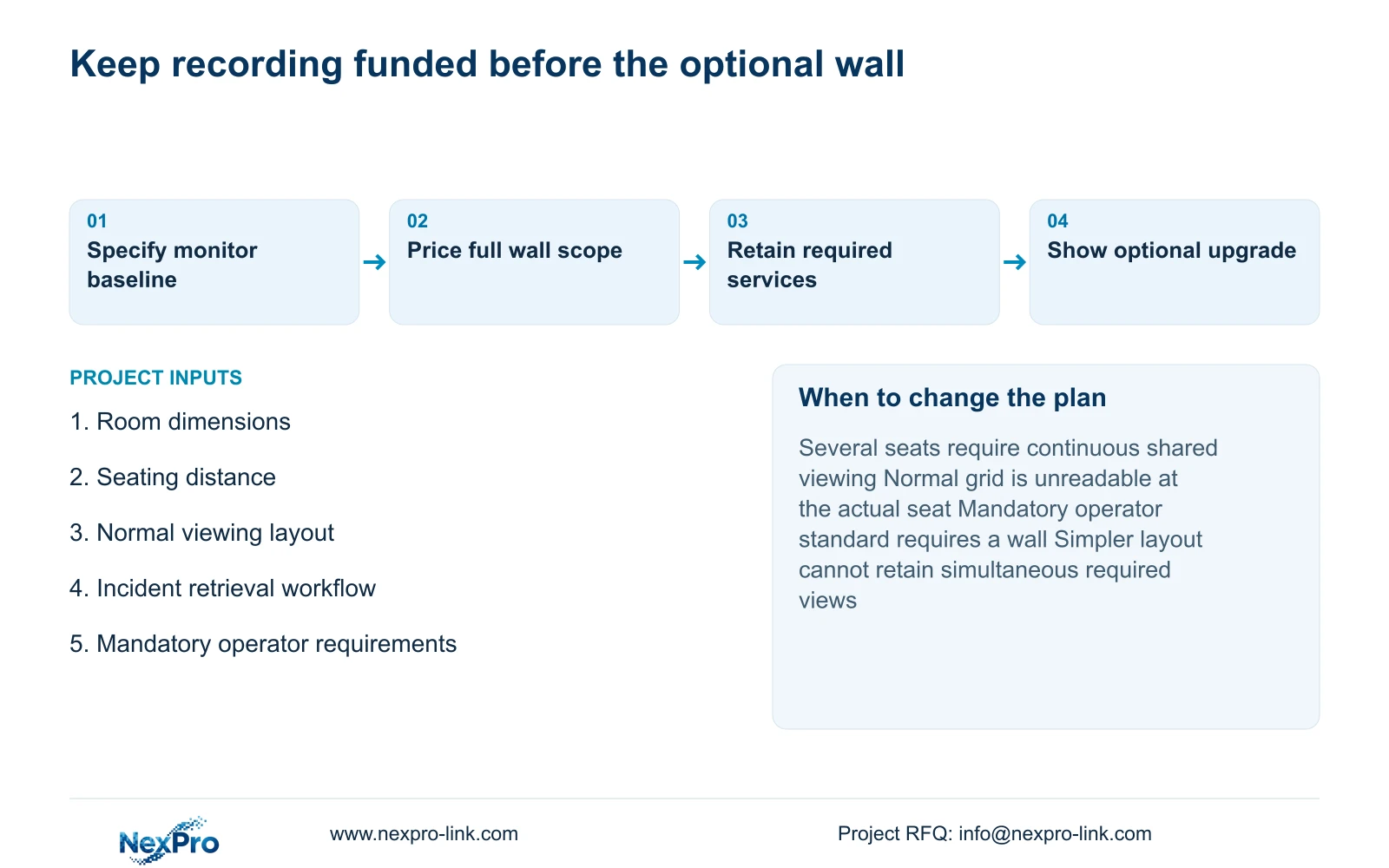
Before removing an optional wall allowance, identify which unmet recording, retrieval or protected-power task would receive it. Obtain matched quotations for that remedy rather than assuming equal funds buy a known outcome.
Section 01
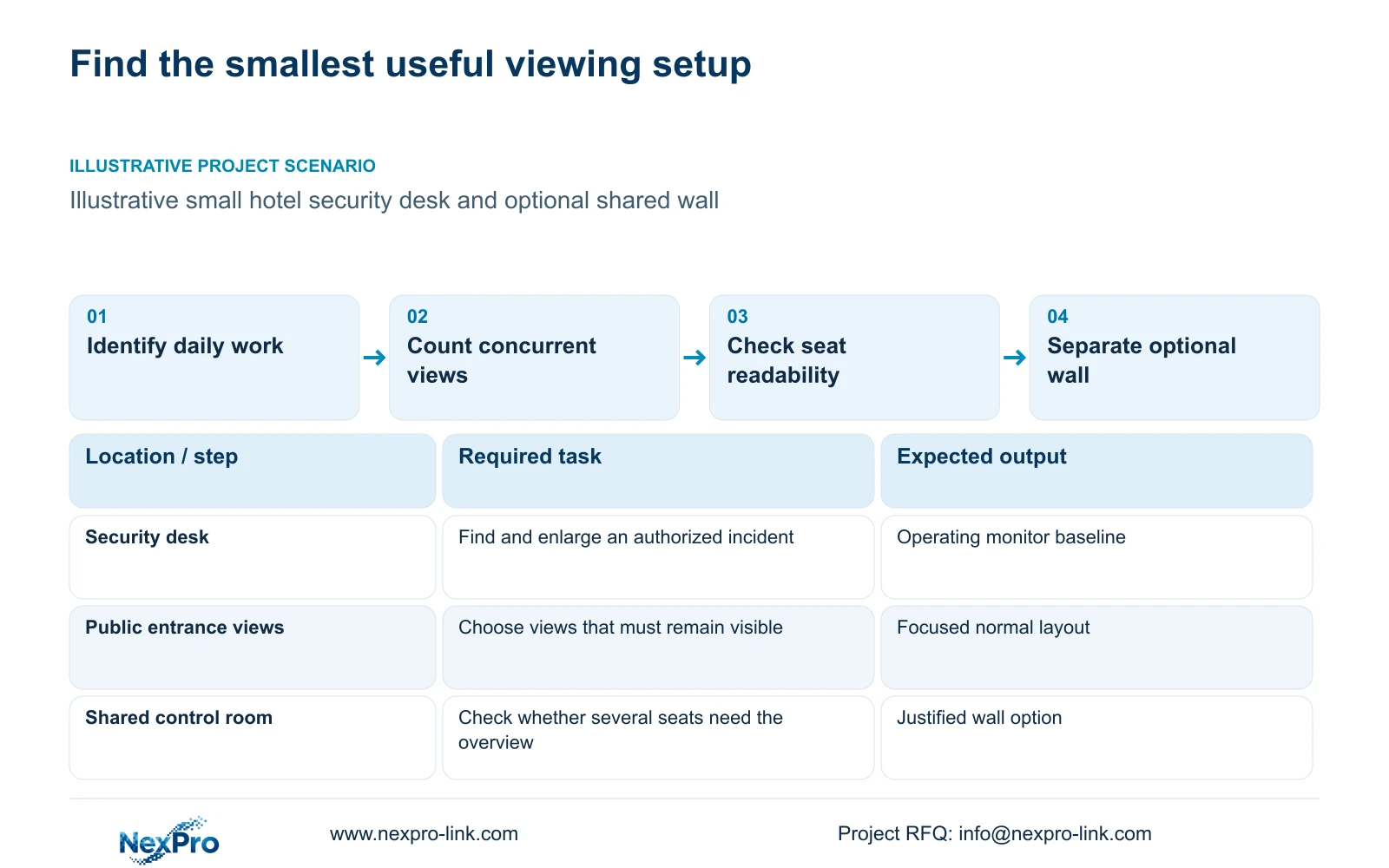
Choose the display from the operator's daily work
Before removing an optional wall allowance, identify which unmet recording, retrieval or protected-power task would receive it. Obtain matched quotations for that remedy rather than assuming equal funds buy a known outcome. Preserve any mandatory shared-viewing requirement. Budget reallocation is a documented procurement decision, not a saving inferred from omitting screens.
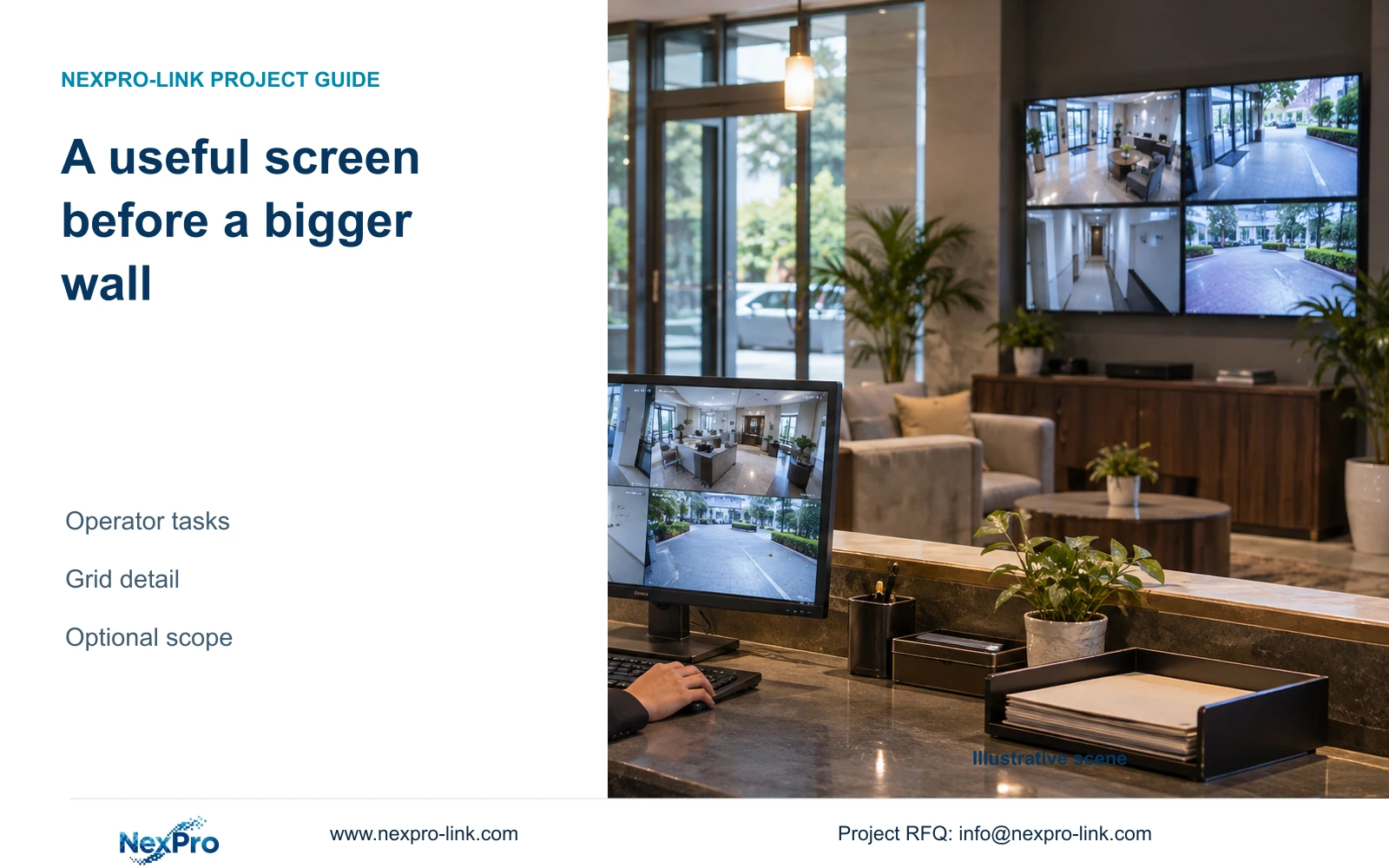
Use a normal operating monitor when an authorized hotel operator can observe the required public areas, retrieve recordings and enlarge an incident view from the actual seat. Put recording, retrieval and the required protected-power path ahead of an optional video wall. Add the wall when continuous shared viewing has a defined purpose that the simpler arrangement cannot meet.
Describe the daily work before deciding how professional the room should look. The useful output is an operator finding the relevant camera and time, examining the recording and completing an authorized export. A large wall does not establish that workflow, and the hotel's room count does not determine its display requirement.
Assign those tasks to the people who perform them. Hotel security, IT and an installation partner may need different access. Keep required public-zone viewing separate from privileged retrieval and export. The display proposal should make the operator's information easy to reach without granting everyone the same account or assuming a wall is necessary for every task.
| Required task | Given information | Decision still needed |
|---|---|---|
| Observe entrance activity | Operator works from an assigned seat | Focused layout readable at that seat |
| Find and export an incident | Authorized retrieval is required | Supported workflow without losing needed live views |
Section 02
Separate continuous viewing from occasional incident work
Count the views that need attention simultaneously. A hotel may record many cameras while an operator normally watches a smaller selection. Describe which public entrance, reception or service-route views must remain visible, and which can be selected when an incident requires them. Recording channel count and continuous viewing demand are different inputs.
Compare a focused operating layout with a larger shared overview while retaining the same recording scope. Event enlargement can be useful when the operator needs to examine one view. If a required live view must remain visible during playback, specify that concurrent behavior and check the selected client or recorder supports it.
A wall is more defensible when several seats need a shared continuous picture or the operator's requirements demand persistent overview. In a compact room, it may occupy useful space without solving an unmet task. Consider seating distance and maintenance access before deciding. NX-VP-5535 is LCD equipment, not direct-view LED, and its physical suitability still requires the selected installation details.
| Need | Operating monitor | Optional wall |
|---|---|---|
| Individual incident examination | Focused or enlarged view | Benefit must be identified |
| Shared continuous overview | Check readability for all seats | Consider when shared viewing is required |
| Concurrent playback and live view | Verify supported workflow | Also verify decoder and layout support |
Section 03
Calculate the pixels available in the normal grid
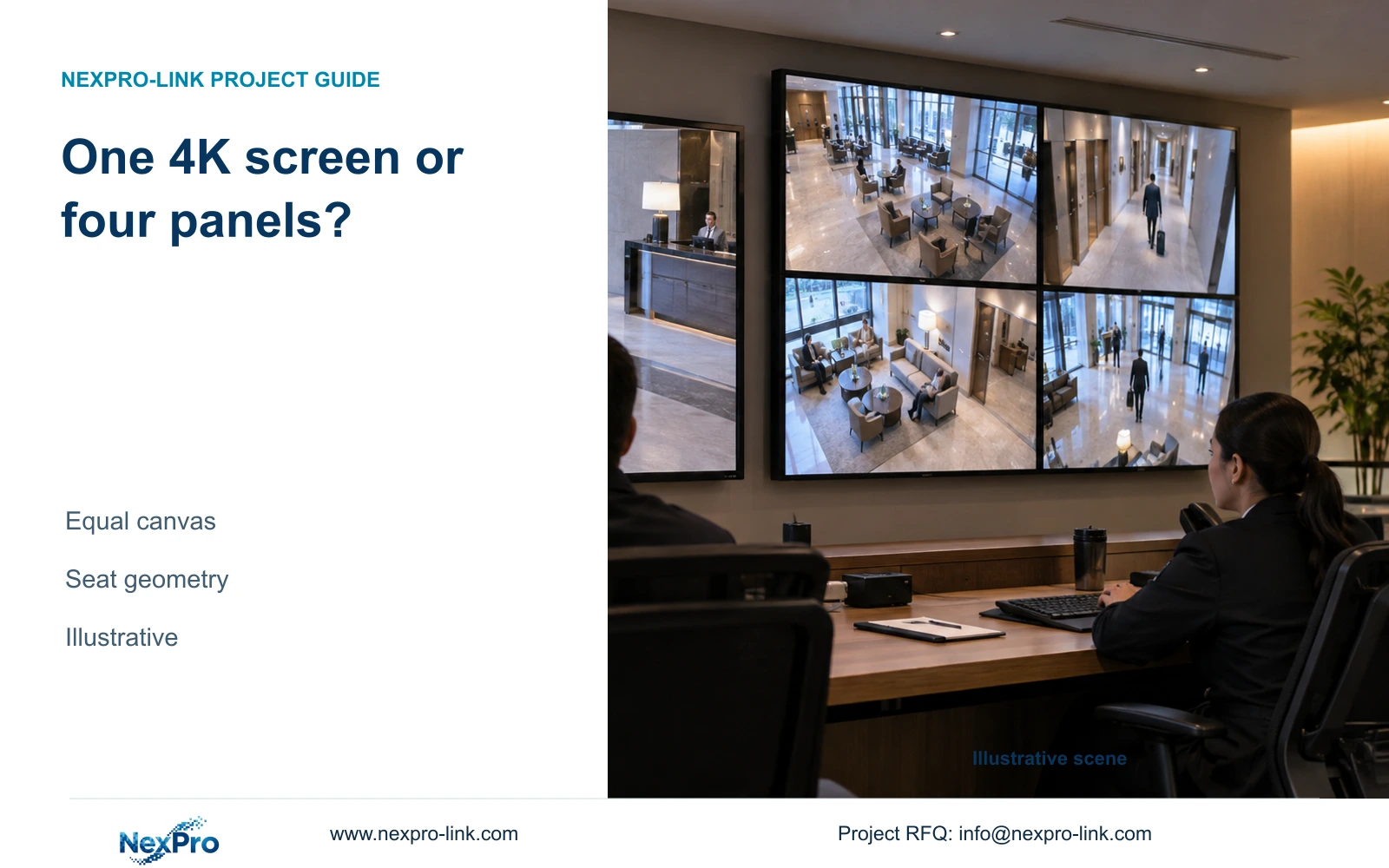
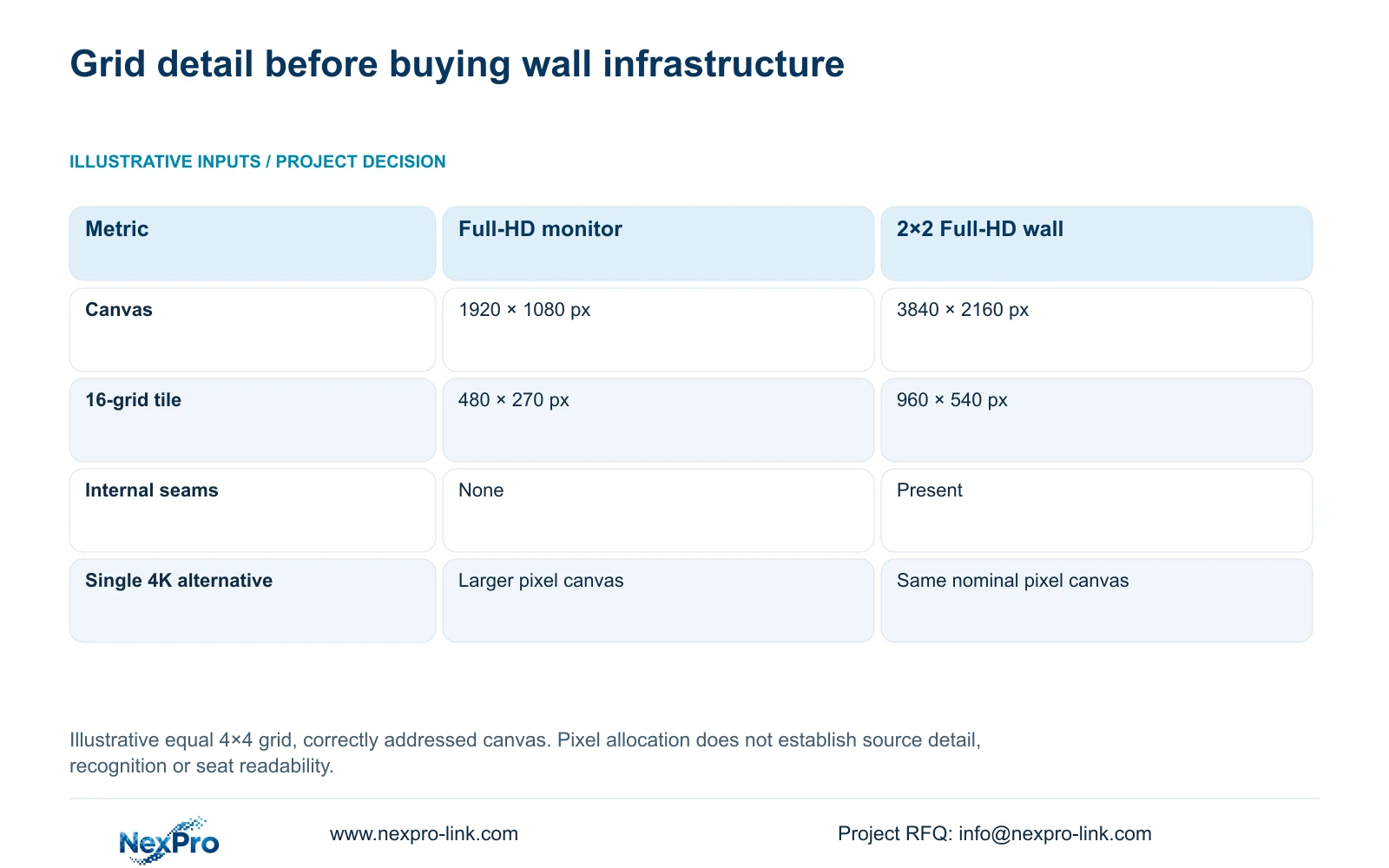
An illustrative equal 4×4 grid divides a Full-HD canvas into tiles measuring 1920 ÷ 4 by 1080 ÷ 4, or 480×270 pixels. Four Full-HD panels arranged 2×2 create a nominal 3840×2160 canvas when the actual signal path addresses that canvas. The same grid then allocates 960×540 pixels to each tile.
These dimensions are a display allocation, not a recognition guarantee or a change to the camera recording. A high-resolution source loses displayed detail when fitted into a small overview tile. An enlarged event view can use more of the available canvas, subject to the selected stream and display configuration.
The comparison changes the purchase discussion: a single 4K monitor has the same nominal total pixels as the four-panel wall. If one seat needs more tile detail, compare that option before committing to wall infrastructure. The wall may still suit different viewing distances or multiple seats, but its physical size and seams are separate from its pixel budget.
| Metric / condition | One Full-HD monitor | 2×2 Full-HD LCD canvas |
|---|---|---|
| Canvas | 1920 × 1080 px | 3840 × 2160 px |
| 16-grid tile | 480 × 270 px | 960 × 540 px |
| Physical seams | No internal seams | Panel seams exist |
| Single 4K monitor comparison | Different pixel canvas | Same nominal canvas, different physical layout |
Section 04
Price the complete display option
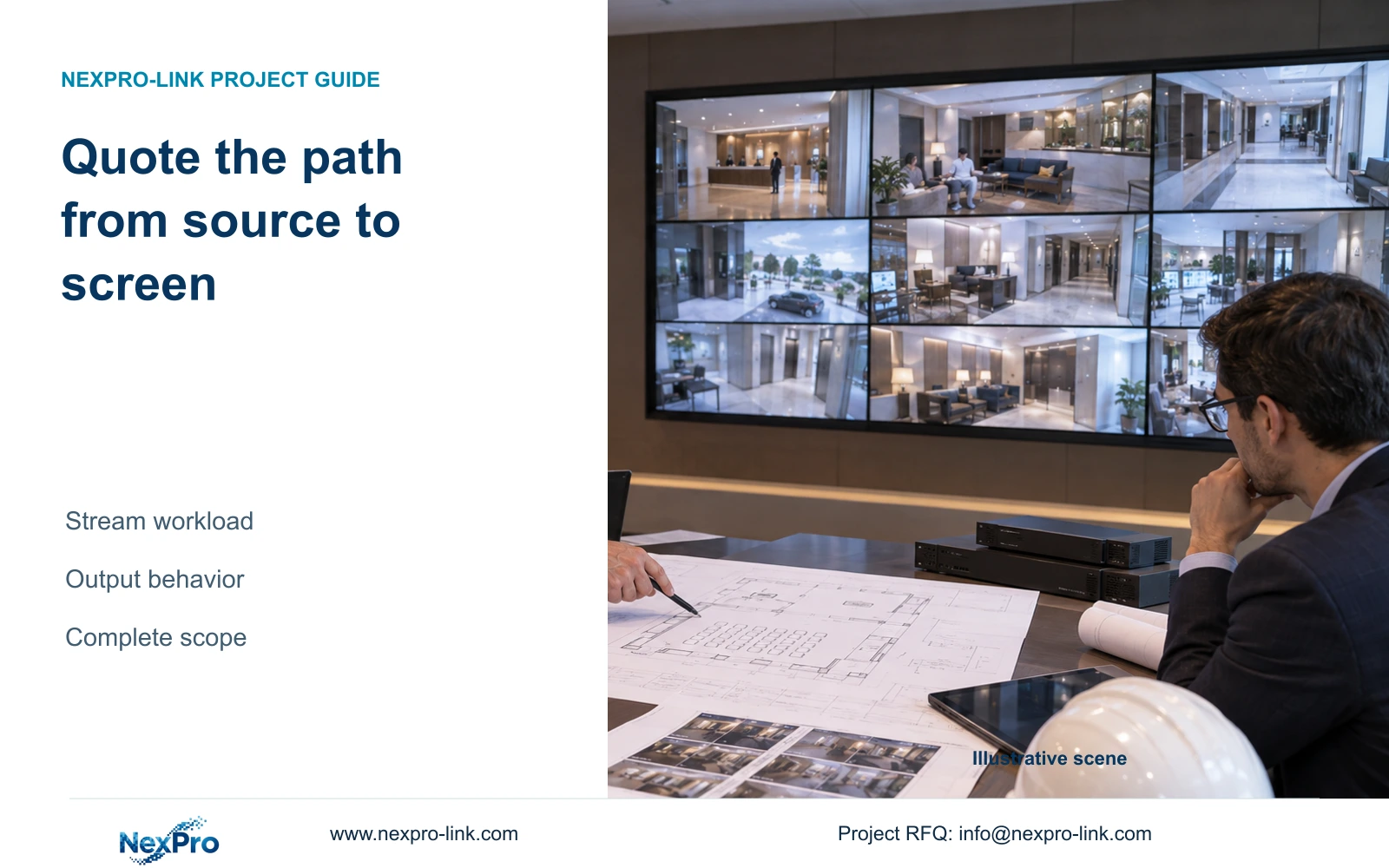
Compare the operating monitor and wall from video source to visible image. Include the client or decoder, actual output configuration, mounting, connections and installation scope. Also identify service access, electrical input and any cooling implications. A panel-only total is not a complete wall alternative.
NX-VP-5535 has published 55-inch, 1920×1080 LCD fields, a 3.5 mm seam field and 400 nit typical brightness. Obtain the relevant mounting, power and input-board information for the chosen configuration. NX-VD-4K16 is a decoder candidate; its name does not establish sixteen simultaneous 4K streams. A small hotel's actual layout may need a different decoding workload.
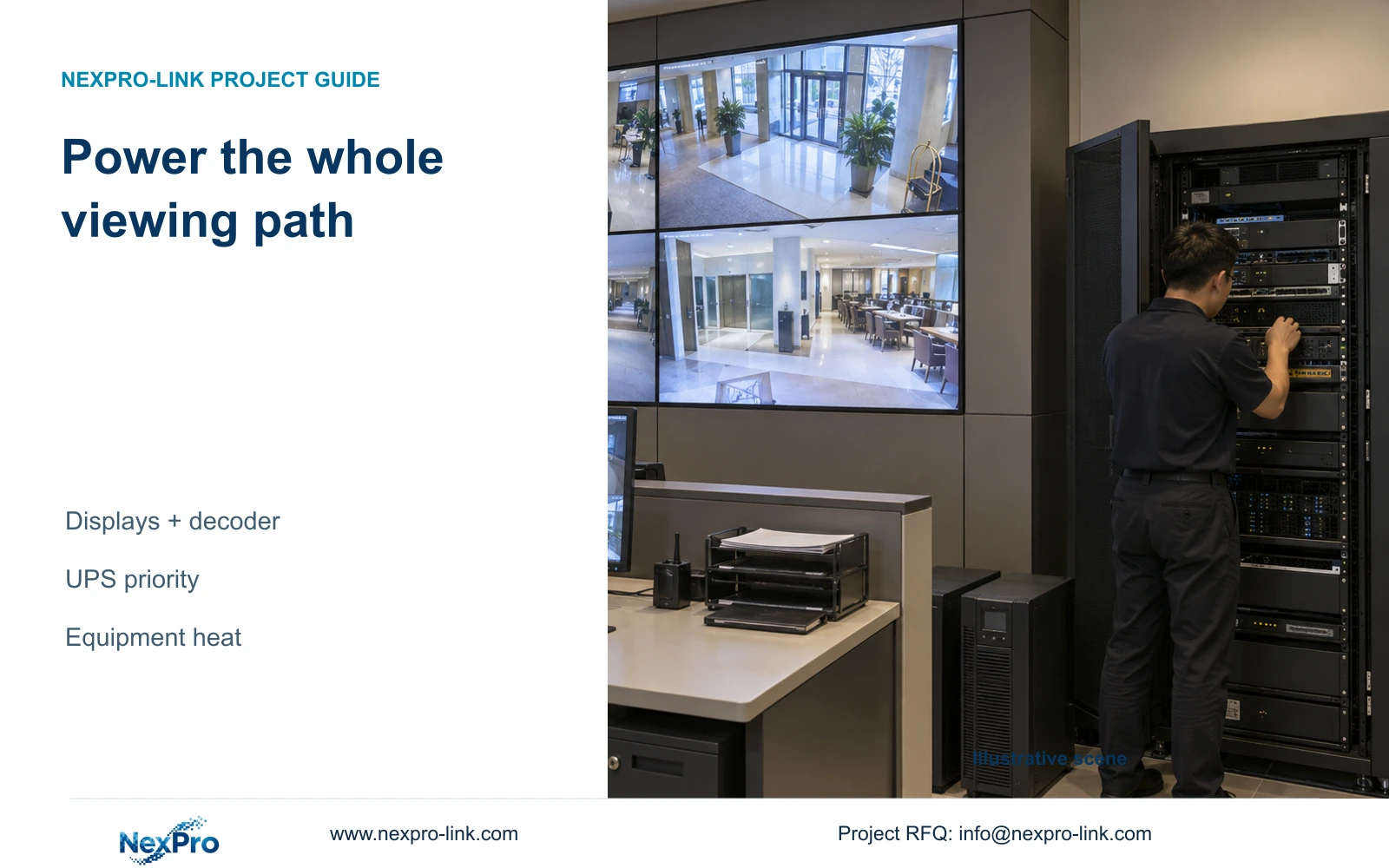
Show ordinary monitoring and protected outage viewing separately in the quotation. Adding optional screens to UPS protection changes the load and may change the battery configuration. Keep unknown installation or service costs unresolved until they are priced. No current monitor-versus-wall price difference or brand saving is established by the supplied teaching example.
| Situation | Required record | Decision boundary |
|---|---|---|
| Optional wall funds released | Mandatory viewing task still satisfied | Identify the specific unmet task |
| Alternative remedy proposed | Matched goods and local-work quotations | Compare actual purchasable scope |
| Remedy cost or evidence absent | Unpriced dependency and decision owner | Keep reallocation provisional, not a saving claim |
Section 05
Reallocate the optional allowance without reducing required service
If the wall is omitted, show its removed scope explicitly and identify any replacement operating display. Allocate the resulting budget only after qualified quotations establish the amount available. Possible priorities include the approved retention capacity, a complete protected recording path or a limited spare arrangement tied to a restoration task.
The complete illustrative 32-camera reference case preserves the same recording target in its basic and enhanced-display options. That separation is useful here: choosing a smaller display should not silently reduce necessary recording or retrieval. Its camera and electrical totals are independently defined and are not small-hotel requirements or values derived from this display table.
Keep spare stock and warranty handling distinct. A spare still needs verified replacement scope, local action and configuration records. If equipment requires return authorization, confirm symptoms and the approved information-handling process first. Reducing optional display expenditure cannot be described as eliminating downtime or securing a fixed saving without actual project costs and service evidence.
| Retained outcome | Potential extra scope | Condition for purchase |
|---|---|---|
| Approved recording retention | Supported storage configuration | Current configuration falls short |
| Recording during the agreed outage | Resolved power protection | Required active nodes are unprotected |
| Agreed restoration task | Limited compatible spare stock | Local replacement scope is verified |
Section 06
Recommend a control room that fits the task and space
Start with a readable operating monitor and a supported retrieval workflow when one seat can perform the required tasks. Compare a single 4K monitor if the normal grid needs more displayed detail. Move to a wall when multiple seats require persistent shared viewing, a mandatory operator requirement applies, or the simpler layout cannot preserve the necessary simultaneous views.
Confirm the proposed behavior at the actual seating positions using the agreed layouts. Include event enlargement and authorized incident retrieval in the assessment. These are proposed acceptance tasks, not claims of completed testing. Keep the recorder operating independently of the optional wall so a display shutdown does not become a recording interruption.
Send room dimensions, seating distance, the normal camera layout and the required incident workflow to info@nexpro-link.com, with any mandatory operator condition. NexPro-Link can discuss a proportionate equipment proposal through hotel project equipment support and BOQ and tender support. Ask for the monitor baseline and any justified wall upgrade as separate scopes, including their local installation boundaries.
Section 07
Buyer questions
Can a small hotel record many cameras without displaying them all continuously? Yes, recording and operator viewing are separate tasks. Specify the required continuous views and incident-selection workflow, then verify that the selected equipment can record the approved streams while supporting those viewing tasks.
Does a single 4K monitor replace every four-panel wall? It matches the nominal pixel canvas of a 2×2 Full-HD wall, but not necessarily its physical viewing arrangement. Compare the actual seats, viewing distance and shared-use requirement before treating the options as equivalent.
Can the video wall be deferred without redesigning recording? It can be an optional phase when recording and required viewing are independently specified. Identify any future signal, mounting or power provisions separately. Do not claim future capacity unless the selected equipment and room arrangement support it.
Engineering references
These sources support the general planning principles. Always use the selected product's current datasheet and applicable project standards for final design.