Ground stations mix two kinds of electrical load that look similar on a project schedule but behave very differently. One is the familiar IT and control equipment: servers, storage, network switches, telemetry.
Section 01
Define the Support-Power Scope
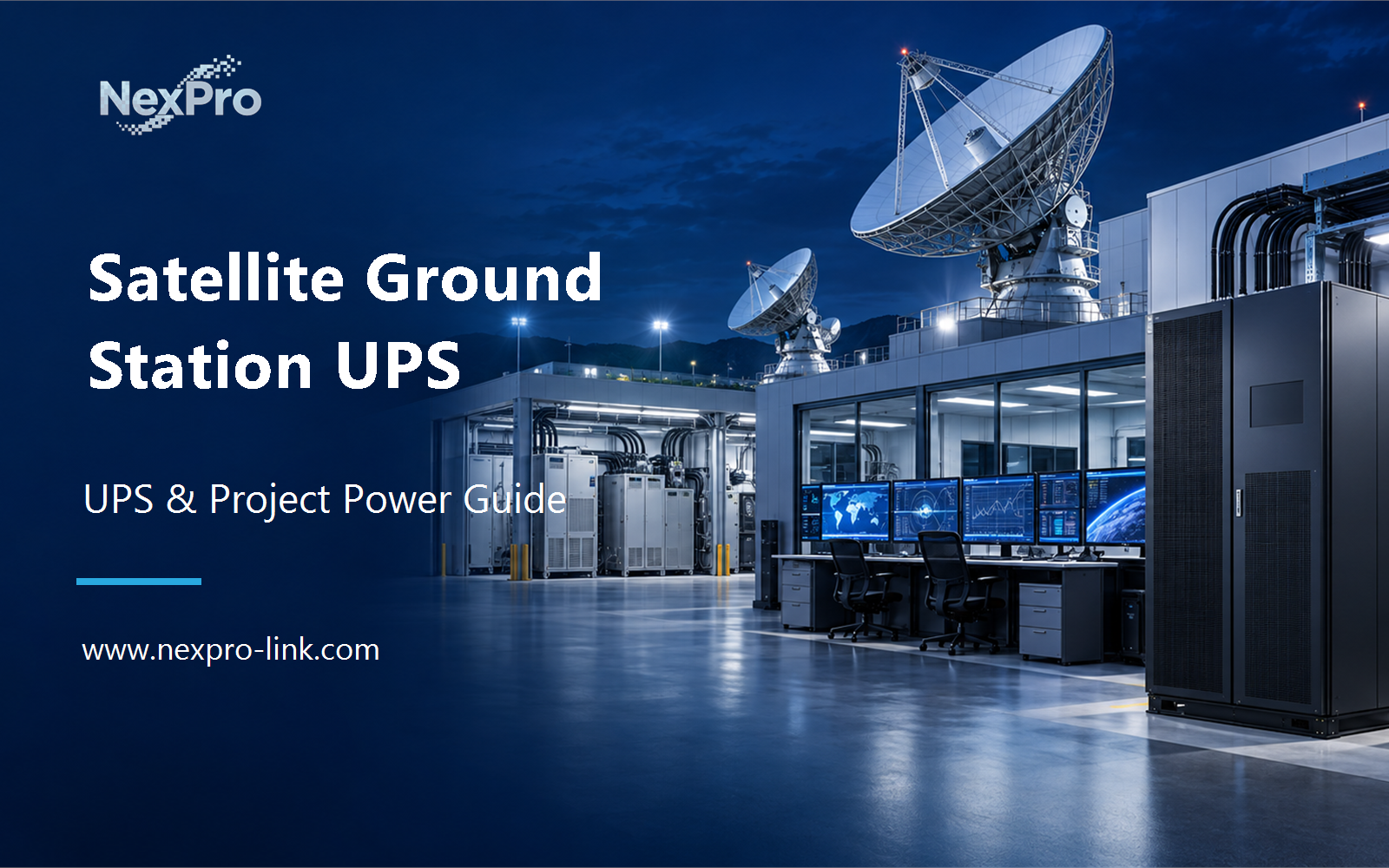
Ground stations mix two kinds of electrical load that look similar on a project schedule but behave very differently. One is the familiar IT and control equipment: servers, storage, network switches, telemetry terminals, site management controllers. The other is the RF chain and the antenna drive systems, which carry their own power requirements, transfer behavior, and failure consequences. Most of the confusion in a ground-station UPS request starts when both get merged into the same line item.
Focus on general IT, networking, monitoring and supported control equipment. List specialized RF and antenna-drive loads separately. For a project-specific decision, record IT, control, RF, drives and exclusions in the scope table. This keeps the equipment inputs and intended service outcome aligned.
Capture the answer in the scope table: it / control / rf / drives / exclusions before equipment is compared. This gives the project team a concrete service target and exposes missing dependencies early.
| Decision area | Project question | Required output |
|---|---|---|
| Define the Support-Power Scope | Which ground-station loads can be included in a general IT UPS package? | Scope table: IT / control / RF / drives / exclusions |
| Trace Communication Dependencies | Why map terrestrial links as well as local equipment? | Link map: local network / management / terrestrial / external |
| Compare Source and Load Behavior | Which electrical inputs guide selection? | Selection table: load / input / transfer tolerance / source |
Section 02
Trace Communication Dependencies
Ground-station operations may depend on local networks and external communication paths. Identify what the UPS can protect within the site and what remains outside its boundary. This keeps a local equipment proposal from becoming an unsupported end-to-end availability promise.
Use the link map: local network / management / terrestrial / external to keep real interfaces and operating states visible. Measured demand, equipment limits and future allowances should remain separate entries.
Section 03
Compare Source and Load Behavior
Use the support equipment's actual input requirements, demand and interruption tolerance. Define the normal and alternate sources. Specialized facility labels do not replace this calculation or establish a particular transformer, redundancy level or runtime requirement.
Review the selection table: load / input / transfer tolerance / source with the owners of the connected systems. Power continuity only supports the functions that remain connected and available during the event.
- Confirm the answer to: Which electrical inputs guide selection?
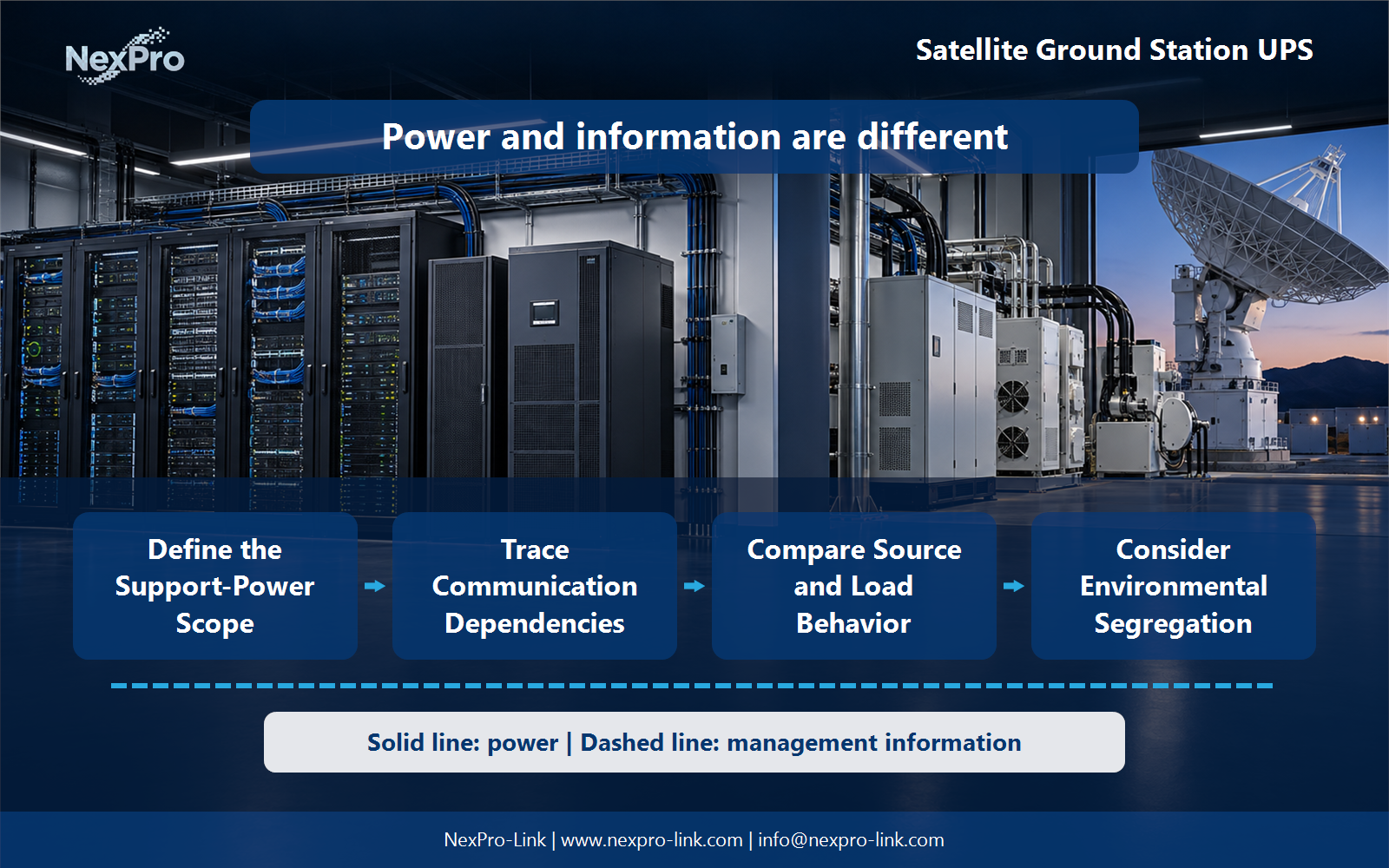
- Draw electrical power as a solid path and management information as a separate dashed path.
- Keep external services and specialist approvals outside the UPS equipment claim.
Section 04
Consider Environmental Segregation
No. Locate components according to their specified environments and the site arrangement. Controlled rooms and outdoor enclosures have different constraints. Explain cable and interface boundaries without implying that a standard indoor UPS becomes outdoor-rated when placed near an antenna.
Document this choice in the location map: indoor / enclosure / route / access, including the condition that triggers it and the person responsible for the response.
Section 05
Coordinate Recovery Authority
Assign responsibilities for power, IT and specialized station systems. The UPS can report available supply, while application and operational owners confirm readiness. Avoid prescribing automatic restart of specialized equipment through a generic UPS event without the approved system logic.
Test the sequence represented by the responsibility table: power / it / control / operation during an approved maintenance window. Record the observations needed to confirm recovery.
Section 06
Prepare the Ground-Station Brief
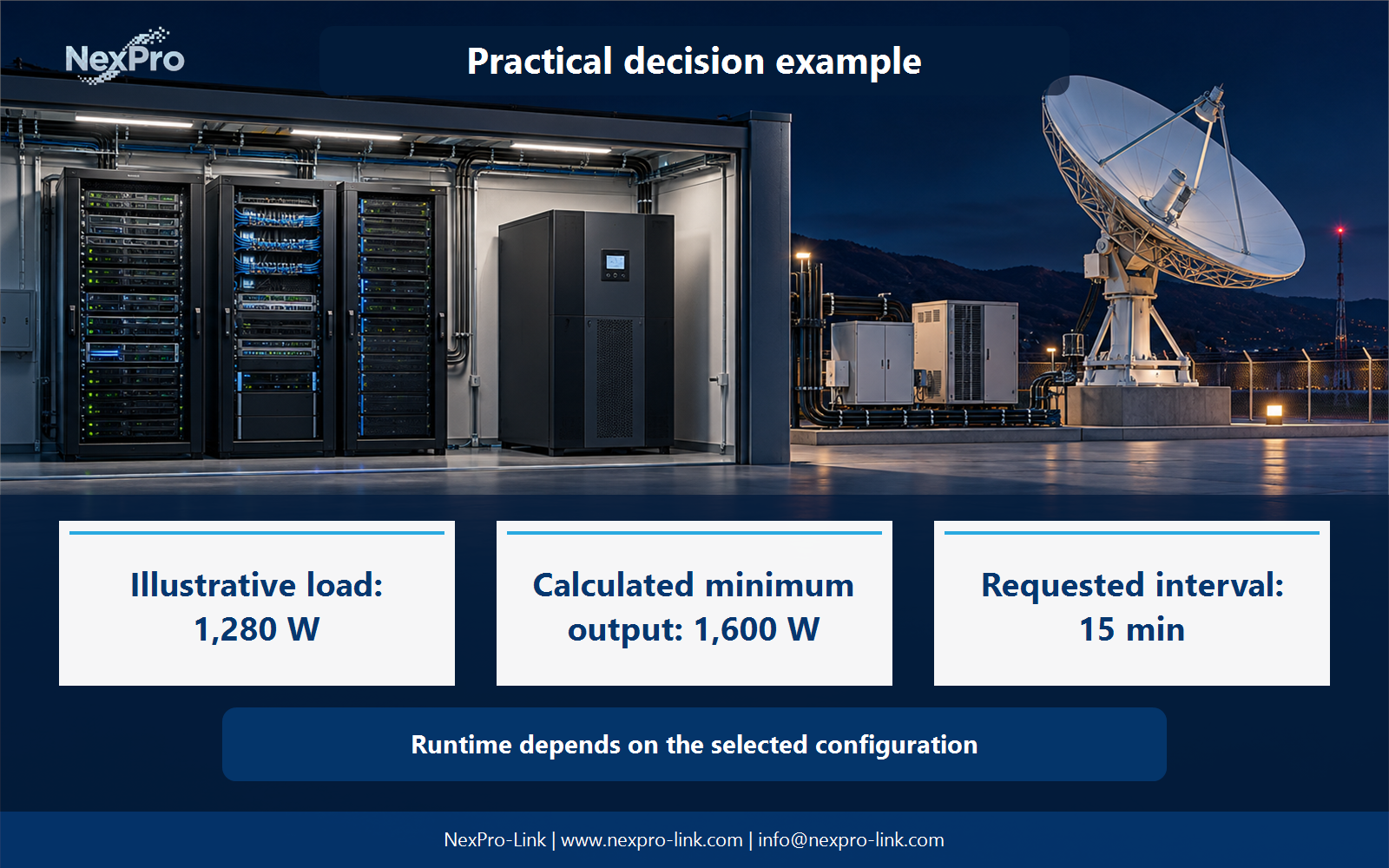
Send the general support-load list, power interfaces, room conditions and requested operating objective. NexPro-Link can discuss suitable equipment within that boundary. For a project-specific decision, record included devices, exclusions, source, runtime and environment in the brief. This keeps the equipment inputs and intended service outcome aligned.
Send the completed brief: included devices / exclusions / source / runtime / environment with the project request. It is more useful than a capacity number without interfaces, operating states or a defined service boundary.
Engineering references
These sources support the general planning principles. Always use the selected product's current datasheet and applicable project standards for final design.