Choose a DC mini UPS by output voltage, current, polarity and connector for each device, then confirm the combined wattage.
Section 01
List Every Required Network Device
Choose a DC mini UPS by output voltage, current, polarity and connector for each device, then confirm the combined wattage.
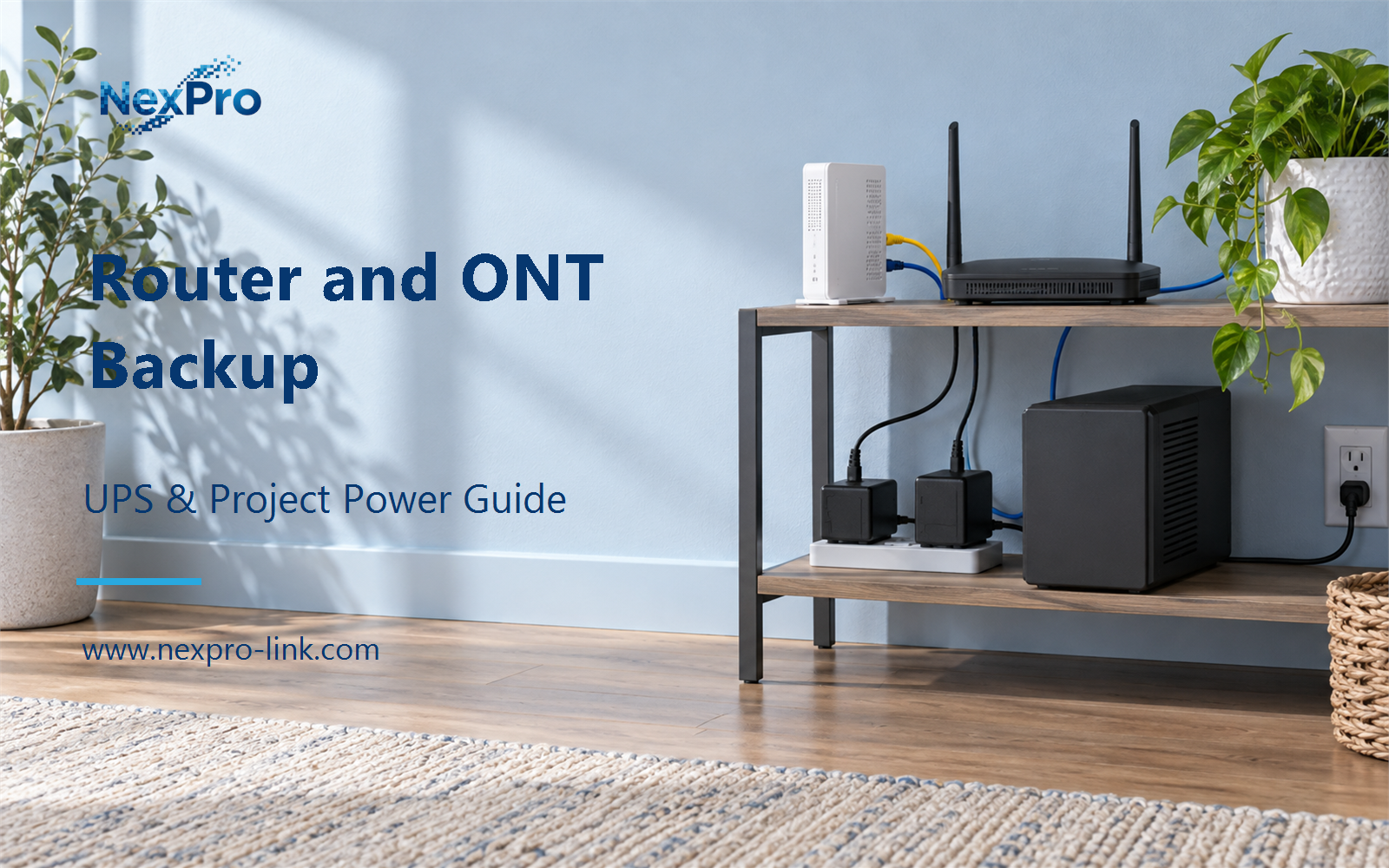
The local connection is a chain, and each link needs power. Write down the access device (ONT or modem), the router, and any switch or gateway the network depends on. The provider network is a separate item the site does not power, so it stays outside the backup scope.
The common mistake is backing up only the router. If the ONT loses power, the router stays on but the WAN link is gone, so the site has no usable connection. The device list, with the provider marked outside, is the first input for sizing.
| Decision area | Project question | Required output |
|---|---|---|
| List Every Required Network Device | Which devices are needed to keep the local connection usable? | Network chain: access device / router / switch / external provider |
| Match DC Interfaces Exactly | Is matching the total watt rating enough for a DC backup device? | Interface table: device / voltage / current / polarity / connector |
| Compare AC and DC Boundaries | When should AC and DC options be compared? | Comparison: included devices / conversions / outputs / expansion |

Section 02
Match DC Interfaces Exactly
Wattage is not enough. Each output also has a voltage, a current limit, a polarity and a connector, and each device input has to match all four. Two devices can share a barrel size and still need different voltages, which makes their adapters easy to swap by accident.
The table below is a teaching example, not a catalog specification. Replace the values with the labels printed on the actual equipment.
The router and the gateway both run at 12 V, but the ONT runs at a different voltage even though its barrel looks the same. A DC unit with two 12 V outputs covers the router and the gateway and does nothing for the ONT. Match each output to its device before counting watts.
Section 03
Compare AC and DC Boundaries
Compare the two options only when the device set supports a real choice. A compact DC unit is practical for a defined low-power group whose inputs are known and whose connectors match the unit's outputs. An AC UPS is wider: each device keeps its own adapter, and the site can add or swap loads more freely.
The DC unit wins on simplicity for a fixed group. The AC unit wins when the mix changes or when a device has no available DC output match. Count adapters and conversion steps in the comparison so both options are judged on the same basis.
- Confirm the answer to: When should AC and DC options be compared?
- Draw electrical power as a solid path and management information as a separate dashed path.
- Keep external services and specialist approvals outside the UPS equipment claim.

Section 04
Calculate the Output Budget
Every output cannot deliver its headline maximum at the same time unless the combined limit allows it. A product can list three outputs whose individual ratings add up to more than the unit's total, so check the per-output limit and the combined limit separately.
The number of ports says nothing about runtime, and connector labels are not independent full-capacity supplies. Add the device loads, compare the sum with the unit's total, then confirm each output's own voltage and current fit its device.
The framework's worked arithmetic for the same group uses an illustrative 50 W AC input, an assumed aggregate power factor of 0.90, and an 80 percent utilization ceiling. The resulting minimum ratings are 62.5 W and 69.44 VA. These are teaching inputs, not measured values and not product guarantees. The full calculation appears in the scenario section.
Section 05
Plan for Link Loss
Battery backup holds the local power path up for the stated interval. It does not guarantee internet access. The provider line, fiber or cable faults, and every remote service sit outside the backup boundary.
Describe the product this way in proposals: local power continuity for the stated interval, with the provider and remote services named as outside scope. Local backup provides power continuity. It does not by itself keep the WAN path or the remote services available.

Section 06
Prepare a Compact-Network RFQ
A supplier cannot quote "protect our network." It needs the device inputs, the connectors, the total demand and the required interval. The brief below is filled with the scenario values; the load and runtime stay illustrative pending a measured or specified value.
NexPro-Link can use those inputs to discuss a compact DC backup or a small AC UPS. On its catalog the NX-UP-DC-001 series is the low-power DC backup category, and the wider UPS Power range covers AC options. A catalog power range by itself does not prove that a given router or ONT is compatible, so the interface details lead the discussion.
Engineering references
These sources support the general planning principles. Always use the selected product's current datasheet and applicable project standards for final design.