Size the UPS for the device-level inputs and the PoE phone power boundary of an IP-PBX and voice gateway package, without restating the whole voice-system architecture.
Section 01
Identify the Core Voice Devices
Size the UPS for the device-level inputs and the PoE phone power boundary of an IP-PBX and voice gateway package, without restating the whole voice-system architecture.
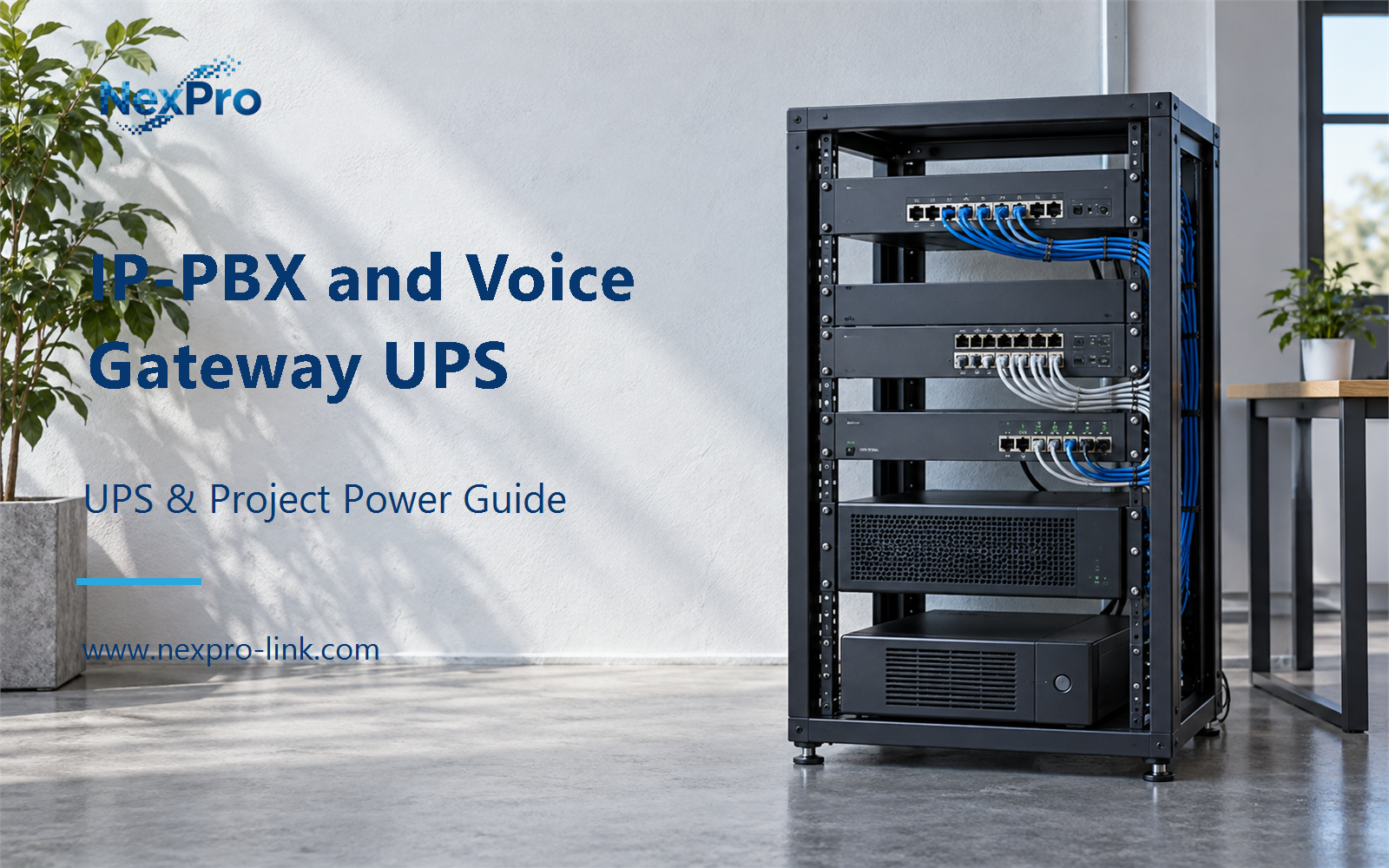
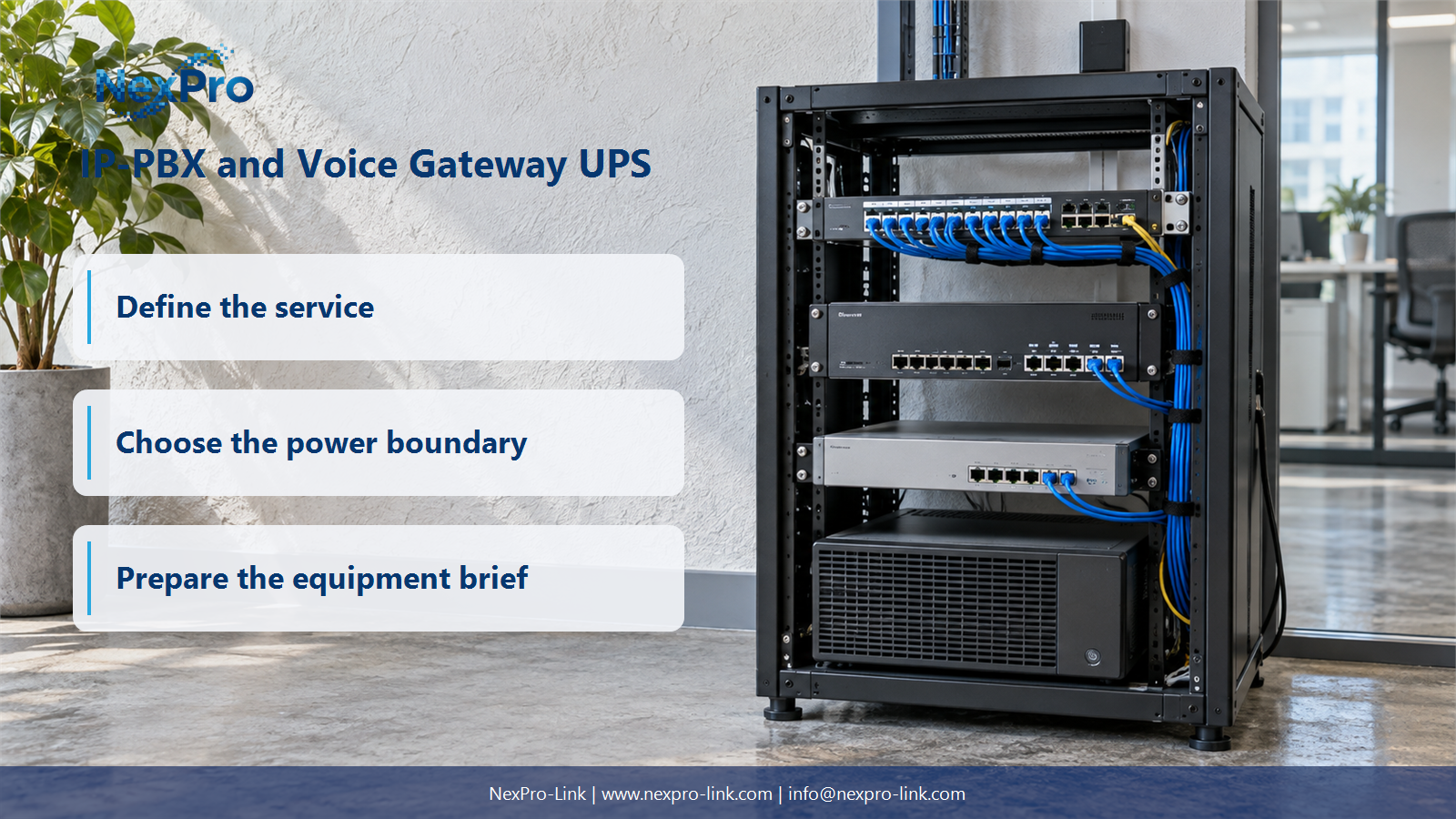
The protected core holds the equipment that must stay up to meet the outage objective. In a small voice deployment that core is usually four items: the IP-PBX or call-control server, the FXO/FXS gateway that joins analog trunks and extensions, the access switch that links them, and the router or WAN edge for SIP trunks and remote management. The external carrier circuit and the internet connection stay outside the UPS scope because site backup power cannot keep an upstream provider available.
The four protected items below define the package. The worked example later sizes the three network-side rows and leaves the PBX nameplate to be read on site.
Each row records its own input interface, so the schedule carries more than a wattage total. Read the labels or the management interface for the actual input on your equipment. The figures above are placeholders for the worked example.
| Decision area | Project question | Required output |
|---|---|---|
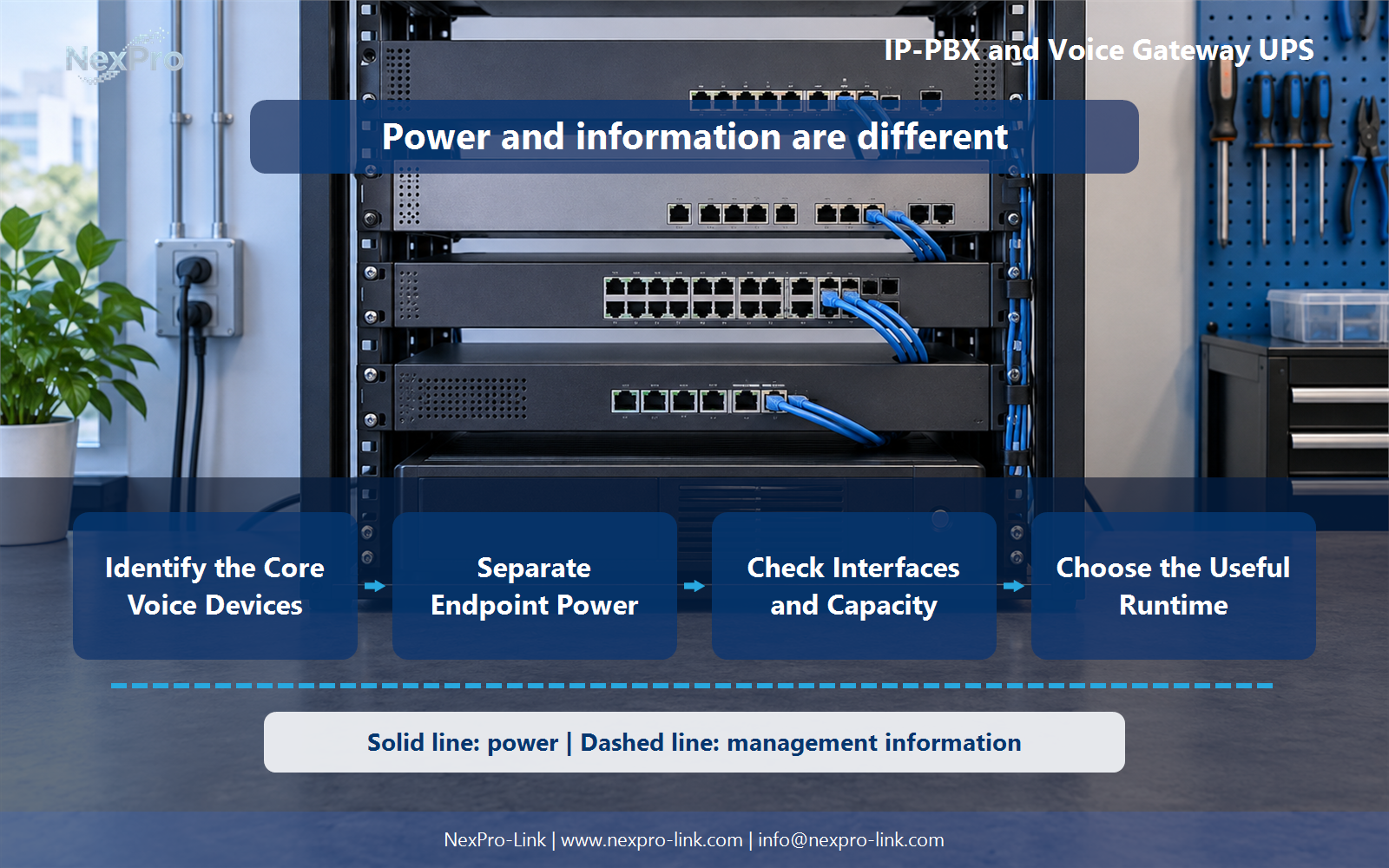
| Identify the Core Voice Devices | Which devices belong in the core-voice package? | Device schedule: PBX / gateway / switch / router / external |
| Separate Endpoint Power | Should all phones be counted with the PBX? | Endpoint map: essential group / PoE source / local adapter / demand |
| Check Interfaces and Capacity | What should be checked besides watts? | Interface table: input / connector / rating / source / limit |
Section 02
Separate Endpoint Power
Phones do not automatically join the core package. A desk phone powered from a PoE switch is already inside that switch's input demand. Adding the phone again counts the same load twice. Phones on local AC adapters, or on a second PoE group that stays outside the protected area, are listed separately unless the outage objective requires them.
The boundary follows the outage objective. The total number of extensions alone does not set it. If a phone must stay up during the outage, its actual supply source decides where its load belongs.
Section 03
Check Interfaces and Capacity
Watts and VA are only part of the match. Two devices with similar power can take different inputs. One may use an external 12 V DC adapter with a barrel connector while another takes an IEC AC cord. The UPS must supply the type of output the device expects, or the adapter must stay in the path.
Match the connector and the AC or DC type before you treat a wattage match as sufficient. Small office communication devices are not interchangeable at the power input, even when their labels look similar.
- Confirm the answer to: What should be checked besides watts?
- Draw electrical power as a solid path and management information as a separate dashed path.
- Keep external services and specialist approvals outside the UPS equipment claim.
Section 04
Choose the Useful Runtime
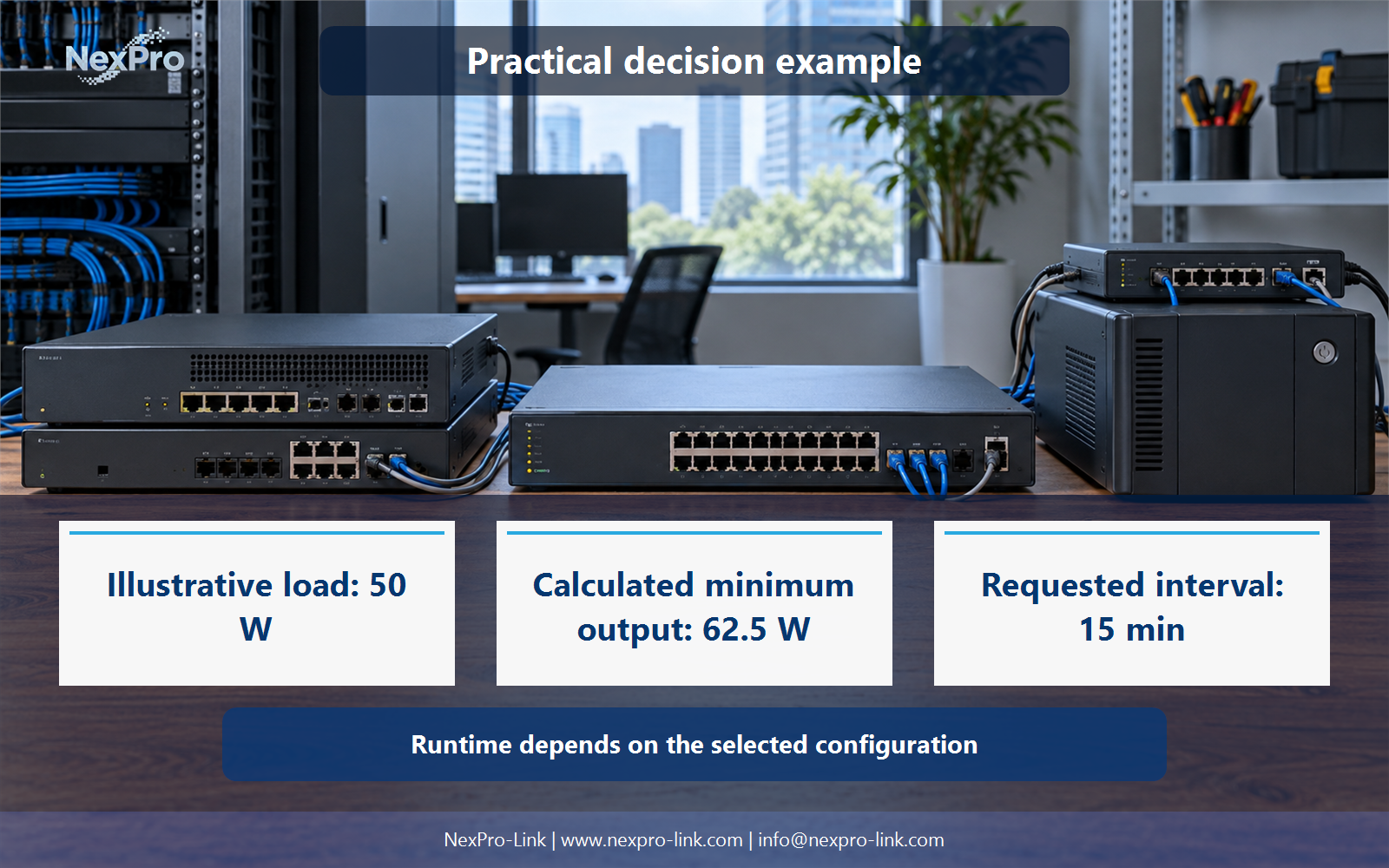
The interval describes what the backup should support. It does not promise anything about the outside world. Define essential calling first. That could be a short bridge while a generator starts, a fixed window for internal calls, or an orderly stop that preserves registration state. Then add the dependencies the objective needs: the router, the switch, and the gateway.
Local backup power keeps the protected equipment running. It does not keep a carrier or an upstream provider available, so the interval should state what the package supports. It should not read as a guarantee about external reachability.
Section 05
Confirm Recovery Function
Confirm recovery through the voice platform. The UPS display alone does not confirm it. Restore the router and switch first, then confirm the gateway ports register with the PBX and the desk phones re-register. Run the platform's own procedure for internal and external calls. A powered PBX with unregistered gateway ports is not a restored voice service.
Keep the test scope equal to the protected package. If a device sits outside the UPS, its behavior does not belong in this recovery check.
Section 06
Prepare the Voice Device RFQ
Turn the schedule, endpoint map, interface table, and objective into the inputs NexPro-Link needs. The RFQ lists the devices, their interfaces, the demand in W and VA, the essential endpoint group, and the interval.
Emergency calling and platform behavior remain system requirements for the voice platform to meet. They are not features of the UPS.
Engineering references
These sources support the general planning principles. Always use the selected product's current datasheet and applicable project standards for final design.