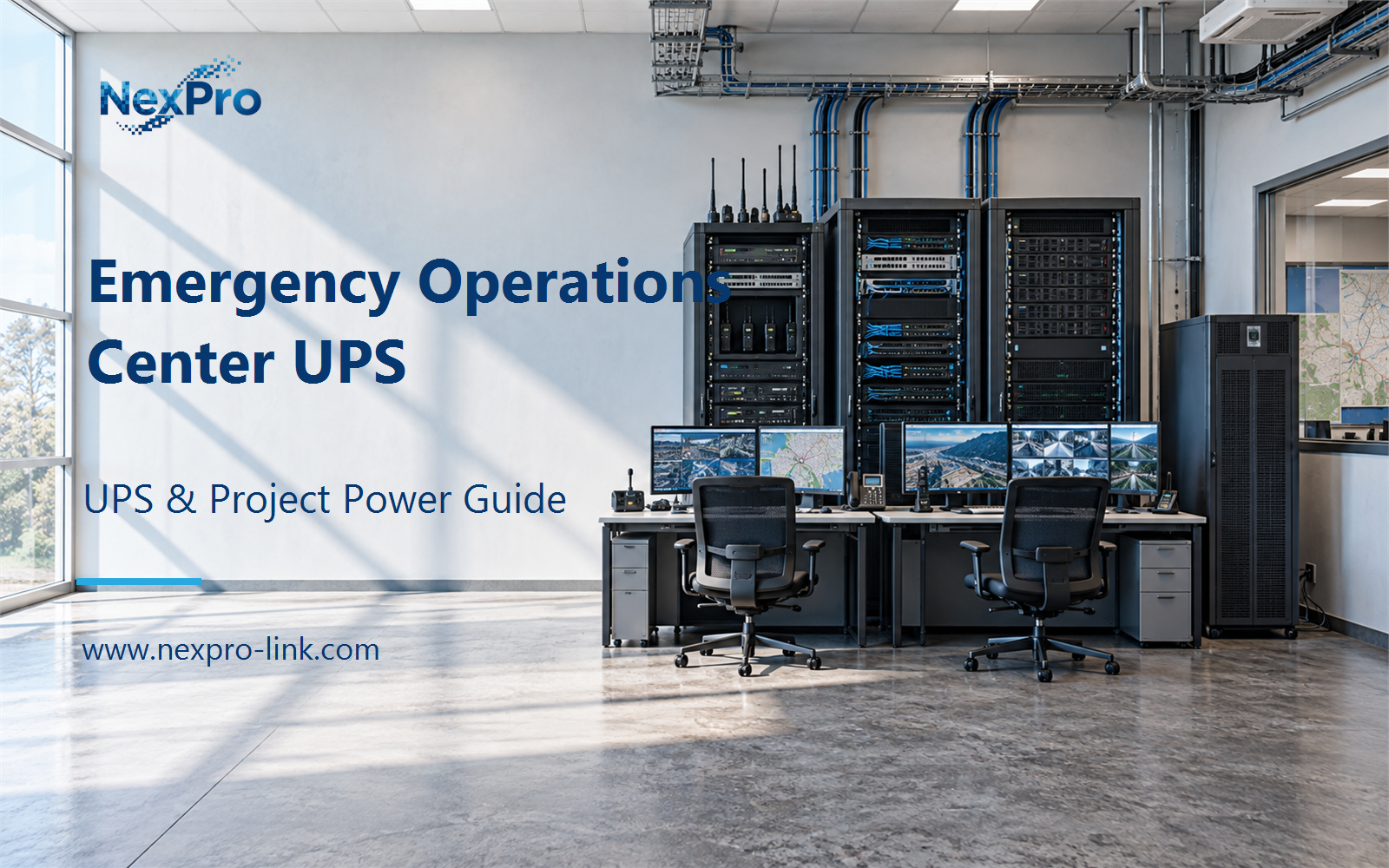
When grid power drops in an emergency operations center, the room still has to coordinate. Operators keep talking to field teams, keep the shared data current, and keep the command picture visible.
Section 01
Identify Essential Coordination
When grid power drops in an emergency operations center, the room still has to coordinate. Operators keep talking to field teams, keep the shared data current, and keep the command picture visible. The question that drives the UPS scope is which of these functions has to continue. That question turns into a load priority, and the load priority turns into an equipment brief.
Start by separating the functions the room performs from the equipment installed in it. The service owner can list the coordination, communication, and operator functions that must survive a power reduction. Each function maps to equipment. Each piece of equipment maps to a power input. The UPS proposal follows that chain in one direction: function, then equipment, then input. Starting from the equipment reverses the order and produces a list that may not match the operating plan.
The priority map records four categories: communication, coordination, data, and display. Communication covers voice, radio, and incident messaging. Coordination covers the shared incident board and task tracking. Data covers current records and maps. Display covers the views the operating seats need. The categories overlap in normal operation but fail differently. A voice path can stop at a gateway or an outside link, while coordination can stop at the server. Keeping them separate shows which failure the UPS actually covers.
The map is a working table. When the service changes, the map changes with it. A new dispatch workflow or a new backend system means the essential group should be rechecked before the UPS scope is carried forward.
| Decision area | Project question | Required output |
|---|---|---|
| Identify Essential Coordination | What should remain available in a reduced-power state? | Priority map: communication / coordination / data / display |
| Trace the Communication Chain | Why is communications backup broader than a workstation UPS? | Chain table: operator / local network / gateway / external service |
| Separate Display and Core Loads | Should every display be included in the essential group? | Display plan: essential views / seats / optional wall / W |
Section 02
Trace the Communication Chain
A workstation UPS covers one terminal. A communications backup covers a chain. The voice path may run through a gateway, a switch, a server, and a link to an outside network. Each hop draws power somewhere, and only some of those points sit inside the room. The UPS can only protect what is on its own output.
The chain table keeps the proposal honest. A UPS inside the room protects the local links. It cannot extend protection to the carrier link or a remote dispatch site. Recording that boundary stops the proposal from overstating end-to-end availability. PoE endpoints that are already counted inside the switch input should not be added a second time. If a gateway sits in another closet, it belongs in that closet's scope, not in this room's headline number.
Section 03
Separate Display and Core Loads
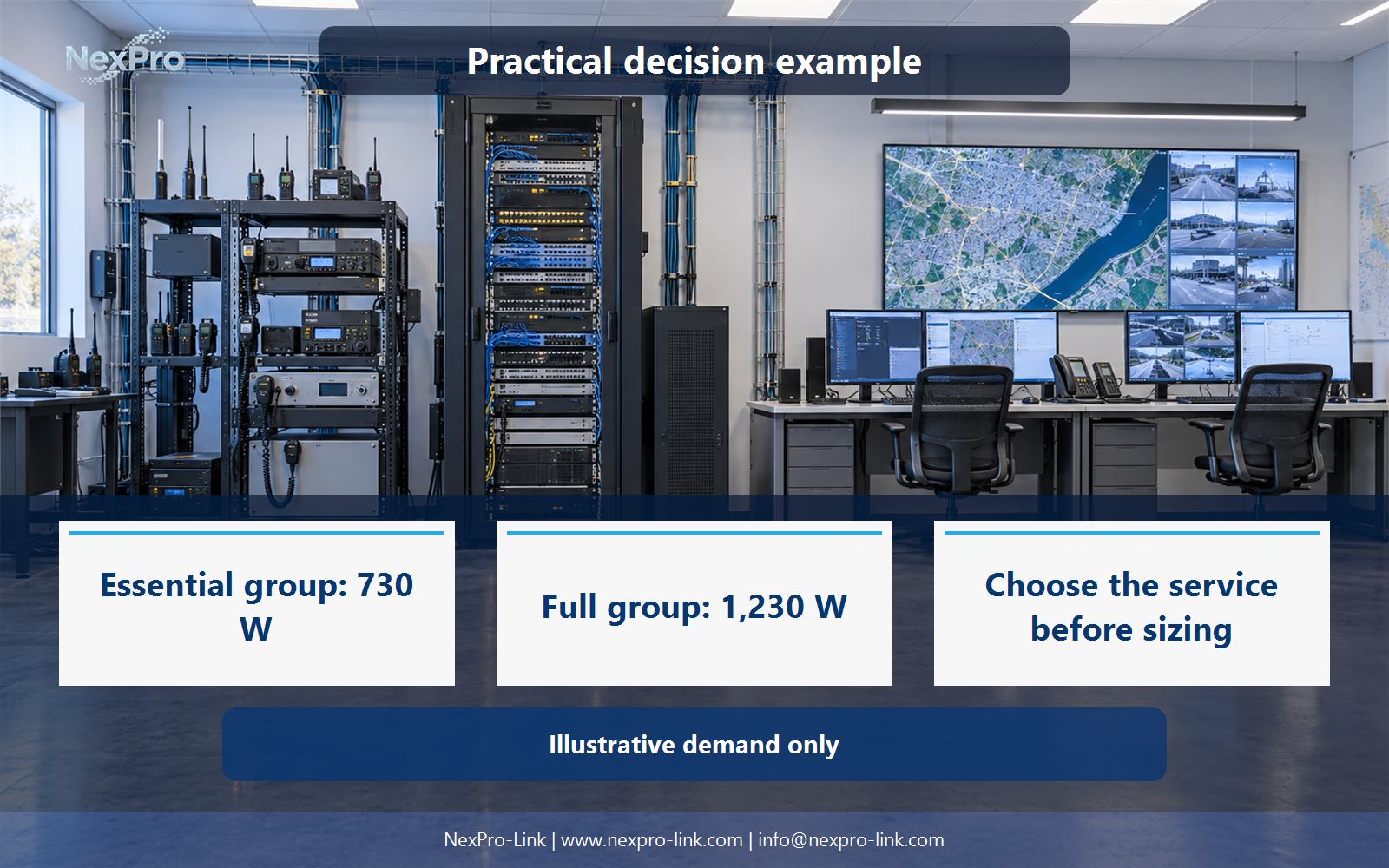
The command wall is visible, which makes it easy to overvalue. The operating plan decides how many seats must stay active in a reduced state and which views those seats need. Every display joins the essential group only when the plan requires it. A wall that is useful during a full activation may be unnecessary during a two-seat night shift.
Do not shed displays arbitrarily. Confirm the views the operating plan needs before removing or keeping them. Do not buy a larger UPS simply because the room is visually prominent. The decision sits with the operating plan, not with the size of the wall. Keeping the wall in the optional group also gives the project a clean second price point: the core system, and the core system plus display capacity.
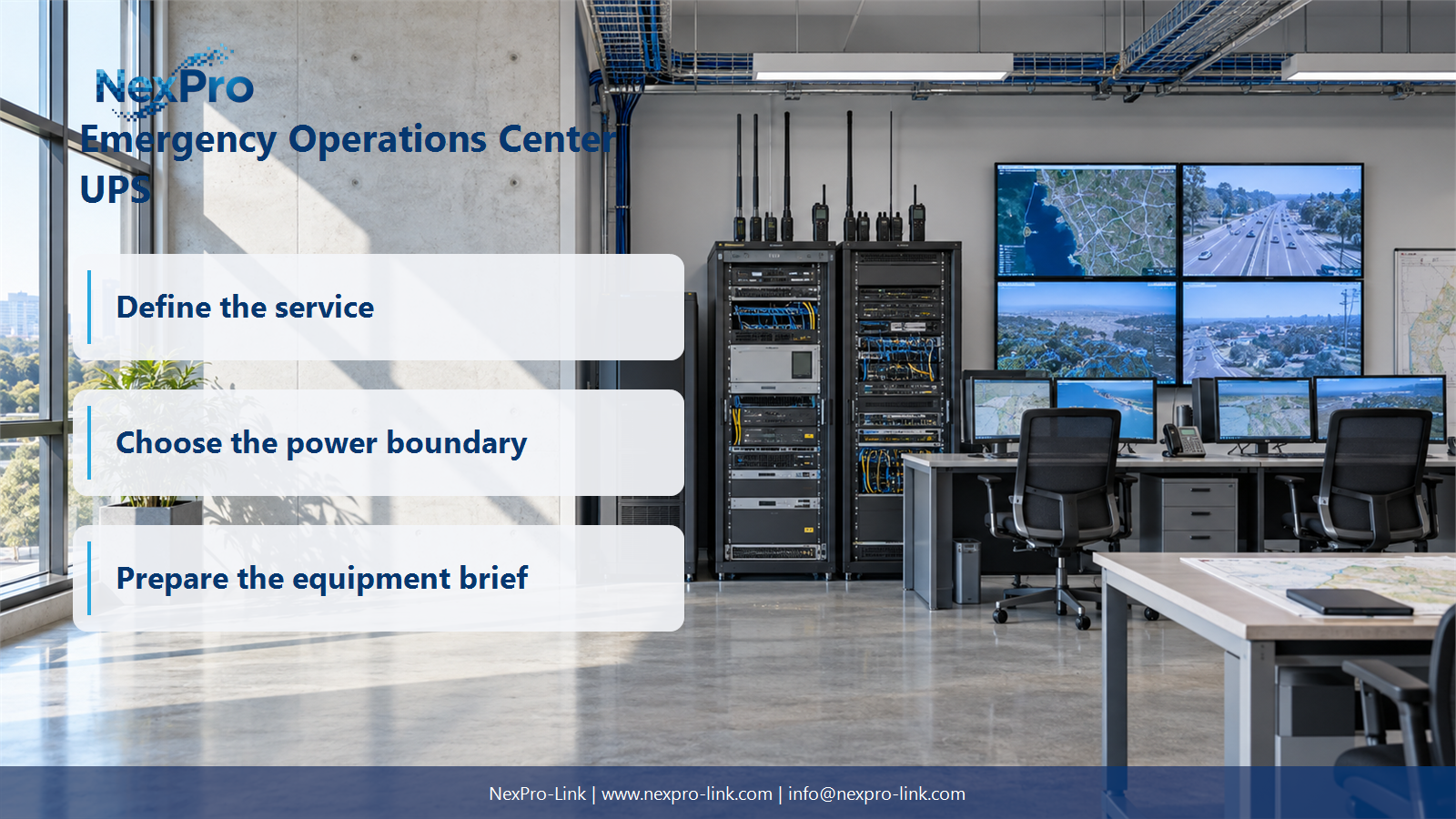
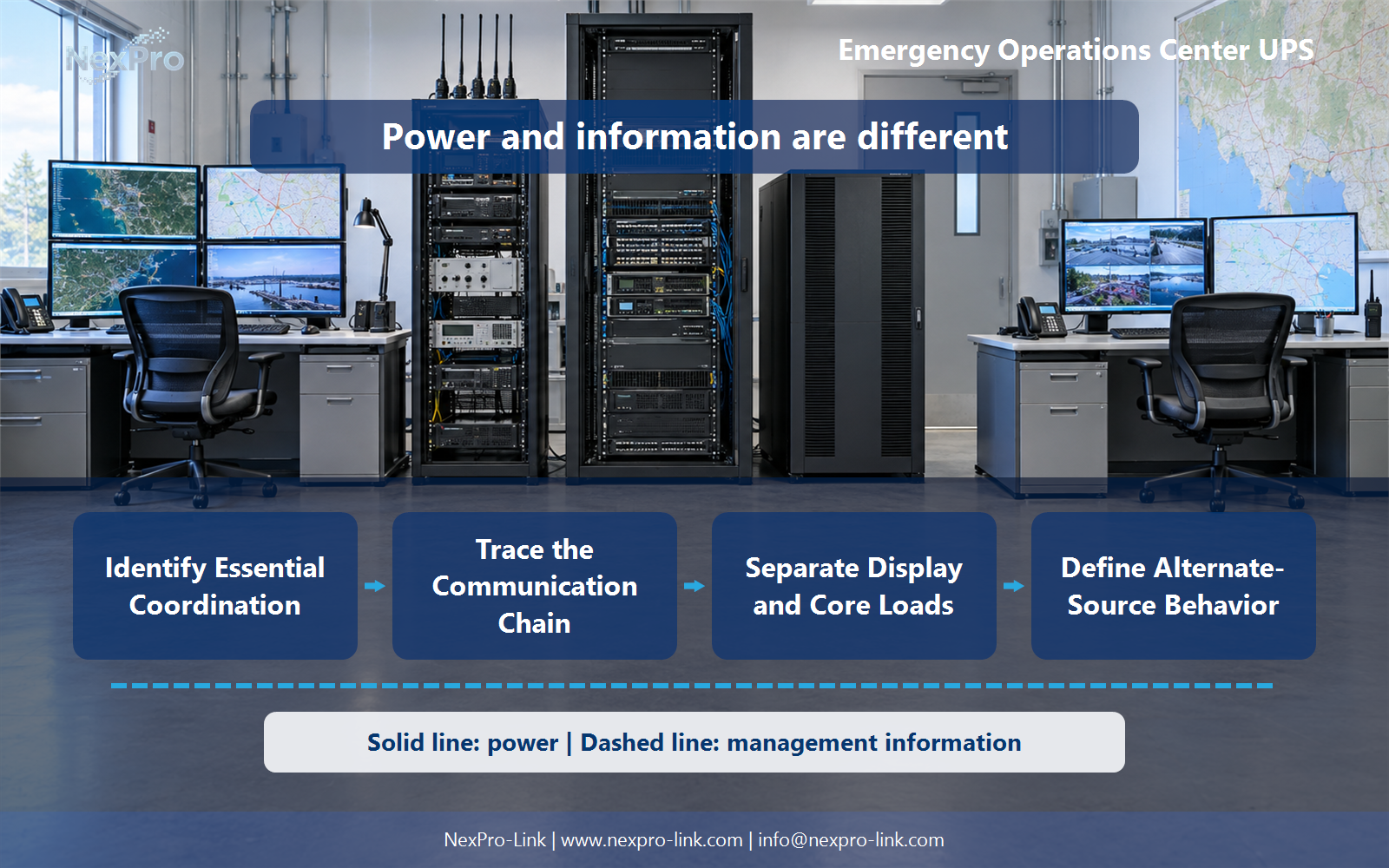
- Confirm the answer to: Should every display be included in the essential group?
- Draw electrical power as a solid path and management information as a separate dashed path.
- Keep external services and specialist approvals outside the UPS equipment claim.
Section 04
Define Alternate-Source Behavior
The UPS bridges the gap while an alternate source starts. The useful document here is the transition sequence. It has five states: loss, start, stable, transfer, and fallback.
Budget the supported load through the whole sequence. A named generator or a fixed number of seconds does not replace the operating objective. The objective sets the required behavior at each state, and the equipment is then selected to match it. If the alternate source takes several minutes to stabilize, the UPS battery budget has to cover that window, on top of the seconds spent detecting the loss.
Section 05
Plan Authorized Readiness Checks
Electrical status is one observation. Operational readiness is another. After a source change, confirm with the responsible teams that the communication and information functions still work, and that the operators can still reach them. A battery that reports healthy does not by itself confirm that the voice path reconnected.
Tests and drills follow approved scope. Public examples do not need to expose account names, credentials, or sensitive facility layouts. Keep the readiness map tied to the functions the service owner approved, and record who confirms each layer. That split is what separates a power check from a service check.
Section 06
Prepare the Essential-Service Brief
The brief turns the decisions above into something a supplier can read. It records the priorities, the loads, the states, the interfaces, and the scope.
Send the authorized service priorities, demand, source paths, and required interfaces. NexPro-Link can discuss power equipment for that scope. The brief is a project input. It does not promise approval, and it does not replace the responsible system design. For a BOQ discussion, turn each decision into a separate line so the included equipment, interfaces, and operating objective stay visible, and keep optional work distinct.
Engineering references
These sources support the general planning principles. Always use the selected product's current datasheet and applicable project standards for final design.