Place power continuity inside the data-protection plan while separating write risk, recovery cost, network security and backup responsibility.
Section 01
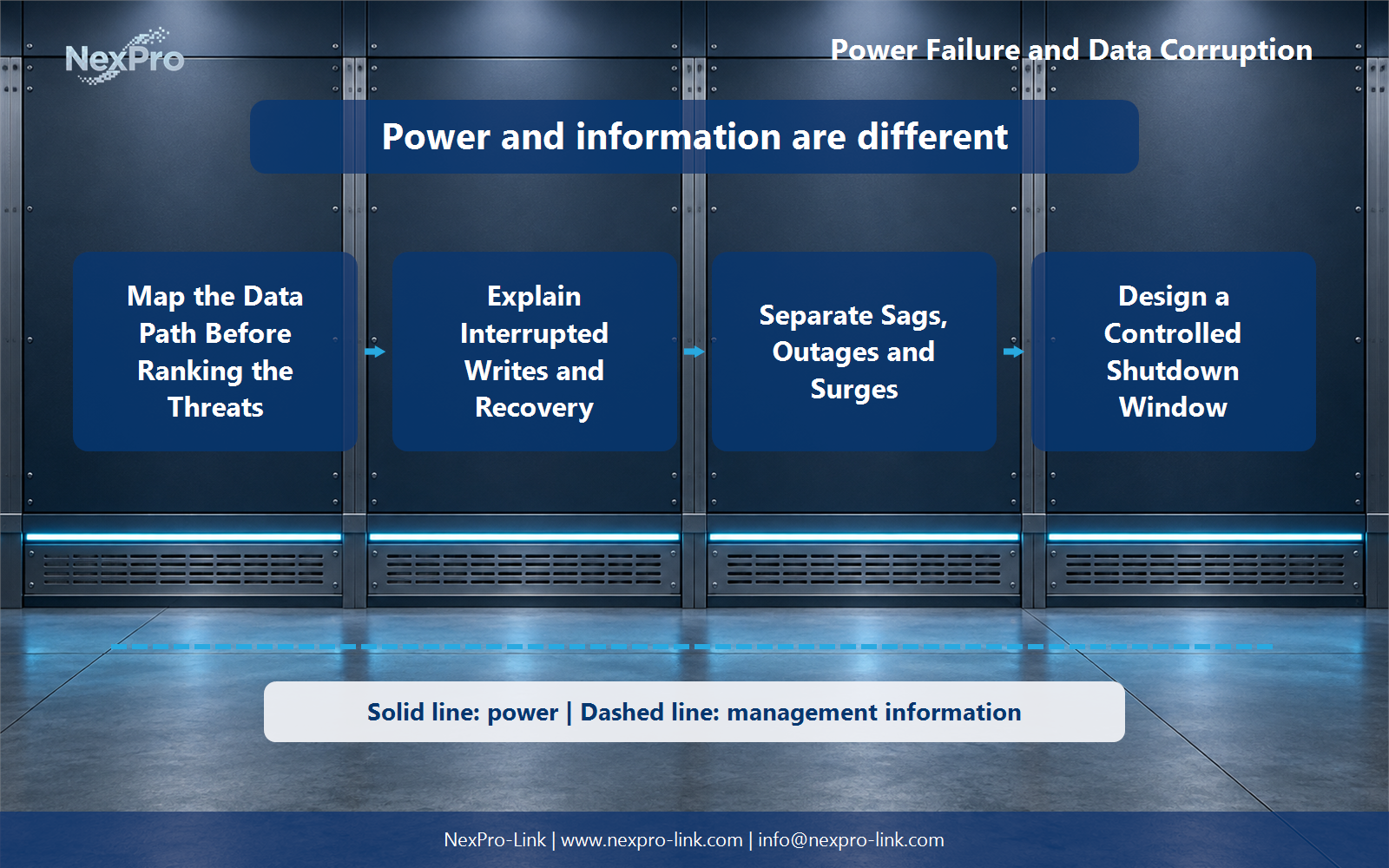
Map the data path before ranking the risk
Place power continuity inside the data-protection plan while separating write risk, recovery cost, network security and backup responsibility.
A power cut does not damage every part of a data system in the same way. The useful starting point is the path of one write: application memory, operating-system cache, controller cache and persistent media. At each handoff, record whether the write has been acknowledged and which recovery mechanism owns it.
This turns a broad fear of corruption into a list of specific states. Uncommitted work in memory may be lost, a journal may replay automatically, an index may need rebuilding, and a damaged page may require a restore. Those outcomes call for different operating responses even when the electrical event is the same.
| Layer | State at risk | Normal recovery owner |
|---|---|---|
| Application | Uncommitted transactions | Application or user resubmission |
| Host | Dirty filesystem pages | Journal replay and filesystem checks |
| Controller | Pending cached blocks | Protected cache or controller recovery |
| Media | Partially written page | Database repair or tested backup |
Section 02
Separate interrupted writes from electrical damage
A voltage sag, a complete outage and a fast transient are different events. A sag may reset one power supply while another rides through. An outage calls on stored energy. A transient may stress hardware before the UPS ever reaches battery mode. Recording the event type prevents a battery-runtime discussion from becoming a substitute for the rest of the protection design.
The incident record should include the observed load response, timestamps and any controller or operating-system messages. Keep automatic recovery, manual repair and hardware diagnosis as separate outcomes. That distinction makes post-event work faster and gives the equipment brief a defensible technical basis.
- Use power logs and application logs from the same time window.
- Record what recovered automatically before replacing hardware.
- Treat surge protection, earthing and UPS continuity as coordinated but separate scopes.
Section 03
Design the shutdown window around real dependencies
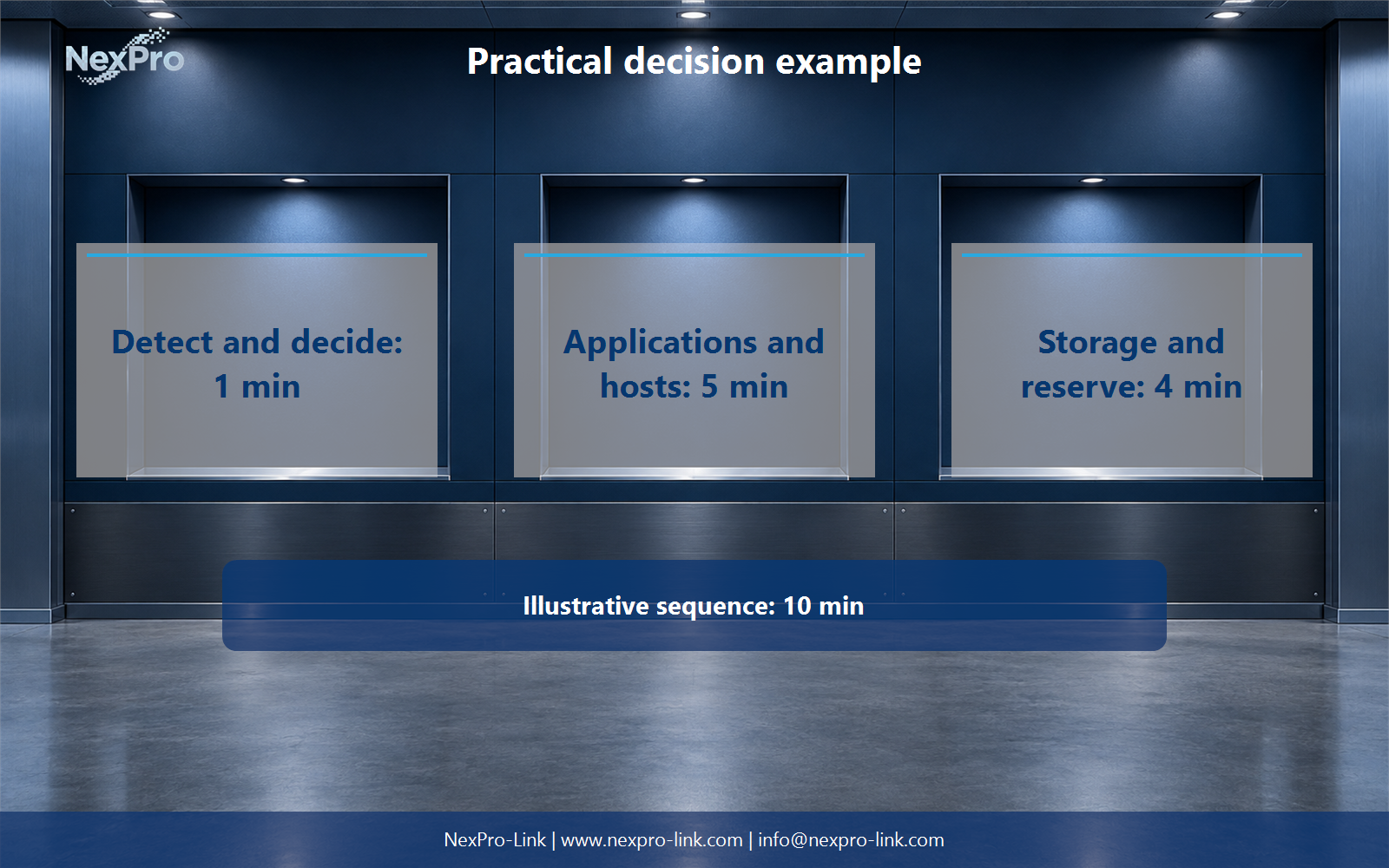
Runtime is useful only when the protected system can spend it in the right order. Detection comes first, then applications stop accepting new work, hosts flush and unmount, storage completes pending writes, and a reserve remains for delay or a failed command. The management network must stay alive until the last controlled step finishes.
In the teaching sequence below, a 600 W load needs ten minutes for the complete stop. That equals 100 Wh delivered to the load before efficiency, battery condition and reserve are considered. It is a planning input, not a claim about the runtime of a particular UPS configuration.
| Step | Time | Condition before moving on |
|---|---|---|
| Detect and decide | 1 min | Power event confirmed |
| Stop applications | 3 min | New writes blocked and services closed |
| Stop hosts | 2 min | Filesystems flushed and unmounted |
| Complete storage work | 2 min | Controller cache clear |
| Reserve | 2 min | Held for delay or fallback |
Section 04
Keep UPS, backup and security responsibilities visible
A UPS can hold power long enough to continue briefly or stop cleanly. It does not recover a deleted share, undo ransomware encryption or replace an off-site copy after a site loss. Those outcomes belong to backup, access control, segmentation and recovery testing.
The project record should name the owner of each layer. Facilities may own the supply path, infrastructure may own shutdown automation, the application team may own transaction recovery, and security may own immutable copies. Clear ownership is more useful than a general statement that the rack is protected.
Section 05
Turn the risk map into an equipment brief
A usable request lists the protected equipment, measured watts, apparent-power constraints, site voltage, shutdown interfaces and the intended operating outcome. State whether the battery objective is to bridge a transfer, finish an orderly stop or continue service for a defined interval.
For a shared file and database cabinet, the brief should also identify the switch and management path needed for automation. A rack-mounted online UPS can then be discussed against the real load and sequence. Model, battery and communication options remain subject to the selected configuration and current technical data.
Section 06
FAQ: power failure, corruption and UPS scope
Does every sudden power loss corrupt data? No. Some work is lost, some state replays from a journal or log, and some damage needs manual repair or restore. Follow the write path to identify which case occurred.
How much runtime protects business data? Use the longest verified stop, flush and shutdown sequence, then add communication delay and reserve. UPS kVA alone does not answer that question.
Does a UPS replace backup? No. The UPS supports continuity and orderly shutdown. Backup remains responsible for recovering another copy after deletion, corruption, ransomware or site loss.
What should change when an application is added? Update the load list, write-path map, shutdown dependencies and recovery objective together. A quantity change by itself can miss the new service requirement.
Engineering references
These sources support the general planning principles. Always use the selected product's current datasheet and applicable project standards for final design.