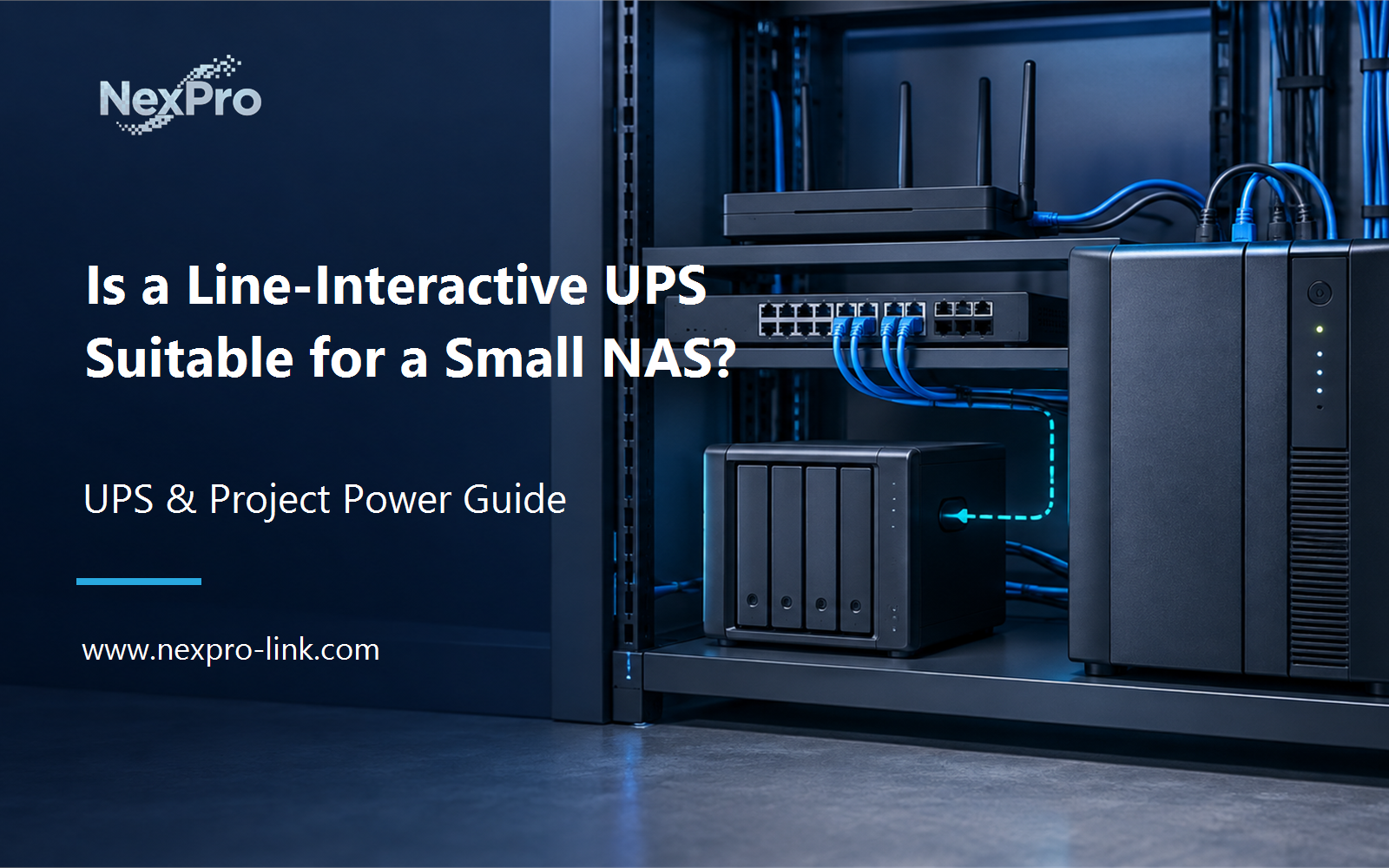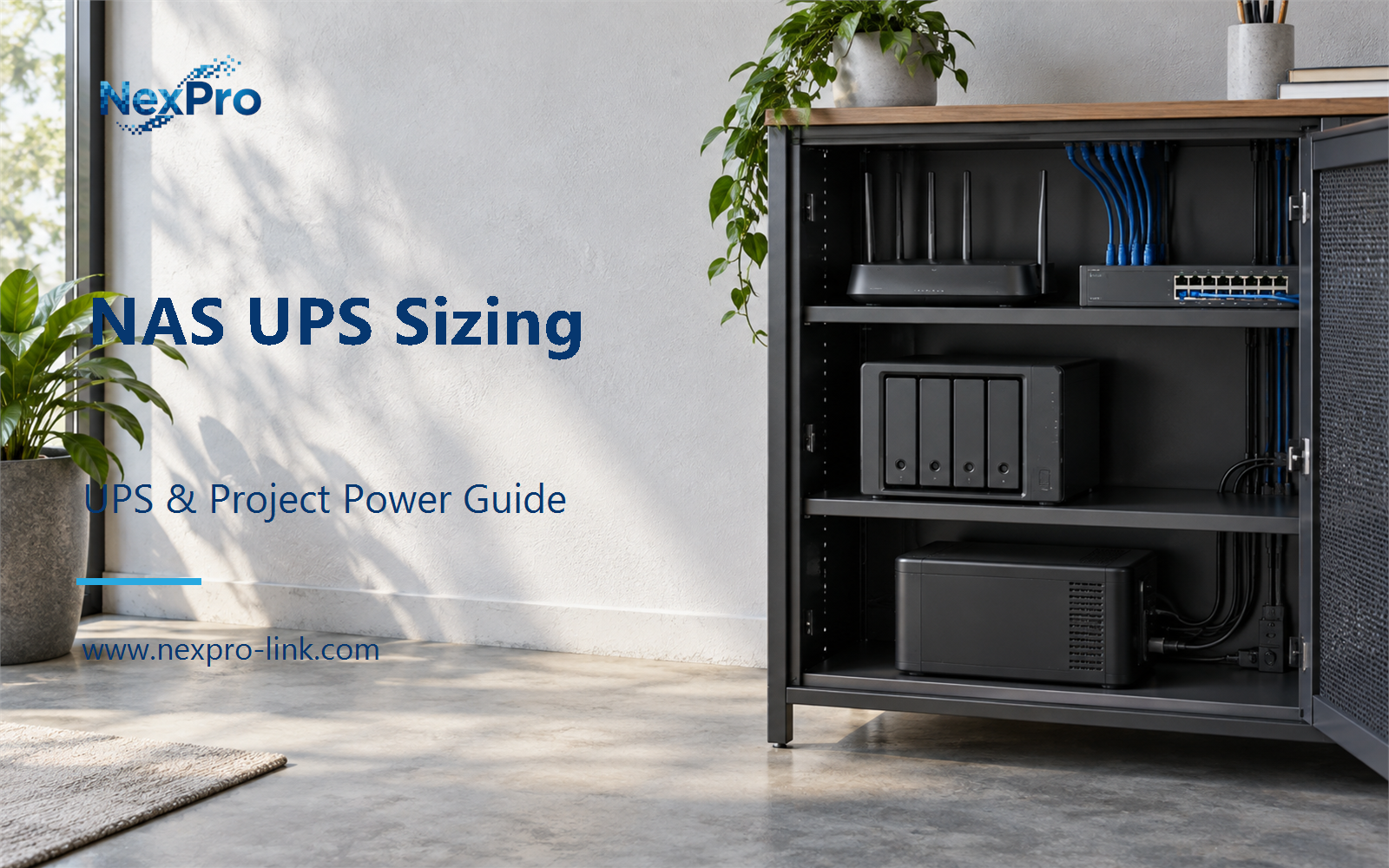
Focus on NAS operating and write dependencies for device-level UPS sizing, without repeating the B3 topology comparison.
Section 01
Define the NAS Equipment Boundary
Focus on NAS operating and write dependencies for device-level UPS sizing, without repeating the B3 topology comparison.
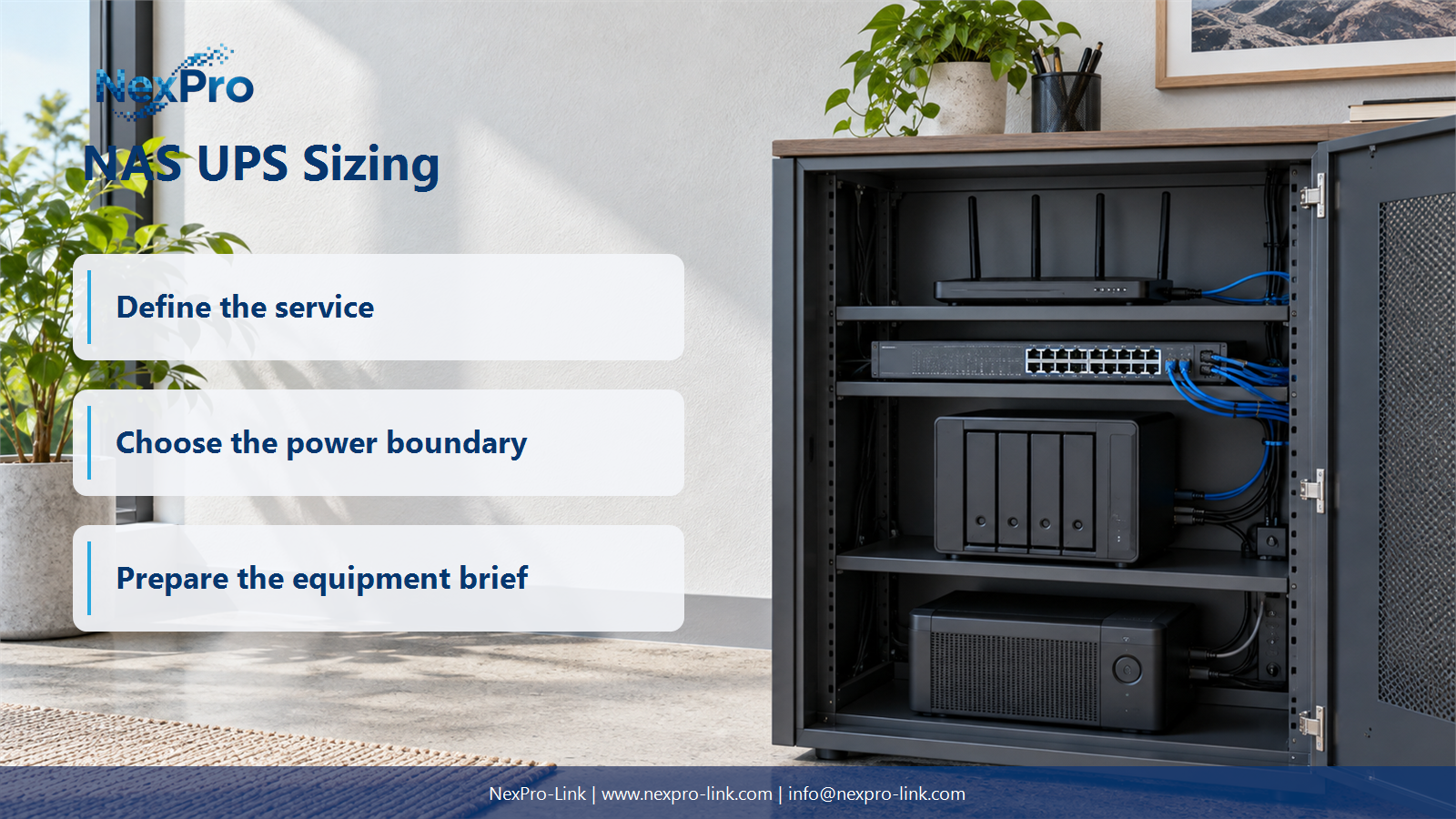
Start with the equipment that must stay powered, not the number of drive bays. A four-bay enclosure with two bays populated draws less than the same chassis fully loaded, and a fully loaded chassis still leaves out the switch that carries its management traffic. The scope list records each item and states whether it sits on the UPS.
The switch earns its place because a network shutdown message that cannot travel is no shutdown at all. The clients earn their exclusion because they stop writing before the NAS powers down. Drive-bay count is a poor proxy for either. Record the actual populated configuration and let the demand sections fill in the watts.
| Decision area | Project question | Required output |
|---|---|---|
| Define the NAS Equipment Boundary | What belongs in a NAS backup budget? | Scope: NAS / expansion / switch / management / clients |
| Read Operating and Startup Demand | Why distinguish running demand from startup behavior? | Profile: running / startup / expansion / state basis |
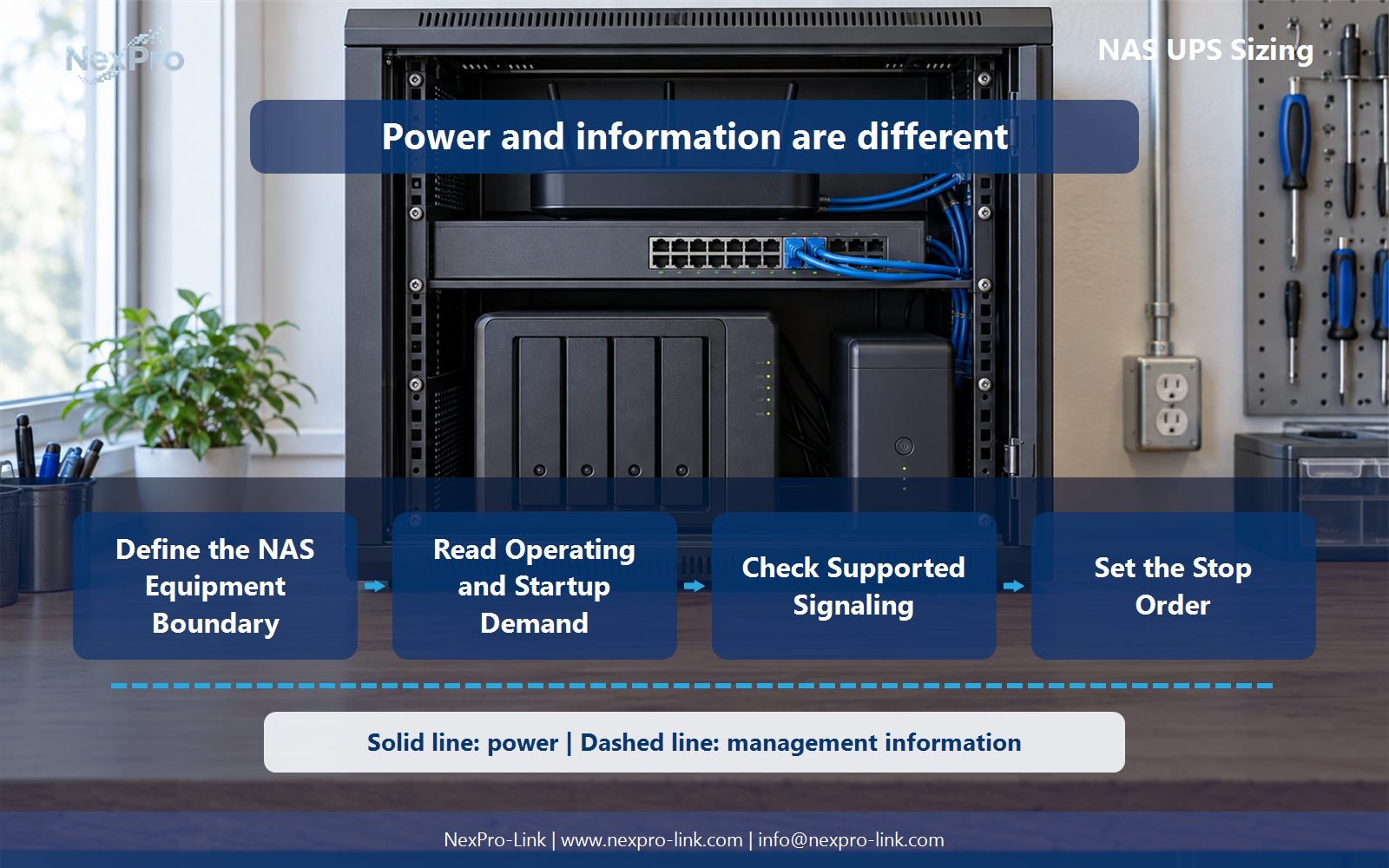
| Check Supported Signaling | Does a USB connector guarantee NAS shutdown support? | Interface table: NAS / UPS link / supported action / dependency |
Section 02
Read Operating and Startup Demand
A drive's steady running wattage and its spin-up draw are different numbers. Enclosures stagger spin-up in some configurations and pull everything at once in others. A fixed watts-per-drive rule smooths over that difference and can leave the UPS under the line when the array starts. Read the actual figures for the populated configuration, then keep the two states in separate columns.
Runtime stays tied to the running load, because that is what the UPS must carry during the outage. Startup demand matters for the moment the system comes back or for a brief restart, and it should be confirmed rather than estimated from the bay count.
Section 03
Check Supported Signaling
A USB cable between a UPS and a NAS is a physical connection, not a shutdown integration. The NAS operating system has to understand the UPS event and take an action: enter safe mode, stop services, then shut down. Before choosing a unit, name the interface, the software, and the required behavior.
The interface table is the checklist that turns a cable into a working signal. Confirm each row for the exact NAS model and UPS, because support varies across operating systems and firmware.
- Confirm the answer to: Does a USB connector guarantee NAS shutdown support?
- Draw electrical power as a solid path and management information as a separate dashed path.
- Keep external services and specialist approvals outside the UPS equipment claim.
Section 04
Set the Stop Order
The NAS should usually stop after its clients, not before. A client that is mid-write needs time to finish or suspend, and the storage has to stay up long enough to receive that last I/O. Write the sequence down so the runtime budget covers the whole chain.
The order matters because each step depends on the one before it. If the switch loses power in step 3, the NAS may still stop locally, but any network-driven shutdown action fails. The reserve absorbs the gap between the ideal timing and what a real shutdown takes.
Section 05
Separate Backup from Battery Time
Battery runtime buys minutes during an outage. It does not create a second copy of the data. A longer runtime lets the NAS ride through a longer interruption or finish a longer shutdown; it does nothing for a failed drive, a deleted folder, or a site-wide loss. Keep the two layers on separate budget lines.
A team that sizes the UPS for two hours of runtime and skips the backup still loses data when a drive fails. The two purchases answer different questions, and the budget should name each one separately.
Section 06
Prepare the NAS RFQ
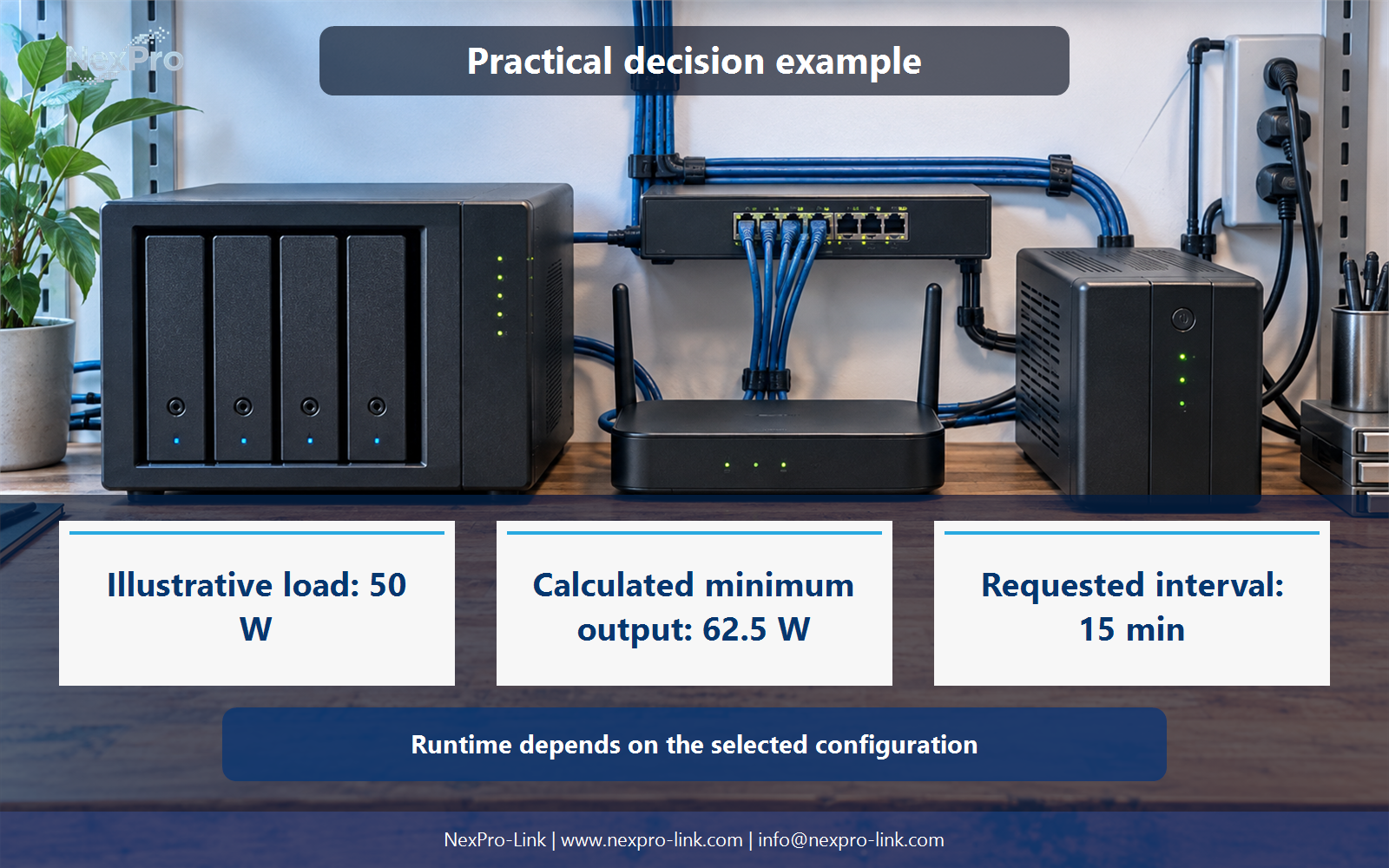
Send the supplier the NAS model configuration, the demand basis, the required interfaces, and the stop objective. That is enough for a quote, and it is more useful than a request for "a UPS for a NAS." The table shows how a small site's brief might read.
NexPro-Link can discuss compatible power options within that scope. Its catalog organizes a line-interactive category under NX-UP-ST-002, which shows how the series is named without standing in for the fitting. The matching still depends on the configuration, the load, and the interfaces the NAS supports. Battery duration follows from the selected configuration, so the brief records the objective and leaves the matching to the supplier.
Engineering references
These sources support the general planning principles. Always use the selected product's current datasheet and applicable project standards for final design.