
Judge whether a line-interactive UPS meets the real goal, starting from NAS power compatibility, write strategy and shutdown integration.
Section 01
Define what the NAS must preserve
Is a lightly used NAS automatically low risk? For SME network administrators, system integrators, the answer must stay inside the project boundary: No. The importance of the stored work and the recovery objective matter alongside write frequency. Identify whether it serves active business files, backups or surveillance storage, then decide what must remain available during an outage. The next step is NAS role table: service / active users / recovery objective, using NAS model, attached switches and shutdown connection.
Judge whether a line-interactive UPS meets the real goal, starting from NAS power compatibility, write strategy and shutdown integration.
A NAS can be a convenience copy, a primary file store, a surveillance archive or part of a backup workflow. The correct outage response depends on that role. Decide whether the objective is to ride through short interruptions, finish active writes or keep service available for a stated interval.
List clients that can continue writing during the event. If the network stays live but the NAS is already preparing to shut down, new writes need to stop in a controlled way.
| Question | Why it matters | Project entry |
|---|---|---|
| What data is active? | Defines the shutdown consequence | Shares, applications and backup jobs |
| Who can still write? | Sets network dependencies | Clients and switches |
| How does the NAS stop? | Sets management compatibility | Supported USB or network method |
| How long is required? | Sets battery objective | Timed shutdown plus reserve |
Section 02
Check power and waveform compatibility
Confirm the NAS power-supply input range, maximum demand and behavior during transfer. A line-interactive UPS may suit many compact switch-mode loads, but compatibility must be checked for the selected NAS, attached expansion units and UPS output waveform.
Measure the complete protected group instead of using storage capacity as a proxy for power. Drives, network switches and an external enclosure can change both normal load and startup demand.
- Measure watts and apparent power at representative activity.
- Include required switches and expansion shelves once.
- Keep laser printers and unrelated office loads outside the NAS group.
Section 03
Connect and test the shutdown signal
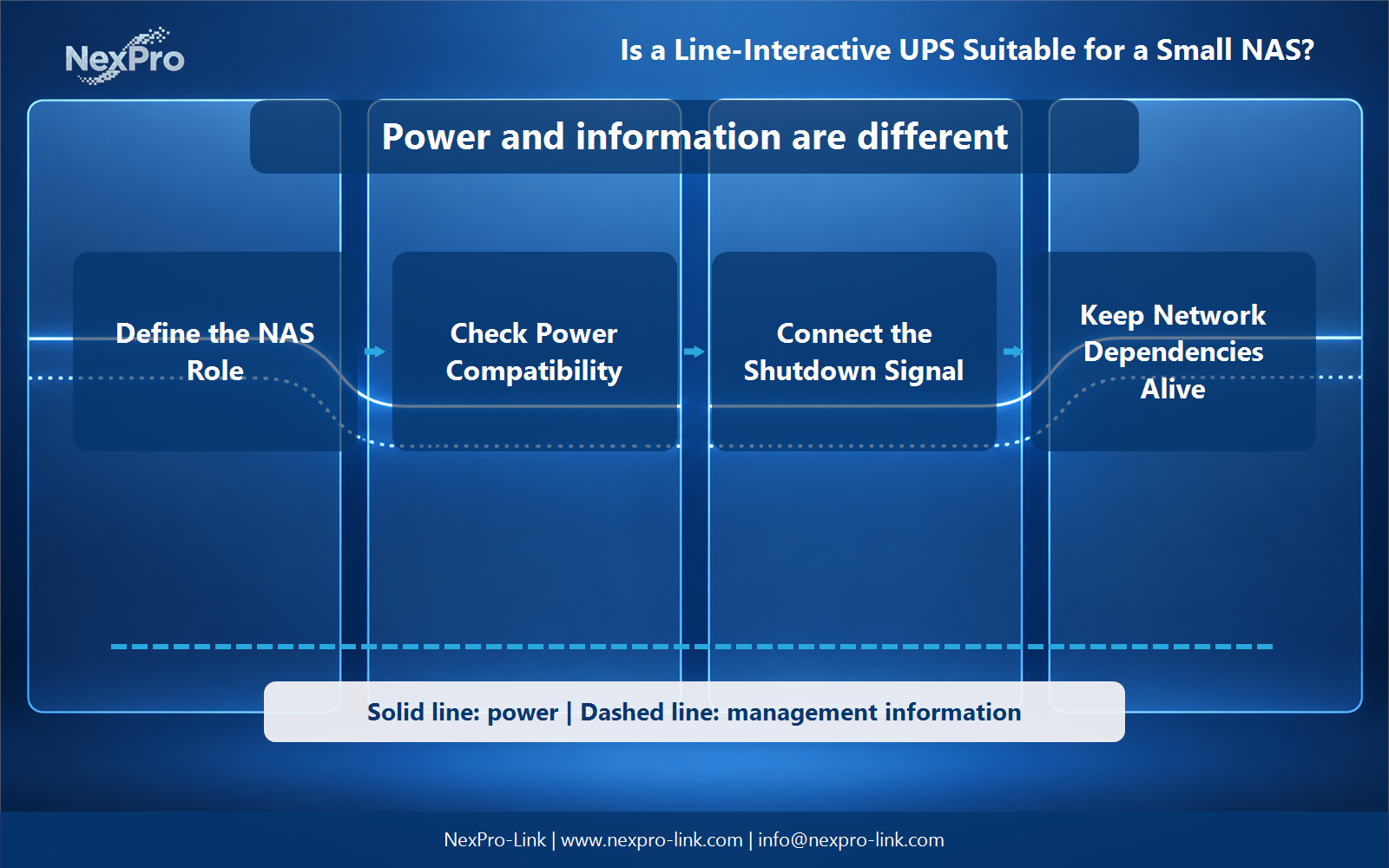
The NAS must recognize a sustained outage and begin a supported stop before the battery is exhausted. USB signaling can be simple for one NAS. Network signaling can coordinate more devices, but it depends on the switch and management path remaining powered.
Test notification, timer, command, completion and restart behavior. A visible USB connection or installed package does not prove that the sequence will finish during a real power event.
Section 04
Keep the required network dependencies alive
If the NAS receives shutdown information over the network, protect the relevant switch and any local controller. Cloud notification is useful for awareness but should not be the only trigger for a local safe stop.
Decide which clients stop first, when shares become read-only or unavailable, and whether backup jobs are paused. This reduces the chance that new work arrives while storage is already closing.
Section 05
Size the initial output and verify runtime
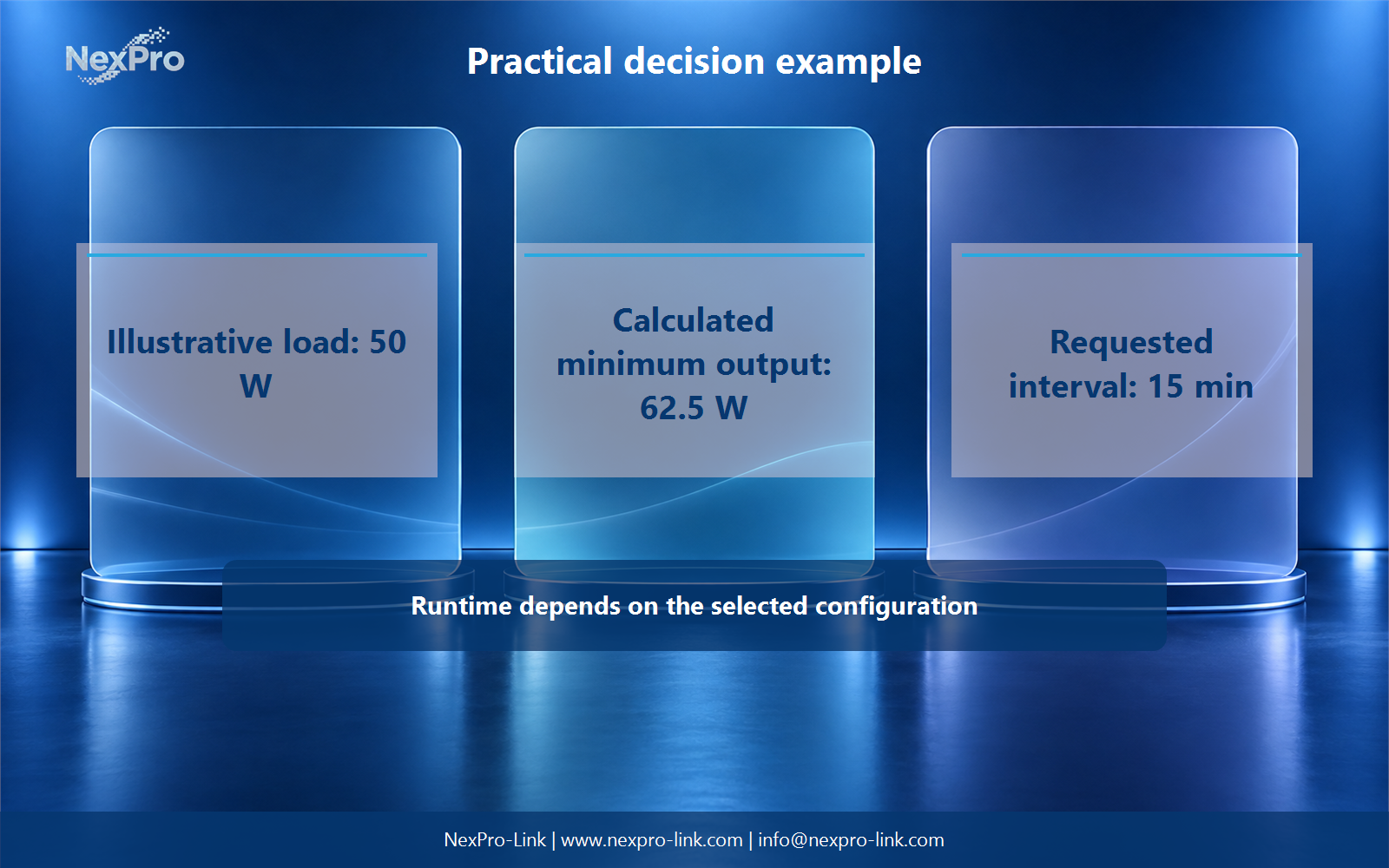
For an illustrative 50 W NAS group, a 25 percent allowance gives a 62.5 W planning minimum. The requested interval is 15 minutes. The value is useful for screening output capacity, but battery runtime still depends on the selected UPS, battery condition and actual load.
The equipment brief should name the NAS model, attached storage, measured demand, shutdown interface, protected switch and desired restart behavior. Use current runtime data and repeat the shutdown test after the storage configuration changes.
Engineering references
These sources support the general planning principles. Always use the selected product's current datasheet and applicable project standards for final design.