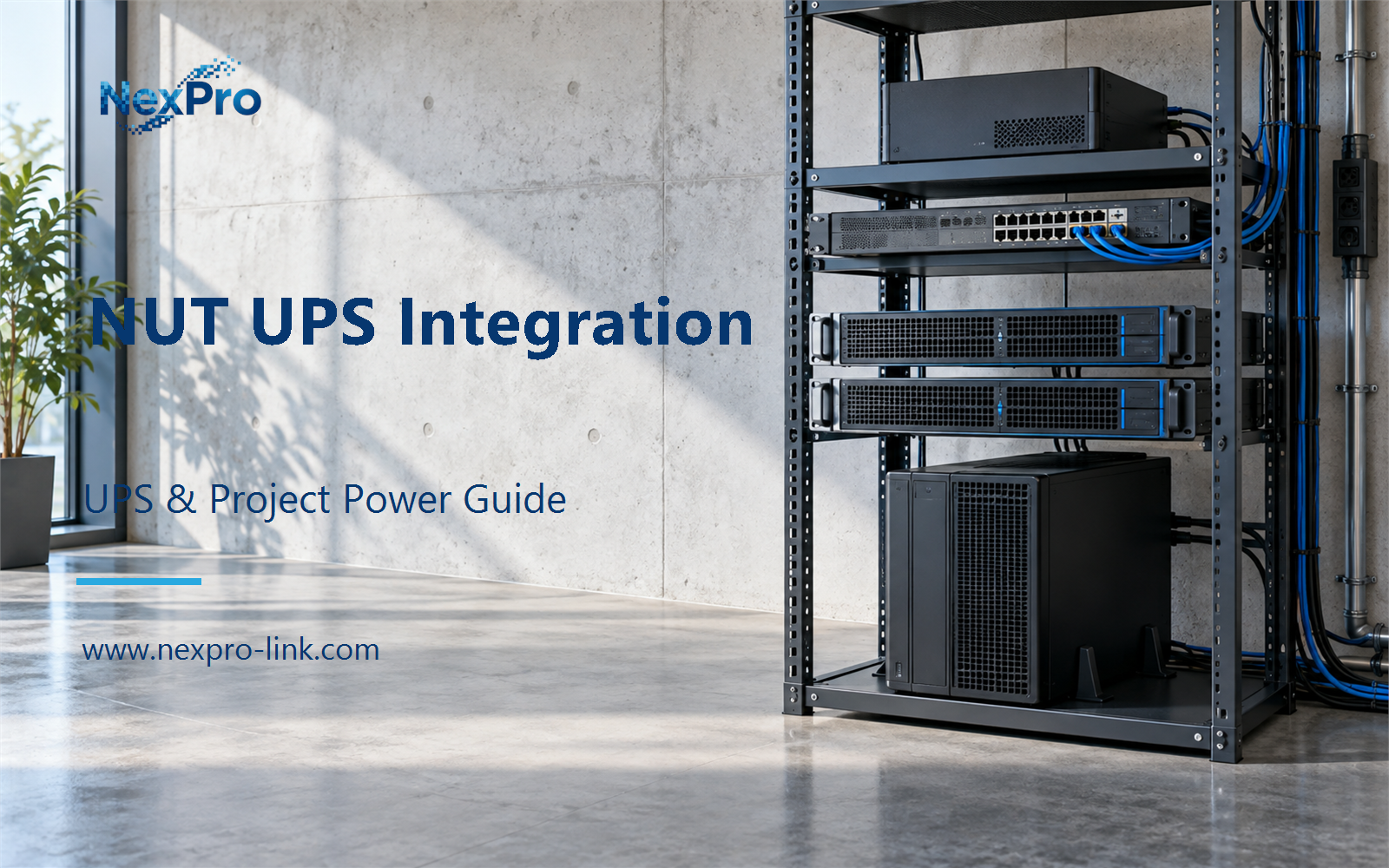
Explain UPS integration through supported drivers, upsd, upsmon and the event path, without shipping a one-command production shutdown script.
Section 01
Define the Integration Roles
For Linux administrators and IT integrators, the first project decision is this: What are the main roles in a NUT deployment? Distinguish the device driver, data-serving component and monitoring or shutdown client. Map those roles to the actual hosts and interfaces. This makes the integration understandable without assuming that every UPS or operating system uses the same connection method. The practical output is role map: UPS / driver / server / monitor / protected host, supported by operating systems, exact UPS interface and desired shutdown ownership.
Explain UPS integration through supported drivers, upsd, upsmon and the event path, without shipping a one-command production shutdown script.
A NUT deployment is easier to reason about when the three roles stay separate. Each one has its own failure mode and its own host assignment.
The driver speaks the UPS protocol. It opens the USB, serial or SNMP channel, polls the device and turns the response into named variables such as battery.charge, battery.runtime and ups.status. The driver name matters because a UPS that answers a USB query is not the same as one that exposes an SNMP object tree.
upsd is the data server. It holds the variables in memory and serves them to clients over TCP, with a configured list of allowed hosts. A minimal design puts the driver and upsd on the host that is physically connected to the UPS.
upsmon is the monitor and action client. It subscribes to upsd, compares the variables against thresholds, and runs the commands that notify staff or stop a host. This is the only component that should execute a shutdown action, and only when the policy permits it.
| Decision area | Project question | Required output |
|---|---|---|
| Define the Integration Roles | What are the main roles in a NUT deployment? | Role map: UPS / driver / server / monitor / protected host |
| Check the Actual Interface | Does a USB or SNMP feature guarantee NUT compatibility? | Interface table: model / transport / driver / supported data / action |
| Separate Observation from Action | Should receiving a power event immediately stop every host? | Policy table: event / confirmation / delay / permitted action |
Section 02
Check the Actual Interface
A USB port or an SNMP agent does not guarantee that NUT will read a given UPS. Compatibility is a property of the exact model, the transport, the NUT driver and the installed NUT version.
The first check is the transport. A UPS with a USB port may present as a standard USB HID power device, which the usbhid-ups driver handles for many models, or it may use a vendor protocol that needs a different driver. An SNMP UPS needs the right MIB and object identifiers plus read access to them. Some units expose both. The design should name which one the driver will use.
The second check is the variable set. On battery status and an accurate battery.runtime value are different readings. Record which variables the driver actually returns, because the policy in the third section depends on them.
The NexPro-Link NX-UP-RM-001 range is a candidate entry point for a rack IT or network cabinet. Its published fields cover series, configuration and rating, such as C2KR(S) at 2,000 VA and 1,800 W with internal VRLA batteries. They do not state a NUT driver claim, so the interface column comes from the unit itself and the NUT compatibility list. The VA rating does not answer it.
Section 03
Separate Observation from Action
upsmon receives events such as on battery, low battery and communications lost. Those are states, and each one maps to a different policy action. On battery means the input is gone but the battery still has time. Low battery means the configured threshold has been crossed and the shutdown sequence should begin. Communications lost means the monitor cannot confirm either state, so it should notify and wait instead of treating the situation as a confirmed empty battery.
The delay column stops a brief communications drop from becoming a mass shutdown. It also keeps the decision on a configured threshold, so an operator can move the point where shutdown begins without touching the driver.
- Confirm the answer to: Should receiving a power event immediately stop every host?
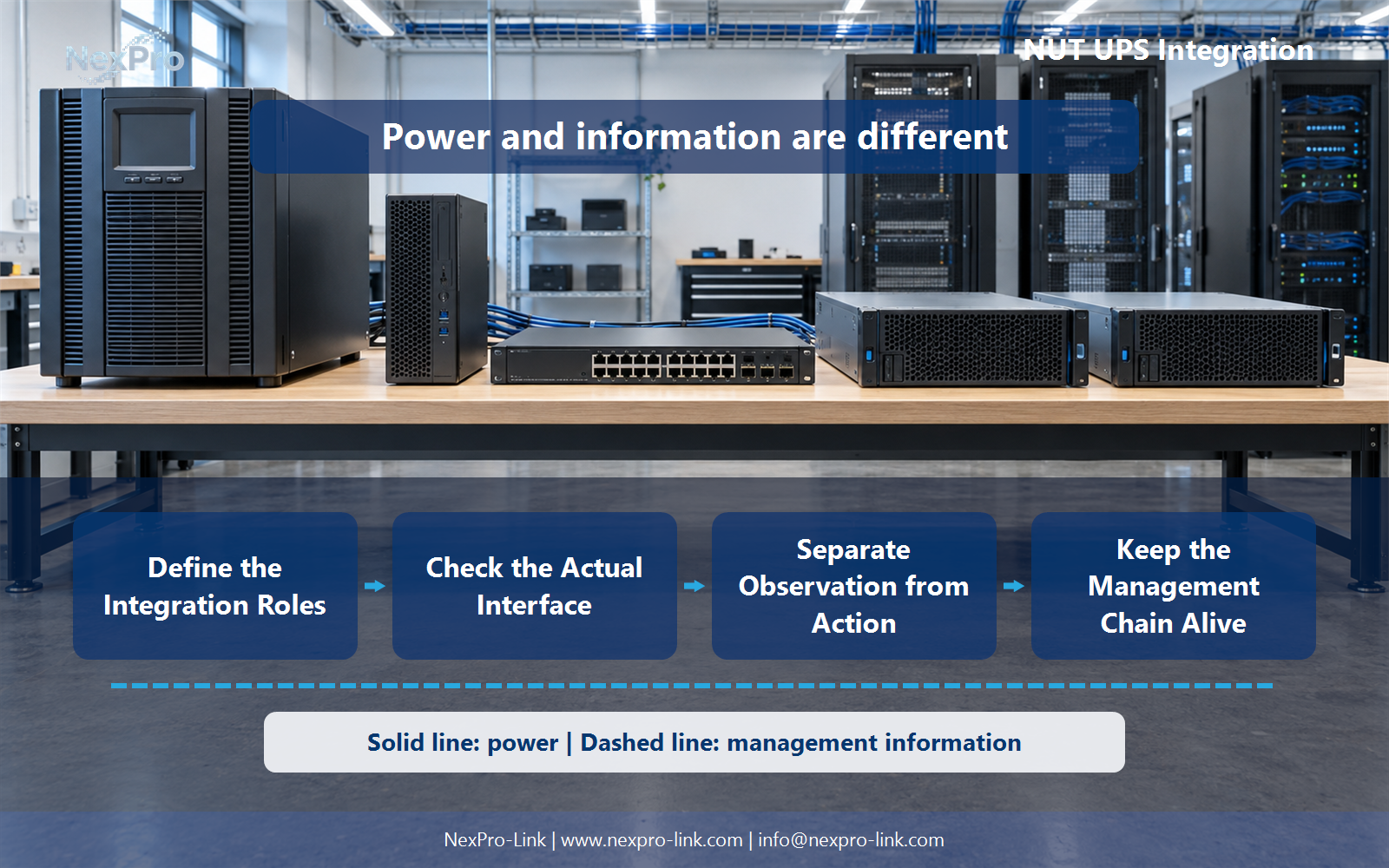
- Draw electrical power as a solid path and management information as a separate dashed path.
- Keep external services and specialist approvals outside the UPS equipment claim.
Section 04
Keep the Management Chain Alive
The shutdown signal reaches a host only if the path between upsd and upsmon stays up. That path runs through the management host and any switch between the two. Power them the same way you power the servers, or the signal dies before the servers do.
The worked setup keeps the switch on the same backup source as the management host. If that switch stayed on raw mains, a mains failure would remove the path exactly when the shutdown signal needs to travel. A local fallback, such as a short timer that stops a host if it has not heard from upsd for a set interval, covers the case where the switch or management host fails first. Design and test it during commissioning.
Section 05
Test Within an Authorized Scope
A working connection is only the first stage of an integration test. The test moves from observation to notification to action, and the action steps run only inside a scope you are authorized to stop.
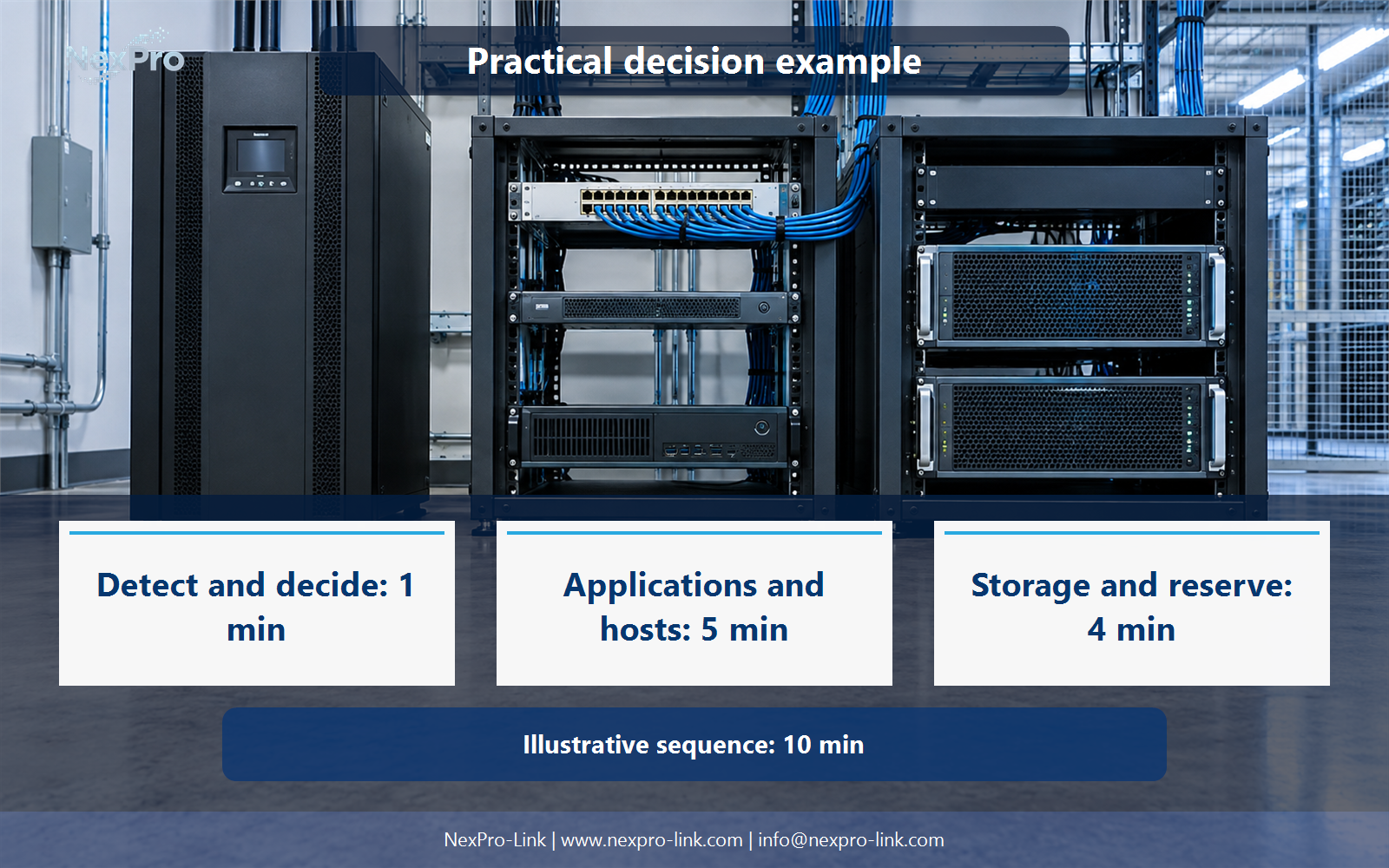
Commands that can force a shutdown, such as upsmon -c fsd or a custom SHUTDOWNCMD, should be named in the plan and kept out of the default production path. Do not run them against the application servers to see what happens. Record the actual timing and any deviation, because that timing later feeds the shutdown budget in the worked scenario.
Section 06
Prepare the Integration Brief
The brief converts the decisions into inputs NexPro-Link can act on. It should name the operating systems, the exact UPS interface, the intended NUT roles, the supported action objective and the devices that must stay powered.
These fields let a supplier match driver support and shutdown behavior to the selected configuration. NexPro-Link can discuss the available equipment interfaces from its UPS Power catalog and turn the brief into supply lines through its BOQ and Tender Support entry.
Engineering references
These sources support the general planning principles. Always use the selected product's current datasheet and applicable project standards for final design.