A display quote becomes comparable when it defines the usable pixel canvas and the operator's task. Screen area alone cannot explain differences in readable detail or installed cost.
Section 01
Define the operator viewing task
Choose the simplest display arrangement that lets hotel operators read the required views from their actual seats and enlarge an event when needed. Begin with a monitor-based arrangement when one operator mainly retrieves incidents. Move to a wall when shared, continuous observation requires a larger physical layout and the signal path supports it. Compare quotations at the same pixel canvas, viewing task and installed scope.
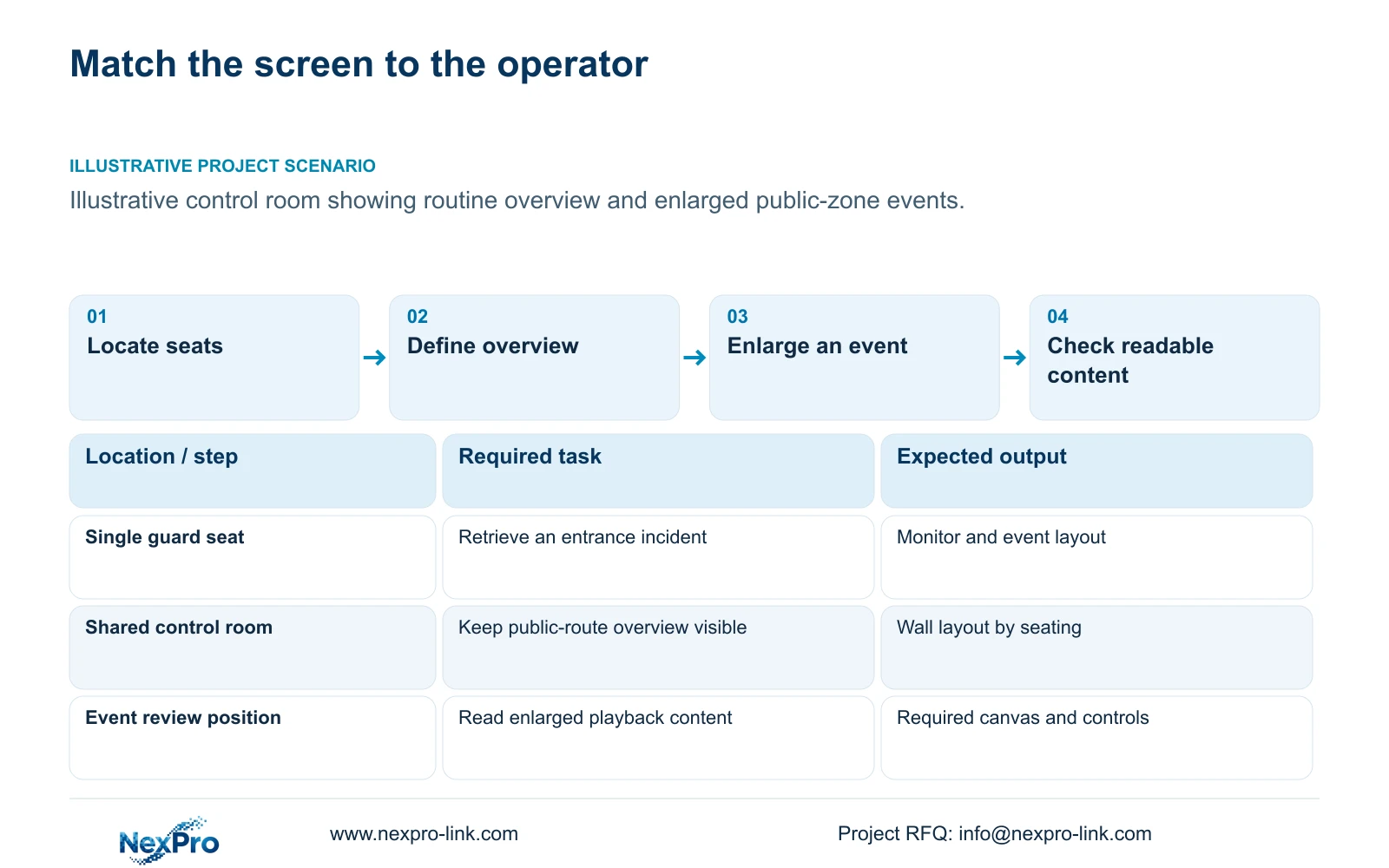
Write the operating sequence before selecting screen dimensions. A guard may need a public-entrance overview, an enlarged event view and access to a defined playback interval. The person authorizing an export may have a different role. A wall displaying many live tiles does not establish whether these actions are available or whether the operator has permission to perform them.
Record the normal layout, event layout and occupied seating positions. These become the comparison baseline for LCD, a single monitor or a project-specific LED proposal. The total camera count alone does not justify a wall. Recording should continue independently when an optional display is switched off or unavailable.
| Required task | Given information | Decision still needed |
|---|---|---|
| Observe public entrances | Several views share an overview layout | Readable tile size at occupied seats |
| Review an incident | One view needs enlargement and playback | Supported control and display workflow |
Section 02
Calculate the real pixel canvas
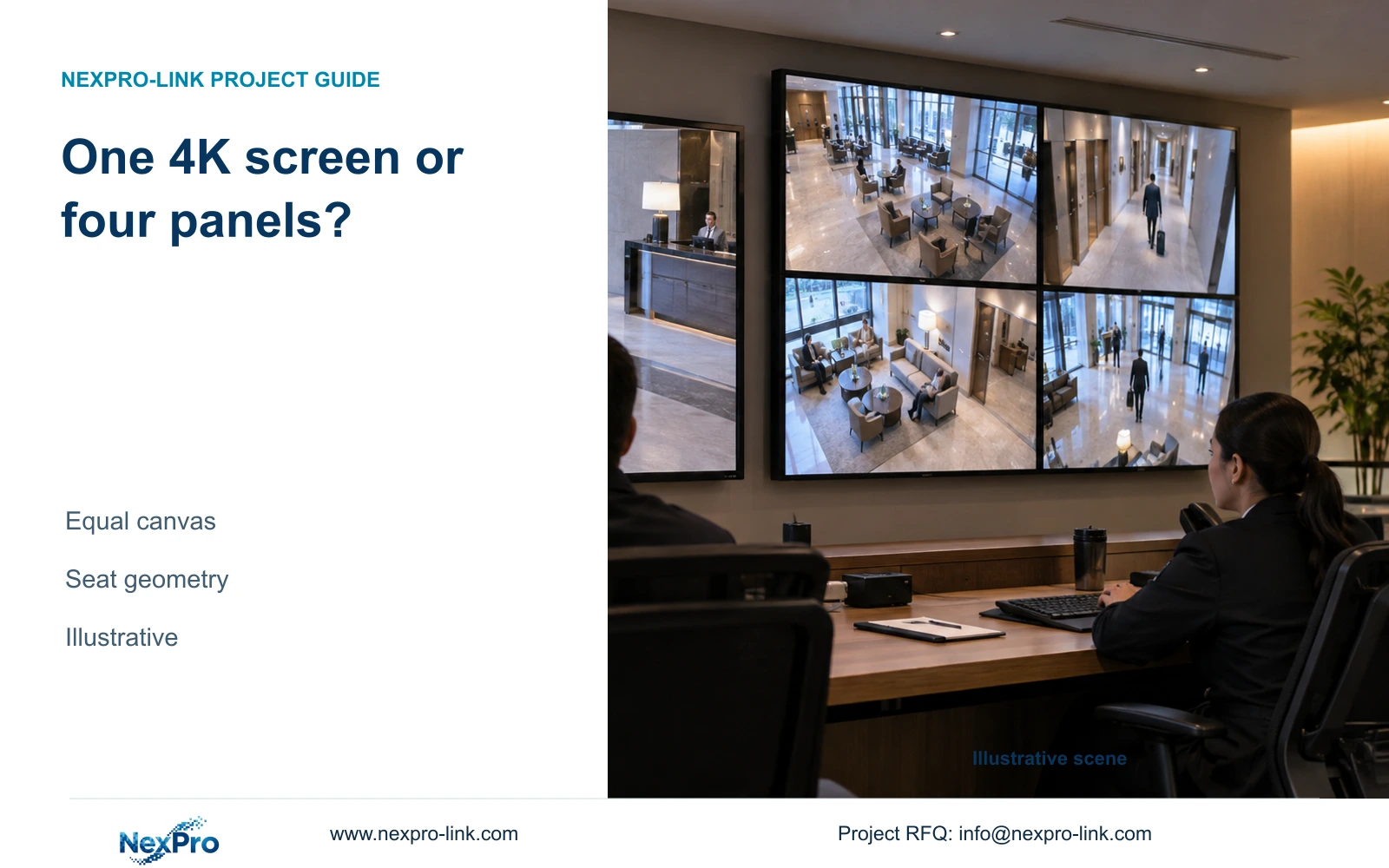
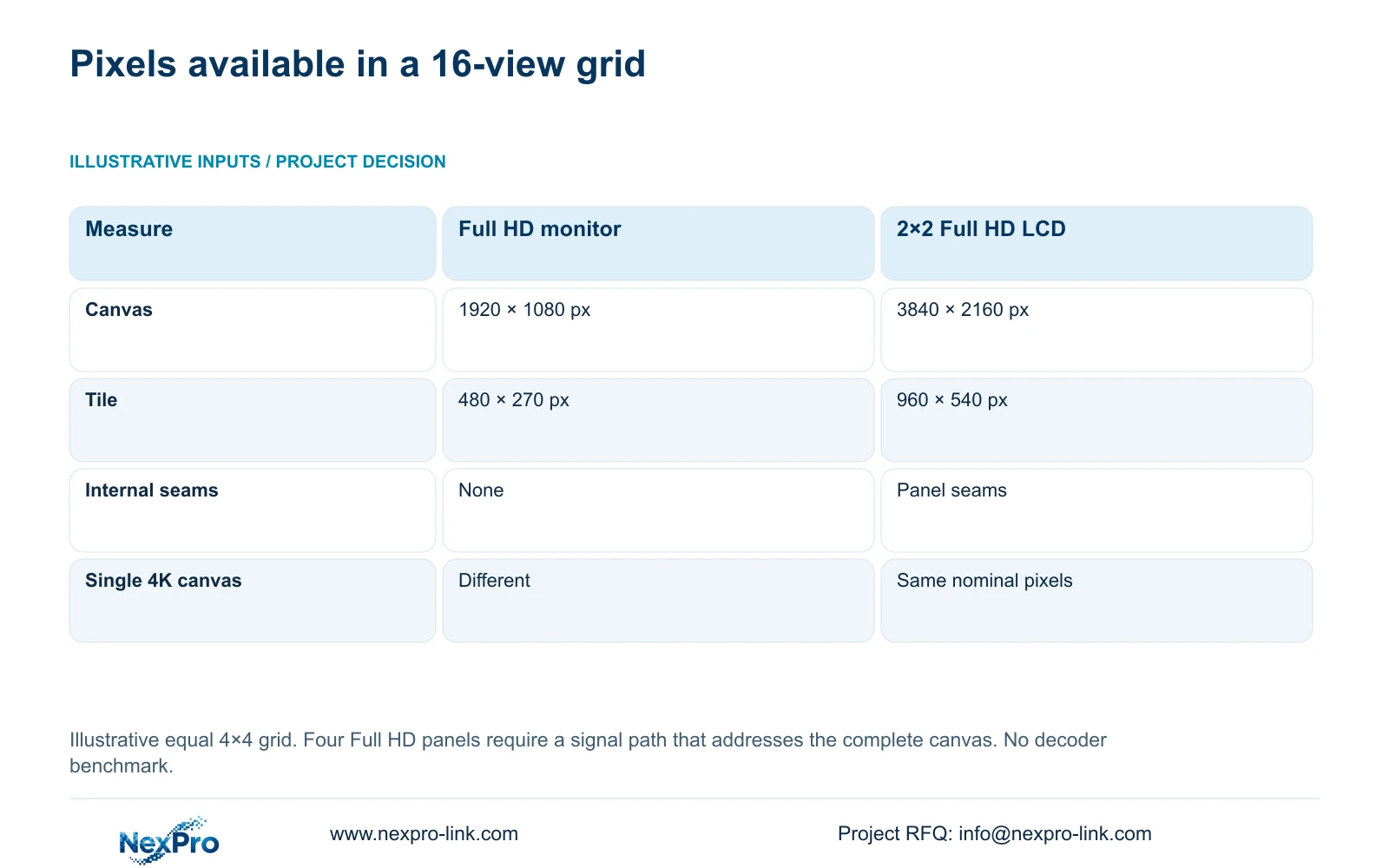
Calculate horizontal and vertical pixels separately. A 2×2 arrangement of Full HD panels gives 1920 × 2 by 1080 × 2, or a nominal 3840×2160 canvas. This assumes the selected signal and control arrangement can address that complete canvas. Four panels showing duplicate signals would not provide the same usable workspace.
The illustrative comparison uses an equal 4×4 camera grid. Divide each canvas dimension by four to find the nominal tile allocation: 480×270 pixels on one Full HD monitor and 960×540 on the four-panel canvas. These are display allocations, not camera recording resolutions. A detailed recorded stream still needs an enlarged view for closer examination.
A single 4K monitor has the same nominal total pixel canvas as the 2×2 Full HD wall. Its physical size, absence of internal panel seams and viewing position differ. The wall therefore needs a task-based justification beyond a claim that four screens inherently produce more source detail. Interface borders and other occupied areas can further affect the actual viewing layout.
| Metric / condition | One Full HD monitor | 2×2 Full HD LCD canvas |
|---|---|---|
| Canvas | 1920 × 1080 px | 3840 × 2160 px |
| 16-grid tile | 480 × 270 px | 960 × 540 px |
| Physical seams | No internal seams | Panel seams exist |
| Single 4K monitor comparison | Different pixel canvas | Same nominal canvas, different physical layout |
Section 03
Compare seams, pitch and viewing position
NX-VP-5535 is a 55-inch LCD panel with a published 1920×1080 resolution, 3.5mm seam field and 400nit typical brightness field. It is not direct-view LED. Compare its actual panel arrangement with the proposed content layout, especially where text or an enlarged event crosses a seam. The quoted panel dimensions and mounting arrangement must support the intended room layout.
A direct-view LED offer needs the active wall dimensions, nominal pitch and final module and cabinet arrangement. Dividing physical millimetres by pitch provides a conceptual pixel canvas, but the selected hardware determines the final resolution. No supplied NexPro-Link LED SKU establishes those details, so keep the requirement functional until a real configuration is proposed.
Evaluate nearest and farthest occupied seats using the same camera grid and required text. A pitch-to-distance shortcut does not establish universal readability. Compare brightness under the intended room conditions and retain access for maintenance. A smaller pitch or larger wall is worth considering when the required content remains unreadable in the simpler arrangement.
Section 04
Include decoder and control roles
Separate recording input, video decoding, display output and layout control. A screen can accept a signal without decoding the hotel's network streams itself. The recorder, client or decoder must support the actual codec, resolution, frame rate and simultaneous workload. NX-VD-4K16 is a modular network-decoder candidate with a published 5U chassis description; its name does not prove sixteen simultaneous 4K streams.
Specify the ordinary grid and event enlargement as different viewing states. Substreams can support the overview while a main stream supplies an enlarged event, subject to actual equipment support. Keep the recording profile unchanged when optimizing viewing. Include simultaneous playback, audio or event presentation only where required, and verify the corresponding configuration.
The 960×540 tile result describes the canvas available to a view. It does not establish decoder throughput. Require the quotation to map streams to decoding resources, outputs to panels, and operator actions to supported controls. ONVIF profile matching can assist functional checks, but it does not prove full event, audio or cloud-account interoperability.
Section 05
Normalize power, mounting and maintenance
Evaluate panel or module supply together with controllers, mounting, cables and the agreed installation work. Identify who provides the supporting structure and who can access the rear or front of the installation during service. An equipment-only quote and a complete installed package cannot be ranked by their headline totals.
Use actual average and peak power information for the selected equipment. The linked engineering reference's 4×120W panels plus 100W decoding allowance is an illustrative 580W load, not measured consumption for NX-VP-5535 or NX-VD-4K16. Including a display in UPS protection changes the protected-load and runtime calculation. Its room heat contribution also remains a separate design input.
Specify the supported replacement scope and service access for a failed unit. The supplied policy record gives applicable main equipment a usual 24-month limited hardware baseline from receipt, subject to written order terms. That does not automatically include mounting labour, local attendance or every accessory. Compare maintenance responsibilities and excluded costs alongside equipment price.
| Retained outcome | Extra scope | When it is justified |
|---|---|---|
| Incident retrieval | Larger shared LCD layout | Several occupied seats require continuous overview |
| Readable wall content | Project-specific LED configuration | Required canvas and seam treatment justify its installed scope |
Section 06
Choose the appropriate display architecture
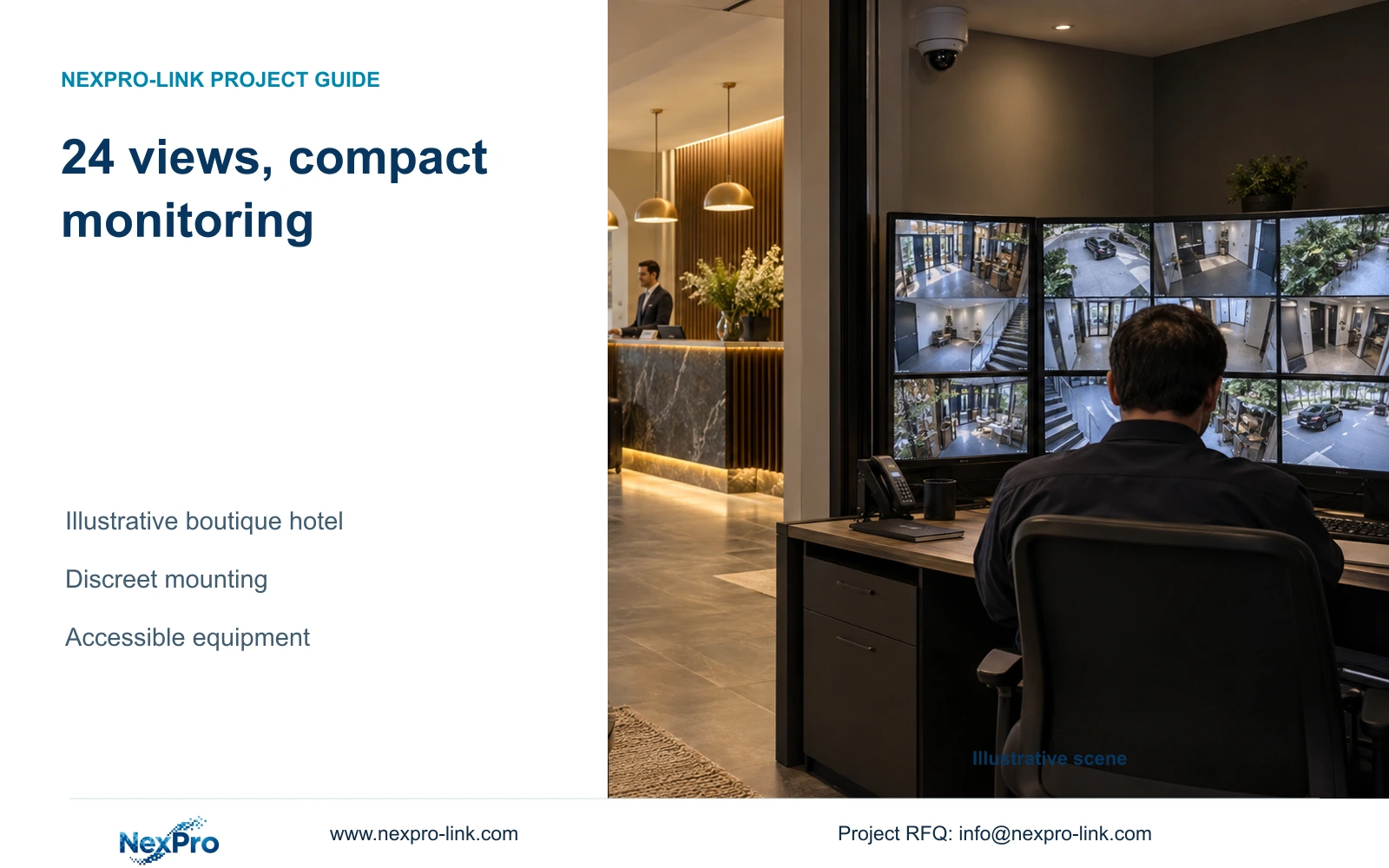
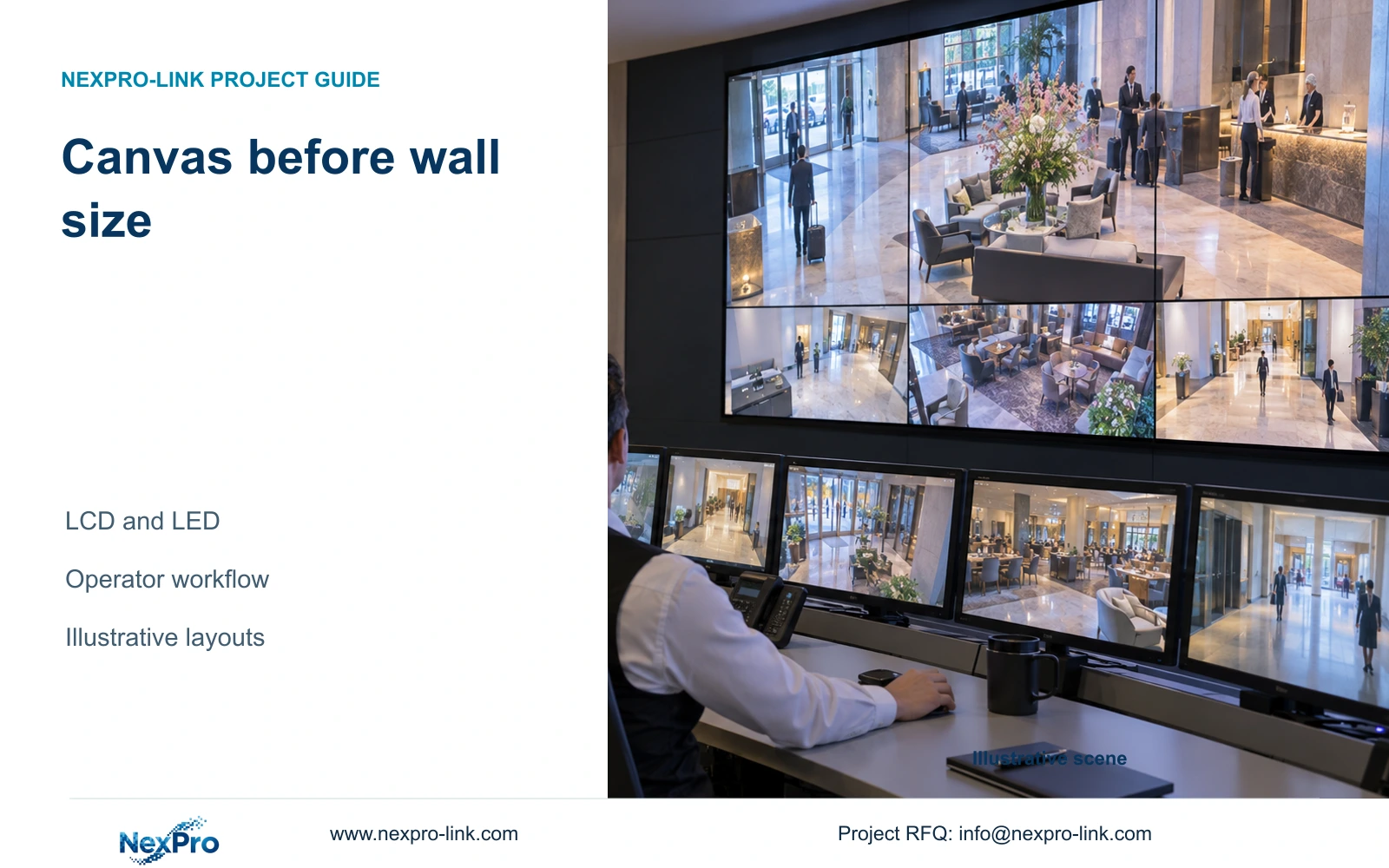
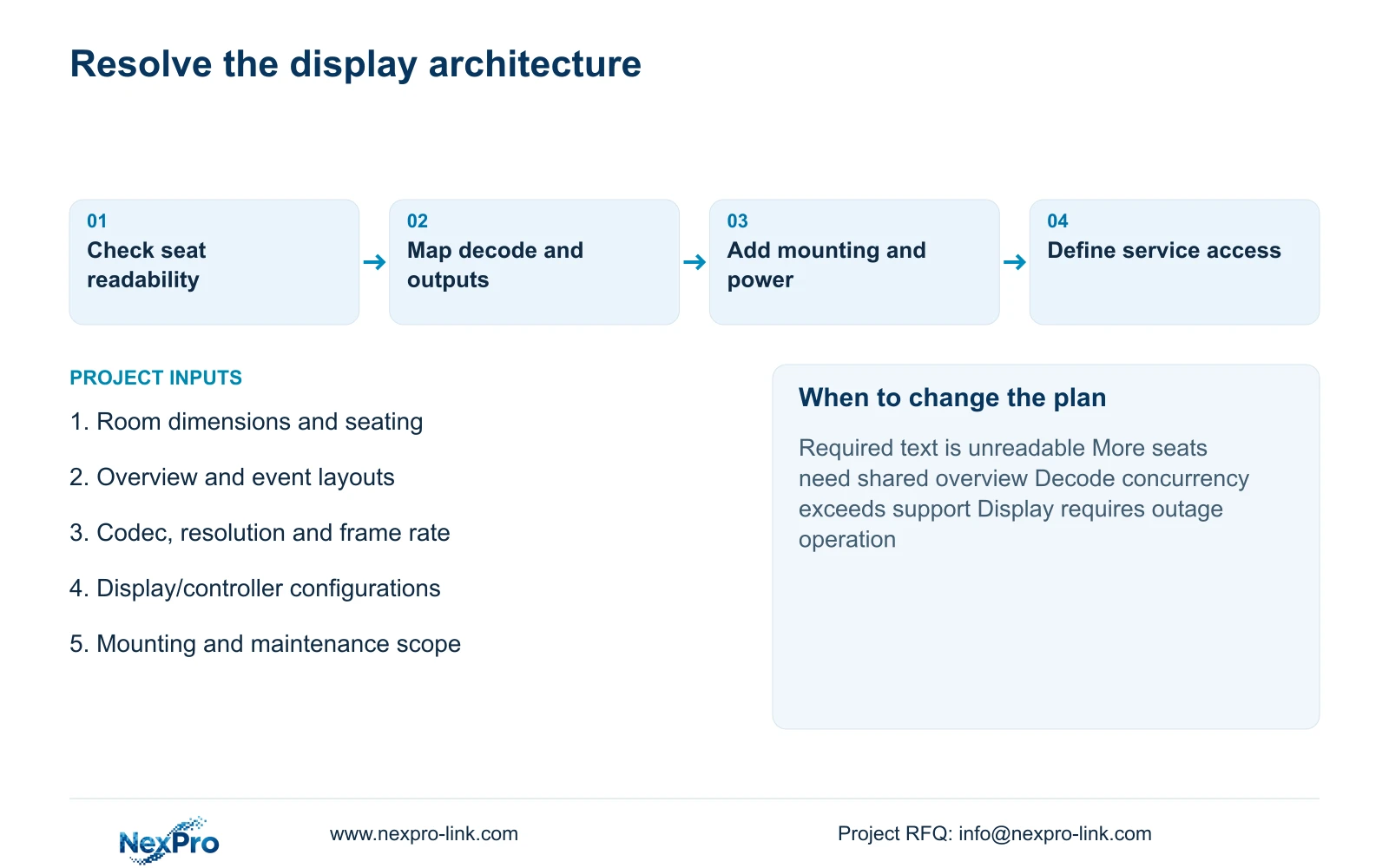
Start with a task-sized monitor and authorized workstation for a single operator who mainly reviews incidents. Choose a 2×2 NX-VP-5535 LCD arrangement when shared observation requires its physical layout, the seams are acceptable and the control path addresses the full canvas. Consider direct-view LED when a defined wall geometry and content requirement justify its module, controller and maintenance scope.
Change the proposal if seating, required text, simultaneous decoding or outage viewing changes. A mandatory hotel platform can also determine the supported control arrangement. NexPro-Link can discuss equipment matching and coordinated supply, with local mounting and installation responsibilities stated separately. Email info@nexpro-link.com with room dimensions and seating distances, normal and event layouts, stream requirements, and the competing display/controller configurations. Include destination and installation exclusions so the quotation comparison uses the same boundary.
Section 07
Buyer questions
Does sixteen-window output prove sixteen-stream 4K decoding? No. Window layout, display output and simultaneous video decoding are separate limits. Obtain the supported codec, resolution and frame-rate combination for the exact decoder configuration.
Can the hotel keep recording while the wall is off? The design should preserve the required camera, network and recorder path independently of optional display power. Confirm that the wall or its controller is not an unintended dependency in that path.
Can NexPro-Link compare an equipment-only quote? Yes, as a defined supply comparison. Mounting, controls, power provisions and local service exclusions must be identified before comparing it with a complete installed offer.
Engineering references
These sources support the general planning principles. Always use the selected product's current datasheet and applicable project standards for final design.