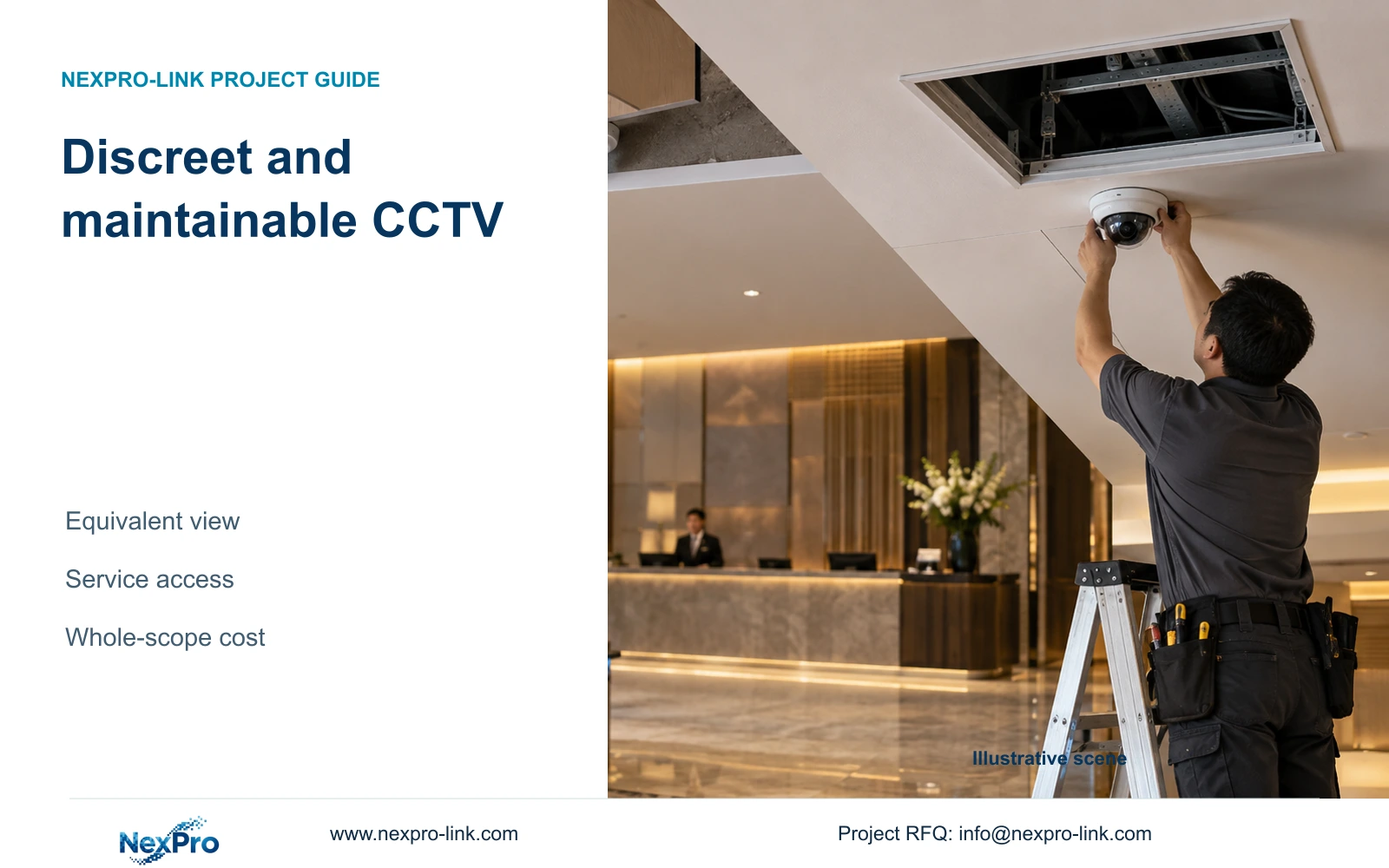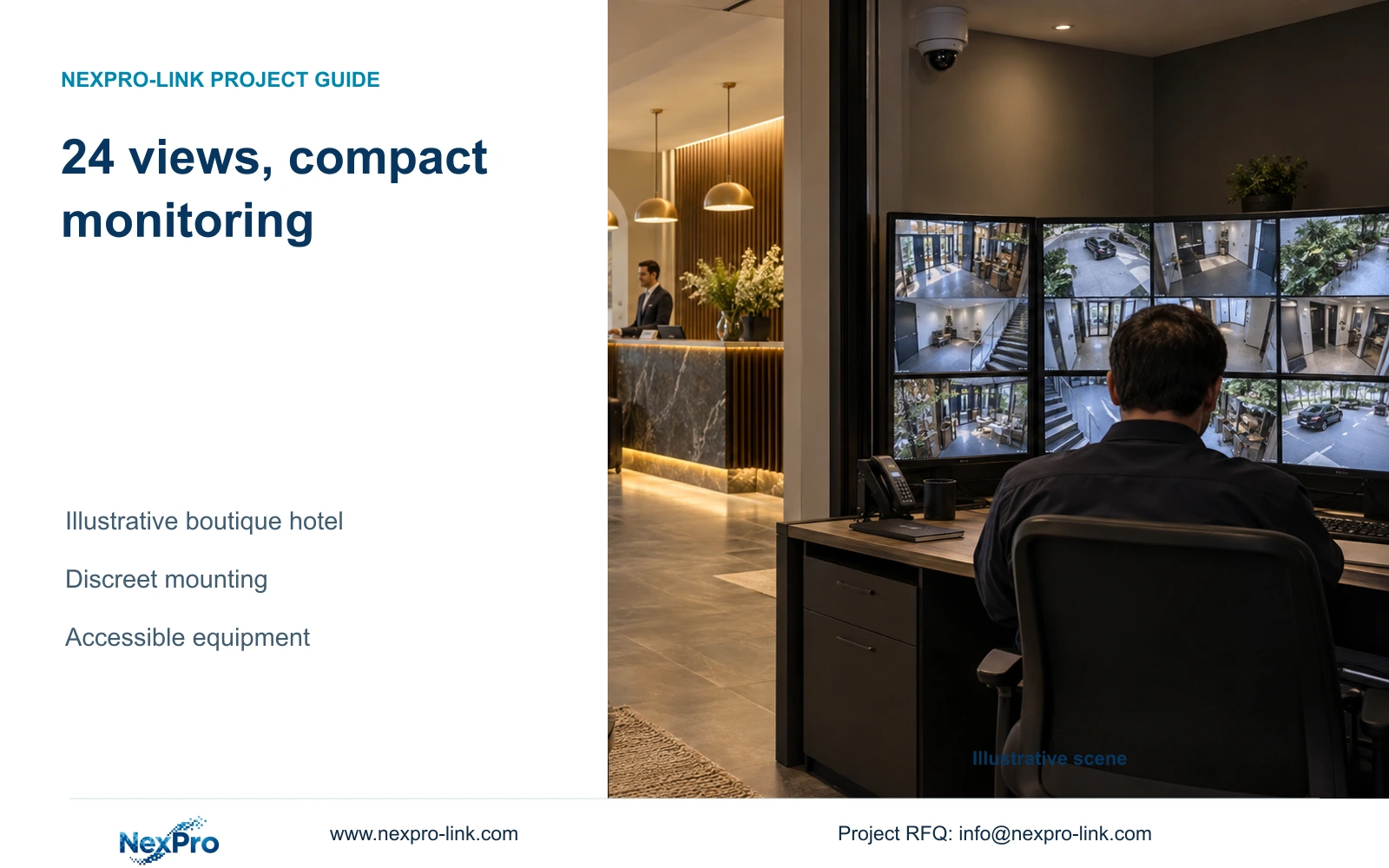
This illustrative boutique hotel combines 24 public-area camera tasks with accessible equipment, calculated retention and a compact monitoring desk.
Section 01
Choose public-zone coverage before allocating equipment space
Choose a compact monitoring desk and independently protected recording core when the boutique hotel's operators mainly retrieve incidents and inspect selected views. Use adjustable lenses at entrances where framing needs refinement, and simpler suitable views elsewhere. Expand the display only if the room layout and sustained observation task require it.
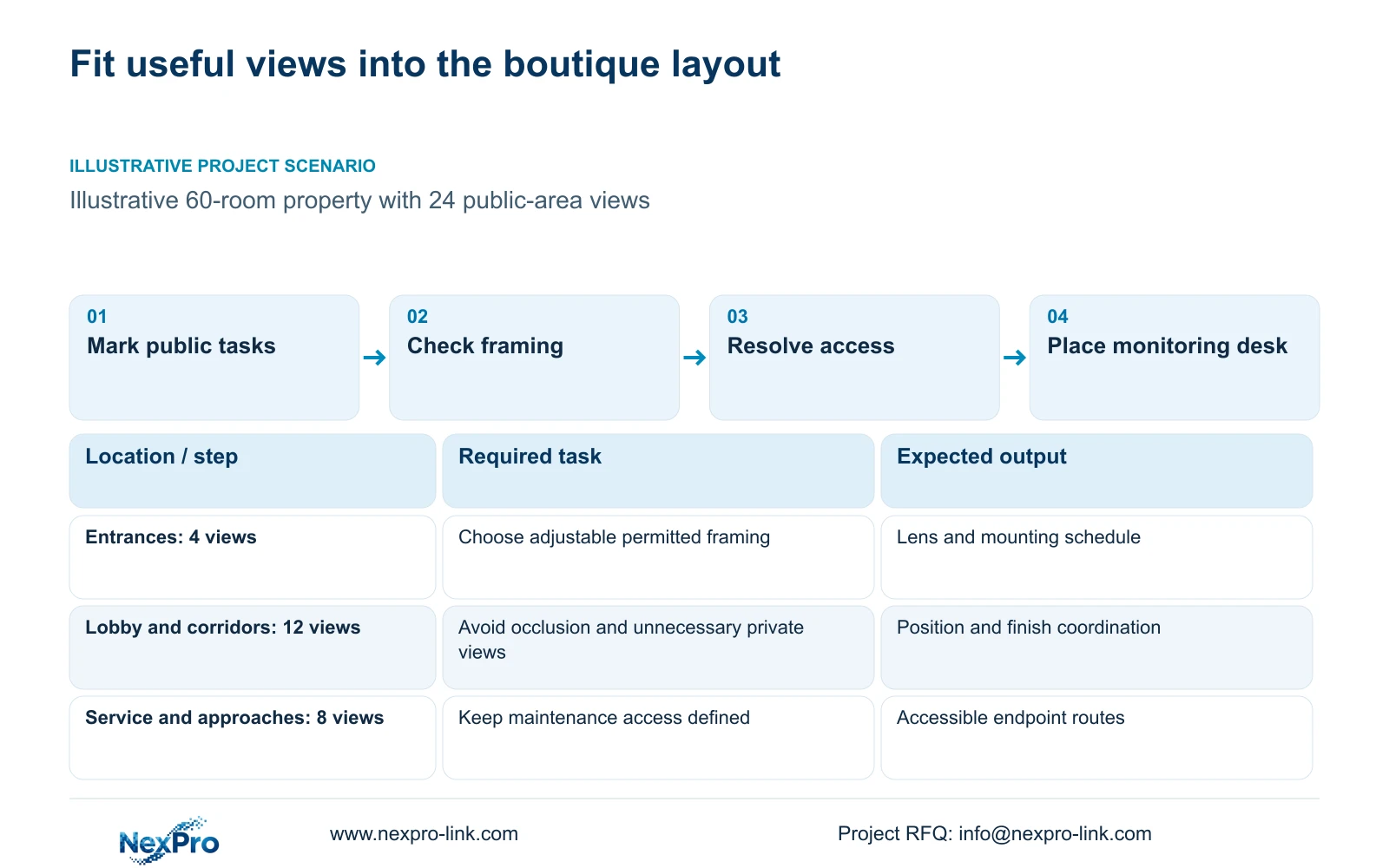
Illustrative project scenario — not a customer installation or measured project result. The illustrative CASE02 property has 60 rooms and 24 public-area camera tasks: four entrances, four lobby views, eight public-corridor views, four service-route views and four exterior parking approaches. These quantities describe a teaching layout, not a camera-per-room rule. Each position needs a stated observation purpose before its mounting location becomes part of the interior design.
Agree the required outage state early. Preserving footage involves cameras, access switches and the recorder, even when the monitoring desk is unattended. Remote access and continuous local viewing are separate requirements. Keep private interiors and sensitive spaces outside this schedule, and avoid unnecessary capture through open doors.
| Task | Reference input | Project decision |
|---|---|---|
| Entrance detail | 4 entrance views | Framing and accessible adjustment |
| Corridor observation | 8 public-route views | Occlusion and private-view boundaries |
| Incident retrieval | Compact monitoring desk | Operator layout and replay duties |
Section 02
Balance discreet mounting with useful recorded detail
Coordinate the camera body, viewing direction and service access before closing ceilings. A visually unobtrusive position is useful only if it retains the required view and allows maintenance without an undefined access method. Ask the interior team to identify finish restrictions and the installer to identify the route and access arrangement.
NexPro-BL2812M55-5MP-DIC-AI and NexPro-DM2812M55-5MP-DIC-AI are relevant motorized-varifocal candidates in the supplied PDFs. Their 2.8 to 12 mm range supports framing adjustment, but it does not provide an exact field of view at a chosen distance. The source 5MP mode lists 2880 × 1620; keep that stated output in the stream schedule.
Use task-specific comparisons at glass entrances and lighting transitions. Recorded movement under the relevant lighting is more informative than an attractive still preview. Dome naming does not establish IK10, and motorized zoom does not establish PTZ movement. Special environmental or plate-reading duties need their own supported selection. Audio inclusion in hardware should not become automatic continuous recording.
Section 03
Reserve disk space before reducing the equipment footprint
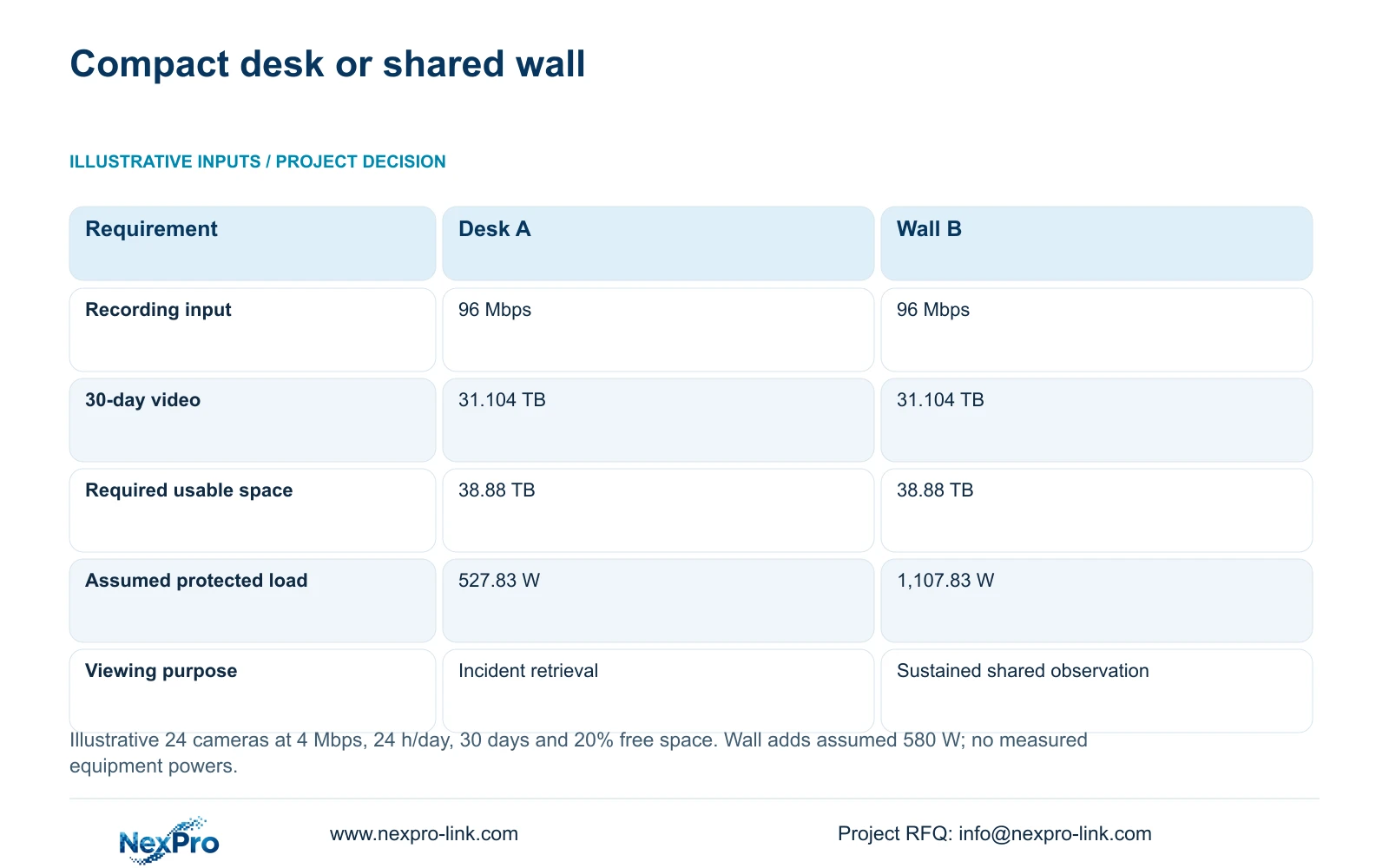
For the topic calculation, assume 24 cameras at 4 Mbps average, recording 24 hours daily for 30 days. Aggregate input is 24 × 4 = 96 Mbps. Video data in decimal TB is 0.0108 × 24 × 4 × 30 = 31.104 TB. Dividing by 0.80 gives 38.88 TB of required usable capacity with 20% kept free.
The independent CASE02 disk plan uses one NexPro-NVR4449-4K and four 12 TB drives. Raw capacity is 48 TB; the assumed 95% formatting factor gives 45.6 TB usable. After the free-space reserve, 36.48 TB remains for video, enough for the 31.104 TB payload under these assumptions. The resulting 35.19 planning days do not authorize a longer retention policy.
The recorder's four SATA bays and published 320 Mbps input make it a candidate to examine against this workload. Confirm the exact recording modes, drive compatibility and replay duties. Its 49-channel label does not establish all-resolution concurrency, and the example includes no RAID loss. A smaller enclosure cannot be justified by overlooking required disk space.
| Metric or condition | Compact package A | Enhanced package B |
|---|---|---|
| Recording input | 96 Mbps | 96 Mbps |
| 30-day video data | 31.104 TB | 31.104 TB |
| Required usable capacity | 38.88 TB | 38.88 TB |
| Protected path | Cameras, network and recording | Same plus selected extras |
| Display | Task-sized monitor/workstation | Optional wall; independent recording |
| Quotation scope | Complete essential package | Documented additions |
Section 04
Fit the network and protected power around accessible closets
CASE02 distributes cameras across three access nodes, each serving eight devices. Each group carries 32 Mbps of recording traffic, or 35.2 Mbps with the case's illustrative 10% allowance. The 96 Mbps aggregate is not automatically the demand on every cable. Map the routes to recording, viewing and export destinations before selecting uplinks.
At an assumed 12 W camera peak and 90% cable delivery, each group needs 106.67 W switch output. Retaining 20% spare requires 133.33 W of usable output budget. NexPro SW-POE1618G has 16 PoE ports and two uplinks, but the source lacks total output watts and has inconsistent access-port speed descriptions. It remains provisional until those fields match the proposal.
Using the case's 92% PoE conversion efficiency and 20 W own load per node gives 407.83 W total switch AC input. Recorder, core and ordinary screen raise the basic load to 527.83 W, or 586.47 VA at PF 0.9. SP1KR(S), rated 1 kVA/900 W, is an aggregate capacity candidate with the specified reserve. Distributed closets still need individually resolved protection. The 366.55 Wh estimate for 30 minutes is a teaching budget, not a battery-runtime promise.
Section 05
Compare desk readability and maintenance with a wall option
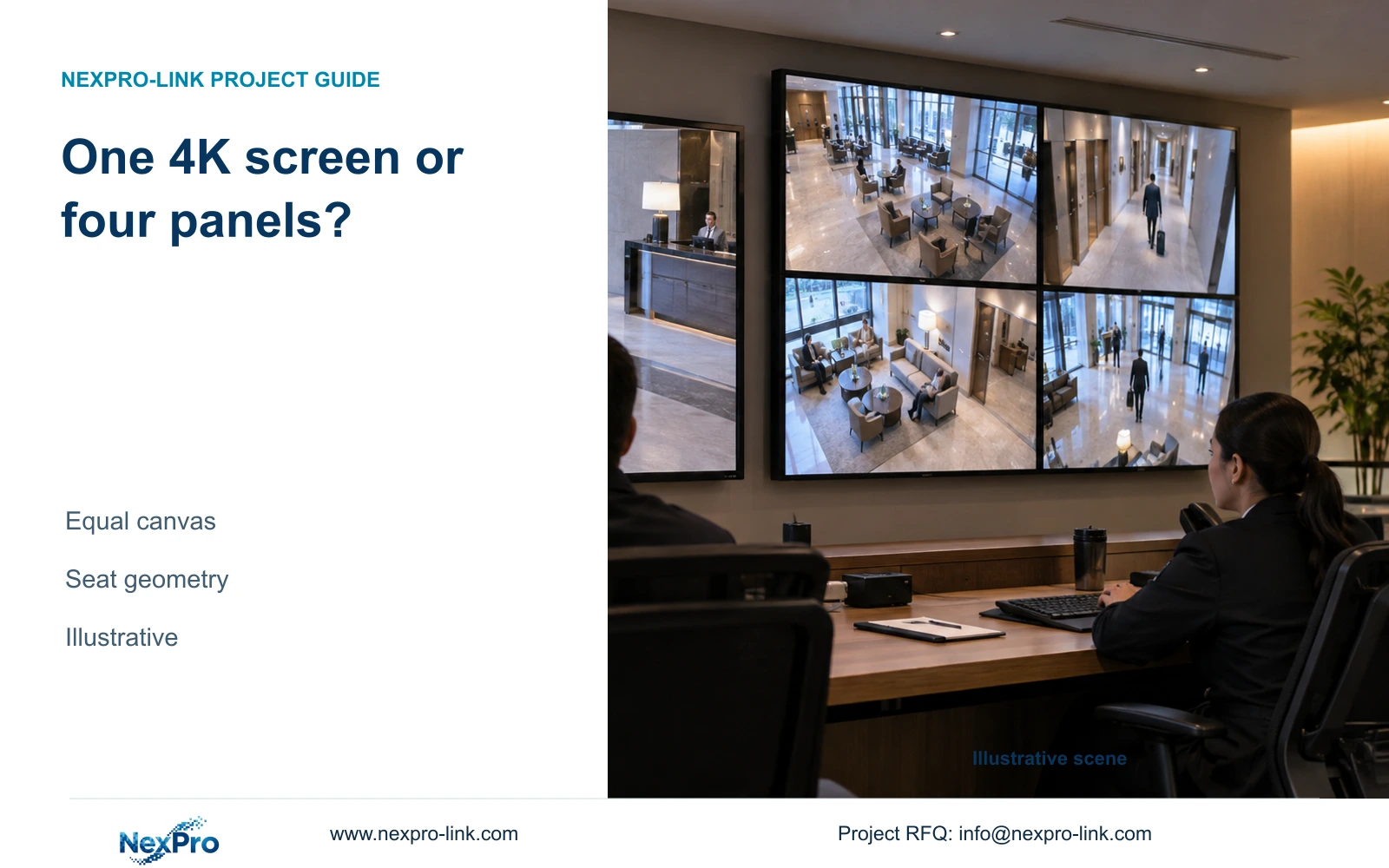
A compact screen should let the operator open the required view, locate a time window and inspect an incident at useful size. A permanent 16-view Full HD grid allocates only 480 × 270 pixels per tile. Event enlargement therefore belongs in the operating layout, even when the camera records substantially more detail.
Four NX-VP-5535 Full HD LCD panels can form a nominal 3840 × 2160 canvas through a suitable control path, allocating 960 × 540 pixels to each tile in the same grid. A single 4K monitor has the same nominal canvas, with different physical size and no internal panel seams. NX-VP-5535 is LCD, not direct-view LED; NX-VD-4K16 requires separate concurrency checks.
The optional CASE02 wall and decoder add an assumed 580 W, raising protected load to 1,107.83 W and 1,230.92 VA. SP2KR(S) becomes the aggregate capacity candidate under the same reserve target. Buy that scope when shared continuous viewing requires it; retain the desk when wall space, service access and operator duties favor a smaller installation. Compare mounting, signal equipment and maintenance costs alongside panel prices.
Section 06
Present an owner-facing package with explicit limits
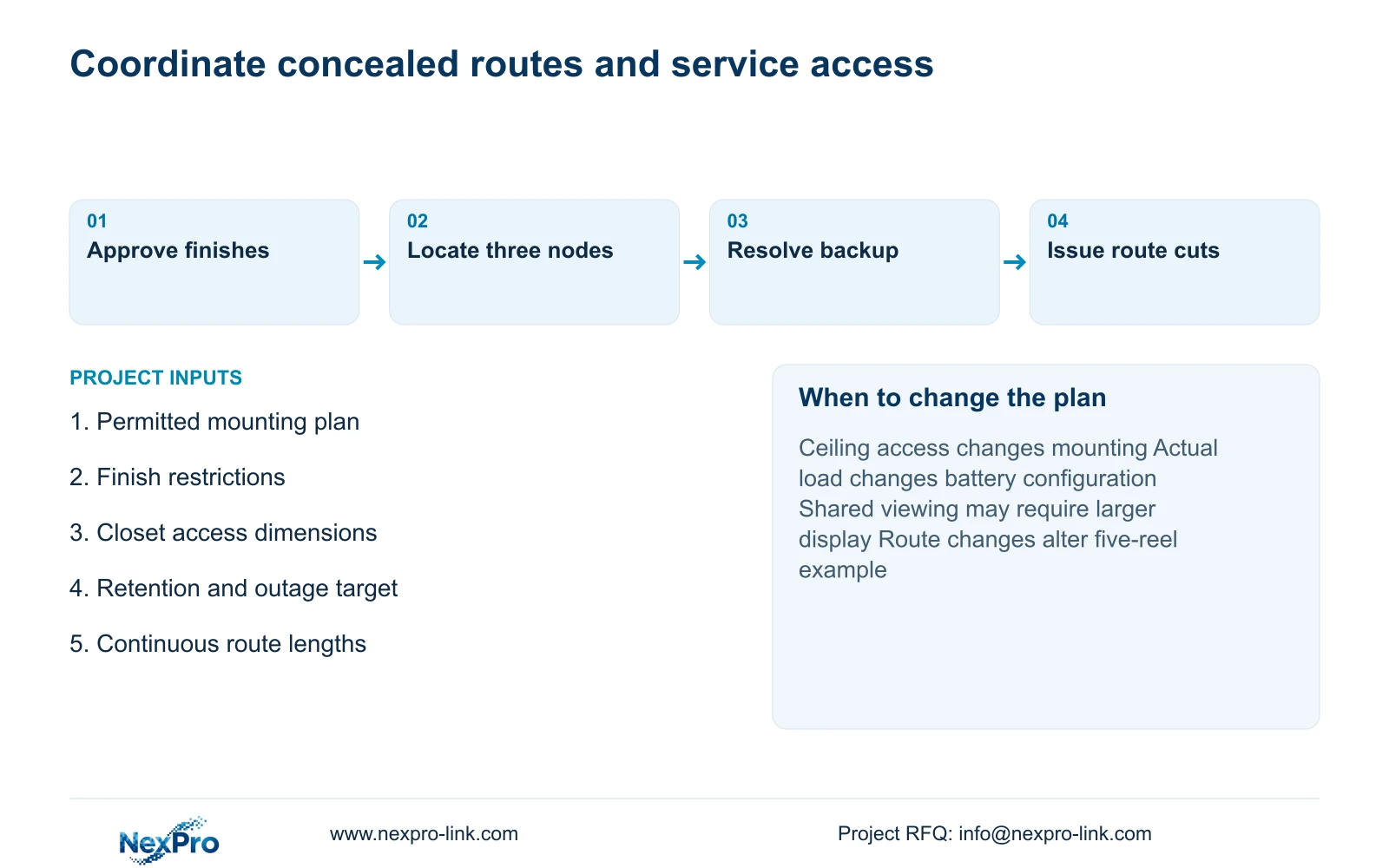
Recommend the 24-task compact scheme while the assumed retention, accessible closet locations and incident-focused operating duties hold. Revise it when approved views, actual stream rates or operator requirements change. The camera schedule should identify lens duties and mounting access; the equipment schedule should identify disks and protected loads.
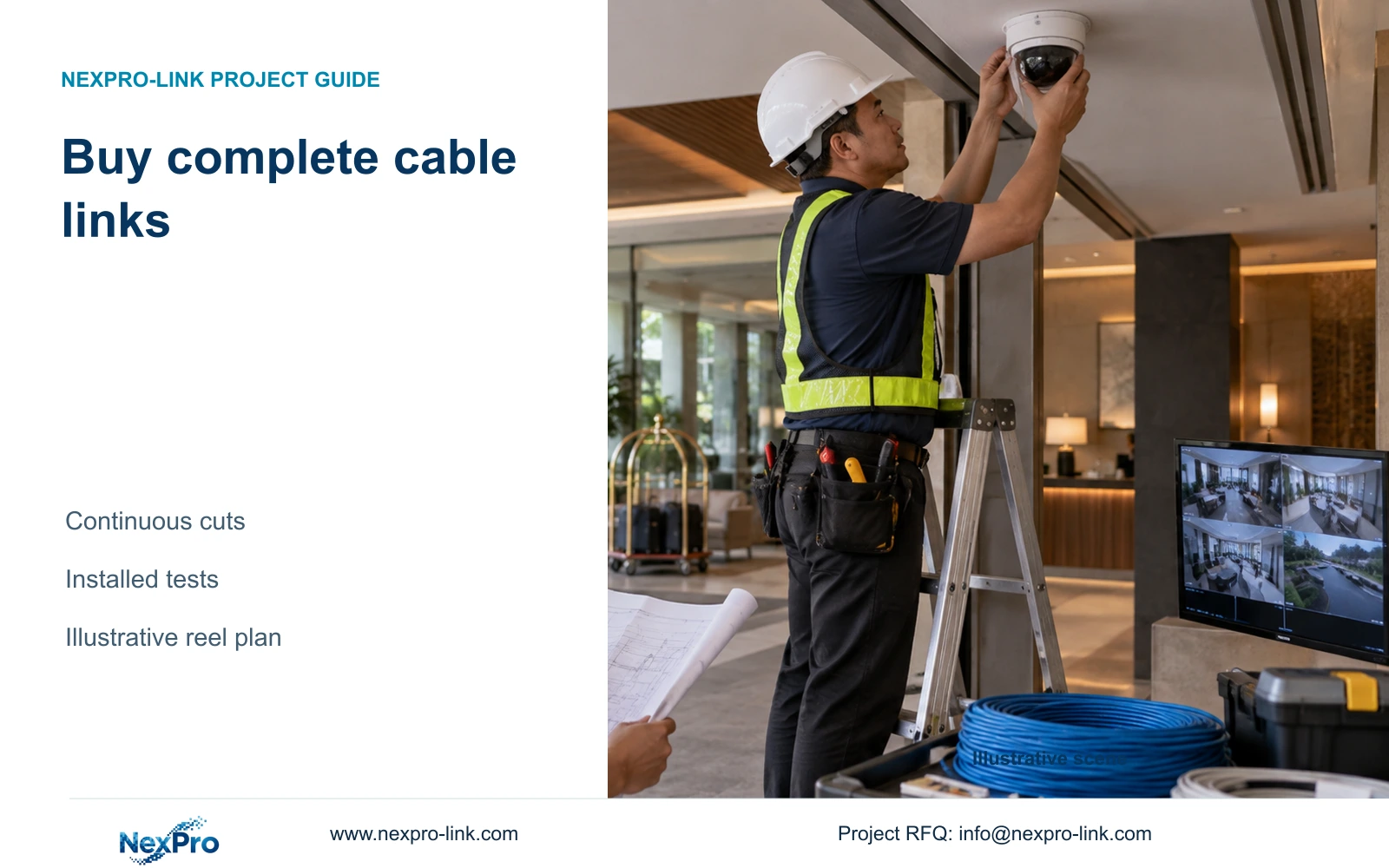
CASE02's continuous routes total 1,372 m. A feasible five-reel allocation using 305 m reels leaves 153 m in separate tails. Replace those lengths with the actual route list before ordering. Specify conductor, cable category and destination sheath requirements separately. SP5648 and DT968MX are patching components, not a bulk cable SKU.
NexPro-Link can discuss coordinated equipment and BOQ support, with CCTV manufacture distinguished from associated supply and local installation. Send a marked public-area plan with finish restrictions, the desired retention, closet locations and outage target to info@nexpro-link.com, together with destination and required dates. Applicable main-equipment policy has a 24-month limited hardware baseline from receipt; accessory and OEM coverage follows the written scope.
Section 07
Buyer questions
Can existing equipment be retained to save space? Retain it only after checking its recording modes, usable disk capacity, power boundary and operator workflow against the revised schedule. Matching camera count or connector appearance is insufficient.
Does choosing a compact screen reduce recording quality? It need not. Keep recording profiles independent of the viewing layout, and confirm that the selected client can enlarge the required main stream without changing stored video settings.
What should a discreet-installation RFQ include? Include permitted mounting positions, finish restrictions and maintenance access, alongside the camera tasks. These details allow equipment matching without treating concealed placement as an image-performance guarantee.
Engineering references
These sources support the general planning principles. Always use the selected product's current datasheet and applicable project standards for final design.
- N01: Hotel & Hospitality Project Supply
- N02: BOQ & Tender Support
- N04: NexPro-NVR4449-4K
- N05: NexPro SW-POE1618G
- N07: Structured Cabling
- N09: Rack Online UPS
- N10: Video Wall and Decoder System
- N14: Warranty Policy
- Supplied NexPro BL2812M 5MP/8MP product specification
- Supplied NexPro DM2812M 5MP/8MP product specification