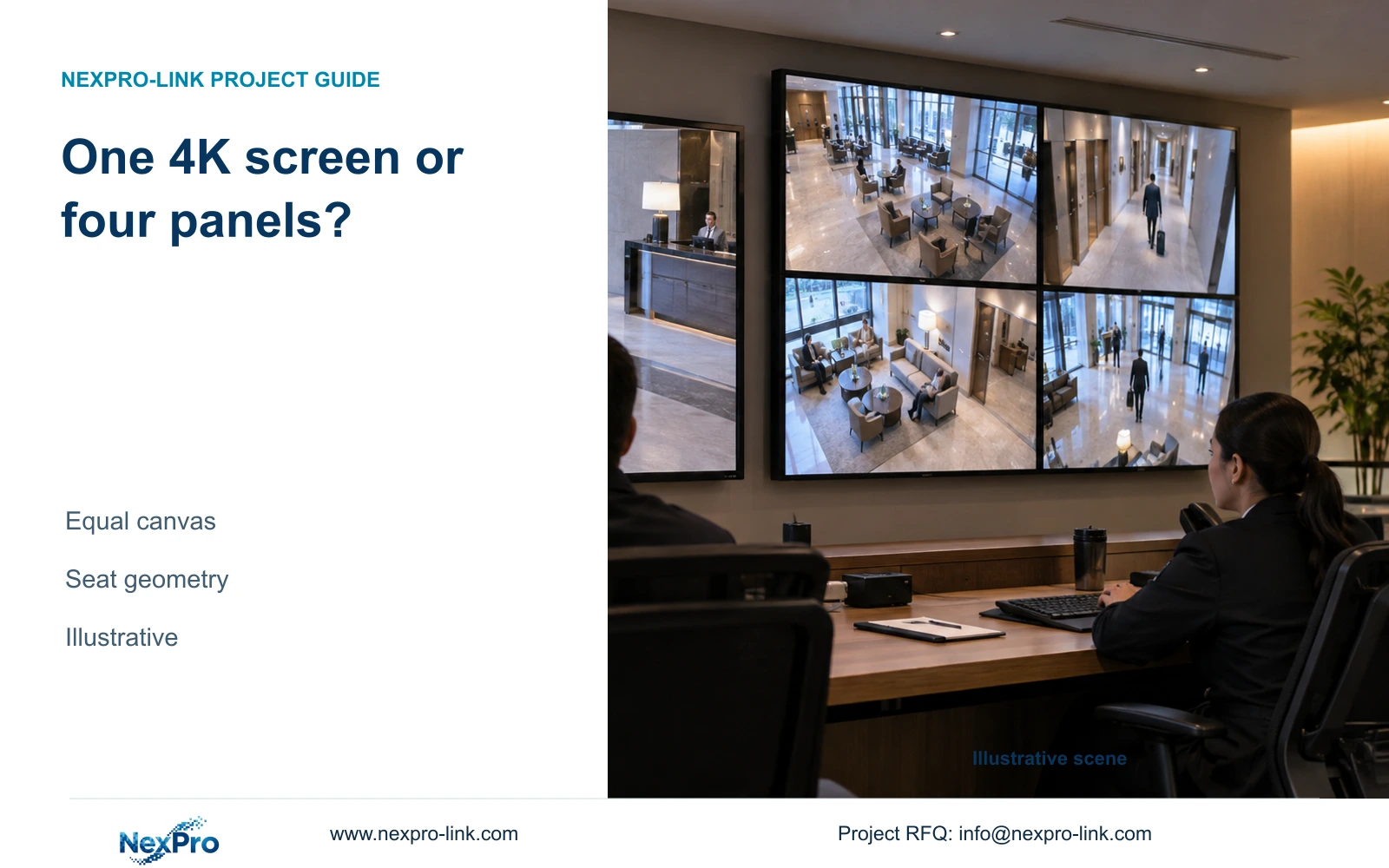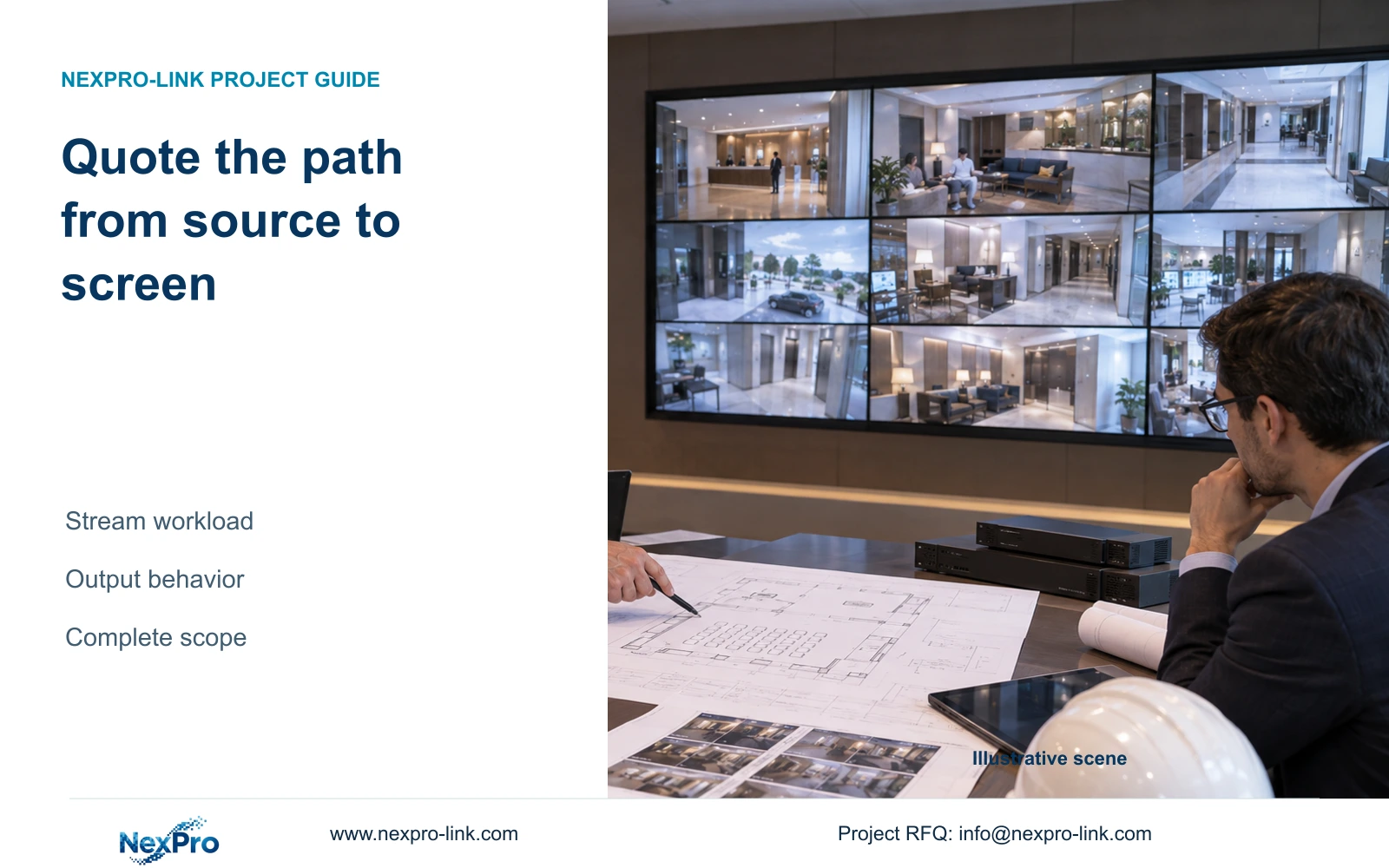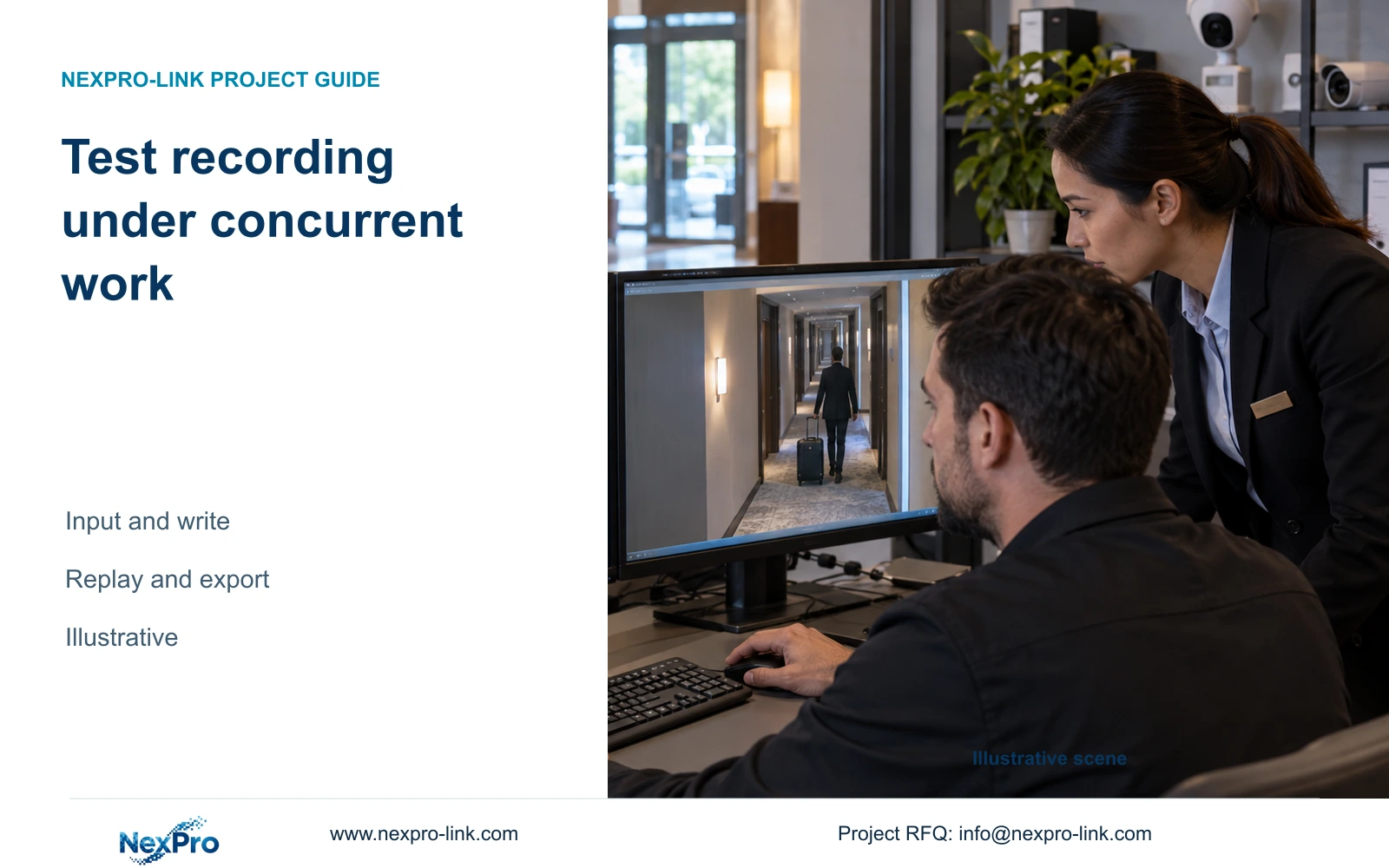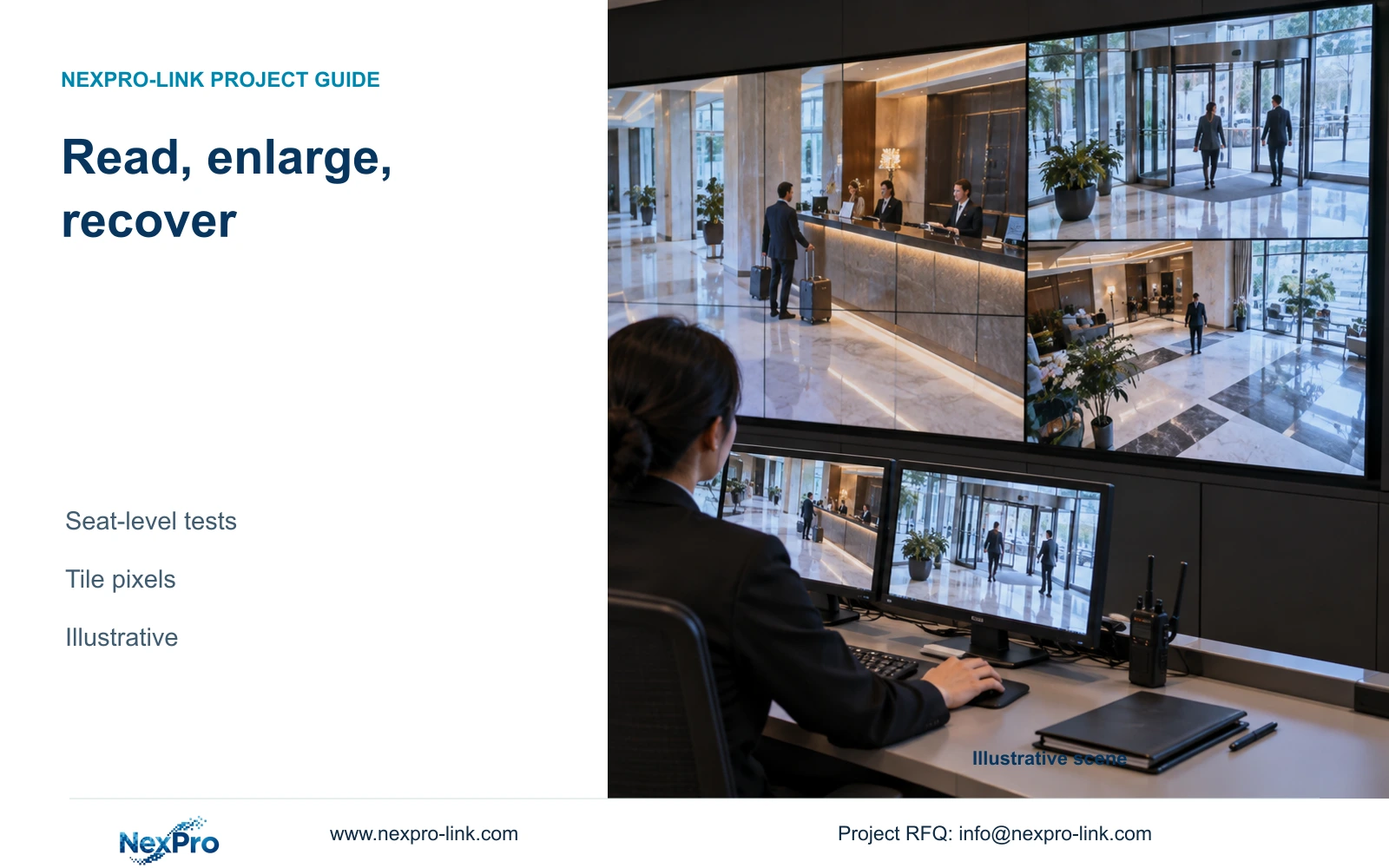
Accept the video wall only when authorized operators can read the required views from their assigned seats, enlarge events and recover the agreed layout after interruption.
Section 01
Choose the operator seats and viewing tasks
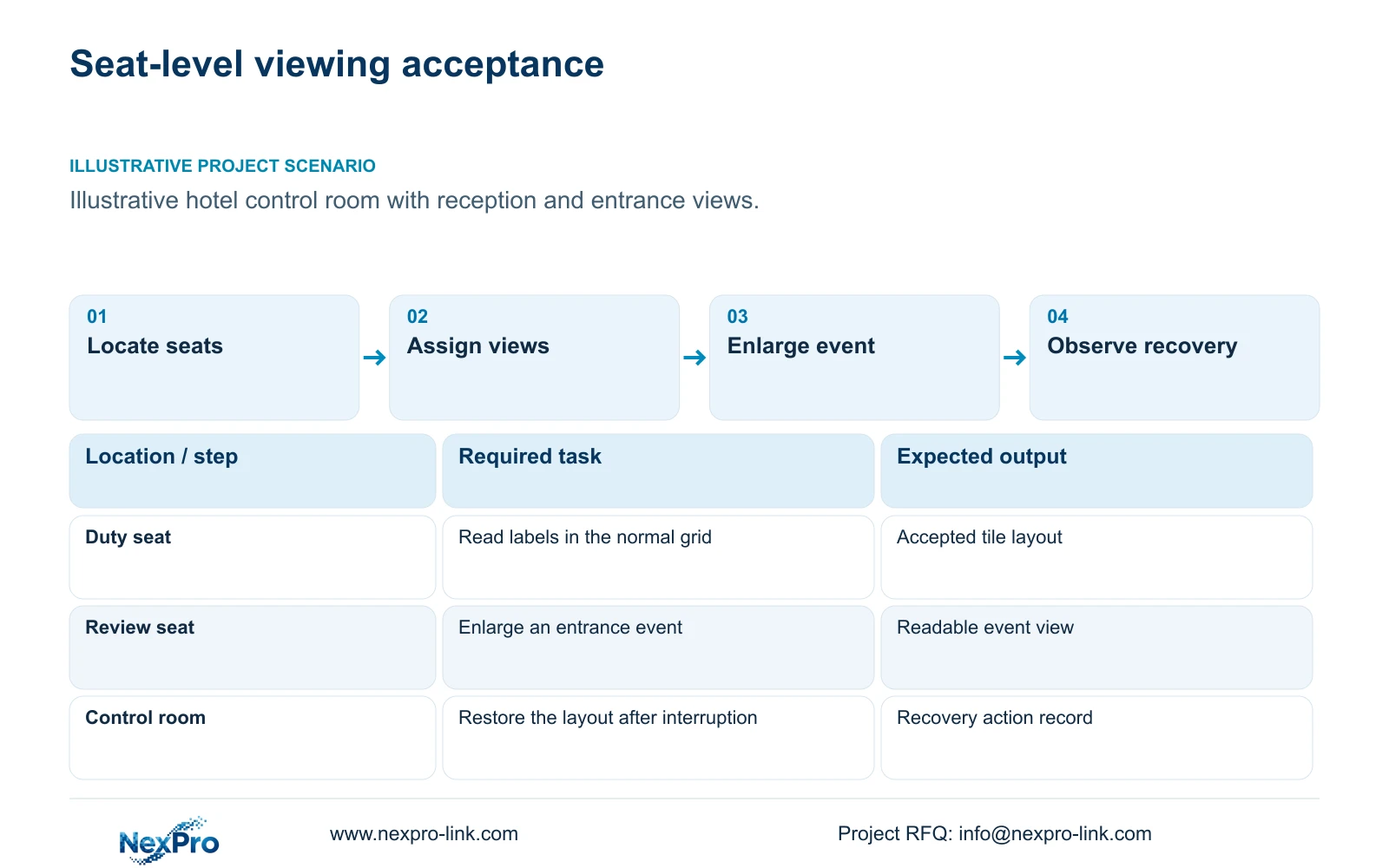
Accept a hotel video wall only when it supports the agreed viewing tasks from the actual operator seats. A powered screen and a visible camera grid are insufficient evidence. Start with the simplest display arrangement that supports routine observation and incident review; add a wall when the seating arrangement or simultaneous viewing workload requires it.
Mark the nearest and farthest operating positions on the control-room plan. Identify what each person must read, including camera names, event information and the enlarged incident view. An entrance overview may help an operator notice movement, while incident review needs a separate layout with enough displayed detail. These tasks should have different acceptance observations.
The engineer should establish the normal room lighting and viewing positions before comparing screens. Physical size, brightness and seams affect readability alongside the logical pixel canvas. The NX-VP-5535 source page lists a 55-inch LCD panel, 1920×1080 resolution, a 3.5 mm seam field and 400 nit typical brightness. Those fields do not establish readability at an unspecified seat.
| Required task | Given information | Decision still needed |
|---|---|---|
| Entrance overview | Assigned operator seat and camera view | Readable normal-grid size |
| Incident review | Selected event and review position | Enlargement and control permission |
| Shared observation | Additional staff seating | Single screen or larger wall |
Section 02
Calculate the pixels available to each tile
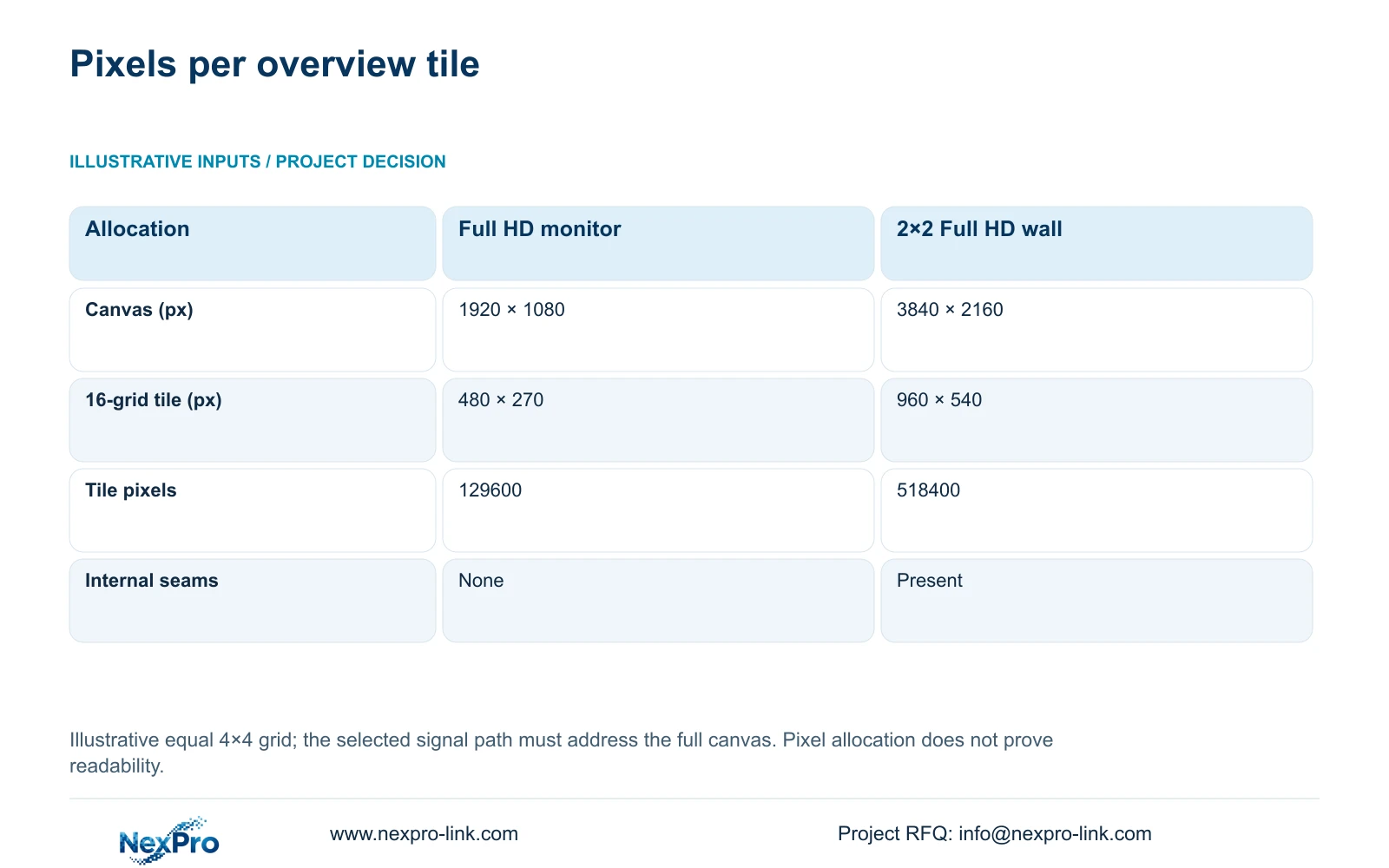
For an illustrative equal 4×4 grid, divide the canvas width and height by four. One 1920×1080 monitor allocates 480×270 pixels to each of the sixteen views. Four Full HD panels arranged 2×2 form a nominal 3840×2160 canvas, allocating 960×540 pixels per view, provided the selected signal and control path can address the complete canvas.
The calculation is canvas dimensions = panel dimensions × panel count in each direction; tile dimensions = canvas dimensions ÷ grid dimensions. Each tile therefore contains 129,600 pixels on the Full HD monitor and 518,400 pixels on the four-panel canvas. These are display allocations, not camera-resolution measurements or recognition guarantees.
A single 4K monitor has the same nominal total pixel canvas as that four-panel wall. The purchase decision then turns on physical size, seating and seams, together with the source path. Enlarging an event changes its displayed pixel allocation, so the acceptance schedule should record both the overview grid and the event layout.
| Metric / condition | One Full HD monitor | 2×2 Full HD LCD canvas |
|---|---|---|
| Canvas (px) | 1920 × 1080 | 3840 × 2160 |
| 16-grid tile (px) | 480 × 270 | 960 × 540 |
| Physical seams | No internal seams | Panel seams exist |
| Single 4K monitor comparison | Different pixel canvas | Same nominal canvas, different physical layout |
Section 03
Test routine grids and event enlargement
Observe the normal layout with the intended camera names and information fields visible. Use representative public-zone views such as reception, an entrance and a service route. Confirm that the assigned operator can locate the correct view and distinguish the information required for the task. A clean promotional image cannot demonstrate this operating sequence.
Next, select an authorized event and enlarge its view. Record the source stream used, the area occupied on the canvas and whether important content crosses a seam. Where the workflow includes replay, test recorded footage as well as live video. A main-stream recording may contain more detail than the overview tile displays.
Keep expected behavior separate from observed results. If the operator cannot read a label or reliably select the event, identify whether the cause is layout, scaling, seating or the source image. Correct that condition and repeat the same task. Display acceptance should not conceal an unresolved camera-view problem by changing to a more convenient demonstration scene.
Section 04
Compare direct outputs with decoded network sources
A direct recorder output and a network decoder introduce different operating dependencies. Document which device creates the layout, which device decodes the streams and which signal reaches each panel. Test the required live and replay modes through the proposed path. An output resolution alone does not describe the supported simultaneous camera workload.
A substream overview with main-stream event enlargement can reduce viewing demand while keeping the recording profile unchanged. Confirm that the selected equipment and software support that transition. Required audio, synchronized replay and event presentation need their own checks in the actual configuration; ONVIF support does not establish complete compatibility for every workflow.
NX-VD-4K16 is a modular network-decoder candidate with a source-page 5U chassis description. Its name does not prove sixteen simultaneous 4K streams. Request the supported input formats, decoding workload, output arrangement and window behavior. If direct output completes the required tasks, the extra decoder should have an identifiable operating benefit before it enters the purchase scope.
Section 05
Observe restart and reconnection behavior
Arrange controlled interruption tests with the responsible site team. Separate panel restart, decoder restart and loss of a source connection, because each affects a different dependency. Record the selected layout before interruption and observe what returns automatically, what requires an authorized action and what remains unavailable.
Check recording separately while the optional display is off. The required camera, network and recorder path should operate within its approved protection boundary. A wall returning successfully cannot prove that footage continued throughout an outage. Where remote access is involved, distinguish restoration of local viewing from restoration of the external connection.
Retain an open issue when a restart loses the layout or requires access that the duty operator does not have. Assign the correction to the party controlling that configuration and repeat the original sequence. A limited recovery observation supports the tested setup only; it cannot establish lifetime reliability or a failure rate for the product series.
Section 06
Record the accepted viewing modes
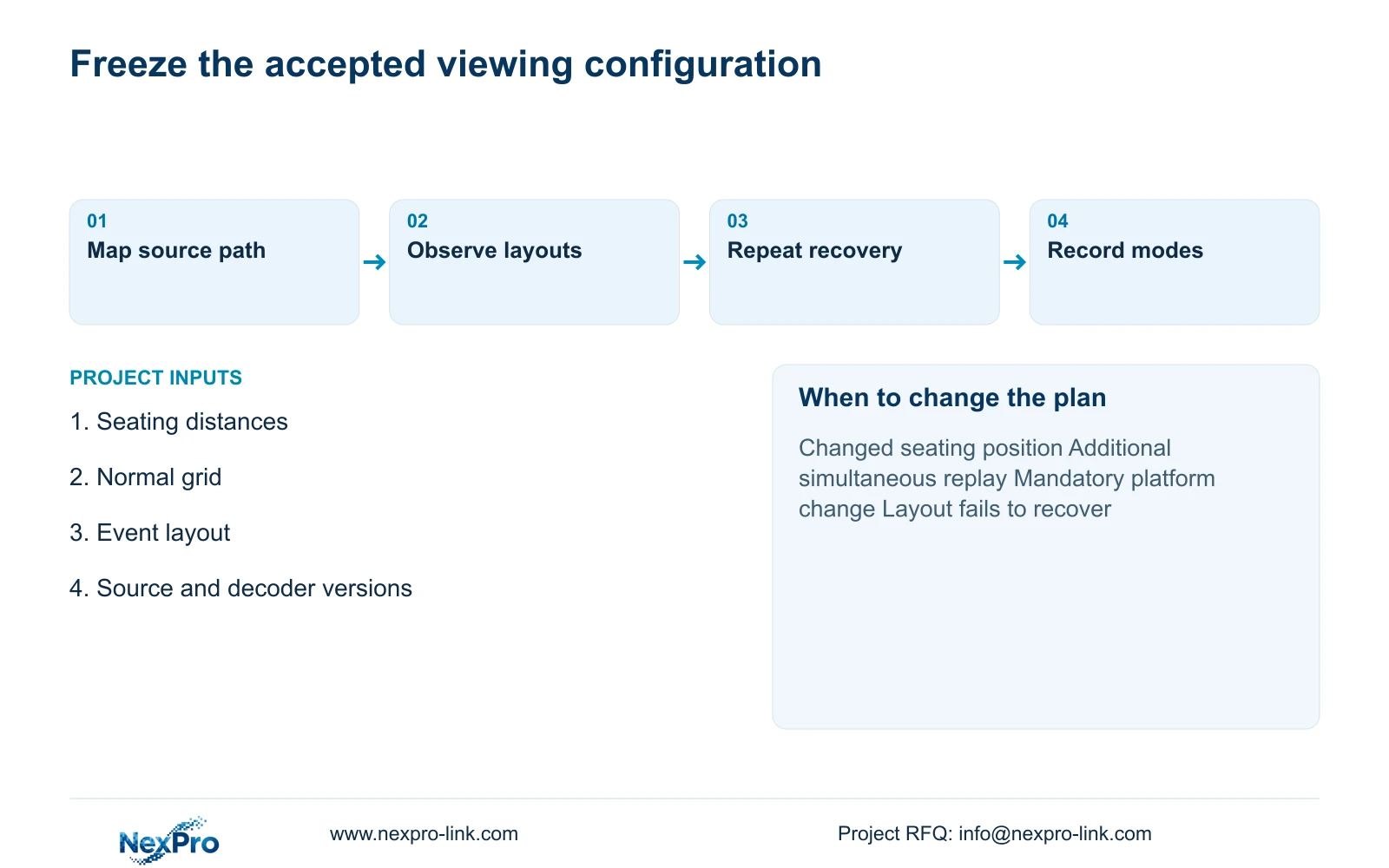
The handover record should identify the equipment and software versions, source profiles, output canvas and accepted layouts. Attach the relevant seating plan and record how an authorized operator changes from routine observation to incident review. Describe any manual recovery step and its responsible role so the hotel can reproduce the accepted behavior.
Select the single-screen arrangement when it meets readability and incident-review requirements at the designated seats. Select the larger LCD canvas when simultaneous observation or viewing distance requires its physical arrangement and the tested signal path supports it. Reconsider either option if a mandated platform, changed seating plan or additional concurrent workflow alters the accepted workload.
For proposal support, send the seating plan, normal and event layouts, source equipment list and required recovery behavior to info@nexpro-link.com. NexPro-Link can discuss model matching and coordinated equipment scope through its hotel project and BOQ support routes. Local installation and site observations should remain assigned explicitly in the proposal.
Section 07
Buyer questions
Does a sixteen-view grid prove sixteen full-detail camera views? No. The displayed detail is limited by each tile and its selected stream. Keep the required recording quality, then define which events need enlargement and verify that transition through the actual viewing path.
Should recovery be automatic for every interruption? Specify the required behavior for each interruption. An approved manual step can be acceptable if the assigned operator has the permission and instructions to complete it. An undocumented administrator intervention leaves a handover dependency unresolved.
What should a display quotation include beyond panels? Identify the source and control equipment, supported layout workload, mounting and access provisions, plus the installation and recovery-test responsibilities. Request optional protected display power separately from the essential recording path.
Engineering references
These sources support the general planning principles. Always use the selected product's current datasheet and applicable project standards for final design.