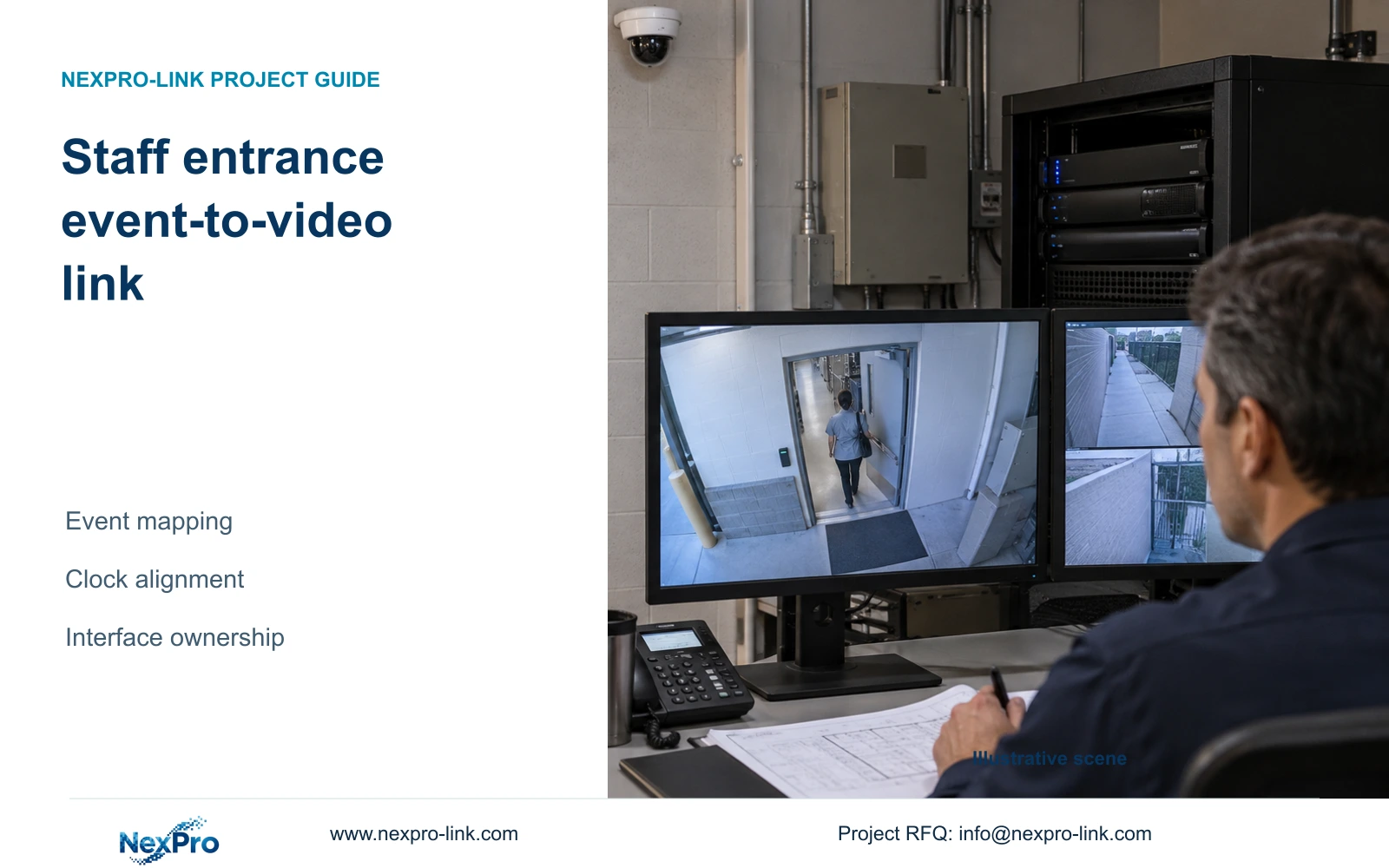
A staff-door access record does not automatically open matching footage. Specify the event mapping, supported interface and ownership before including linked retrieval.
Section 01
Separate door authorization from video retrieval
Include automatic event-to-video retrieval only after the exact access system, video platform and interface path are confirmed. Until then, use a documented manual search by door, event time and camera name. Buying access equipment and CCTV together does not establish that a card event can open the corresponding recording.
Separate the door's authorization decision from observation and retrieval. The access controller determines the supported entry behavior; CCTV supplies recorded context. An access event does not by itself prove that the credential holder entered, and a camera view does not become the authorized door controller. Local safety release and evacuation requirements remain with the responsible specialist.
Define who needs to view, search, export or administer each system. Account ownership, device binding and network reachability are separate from those roles. A project manager should identify the current decision as interface scope, equipment selection or operating permission, because approval of one does not settle the others.
| Required task | Given information | Decision still needed |
|---|---|---|
| Authorize entry | Access controller and door schedule | Supported door operation |
| Review recorded context | Entrance camera and recorder | Camera-to-door mapping |
| Open video from an event | Access event is available | Supported interface and responsible integrator |
Section 02
Map the required event fields
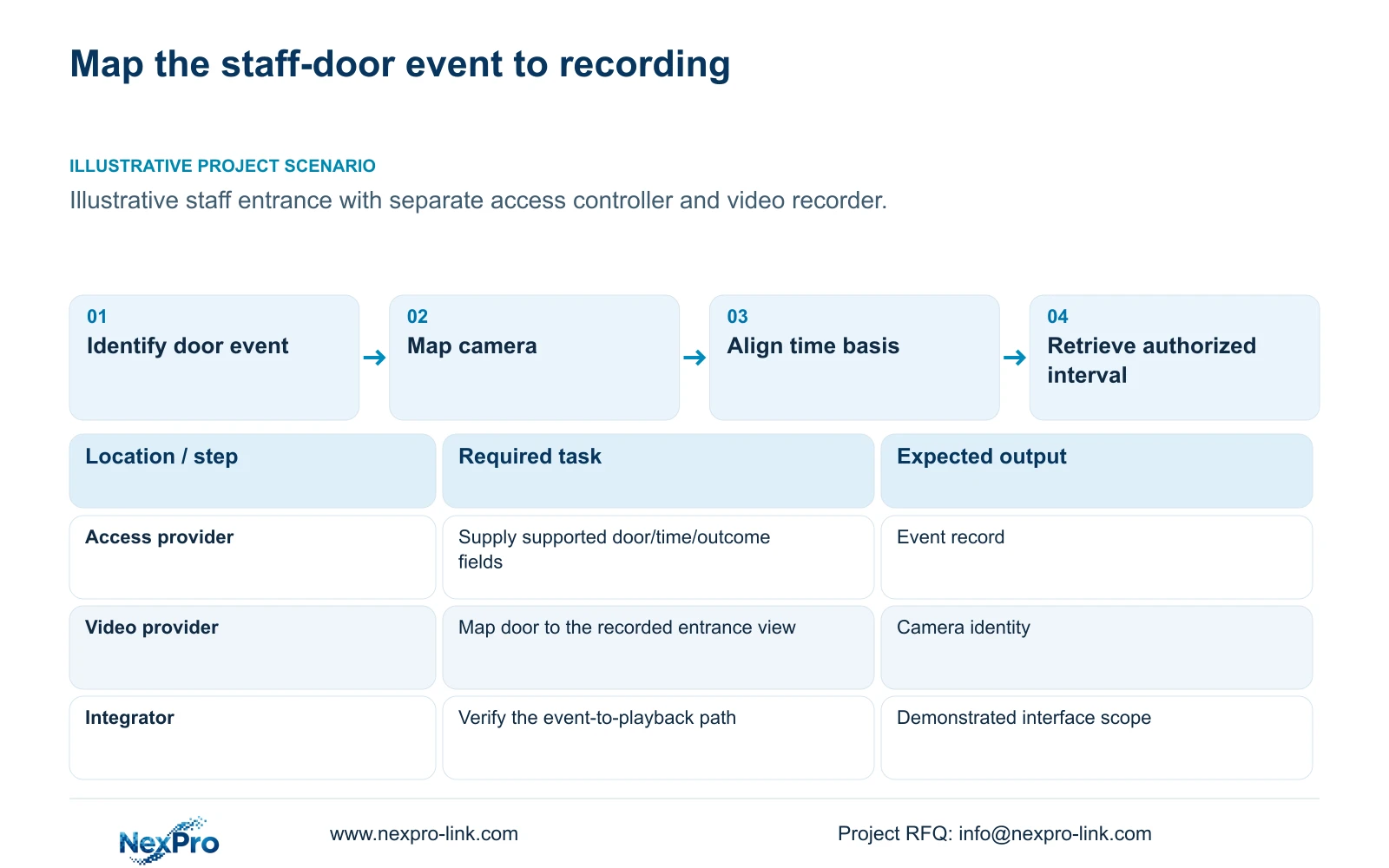
Specify the minimum information needed to locate the relevant recording: door identifier, event timestamp and time basis, event type or outcome, and the camera or view assigned to that door. Include an event reference where the system supplies one. Credential or person information should be limited to the authorized task and the actual supported fields.
Write the mapping from the access platform's door identifier to the video system's camera identity. Record the controller and software versions that supply the event, and the client or platform that will request playback. If an interface cannot carry a required field, resolve that gap before describing the connection as complete.
ONVIF Profiles are a function-matching starting point for devices and clients. General ONVIF support does not establish staff-access event mapping, cloud binding or every advanced search feature. The same caution applies to a shared product family or supply order. Request the specific supported retrieval workflow and distinguish it from live-video compatibility.
| Item | Manual retrieval | Integrated retrieval | Effect |
|---|---|---|---|
| Door identity | Operator selects mapped view | Interface supplies supported mapping | Correct entrance footage |
| Event time | Operator searches agreed interval | Platform requests matching interval | Clock basis remains necessary |
| Missing field | Documented alternate search | Explicit interface exception | Avoid false complete-link claims |
Section 03
Synchronize clocks
Define the clock source and configuration responsibility for access controllers, cameras, recorders and the retrieving platform. Use a consistent time-zone treatment and document relevant seasonal changes. Establish which timestamp the operator sees and which value an interface uses to request video. Matching display formats alone cannot establish that the underlying clocks agree.
Demonstrate an authorized entrance event and compare its access record with the corresponding footage. Record the observed offset and the retrieval interval used. Any permitted offset or search margin belongs in the project's acceptance conditions; the supplied material establishes no universal timing tolerance. Do not substitute an invented precision claim.
Check the normal and exception paths, including loss of the approved time source or an unavailable platform connection. The resulting operating procedure should state whether manual retrieval remains possible and what requires IT or integrator assistance. Clock alignment supports event review, while the door's safety and authorization behavior remains independently defined.
Section 04
Compare manual and integrated retrieval
Manual retrieval can be an appropriate baseline when authorized staff can map the door event to a named view and search the agreed time interval. Integrated retrieval adds an interface dependency and may require a particular platform edition or license. Evaluate the actual workflow before promising a faster response or purchasing additional software.
For integrated retrieval, demonstrate an event opening the correct recorded interval under the intended user's permissions. Live video opening successfully is a different result. Include a defined fallback when the interface is unavailable, and identify which team resolves missing events, incorrect mapping or inaccessible recordings. No measured time saving follows from the proposed architecture.
Compare normal operation with personnel departure and external support. The illustrative permissions matrix in the next section applies to either retrieval choice. Automation should not require everyone to share a broad administrator account. If the selected platform cannot provide the hotel's required role separation, revise the platform or workflow before finalizing the integration scope.
Section 05
Limit operator permissions
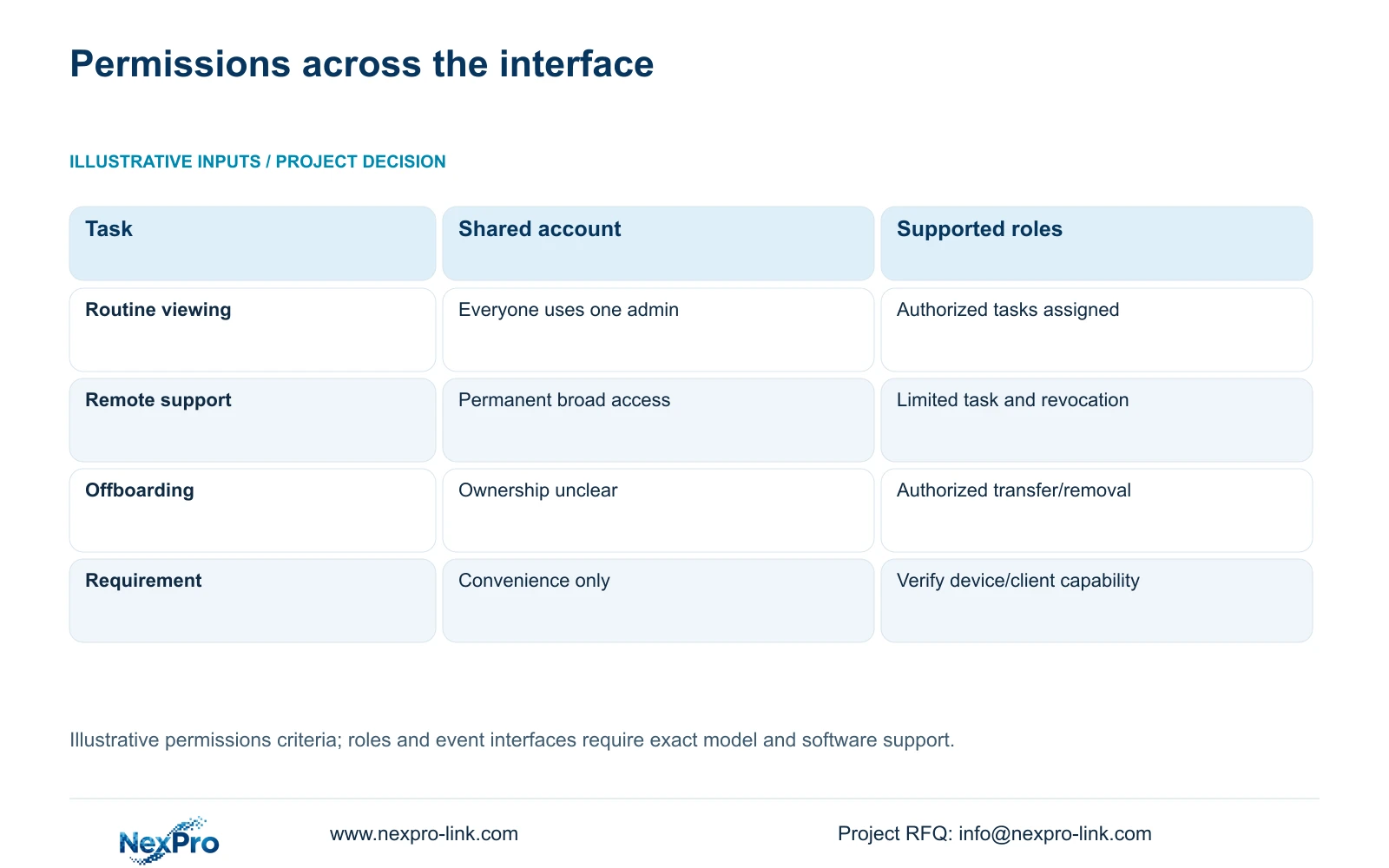
Choose a supported role-based workflow over a shared unrestricted account. The source comparison below contains illustrative criteria, not completed access tests or a brand ranking. Its inputs are authorized user roles, required tasks, device/client versions and hotel IT policy. Verify each requested control in the actual configuration.
Assign routine viewing, incident search and export according to the hotel's responsibilities. Administration and technical support may need different access. Some requested controls may require a broader platform than the existing client; state that need during procurement instead of presenting an unsupported role or authentication feature as native.
Remote support should use a hotel-approved path with a limited task and a defined revocation step. For offboarding, update account ownership, device bindings and network access as applicable, then verify removal or authorized transfer. A diagram cannot establish compliance with every jurisdiction. The hotel's access rules and local privacy responsibilities must govern the configured workflow.
| Metric / condition | Shared unrestricted account | Supported role-based workflow |
|---|---|---|
| Routine viewing | Everyone uses one admin | Authorized tasks assigned to supported roles |
| Remote support | Permanent broad access | Approved limited task and revocation |
| Offboarding | Account ownership unclear | Documented authorized transfer/removal |
| Requirement | Convenience only | Verify actual device/client capability |
Section 06
Define interface ownership
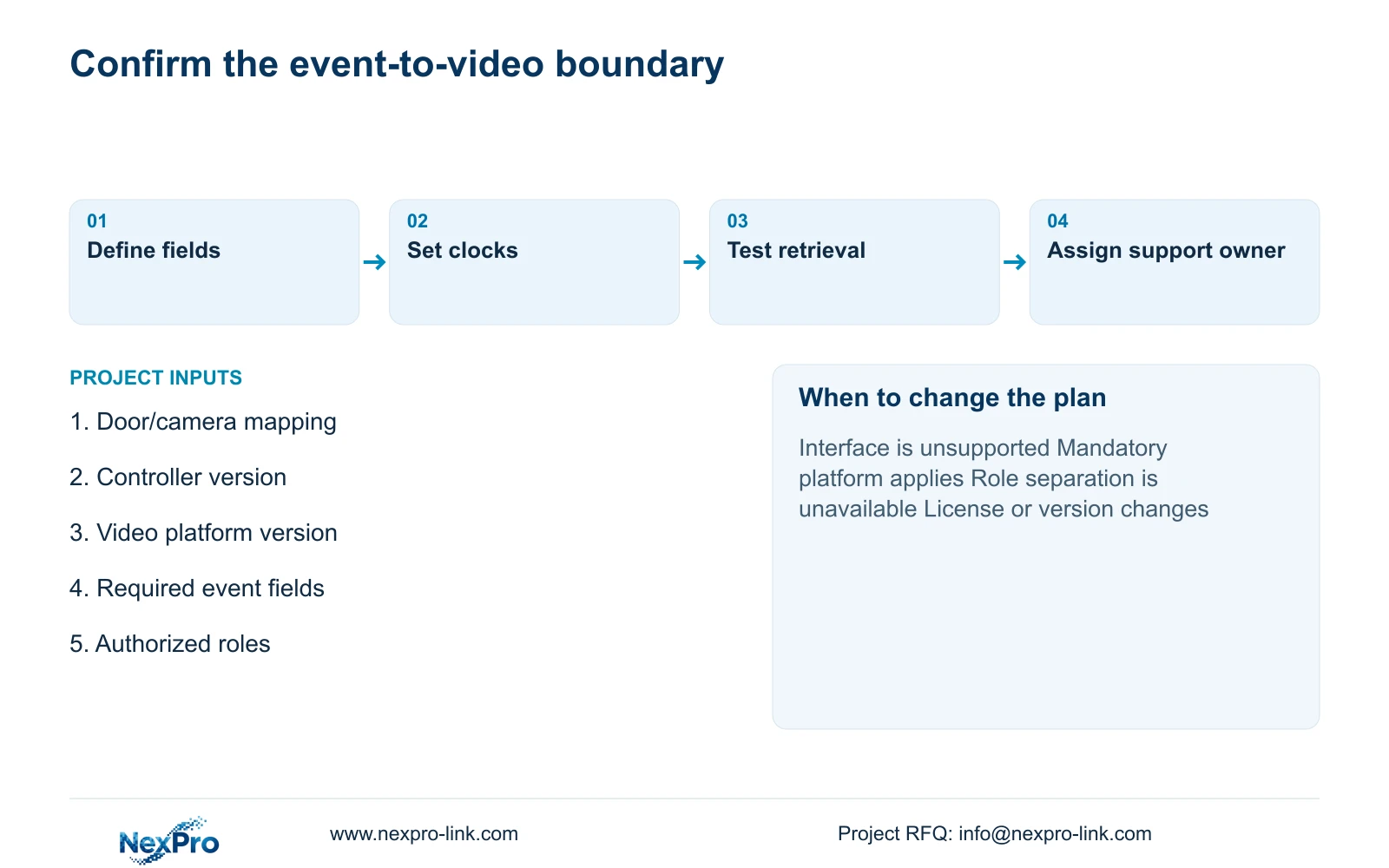
Name the access-event provider, video-system provider and integrator responsible for the mapping between them. Assign hotel IT responsibility for the approved network and clock services, with the hotel's operator owning authorization and disclosure decisions. Supply documentation should identify who configures, demonstrates and supports each boundary after handover.
Keep manual retrieval as the baseline where it meets the approved task, and add integration when the hotel requires linked retrieval and the actual interface, permissions and support path are confirmed. Change the proposal if an operator-mandated platform applies or if version, licensing or mapping limitations prevent the specified workflow. CASE01 supplies independent system context, not proof of access-event integration.
Send the staff-door/camera mapping, controller and platform versions, required event fields and authorized role list to info@nexpro-link.com. NexPro-Link can discuss model matching, technical documents and BOQ scope through its hotel project support. CCTV manufacturing and coordinated accessory supply do not automatically include third-party integration or local installation. Include those responsibilities and their costs explicitly in the proposal.
| Retained outcome | Extra scope | When justified | Counter-condition |
|---|---|---|---|
| Review staff-door event | Manual door/time/view procedure | Approved task can be completed | Operator requires automated linkage |
| Open matching recording | Supported connector/platform scope | Interface and roles are demonstrated | Versions or mapping are unsupported |
| Controlled support | Approved access and revocation process | Remote assistance is included | No defined access owner |
Section 07
Buyer questions
Does an ONVIF camera guarantee access-event playback? No. Confirm the relevant device/client functions and the access-to-video interface separately. Event mapping, recording retrieval and account behavior need specific support beyond a general ONVIF statement.
Can manual retrieval remain after an integration upgrade? Yes, where the configured systems and permissions support it. Keep the door-to-camera mapping and time procedure available as an approved fallback, and demonstrate it independently of the connector.
Which license costs belong in the comparison? Request the actual platform edition and authorization basis for the required functions, plus connector, server, training, upgrade and support scope where applicable. The supplied records establish no third-party price or permanent-free service promise.
Engineering references
These sources support the general planning principles. Always use the selected product's current datasheet and applicable project standards for final design.