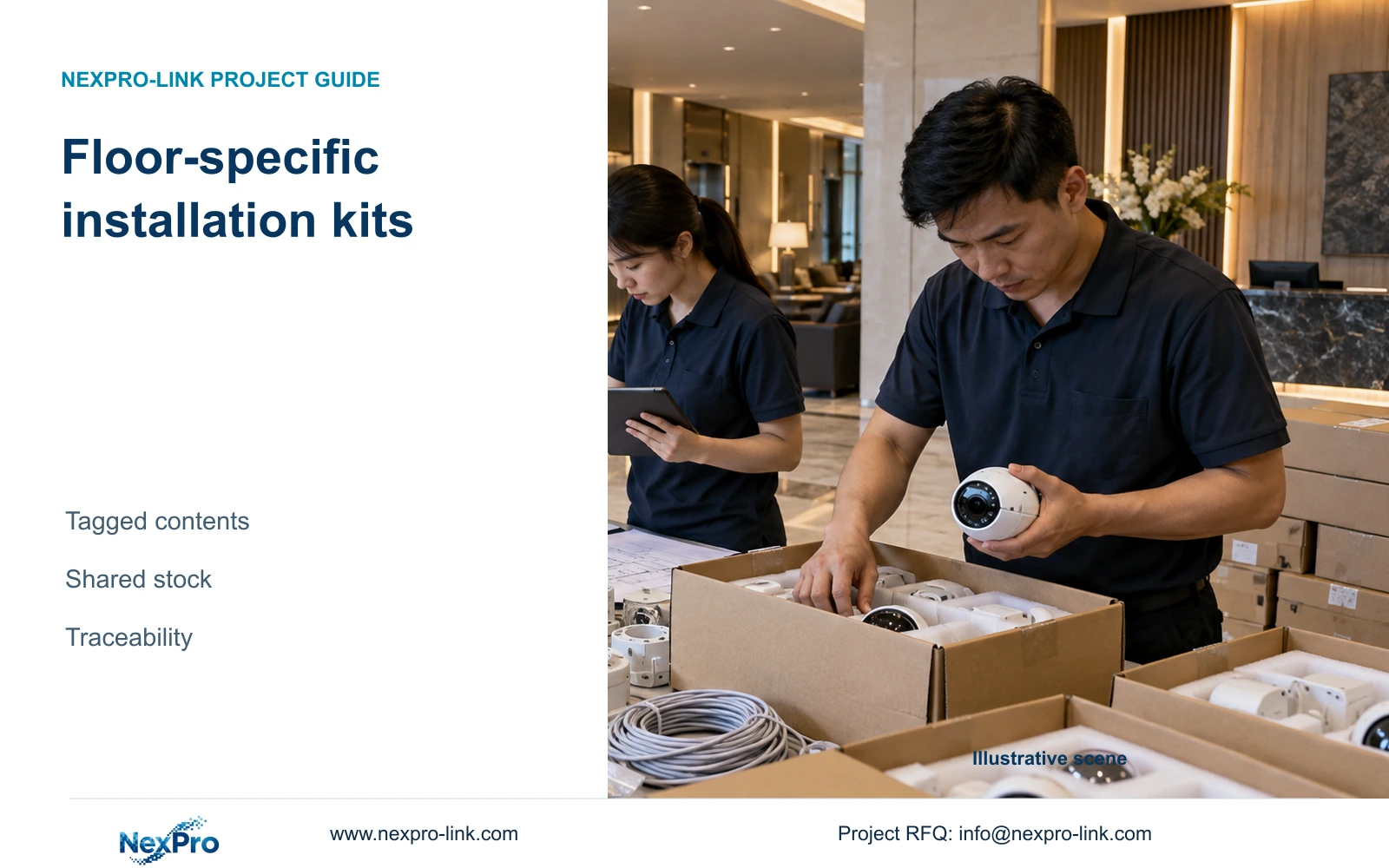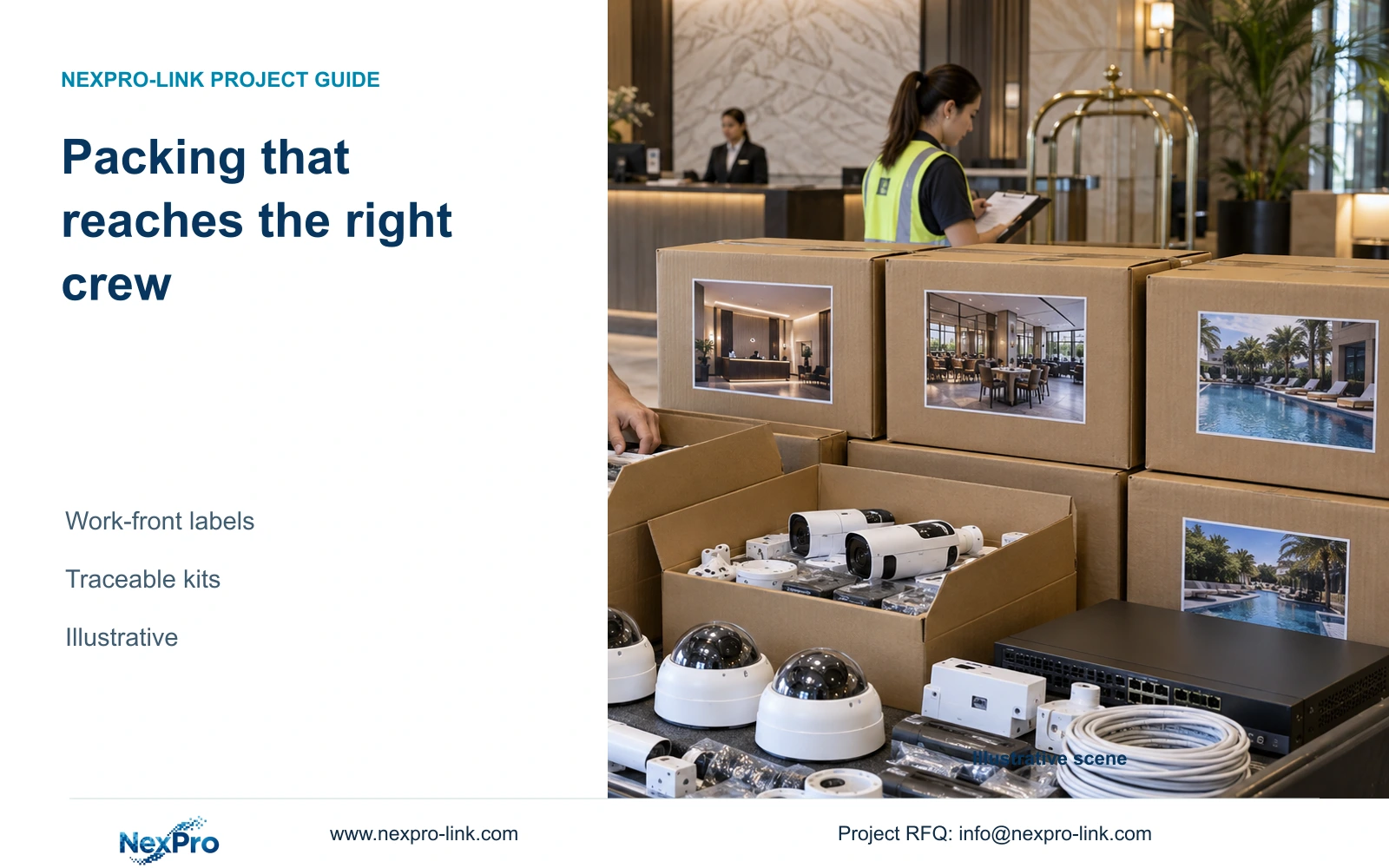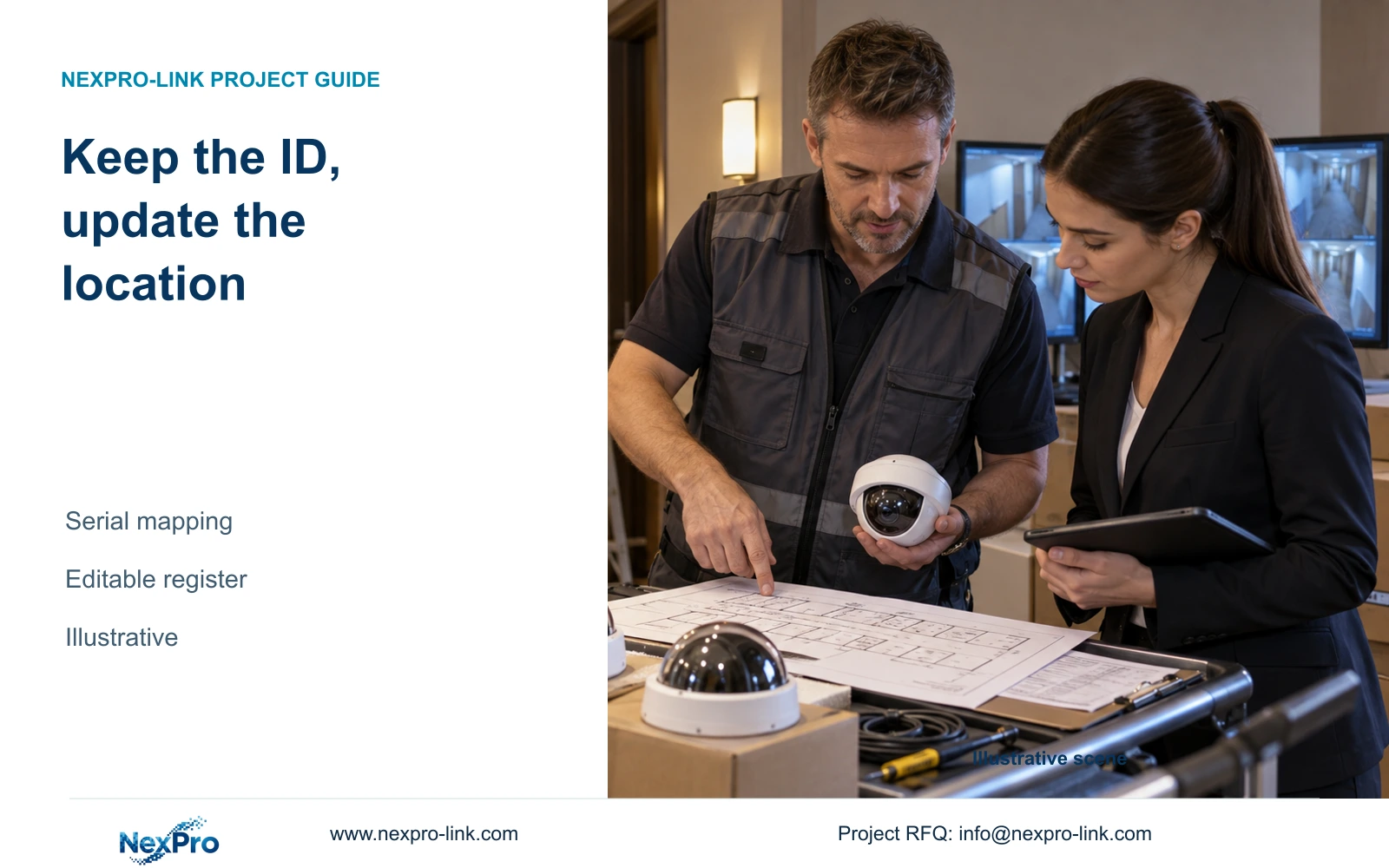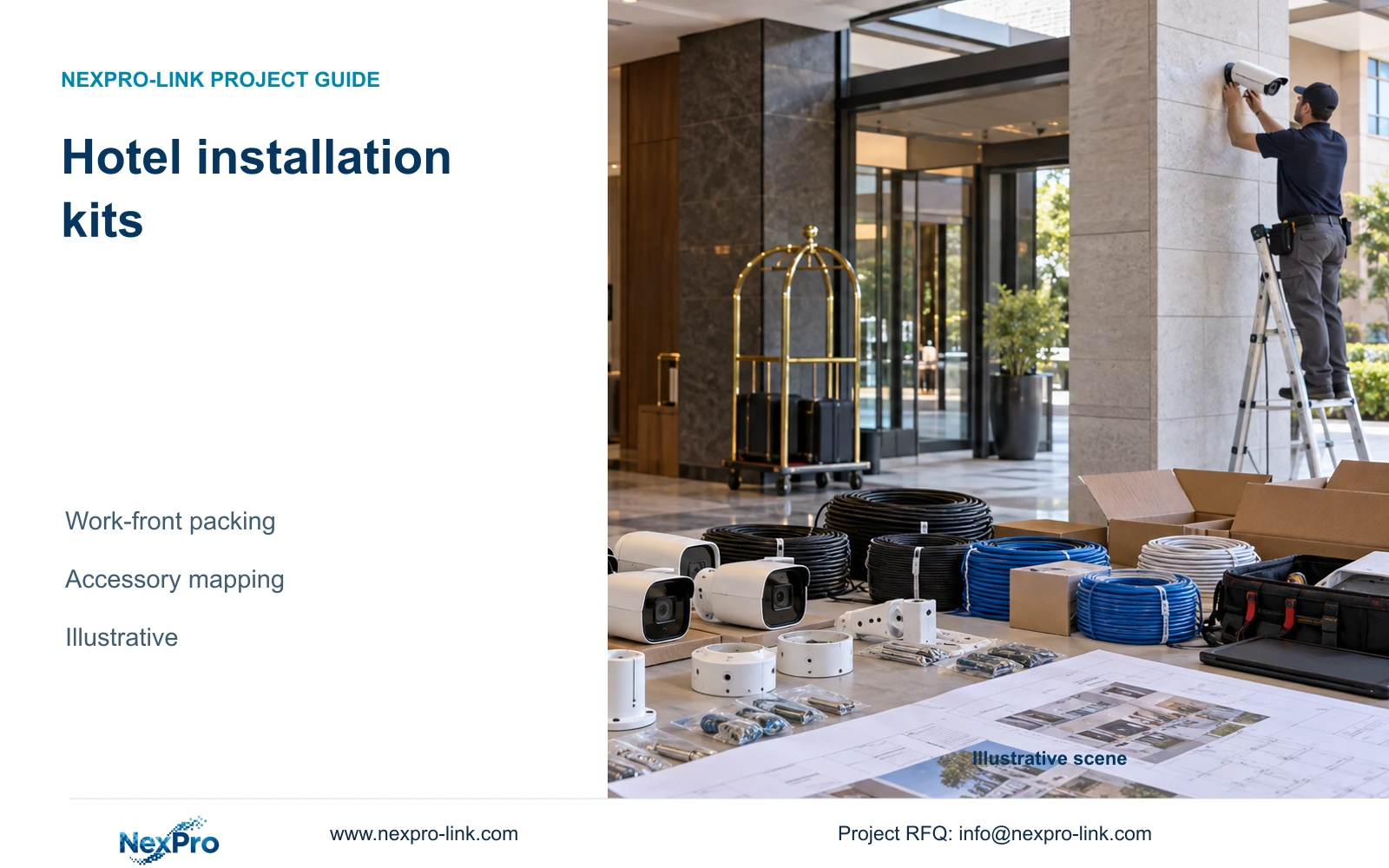
Build each hotel installation kit around a defined work front and its mounting tasks. Keep shared equipment separate and identify every connection still requiring site work.
Section 01
Define the installable work-front kit
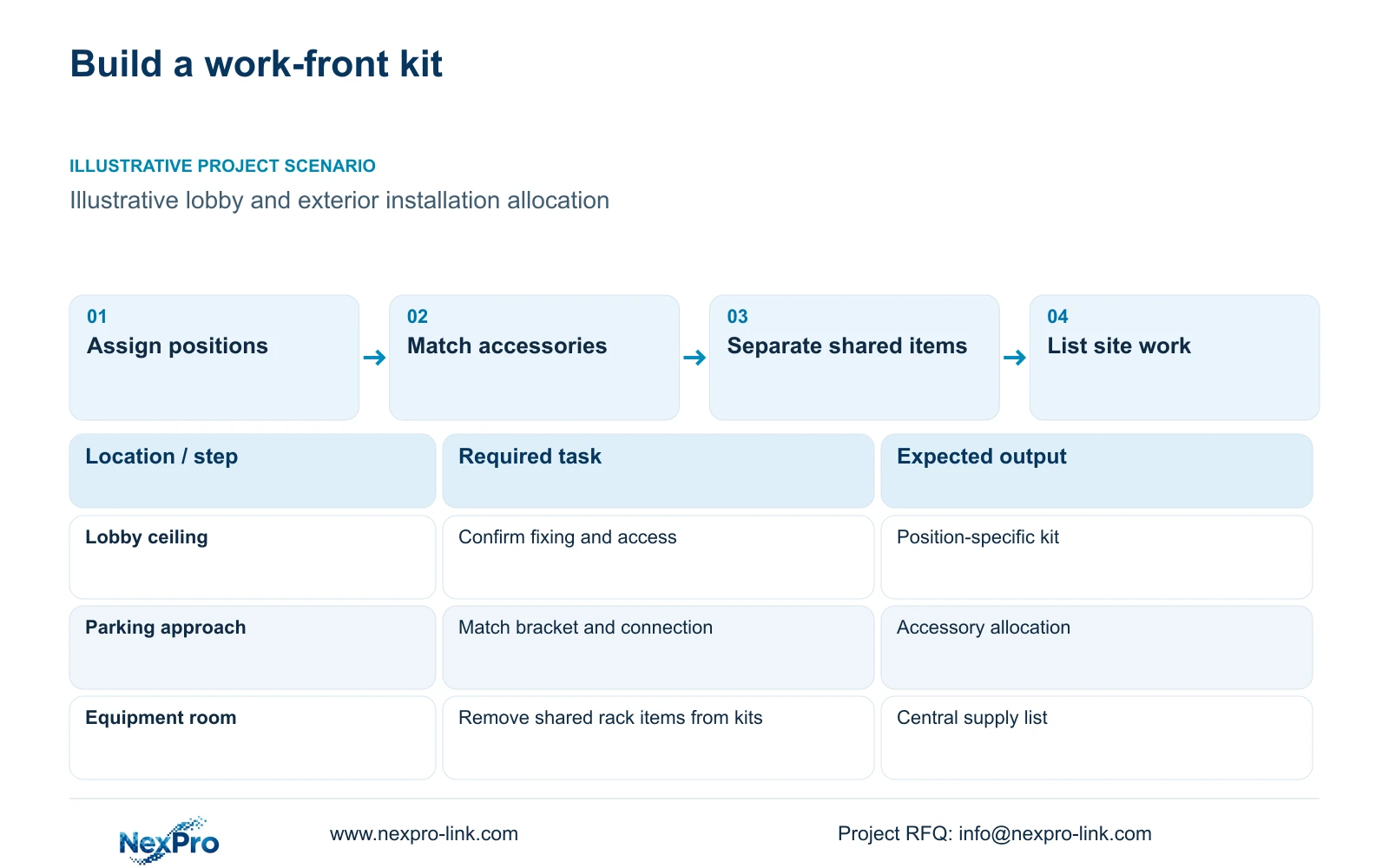
Choose work-front kits when crews will install an approved group of hotel cameras in a defined area. Build each kit from the mounting and connection tasks, including the accessories needed to complete them. Use loose supply when positions or mounting details remain unsettled and the site has controlled stores. A carton containing every camera can still leave a crew unable to install one missing bracket.
Define the work front through camera position references and the planned installation stage. A lobby ceiling package may need different mounting arrangements from an exterior parking approach. The receiving team should know which parts arrive ready for assembly and which require site selection, cable cutting or termination. Factory packing cannot establish that a concealed cable route is complete.
Authorized contractor branding can help identify a package, but equipment identity must remain readable. Keep the actual model and serial information alongside the project position. Specify the required branding surface separately from the kit contents; a printed carton, equipment label and laser marking involve different preparation and material decisions.
| Required task | Given information | Decision still needed |
|---|---|---|
| Lobby camera installation | Approved position references | Ceiling fixing and maintenance access |
| Exterior approach installation | Camera and route assignment | Mounting interface and connection protection |
| Commissioning connection | Equipment allocation | Factory-supplied leads versus site terminations |
Section 02
Map camera-specific accessories
Create an accessory line against each selected camera model and mounting arrangement. Record whether the camera package already contains the required item before adding another purchase line. Brackets, connection accessories and patch leads should have an explicit supplied quantity or a stated site responsibility. Similar camera housings do not establish interchangeable fixing dimensions.
The supplied BL2812M PDF identifies NexPro-BL2812M55-5MP-DIC-AI as a PoE camera with a 2.8-12 mm motorized lens and IP66 rating. Those facts help define the camera role, but they do not specify a compatible project bracket or prove that the completed cable connection retains equivalent protection. Obtain the relevant mounting details for the actual combination.
Separate a supplied patch lead from an installed permanent cable. For a field route, the installer still needs the approved cable specification, termination components and testing scope. The packing sheet should describe that unfinished work plainly so the project manager can coordinate the installer before releasing the area.
| Item | Grouped supply | Loose supply | Effect on installation |
|---|---|---|---|
| Approved bracket | Assigned to camera position | Held by model in stores | Grouping helps only after mounting is settled |
| Patch lead | Counted where required | Issued from shared stock | Avoid duplication with rack packages |
| Permanent cable | Route requirement identified | Reels held centrally | Site cutting and termination remain separate |
Section 04
Compare grouped and loose supply
Compare the same equipment and accessory scope under both packing arrangements. Grouping can make floor distribution and receiving clearer where the schedule is stable. Loose supply preserves flexibility when mounting choices or installation sequencing may change. Neither arrangement proves a labour saving without project records.
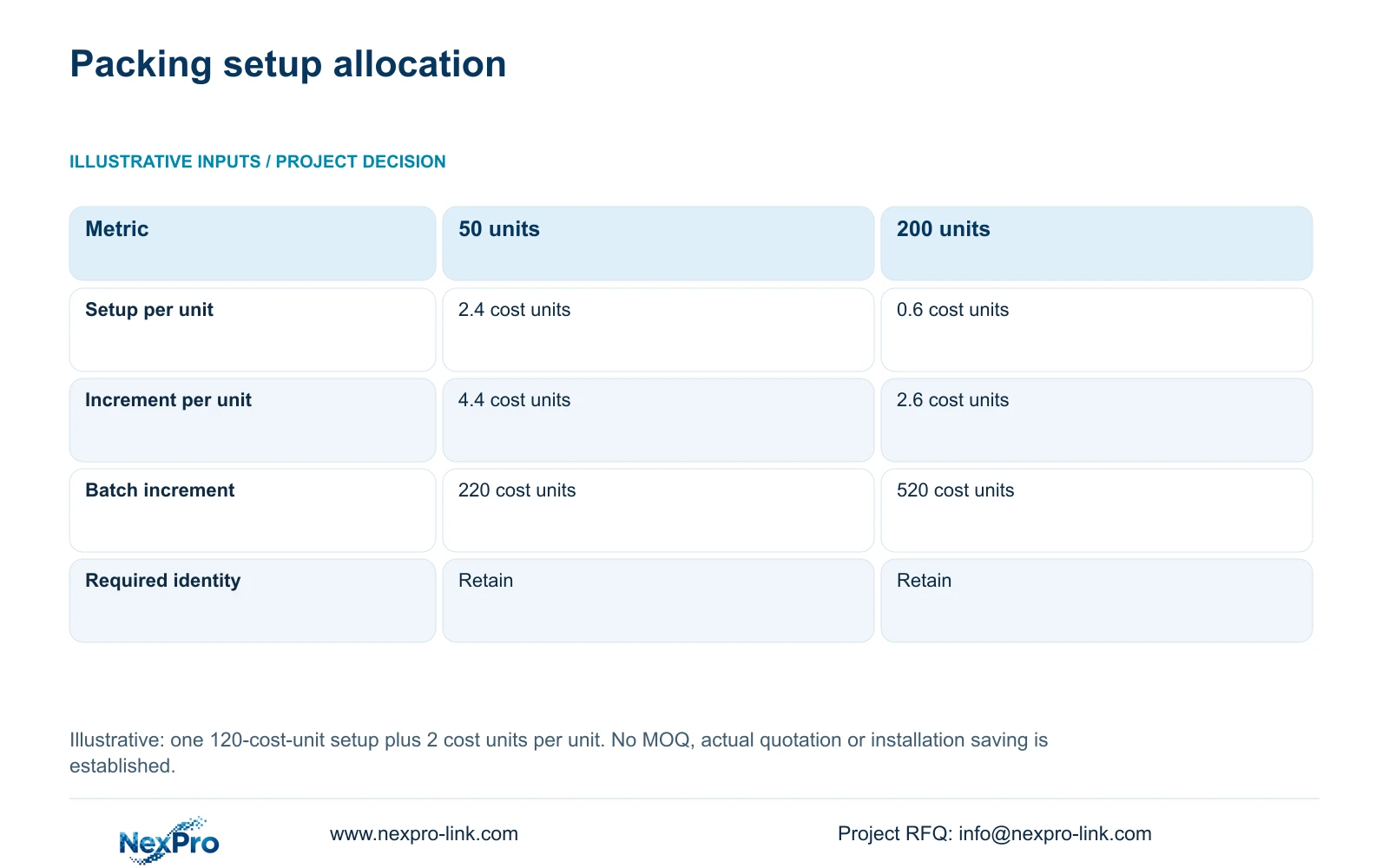
The illustrative calculation below keeps one setup effort and the same 2-unit incremental treatment in both batches. At 50 units, setup contributes 2.4 cost units per unit. At 200 units, it contributes 0.6. Total incremental batch cost is 120 plus quantity multiplied by 2, giving 220 and 520 cost units.
The lower allocation per unit does not justify ordering unnecessary equipment. For this decision, choose grouping when the confirmed work fronts make the extra packing useful. Request separate prices for the proposed marking process and carton arrangement if several artwork versions, destinations or kit types require additional preparation.
| Metric / condition | 50-unit teaching batch | 200-unit teaching batch |
|---|---|---|
| Batch quantity | 50 units | 200 units |
| Setup cost per unit | 2.4 cost units | 0.6 cost units |
| Total incremental cost per unit | 4.4 cost units | 2.6 cost units |
| Total incremental batch cost | 220 cost units | 520 cost units |
| Model and required labels | Retain | Retain |
Section 05
Calculate packing and spare quantities
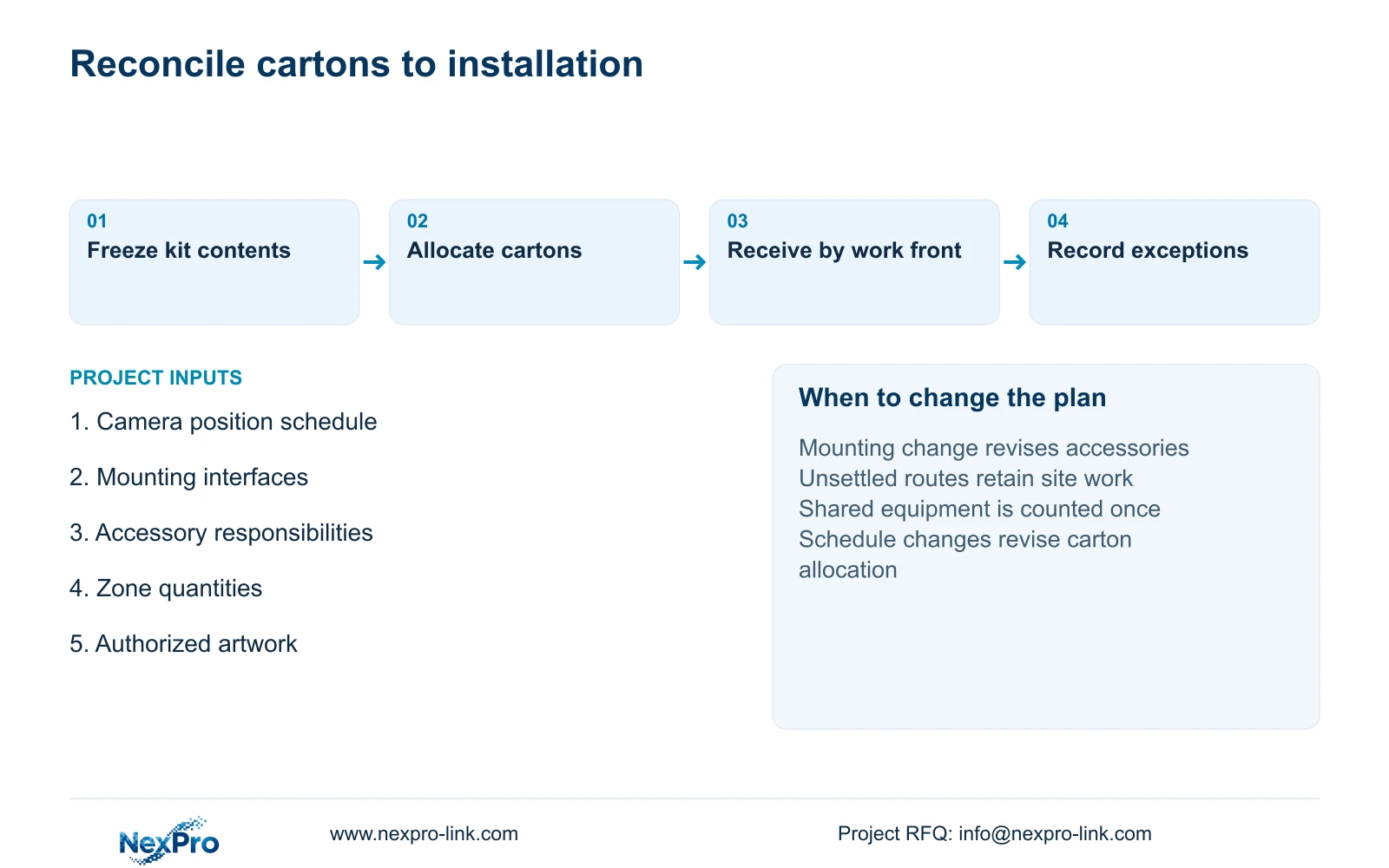
Count installation kits from the approved position schedule, then reconcile their contents against the procurement total. Keep spare cameras and spare accessory packs on separate lines. A spare intended for several mounting roles may require different accessories from the device assigned to one particular location.
Calculate cable purchasing from continuous route cuts, independently of camera carton counts. In CASE02, the illustrative 24 routes total 1,372 m and have a feasible five-reel plan using 305 m reels. That case-specific result cannot be transferred to a different work front. Its remaining tails are distributed pieces, not one continuous replacement route.
Retain limited spare stock where a defined restoration task and replenishment route justify it. Do not apply an unexplained percentage to every component. Revise the packing quantity when positions change, and revise accessory quantities when mounting changes even if the camera count stays constant. Optional retail presentation should remain separate from the installation kit.
Section 06
Issue a kit-level receiving sheet
The receiving sheet should connect each carton to its work front, camera references, equipment models, accessory quantities and packing revision. Include serial allocation where available and distinguish missing supplied parts from work intentionally left to the installer. An intact carton is a receipt observation; it does not establish operational acceptance.
Recommend work-front packing after the mounting schedule and accessory responsibilities are settled. Switch to controlled loose supply or release only the settled kits if access arrangements, bracket interfaces or routes remain unresolved. NexPro-Link can discuss CCTV model matching and coordinated accessories, OEM presentation and project packing, with local installation responsibilities stated separately.
Send the selected camera schedule, mounting details and zone-packing needs to info@nexpro-link.com, together with quantities and destination. Include authorized logo artwork only where branding is required. Hotel project equipment support and OEM and project packing are the relevant starting points for a scoped proposal.
Section 07
Buyer questions
Does a branded kit include every installation accessory? Only items expressly listed in its contents are included. Ask the quotation to distinguish camera package contents, separately supplied accessories and installer-provided materials before comparing totals.
Can repeat orders reuse the same packing design? Stable artwork and model information can remain unchanged where the agreed process permits. Update position labels, quantities and carton assignments when the project allocation changes; do not reuse an obsolete kit sheet.
Can NexPro-Link coordinate the kit and BOQ? NexPro-Link can discuss model matching, equipment allocation and project packing within the agreed supply scope. A coordinated order does not automatically include local installation or prove that all supporting products are manufactured in-house.
Engineering references
These sources support the general planning principles. Always use the selected product's current datasheet and applicable project standards for final design.