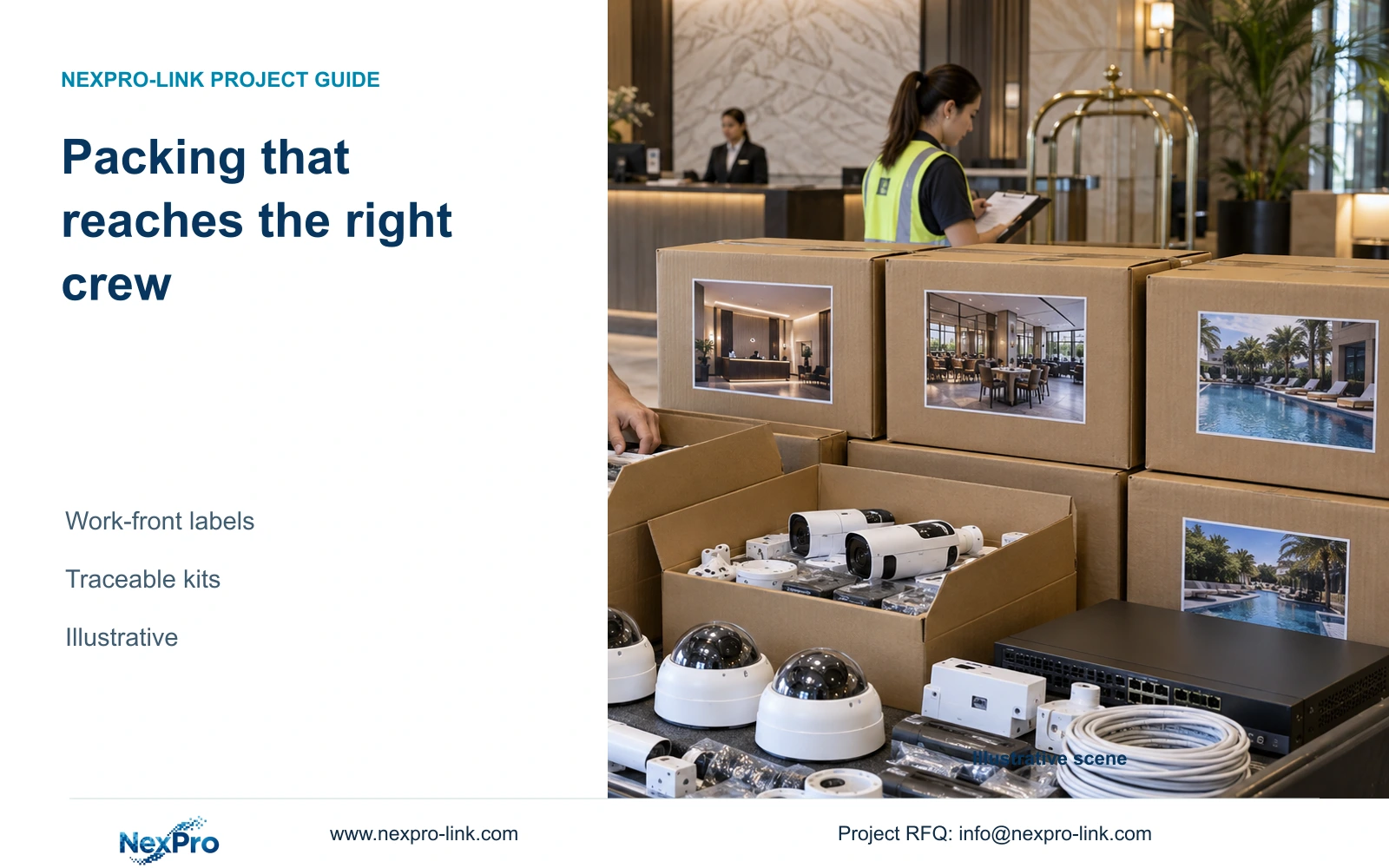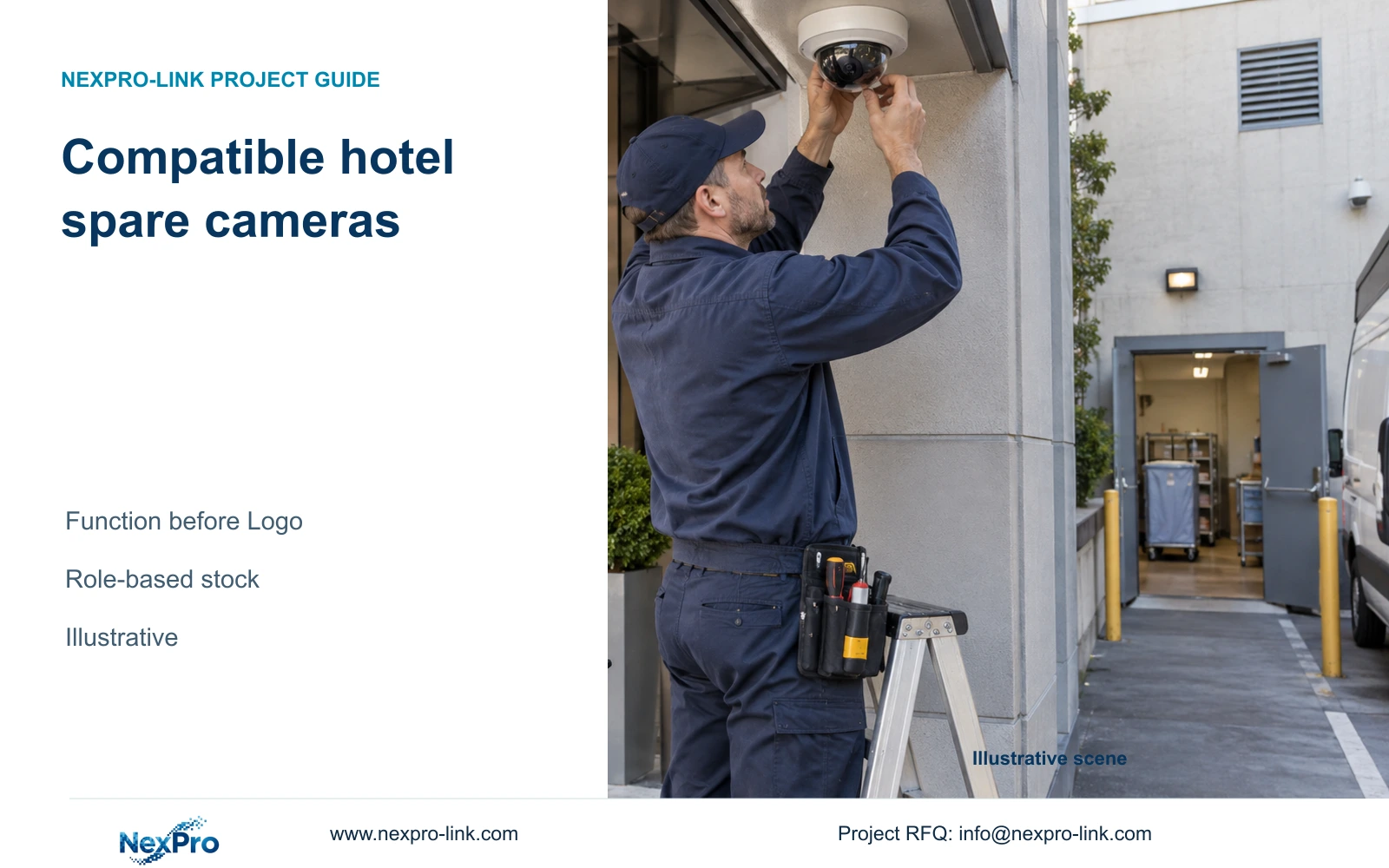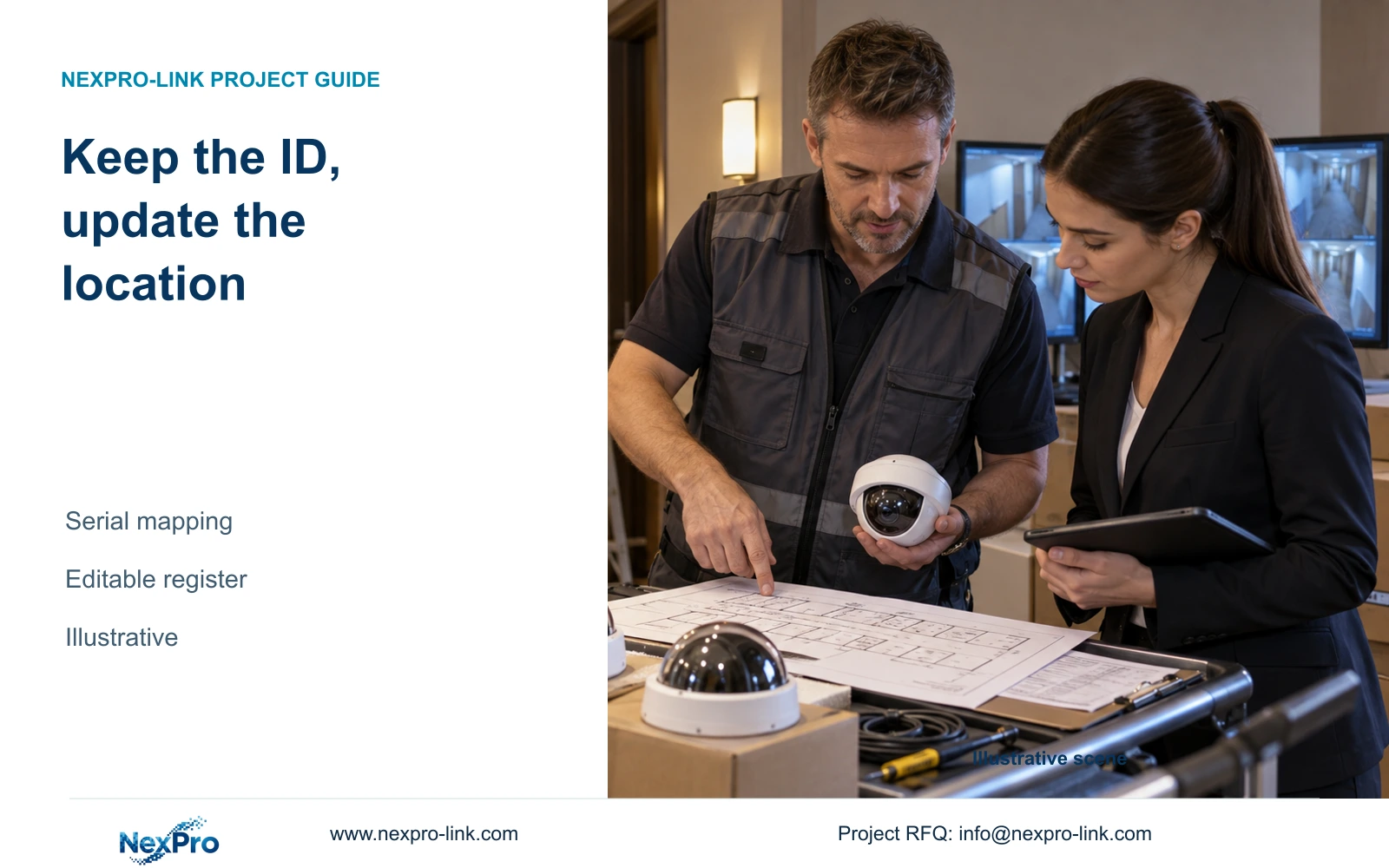
Separate physical device identity from changing hotel locations. A controlled serial-to-camera mapping lets carton labels and asset records follow revised floor plans without changing real SKUs.
Section 01
Define stable IDs and variable location fields
Keep the equipment serial and exact SKU stable, and store floor names, room-zone descriptions and installation locations in separate editable fields. When the hotel's numbering changes, update the location mapping and affected project labels. Do not rename the product or overwrite its physical identity to match the new floor plan.
Distinguish a physical-device record from a camera-point record. The serial identifies the unit that was supplied; the point tag identifies the observation task. A unit can move between points, and a point can receive a replacement unit. Linking these records preserves that history without forcing the same identifier to perform both jobs.
Use authorized branding as another separate field. A customer logo can remain unchanged while project locations move. Necessary manufacturer markings still need to be readable. This structure supports the label and barcode scope described in NexPro-Link's OEM/ODM record without implying that a project label changes product functions or software identity.
| Required task | Given information | Decision still needed |
|---|---|---|
| Trace the physical unit | Exact SKU and serial | Stable device-record field |
| Identify the camera task | Camera schedule point tag | Point-to-device mapping |
| Follow renumbered floors | Revised location names | Variable field and revision owner |
Section 02
Map device serials to camera tasks
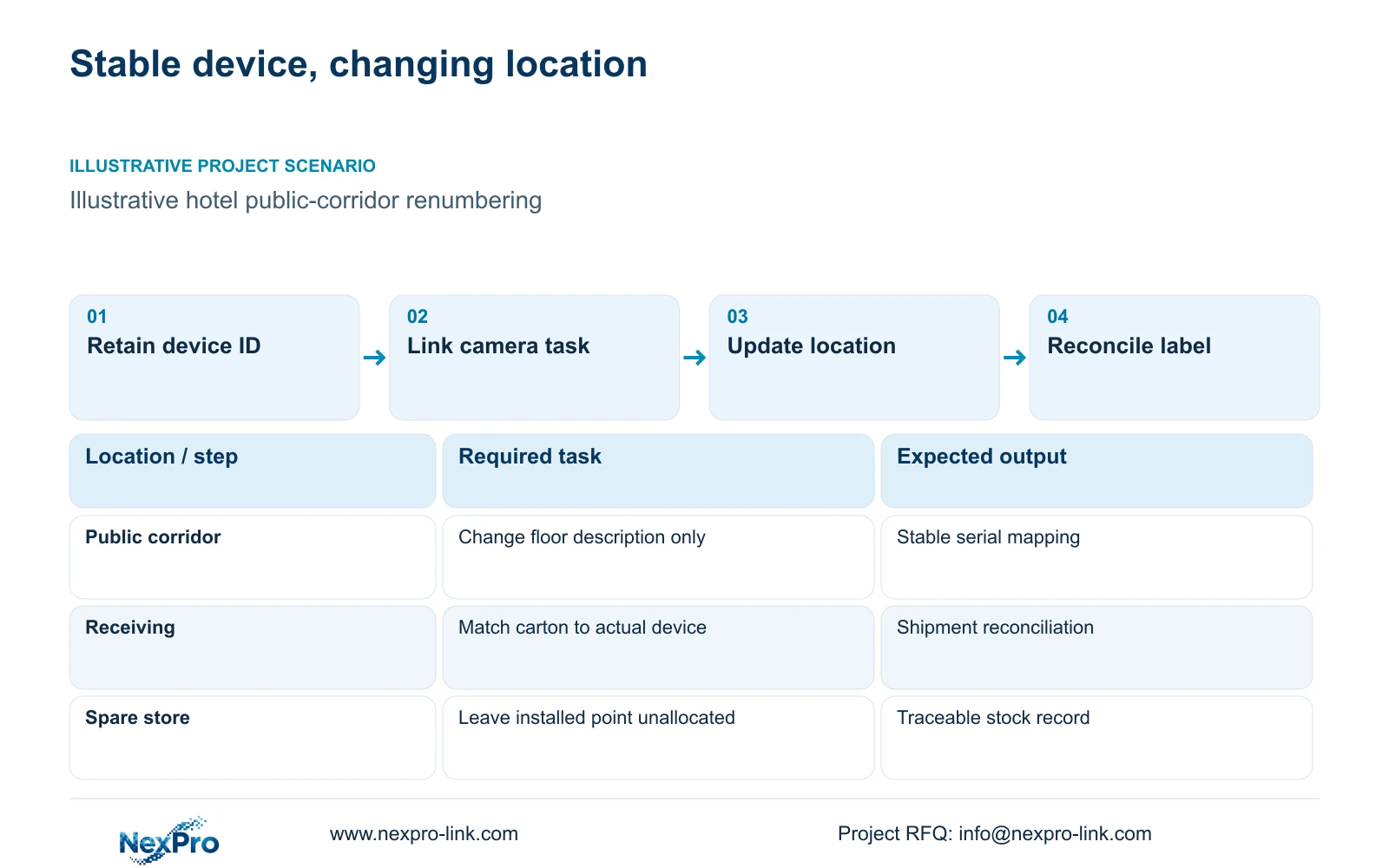
Create the mapping from the camera schedule, then reconcile it with the units actually received and installed. Keep the point's purpose visible: entrance detail, lobby overview or public-corridor coverage. A location name without a task can make two nearby cameras appear interchangeable even when they are intended to show different information.
The illustrative boutique-hotel reference assigns 24 views across entrances, lobby, public corridors, service routes and exterior parking approaches. Its 60-room background does not calculate the camera quantity. A room-zone field in the register describes where a public-route task belongs; it does not authorize surveillance inside guest rooms or other private spaces.
For a replacement or relocation, compare the required mounting, lens and operating configuration before changing the serial assignment. Preserve the source-backed identity NexPro-BL2812M55-5MP-DIC-AI where that model is selected. Similar housing or resolution does not establish a functionally equivalent replacement, and the register should not describe a swap as accepted until the relevant task is checked.
| Record | Location rename | Physical replacement | Effect |
|---|---|---|---|
| Camera point tag | Retain if task is unchanged | Retain if task is unchanged | Keeps the observation task traceable |
| Location description | Update | Retain or update as needed | Matches the current drawing |
| Device serial | Retain | Record replacement serial | Identifies the installed unit |
| Exact SKU | Retain | Record actual replacement model | Supports compatibility review |
Section 03
Assign cartons to the installation fronts
Use carton numbers to connect the shipment to the current work packages. Each carton record should identify its models, quantities and intended destination group, with serial details where allocated. Maintain a separate status for equipment-room items and spare stock so they are not distributed as though every device belongs to a corridor point.
Keep a common label template with variable location fields when the floor schedule remains open. The branding layer can identify the customer, the equipment layer can retain the exact SKU, and the project layer can identify the current installation front. These layers should agree with the packing list without requiring a new permanent box design for every renamed zone.
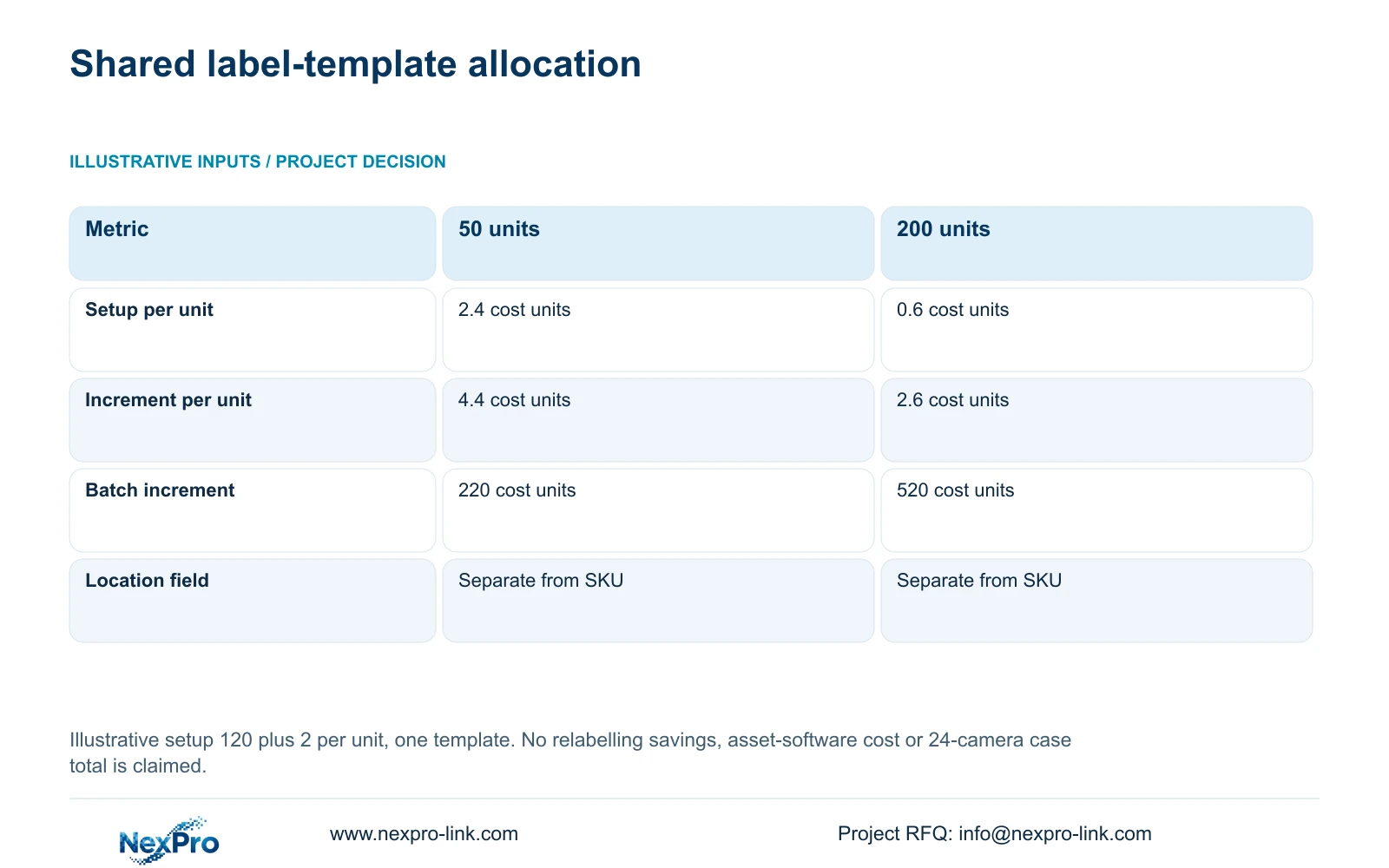
The illustrative cost input is one 120-cost-unit setup plus 2 cost units per device for marking, labels or packing. Increment per unit equals setup divided by batch quantity, plus 2. This single-template assumption supports a comparison of allocation; it does not price a hotel asset-management system, an unlimited number of revisions or the actual shipment.
Section 04
Compare permanent labels with revisable project fields
A permanent floor description ties the physical label to a location that may change. A stable asset identifier with a separate replaceable project label allows the location to be revised without disturbing the manufacturer's identity. Where the owner requires a permanent location mark, freeze the relevant naming convention before that production work and define how later changes will be recorded.
The teaching batches show the allocation of one shared setup. At 50 units, setup contributes 2.4 cost units per unit and the total increment is 4.4. At 200 units, the corresponding figures are 0.6 and 2.6. Batch totals are 220 and 520 cost units. These are independent of the 24-camera hotel reference.
Use those results to examine template reuse, not to predict relabelling savings. Additional artwork versions or changed production materials can introduce costs absent from the model. Request actual revision and label-production terms. The recommended editable location layer remains useful when numbering is unsettled, even if the supplier's real cost structure differs from this example.
| Metric / condition | 50-unit teaching batch | 200-unit teaching batch |
|---|---|---|
| Batch quantity | 50 units | 200 units |
| Setup cost per unit | 2.4 cost units | 0.6 cost units |
| Total incremental cost per unit | 4.4 cost units | 2.6 cost units |
| Total incremental batch cost | 220 cost units | 520 cost units |
| Model and required labels | Retain | Retain |
Section 05
Include spare equipment without inventing installed points
Record spare units with their actual model, serial and technical version, but leave the installed-point assignment unallocated until deployment. Include storage location and stock status in the project register. This prevents a spare carton from appearing as a completed camera point merely because it was labelled for a particular floor during purchasing.
When a spare replaces a unit, retain the former assignment in the change record and update the active mapping. Review compatibility with the required function before installation. An unused spare can still need checking if the system's configuration or software has changed since purchase.
Keep service and stock decisions separate. The supplied policy states a usual 24-month limited hardware baseline from receipt for applicable main equipment, controlled by written terms. Spare availability does not reset that baseline or establish accessory coverage. Before an RMA, use the device identity and symptoms to obtain the approved handling route; do not send equipment containing credentials or guest footage without an authorized process.
| Retained outcome | Extra record | Useful when | Limit |
|---|---|---|---|
| Physical traceability | Serial and version | Spare stays in storage | No installed task is implied |
| Restoration planning | Replacement suitability | Critical task needs a spare | Compatibility still needs checking |
| Service history | Former and current assignment | A unit is replaced | Stock does not eliminate restoration work |
Section 06
Deliver an editable mapping with a controlled baseline
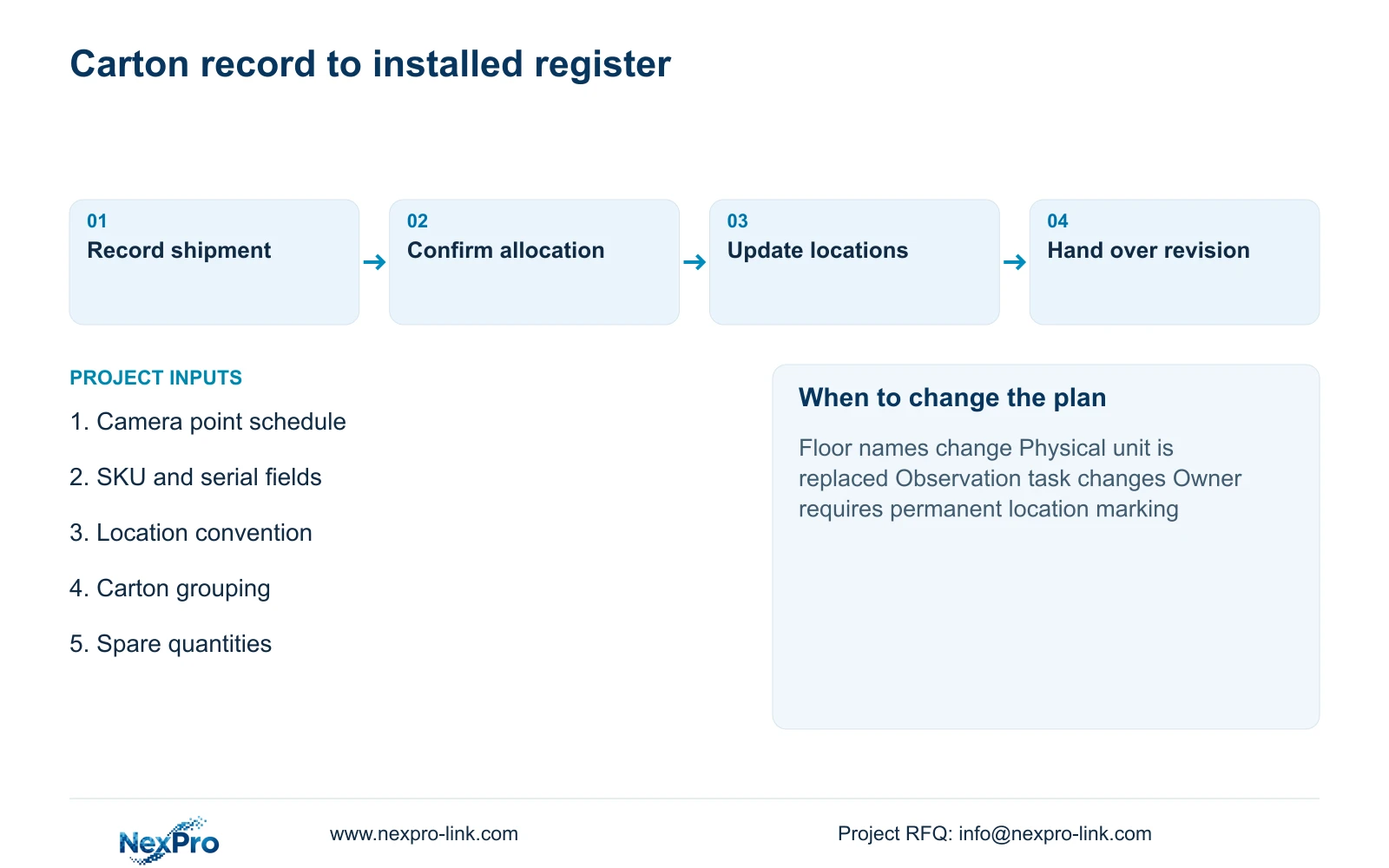
Provide an editable register and an identifiable handover revision. Include fields for device identity, camera point, current location, carton reference and status. Name the party responsible for recording field changes. Receiving can reconcile shipment identity, the installer can confirm point allocation, and the hotel can maintain the operational register.
Use stable IDs with editable location fields whenever drawings or floor names can change. Switch to permanent location marking only after the naming convention is settled and the owner accepts its revision consequences. A changed observation task or replacement model requires a technical update as well as a label update.
Send the current camera schedule, location-naming convention, requested register fields and carton-grouping needs to info@nexpro-link.com. Include known spare quantities and any authorized logo requirement. NexPro-Link can discuss factory labels and shipment mapping; the proposal should distinguish factory records from the local installer's responsibility to confirm the final installed allocation.
Section 07
Buyer questions
Does a floor rename require a new camera asset ID? No, if the physical device and observation task remain unchanged. Revise the location description and affected project labels while retaining the device identity and mapping history.
Should spare cameras receive installation-point labels? Keep their stock identity and technical details, with the installed-point field unallocated. Assign a point when the spare is selected and checked for that task.
Who confirms the final serial-to-point mapping? Define that responsibility in the project scope. Factory packing records identify the shipment; receiving and installation must reconcile the units actually placed at each camera point.
Engineering references
These sources support the general planning principles. Always use the selected product's current datasheet and applicable project standards for final design.