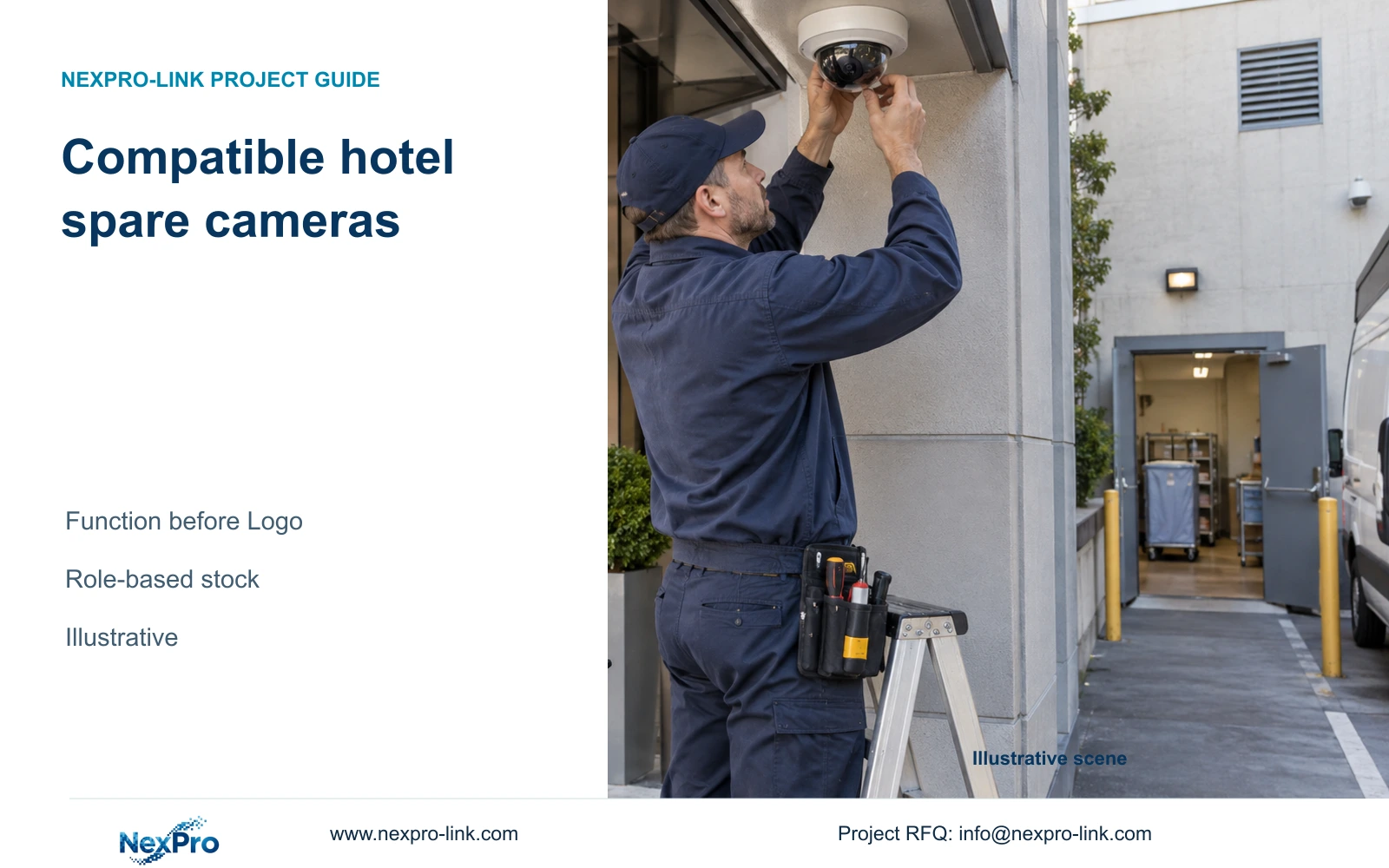
A matching camera housing or logo does not prove replacement compatibility. Select a spare against its required view, interfaces and operating workflow before applying branding.
Section 01
Identify the failed unit and restoration task
Approve a hotel replacement camera only after checking the required view, recording mode, mounting and client functions. Match authorized branding after those requirements are satisfied. Keep a local spare where a defined restoration target and replenishment route justify it; reconsider that stock when the permitted delay or supported replacement family changes.
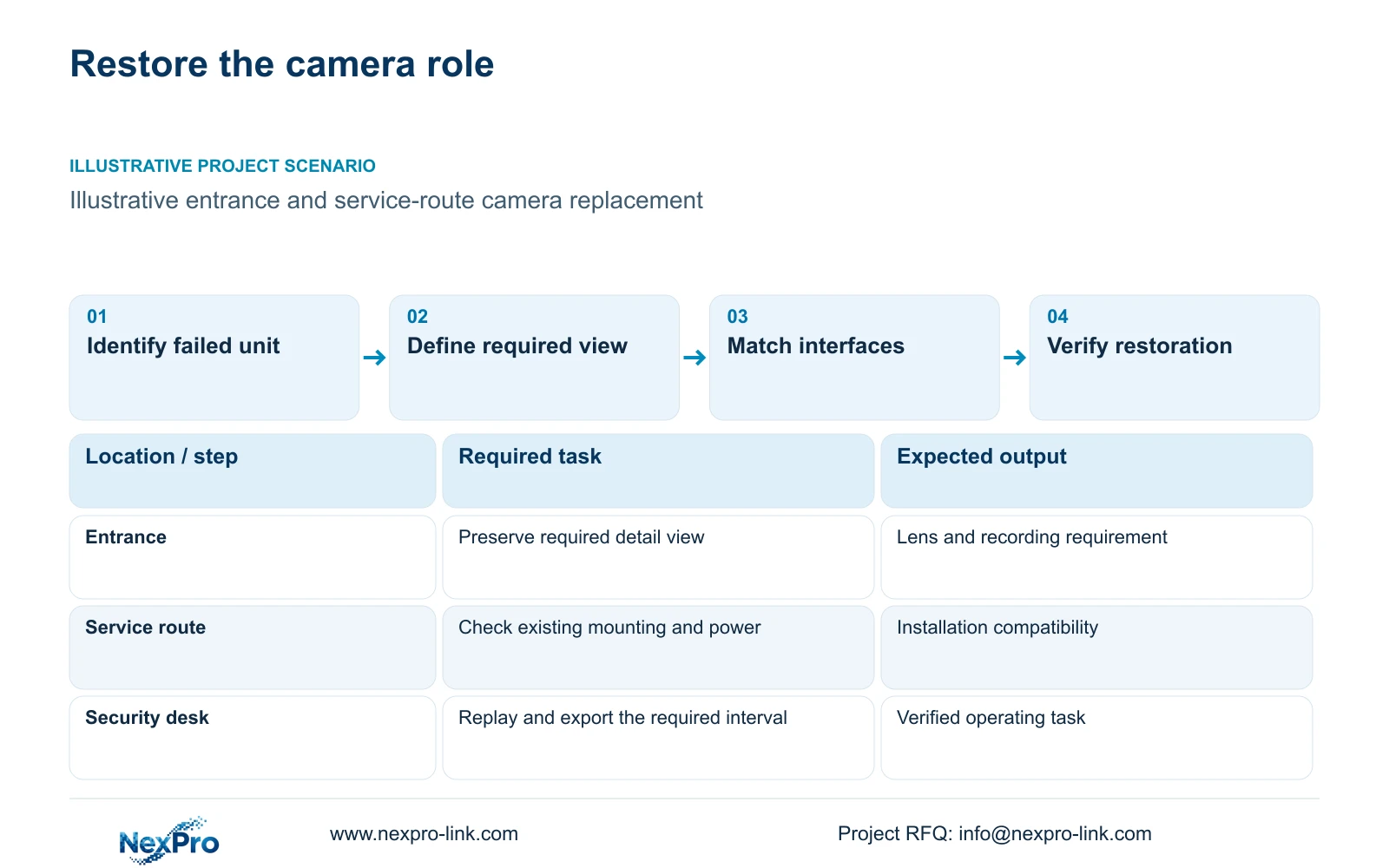
Start with the failed unit’s exact model and asset identity, its position and the service that needs restoration. An entrance detail view and a general service-route overview may require different replacement capabilities. The same external housing cannot establish that the lens, power requirement or firmware behaviour matches the original role.
Collect the symptoms through the approved local support process before assuming the camera is the failed component. A lost view can involve the camera, connection or upstream equipment. Keep account credentials out of the initial replacement inquiry. The replacement request should identify the affected operating task and the relevant equipment path.
| Required task | Given information | Decision still needed |
|---|---|---|
| Restore entrance view | Failed model and position | Required detail and permitted restoration delay |
| Resume recording | Recorder and selected stream | Supported replacement mode and configuration |
| Reuse existing mounting | Installed mounting arrangement | Actual replacement fixing and connection fit |
Section 02
Match technical and mounting interfaces
Compare the replacement against the selected recording profile, power method and physical installation. Check the actual mounting and cable connection details. A camera with the same resolution may still need different fixing work, framing or configuration. Record unresolved fields before ordering so the installer can identify any additional scope.
The supplied PDF supports NexPro-BL2812M55-5MP-DIC-AI as a 5MP-series candidate with 2880 × 1620 listed main output, 25 fps at 5MP and a 2.8-12 mm motorized lens. It also lists PoE, IP66 and operation from minus 20 to plus 60 degrees Celsius. These are source specifications, not proof that it directly replaces another installed model.
Maximum power is absent from that PDF, so it cannot establish the replacement’s peak PoE demand. Its motorized lens also does not prove a particular field of view at the existing distance. Review framing and the complete connection arrangement; do not assume the installed bracket or client features fit from the model’s general specifications.
| Item | Appearance-led choice | Task-matched choice | Effect on restoration |
|---|---|---|---|
| Housing | Looks like failed unit | Actual fixing dimensions checked | Determines mounting work |
| Lens | Same advertised resolution | Required view and adjustment checked | Preserves the observation task |
| Power | PoE assumed sufficient | Actual type and peak demand checked | Protects the existing power budget |
| Client | Same logo expected to connect | Required functions checked | Preserves operating workflow |
Section 03
Compare current replacement candidates
Compare a verified local spare, a supported substitute and replenishment of the required equipment. Keep acquisition, mounting labour and configuration work visible as separate inputs. Do not invent lead times or failure rates to favour one route. Obtain the actual replenishment conditions and assess them against the hotel’s permitted service interruption.
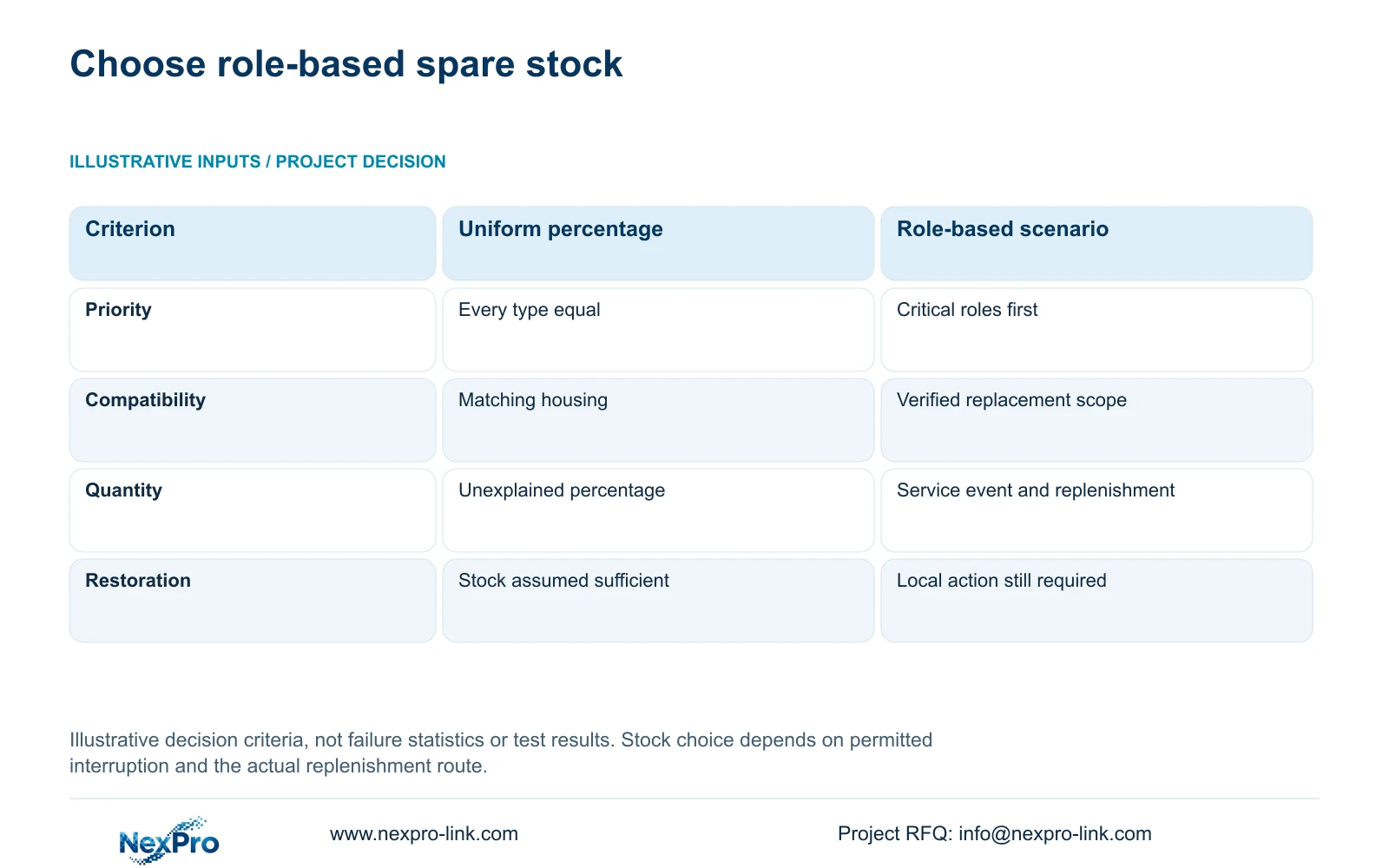
The decision matrix below compares an unexplained percentage of every SKU with a role-based spare scenario. It is illustrative and contains no measured reliability values. Its inputs are critical operating roles, verified substitution scope and the replenishment route. The outcome supports prioritizing the service that must be restored.
Recommend limited compatible stock for roles whose accepted restoration delay cannot be met by the agreed replenishment arrangement. Where longer interruption is acceptable or local substitution is supported, a different stocking choice may be justified. Stock still needs an authorized person to install, configure and validate it; possession of a spare does not remove every source of downtime.
| Metric / condition | Same percentage of every SKU | Role-based spare scenario |
|---|---|---|
| Priority | Equal for all device types | Critical recording and entrance roles considered first |
| Compatibility | Matching housing appearance | Verified functional replacement scope |
| Quantity basis | Unexplained percentage | Explicit service event and replenishment input |
| Service | Stock assumed to eliminate downtime | Local action and restoration still required |
Section 04
Check stored configuration and client functions
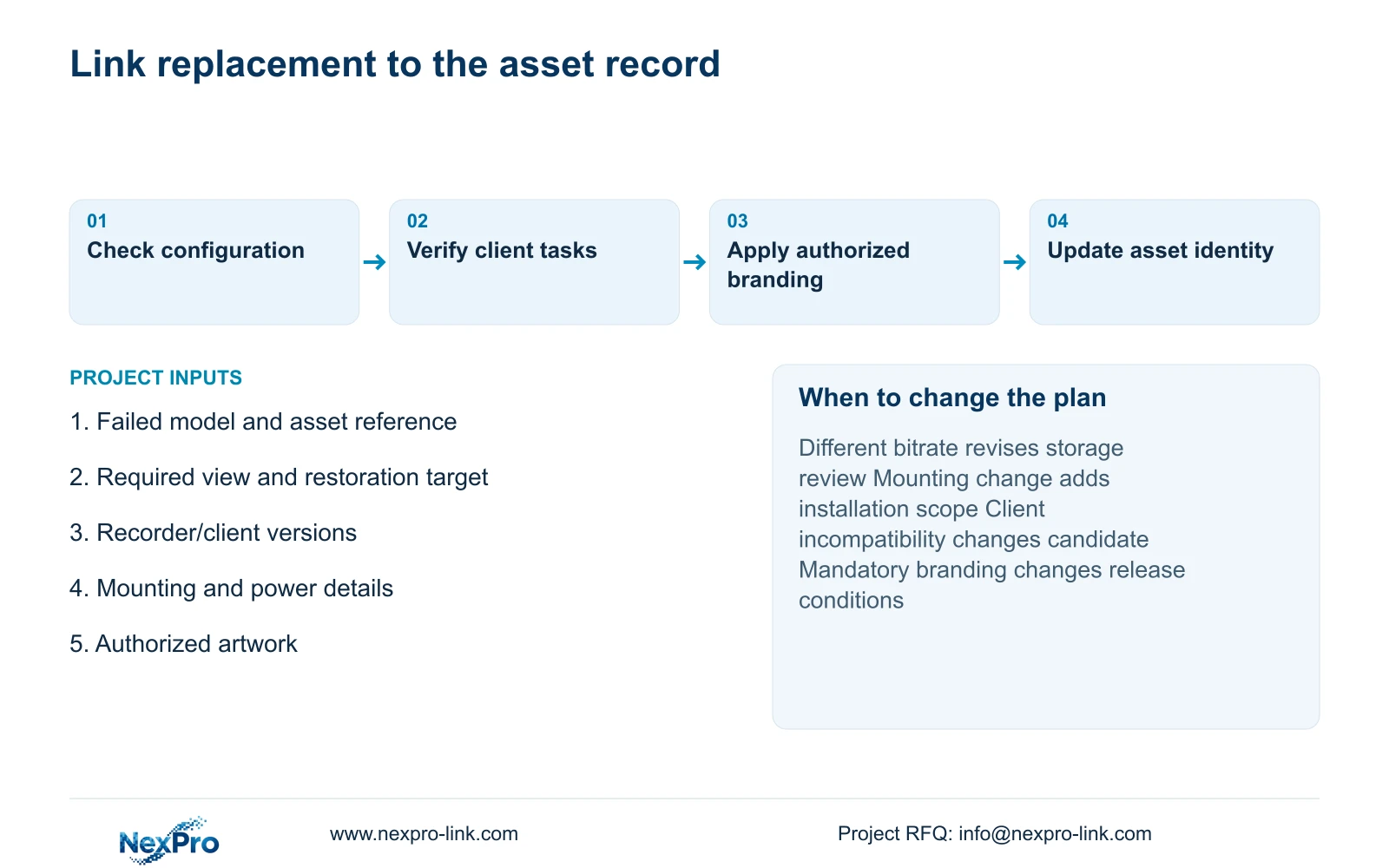
Use the configuration record to identify required stream settings, time behaviour and operating functions. Check the replacement with the actual recorder and client versions. A stored profile should guide restoration, but it should not be assumed transferable across unrelated models or firmware. Preserve the relevant baseline before making authorized changes.
Verify recording and retrieval separately from live preview. The operator should be able to find and replay the relevant interval, then export through the approved workflow. Where the hotel uses event searches, audio or remote account binding, check those particular functions. ONVIF support alone does not establish complete platform or cloud compatibility.
CASE02 illustrates a 24-camera hotel with NexPro-NVR4449-4K as a recorder candidate. Its published 49 channels and 320 Mbps input do not prove every replacement resolution combination; the source summary lists 49 × 5MP/9 × 4K. If the replacement changes bitrate or mode, reassess supported recording and storage rather than retaining the old capacity conclusion automatically.
Section 05
Apply the authorized branding standard
After the replacement meets its technical role, apply the authorized artwork standard for the permitted surface. Keep the actual model and serial identity intact. Matching the former presentation should not conceal a changed technical model from the installer or service team.
Specify the branding scope separately from the restoration requirement. A project label or neutral package may be sufficient where an urgent supported replacement is needed and the hotel accepts that presentation. More elaborate marking or packaging should follow an actual requirement and quotation. Do not assume a later small order can reproduce an old surface treatment without confirmation.
Hardware branding does not create software renaming rights. Retain the real client identity and the correct support information in the replacement documents. If an operator-standard presentation is mandatory, keep that condition in the proposal while explaining any effect on the release arrangement. Urgency does not authorize an unapproved brand treatment.
Section 06
Update the spare and asset records
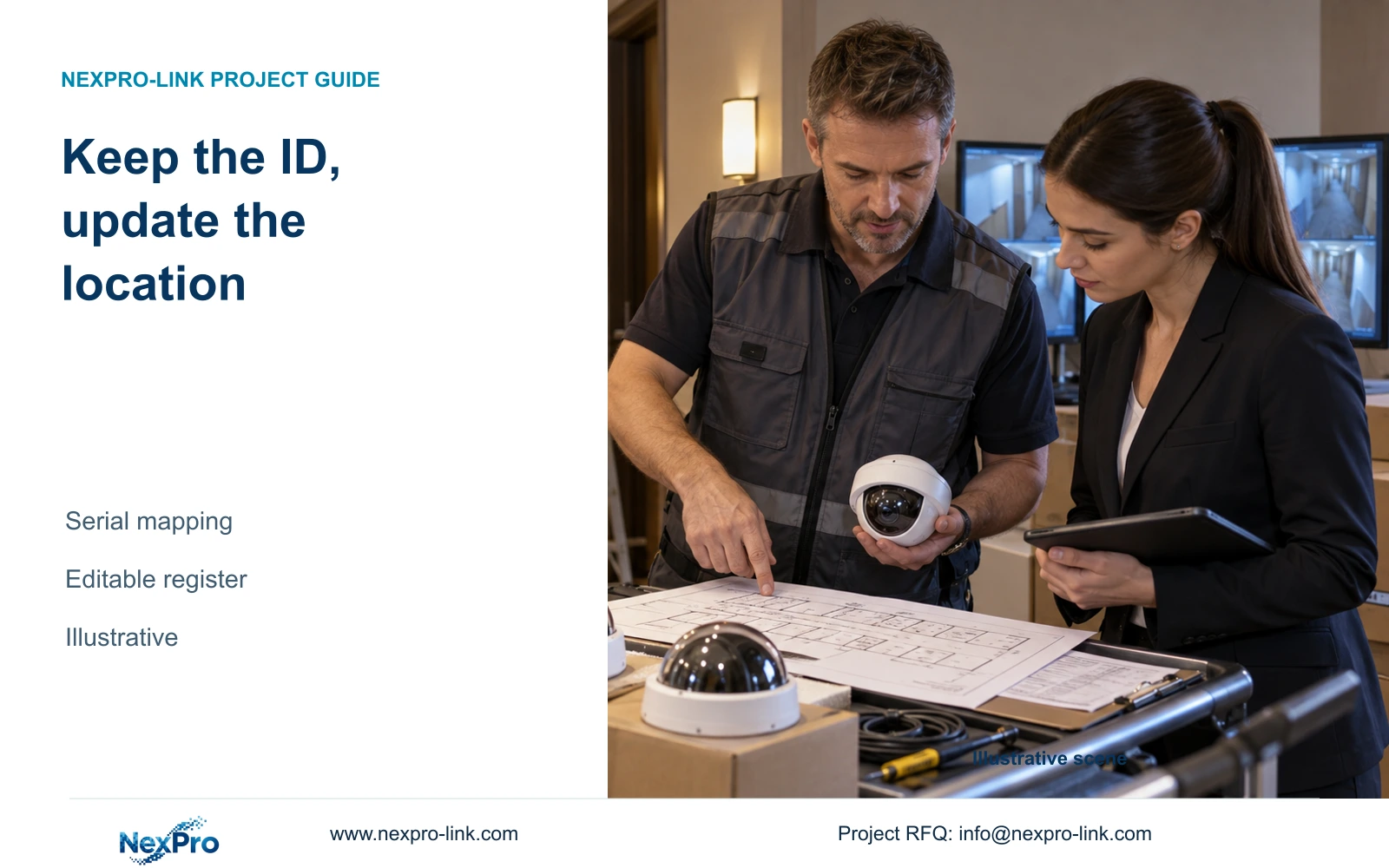
Record the removed and installed equipment identities, position, relevant configuration and the functions checked after restoration. Update the approved replacement family where the substitute has a defined scope. A camera accepted for one task should not automatically become a universal spare for every hotel position.
Keep operational spare availability separate from warranty handling. The supplied policy record gives applicable main equipment a 24-month limited hardware baseline from receipt, with controlling written order terms taking precedence where different. Accessories and OEM scope require their applicable terms. A spare held locally does not establish a fresh warranty period or free site labour.
For replacement assistance, send the failed model and asset identity, required view, recorder/client versions and mounting details to info@nexpro-link.com, together with destination and restoration target. NexPro-Link can discuss model matching and authorized branding within the agreed supply scope. Confirm RMA authorization and information handling before returning equipment that may contain credentials or hotel footage.
Section 07
Buyer questions
Can a matching housing be fitted without compatibility checks? No. Match fixing dimensions, power, the required view and supported recording/client functions. A familiar exterior provides no evidence that the internal configuration or installation interface is unchanged.
Should every camera model have the same spare percentage? Base stock on restoration priorities and replenishment conditions. Group genuinely supported replacement roles, then select limited inventory for the tasks that need it. The supplied evidence gives no failure rate supporting a universal percentage.
Can an urgent replacement use neutral packaging? That can be proposed where the hotel accepts the presentation and technical identity remains traceable. If branded presentation is mandatory, retain it as a separate condition and obtain the applicable process and delivery scope.
Does warranty approval restore the missing view? Warranty handling and operational restoration are separate. The hotel still needs local installation and configuration action. Confirm the return process and costs without assuming replacement shipment or site attendance is included.
Engineering references
These sources support the general planning principles. Always use the selected product's current datasheet and applicable project standards for final design.