Compare control-room budgets by keeping required recording and authorized access constant. Add workstations, shared displays and recovery scope only when defined simultaneous tasks justify them.
Section 01
Fix the operating tasks common to every layout
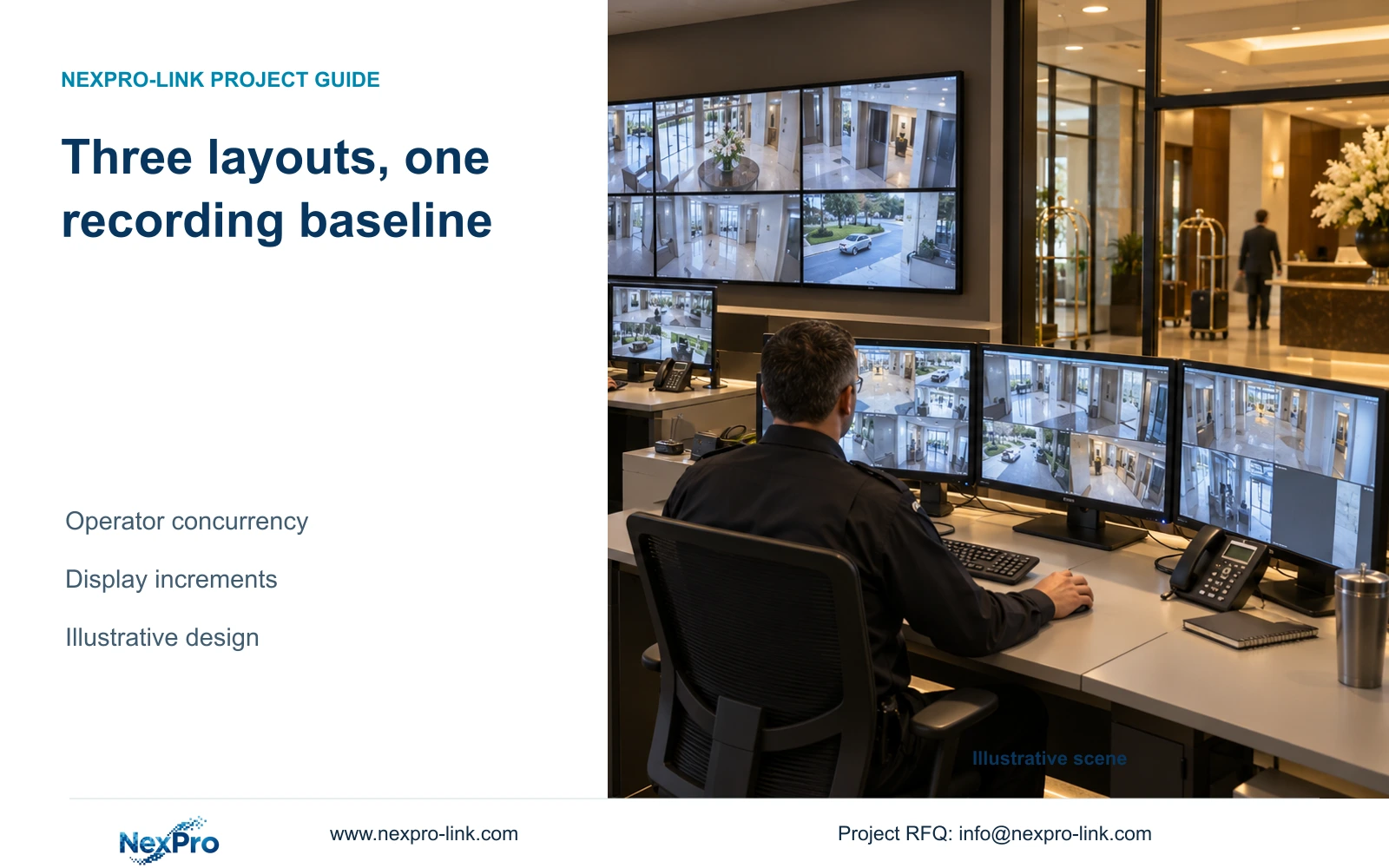
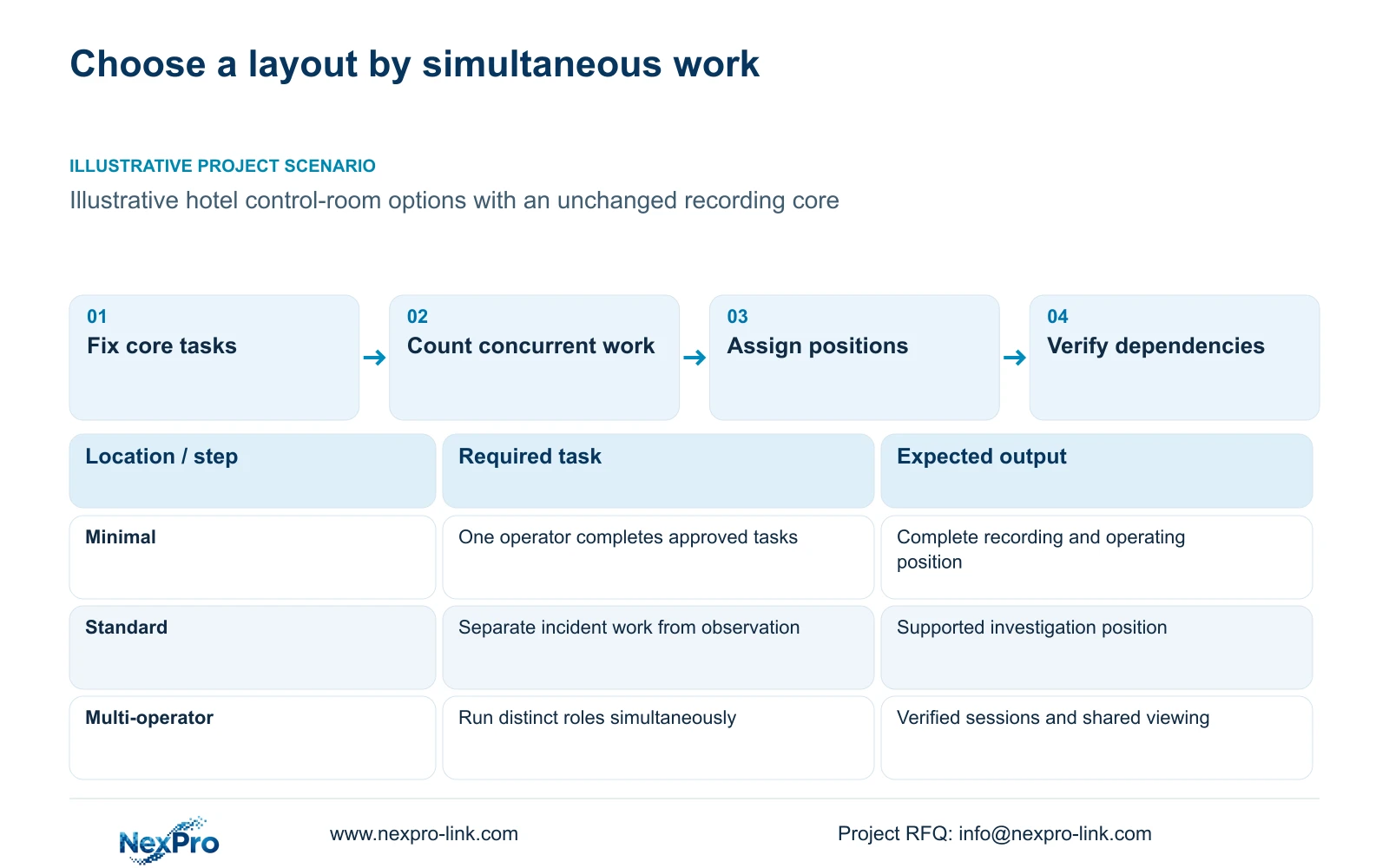
Choose the minimal complete layout when one operator can perform the required viewing, retrieval and export tasks without displacing another essential activity. Choose a standard or multi-operator layout when tasks must run simultaneously. Keep required recording, authorized access and the agreed outage state unchanged across all three budget options.
Define who watches public-zone activity, who investigates recorded events and who approves exports. Include the operating state during loss of mains or WAN service. A larger wall may support shared observation, but it cannot compensate for missing storage, an unprotected access switch or unclear investigation permissions.
Build the comparison from the camera schedule and actual operator duties. Hotel room count does not determine camera quantity or workstation count. The illustration here assumes 48 cameras independently of the separate 32-camera hotel reference. Neither scenario is a delivered project or a final equipment schedule.
| Required task | Given information | Decision still needed |
|---|---|---|
| Continuous recording | Public-zone camera schedule | Profiles, retention and protected path |
| Incident retrieval | Authorized investigation role | Concurrent replay and export tasks |
| Shared observation | Possible additional operators | Views, seats and display distance |
Section 02
Build a minimal layout with a complete recording path
The minimal layout includes the required camera connections, access and core networking, recorder, usable storage and an authorized operating position. Draw data and protected power separately. The display is an operating endpoint rather than a required transit point for recording.
Connect the camera schedule to bitrate, storage and each access-node power budget. Check remote-node supply as well as the recorder room. A fiber backbone carries data; it does not automatically power a remote switch or its cameras. Allocate backup by actual protection zone instead of placing distributed loads under an unexplained central UPS.
NexPro-NVR4449-4K lists 49 channels and 320 Mbps input, but its four SATA positions at up to 18 TB per drive total only 72 TB raw. That cannot satisfy the 77.76 TB usable requirement calculated below. NexPro-NVR8864-4K, with eight SATA positions and 320 Mbps input, is a candidate for further configuration review, not an automatic capacity or recording-mode approval.
Section 03
Add operator functions without reducing retention
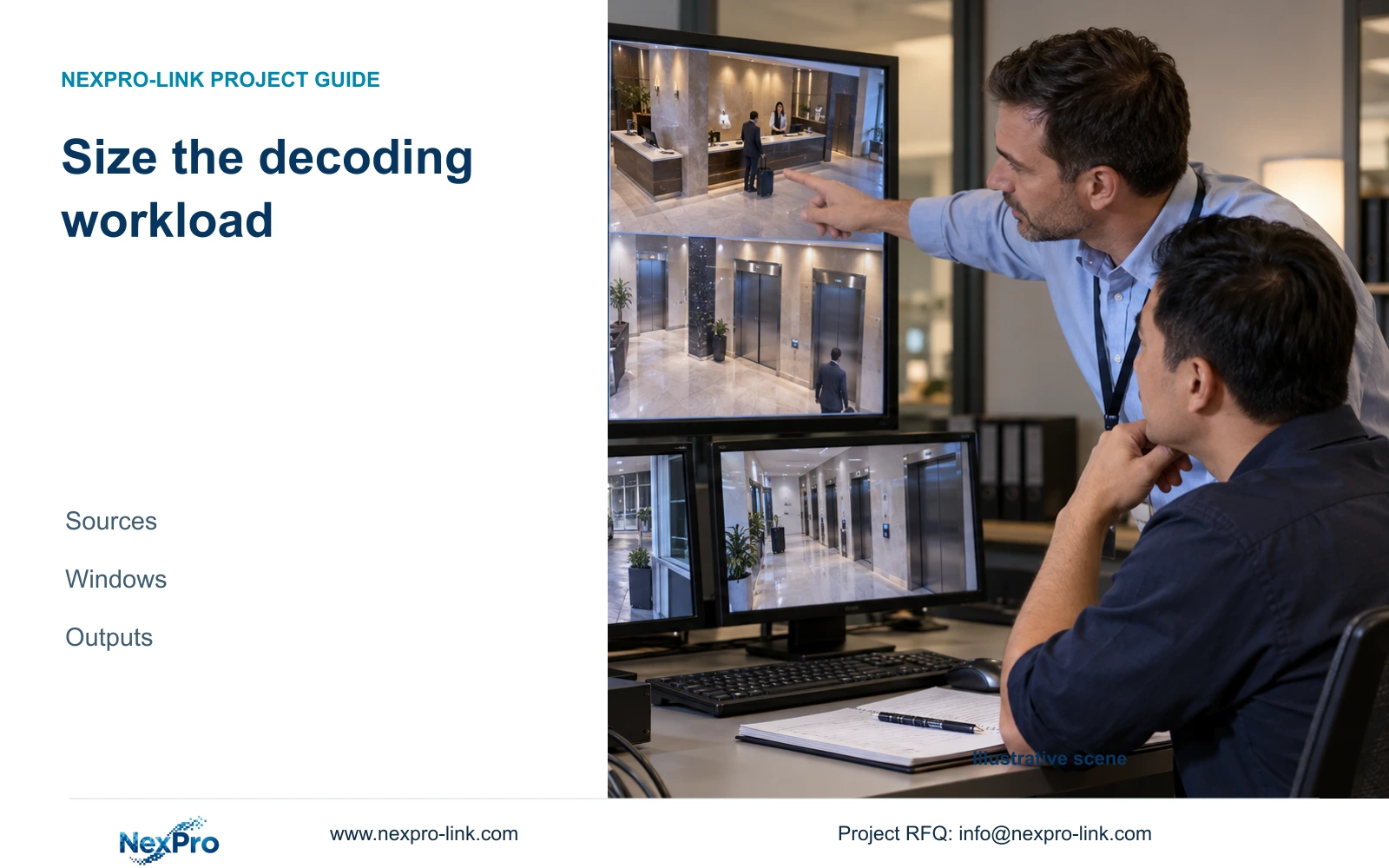
A standard layout can separate routine observation from incident work when those tasks overlap. A multi-operator arrangement adds the distinct seats and supported sessions required by the hotel. Count simultaneous live views, playback channels and exports; a workstation count alone does not describe the decoding or network workload.
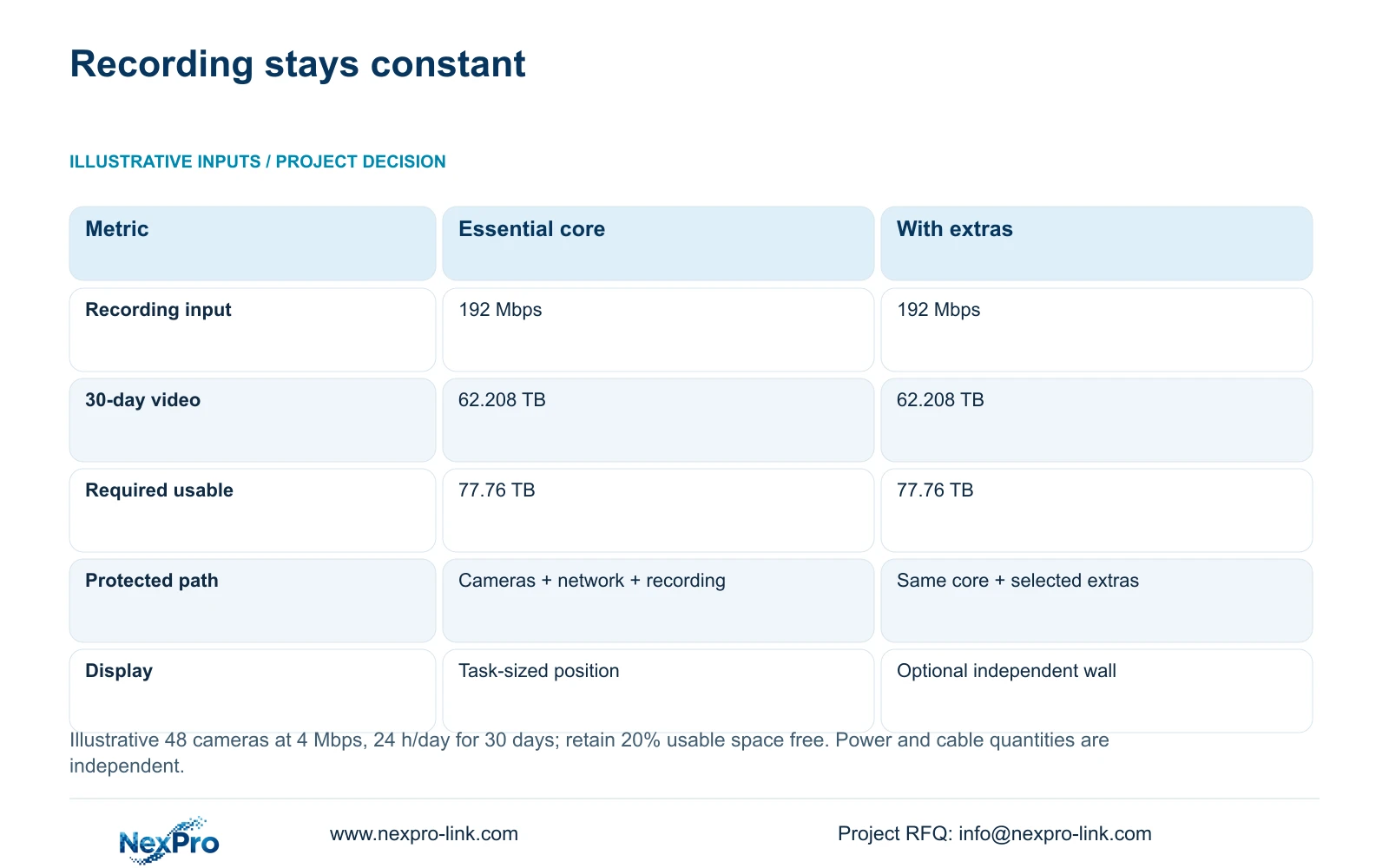
For this independent illustration, 48 cameras average 4 Mbps, recording continuously for 30 days. Input is 48 × 4 = 192 Mbps. Decimal video capacity is 0.0108 × 48 × 4 × 30 = 62.208 TB. Dividing by 0.80 gives 77.76 TB usable capacity while retaining 20% free space.
The free-space target is a stated assumption, and 30 days is a scenario policy rather than a worldwide legal requirement. Raw disks, supported array layout and formatting must still be resolved. All three layouts retain this recording baseline. Extra operator sessions change retrieval and viewing demand, not the approved retention calculation by themselves.
| Metric / condition | Essential recording-first package | Same core plus optional display/recovery scope |
|---|---|---|
| Recording input (Mbps) | 192 | 192 |
| 30-day video data (TB) | 62.208 | 62.208 |
| Required usable capacity (TB) | 77.76 | 77.76 |
| Protected path | Cameras + network + recording | Same plus explicitly selected extras |
| Operator display | Task-sized monitor/workstation | Optional wall; independent recording |
| Cost comparison | Complete scope quotation required | Add only documented incremental scope |
Section 04
Calculate display and protected-power increments separately
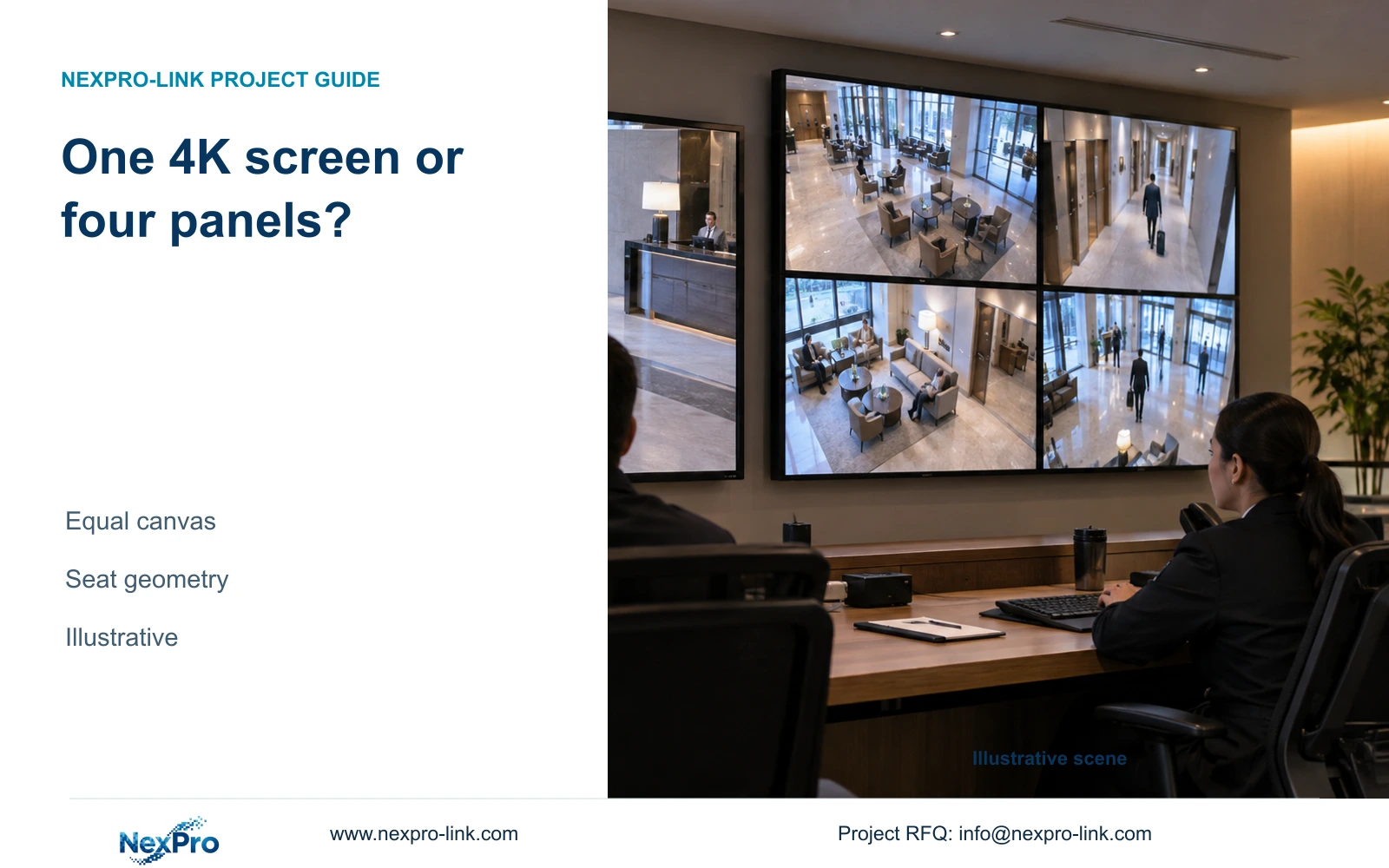
For a 4 × 4 camera grid, a Full HD canvas allocates 480 × 270 pixels to each tile. Four Full HD panels arranged 2 × 2 provide a nominal 3840 × 2160 canvas and 960 × 540 per tile, assuming the signal chain can address that canvas. A single 4K monitor has the same nominal pixels but different physical size and seams.
NX-VP-5535 is a 55-inch LCD panel, not direct-view LED. NX-VD-4K16 is a decoder candidate whose name does not prove 16 simultaneous 4K streams. Verify the required window layout and codec workload independently of display outputs.
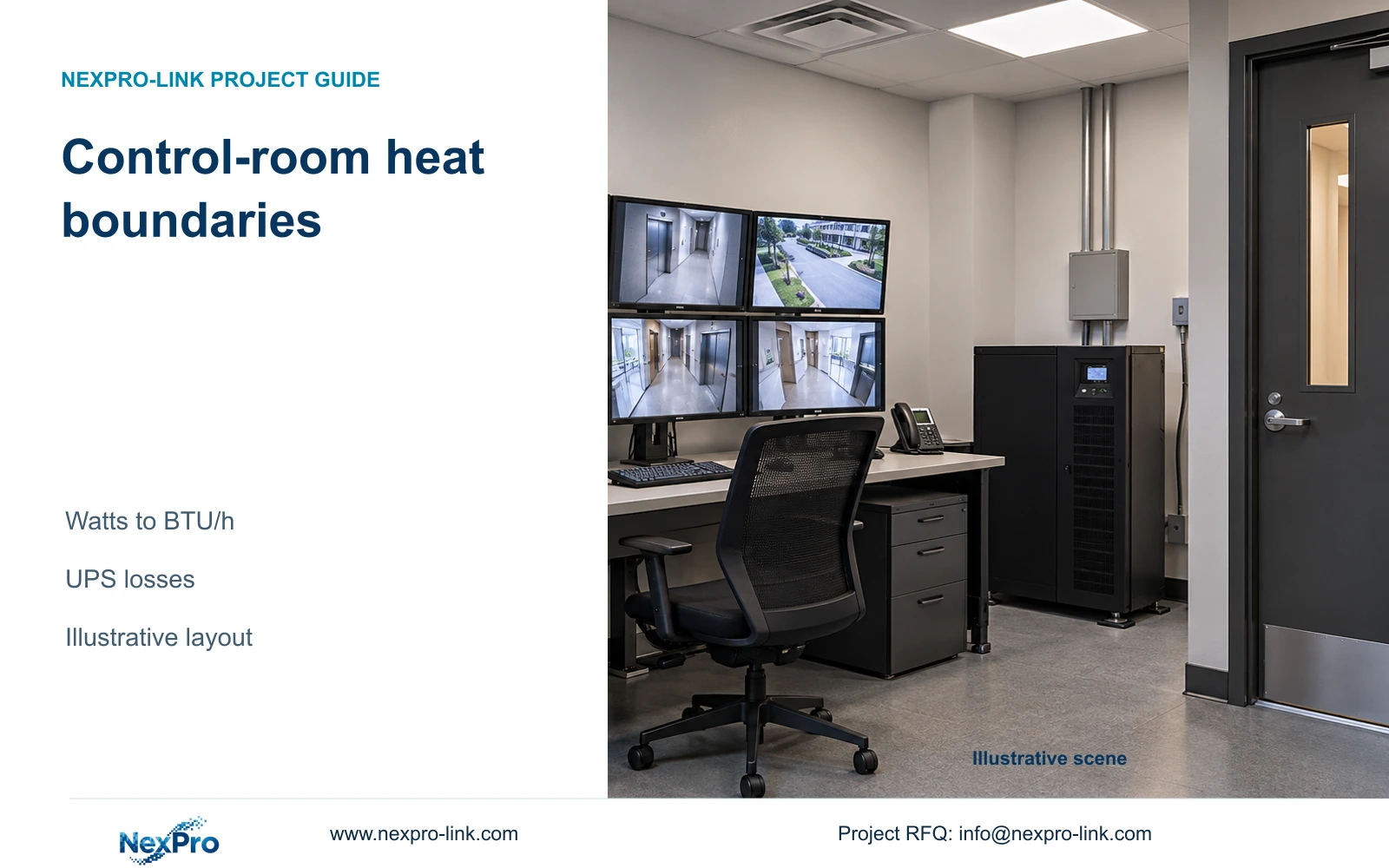
Calculate power increments from the selected equipment's actual inputs. SP2KR(S) is rated 2 kVA / 1800 W, but its rating does not establish runtime after adding displays or workstations. Recheck both watts and VA, then obtain the supported battery curve. Do not import CASE01's assumed wall load or UPS totals into this 48-camera illustration.
Section 05
Compare maintenance and fault boundaries
The minimal layout has fewer operating endpoints to maintain, but it still needs service access, configuration records and a supported restoration procedure. The standard and multi-operator layouts add client versions, display hardware and possible controller dependencies. Name who maintains each added layer.
Review rack depth, load capacity, ventilation and the space needed to remove equipment. A wall also requires its applicable mounting and rear or front service arrangement. Include power distribution, cabling, heat inputs and local installation work in the option price rather than comparing screen prices alone.
The supplied policy record states a 24-month limited hardware baseline from receipt for applicable main equipment, subject to controlling written order terms. Batteries, storage, cabling and OEM scope require their own applicable terms. Technical support does not establish unlimited free repair or local attendance. Quote recovery equipment and site service separately from the hardware warranty.
| Retained outcome | Extra scope | When worth buying | Counter-condition |
|---|---|---|---|
| Recording and retrieval | Separate investigation position | Observation and investigation overlap | One position demonstrably meets both tasks |
| Shared observation | Wall, decoder and mounting | Several operators need persistent views | A task-sized monitor meets viewing need |
| Required restoration | Defined recovery equipment and service | Approved recovery objective needs it | Unspecified redundancy cannot prove recovery |
Section 06
Select the layout using explicit expansion triggers
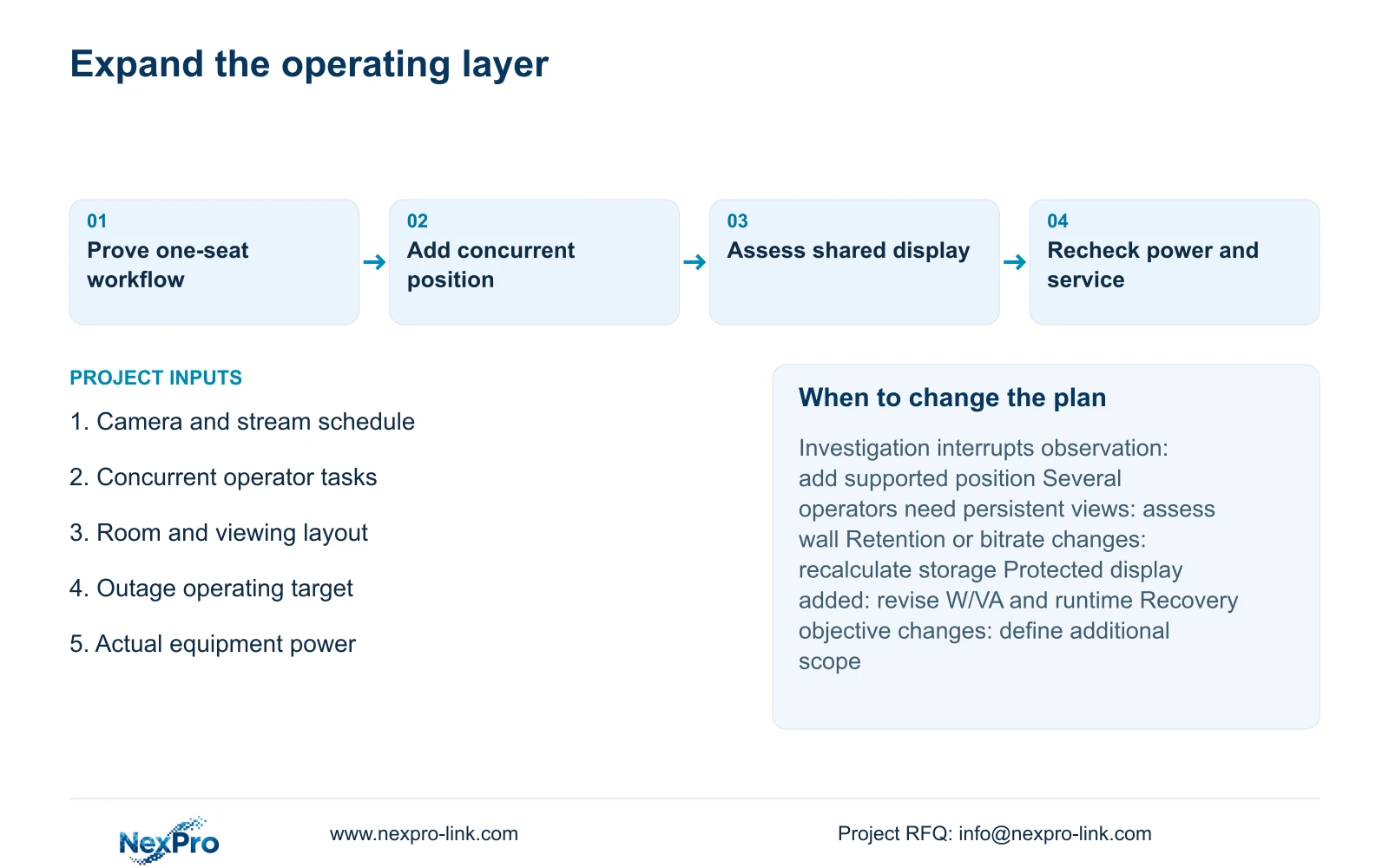
Start with the minimal complete layout for one active operator where the demonstrated workflow meets the hotel's tasks. Move to standard when incident replay or export would otherwise interrupt required observation. Select multi-operator when distinct staff must carry out simultaneous roles and the clients, network and room can support them.
Add a wall only when shared viewing distance and persistent observation justify it. Revise storage when recording profiles or retention change; revise power when protected equipment changes. These are separate triggers. Spare rack space or an additional display cannot substitute for verified recorder capacity or a complete protected path.
Send the public-area camera schedule, required simultaneous tasks, room layout and outage target to info@nexpro-link.com, with the destination and required supply scope. NexPro-Link can coordinate model matching, BOM/BOQ and equipment information. Its CCTV manufacturing core and coordinated supply categories should be stated separately from local installation and third-party platform responsibilities.
Section 07
Buyer questions
Can the 49-channel recorder satisfy this 48-camera example? Channel count alone is insufficient. Its stated maximum four-drive raw capacity is 72 TB, below this example's 77.76 TB usable requirement. Review a different supported disk arrangement or recorder, and check the exact recording and playback modes.
When is a second operator position preferable to a video wall? When the problem is simultaneous investigation and observation. A separate supported client position addresses independent work; a wall addresses shared viewing. They may be combined when both requirements exist.
What must remain identical in the three quotations? Keep the camera tasks, recorded profiles, approved retention, authorization requirements and essential outage state constant. Show extra seats, displays, power, cabling and recovery items as documented increments.
Engineering references
These sources support the general planning principles. Always use the selected product's current datasheet and applicable project standards for final design.