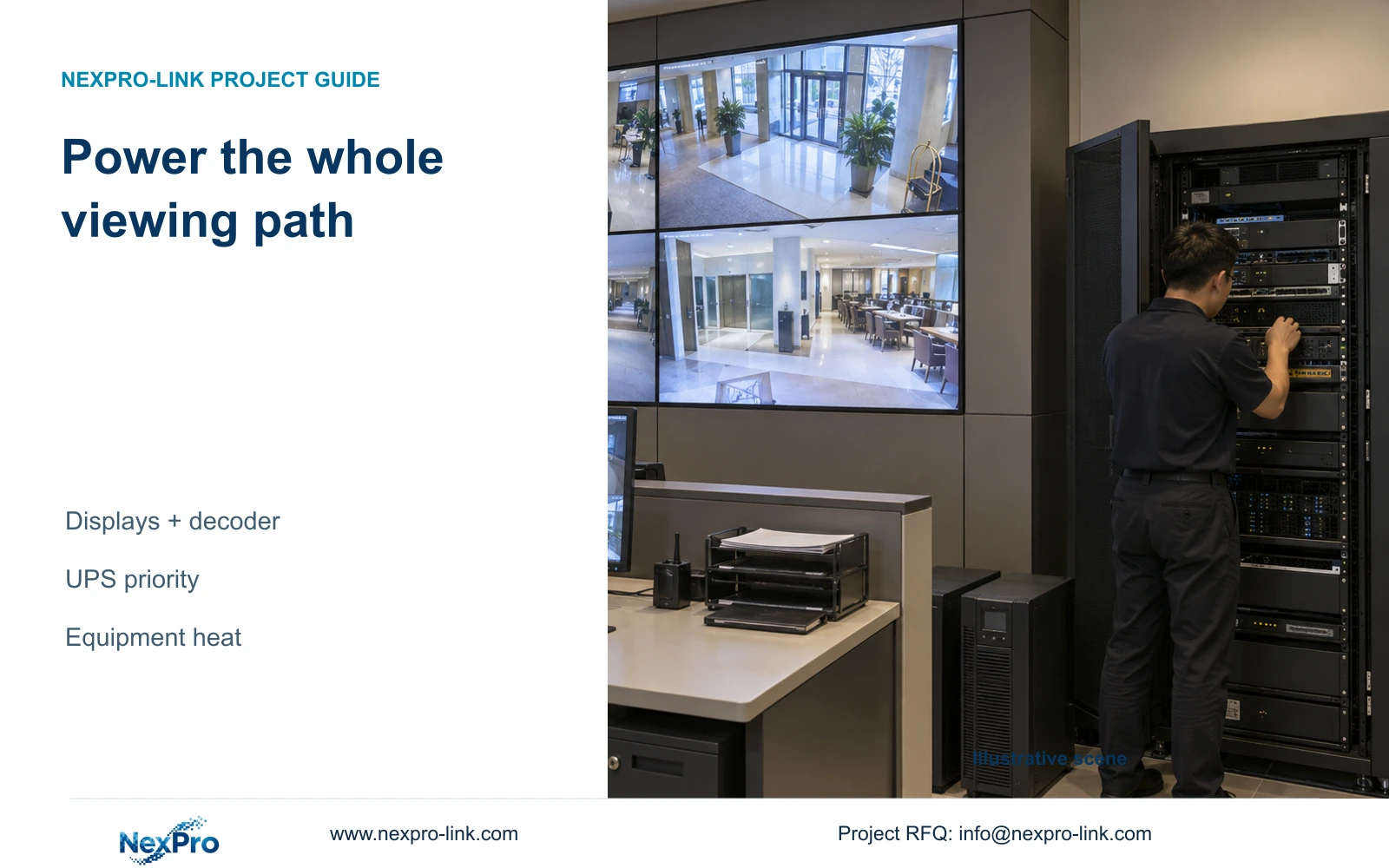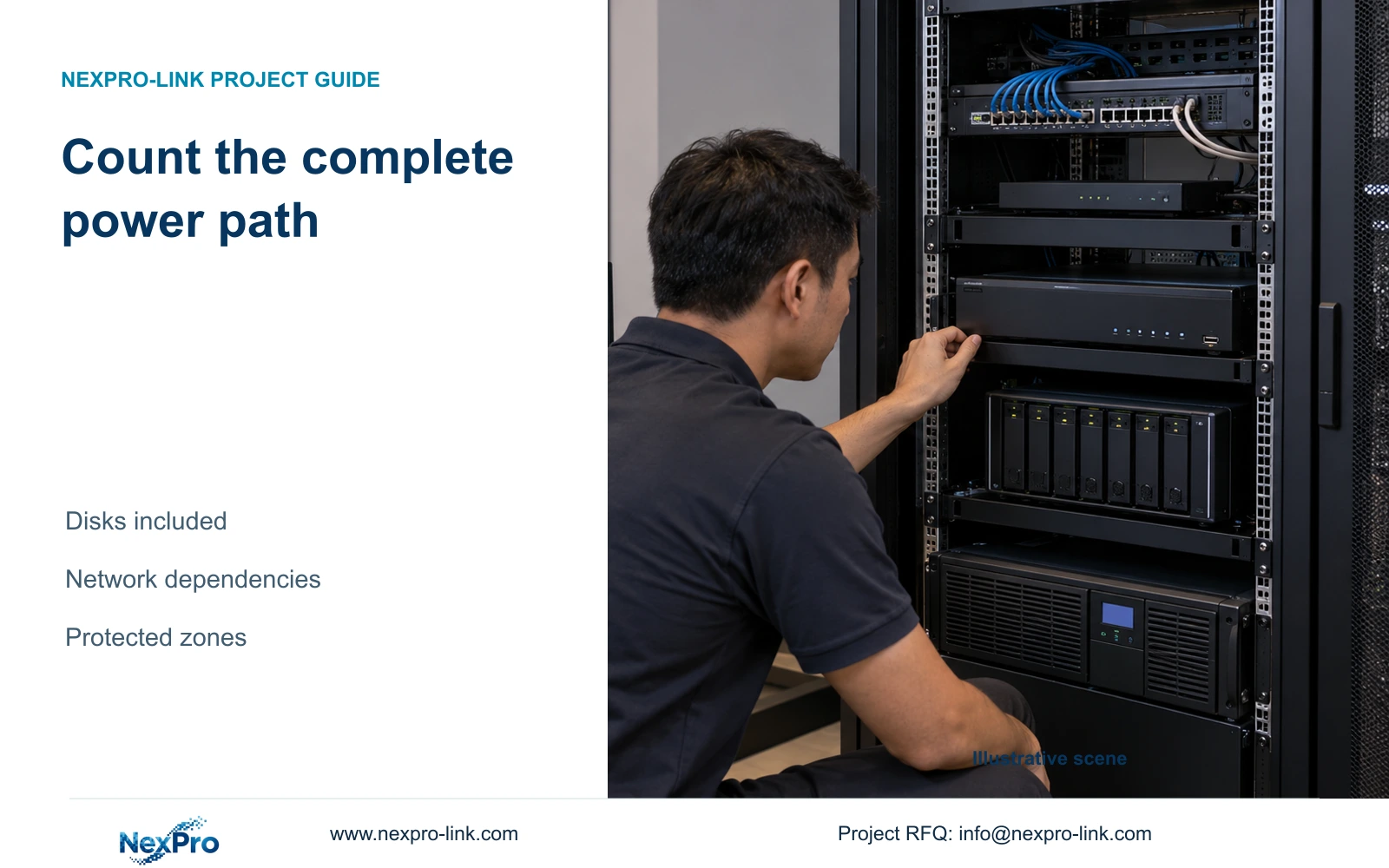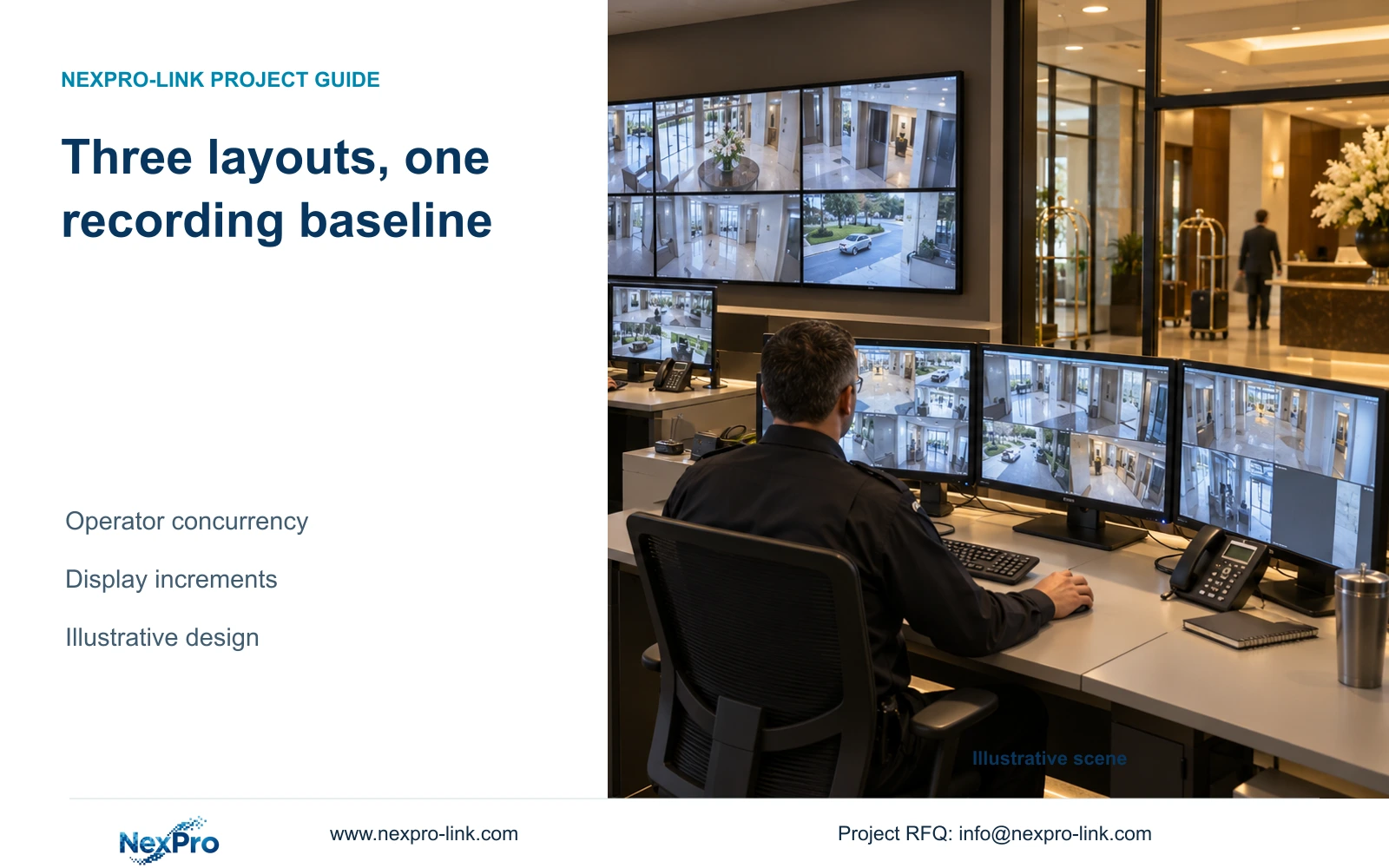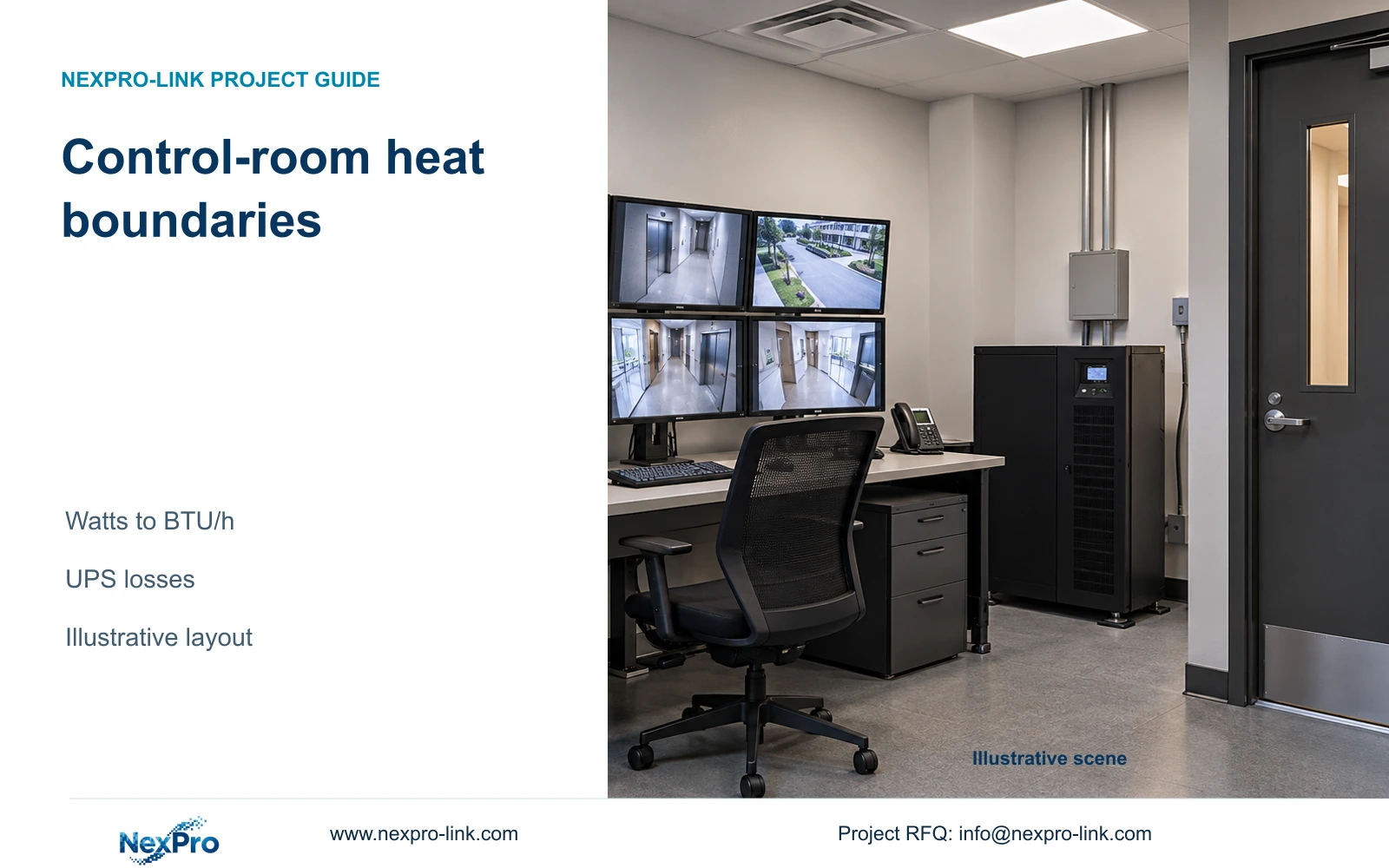
Use electrical input to estimate equipment heat before requesting extra cooling. The room designer still needs operating modes, equipment locations, airflow and the remaining room loads.
Section 01
Define which equipment releases heat in the room
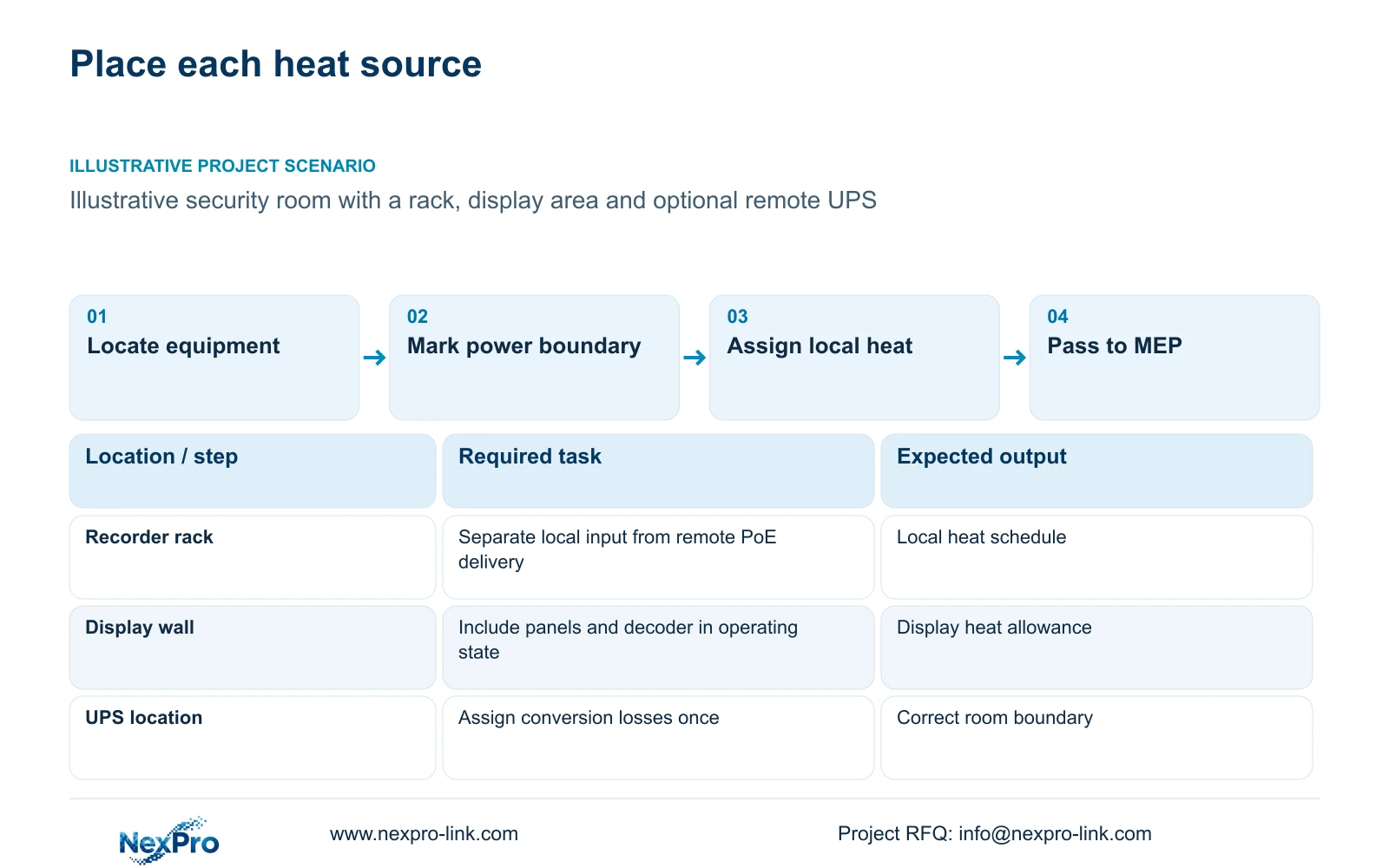
Prepare a location-based equipment heat schedule before specifying additional air-conditioning capacity. Use the electrical inputs of the equipment actually inside the control room, then ask the MEP designer to add the other room loads. Change that schedule whenever displays, battery equipment or network nodes move or their operating modes change.
List recorders with their disks, core switches, workstations, decoders and displays separately. Mark whether each input is measured, manufacturer stated or an estimate. A power supply's maximum label and normal operating input describe different conditions; the designer needs to know which condition each row represents.
Location matters when a control-room switch powers remote cameras. Its full AC input is relevant to electrical and UPS sizing, but the cameras release their heat at their own locations. For room cooling, separate local switch losses from power delivered outside the room. Treat the simple comparison later in this article as a declared local equipment heat allowance, not a universal treatment of PoE power.
| Required task | Given information | Decision still needed |
|---|---|---|
| Cool recorder rack | Recorder, disks and network equipment | Local operating input and airflow |
| Cool display area | Proposed screen and decoder arrangement | Actual power, operating hours and service clearance |
| Account for UPS | Protected equipment schedule | UPS location and conversion-loss boundary |
Section 02
Separate UPS capacity from conversion heat
UPS output supplies downstream equipment; conversion losses occur in the UPS itself. If downstream local equipment heat has already been counted, add the UPS's applicable losses rather than adding its entire input again. If the UPS is outside the control room, assign those losses to that location.
For a defined operating state, conversion loss is input watts minus output watts. When using efficiency to estimate input, divide output watts by the load-matched efficiency. Charging and other operating states need their applicable inputs. Do not infer efficiency from the UPS's kVA rating or substitute an unrelated series figure.
SP2KR(S) is the rack model rated 2 kVA / 1800 W; SP2K(S) is the tower model rated 2 kVA / 2000 W. Those ratings help check protected power capacity, not heat at a particular load. Neither establishes battery runtime, and a default battery-energy field for another model cannot be assigned to SP2KR(S).
| Item | UPS inside control room | UPS outside control room | Effect on hotel design |
|---|---|---|---|
| Local equipment heat | Include | Include | Its location remains unchanged |
| UPS conversion losses | Add once locally | Assign to UPS location | Avoid duplicate downstream load |
| Protected W and VA | Check separately | Check separately | Cooling calculations do not qualify backup capacity |
Section 03
Convert the declared equipment watts to heat
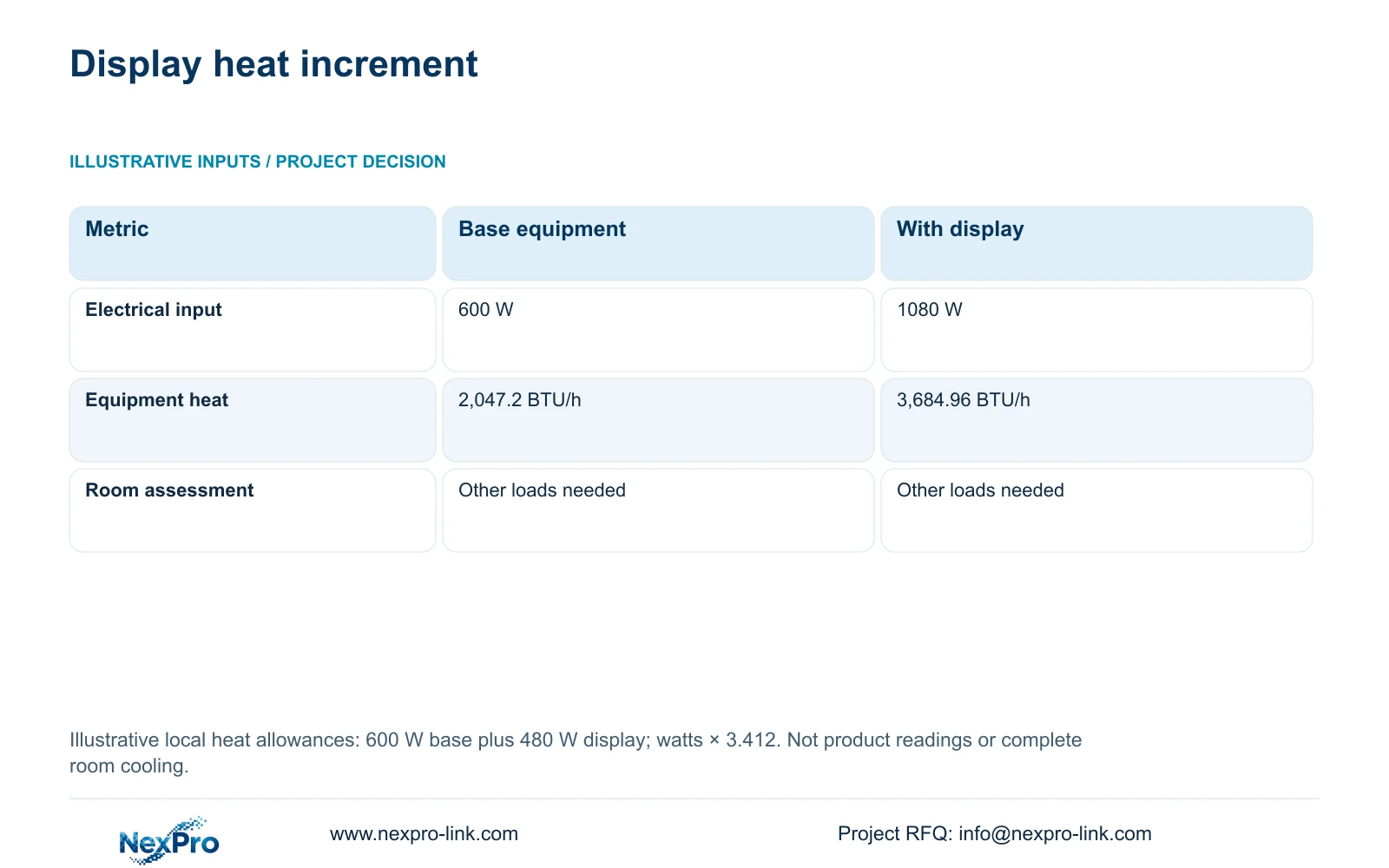
This independent illustration assumes a 600 W local recording and network heat allowance, with an additional 480 W for display equipment. These inputs are not NX-VP-5535 nameplate readings, a measured hotel load or the complete CASE01 power schedule. Any remote delivered power or separately assessed UPS losses require their own location treatment.
The first-pass conversion is equipment heat in BTU/h approximately equal to electrical watts multiplied by 3.412. The base allowance gives 600 × 3.412 = 2,047.2 BTU/h. Adding the assumed display allowance gives 1,080 × 3.412 = 3,684.96 BTU/h.
The difference identifies the additional equipment heat associated with the display option under these assumptions. It is a useful change input for the mechanical designer. It does not specify an air-conditioner size, cooling redundancy or room temperature, because the calculation has no envelope, occupancy, lighting or environmental inputs.
The conversion uses the International Table Btu: NIST lists 1 BtuIT/h as 0.2930711 W, whose reciprocal is approximately 3.412 BtuIT/h per watt. Apply it to heat dissipated inside this room, not automatically to a PoE switch's entire AC input when some power leaves for remote cameras. Electrical power and local heat are different accounting scopes; neither conversion alone selects the cooling system.
| Metric / condition | Recording and network only | Same equipment plus display |
|---|---|---|
| Equipment electrical input (W) | 600 | 1080 |
| Equipment heat estimate (BTU/h) | 2,047.2 | 3,684.96 |
| Room cooling design | Additional room loads required | Additional room loads required |
Section 04
Compare display operating states and locations
Define whether the display runs continuously, during staffed periods or only for selected incidents. Obtain the actual operating and peak inputs for the chosen configuration, including decoders and controllers. An annual operating schedule can inform energy use, while the relevant simultaneous condition informs cooling design.
NX-VP-5535 is a 55-inch, 1920 × 1080 LCD panel with a stated 3.5 mm seam and 400 nit typical brightness field. It is not direct-view LED. Those fields describe display characteristics; they do not establish electrical input or the heat behind a proposed wall.
A single 4K monitor and four Full HD panels can have the same nominal pixel canvas while requiring different mounting, service space and signal equipment. Select the arrangement that supports the viewing task, then obtain its complete power schedule. Removing a wall from UPS protection does not remove its heat during normal operation; relocating it transfers the heat to another space.
Section 05
Coordinate airflow and the remaining room loads
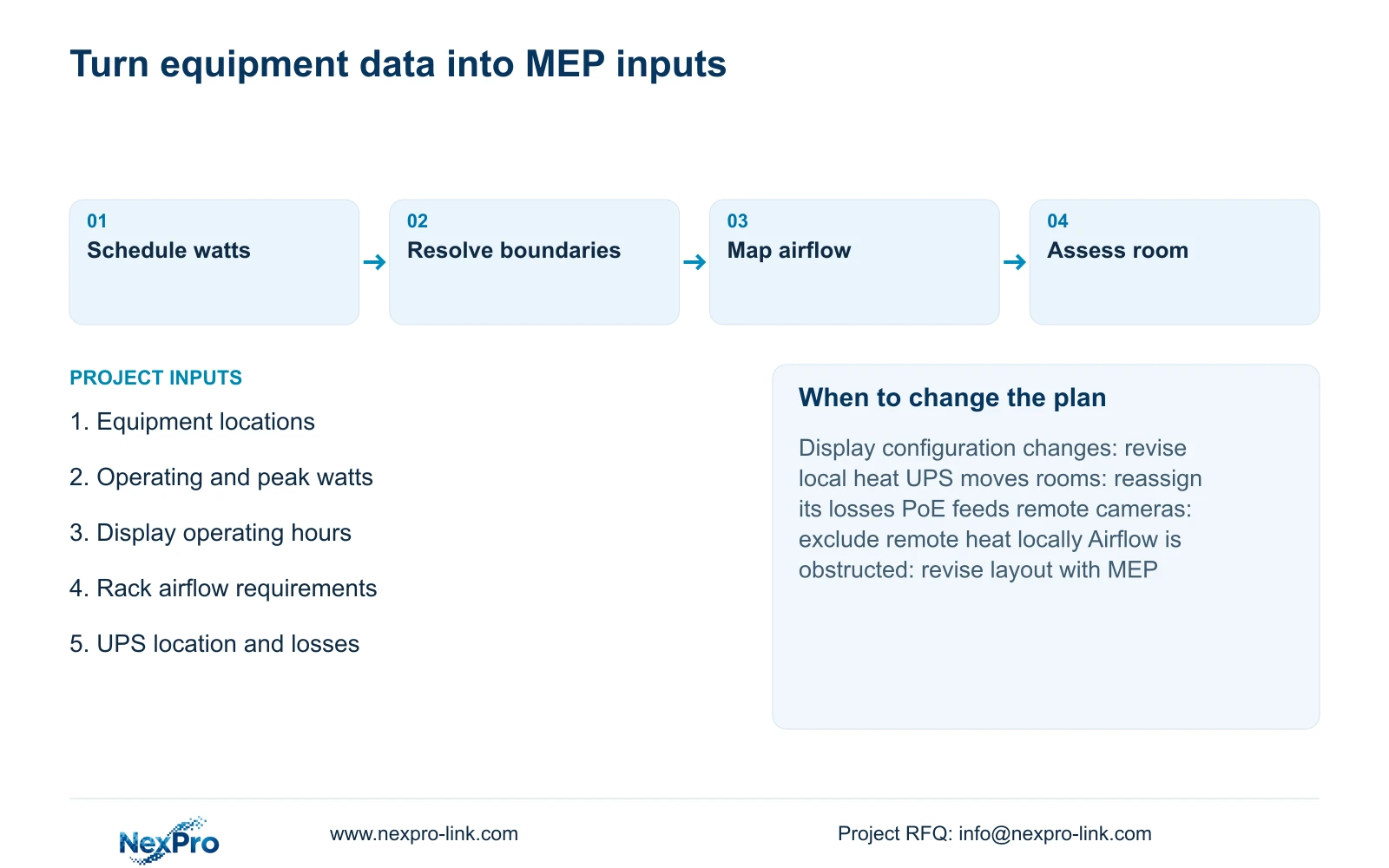
Provide rack and display positions with their intake, exhaust and maintenance requirements. A room-level heat total cannot show whether hot exhaust returns to a device intake or whether wall mounting obstructs ventilation. The mechanical and equipment layouts should be reviewed together before cabinetry or ceiling work fixes those routes.
The MEP designer also needs occupancy, lighting, envelope conditions, outside design conditions and relevant moisture loads. Cooling availability during the hotel's required security operating period belongs in that discussion. This article's equipment conversion does not address those conditions or establish a complete ventilation design.
Compare proposed changes with their installation consequences. Moving a recorder rack may require revised data routes, power distribution and maintenance access. Additional cooling brings its own installation and service scope. Retain the required recording function in each option, and identify where heat, electrical load and maintenance responsibility move.
Section 06
Issue an equipment input sheet the MEP team can use
Give each row an equipment identity, quantity, location, operating state, watts and source status. Add a boundary note where a switch supplies remote devices or a UPS feeds equipment in another room. Keep estimated values visible until the selected configuration supplies applicable data.
Use the base recording layout when one operating position meets the hotel's task. Add the display option when persistent shared observation justifies it, and recalculate if the actual screen input differs from 480 W or the UPS location changes. The mechanical designer determines the resulting cooling selection from the complete room assessment.
Send the equipment list, room sketch, display operating schedule and available power data to info@nexpro-link.com. Hotel project and BOQ support can help coordinate product information and equipment scope. NexPro-Link's CCTV manufacturing core and coordinated accessory supply do not imply that local mechanical design, cooling installation or all supplied products are included under one manufacturing responsibility.
Section 07
Buyer questions
Can the 3,684.96 BTU/h result be used to order an air conditioner? It is an equipment-only input. The responsible designer must combine it with the remaining room loads and airflow conditions before selecting cooling equipment. It cannot establish a complete room capacity or redundancy arrangement.
Does a larger UPS automatically require its full rated watts as cooling? No. Request losses or input data at the actual load and operating mode. The rated output is a capacity limit, and downstream equipment heat must not be counted again as UPS heat.
What should the display supplier return with its quotation? Request the chosen panel and decoder configuration, applicable electrical inputs, operating conditions, physical dimensions and ventilation or service clearances. A screen-size or pixel-canvas statement alone cannot complete the MEP input sheet.
Engineering references
These sources support the general planning principles. Always use the selected product's current datasheet and applicable project standards for final design.