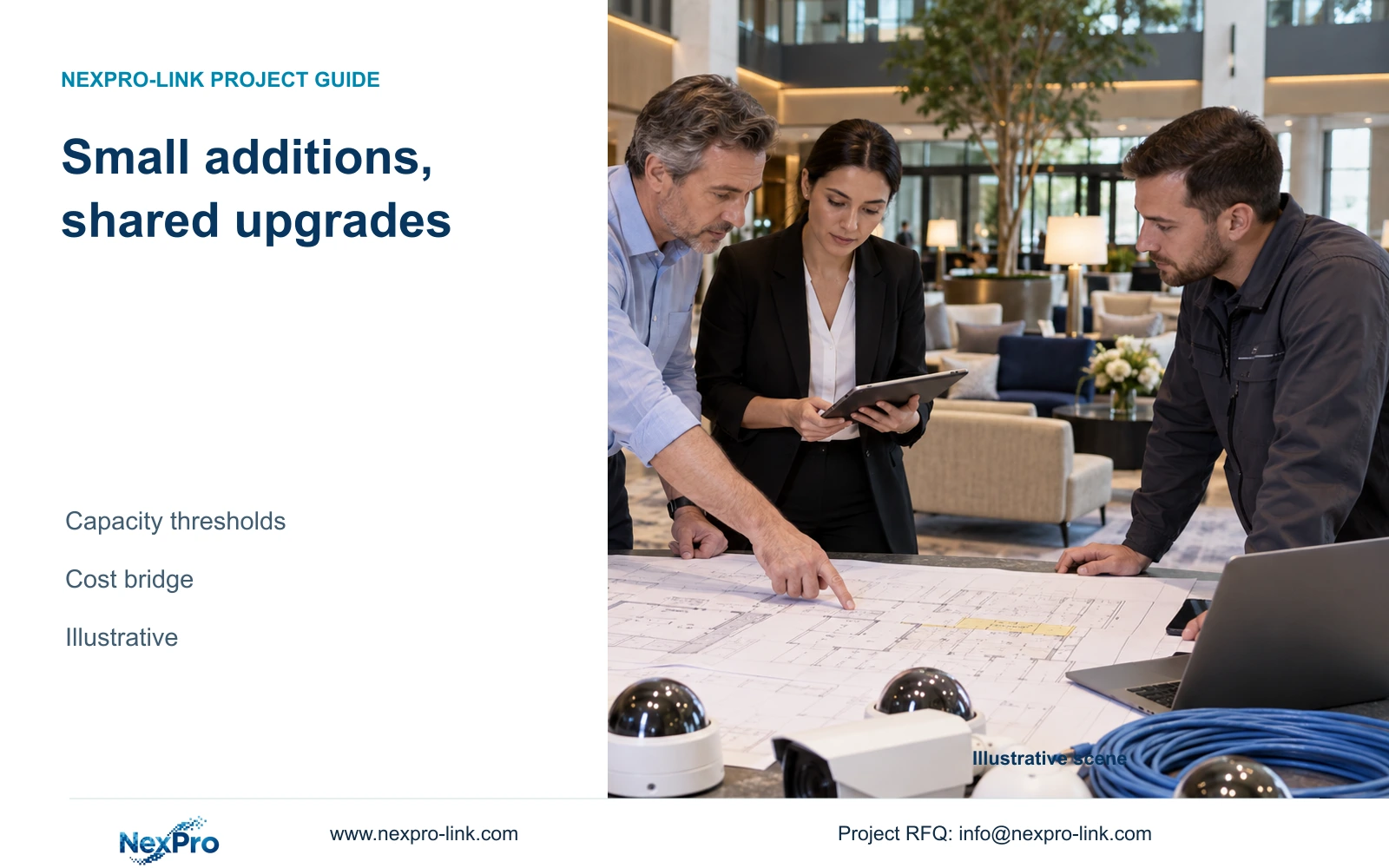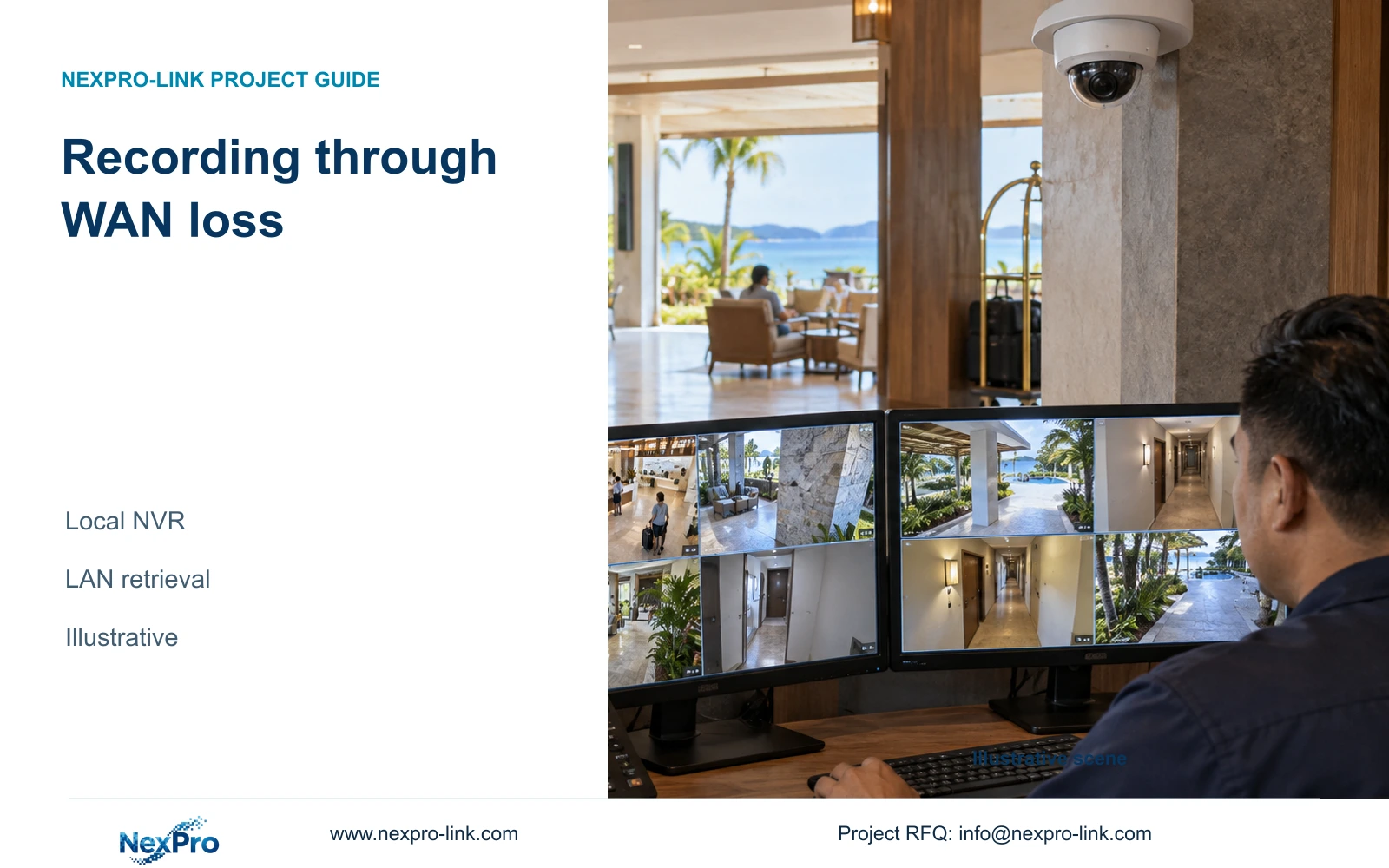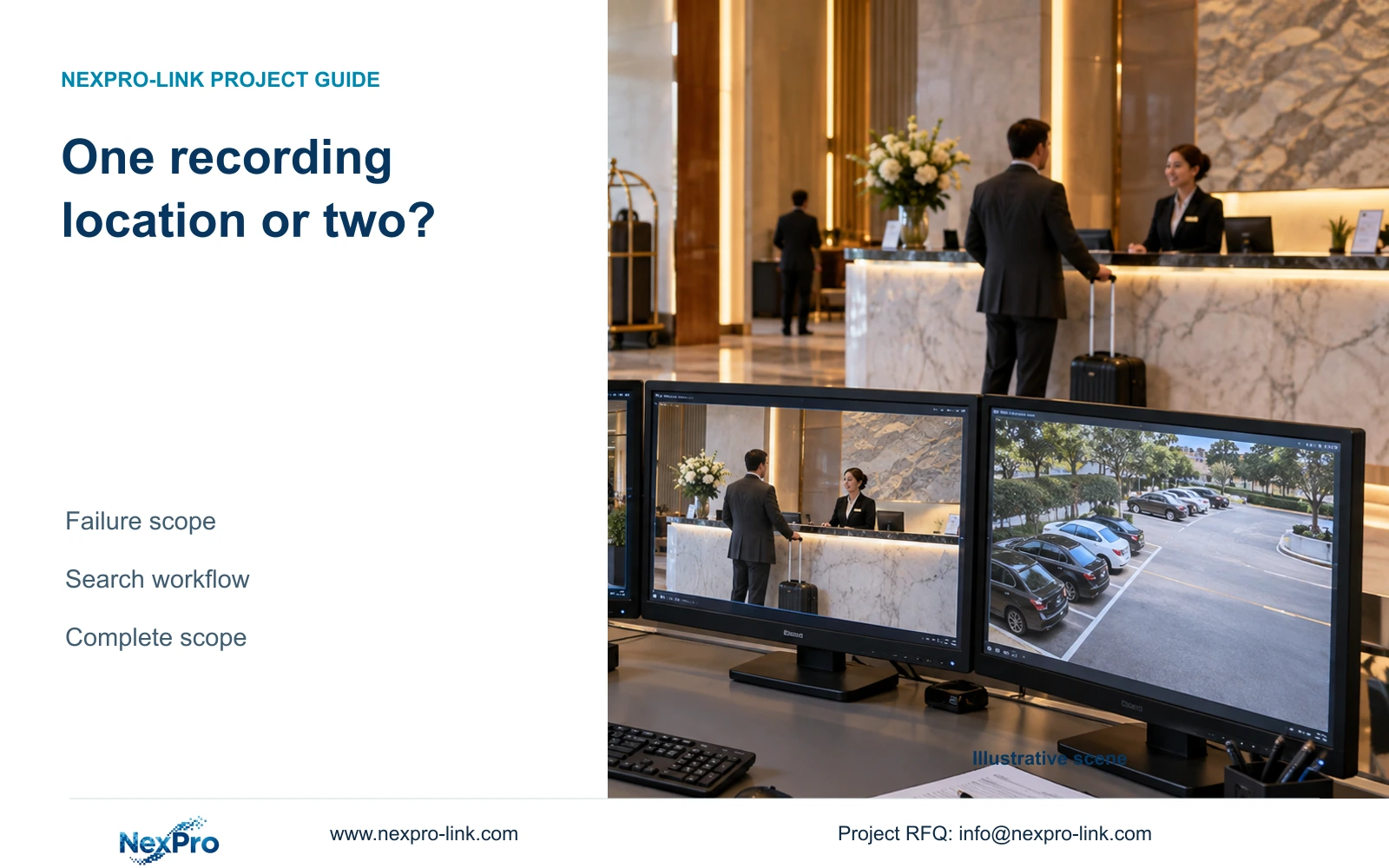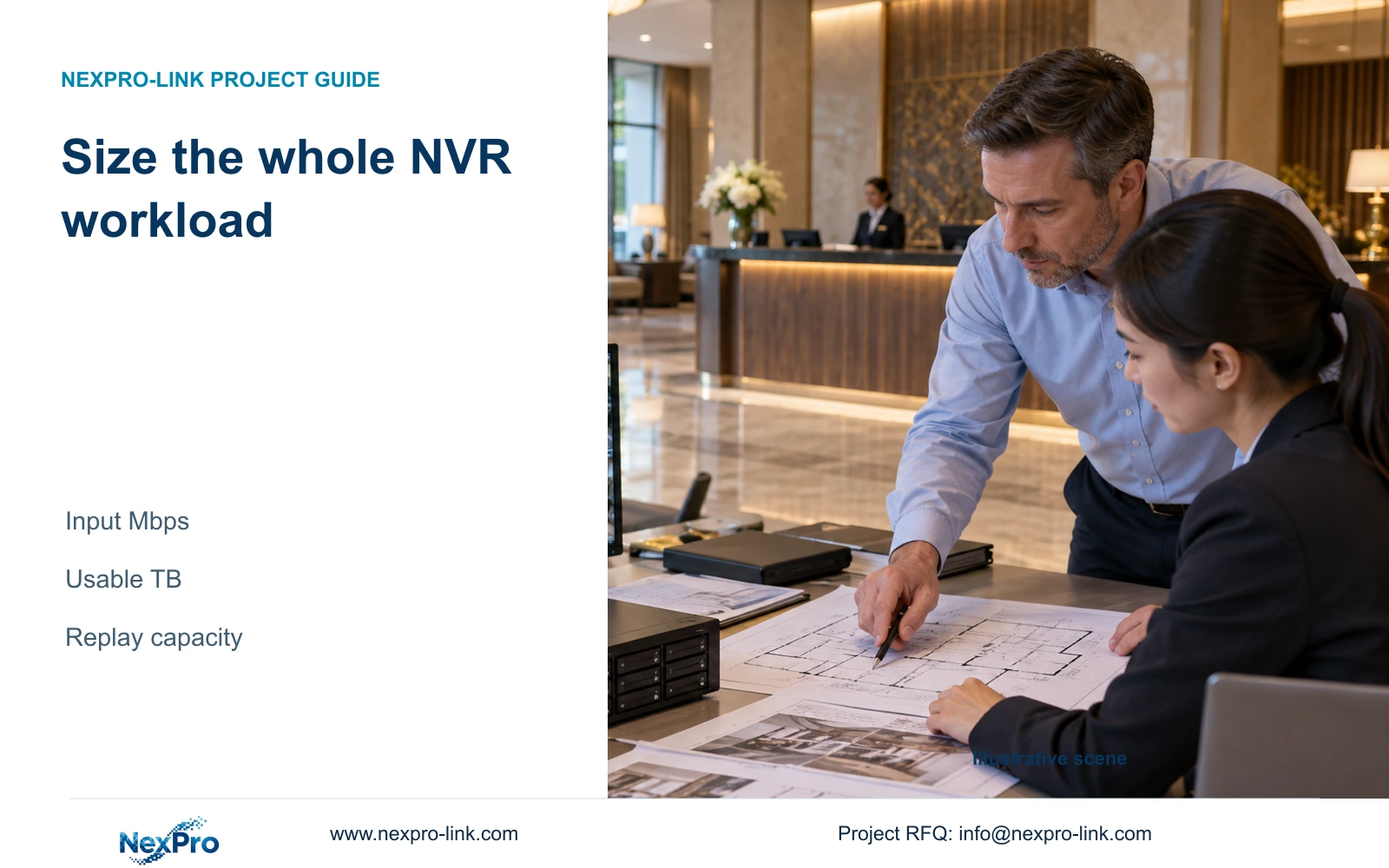
A 32-channel label does not establish support for 32 arbitrary 8MP cameras. Choose the recorder against the exact stream modes, storage layout and simultaneous investigation workload.
Section 01
Define the streams before selecting a recorder
Choose a hotel NVR only after its supported image modes, incoming bitrate, disk arrangement and playback capacity match the camera schedule. A 32-channel recorder cannot be assumed to accept 32 arbitrary 8MP cameras. Retain a smaller model when every required combination is supported; move to another configuration when any recording, storage or investigation requirement exceeds its documented scope.
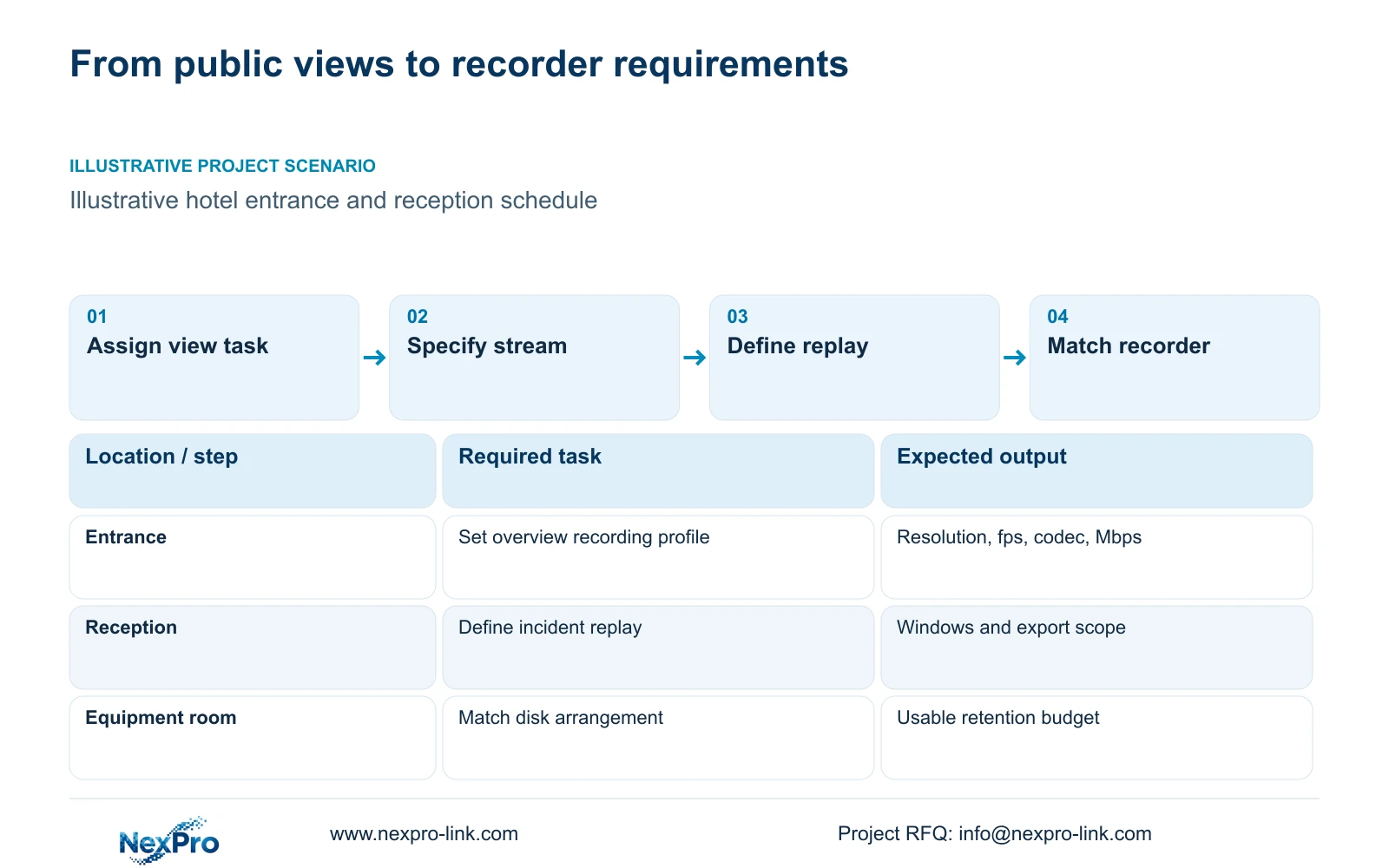
Begin with permitted public-area tasks. An entrance overview and a reception detail view may require different framing and recording profiles. Bedroom count does not determine recorder capacity. Give each scheduled camera an identity, observation task, resolution, frame rate, codec and planned bitrate. Keep the stream used for recording separate from any stream used for routine multiview.
The supplied BL2812M and DM2812M PDFs contain different 5MP and 8MP output modes. Those outputs help define the schedule, but megapixels do not supply a fixed Mbps value. Mark provisional rates as assumptions until the intended scene and settings provide a sound basis for sizing.
| Required task | Given information | Decision still needed |
|---|---|---|
| Entrance overview | Public route and camera position | Recording mode and average bitrate |
| Reception incident review | Detail view required | Concurrent replay and export profile |
| Parking observation | Permitted exterior coverage | Image mode under relevant light conditions |
Section 02
Separate incoming capacity from decoding capacity
Incoming bandwidth describes the video accepted for recording. Decoding resources govern images processed for local display or supported replay tasks. Disk capacity governs retention. A spare channel cannot compensate for a shortage in any of these resources, and a faster network connection cannot establish support for an unsupported image mode.
The NexPro-NVR4449-4K page lists 49 channels, 320 Mbps input, four SATA bays and dual gigabit interfaces. Its summary lists 49×5MP and 9×4K, so the channel headline does not establish 49×8MP operation. NexPro-NVR8864-4K lists 64 channels and the same 320 Mbps input, with eight SATA bays. More channels therefore do not imply a higher incoming bitrate ceiling.
Compare centralized and distributed recording against maintenance and fault boundaries too. A single recorder provides one recording location; separate recorders divide their assigned recording groups and add management work. Neither architecture establishes hot standby or a supported RAID mode without an explicit configuration.
| Resource | NexPro-NVR4449-4K | NexPro-NVR8864-4K | Effect on selection |
|---|---|---|---|
| Channels | 49 | 64 | Check supported image combinations separately |
| Input bandwidth | 320 Mbps | 320 Mbps | Extra channels do not raise this listed limit |
| SATA bays | 4 | 8 | Storage layout may control the choice |
| Playback and array mode | Configuration check required | Configuration check required | Do not infer capability from channel count |
Section 03
Calculate the recording load at the NVR input
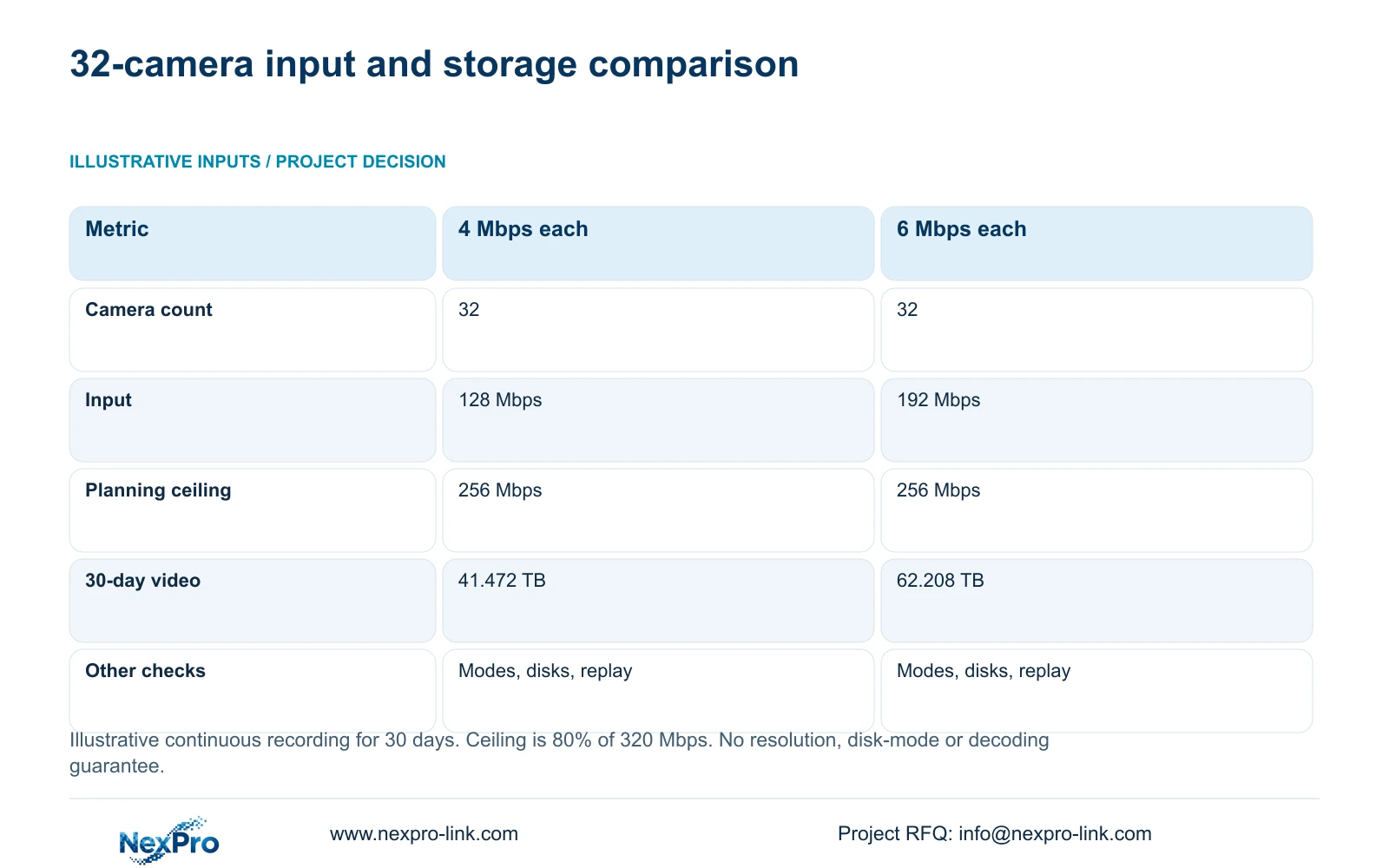
For an illustrative 32-camera schedule, compare average recording rates of 4 and 6 Mbps per camera. Aggregate video input equals camera count multiplied by average stream bitrate: 32×4 gives 128 Mbps, while 32×6 gives 192 Mbps. A planning ceiling of 80% of a 320 Mbps rated input gives 256 Mbps. That reserve is a stated design assumption.
Both profiles fit the illustrative bandwidth ceiling. This establishes only a bandwidth comparison. Supported resolution, frame rate, codec combinations and concurrent operating modes remain separate checks. Average rates also need a review of relevant activity and night conditions; a provisional average should not conceal an unacceptable peak or sustained operating profile.
For continuous recording over 30 days, decimal video TB equals cameras×Mbps×10^6×24×3600×30÷8÷10^12. The resulting payloads are shown below. Network traffic should be counted on the path it traverses, with viewing and export traffic assessed separately wherever they share a link.
| Metric / condition | 4 Mbps per camera | 6 Mbps per camera |
|---|---|---|
| Cameras | 32 | 32 |
| Aggregate video input | 128 Mbps | 192 Mbps |
| Illustrative 256 Mbps planning ceiling | Within | Within |
| 30-day video data | 41.472 TB | 62.208 TB |
| Recording modes / decoding / disks | Separate model checks | Separate model checks |
Section 04
Check the supported disk layout against usable capacity
A disk schedule must distinguish physical raw capacity, array capacity where applicable, formatted usable space and the portion available for recording. With a 20% free-space target, required usable capacity equals video payload divided by 0.80. Multiplying by 1.20 does not preserve that same free-space proportion.
The independent CASE01 reference uses the matching 4 Mbps profile and obtains 51.84 TB required usable capacity. Its four 16 TB disks provide 64 TB raw; an assumed 95% formatting allowance gives 60.8 TB usable, with 48.64 TB available for video after the stated reserve. This is an illustrative independent-disk layout without RAID loss. It must not be carried over unchanged to the 6 Mbps profile.
The 49-channel and 64-channel pages list up to 18 TB per drive, but exact disk compatibility and operating arrangements still belong in the proposal. NexPro-NVR2232-4K has conflicting 2×8 TB and 2×18 TB capacity fields, plus differing playback information. Keep those differences visible and do not use the larger figure as an established procurement limit.
Section 05
Specify the investigation workload separately
Describe an operator task such as finding a reception event, following it across selected public-route cameras and exporting the approved interval. State the simultaneous replay windows, their resolution, playback speed and whether recording continues during the operation. A live preview demonstration does not establish that workload.
A workstation or decoder may handle part of the viewing task, but its own codec, stream and concurrency support must match the recorder output. ONVIF profile matching is a useful compatibility check; it does not establish every audio, event, retrieval or account function across products.
Buy extra viewing resources when the required investigation cannot be completed on the qualified baseline. If a smaller layout completes the same task, retain it and enlarge the event view when necessary. Handover should teach authorized operators the actual search and export sequence on the delivered software version.
Section 06
Select the smallest configuration that passes every requirement
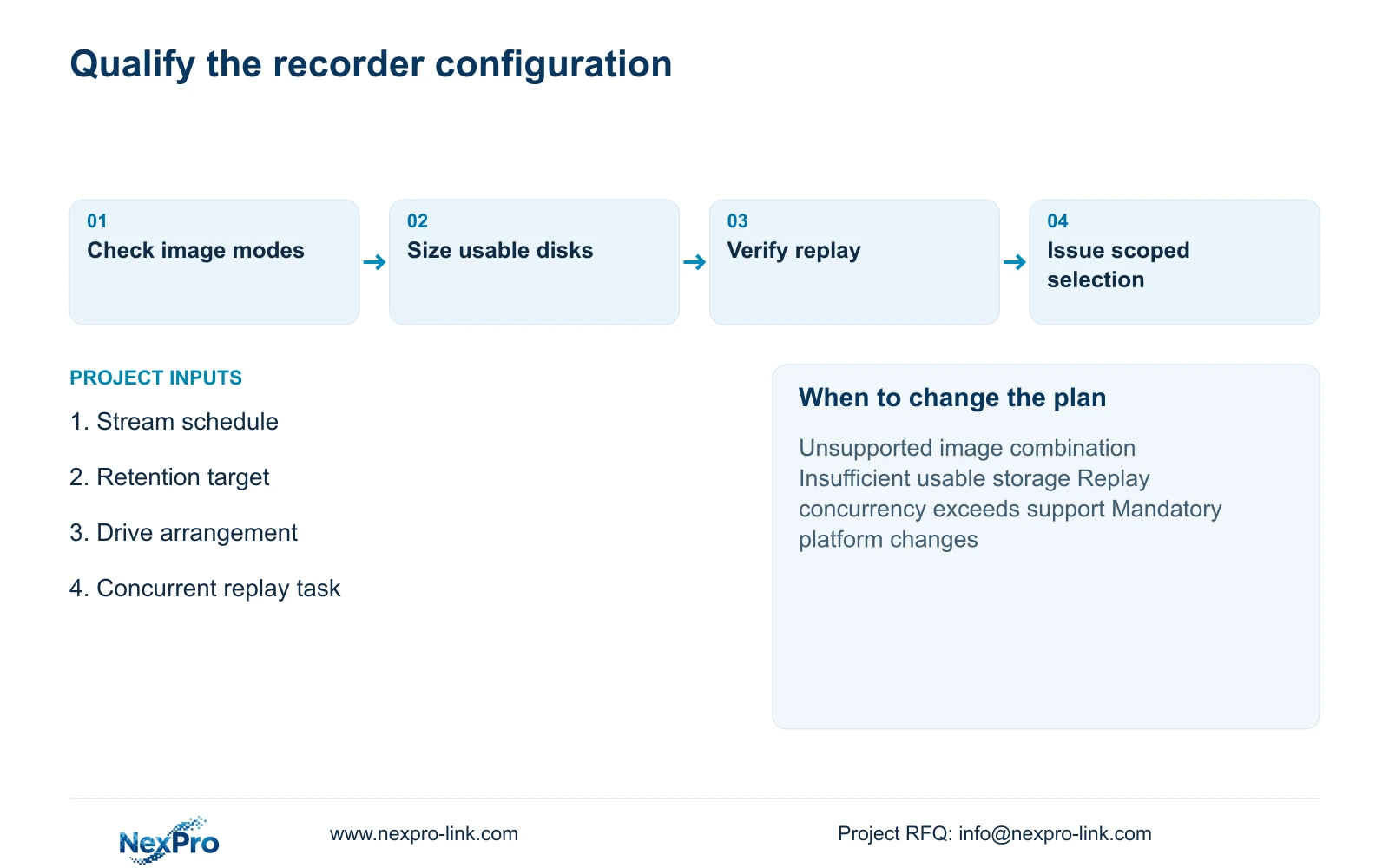
For the stated 32-camera, 4 Mbps reference, NexPro-NVR4449-4K is a candidate when the image modes, proposed drives and required playback combination are confirmed. Its additional channels alone are not the reason to select it. Change the candidate if retention needs more supported storage, the stream mode is outside scope or concurrent replay cannot meet the hotel task.
Compare the complete recorder and disk package, including configuration, handover and service boundaries. NexPro-Link can support model matching, BOM or BOQ preparation and coordinated supply. Its CCTV manufacturing core and coordination of other equipment do not mean every supplied category is manufactured together or automatically interoperable.
Send the camera stream schedule, retention target, proposed disk layout and simultaneous replay task to info@nexpro-link.com through the hotel project or BOQ support route. Include any mandatory platform and the delivery destination. Guest recordings and account credentials are unnecessary for an initial sizing inquiry.
Section 07
Buyer questions
Can we use an existing 32-channel NVR for 32 new 8MP cameras? Only if its exact version supports the intended resolution, frame rate and codec combination, aggregate input, disk layout and playback workload. An existing channel allocation establishes none of those other limits.
Does a larger NVR remove the need for a playback workstation? Not automatically. Compare its local replay capability with the investigation task, then check whether the authorized client needs separate decoding resources. Avoid purchasing both upgrades without identifying the limiting component.
What should the quotation say about service coverage? Separate hardware coverage, disks, configuration assistance and local labor. The supplied policy record gives applicable main equipment a 24-month limited hardware baseline from receipt, subject to controlling written terms. Storage and other categories have their own scope.
Engineering references
These sources support the general planning principles. Always use the selected product's current datasheet and applicable project standards for final design.