Specify the investigation layout before buying replay hardware. Recording many channels does not establish smooth simultaneous playback at the resolutions and speeds security staff need.
Section 01
Define the investigation that must run simultaneously
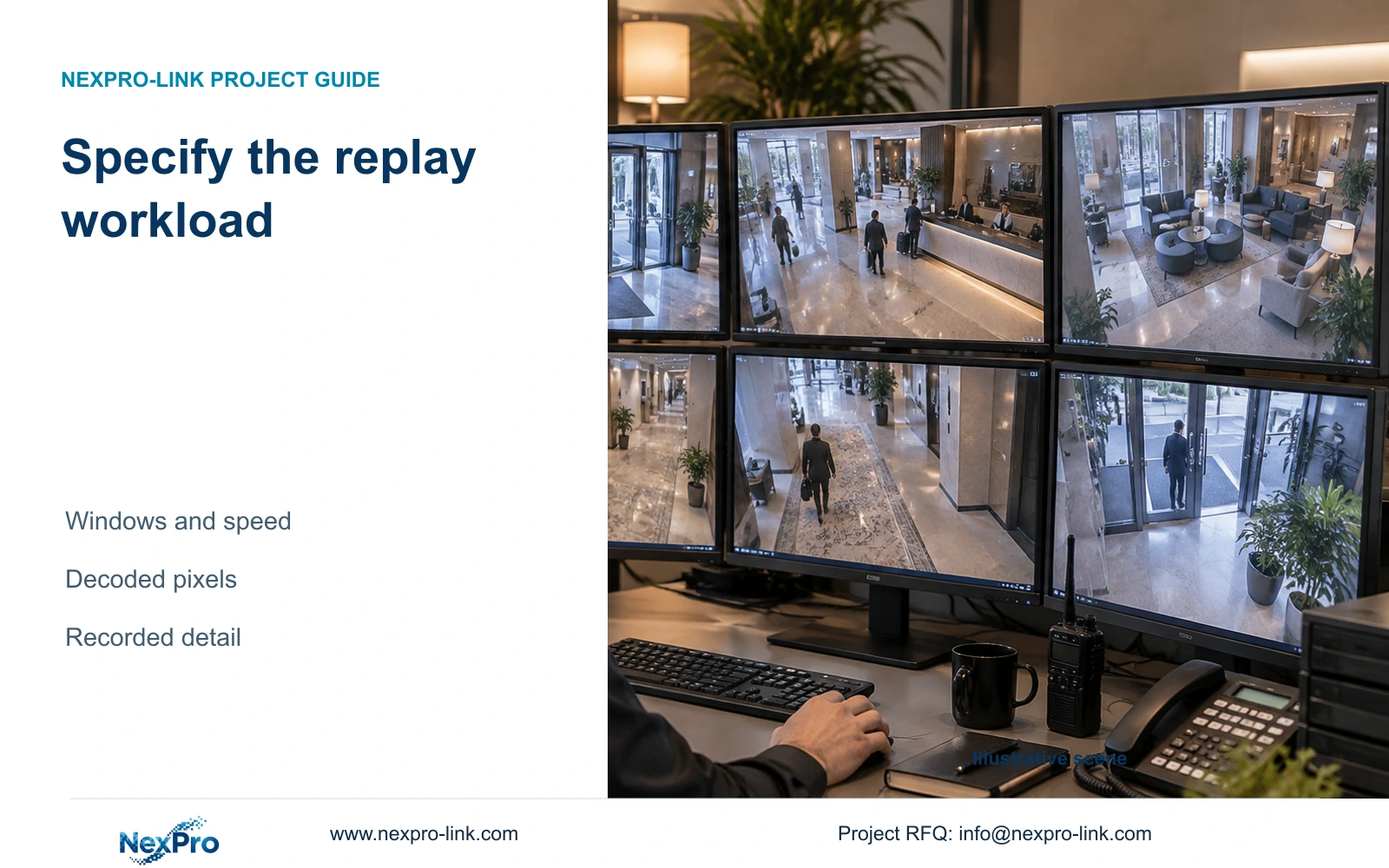
Choose hotel playback capacity against the actual investigation windows, recorded resolutions and required replay speeds. A recorder that accepts many cameras may support a different simultaneous replay workload. Start with a practical overview and event-detail layout when the equipment supports it; buy more decoding capacity when the required synchronized detail cannot be reviewed that way.
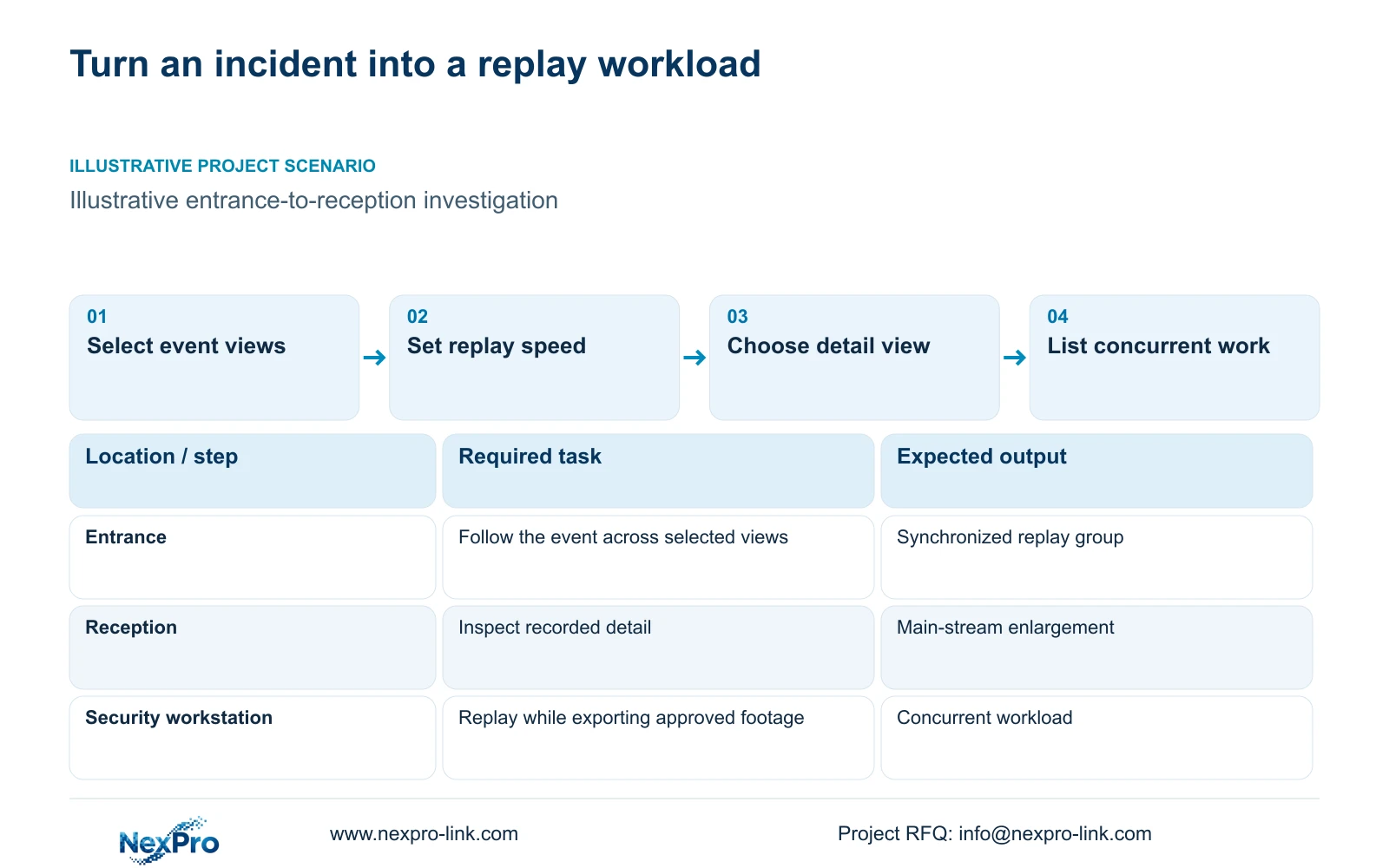
Describe an authorized public-area event from the entrance through reception or a public route. State which views need to run together, which camera needs enlargement and whether another operator is viewing live images at the same time. Keep export activity visible when it is part of the investigation.
Record resolution, frame rate and codec for each task, together with the local recorder or client used. A window count alone omits most of the workload. Normal-speed review and accelerated searching are separate conditions, and neither should be assumed from a front-desk live-view demonstration.
| Required task | Given information | Decision still needed |
|---|---|---|
| Follow an entrance event | Related public-area camera identities | Synchronized windows and playback speed |
| Inspect reception detail | Recorded main-stream profile | Enlargement and concurrent overview |
| Export approved interval | Authorized cameras and time range | Operation while recording and replay continue |
Section 02
Keep recording, decoding and display specifications separate
NVR input bandwidth describes incoming recording traffic. Replay also involves reading stored footage and decoding the selected streams on the device or client responsible for display. The display output describes the canvas sent to a monitor. None of these specifications can stand in for the others.
The NexPro-NVR4449-4K page lists 320 Mbps input, but that figure does not establish an arbitrary simultaneous 4K replay layout. NexPro-NVR2232-4K has differing playback fields in its source record, so an unresolved favorable figure should not become an acceptance promise.
NX-VD-4K16 is a modular decoder candidate with a listed 5U chassis description. Its name does not prove 16 simultaneous 4K streams. NX-VP-5535 is a 55-inch 1920×1080 LCD panel, not a direct-view LED display. A larger display can make a layout easier to see while leaving the decoding workload unresolved.
| Resource | What to specify | What it does not prove |
|---|---|---|
| Recording input | Supported incoming modes and Mbps | Simultaneous replay capacity |
| Replay/client decoding | Codec, resolution, fps and concurrency | Disk retention |
| Display output | Canvas and supported signal path | Processing of every source stream |
| Controller windows | Actual layout behavior | Full-detail decoding in every window |
Section 03
Count simultaneous decoded streams and pixels
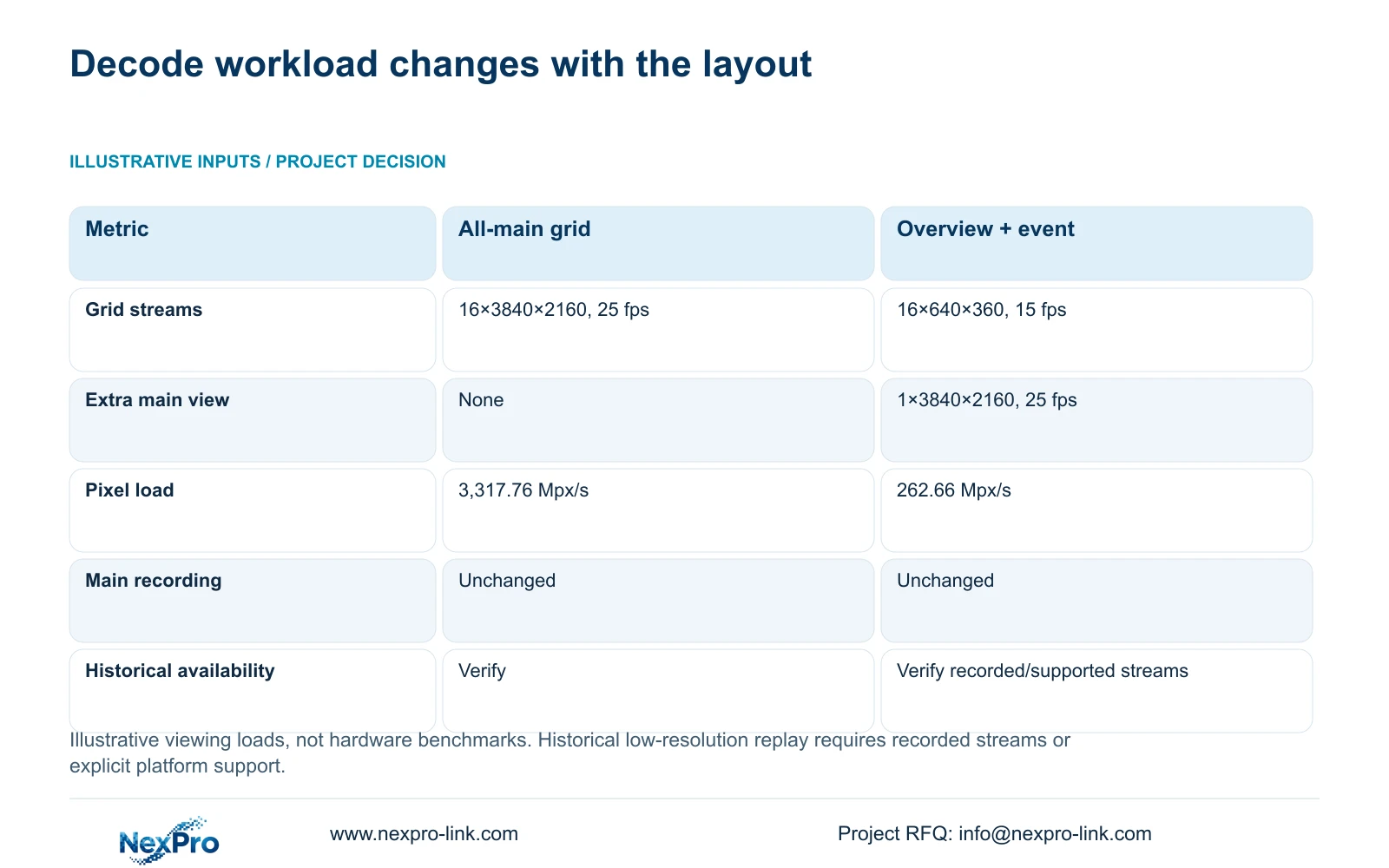
The illustrative comparison uses 16 main streams at 3840×2160 and 25 fps, versus 16 substreams at 640×360 and 15 fps plus one main stream at 3840×2160 and 25 fps. Decoded pixels per second equals the sum of width×height×fps×simultaneous streams.
For the all-main grid, 16×3840×2160×25 gives 3,317.76 million pixels per second. The lighter layout combines 16×640×360×15 with one 3840×2160×25 stream, giving 262.656 million pixels per second, rounded to 262.66 Mpx/s. The main recording profiles remain unchanged.
These are nominal viewing workloads, not CPU, GPU or decoder benchmarks. Applying the lighter layout to historical replay requires the actual recorded stream or another explicitly supported replay mechanism. A live substream being available does not establish that the same low-resolution historical footage exists.
| Metric / condition | Option A | Option B |
|---|---|---|
| Viewing workload | 16 main streams for grid | 16 substreams for grid + 1 main event |
| Stream profiles | 16×3840×2160 at 25 fps | 16×640×360 at 15 fps + 1×3840×2160 at 25 fps |
| Planning pixel load | 3,317.76 Mpx/s | 262.66 Mpx/s |
| Main recording | Unaffected by viewing choice | Unaffected by viewing choice |
| Hardware performance test | Required for actual codec/version | Required for actual codec/version |
Section 04
Choose a layout that preserves the required detail
An overview grid can help the operator locate activity, while an enlarged main-stream event view supplies the detail needed for review. That layout is appropriate when the task does not require every view at full detail simultaneously and the supported replay path provides the necessary streams.
If an investigation requires simultaneous fine detail across several recorded views, keep that requirement and qualify sufficient decoding resources. Sequential enlargement may fail the task even though it reduces load. Record the accepted layout in the proposal so a performance adjustment does not silently change the operating outcome.
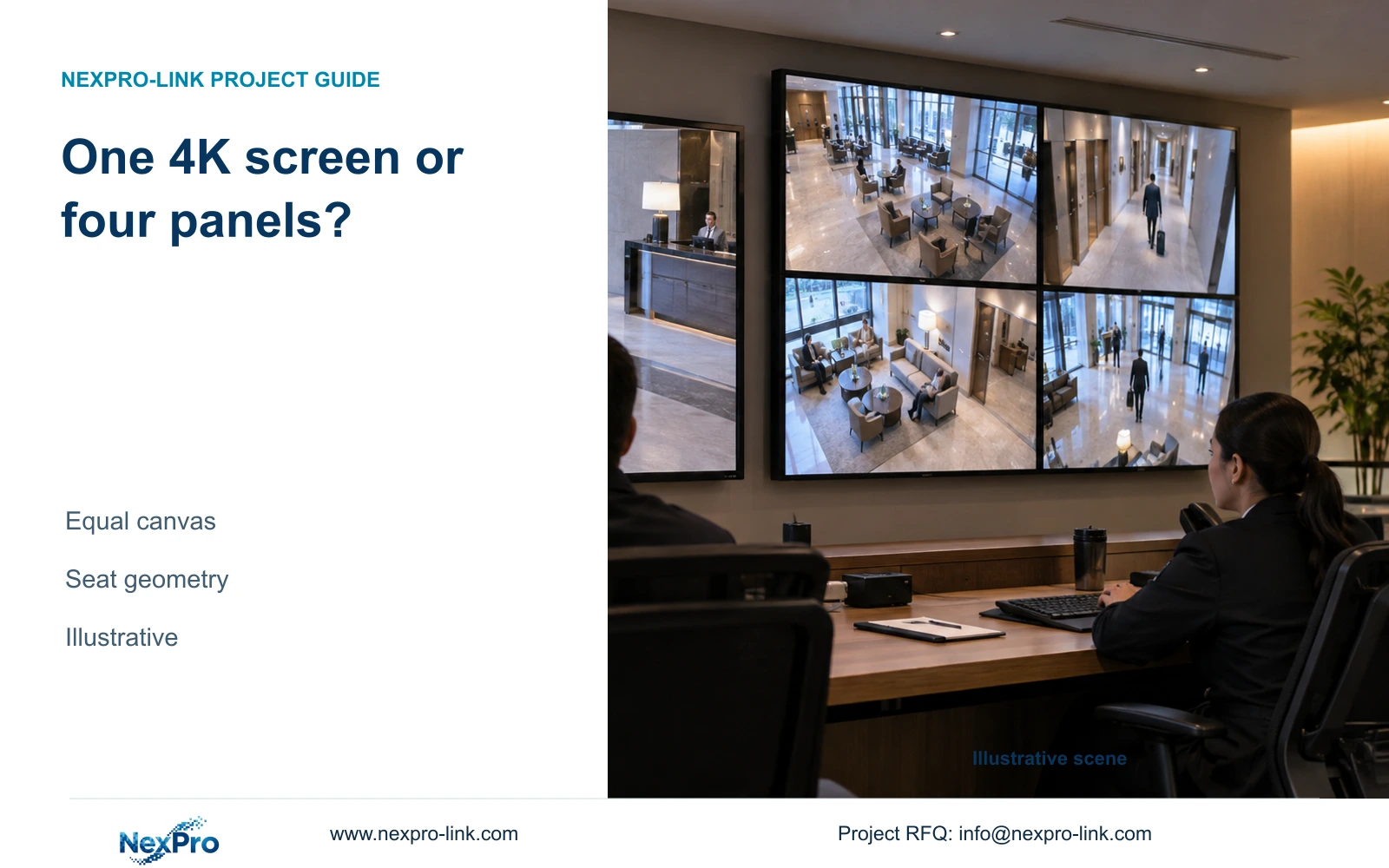
CASE01 independently compares display canvases: a Full HD 16-view grid assigns 480×270 pixels per tile, while a suitable four-panel Full HD canvas assigns 960×540. Those display allocations do not establish replay performance, and this article's 16-stream 4K calculation does not replace that case's recording configuration.
Audio, synchronized replay and event presentation require their own supported workflow. ONVIF profile matching can inform compatibility checks but cannot establish complete cross-brand retrieval or alarm behavior. Do not enable additional capture or export permissions simply because a client exposes the controls.
Section 05
Check the path used by each replay method
Local playback at the recorder, playback on a LAN workstation and remote access use different paths. Draw the stored-footage source, the device performing decoding and the final display. Count traffic only on the links used by that method. A network upgrade cannot resolve an unsupported local decoding combination.
For remote review, add the approved access path and its effective throughput. Preserve a local investigation method when the hotel requires review during WAN unavailability. Remote account access does not establish cloud storage or independent availability of footage.
Before replacing hardware, isolate the failing condition: the required local layout, network delivery, client processing or export operation. Compare the same recorded interval and settings across the proposed methods. A passing live view at a quiet time provides little evidence about concurrent historical replay during normal recording.
Include the relevant workstation, decoder or network changes in the quotation only when they address that identified limitation. Keep recorder storage, display equipment and operator training separately visible so the buyer can see what each addition provides.
Section 06
Set a repeatable replay acceptance task
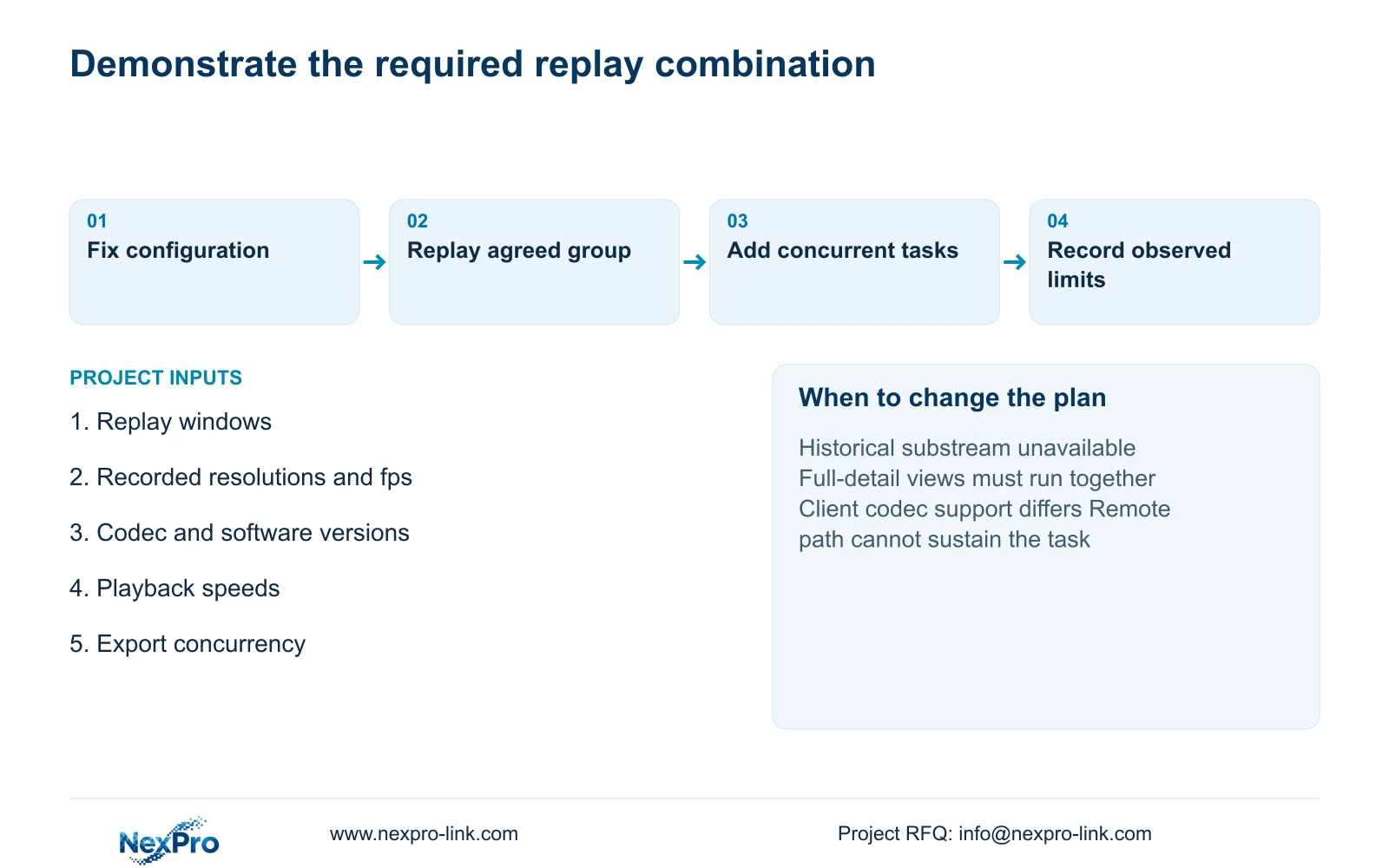
Specify the selected recorder, firmware, disks and client version, then run the agreed camera group at the required resolution and replay speed while recording continues. Include enlargement and export if they are required concurrent operations. Record actual observations and limitations; this article supplies a test design, not a pre-filled pass.
Recommend the lighter supported layout when it completes the investigation without losing required detail. Change to another client, decoder or recorder configuration when the recorded stream is unavailable in that layout or the full-detail concurrent task remains unmet. A successful limited task does not establish every possible layout or future software version.
Send the desired replay layout, recorded stream profiles, playback speeds and recorder/client identities to info@nexpro-link.com. NexPro-Link can discuss a scoped equipment proposal and BOQ comparison. Initial inquiries should describe the workload without guest images, passwords or unrestricted remote credentials.
Section 07
Buyer questions
Can live substreams always be used for historical playback? No. Confirm that the required historical stream was recorded or that the selected platform explicitly supports another suitable replay method. Live-view optimization alone does not establish historical low-resolution playback.
Will a 4K monitor make replay smoother? A monitor changes the available display canvas. Smooth replay still depends on supported reading, delivery and decoding of the selected streams. Keep the same investigation task when comparing a display upgrade.
What should a replay demonstration include? Use the required recorded camera group and playback speed on the proposed version while recording remains active. Add the required live view or export concurrency. Document the tested configuration and observed result without extrapolating to untested modes.
Engineering references
These sources support the general planning principles. Always use the selected product's current datasheet and applicable project standards for final design.