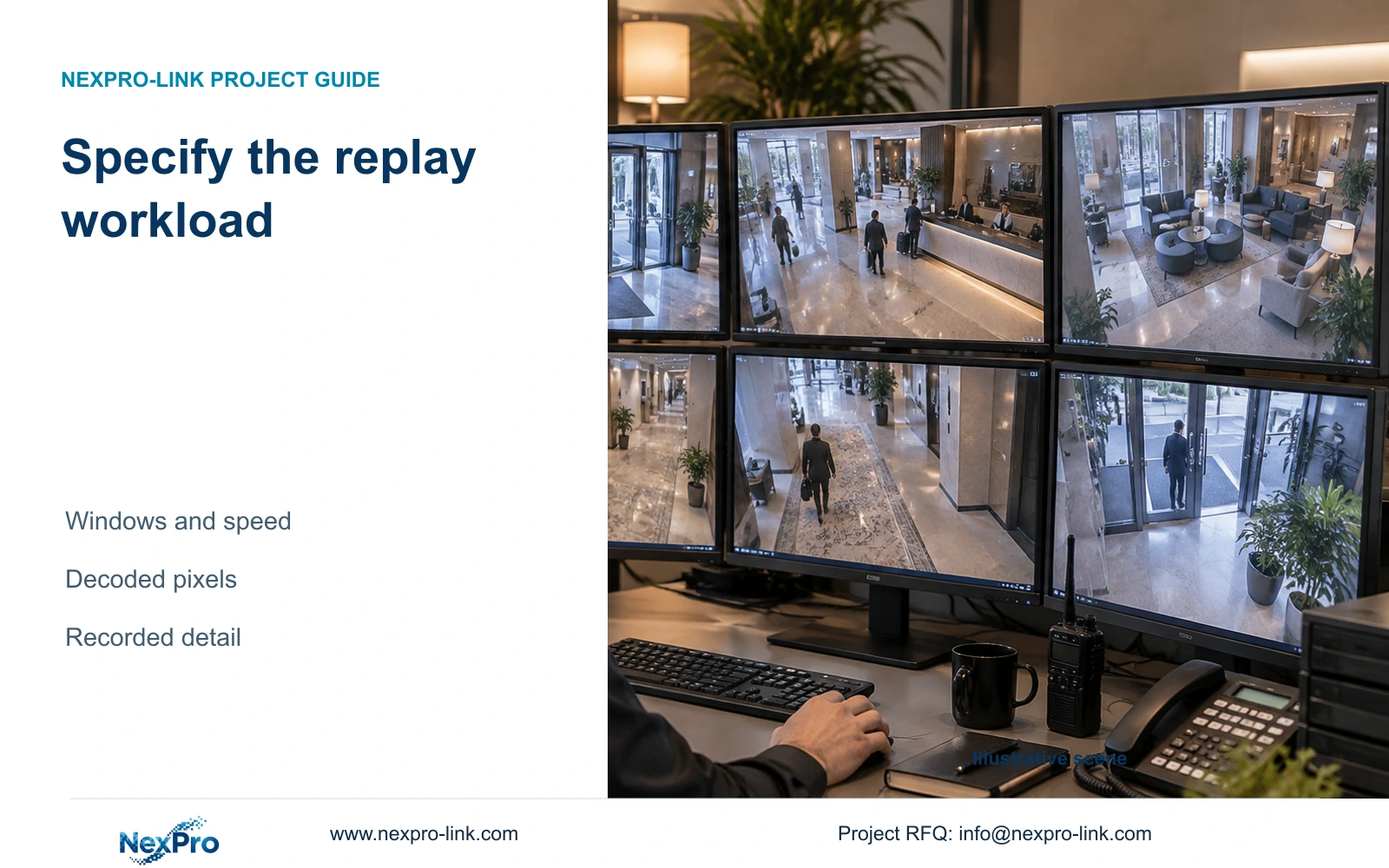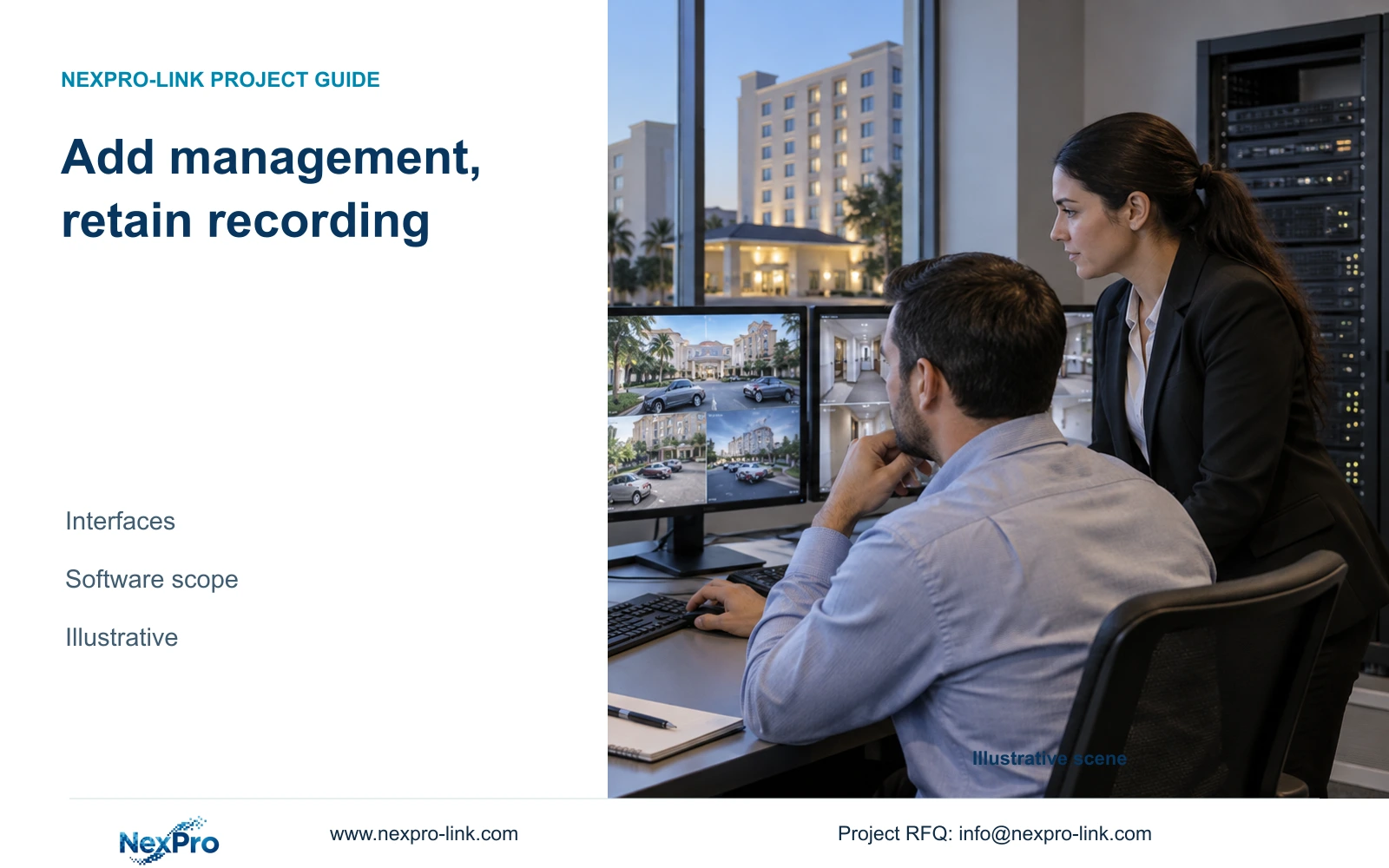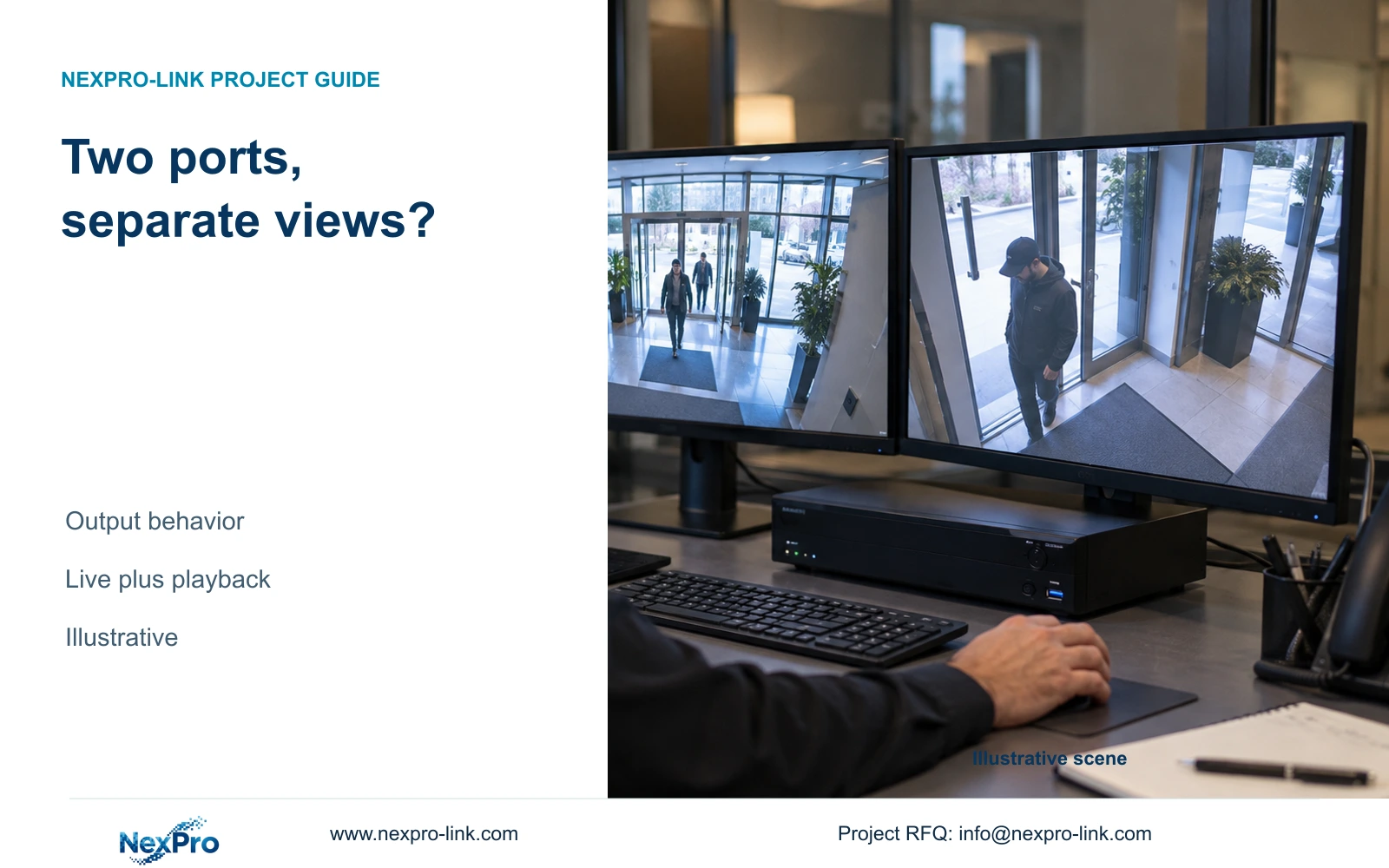
Two HDMI connectors do not establish independent screen control. Define the live and playback tasks first, then verify the exact recorder, firmware and display configuration.
Section 01
Choose the task assigned to each screen
Specify independent output only when the hotel needs different simultaneous views, and buy it only after the exact recorder and firmware support that operation. If both screens should show the same entrance overview, mirrored output may meet the requirement. Two HDMI connectors alone cannot answer whether an operator can change one layout without changing the other.
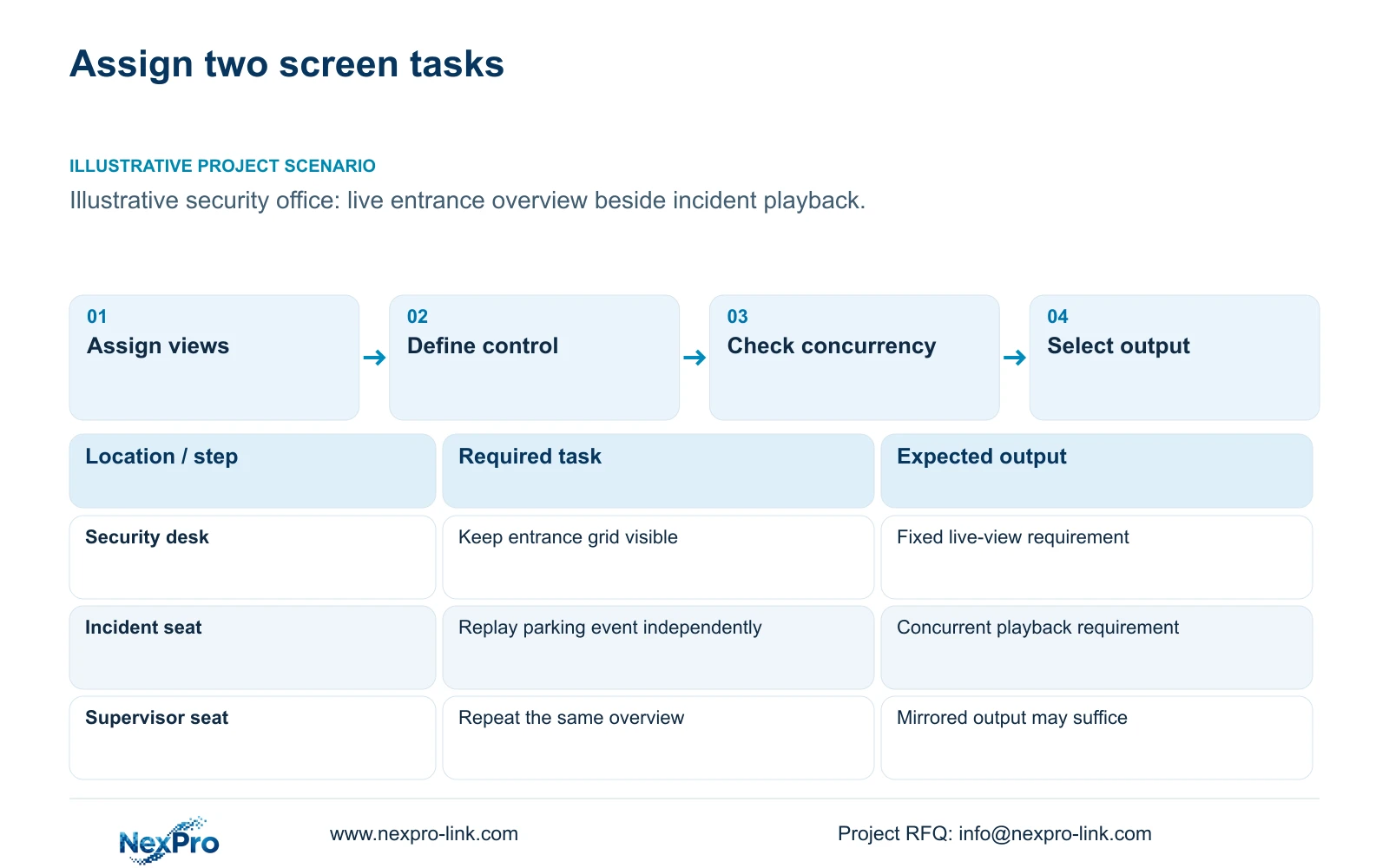
An illustrative security office could keep entrance and reception views on one screen while an authorized operator retrieves a parking incident on another. That requirement includes concurrent live viewing and playback, separate layout control, and an acceptable response when playback ends. A second screen used to repeat the first screen for another seat creates a simpler requirement.
Record the seating distance, normal grid and event enlargement task for each screen. A display that looks adequate from the desk may be difficult to read from a supervisor's position. The screen schedule should also identify who can operate playback and export footage. Equipment access and screen visibility need separate decisions, particularly where reception staff and security staff have different responsibilities.
| Required task | Given information | Decision still needed |
|---|---|---|
| Continuous entrance overview | Dedicated security-office screen | Fixed grid and permitted cameras |
| Incident playback | Authorized operator needs another view | Concurrent playback and separate control |
| Supervisor repeats live overview | Same content required at another seat | Whether mirrored output is sufficient |
Section 02
Separate mirrored content from independent control
Mirrored output repeats the same displayed content. Independent output allows different content or layouts within the capabilities of the selected equipment. The purchase description should state the required behavior explicitly, because connector count, output resolution and independent operation describe different properties.
Separate content also does not automatically establish separate operator sessions. A recorder might provide different output arrangements while retaining a shared control interface. If two people must work independently, define how each person selects cameras, searches recordings and returns to the normal view. Keep that requirement open until the proposed configuration demonstrates it.
For the illustrative live-screen and playback-screen arrangement, the deciding observation is whether opening playback leaves the entrance overview visible and usable. If both displays change together, the arrangement fails that task even when both HDMI sockets produce a picture. A duplicated display remains suitable where the hotel intentionally wants the same content.
| Item | Mirrored arrangement | Independent arrangement | Hotel effect |
|---|---|---|---|
| Displayed content | Same view on both screens | Different supported layouts | Overview can remain separate |
| Operator control | Shared display changes | Control method needs confirmation | Two operators may need extra scope |
| Playback use | May replace the shared view | Concurrent behavior must be verified | Entrance monitoring must remain available |
Section 03
Read the limits for each output and workload
Check the supported resolution of each output, the permitted simultaneous combination and the decoded workload feeding those outputs. Recording input bandwidth, playback decoding and display output resolution are separate limits. A recorder accepting the required camera streams can still need a different viewing arrangement for the requested concurrent tasks.
The supplied record for NexPro-NVR4449-4K lists 49 channels, 320 Mbps input and four SATA bays, but its summary describes 49×5MP or 9×4K modes. Those fields do not establish 49 simultaneous 8MP views or independent HDMI operation. NexPro-NVR8864-4K likewise requires configuration-specific checks beyond its 64-channel description.
NexPro-NVR2232-4K has conflicting disk and playback descriptions in the supplied source record, including 2×8TB and 2×18TB disk statements. Neither the larger capacity nor the more favorable playback interpretation should become the procurement baseline without resolution. For every candidate, request the exact output combination and firmware-specific operating description.
For layout planning, canvas width and height come from the addressed display pixels. Divide each dimension by the grid dimensions to calculate nominal tile resolution. This geometry requires a signal path that actually addresses the complete canvas; merely connecting several panels does not establish that capability.
Section 04
Calculate the pixels available in each view
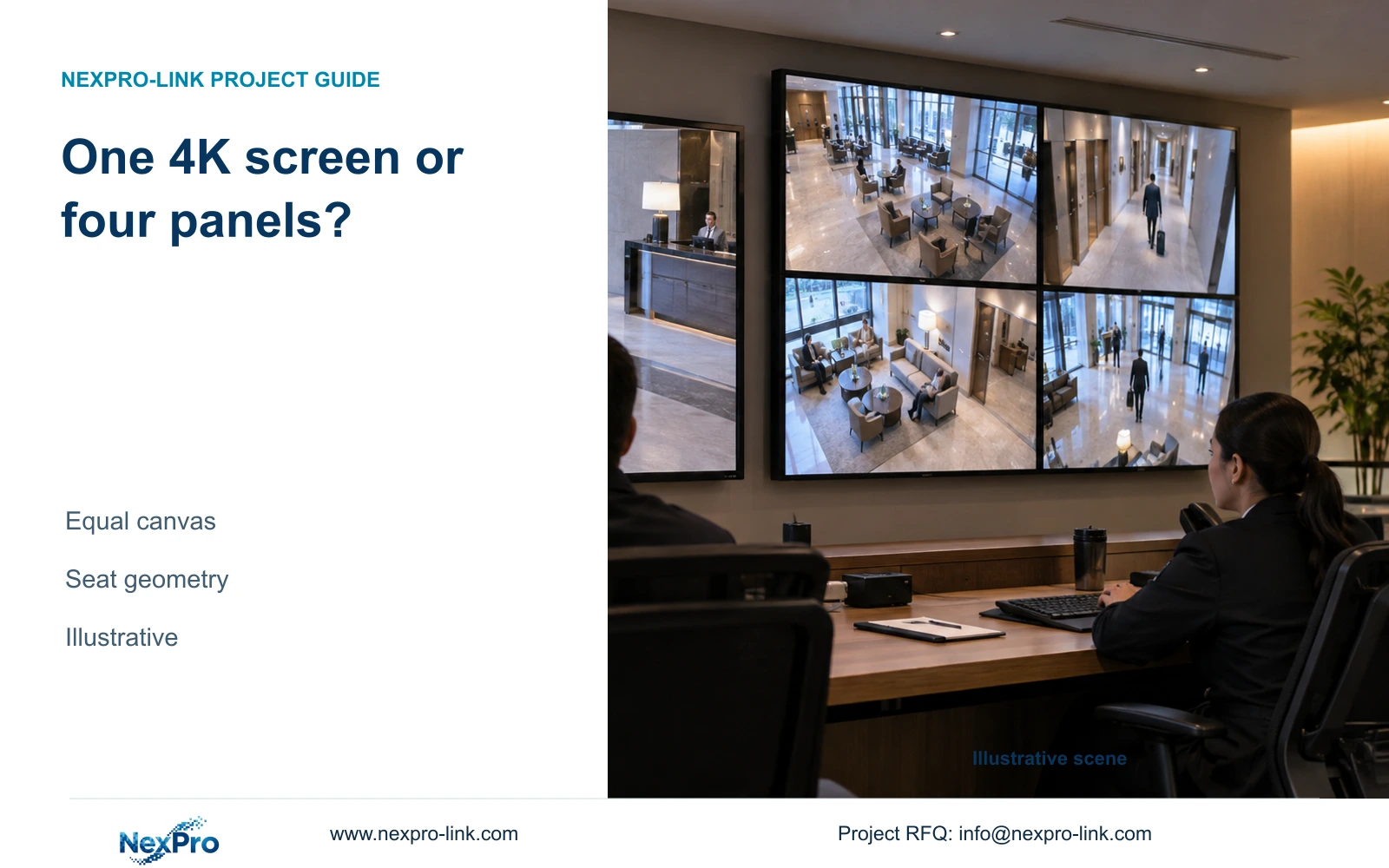
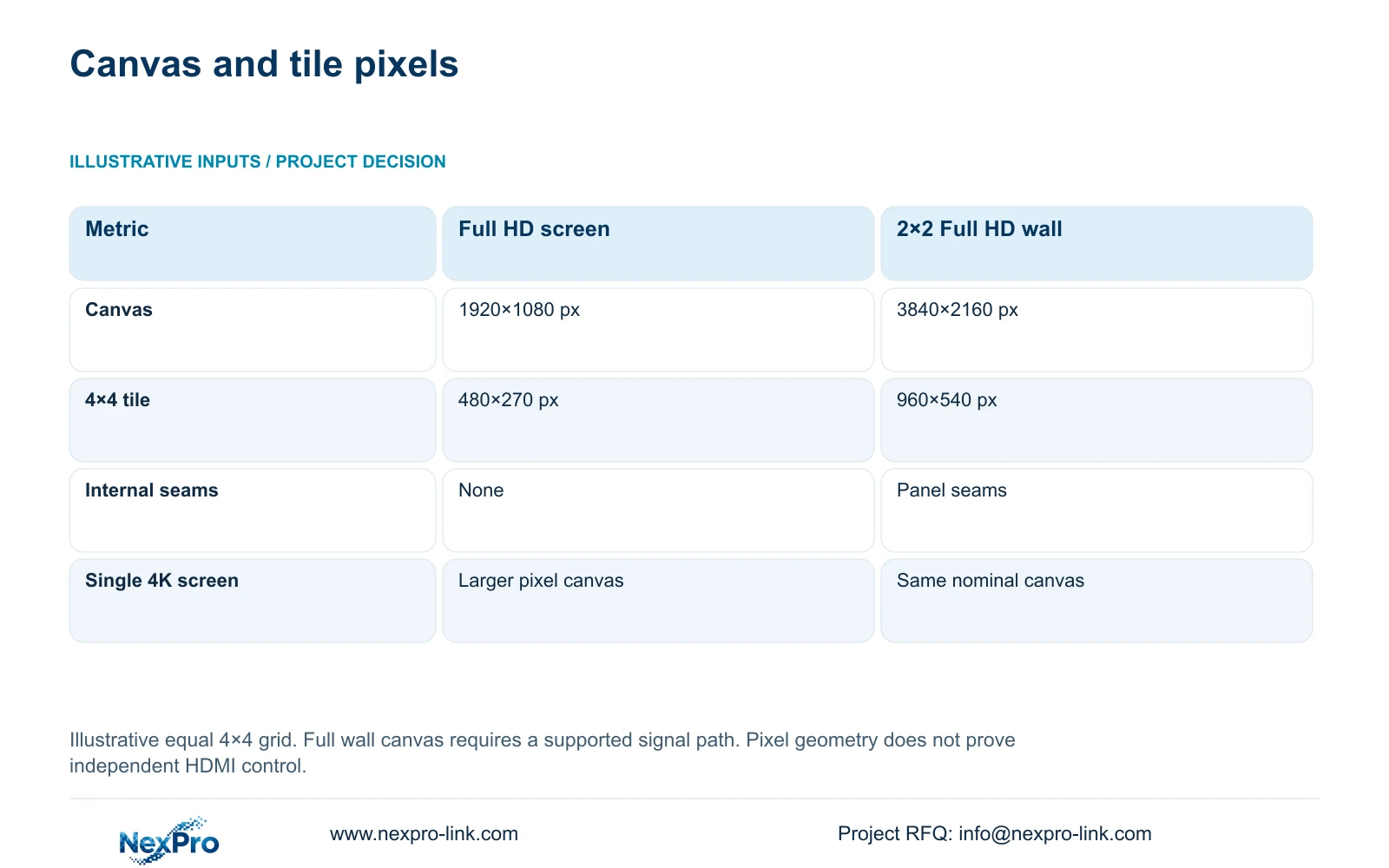
The illustrative comparison uses an equal 4×4 grid on one Full HD monitor and on a 2×2 Full HD LCD canvas. Each NX-VP-5535 panel is listed as 1920×1080. Multiplying panel pixels by the horizontal and vertical panel count gives a theoretical 3840×2160 canvas when the selected signal and control arrangement supports it.
Dividing the Full HD canvas by four in each direction gives 480×270 pixels per camera tile. The four-panel canvas gives 960×540. These are allocated display pixels, not recorded source resolution or an identification guarantee. A detailed recorded image still needs an enlarged view when its normal overview tile is too small for the task.
A single 4K monitor has the same nominal pixel canvas as the four-panel wall. The wall adds physical size and seams, while the single screen fits a different room and seating arrangement. NX-VP-5535 is a 55-inch LCD product with a listed 3.5 mm seam and typical 400 nit brightness; it is not direct-view LED. Choose the physical format after checking reading distance and maintenance space.
| Metric / condition | One Full HD monitor | 2×2 Full HD LCD canvas |
|---|---|---|
| Canvas (px) | 1920 × 1080 | 3840 × 2160 |
| 16-grid tile (px) | 480 × 270 | 960 × 540 |
| Physical seams | No internal seams | Panel seams exist |
| Single 4K monitor comparison | Different pixel canvas | Same nominal canvas, different physical layout |
Section 05
Compare direct NVR output with a decoder
Use direct NVR output when its verified layouts and control behavior cover the hotel task. Add a decoder or authorized workstation when the required arrangement exceeds that capability. Preserve the recording profile in both options so a viewing upgrade does not quietly reduce the recorded evidence.
A substream grid with a main-stream event view can reduce viewing workload, subject to the selected system's support. The main recording streams can remain unchanged. Include simultaneous playback, audio and alarm presentation only where required, and confirm those functions in the actual software version.
NX-VD-4K16 is a modular network decoder candidate with a listed 5U chassis description. Its name does not prove 16 simultaneous 4K streams. Price the decoder, supported outputs, mounting and configuration as additional scope. A wall is worth considering for sustained multi-seat observation; it adds little to a task already served by a suitable desk monitor.
Section 06
Demonstrate the simultaneous operation before selection
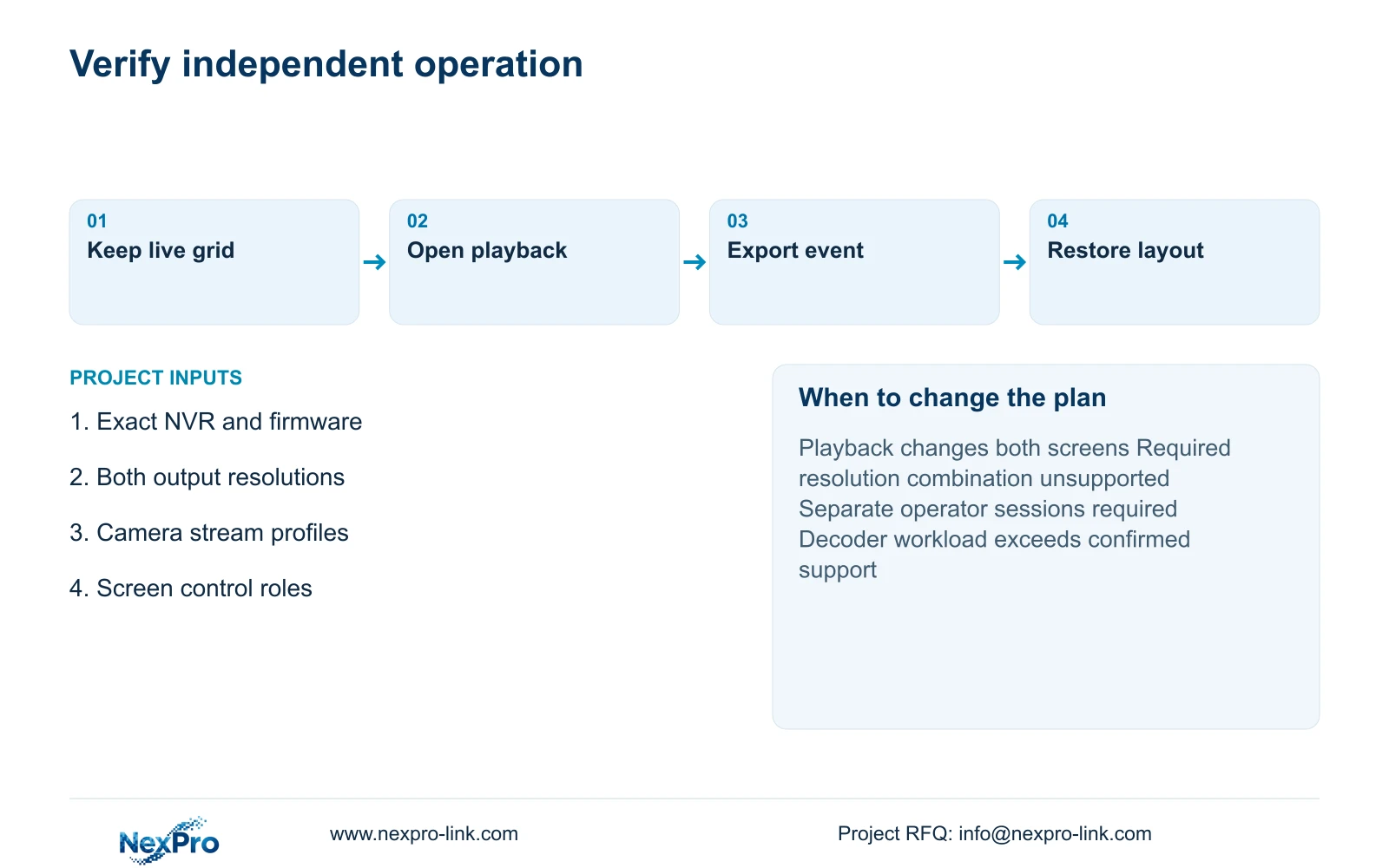
Demonstrate the agreed live grid while an authorized user searches, replays and exports a defined incident on the second display. Record the model, firmware, stream profiles and output resolutions. Observe whether layout changes disturb the other screen and whether the normal view returns correctly. Expected behavior belongs in the acceptance criteria, not in a prefilled pass record.
Select the simplest arrangement that demonstrates the required operation. Change to a supported decoder or client configuration if direct output cannot preserve the live overview during incident work. Recording should continue independently of an optional display wall's power state.
Send the recorder candidates, camera stream schedule and two screen task descriptions to info@nexpro-link.com. Include seating distance and any required simultaneous playback. NexPro-Link can discuss model matching and a scoped equipment proposal through the hotel project and BOQ support routes; independent HDMI capability remains a configuration-specific requirement.
Section 07
Buyer questions
Does a second HDMI socket provide a second operator session? That is a separate requirement. Ask for the control method and simultaneous session behavior, then demonstrate two authorized users performing their assigned tasks without disrupting each other.
Must both outputs use the same resolution? The supplied records do not establish the permitted output combinations. State both display resolutions in the RFQ and request confirmation for the exact recorder and firmware.
Can the existing recording package stay in place? Yes, if a supported viewing addition meets the screen task without changing required recording. The proposal should identify any extra client, decoder, network or licensing dependency.
Engineering references
These sources support the general planning principles. Always use the selected product's current datasheet and applicable project standards for final design.