Locate the recording hardware where its environment and maintenance access are suitable. Reception or security-office viewing can remain separate through a supported client or display path.
Section 01
Separate the operator seat from the recorder location
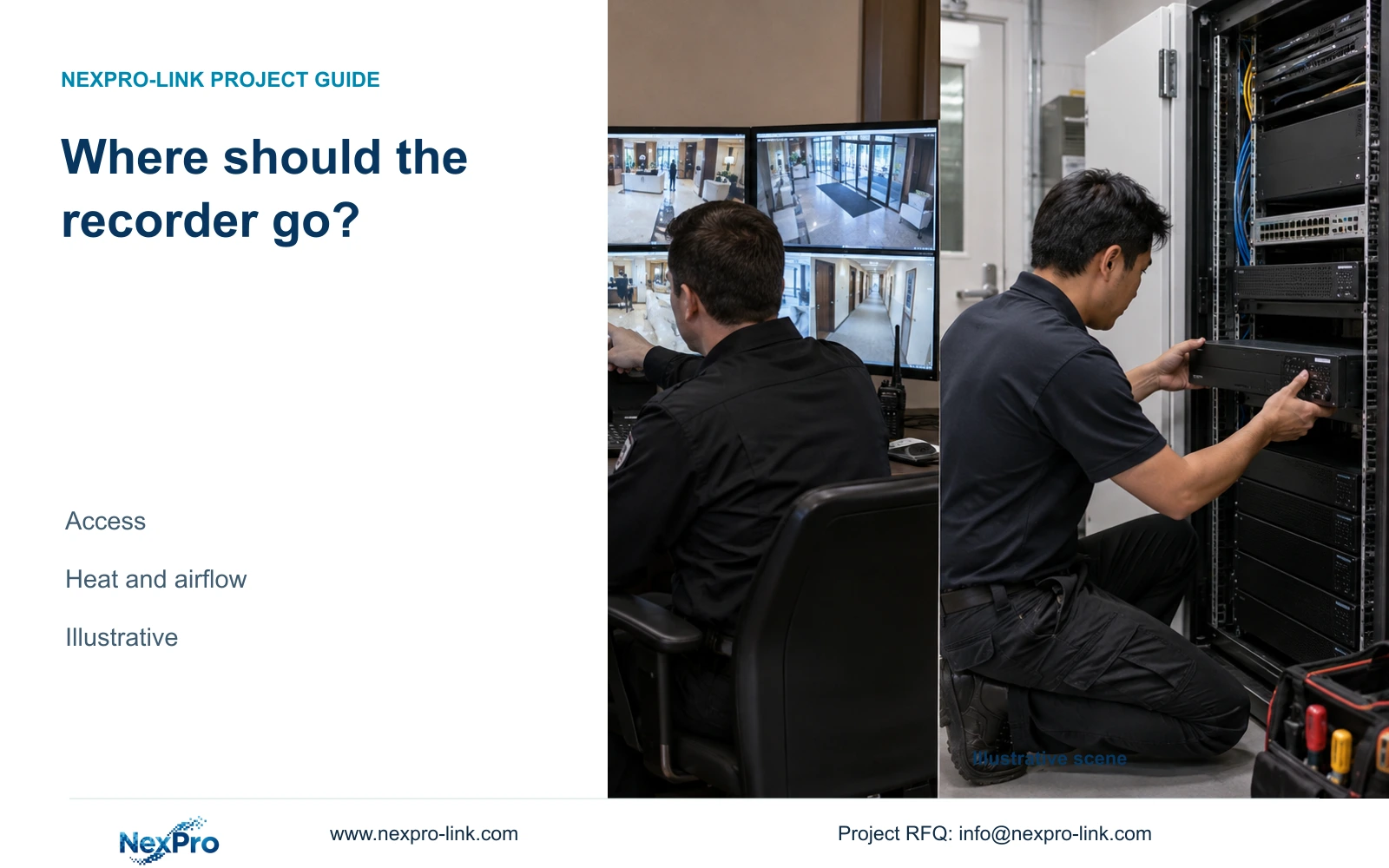
Choose a controlled equipment room for the recorder when it provides suitable environmental conditions, protected power and practical maintenance access. Keep the operator interface in reception or the security office where staff need it. A security office can house both functions if it meets those conditions; reception convenience alone is insufficient grounds for placing recording hardware there.
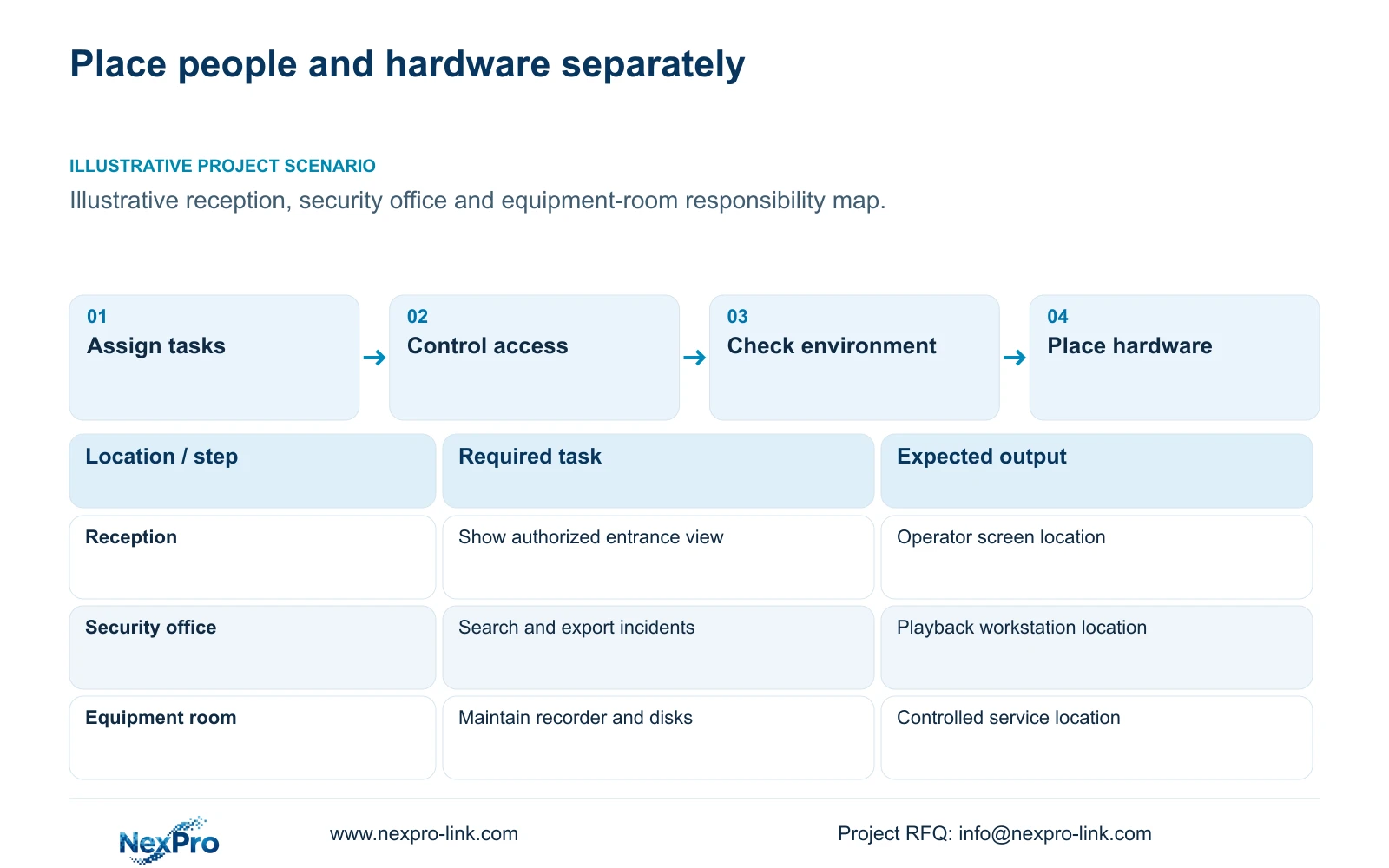
Map the actions staff perform before comparing rooms. Reception may need an authorized entrance view, while security staff need incident search and export. IT or the local installer needs access to network connections and storage maintenance. Those jobs require different permissions and different amounts of physical access.
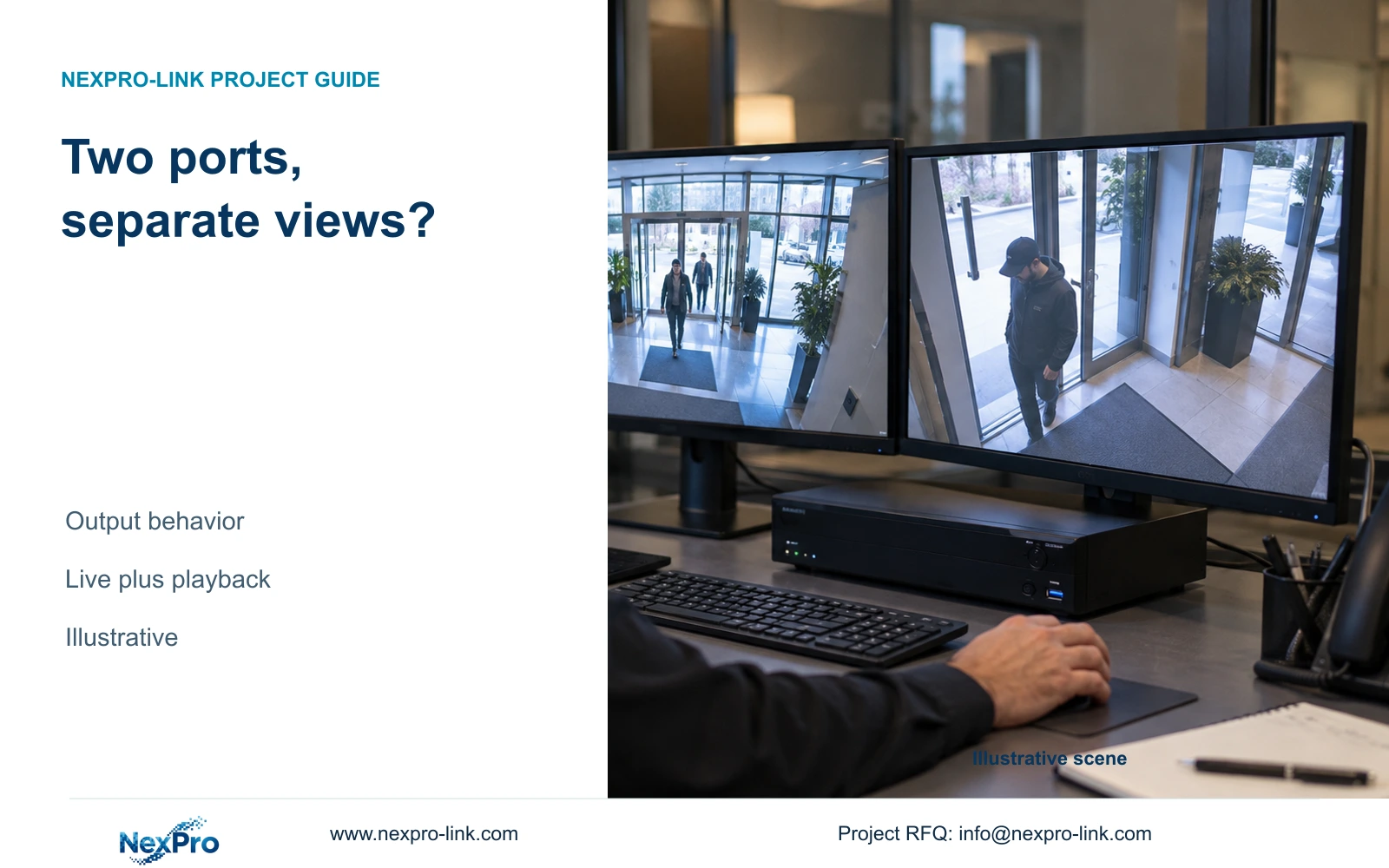
In an illustrative hotel, a reception screen can support a defined public entrance task while the recorder remains in a serviceable room elsewhere. The connection method must support that workflow, including how viewing behaves when a network segment is unavailable. Avoid assuming that moving the recorder automatically preserves every local playback or export function.
| Required task | Given information | Decision still needed |
|---|---|---|
| Entrance viewing | Reception staff need a permitted view | Supported client or display connection |
| Incident retrieval | Security staff control exports | Authorized operating seat |
| Recorder maintenance | Installer needs hardware access | Controlled room and service clearance |
Section 02
Review who can reach the hardware
Compare each candidate room by authorized access during normal operation and during a fault. A locked cabinet may restrict casual handling, but it still needs a workable service route. The hotel should name who can admit the installer, who can authorize downtime and who controls removable media or exported footage.
At reception, hardware access can overlap with a public-facing workplace. Assess whether cables, controls and storage are accessible to people who have no maintenance role. In a security office, trained operators may be nearby, but room access still needs a defined boundary. An equipment room separates routine operation from hardware handling, provided responsible staff can reach it when required.
Record whether maintenance requires moving furniture, interrupting reception or removing other equipment. These conditions affect restoration effort even if the room has adequate electrical capacity. The comparison should retain the same recording and retrieval tasks so a more secure location does not create an unworkable incident-response process.
| Location | Potential advantage | Condition to resolve |
|---|---|---|
| Reception | Close to entrance-viewing staff | Public access, noise and service interruption |
| Security office | Close to incident operators | Heat, permissions and hardware clearance |
| Equipment room | Dedicated hardware environment | Remote workflow and maintenance access |
Section 03
Compare equipment heat and operating noise
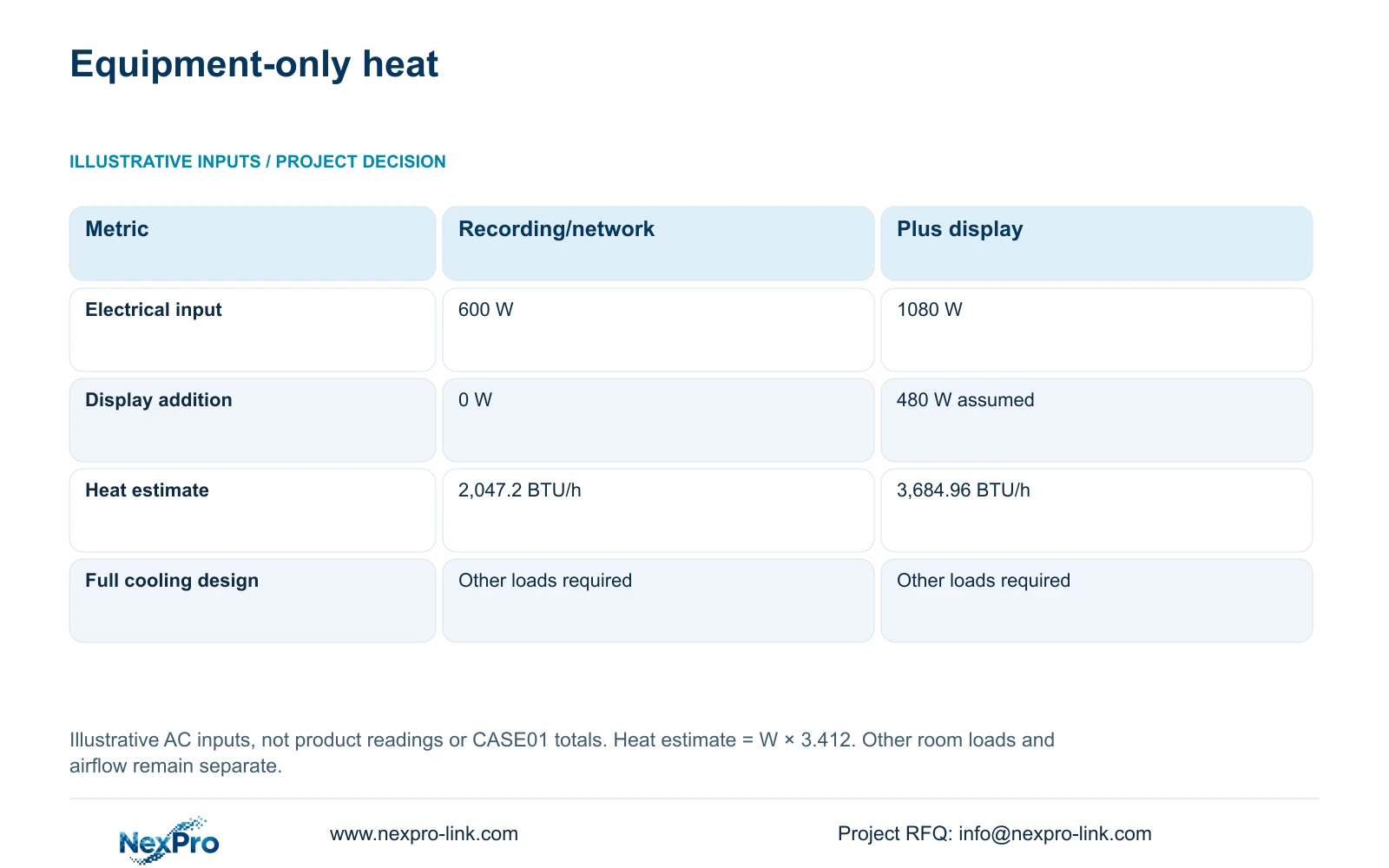
Use equipment electrical input as a planning input to the mechanical designer. The illustrative recorder and network load is 600 W. Adding an assumed 480 W display load produces 1080 W. These figures are teaching inputs, not nameplate readings for NX-VP-5535 or a total imported from the separate complete hotel case.
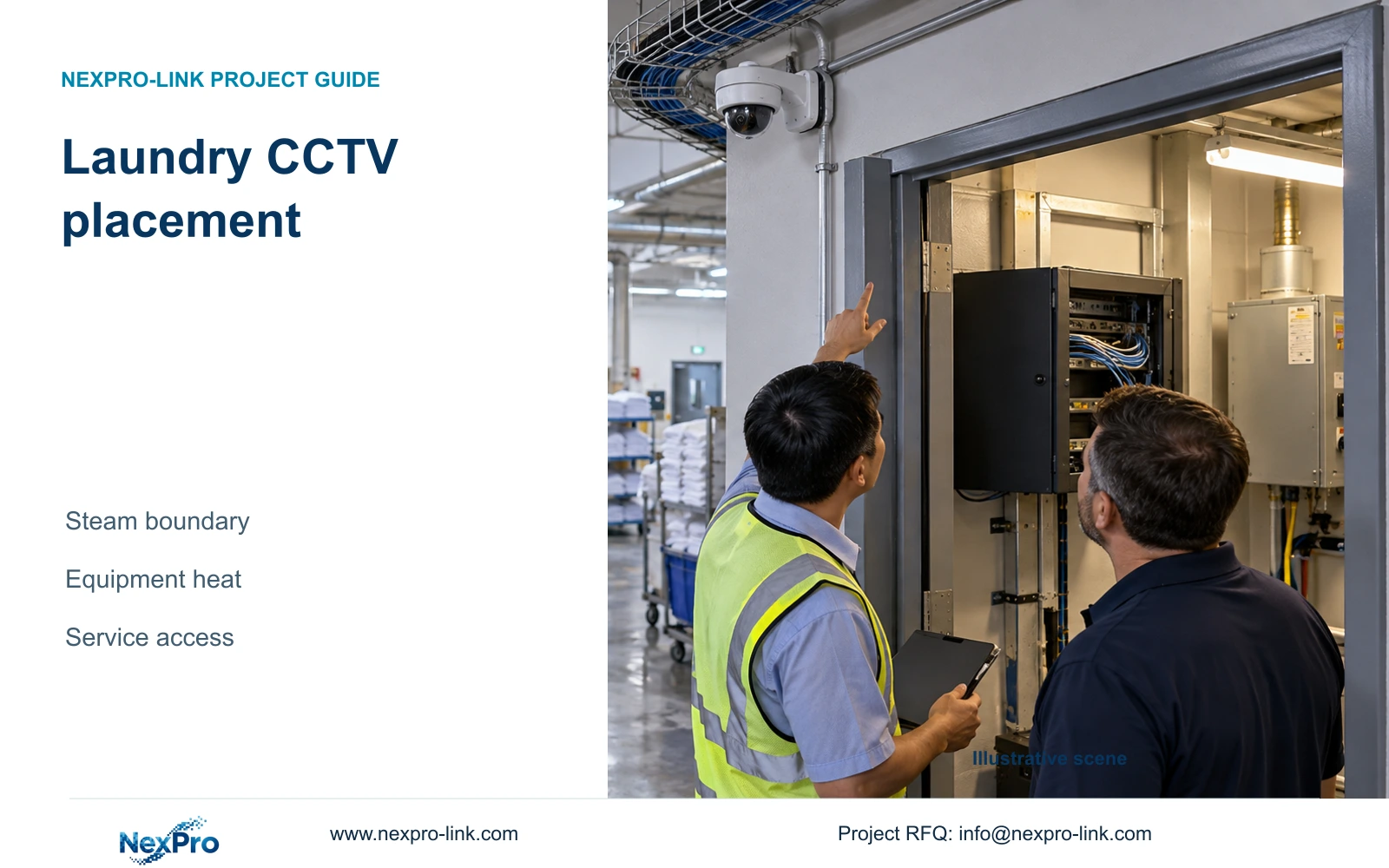
Equipment heat estimate in BTU/h is approximately input watts multiplied by 3.412. The two arrangements therefore produce 2,047.2 and 3,684.96 BTU/h of equipment-only heat. A small enclosed cabinet needs an airflow assessment even where the room's overall cooling appears adequate. Include UPS conversion losses at the correct boundary without counting downstream equipment twice. Use the International Table Btu conversion. For this room estimate, count heat dissipated inside the chosen boundary, not the full PoE energy exported to cameras in other locations.
The calculation does not size the room air conditioner. People, lighting, the building envelope, outdoor conditions and other loads remain part of the mechanical design. Moving a display to the security office transfers its power and heat there; the load does not disappear.
Assess acoustic suitability separately. Obtain the selected equipment's operating information or observe an appropriate sample under relevant conditions. The supplied records do not provide a noise level, so no decibel claim supports reception installation. If equipment noise interferes with staff work, separate the hardware from the operating seat.
| Metric / condition | Recording and network only | Same equipment plus display |
|---|---|---|
| Equipment electrical input (W) | 600 | 1080 |
| Equipment heat estimate (BTU/h) | 2,047.2 | 3,684.96 |
| Room cooling design | Additional room loads required | Additional room loads required |
Section 04
Check the installed cable and network routes
Measure the route to each endpoint, including vertical sections, turns and termination allowances. A recorder moved to another room can change backbone and client paths without requiring every camera cable to terminate there. Show access switches, core links and the recorder as separate nodes before deciding which routes actually change.
The supplied Fluke Networks reference uses a typical 90 m permanent-link basis and 100 m channel basis including patch cords. Apply the project's specified test basis and complete installed route. A straight-line floor-plan distance cannot establish compliance. Where copper reach becomes unsuitable, compare a different closet position or designed fiber backbone with the added active equipment and power responsibilities.
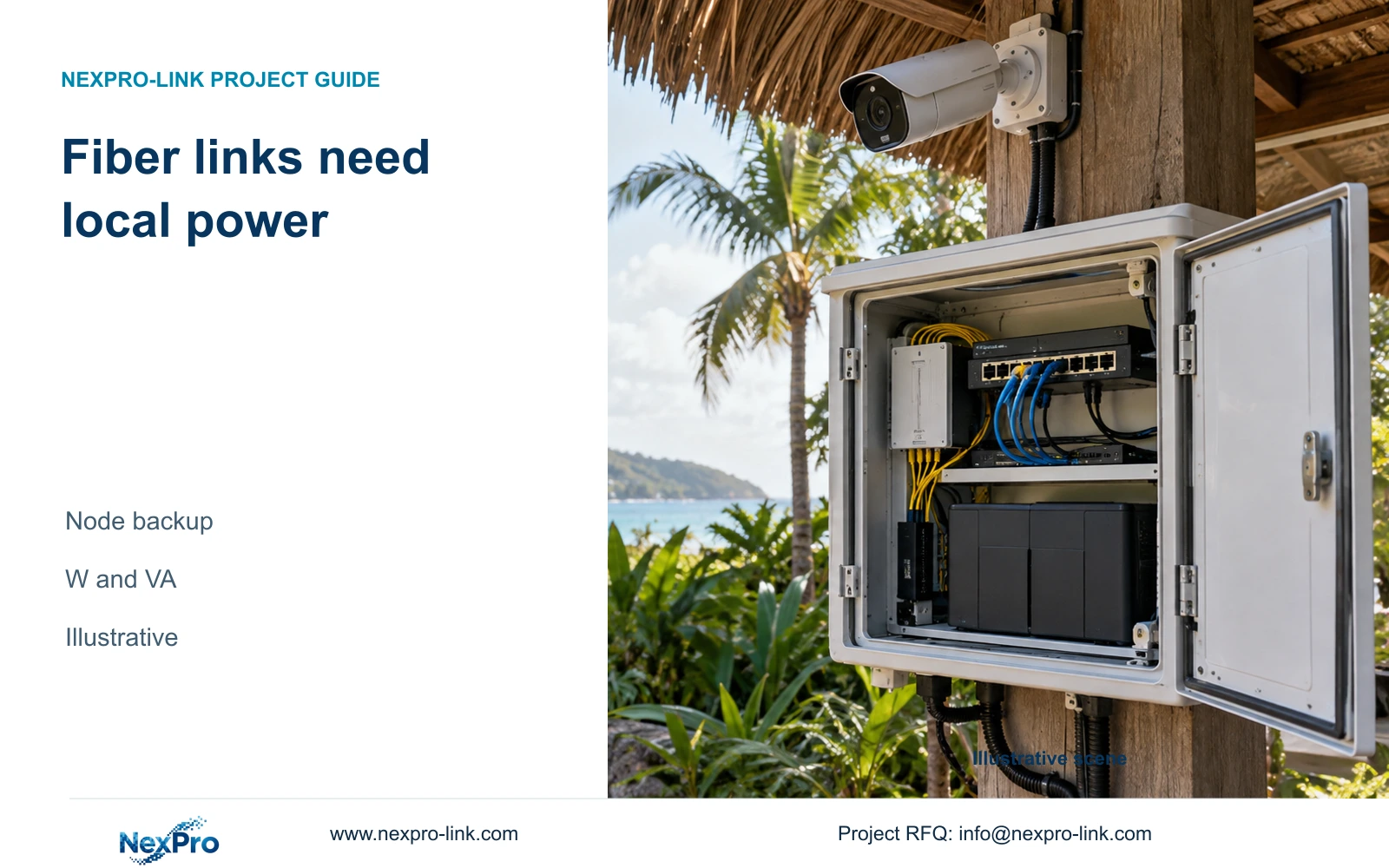
Fiber carries data and does not automatically power a remote switch or camera. A required remote node needs its own included power and backup boundary. SP5648 is a Cat6 48-port patch panel and DT968MX is a Cat6 module; neither identifies the bulk cable or proves the installed channel category.
Calculate traffic on the changed links from the actual recording and viewing paths. Remote playback and export may use different routes from camera recording. The new recorder location is acceptable only if the selected network arrangement preserves the authorized workflows and agreed outage behavior.
Section 05
Size the local viewing arrangement separately
Choose the simplest local display arrangement that lets staff see the required views and retrieve incidents. Include the client or decoder, signal path and mounting in the scope. A screen's physical proximity to staff does not require the recorder to occupy the same desk or cabinet.
NX-VP-5535 is a 55-inch 1920×1080 LCD candidate, not direct-view LED. Its listed display fields do not supply the complete installation dimensions, power or control arrangement for every order. If a wall is proposed, account for its maintenance access and the workload of the selected decoder.
Separate essential recording power from optional display power. A hotel may require a workstation to remain available during an outage, but that adds a defined protected load. SP2KR(S) has a published rack rating of 2 kVA and 1800 W; that rating alone cannot establish battery runtime or suitability for every distributed power zone.
A larger wall is worth buying when sustained observation or multiple seats require it. Retain a simpler monitor or workstation when incident retrieval is the main task and the supported layout is readable. Price additional display equipment and room work separately from the relocation needed to make the recorder maintainable.
Section 06
Specify the room and cabinet for maintenance
Issue a layout using the selected devices' height, depth and weight, with space for cable bends, ventilation and access to serviceable parts. A cabinet that has enough nominal U capacity can still be too shallow or difficult to maintain. UPS and battery installation also need the appropriate structural and manufacturer requirements.
Recommend the equipment room when access, cooling and supported remote operation are satisfactory. Choose the security office if it meets the same hardware conditions and offers a practical operational benefit. Use reception for the recorder only when the actual enclosure, access control, environmental conditions and maintenance arrangements have been resolved.
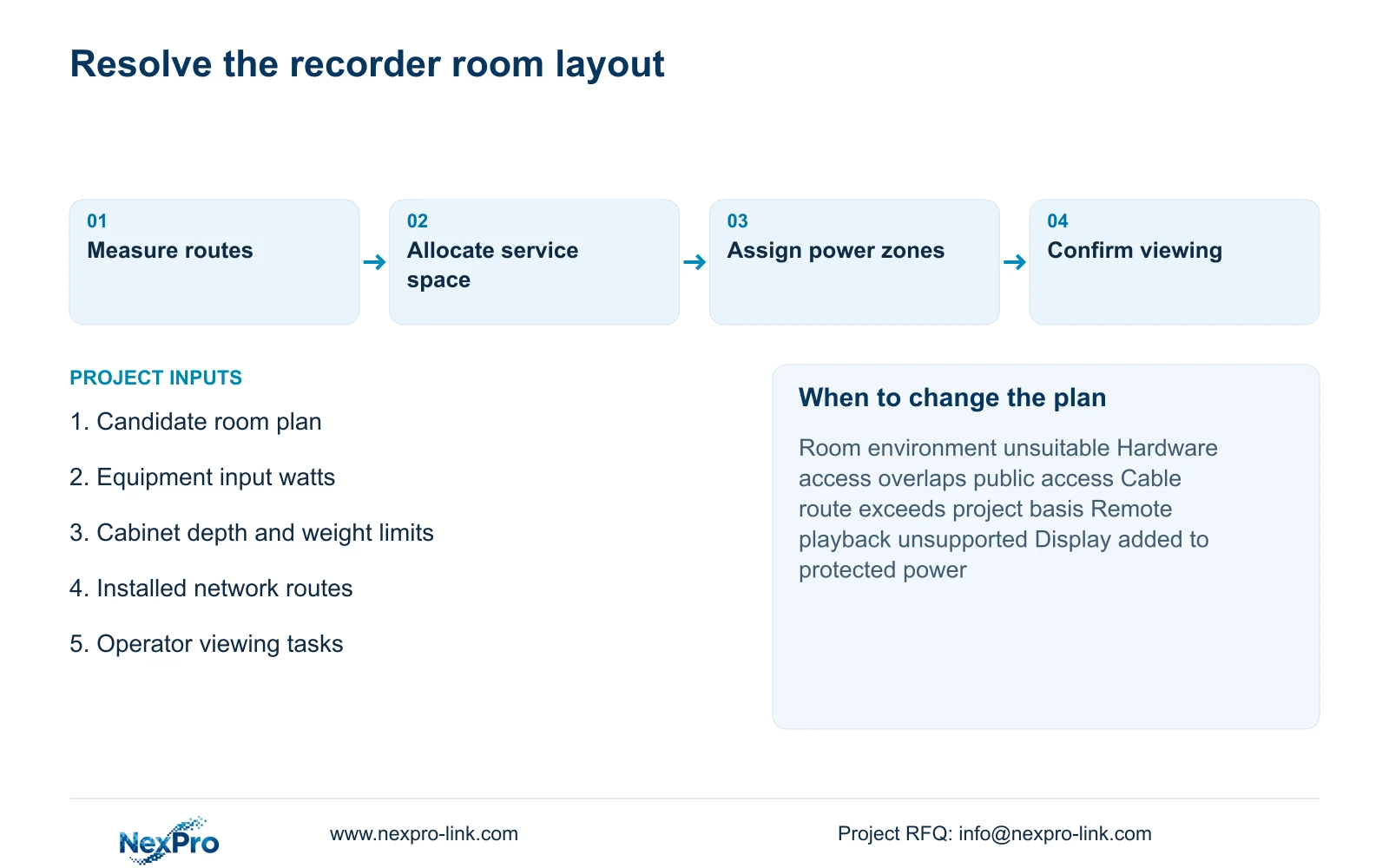
Send candidate room plans, equipment input-power information and the required reception or security-office workflows to info@nexpro-link.com. Include the proposed network route and available cabinet dimensions. NexPro-Link can support equipment matching and a coordinated BOQ; local mechanical, electrical and installation responsibilities remain explicitly assigned.
The supplied warranty record gives applicable main equipment a 24-month limited hardware baseline from receipt, subject to controlling written order terms. Batteries, storage and site labor need their own scope. Remote technical support does not establish included local attendance or remedy unsuitable room conditions.
Section 07
Buyer questions
Can reception keep a viewing screen after the recorder moves? Yes, where a supported connection and authorized client or display arrangement preserve the required view. Confirm incident playback and export separately if reception needs those tasks.
Can the heat estimate determine the air-conditioner size? No. It supplies an equipment-only input. The mechanical designer still needs room loads, airflow, operating conditions and the project's cooling requirements.
What information is needed for a relocation quotation? Provide the candidate room layout, current equipment schedule, installed route information and required operator tasks. Identify which local installation and room modifications should be included.
Engineering references
These sources support the general planning principles. Always use the selected product's current datasheet and applicable project standards for final design.