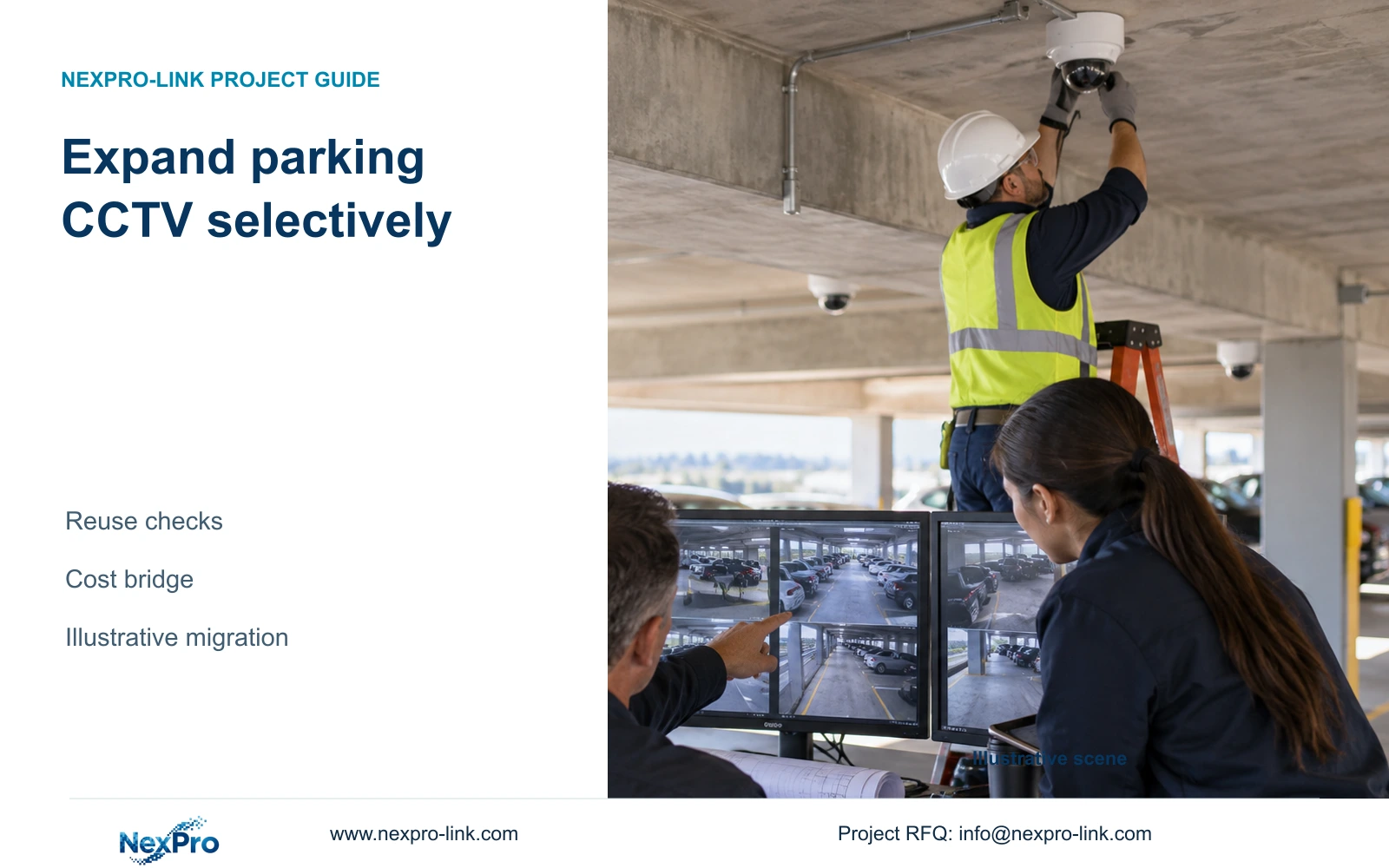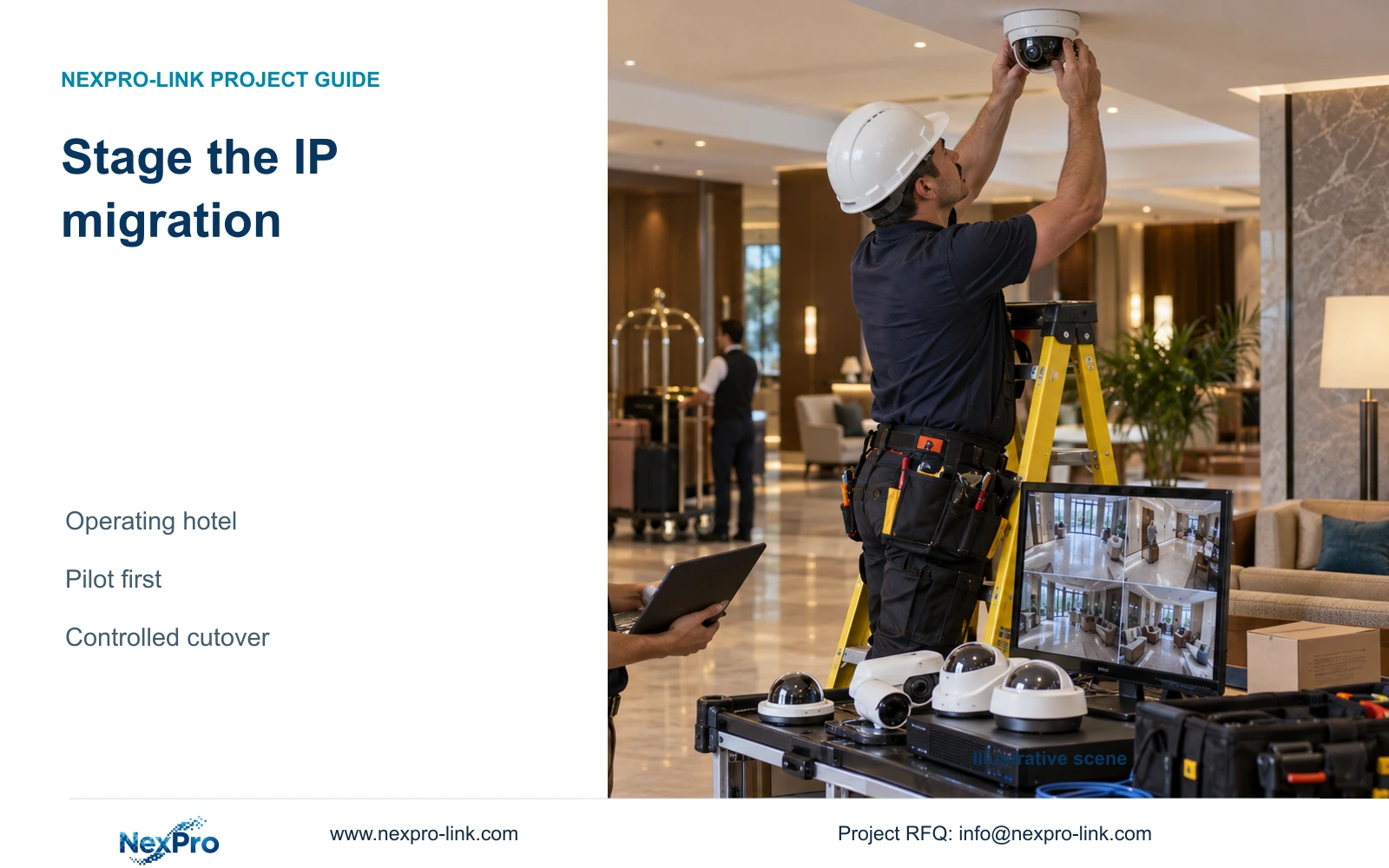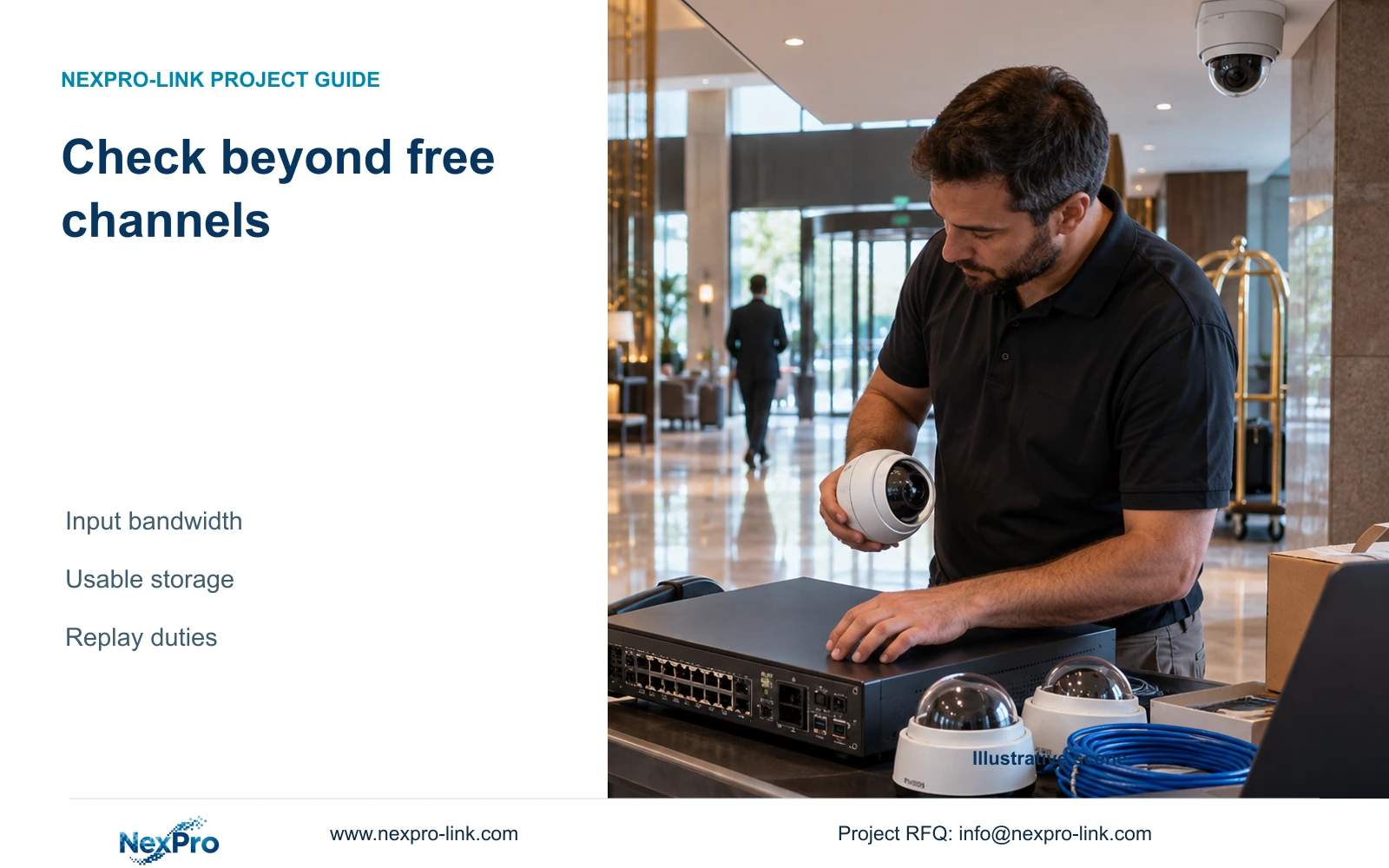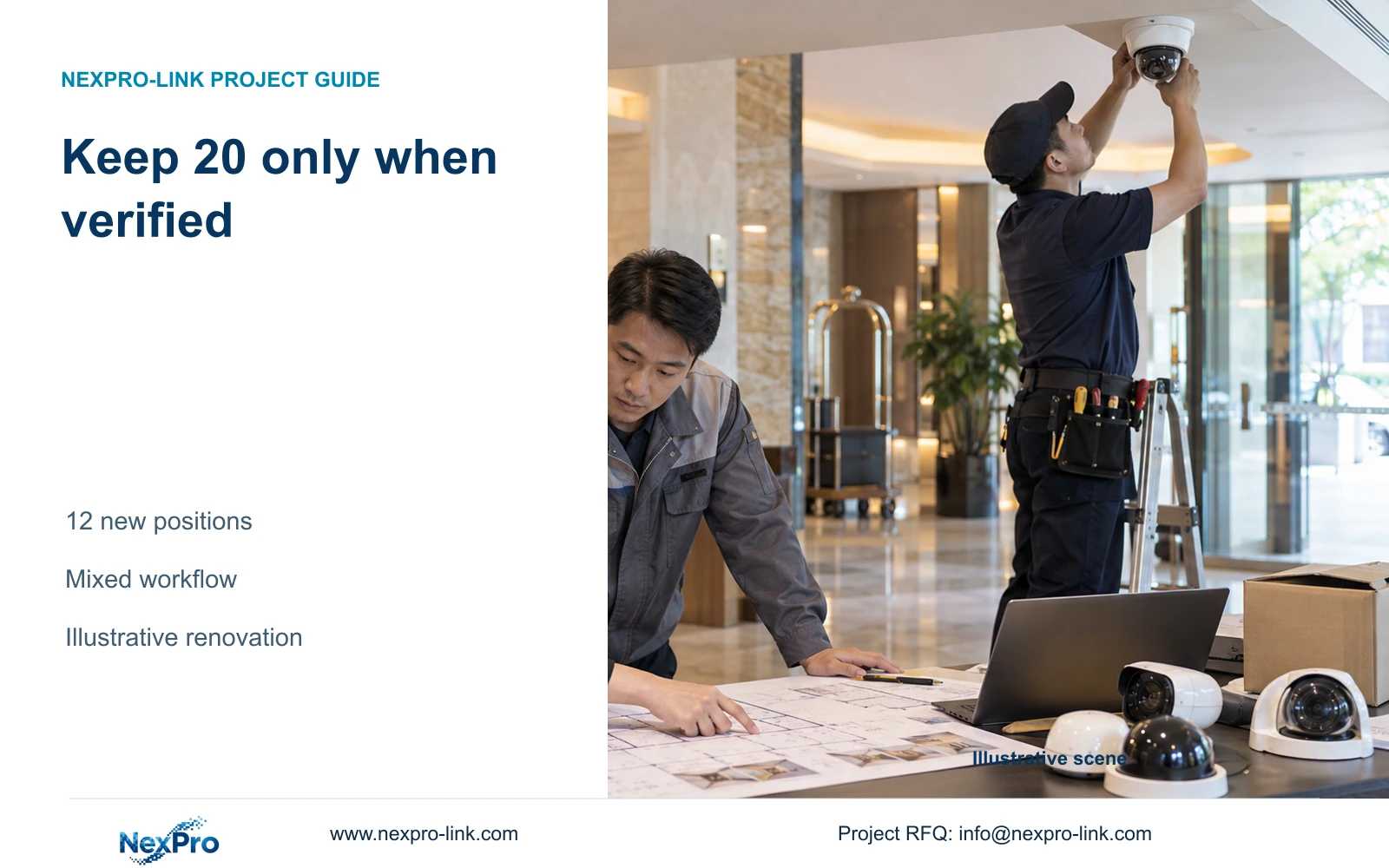
A 20-camera reuse scope can reduce new procurement when retained devices still perform their assigned tasks and the mixed system passes a defined recording workflow.
Section 01
Decide which existing cameras earn a reuse place
Retain the proposed 20 existing cameras only where they still meet their assigned public-area tasks and a representative mixed-device trial confirms recording, retrieval and authorized operation. Keep a supported independent path for the new equipment and a defined rollback arrangement. Replace retained groups that cannot meet those conditions, even if their live previews appear usable.
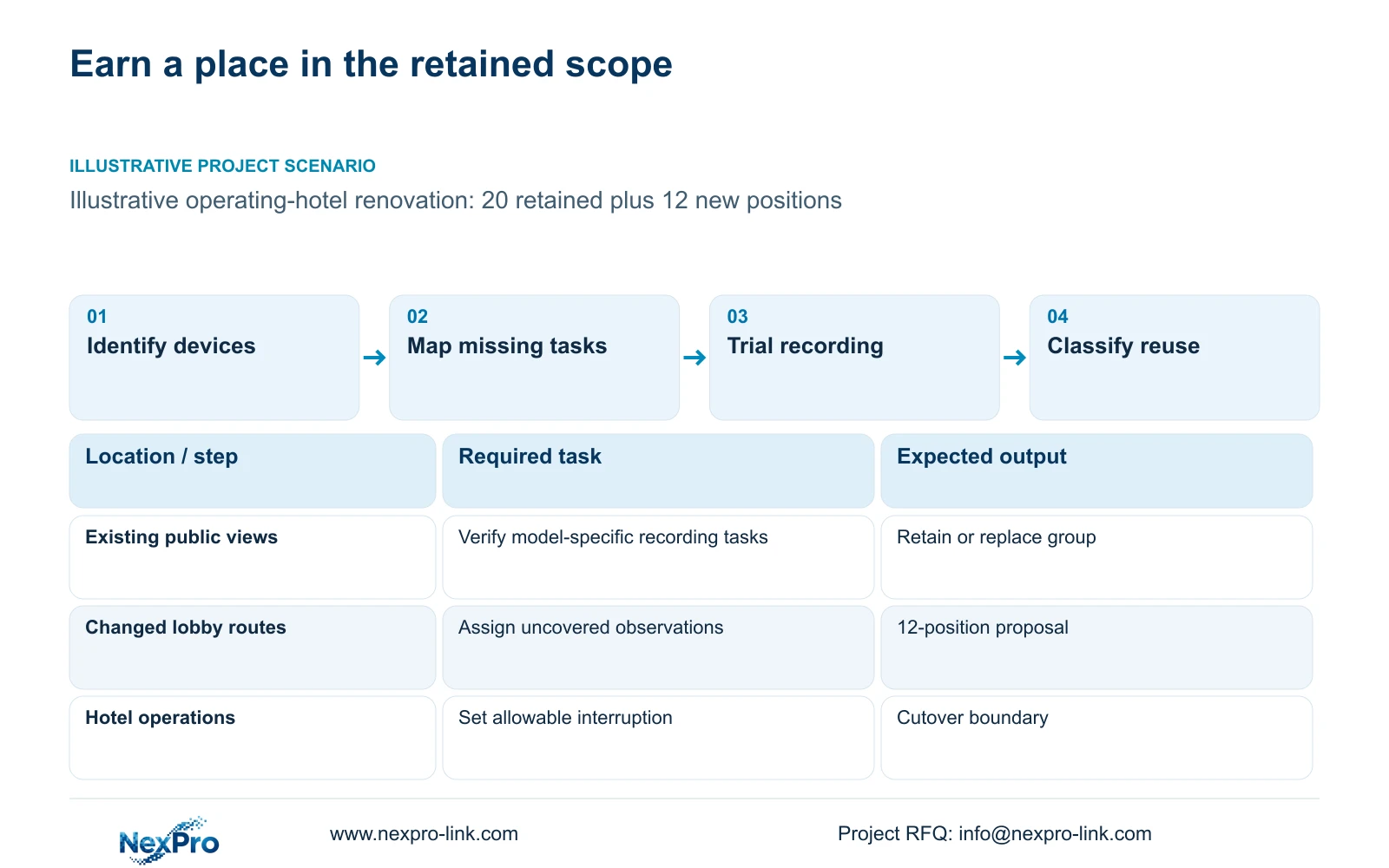
CASE07 is an illustrative operating-hotel renovation with 20 retained positions and 12 proposed gap-filling positions. Its 100-room background does not establish coverage. Start an inventory with each position's location, actual model, firmware, stream settings, power arrangement and recorder destination. Include installed cable and mounting condition because a camera reuse decision can still require replacement infrastructure.
Classify equipment as suitable for its present task, suitable after a defined correction, or unsuitable. Record the evidence supporting each classification. An online device is evidence of connectivity at that moment; it does not establish night detail, sustained recording or export compatibility. Avoid treating an undocumented legacy group as identical simply because its units look alike.
| Required task | Known starting point | Decision still needed |
|---|---|---|
| Retain public-area coverage | 20 existing positions proposed | Task quality and equipment identities |
| Preserve incident retrieval | Existing live video available | Playback and export on proposed path |
Section 02
Assign each new position to an uncovered task
Mark the retained views on the revised public-area drawing before allocating the 12 new positions. Describe missing observations at entrances, public-route turns or service handovers. A changed partition can create a gap even where a camera remains functional. Moving a camera or adjusting its framing may resolve that task without adding another unit.
Separate overview and detail requirements. A wide view may show movement through a lobby while leaving insufficient detail at a particular crossing point. Combine tasks only where the recorded result supports both. Check target width, mounting position, lighting transitions and maintenance access; a lower camera count is not proof of equivalent coverage.
The supplied BL2812M product PDF lists NexPro-BL2812M55-5MP-DIC-AI with a 2.8–12 mm motorized lens and a 2880×1620 main-stream mode. Those fields make it a framing candidate, not a guarantee of identification. The PDF lacks maximum power. Neither motorized adjustment nor human/vehicle detection establishes PTZ operation or ANPR.
| Choice | Useful condition | Consequence |
|---|---|---|
| Retain present position | Assigned task remains visible | Verify recorded detail |
| Move or reframe | Geometry causes the gap | Revise mounting and cable scope |
| Add a position | One view cannot serve both tasks | Add network, storage and power demand |
Section 03
Trial the complete mixed recording workflow
Choose representative retained models and a proposed new camera for the trial. Record model, firmware, codec and selected image settings. Run the route that will be used after renovation: camera connection, recording, authorized playback and export. Expected results belong in the acceptance criteria; they must remain unmarked until observed.
Check an authorized time window from both device groups, including the required recorded movement and relevant light condition. Confirm that staff can find the correct camera and time, play the clip and use the agreed export output. Where events or audio are required, test those functions separately. ONVIF profile matching provides a function-specific starting point, not proof of every event, cloud binding or advanced search workflow.
A limited trial supports only the tested identities and conditions. Expand the check when a retained model, firmware or stream mode differs. Record the failed task and responsible party, then repeat the same conditions after correction. Factory checks cannot substitute for the hotel's installed route and lighting observations.
Section 04
Recalculate the resources behind all 32 views
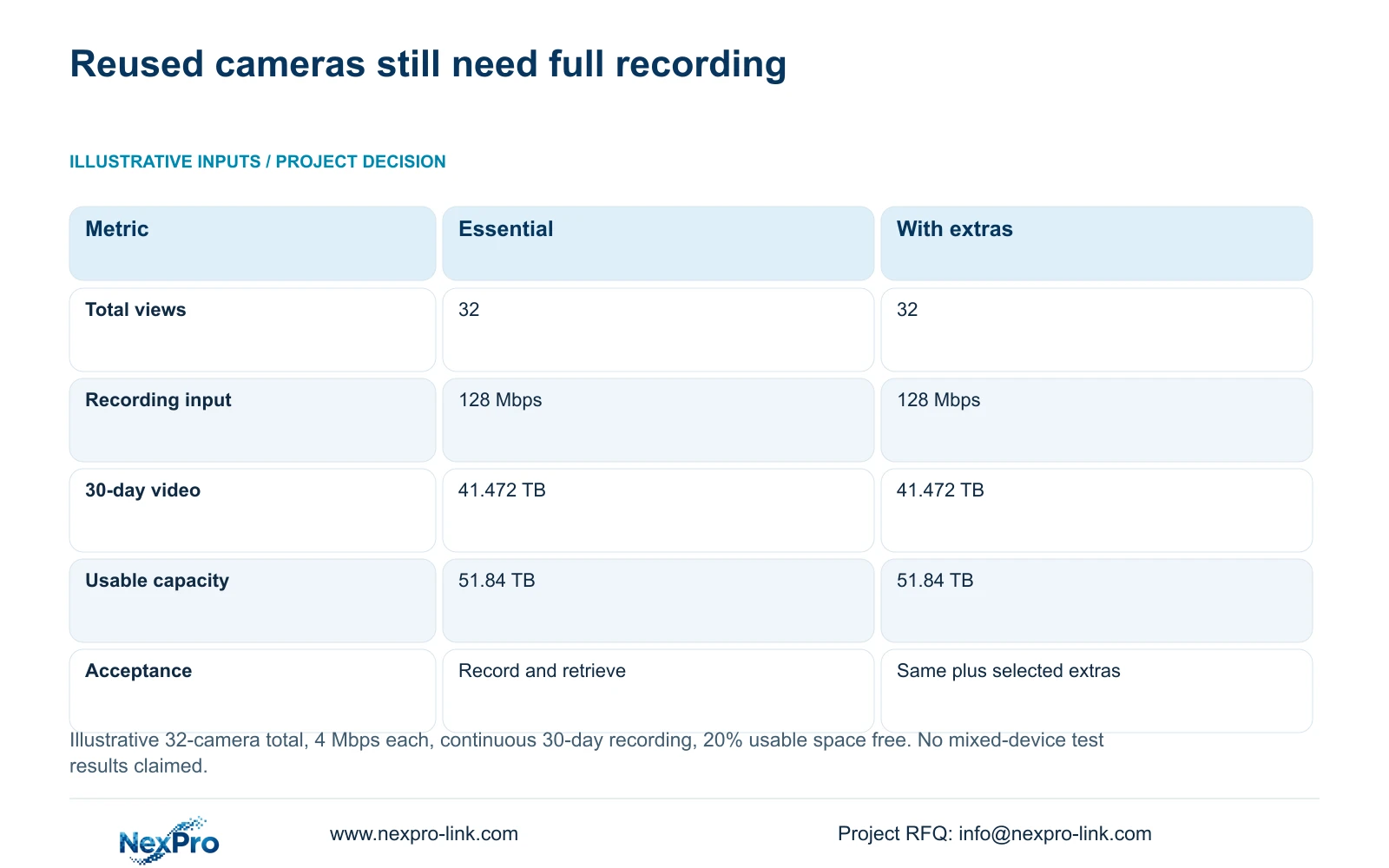
For the independent topic example, assume all 32 cameras average 4 Mbps and record 24 hours daily for 30 days. Input equals 32 × 4 = 128 Mbps. Decimal video TB equals 0.0108 × 32 × 4 × 30 = 41.472. Required usable capacity is 41.472/0.80 = 51.84 TB, leaving 20% free. Actual retained and new streams should be summed by their own settings.
The table holds recording constant between an essential package and one with selected display or recovery extras. Reuse does not reduce this requirement when both arrangements retain the same recording tasks. CASE07 independently proposes four 16 TB drives: 64 TB raw, 60.8 TB under its assumed formatting allowance, and 48.64 TB video budget after reserve. This is a no-RAID-loss planning arrangement.
NexPro-NVR4449-4K publishes 320 Mbps input and four SATA positions; its resolution and playback combination still need confirmation. CASE07 assumes four eight-camera access groups requiring at least 133.33 W PSE budget each. NexPro SW-POE1618G has conflicting access-speed descriptions and no numerical total PoE budget, so the calculation cannot establish its suitability. Trace actual viewing and export traffic on each link.
| Metric | Essential recording-first | Same core with extras |
|---|---|---|
| Recording input | 128 Mbps | 128 Mbps |
| 30-day video data | 41.472 TB | 41.472 TB |
| Required usable capacity | 51.84 TB | 51.84 TB |
| Protected path | Cameras, network and recording | Same plus selected extras |
| Display | Task-sized monitor/workstation | Optional wall; recording independent |
| Cost basis | Complete scope quotation | Incremental scope stated |
Section 05
Stage cutover with a recoverable stopping point
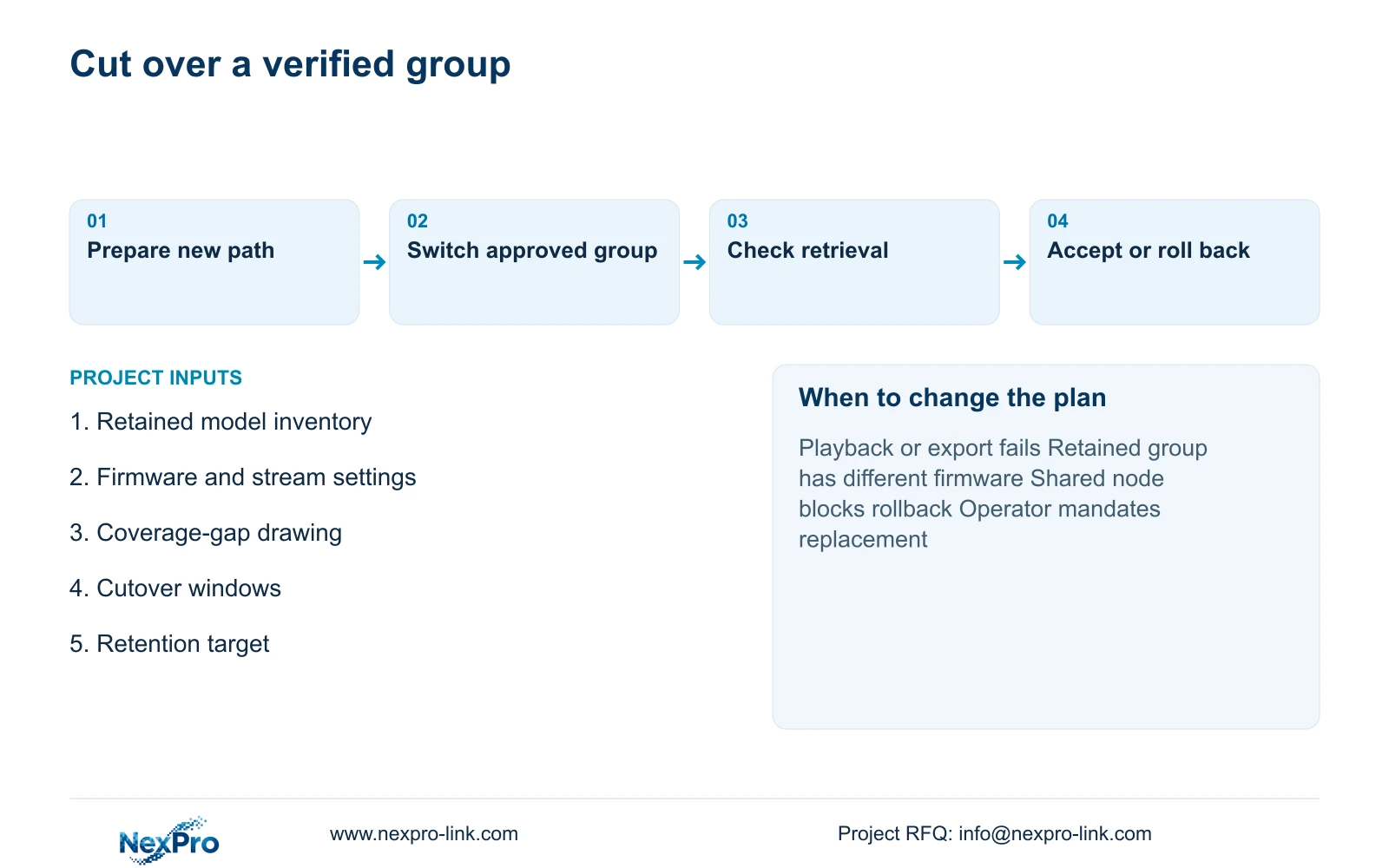
Divide installation by public-zone dependency and hotel operating constraints. Prepare the new recording path before disconnecting the old one, wherever the approved arrangement permits. Identify who can authorize the switch, which functions must be demonstrated and what failure returns the group to its previous supported path.
Keep configuration and device-location records available to the authorized team. Preserve required incident exports before changing recorder or disk arrangements. An old disk does not automatically remain readable in a new NVR. Avoid removing the source record until the approved preservation output has been checked.
Temporary equipment and parallel operation need explicit cost and capacity allowances. A rollback path that shares the same failed switch or power source may not restore the task. CASE07's assumed 663.77 W base load is a separate full-case power budget, not a measured renovation load. Split it among actual protection zones and use configured battery curves for runtime.
Section 06
Compare reuse and replacement on equal outcomes
Recommend reuse where retained groups pass the defined tasks and their correction, support and cutover scope remains acceptable. Move to targeted group replacement when a model fails recording or retrieval compatibility. Full replacement becomes reasonable where failures span the retained scope, a mandatory platform excludes it, or keeping it requires an unacceptable operating interruption.
Compare new hardware, reused assets, corrective work, installation windows, software and service responsibilities separately. New-equipment warranty does not renew old assets. The supplied policy gives applicable main equipment a 24-month limited hardware baseline from receipt, with batteries, storage, cable and special orders governed by their relevant written terms.
For a useful first RFQ, send the retained model inventory, marked coverage gaps, proposed cutover windows and required retention to info@nexpro-link.com, plus the destination and mandatory platform. NexPro-Link can discuss model matching, BOQ support and coordinated supply. Local surveys, mixed-device observations and installation responsibility must remain visible in that scope.
Section 07
Buyer questions
Does camera reuse mean the existing cable can stay? No. Assess the cable's actual route, condition and required link performance separately. Reusing the endpoint does not establish that its installed connection meets the revised system requirement.
Can a failed legacy model be replaced without rejecting all 20 cameras? Yes, if the remaining groups have distinct verified identities and pass their tasks. Quote group-specific replacement and retest affected shared dependencies instead of applying one result to every retained device.
What does NexPro-Link need before quoting reuse? Provide exact retained models and available configuration records, the required new positions and allowed downtime. A preliminary quotation can identify unverified reuse assumptions without presenting them as confirmed compatibility.
Engineering references
These sources support the general planning principles. Always use the selected product's current datasheet and applicable project standards for final design.