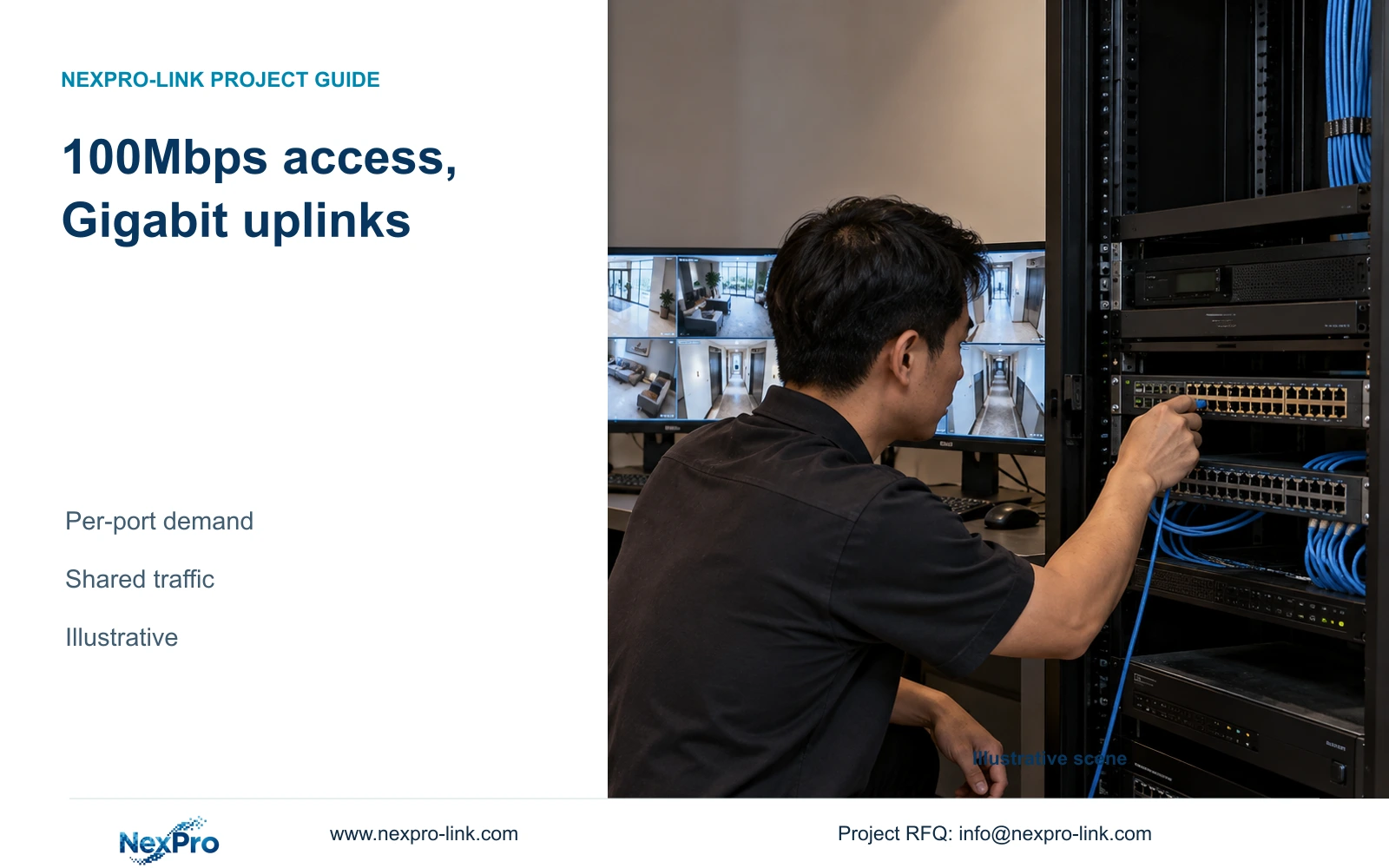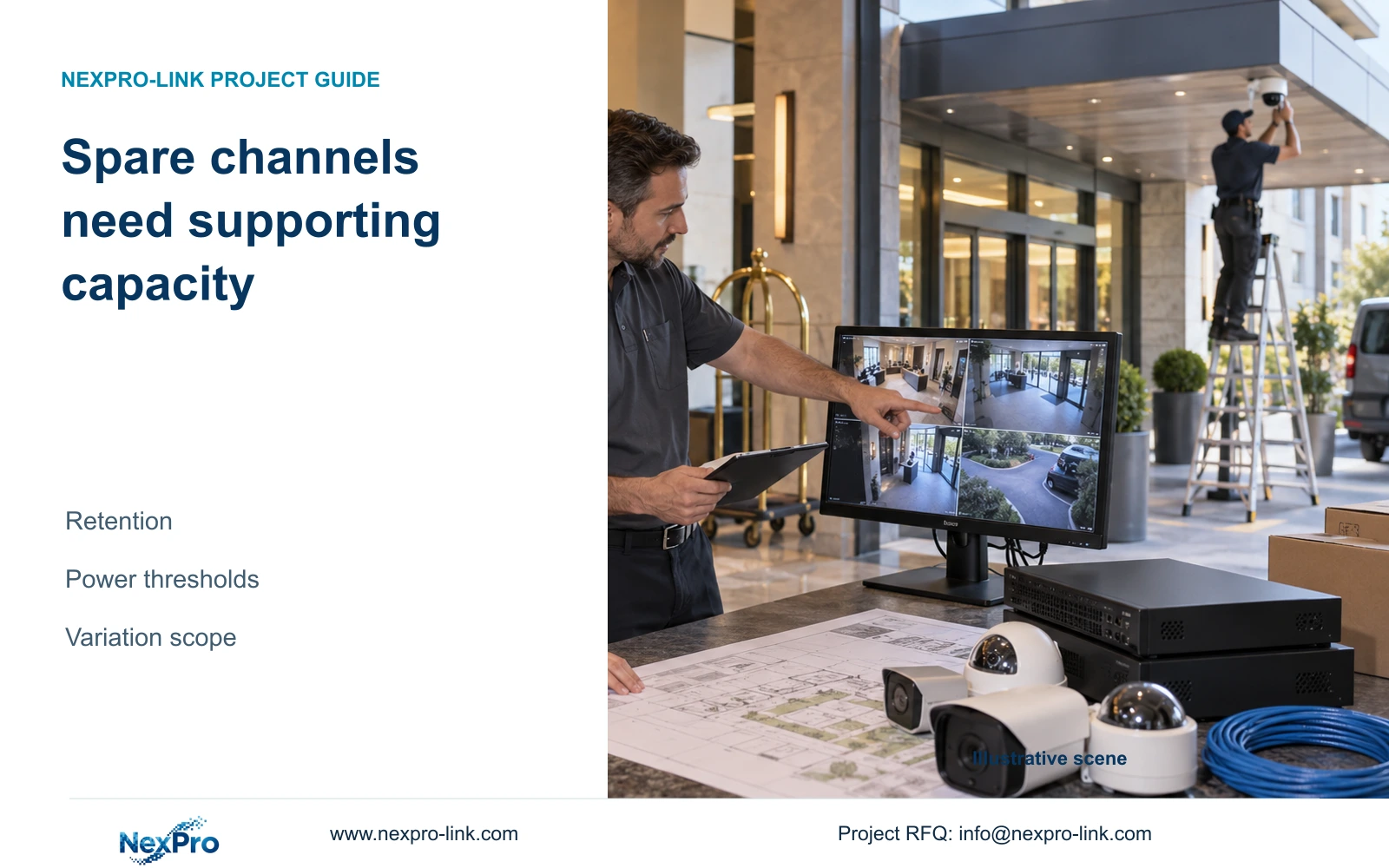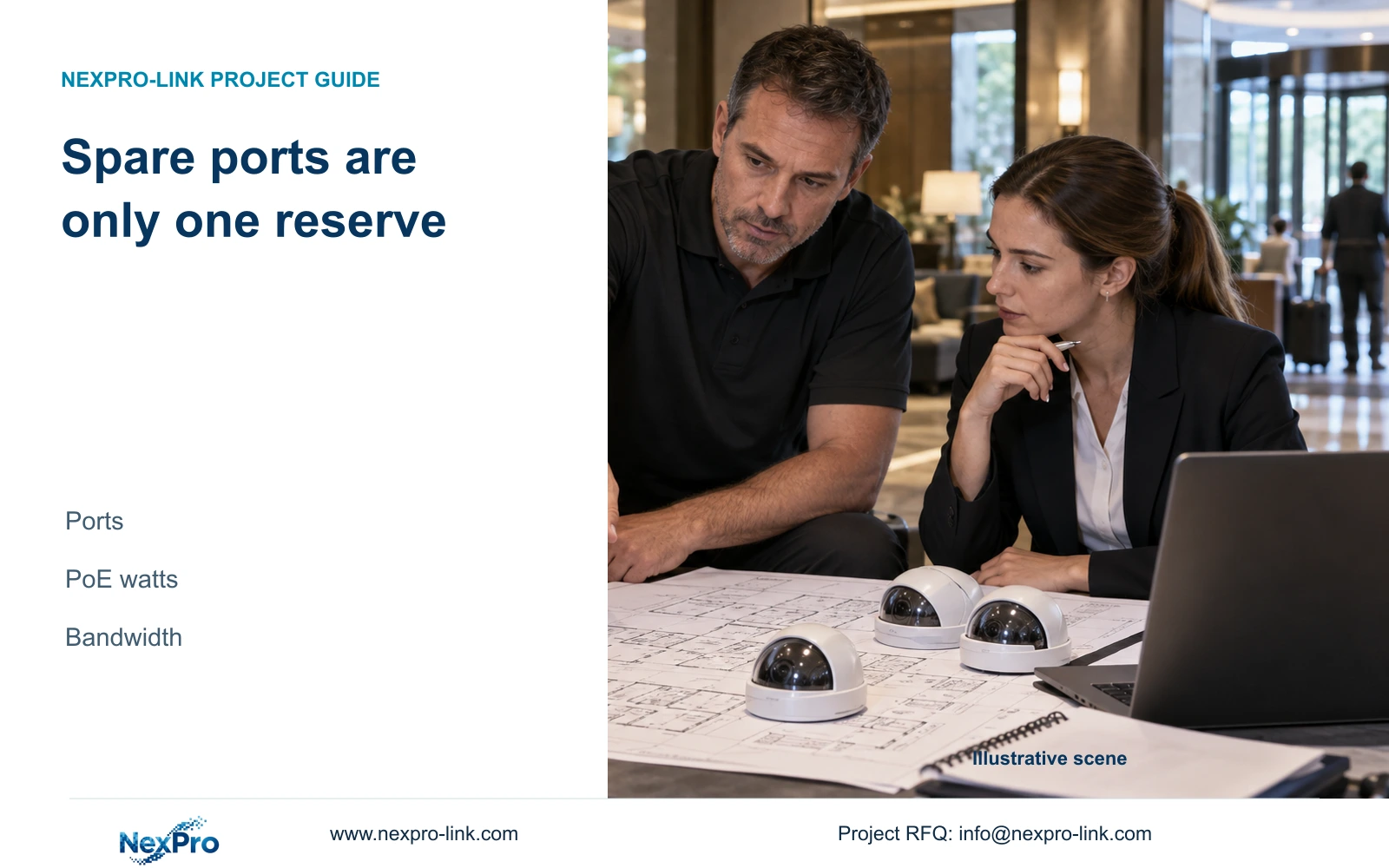
Spare access ports do not establish room for more powered cameras. Check each node's PoE budget and each affected link, then separate quantity, specification and shared upgrade costs.
Section 01
Define the additions that the reserve must support
Approve expansion against separate port, PoE power and bandwidth figures at the affected nodes. A statement that 20% of ports are spare does not establish capacity for 20% more cameras. Retain existing equipment only when the proposed additions fit every relevant resource boundary; upgrade the first constrained resource while preserving the required recording task.
Keep a dated baseline of camera quantities, switch groups, recording profiles and quoted scope. Define additions by public-area task and location, such as a new entrance view or an extended service route. The cost manager needs to know where equipment connects and what specification changes, not simply the revised total camera count.
Record which additions are approved and which are future possibilities. An expansion allowance is useful when tied to an explicit scenario and change condition. This prevents a general reserve percentage from becoming an undocumented promise that every future camera can connect without added equipment or installation work.
| Required task | Given information | Decision still needed |
|---|---|---|
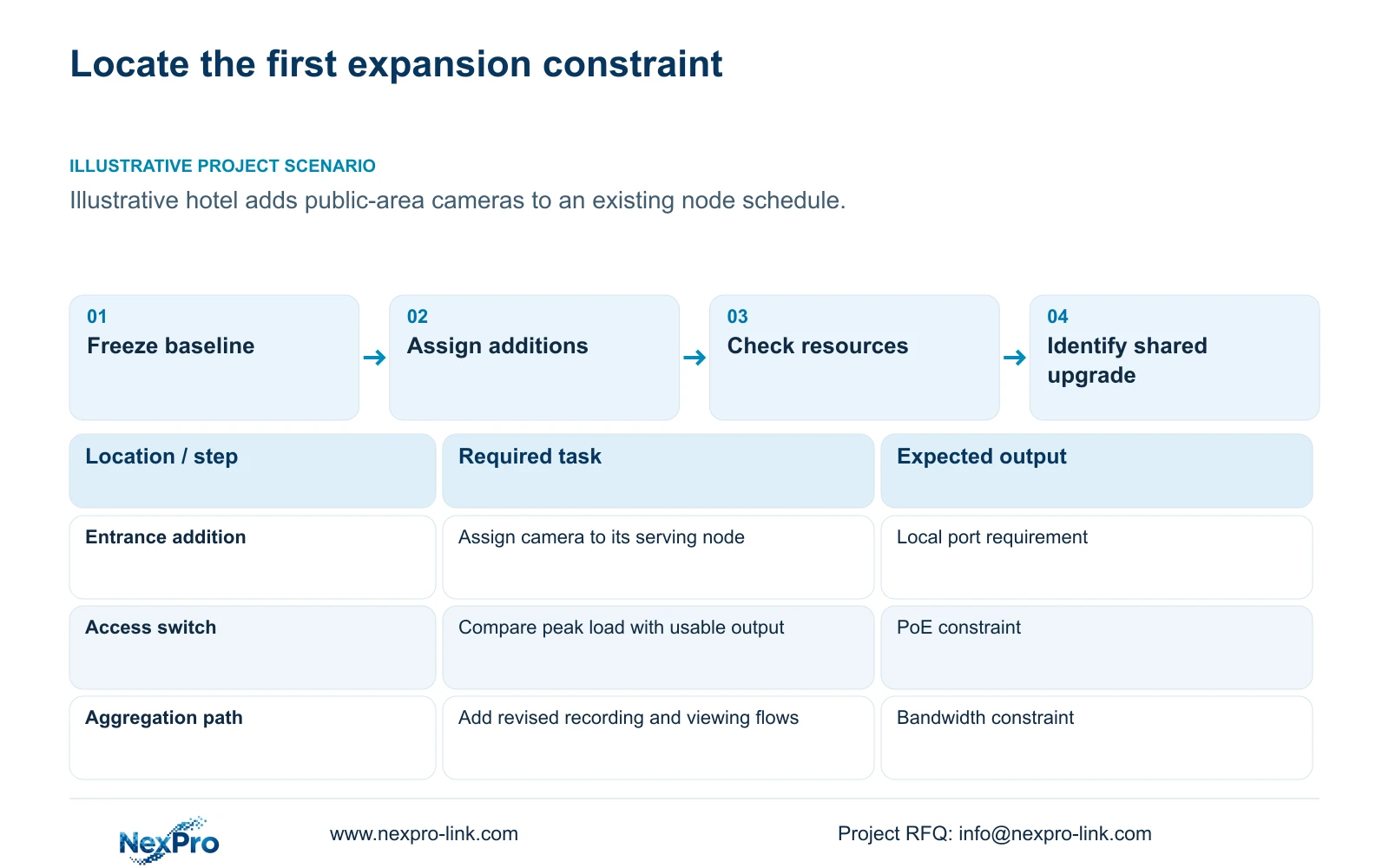
| Add a public entrance view | Revised camera schedule | Serving node, peak power and stream profile |
| Extend a service-route group | Existing network baseline | Affected uplink and protected-power scope |
Section 02
Count usable access ports at each node
Count spare camera access ports where the additions will physically terminate. Exclude uplinks and ports already assigned to other services. Ports spare in another building do not help a camera whose approved route ends at a different node. Note any port limitations that affect the proposed device type.
State the denominator behind a reserve percentage. A percentage of installed access capacity and a percentage increase over connected devices describe different quantities. Publish the actual connected and available port counts beside the percentage, so a bidder can reproduce the calculation and identify where another switch would be needed.
Check recorder channels and the supported image configuration alongside access ports. An available network socket does not reserve a recording channel or disk capacity. A small addition can cross one of those limits even when the network switch has vacant ports. Keep the resulting shared-resource change visible in the variation schedule.
Section 03
Calculate remaining PoE capacity independently
Use each node's usable PoE output budget and the camera group's peak demand to determine available power. Confirm per-port capability as well as total watts. Compare existing and proposed camera loads at the same boundary; camera-side consumption, switch PoE output and switch AC input are different quantities.
Where a stated delivery-efficiency assumption is used, required PoE output equals total camera-side watts divided by that efficiency. If the design retains 20% of usable output capacity, the required budget equals that output demand divided by 0.80. The percentage is a project assumption, not a universal expansion rule.
The supplied camera PDFs omit verified maximum watts, and NexPro SW-POE1618G's total PoE budget is unstated. Its title and detailed access-speed fields also conflict. Neither vacant ports nor an af/at description resolves those missing values. Request confirmed figures before accepting the candidate's reserve or pricing an addition as a simple camera-only change.
Section 04
Model the added traffic on each affected link
Add the proposed recording streams to the paths they traverse, then include the viewing and export activities required in the revised busy state. A new camera can increase an access uplink and a central recording path without adding the same traffic to every link. Keep other hotel IT allocations visible where infrastructure is shared.
Use the actual stream profile for each added group. Camera resolution alone does not establish Mbps, and spare switch ports do not reserve throughput. Compare the revised demand with the project's chosen operating ceiling, then check switch forwarding, NVR input and viewing-client limits separately.
This article's commercial example changes quantity from 32 to 36 and unit rate from 100 to 110 teaching cost units. Those figures do not establish bitrate, PoE watts or a specific switch upgrade. The additional shared item of 250 units is deliberately generic. Its real scope must be identified by the resource calculation before a formal quotation can use it.
Section 05
Separate quantity changes from shared upgrades
Compare retaining a suitable node, replacing its constrained component and adding a new node against the same required camera tasks. Show genuinely reusable material and any cancelled items separately. Added equipment can bring power, enclosure and installation work, so a unit-rate extension is appropriate only when those dependencies remain within scope.
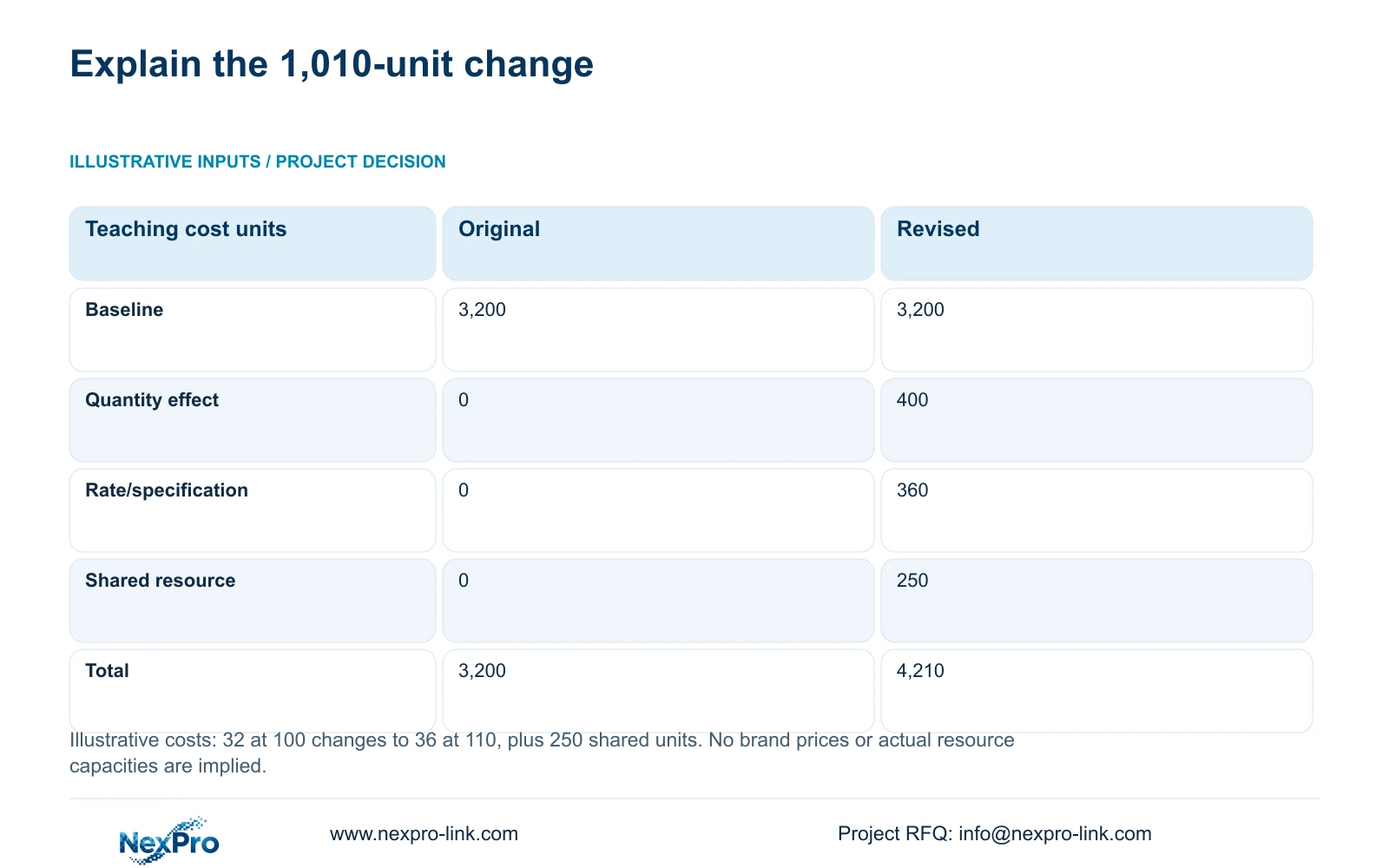
The illustrative original total is 32 × 100 = 3,200 cost units. Quantity effect is (36 − 32) × 100 = 400. Applying the rate change to the revised quantity gives 36 × (110 − 100) = 360. Add the separate shared-resource change of 250 to reach 4,210. This fixed sequence avoids counting the same change twice.
The 1,010-unit increase therefore contains three explained effects. It is not a supplier quotation, market price or CASE01 budget. The recommendation changes when actual resource checks identify a different shared upgrade or when specifications remain unchanged. Use the breakdown to question the scope behind an increase, rather than assuming every added point has the original unit cost.
| Metric / condition | Original: 32 at 100 | Revised: 36 at 110 |
|---|---|---|
| Original total | 3,200 | 3,200 |
| Quantity effect | 0 | 400 |
| Rate/specification effect | 0 | 360 |
| Shared-resource change | 0 | 250 |
| Final teaching total | 3,200 | 4,210 |
Section 06
Publish three headroom figures with their boundaries
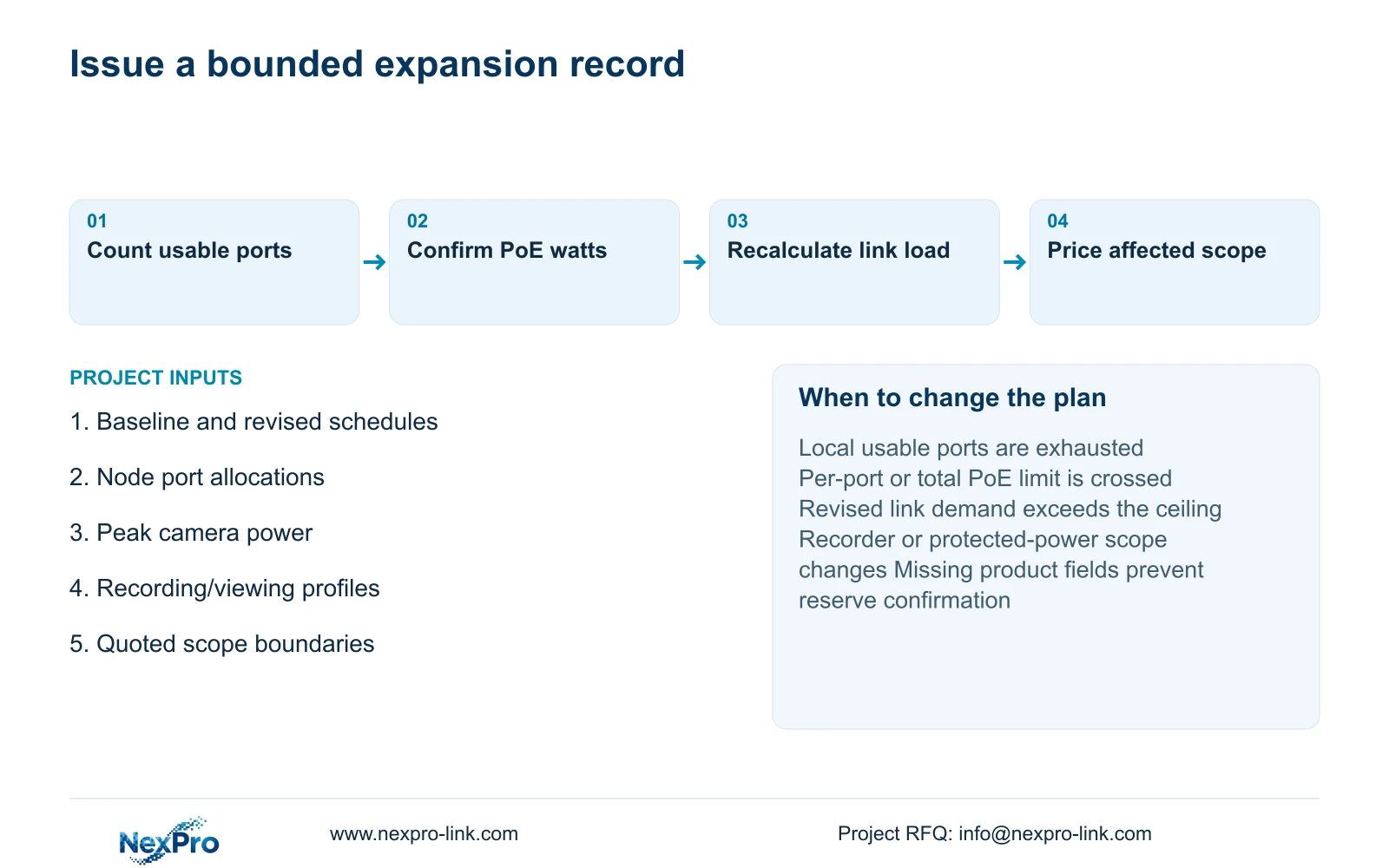
Issue the expansion record with available access ports, remaining usable PoE watts and planned uplink headroom for each relevant node or link. Include the configuration revision and reserve policy. Where power or speed fields remain unresolved, label the reserve as unconfirmed instead of converting a missing value into apparent spare capacity.
Recommend reuse when the approved additions fit the documented port and power limits, the revised traffic ceiling and the required recording configuration. Change to an incremental upgrade when any boundary is crossed. Recheck the protected AC load and runtime requirement if network equipment changes; output power reserve does not establish UPS battery duration.
For replacement scope, the supplied policy record states a 24-month limited hardware baseline from receipt for applicable main equipment. Batteries, disks, cable and OEM orders follow their own written scope; continued technical support does not include all local labor or unlimited repair. Send info@nexpro-link.com the baseline and revised schedules, node allocations, peak power and stream inputs for a comparable BOQ response.
Section 07
Buyer questions
Can spare ports at another floor count toward our expansion reserve? Only if an approved route and suitable serving arrangement make those ports usable for the additions. Report reserve by actual node. A hotel-wide port total can conceal a local shortage.
Does a PoE+ label establish enough power for all spare ports? No. Confirm each added device's peak requirement, per-port support and the node's usable total output budget. The supplied SW-POE1618G record does not state total watts, so its power reserve remains unconfirmed.
Why apply the new rate to all 36 units in the example? The illustrative revised scope assumes all 36 units use the 110-unit rate. If only some items change specification, split those groups and recalculate. Do not apply this example's rate change to unchanged real equipment.
What should a supplier return for an expansion inquiry? Request the affected equipment schedule, three resource figures, required shared upgrades and a quantity/specification cost bridge. Include reuse and exclusions so the quotation can be compared with the retained baseline.
Engineering references
These sources support the general planning principles. Always use the selected product's current datasheet and applicable project standards for final design.