Choose a hotel CCTV fiber backbone from the traffic on each actual link. Recording, concurrent viewing, exports and planned additions determine whether 1Gbps remains sufficient.
Section 01
Group streams by building before choosing uplink speed
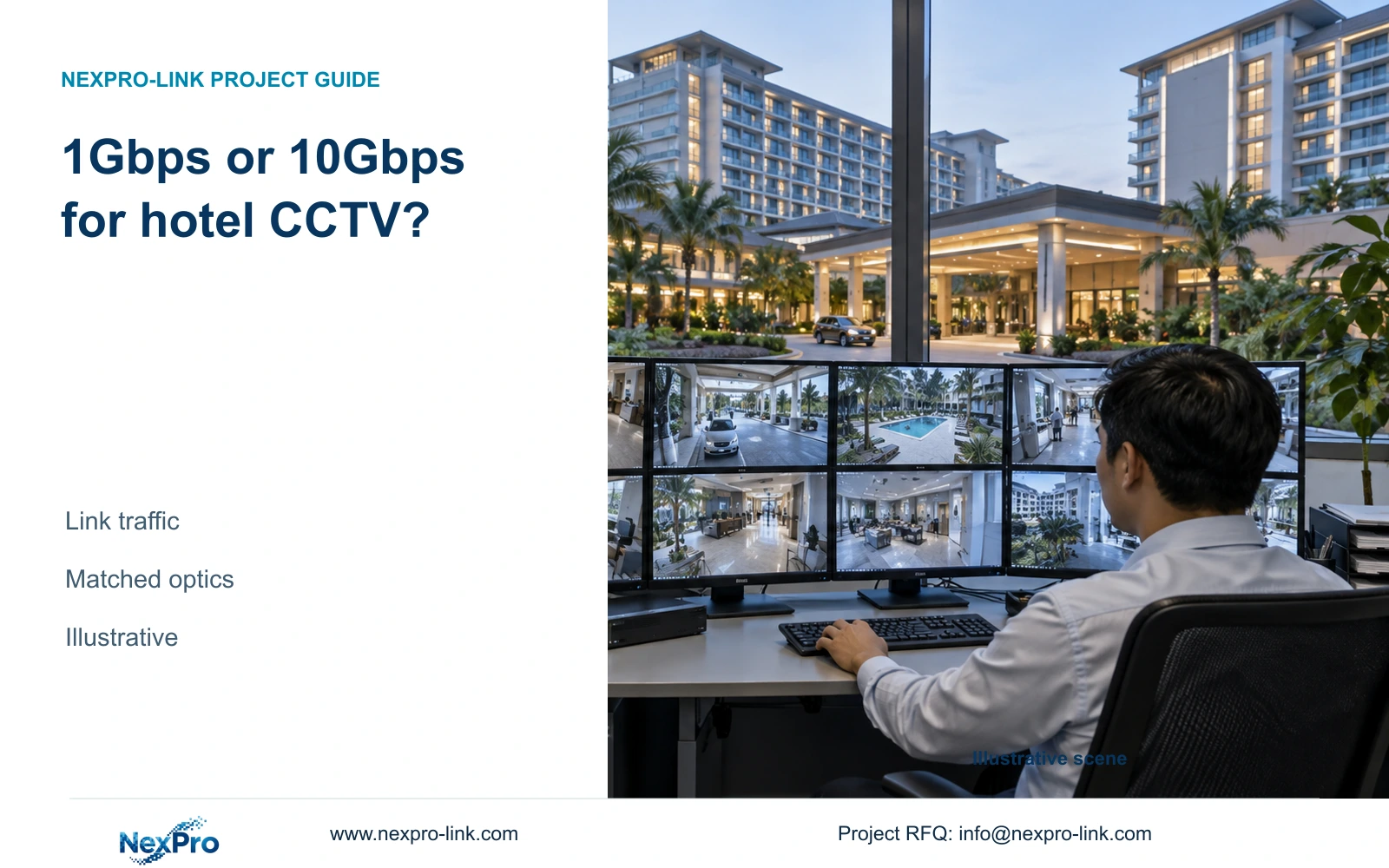
Use 1Gbps as the starting candidate when each defined backbone link can carry its busy-period CCTV workload with the project's stated headroom. Move to 10Gbps when concurrent traffic, documented expansion or mandatory hotel IT requirements exceed that boundary. A large hotel does not automatically require every CCTV fiber link to operate at 10Gbps.
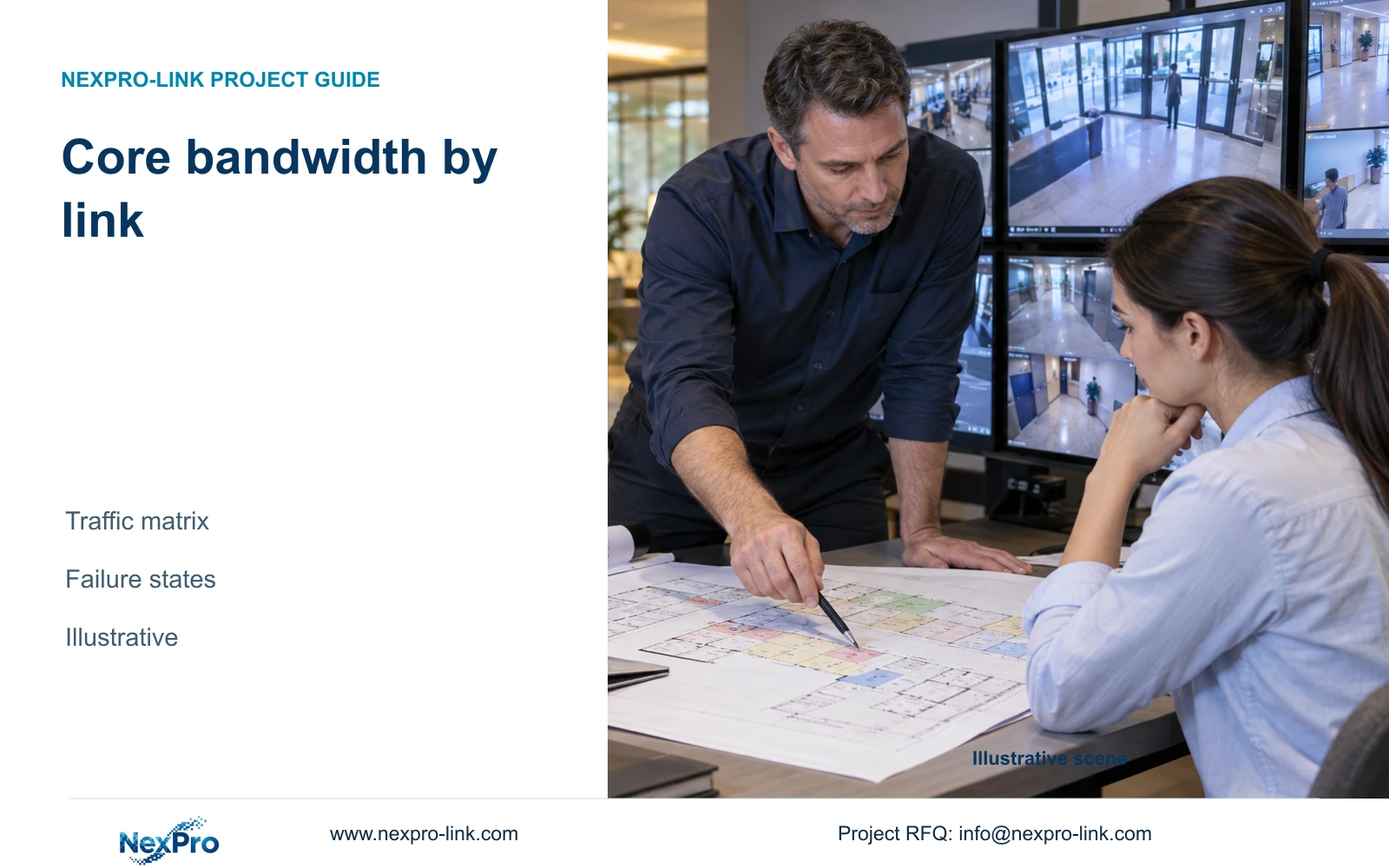
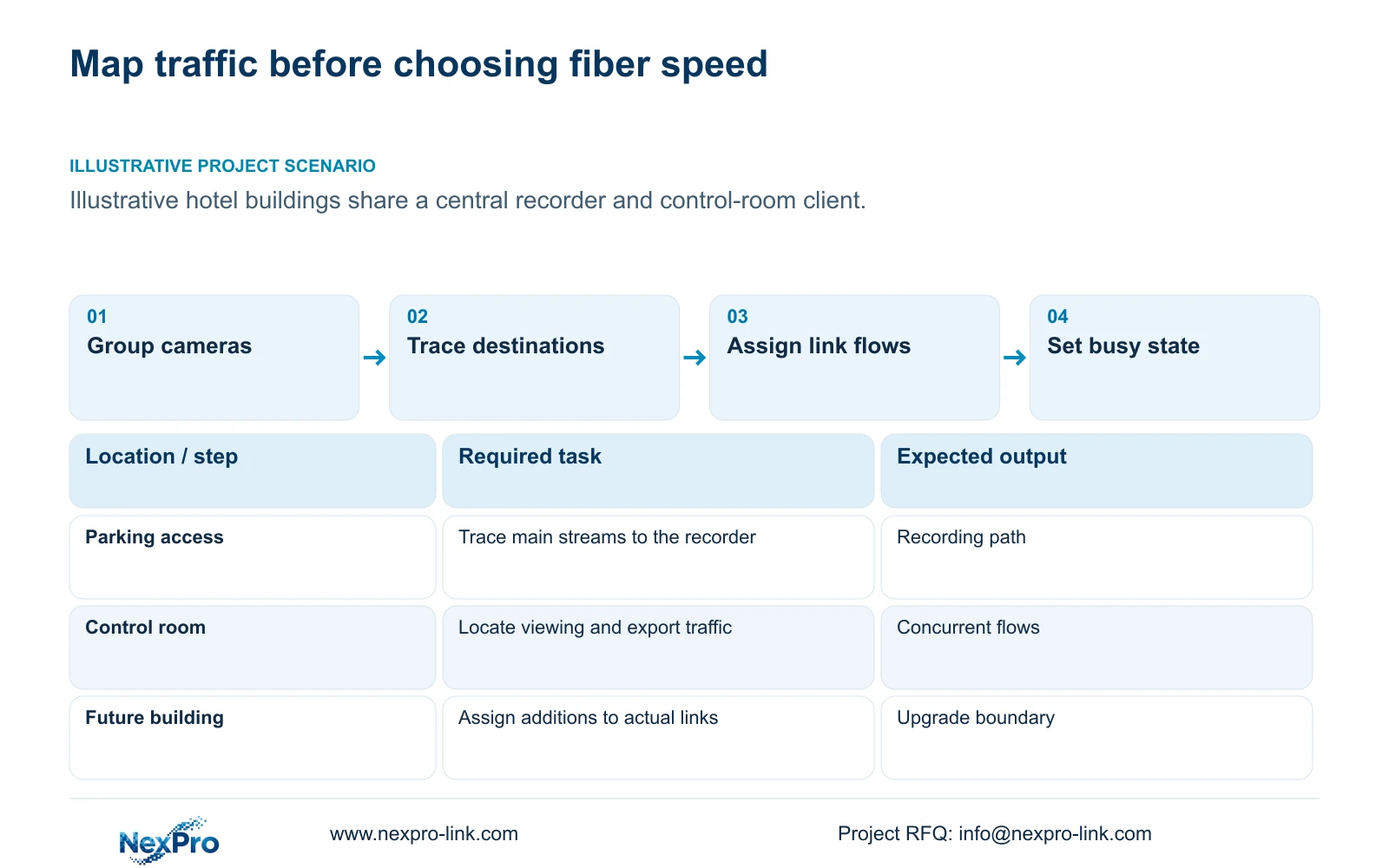
Start with a building-by-building flow schedule. Identify where cameras connect, where their recordings terminate and where authorized operators view them. A parking access switch feeding a central recorder carries a different workload from a link between the recorder and a control-room client. Mark each direction and destination before adding rates.
Group entrance, public-route and service-area cameras by their actual access node. Keep recording streams separate from viewing and export sessions. In an illustrative hotel sharing equipment rooms with business IT, the same physical backbone may carry several services, but the CCTV schedule should show its own demand and the other team's allocation.
| Required task | Given information | Decision still needed |
|---|---|---|
| Record parking views centrally | Cameras use a remote access node | Which backbone segment carries their main streams? |
| Review an entrance incident | Operator uses the control-room client | Does viewing cross the same segment as recording? |
Section 02
Calculate the traffic that can coincide
Define a busy operating state that includes continuous recording and the viewing tasks staff may perform together. Incident review can introduce playback and export while live recording continues. Ask the operator which activities must remain available simultaneously; do not use an idle display as the design workload.
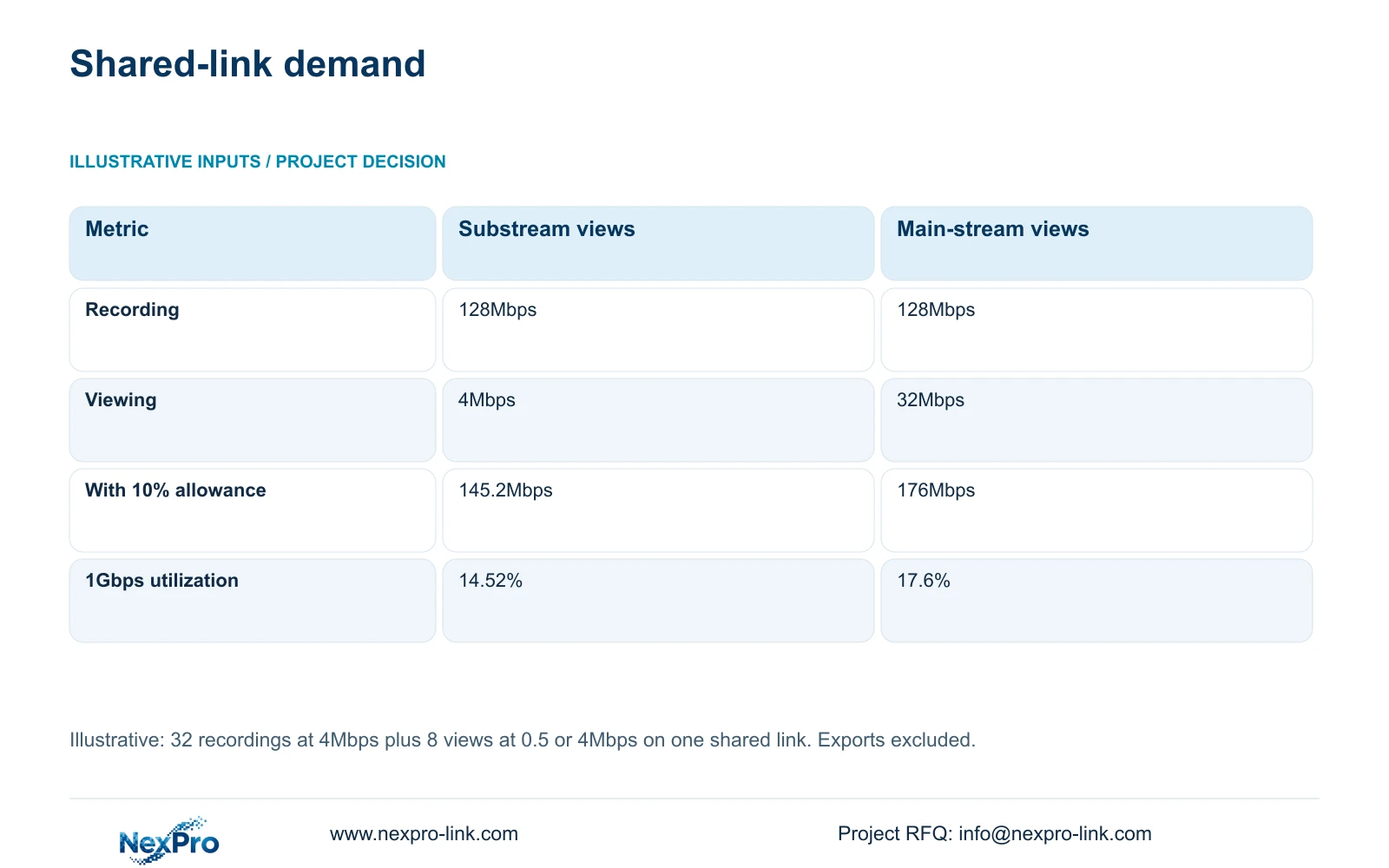
For each shared segment, add only the streams that traverse it. The article's comparison assumes 32 recording streams at 4Mbps each and eight additional viewing streams. Viewing uses either 0.5Mbps substreams or 4Mbps main streams. These are teaching inputs, not bitrate specifications for a camera model.
The recording component is 32 × 4 = 128Mbps. Viewing adds 4Mbps or 32Mbps, depending on the selected stream profile. Exports are outside this particular calculation and must be added when the approved operating state includes them. A separate allowance for export avoids concealing that demand inside an unexplained percentage.
Section 03
Model future additions on the affected paths
Keep the current flow schedule as a baseline and attach proposed additions to named buildings and access nodes. Future camera count alone is incomplete: each addition needs a recording profile, destination and expected viewing use. An extra public-route camera may affect one access uplink and the central aggregation path without affecting an unrelated building link.
Use the same calculation for present and future states: planned link demand = (recording traffic + simultaneous viewing traffic + other specified flows) × the stated allowance. For the supplied comparison, other flows are excluded and the allowance is 10%, so the multiplier is 1.10. This allowance is an illustrative planning choice, not a measured protocol overhead.
Record future demand separately from today's committed scope. If a new building is only a concept, show the condition that would trigger an upgrade and the equipment affected. Preserve the required recording service in both alternatives; reducing camera bitrate solely to avoid a backbone upgrade changes the service being compared.
Section 04
Compare utilization without overlooking other limits
The defined shared path requires 145.2Mbps with substream viewing or 176Mbps with main-stream viewing after the illustrative allowance. Dividing by a nominal 1,000Mbps gives the utilization figures below. Both figures support examining a 1Gbps solution before specifying 10Gbps, provided additional services and expansion remain within the agreed capacity boundary.
For a full-duplex Ethernet segment, check each direction independently. The illustrated totals apply to utilization only when recording and the added views travel in the same direction; otherwise retain separate figures. Cisco describes this simultaneous two-way operation. This is a link-accounting condition, not a forwarding or recorder-performance claim.
Nominal link utilization does not establish switch forwarding performance, recorder ingestion capacity or client decoding capability. A faster fiber link cannot resolve an unsupported recording mode or an overloaded viewing client. Review these constraints beside the network calculation, with separate acceptance criteria.
The complete CASE01 reference uses four access nodes and its own per-node traffic assumptions. Its recording-only uplink figures must not be replaced by this article's deliberately shared recording-and-viewing total. Matching camera counts do not make the two path boundaries identical.
| Metric / condition | Eight substream views | Eight main-stream views |
|---|---|---|
| Recording traffic | 128Mbps | 128Mbps |
| Viewing traffic | 4Mbps | 32Mbps |
| Planned link traffic | 145.2Mbps | 176Mbps |
| 1Gbps nominal utilization | 14.52% | 17.6% |
| Other links | Calculate their own flows | Do not copy this sum to every segment |
Section 05
Include the complete optical connection
Specify an optical connection as a matched pair of endpoints and an installed fiber route. Ask for confirmation of supported interface speed, module compatibility and the fiber arrangement at both ends. No optical module SKU or supported reach is established by the supplied product records, so these remain procurement inputs.
Price the upgrade across its full scope: switch interfaces, optical modules, patching and any changed installation or testing work. A 10Gbps proposal is worth buying when it addresses a documented load or a required expansion path. If the workload remains comfortably within the approved 1Gbps boundary, the extra scope needs a separate operational reason.
NexPro SW-POE1618G is a possible access-switch inquiry candidate with 16 PoE ports and two uplinks. Its source title and detailed access-port speed fields conflict, and total PoE watts are unstated. Those records do not establish a qualified fiber interface or a suitable 10Gbps connection. SP5648 is a Cat6 patch panel, not a fiber component.
Section 06
Choose capacity with an explicit upgrade trigger
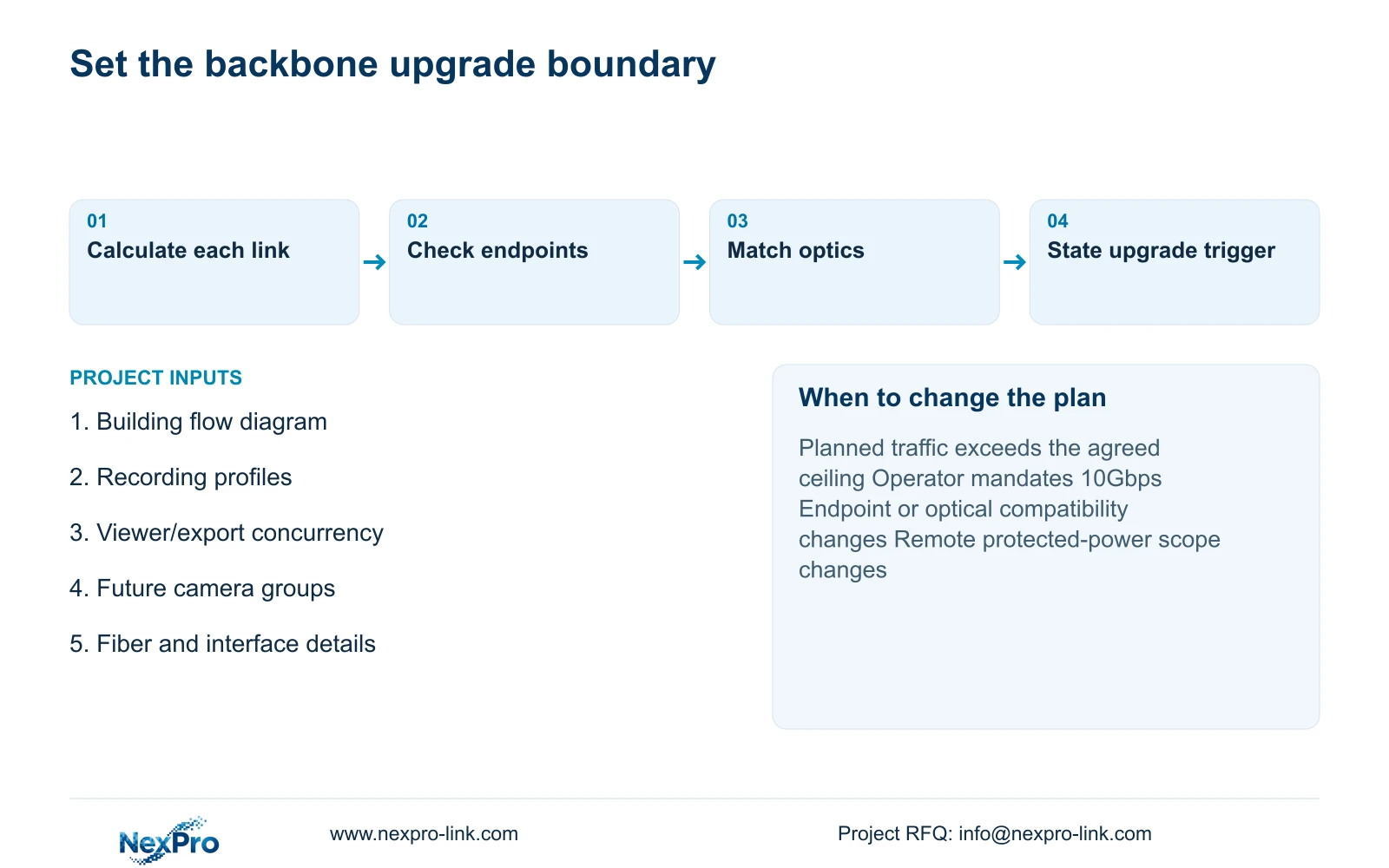
Select 1Gbps where the complete busy-period calculation, other allocated services and documented additions remain below the project's chosen operating ceiling. Select 10Gbps when that calculation exceeds the ceiling, or when the operator requires it. State the ceiling in the proposal; the article does not impose a universal utilization threshold.
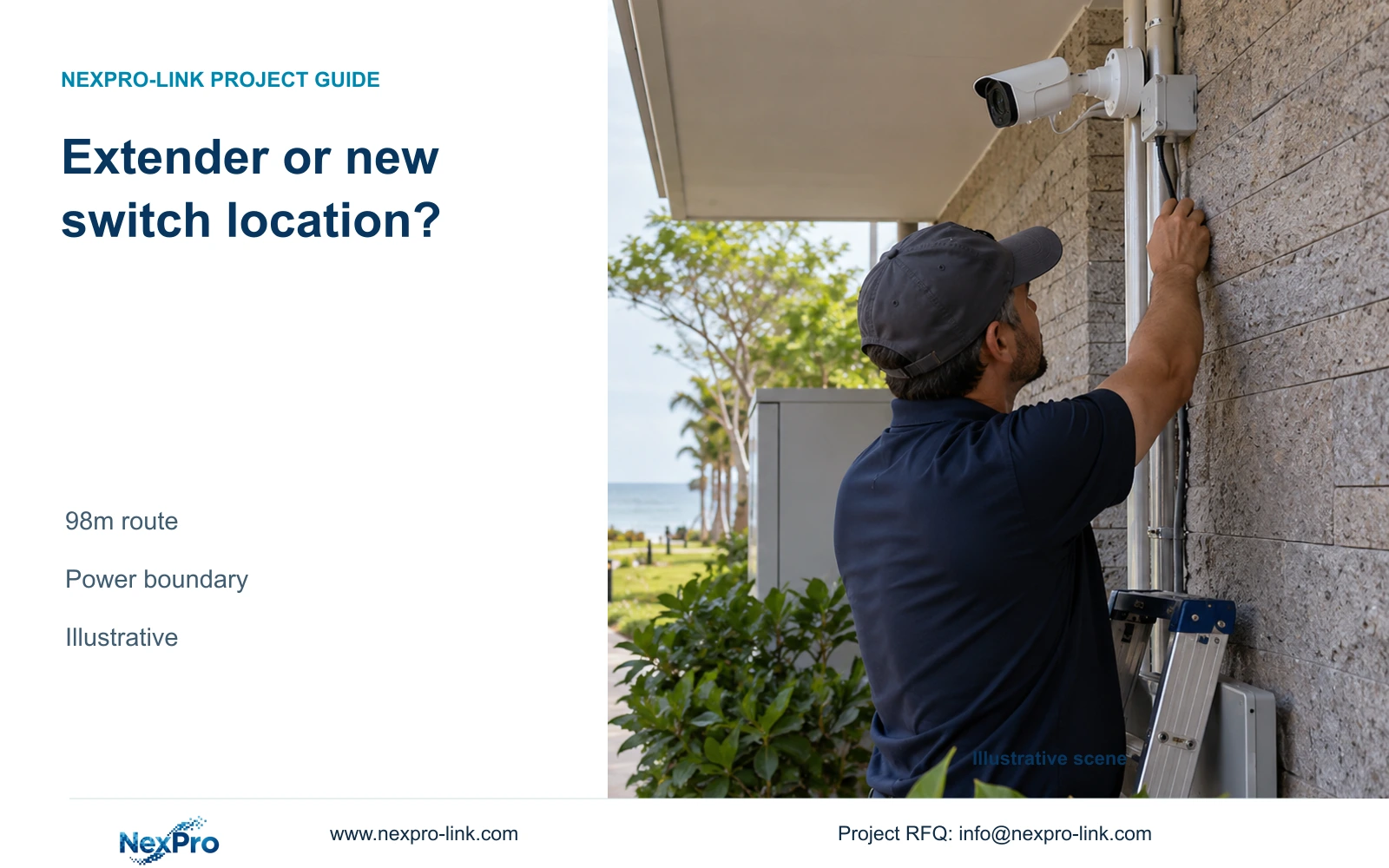
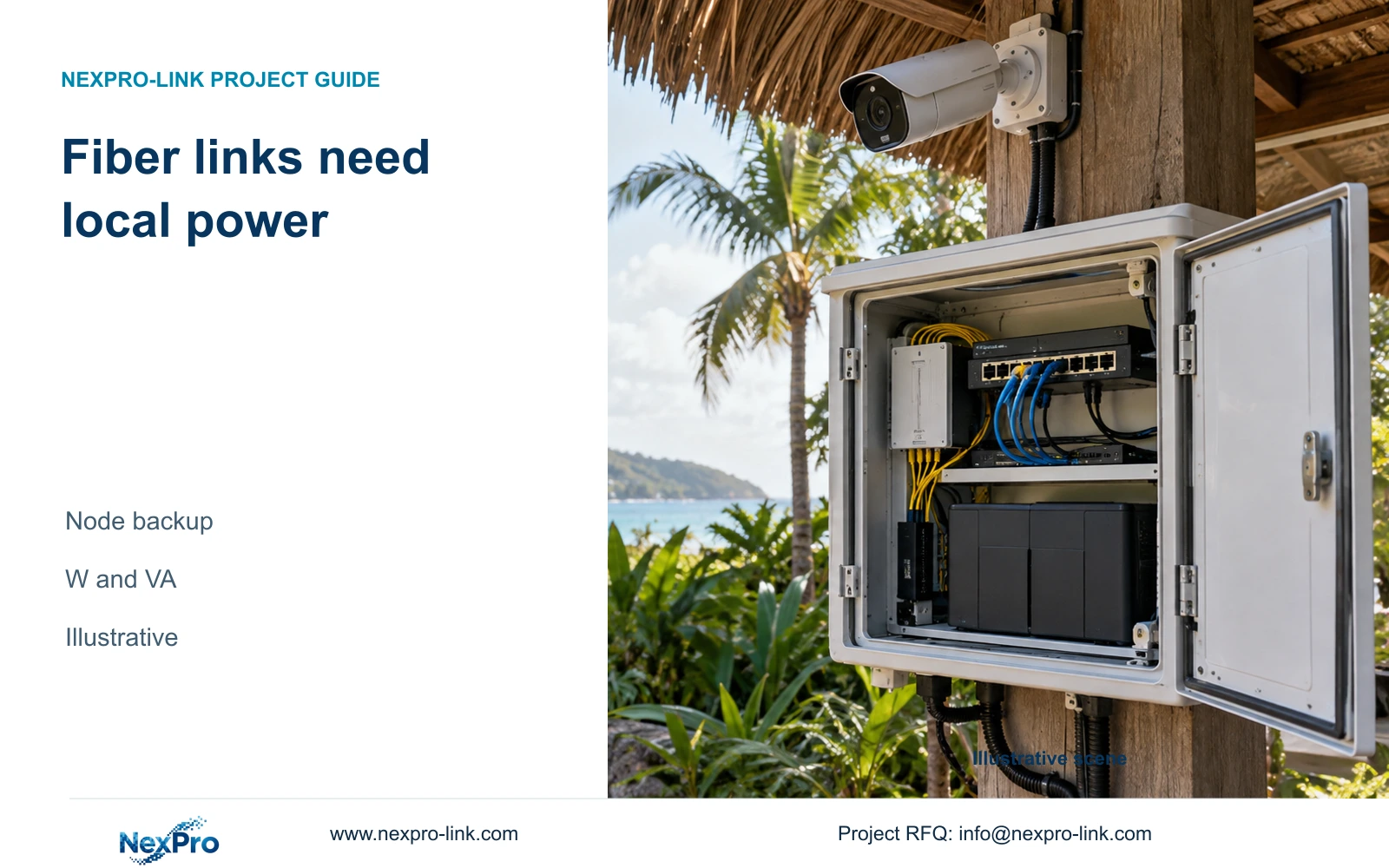
Keep power protection beside the capacity decision. A remote fiber-connected switch still requires local power, and any node needed during an outage belongs in the protected path. Multiple interfaces or VLANs alone do not establish redundancy or security. Identify what recording remains available when a required node fails.
Send info@nexpro-link.com the relevant network diagram, camera groups with stream profiles, concurrent viewing/export requirements and the proposed expansion scope. Include remote-node power information where outage continuity matters. NexPro-Link can support model matching and a coordinated BOQ, with CCTV manufacturing and supporting equipment supply responsibilities stated separately.
Section 07
Buyer questions
Can we upgrade only the central aggregation link? Yes, if the flow schedule shows that aggregation is the capacity constraint and the access links remain suitable. Confirm both endpoint interfaces and optics. Buying 10Gbps at the center does not increase an unchanged remote uplink's capacity.
Must eight viewing windows add eight main streams? Use the client configuration and actual path to answer this. The supplied example compares eight extra substreams with eight extra main streams. Window count alone does not establish which streams cross the backbone.
What should a backbone quotation identify? Request link endpoints, supported speeds, optical-module and fiber compatibility, installed scope, the traffic boundary and the upgrade trigger. Ask the supplier to identify unresolved fields rather than treating an uplink label as complete compatibility evidence.
Engineering references
These sources support the general planning principles. Always use the selected product's current datasheet and applicable project standards for final design.