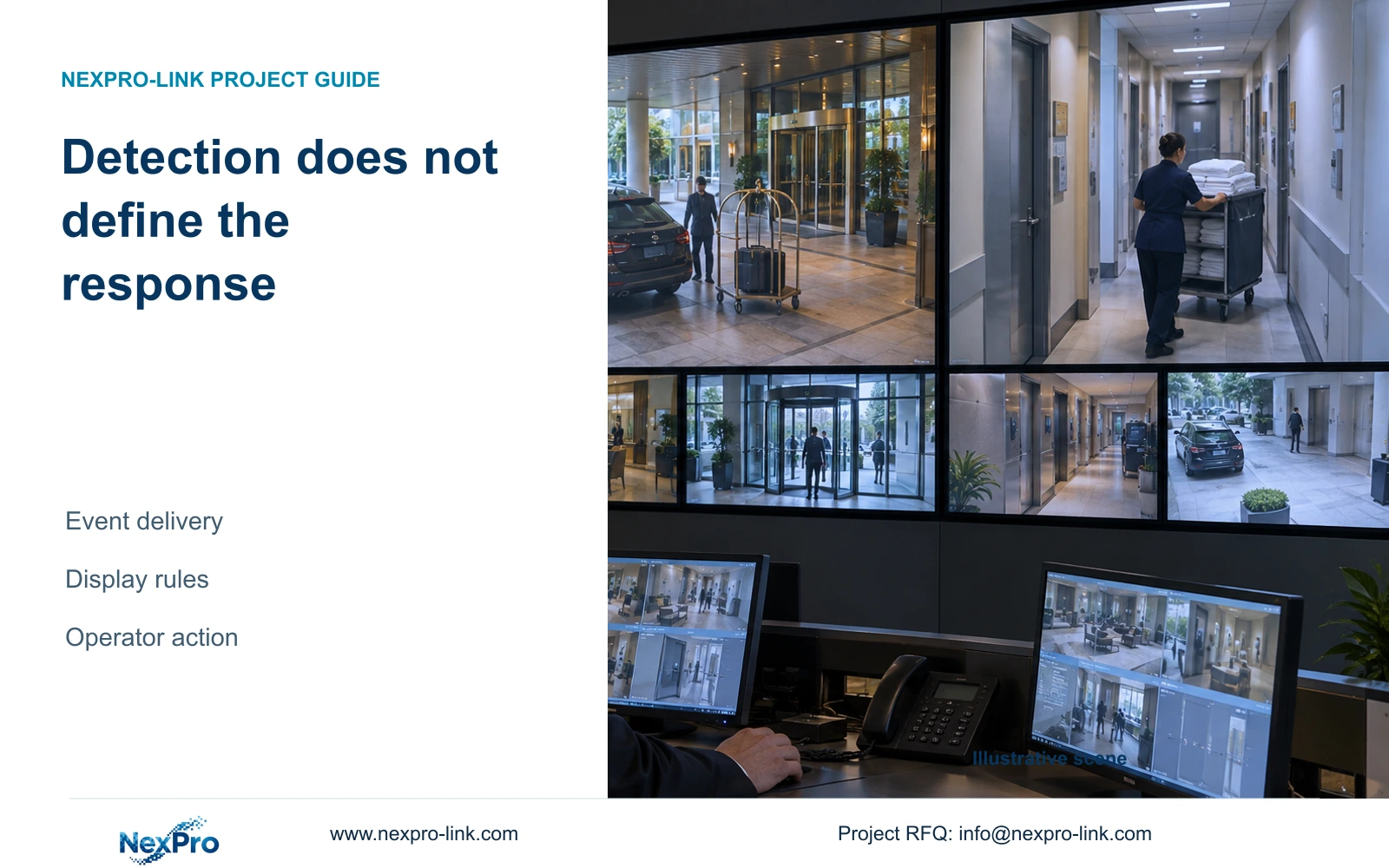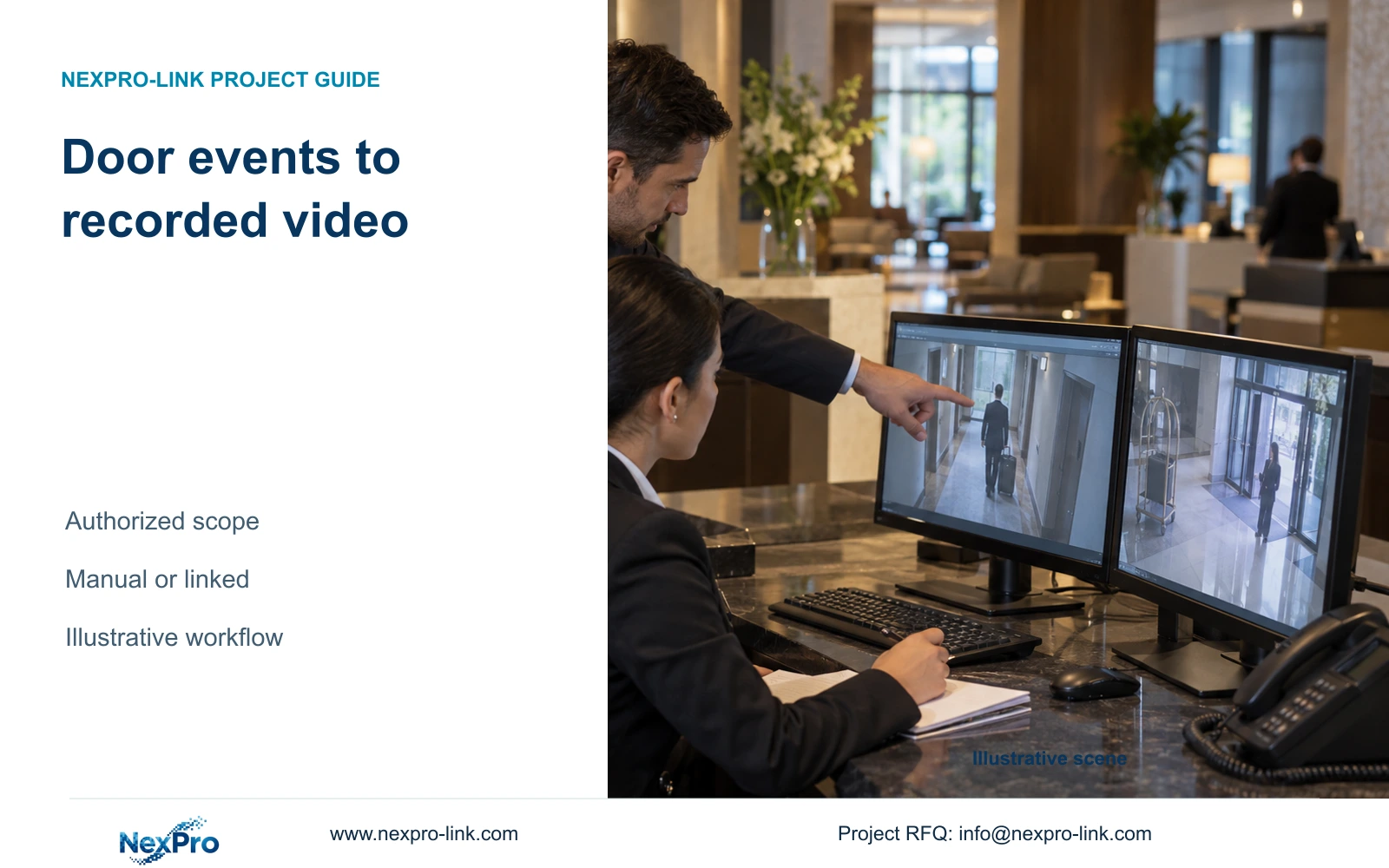
Start with an authorized door-event and video retrieval workflow. A matching timestamp can support manual investigation, while automatic event-to-video links require specific supported interfaces.
Section 01
Define the authorized event-to-video task
Use manual correlation as the starting option when authorized staff can reliably find the required public-route footage from a door-event record. Buy automatic event-to-video linking when the hotel requires that workflow and the exact systems, versions and interface can support it. A coordinated equipment order does not establish integration.
Describe the investigation before specifying software. For an approved event, an operator needs a door identity, a relevant time reference and permission to retrieve the associated public-area recording. The intended output may be reviewed footage or a narrowly scoped export for an authorized recipient.
Keep the camera boundary outside guest-room interiors and other sensitive spaces. A door event can justify checking a relevant public circulation view without expanding capture into private areas. Determine permitted use and access under the hotel's applicable requirements. UK ICO guidance provides a jurisdiction-specific source for purpose limitation, not a global hotel authorization rule.
| Required task | Given information | Decision still needed |
|---|---|---|
| Find public-route footage | Approved door event | Authorized camera and time window |
| Open footage from event list | Requested automatic link | Supported interface and exact versions |
| Release an incident clip | Selected recording | Recipient and export authority |
Section 02
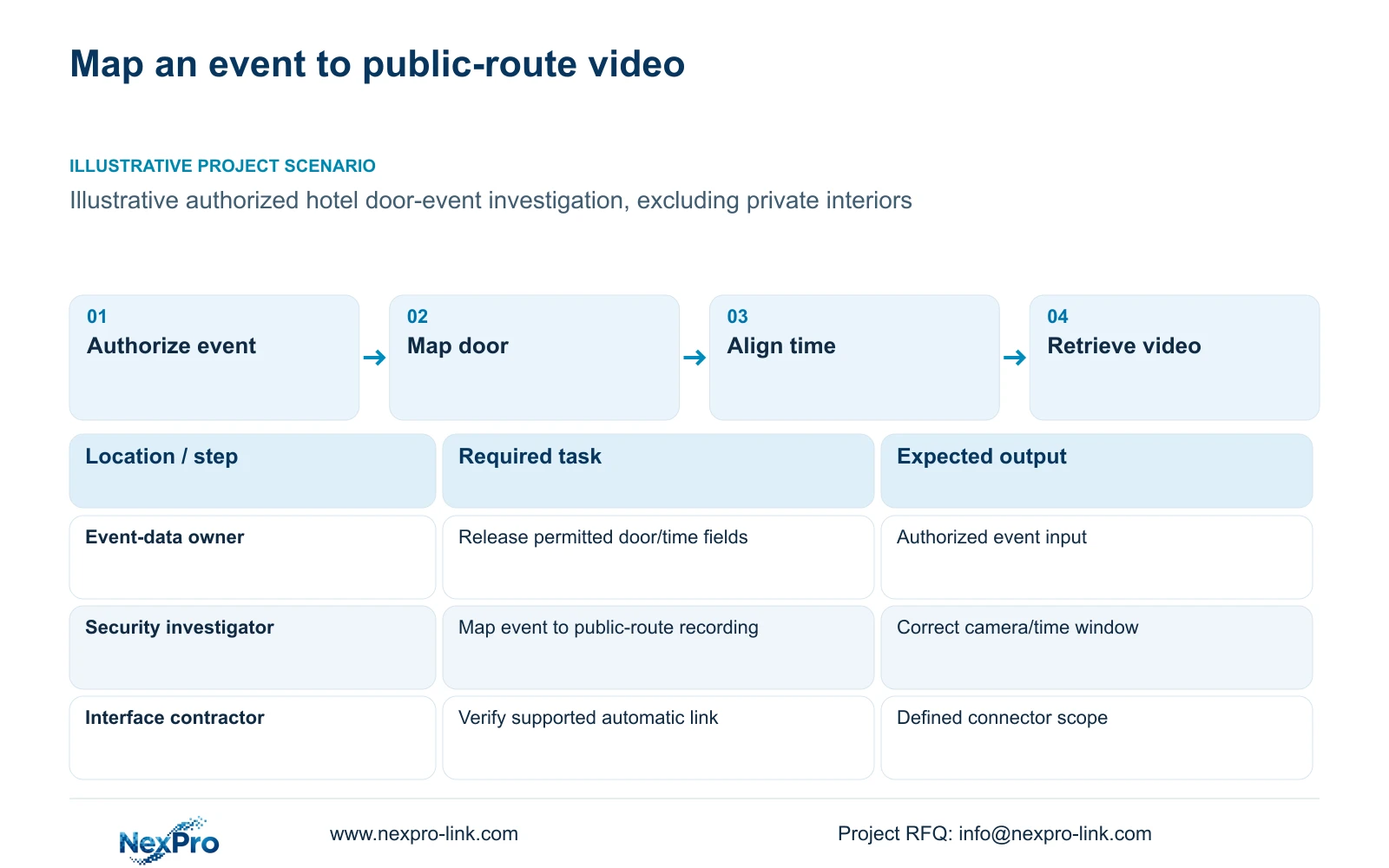
Assign ownership of events, video and interfaces
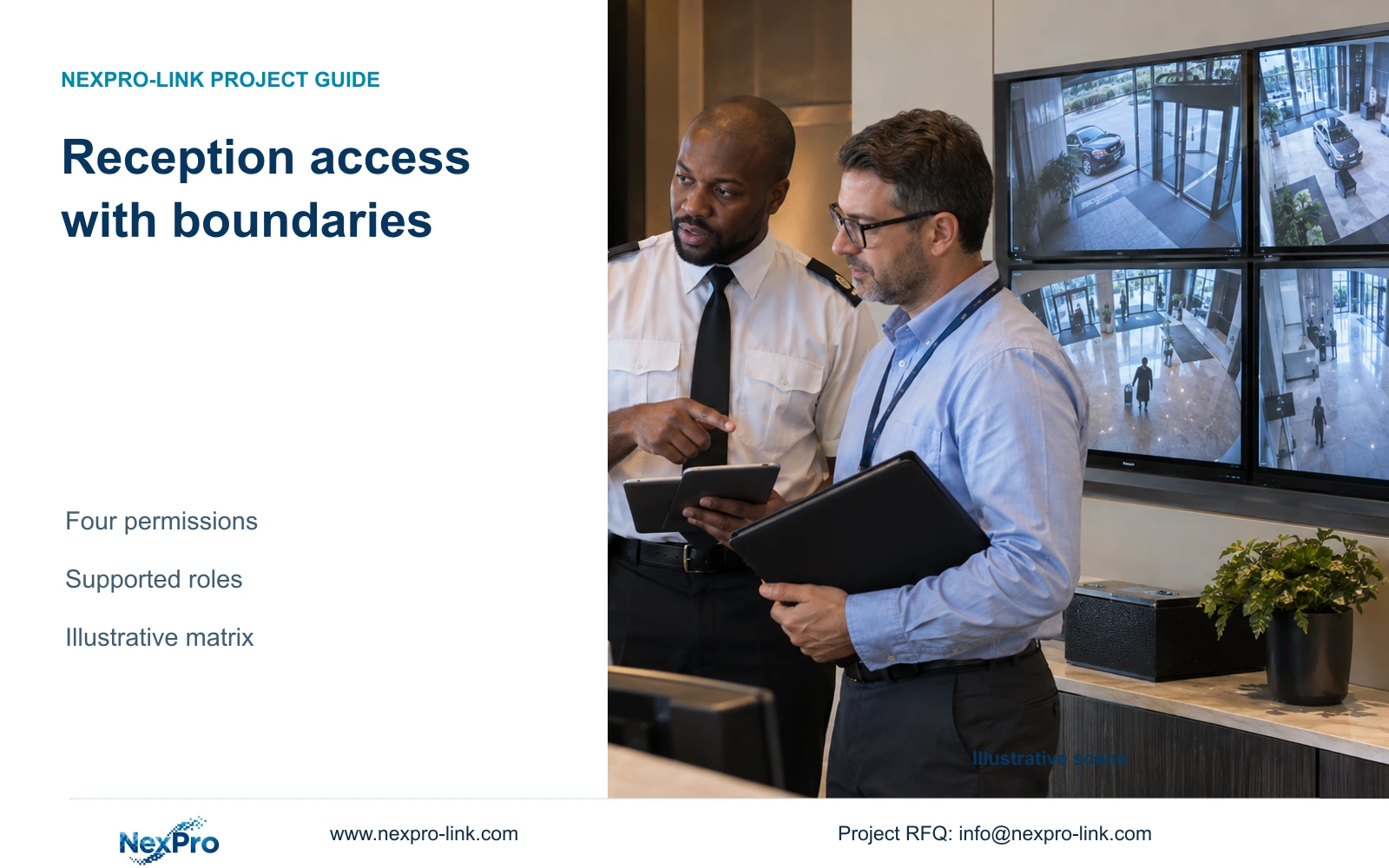
Name the person responsible for releasing door-event information and the person authorized to search CCTV. Their rights may differ. A receptionist with an entrance view should not acquire access to all door records and recordings simply because both are available on a shared workstation.
Assign the technical interfaces as well. The door-system provider must identify how events become available; the video provider must identify supported retrieval functions. Hotel IT defines the approved route between systems and the account arrangement. An integration contractor, where needed, owns the mapping and interface work stated in its scope.
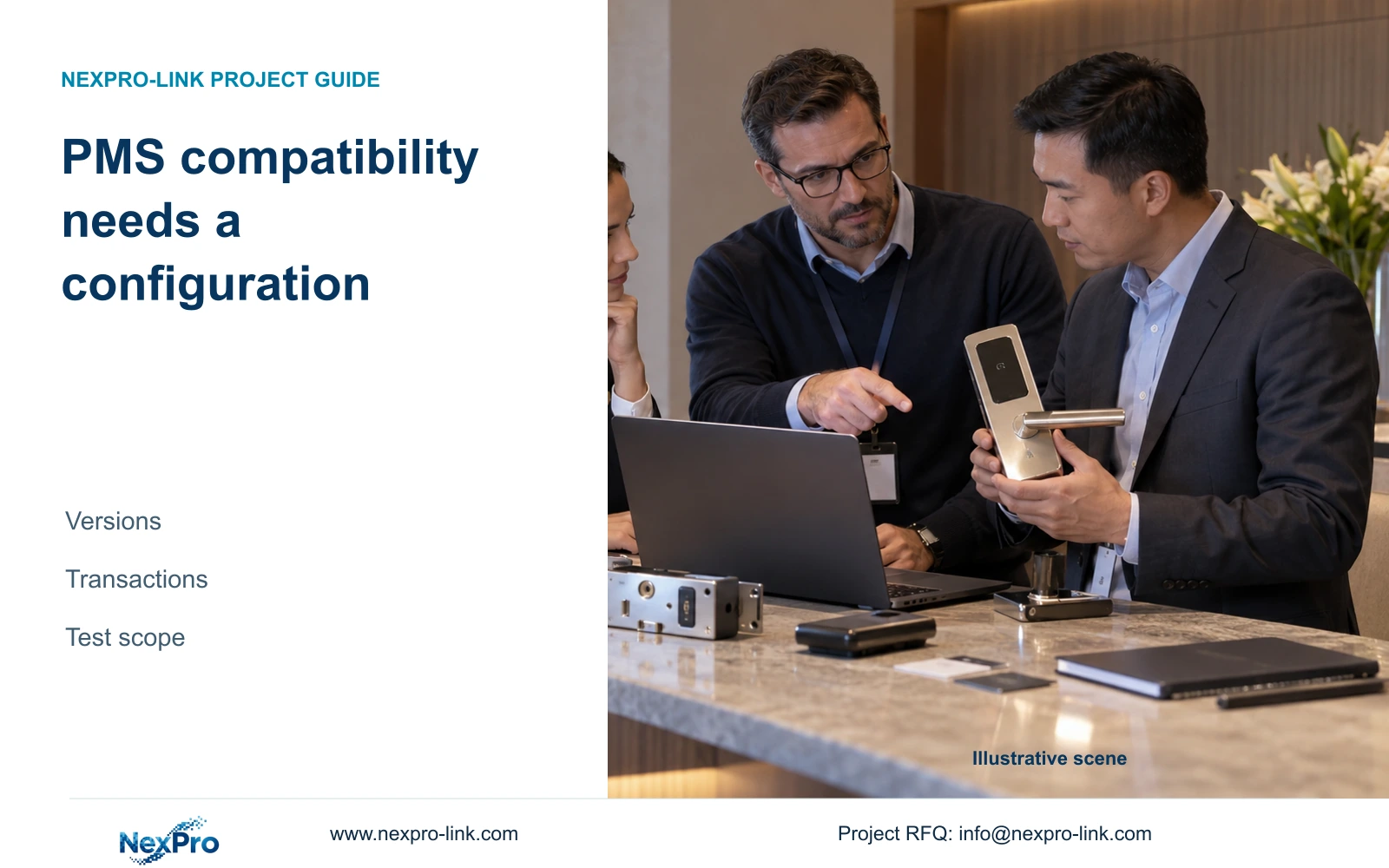
NX-HL-DQ is a hotel IC-card-lock candidate with a mechanical-key support description. Its supplied record does not establish a universal PMS interface, network event feed or one-click CCTV link. Confirm the actual door system and version before using that candidate in an integration proposal. CCTV supply and coordinated lock procurement retain separate engineering responsibilities.
| Item | Manual correlation | Supported integration | Effect on hotel task |
|---|---|---|---|
| Event information | Authorized record available | Supported event interface | Determines how investigation starts |
| Video retrieval | Operator searches agreed camera/time | Platform opens mapped recording | Requires correct location mapping |
| Interface ownership | Documented handoff | Named implementation owner | Defines fault escalation |
Section 03
Align door identities and recorded time references
Maintain a mapping between door identifiers and the camera views that can show the relevant public-route activity. A room number, controller identifier and CCTV camera name may describe different objects. Preserve the source identity and record the mapping explicitly so later renaming does not silently break retrieval.
Record the time basis used by each system, including the applicable time zone and any known offset. Verify the relationship using an authorized representative event and its corresponding recording. Define the search window from the event's meaning and the observed timing relationship; do not assume a displayed timestamp always represents the same stage of an action.
Check the exception path when an event or video source is temporarily unavailable. Local recording, remote access and automatic linking can fail independently. The handover should say whether staff can still perform manual retrieval and who resolves a missing event feed. No timing accuracy or recovery performance is established by this planning example.
Section 04
Compare manual retrieval with an implemented link
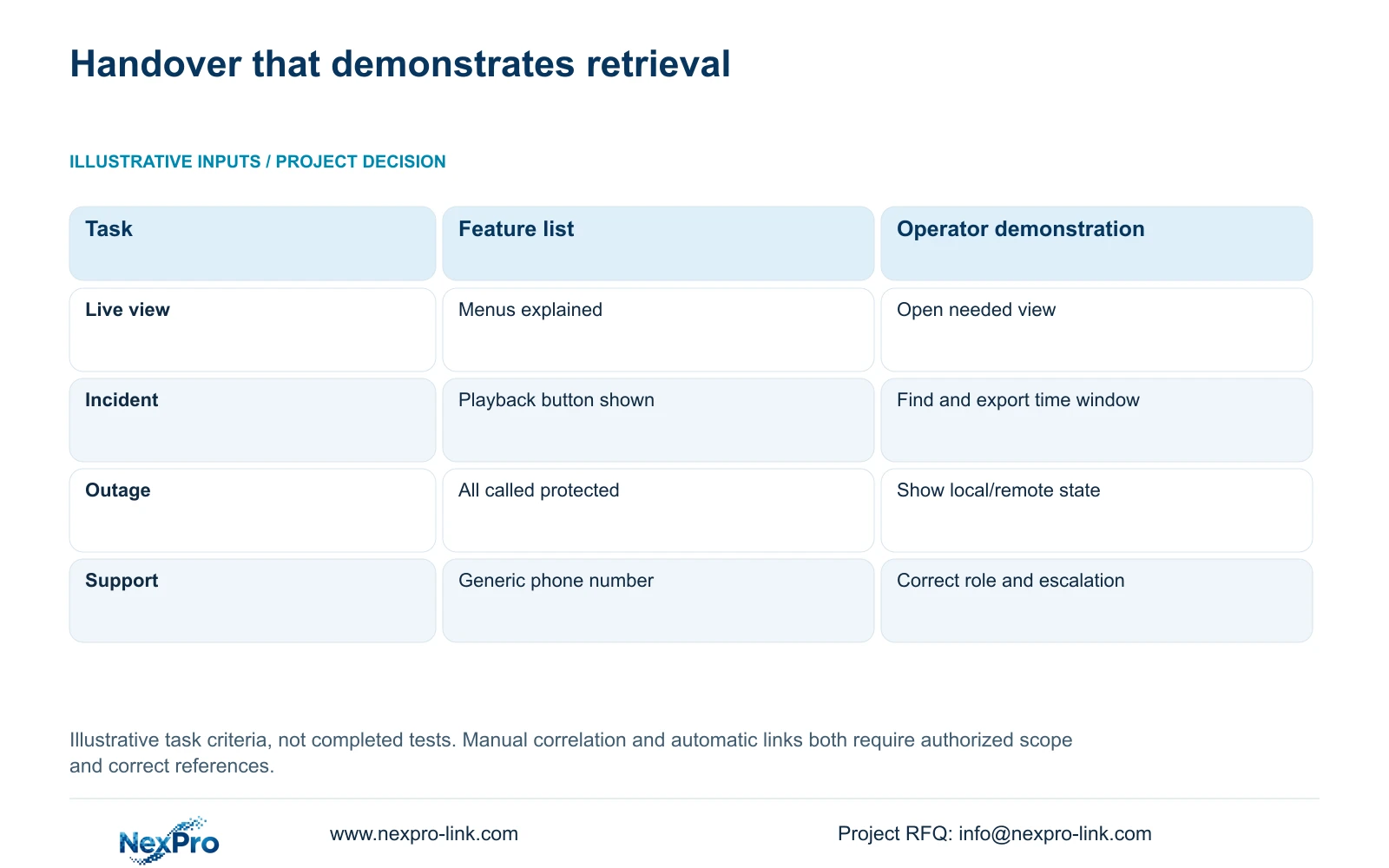
Manual correlation keeps the operator responsible for selecting the camera and time window. It can meet a limited investigation task if the records are accessible, references are consistent and staff can complete the sequence. Test that workflow before assuming a more complex platform is necessary.
Automatic linking adds a supported event input, mapping logic and an authorized playback action. Ask whether the link opens live video or the correct recorded period, and whether it works in the required local and remote states. ONVIF support alone does not prove a door-system event connector or universal access-platform integration.
The original handover illustration asks whether an operator completes an incident task rather than merely sees menus. The checklist below applies that test to a door event: retain the authorized event record, its door-to-camera mapping and the actual recorded window. Neither method is accepted by a feature list alone; document the manual fallback and interface owner if an automatic link fails.
| Check | Required evidence | Failure or boundary to resolve |
|---|---|---|
| Authorized event | Door ID, event type, timestamp and permitted scope | Event record unavailable or outside authority |
| Location mapping | Door ID linked to the relevant public-zone camera | Wrong door, channel or current camera position |
| Recorded window | Device time references and retrieved before/after interval | Live view opened without relevant historical footage |
| Interface exception | Observed manual fallback for the agreed unavailable state | Unsupported connector or broken mapping |
| Accountable handover | Named door-system, CCTV and operator contacts | No owner for the unfinished task |
Section 05
Price the interface scope that produces the result
Separate hardware from event access, software licensing, servers, mapping work and commissioning. Include operator training, supported upgrades and interface maintenance where required. A quotation for locks and cameras alone cannot represent the evaluated cost of automatic event-to-video retrieval.
Compare both options against the same authorized investigation outcome. Manual retrieval may need a clear procedure and training; integration may add implementation and recurring support costs. No actual prices or measured time savings are supplied here, so a numerical payback or brand cost advantage would be unsupported.
If the purchase decision depends on reduced operator work, request evidence from the agreed demonstration and use the hotel's own incident workload. Change the recommendation when manual retrieval cannot meet the required operational task or when the operator mandates a supported platform. If the connector remains undefined, keep its cost and delivery status open instead of presenting integration as included.
| Retained outcome | Extra scope | When worth buying | Counter-condition |
|---|---|---|---|
| Authorized event retrieval | Automatic event-to-video link | Required workflow exceeds proven manual process | Exact connector or versions unsupported |
| Usable investigation during faults | Supported fallback and training | Operator must work when interface is unavailable | Fallback cannot access required records |
Section 06
Demonstrate the complete operator workflow
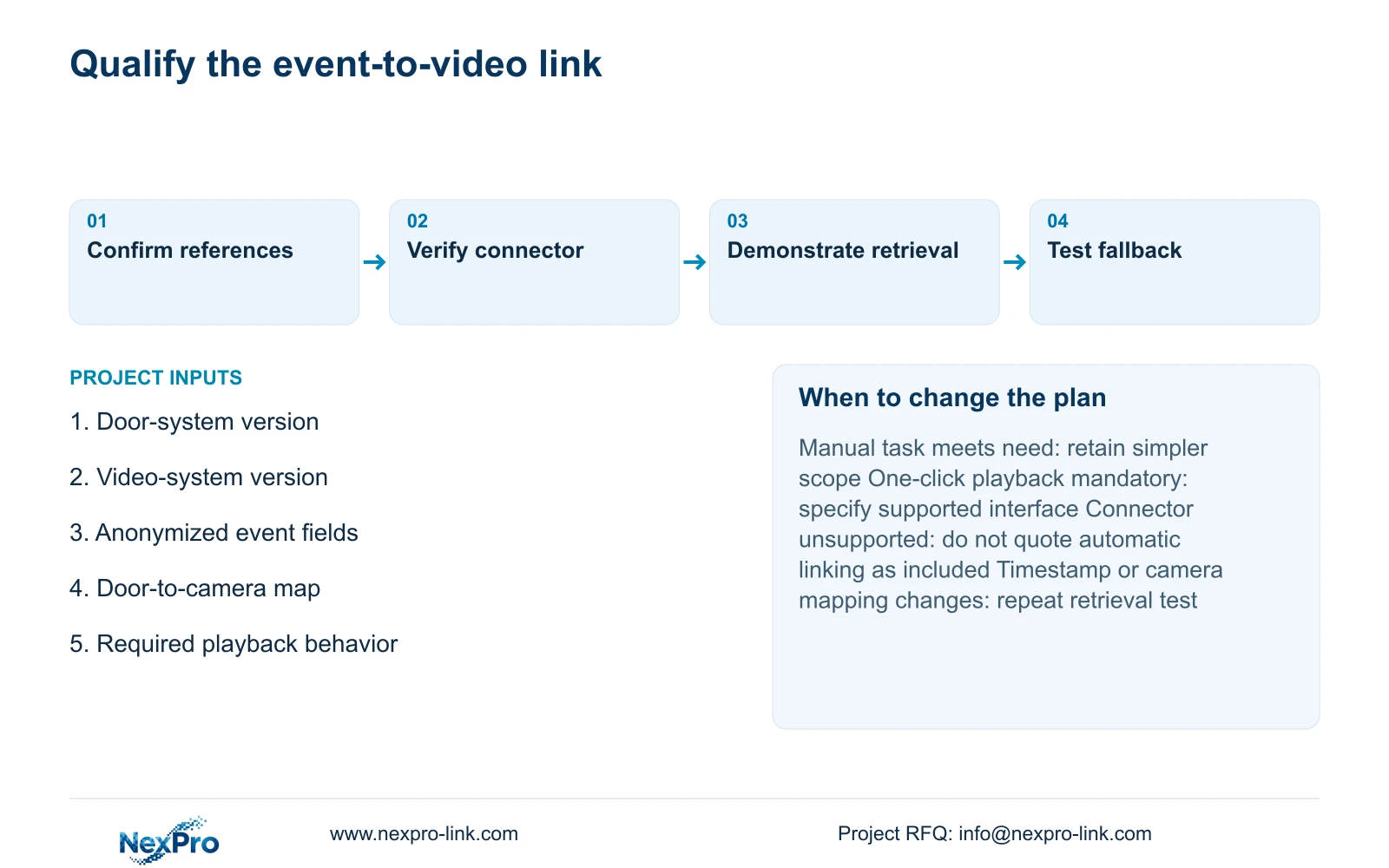
Have an authorized operator start from the approved event, identify its door and time reference, retrieve the mapped recording and prepare the permitted output. Record the actual system versions and observations. Repeat the agreed exception state, such as unavailable remote access, without describing an untested fallback as successful.
Provide a short operating instruction and a responsibility map. Event-data issues, camera mapping, playback faults and network access need different escalation contacts. Refresh the relevant instruction when door identities, camera views or software versions change. A successful demonstration applies to its recorded configuration.
Send the door-system and video-system versions, an anonymized event-field sample, the proposed door-to-camera mapping and the required click-to-playback behavior to info@nexpro-link.com. NexPro-Link can discuss hotel equipment and BOQ coordination. Retain manual correlation where it meets the approved task; move to integration only with supported interfaces, explicit scope and a demonstrable workflow.
Section 07
Buyer questions
Does buying room locks and CCTV together include event integration? Only if the written proposal identifies the interface, versions, implementation responsibility and demonstrated workflow. Coordinated supply by itself does not establish event exchange or software interoperability.
What should a click-to-video demonstration show? It should start from an authorized event and open the correct recorded camera and time window under the intended user's permissions. Opening an unrelated live view does not demonstrate historical event retrieval.
What can we send without exposing guest information? Provide system versions, anonymized field names, a schematic door-to-camera mapping and the required operating sequence. Real credentials, guest identities and incident footage are unnecessary for an initial scope discussion.
Engineering references
These sources support the general planning principles. Always use the selected product's current datasheet and applicable project standards for final design.