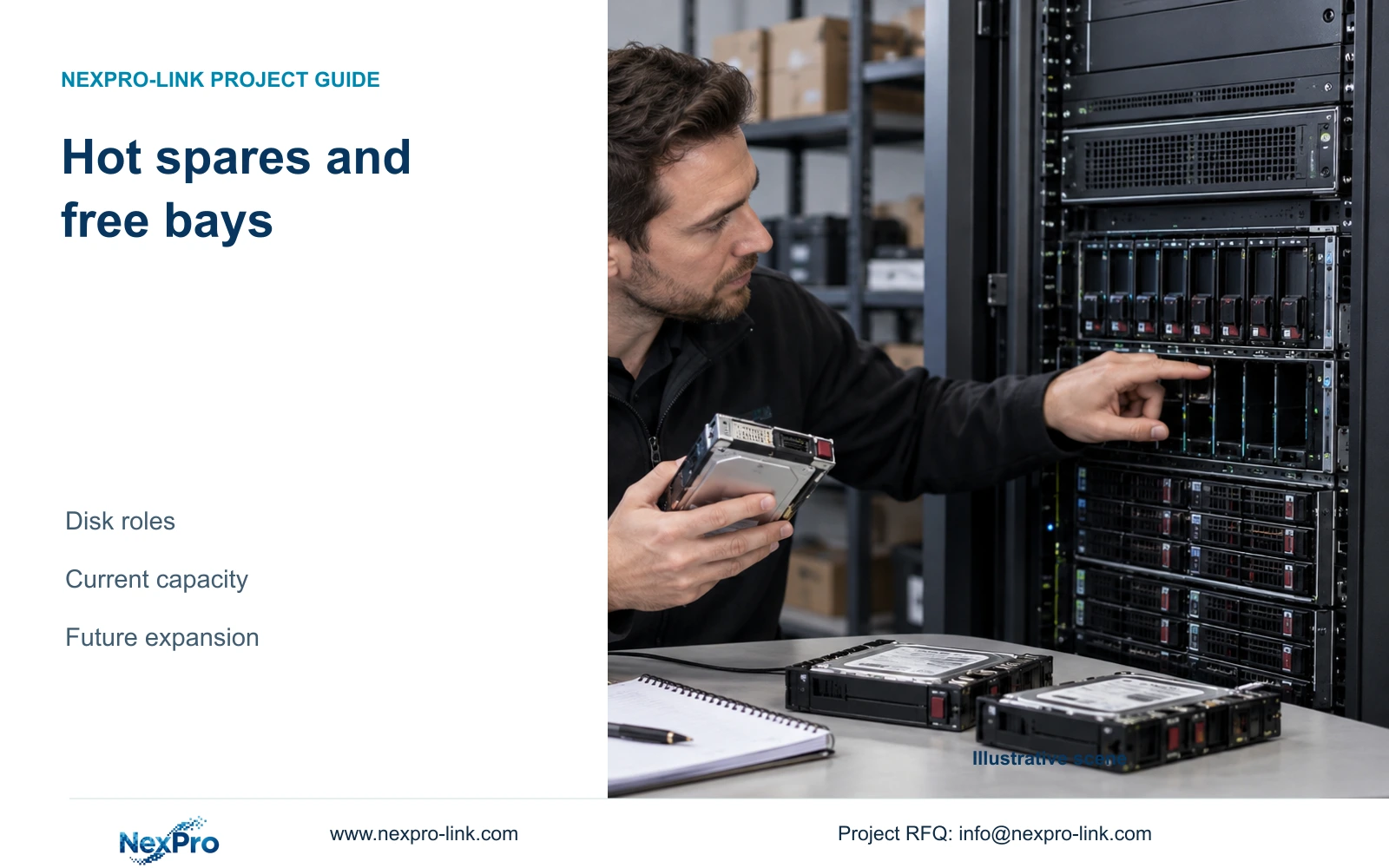
A hot spare helps a supported recovery arrangement but contributes no current footage capacity. Empty bays and unused recording space offer different expansion resources and need separate procurement decisions.
Section 01
Name the resource before calling it spare capacity
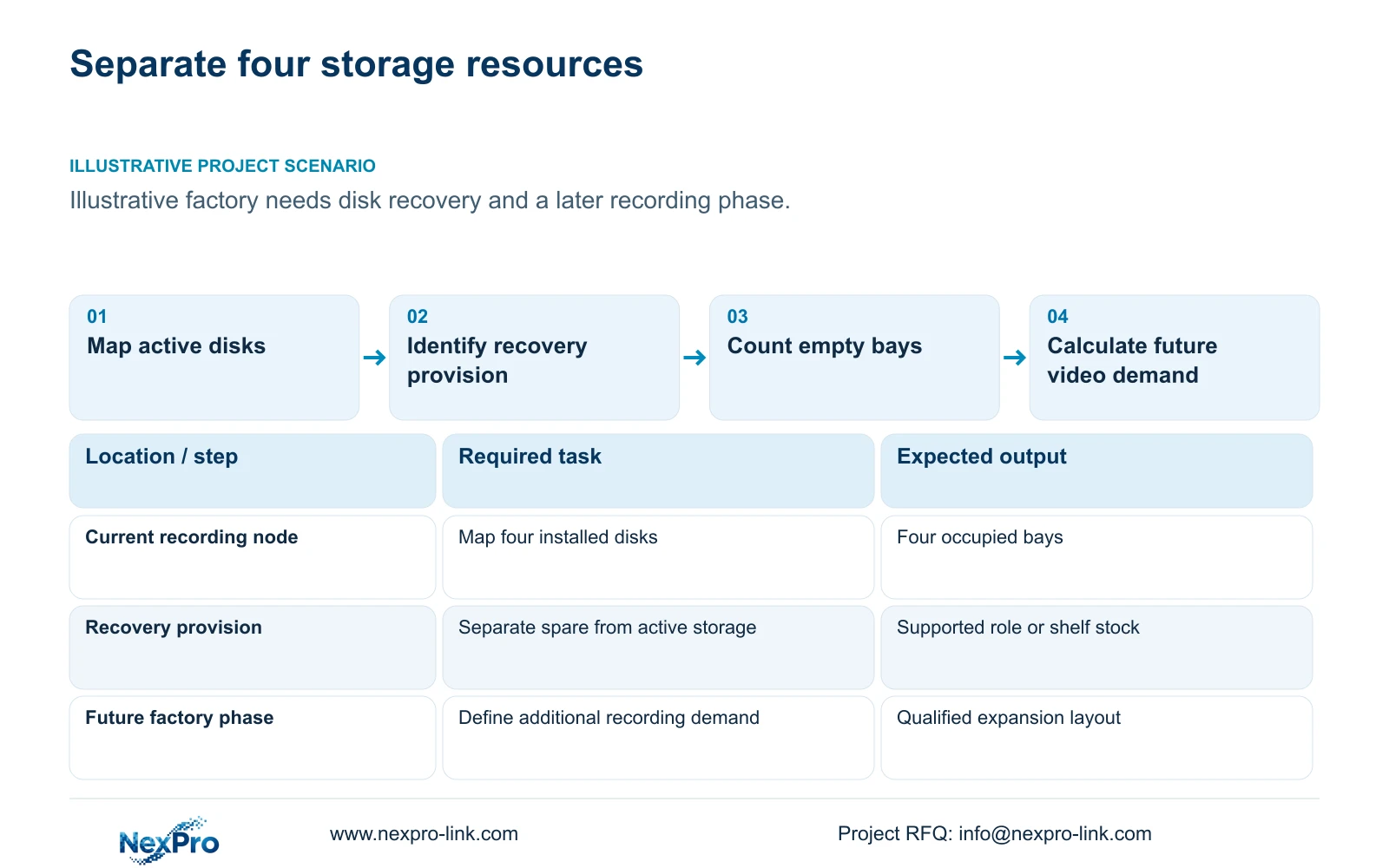
Do not count a dedicated hot spare as current usable recording capacity. An empty bay provides physical room for a disk, while free recording space is available within an existing supported layout. These resources solve different problems, so a factory seeking both recovery capability and later expansion should list them separately.
Illustrative project scenario: The factory wants both recovery capability and room for a later recording expansion. The supplied CNC reference starts with 32 ordinary security cameras and four 16 TB disks in a four-bay recorder. Assume a future phase may add views or extend retention, while the owner also asks about a hot spare. The future demand and recovery requirement remain to be approved.
Create a bay map identifying each position as active recording, dedicated hot spare or empty. Separately record unallocated usable storage and free space reserved by policy. This prevents the same disk or empty position from being counted once for recovery and again for a future increase in recording demand.
Section 02
Confirm the expansion method the equipment supports
Ask how the selected recorder or controller adds capacity: an additional recording disk, a supported array expansion, replacement with larger drives or another recording node. Establish whether the operation affects existing footage, requires reinitialization or changes recording availability. Do not promise an online expansion method without evidence for that model and firmware.
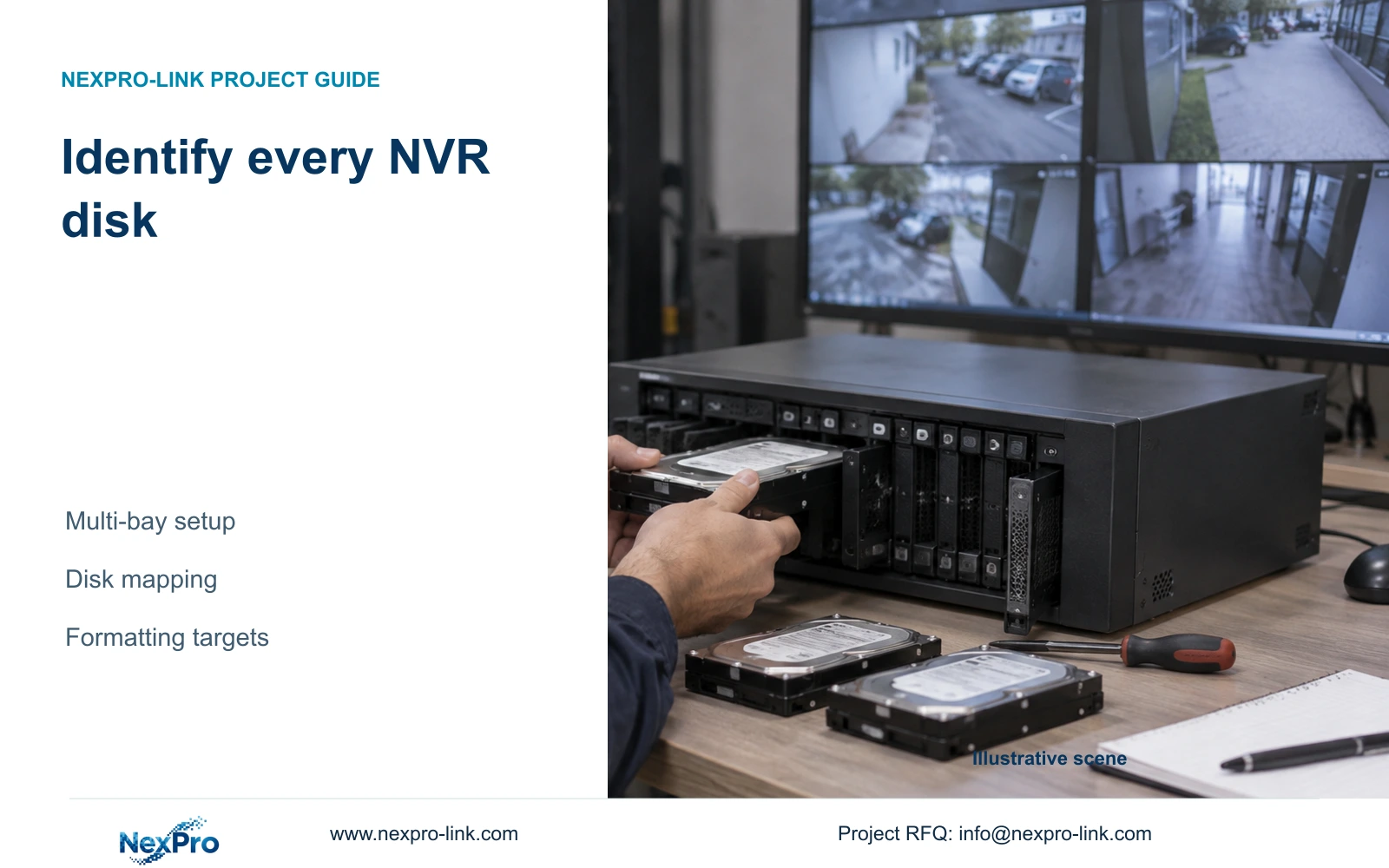
The NexPro-NVR4449-4K provides four SATA bays up to 18 TB per drive; the NexPro-NVR8864-4K provides eight bays with the same published per-drive limit. These are useful physical planning references. They do not establish hot-spare operation, RAID modes or nondestructive array expansion.
CASE01 fills all four bays with 16 TB disks. There is no empty bay in that layout. If later capacity is credible, an eight-bay recording candidate may provide a more useful physical starting point, but the engineer must still qualify stream modes, exact drive support and the procedure for adding storage. More empty bays do not increase current footage capacity.
Section 03
Price recovery stock and future capacity separately
Distinguish a configured hot spare from an uninstalled replacement disk kept in stock. The configured spare occupies a bay and must be supported by the recovery arrangement. Shelf stock depends on staff access and replacement procedures. Neither should be presented as current recording capacity, and neither establishes an independent incident copy.
An empty bay defers disk purchasing but also leaves future drive qualification, installation and capacity allocation work. An installed active disk purchased early contributes capacity only when the recorder is configured to use it appropriately. Show these choices in the quotation without assigning invented future disk prices or assuming later supply will match today's model.
For the case baseline, four 16 TB disks provide 48.64 TB of illustrative recording allowance against 41.472 TB of video demand. The 7.168 TB difference sits above the planned demand within that allowance. The separate 20% free-space reserve has already been withheld and should not be relabelled as freely available expansion capacity.
Section 04
Recalculate when a spare consumes an active position
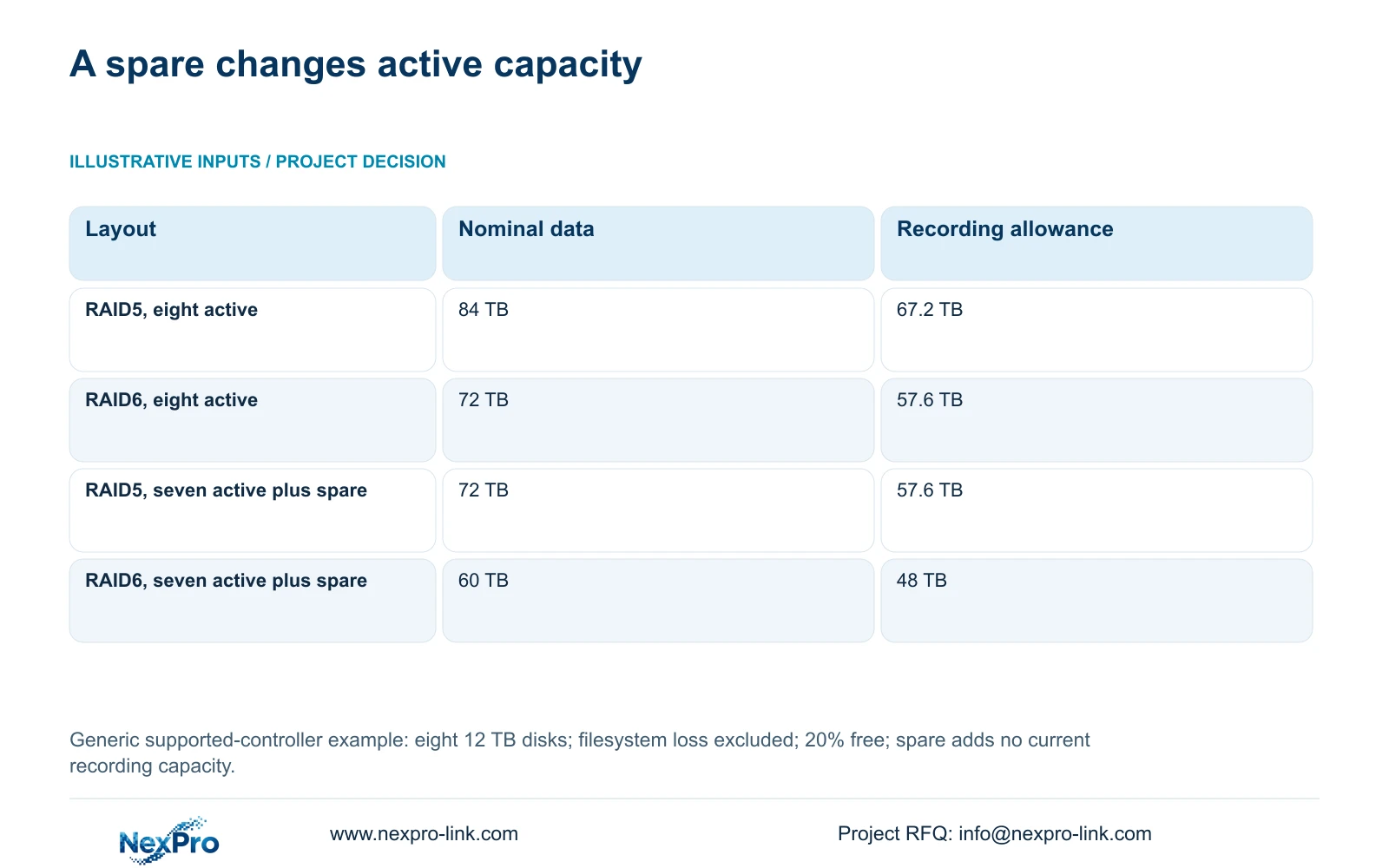
The supplied generic comparison uses eight equal 12 TB disks, no hot spare, and a controller that supports the chosen RAID mode. RAID5 nominal data capacity = (8 − 1) × 12 = 84 TB. RAID6 nominal data capacity = (8 − 2) × 12 = 72 TB. Both install 96 TB raw, but their data capacity differs.
Before filesystem loss, a 20% free-space target gives recording allowances of 84 × 0.8 = 67.2 TB and 72 × 0.8 = 57.6 TB. If one of those eight disks becomes a dedicated spare, only seven remain active. The nominal figures become 72 and 60 TB, with preliminary recording allowances of 57.6 and 48 TB respectively.
The decisive spare trade-off is one occupied bay that contributes no current footage capacity. These figures explain the planning consequence; they do not prove hot-spare support on either NexPro-Link NVR. Apply actual formatted-capacity information before comparing the final allowance with the factory's video requirement, and keep this generic boundary separate from CASE01's 95% assumption.
| Layout | Nominal data capacity | Preliminary recording allowance |
|---|---|---|
| RAID5: eight active 12 TB disks | 84 TB | 67.2 TB |
| RAID6: eight active 12 TB disks | 72 TB | 57.6 TB |
| RAID5: seven active, one spare | 72 TB | 57.6 TB |
| RAID6: seven active, one spare | 60 TB | 48 TB |
Section 05
Reserve a credible expansion path rather than a label
For CASE01's present 30-day task, retain the four-disk layout if capacity and its explicitly non-RAID boundary meet the owner requirement. If future retention or additional cameras are likely to exceed it, evaluate a larger supported recorder or node arrangement before procurement. Do not sacrifice today's required recording allowance solely to create a vaguely defined spare.
If automatic disk recovery is a firm requirement, select a controller with documented support and calculate active capacity after allocating the hot spare. If local replacement stock is sufficient for the owner's response objective, price it as stock and name who can install it. These are different operating arrangements, so the owner must approve the consequence of each.
Quantify the future task using camera-group bitrate, hours and retention rather than a percentage of empty bays. Added cameras can also consume recording channels, bandwidth, network ports and protected electrical capacity. A disk-only plan may fail even when physical space remains, so retain the relevant shared resource checks in the expansion worksheet.
Section 06
Hand over a bay map and an executable change plan
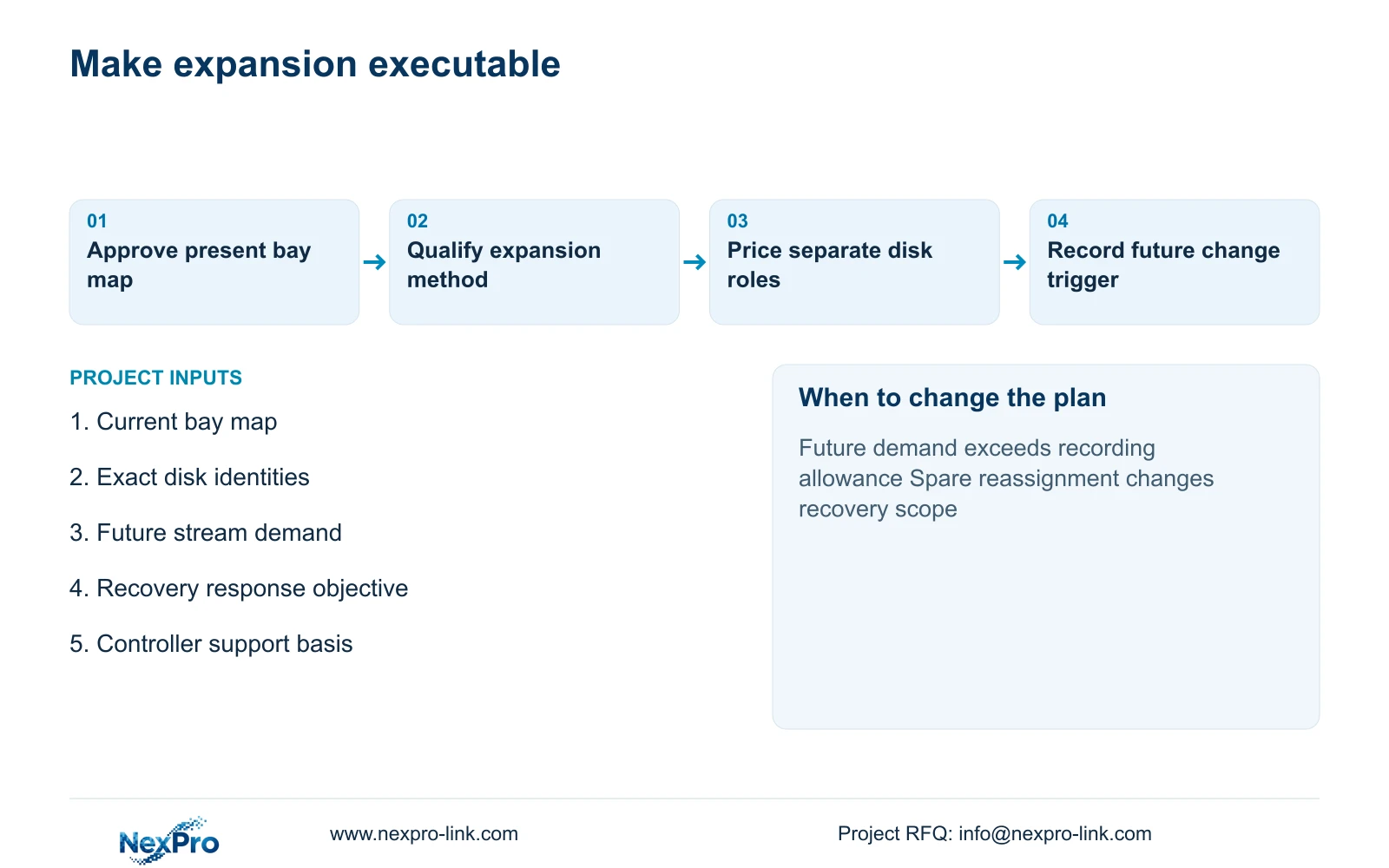
Issue a present-state bay map and a separate future-state layout. Show active drive identity, supported spare role, empty positions and the usable recording allowance for each state. Include the proposed change procedure and any preservation work needed before modifying storage. The installer should not have to infer which disk may be repurposed.
NexPro-Link's BOQ and Tender Support scope can help document the present equipment and visible expansion conditions. Keep additional disks, replacement stock, recorder changes and local configuration labour as distinct quotation items. The owner approves the recovery and future recording objectives; the engineer qualifies the architecture; the supplier confirms what is actually offered.
At handover, verify the installed roles and capacity against the approved map. Set a trigger for starting expansion before observed demand consumes the available allowance. Preserve independent incident copies when required, because neither a spare disk nor an empty bay provides them. The useful deliverable is a supported sequence from today's recording state to the next approved state.
Section 07
Buyer questions
Can a hot spare later become a recording disk? Possibly, but only through a supported, approved reconfiguration. Reassigning it changes the recovery arrangement, so the owner must accept that consequence and the engineer must recalculate capacity.
Is an empty bay enough to approve a future camera phase? No. Check future video demand, drive support, recording modes, channel capacity and bandwidth. Physical space is one resource, not a complete expansion approval.
Should we buy replacement stock or install a hot spare? Choose according to the supported controller and required response workflow. Stock needs an available installer; a configured hot spare needs documented support and consumes a bay. Compare those consequences before pricing.
Section 08
Map present storage and the next expansion
Send your current bay and disk map, proposed future recording demand, required recovery response and recorder/controller identity to info@nexpro-link.com. NexPro-Link can discuss an equipment schedule that separates active storage, spare provision and future expansion.
Engineering references
These sources support the general planning principles. Always use the selected product's current datasheet and applicable project standards for final design.