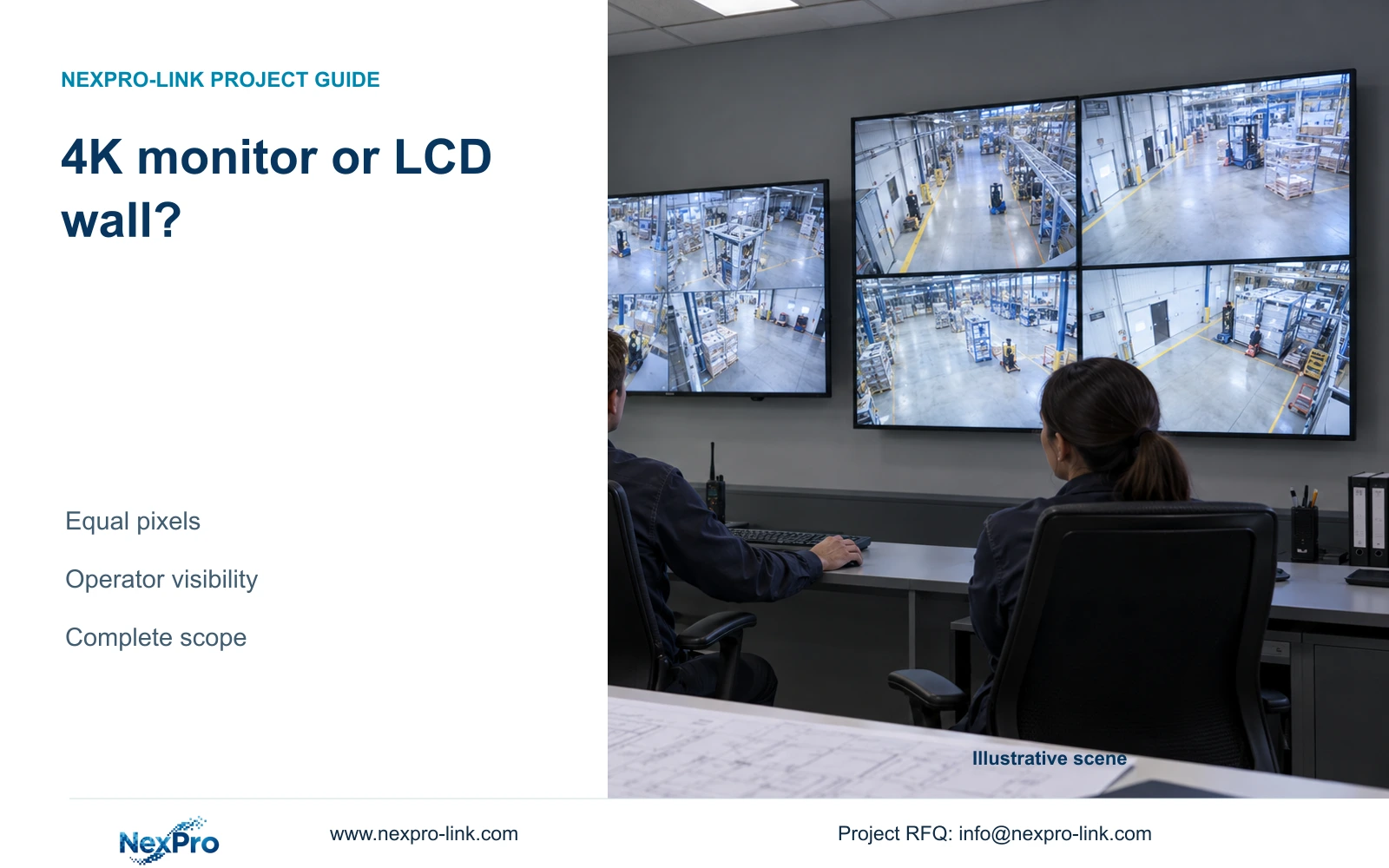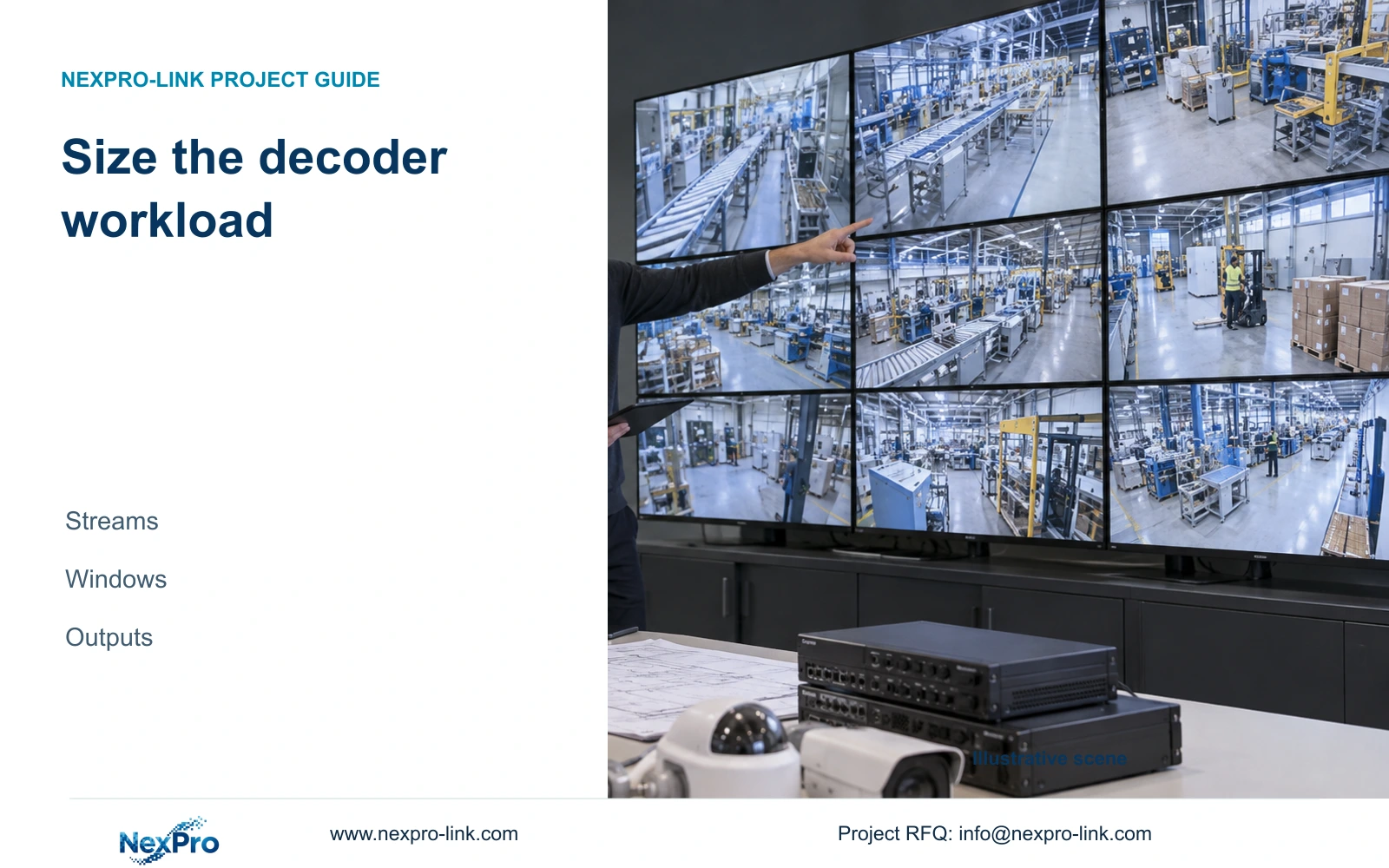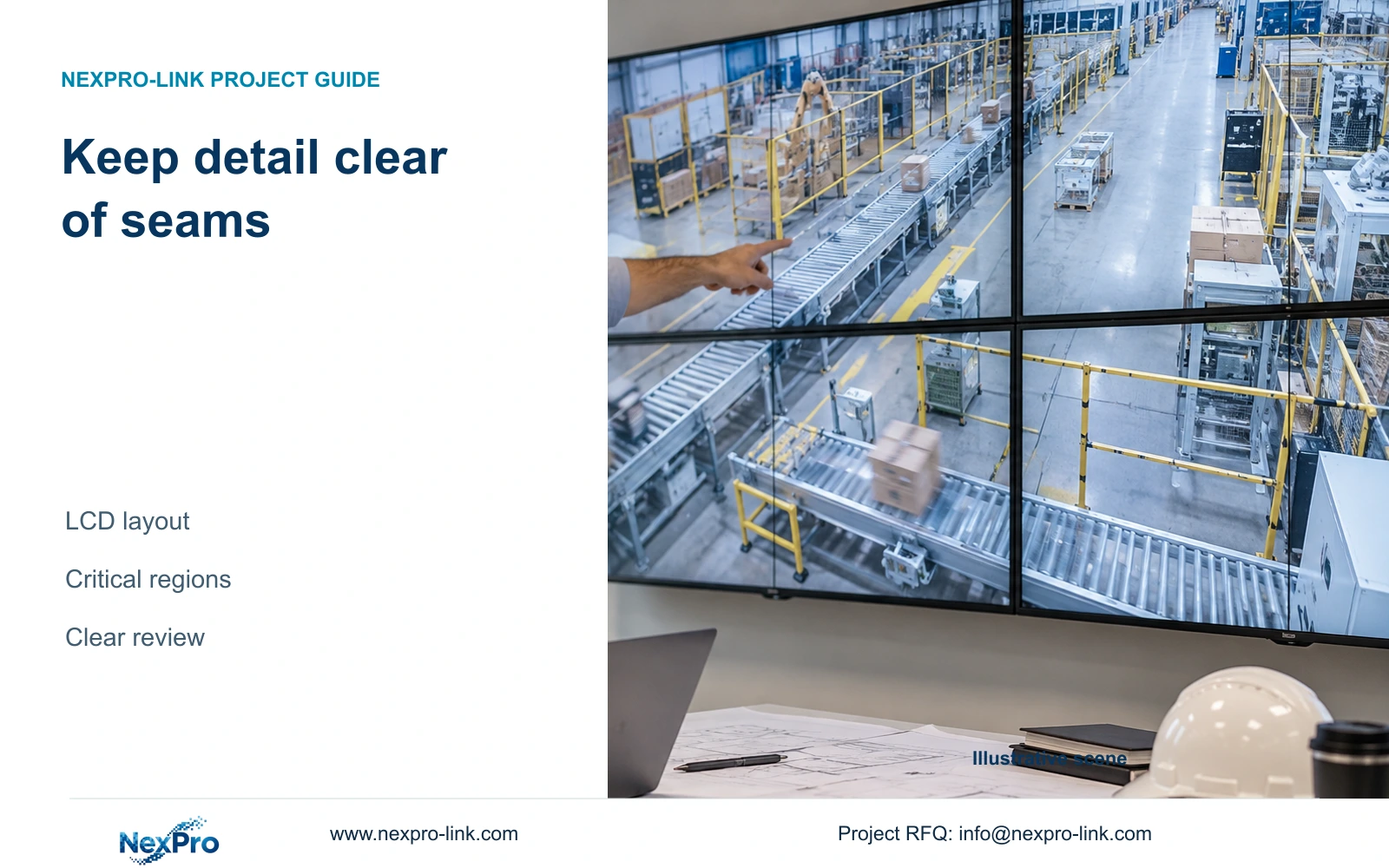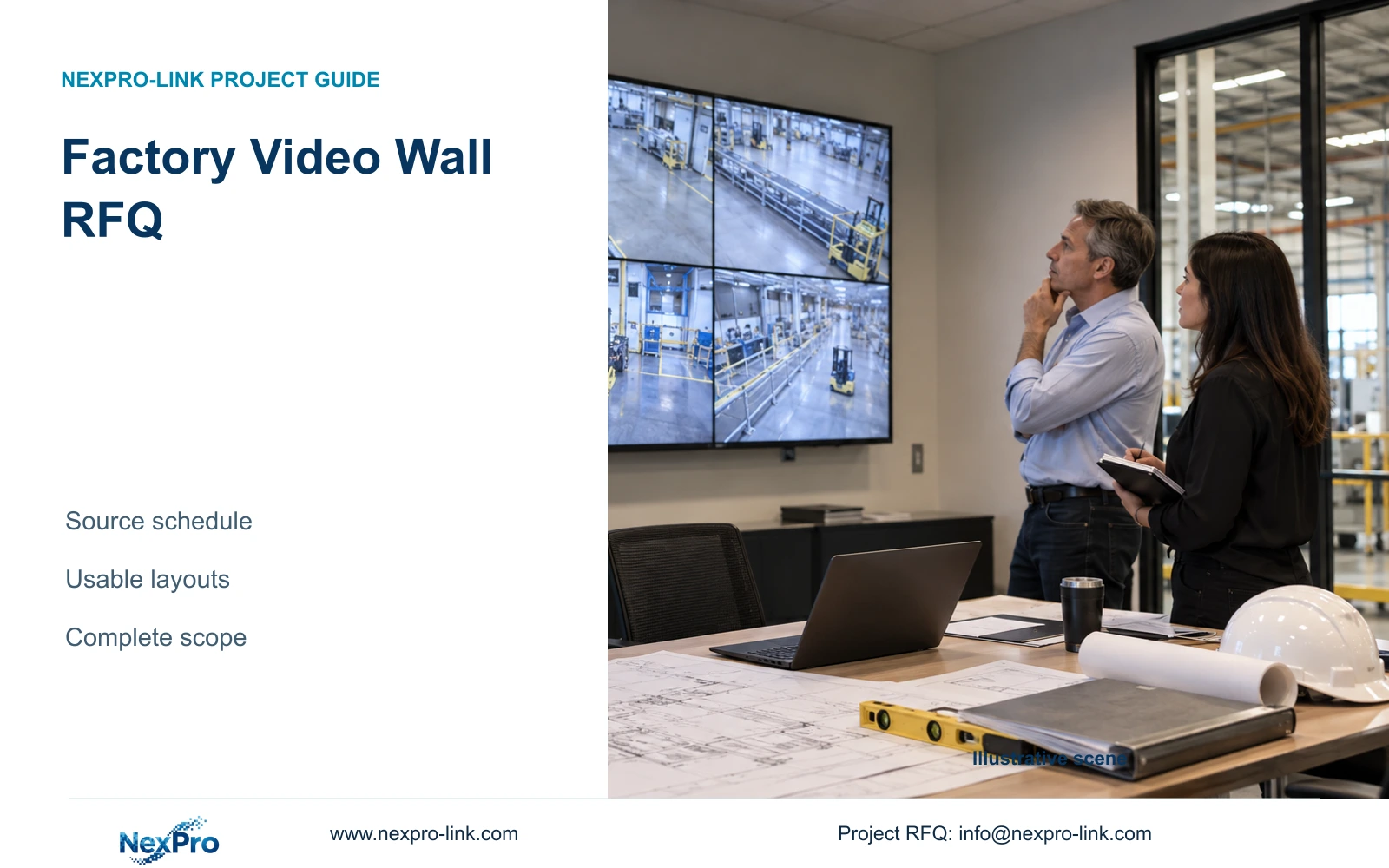
A factory video wall quotation needs a source-to-screen workload as well as dimensions. Define streams, layouts, control, service access and power boundaries before comparing complete offers.
Section 01
Pair room dimensions with the viewing task
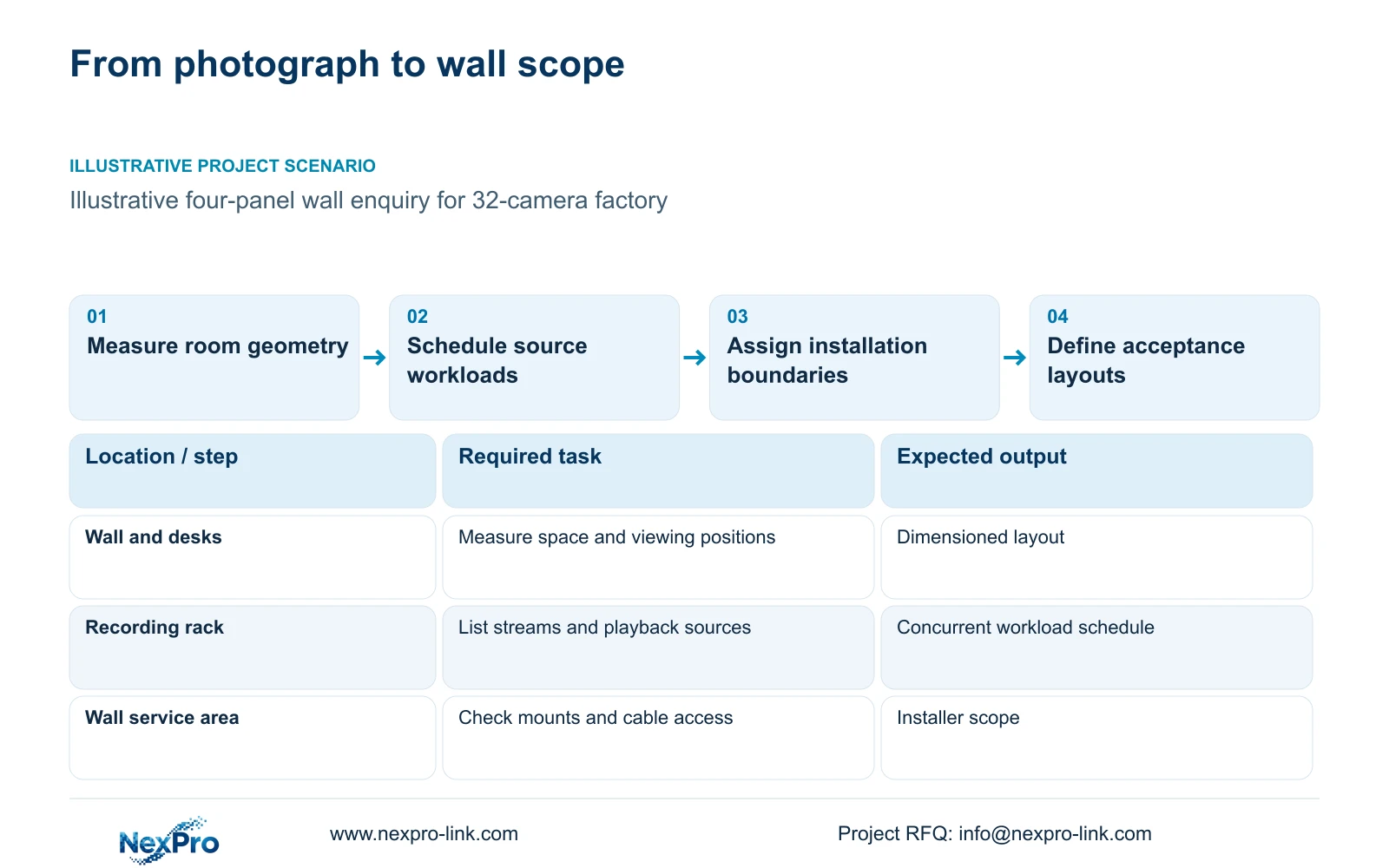
A factory video wall RFQ should combine measured room geometry with an actual source-to-screen workload. Request a complete scope covering panels, decoding, control, mounting, signal cabling and power. A photograph can describe the intended appearance, but it cannot establish viewing distance, supported simultaneous streams or the installation work needed to make the wall usable.
Illustrative project scenario: A contractor sends only a photograph and asks for a complete video wall price. Use CASE01's hypothetical 32-camera CNC factory as the background, with an optional four-panel LCD wall and a retained retrieval display. Assume the owner wants shared live views while an operator searches incidents at the desk. The proposed workflow remains a planning assumption requiring owner approval.
Obtain wall width and height, desk positions, eye-to-screen distances, ceiling restrictions and maintenance clearances. Draw the intended windows at those positions before fixing the panel count. NexPro-Link's NX-VP-5535 reference is a 55-inch, 1920×1080 LCD with a 3.5mm listed seam/bezel and 400nit typical brightness. It is not direct-view LED, and its diagonal dimension alone does not specify the installed wall footprint.
Section 02
List the streams and controls that must work together
Build a source schedule with camera or recorder identity, available stream, resolution, codec, frame rate and bitrate. Add the number of concurrent live windows and any playback windows needed in each layout. Mark whether the wall receives streams directly, through the recorder or through another approved client. Those paths create different interface and access requirements.
For the illustrative factory, a useful starting layout could show gates and dispatch on the wall while the desk retains search and export. State whether an incident view must replace one window, occupy a full panel or span the wall. Assign who may change layouts and whether two operator seats need independent control. Each choice should become a requirement that a supplier can demonstrate.
NX-VD-4K16 is a modular network-decoding reference, not evidence of sixteen simultaneous 4K channels. Likewise, CASE01's 32 recorded streams do not establish 32-window decoding capacity. Request confirmation against the proposed concurrent mix, including playback if required. If an external platform or mixed-brand source is compulsory, retain it in the RFQ and qualify the exact interface rather than accepting a generic compatibility statement.
Section 03
Make mounting and service access priced deliverables
Ask the local installer to confirm wall construction, mounting feasibility, equipment access and the cable route before the supply scope is frozen. The quotation should identify the mount arrangement and how a panel or decoder can be serviced. An apparently suitable screen layout may need revision if removal blocks a doorway, requires desk dismantling or leaves connectors inaccessible.
Use a responsibility schedule alongside the equipment list. In this example, assign panel and decoder supply to the equipment supplier, substrate verification and mounting work to the local contractor, network permissions to the owner's IT team, and layout acceptance to the security supervisor. Treat these as proposed assignments to be agreed, not services automatically included in an equipment offer.
Record output connections, cable lengths, adapters, rack space and power outlets as separate lines. Determine which equipment is supplied, retained, installer-provided or optional. If a cable route has not been measured, show it as an unresolved quantity. Leaving the line blank can conceal site costs and make two quotations appear comparable when their installation boundaries differ.
Section 04
Compare a complete viewing package with justified integration
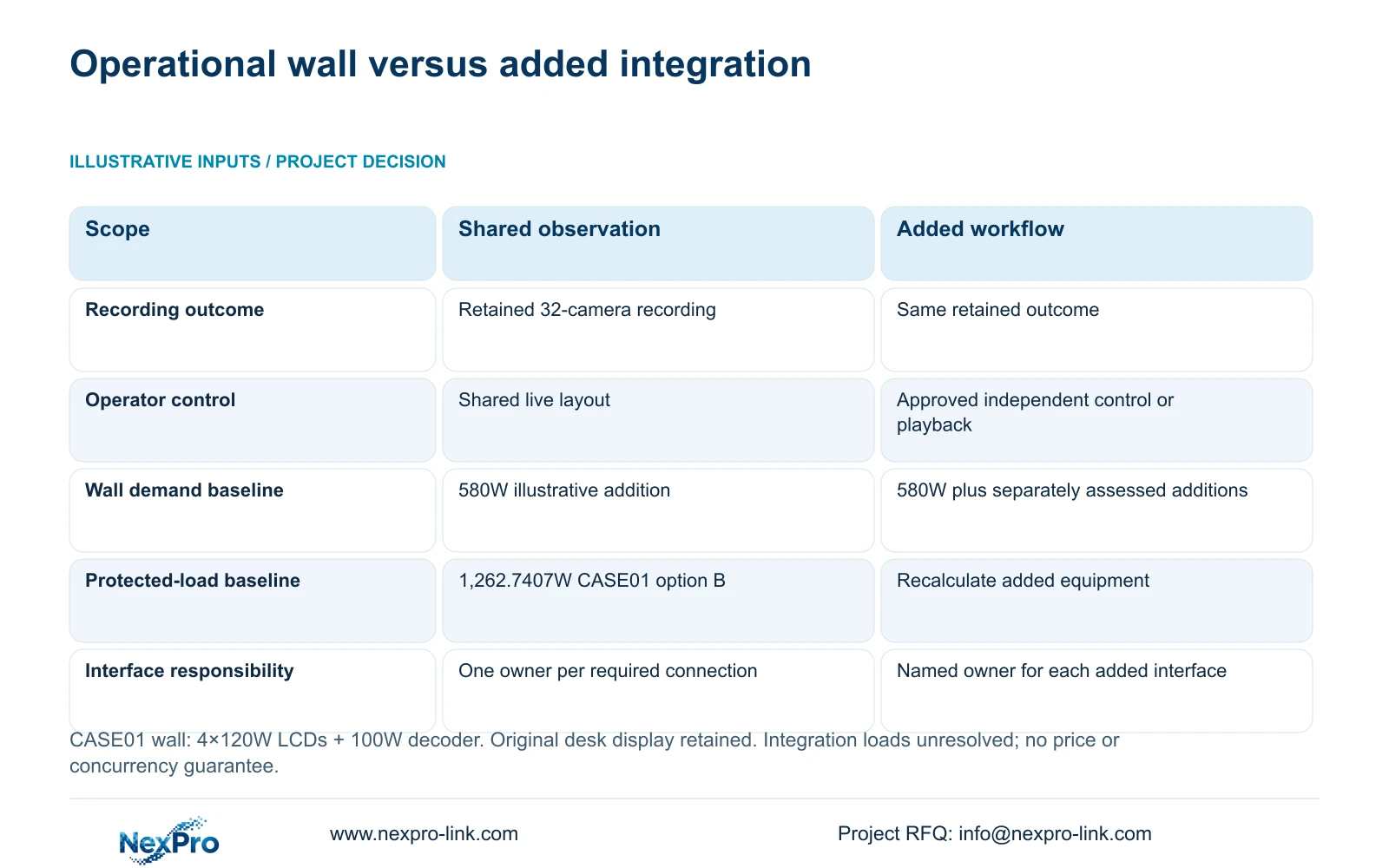
Keep the required recording outcome constant when comparing a basic operational wall with additional integration. CASE01 supplies the background recording infrastructure; the wall RFQ should say whether that infrastructure is retained or procured under another package. Assign each new interface one accountable party, including configuration and acceptance, so optional software does not create an unowned dependency.
The decisive difference in the table is the added workflow. Option A supports shared observation with retrieval at the existing desk. Option B adds only a defined control or playback requirement and accounts for the equipment and access needed to deliver it. More integration is justified when operators must perform that additional task; it is not required merely because the wall has four panels.
Start with the complete operational boundary, then request optional additions as separate quotation lines. One coordinated supply package can simplify equipment and document matching without establishing common software across every device. An unresolved interface is neither proof of incompatibility nor a zero-cost allowance.
| Decision | Option A: shared observation | Option B: added workflow |
|---|---|---|
| Recording | Retain defined 32-camera recording | Retain the same recording outcome |
| Display identity | Four tagged LCD panels and qualified decoder | Same plus approved interface equipment |
| Operator task | Shared live layout; retrieval at desk | Approved wall playback or independent control |
| Network and power | Count every required display-path device | Include added servers and interface loads |
| Procurement | Complete wall BOM and installer boundary | Separate added scope and interface owner |
Section 05
Hold the workload constant when comparing offers
Recommend the smallest complete display package that supports the approved operating layout. A normal monitor remains a valid alternative when one operator mainly retrieves footage and has no continuous shared-view requirement. If the owner needs a wall, compare suppliers using identical window sizes, stream workloads, control tasks and service access rather than panel count alone.
CASE01 illustrates the power consequence of adding its wall. Four panels at an assumed 120W each and decoder equipment at an assumed 100W give incremental demand = 4 × 120W + 100W = 580W. Its baseline 682.7407W becomes 1,262.7407W with the original retrieval display retained. The assumptions are budgeting inputs, not measured NX-VP-5535 or NX-VD-4K16 consumption. Obtain actual selected-equipment demand before finalising electrical scope.
If the complete option B load is protected, CASE01 identifies SP2KR(S), rated 2kVA/1800W, as a capacity candidate under its stated headroom assumptions. Runtime still needs the exact battery configuration and curve. Compare current quotations for the same protected load and operating target. Keep required Hikvision, Dahua or other platform interfaces where specified; there is no matched price evidence here supporting a brand-wide cost conclusion.
Section 06
Turn the approved layout into a quotation package
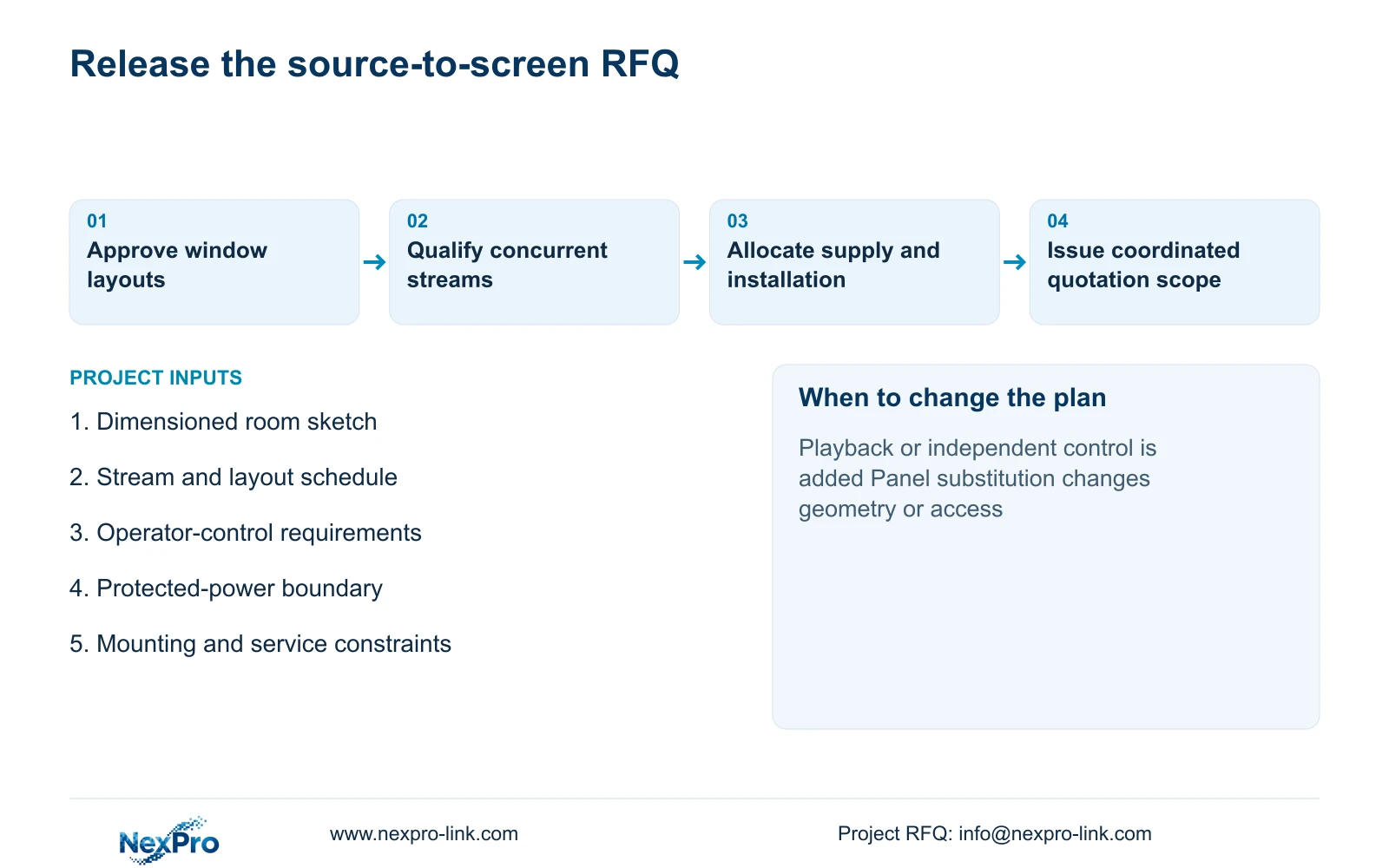
Release a dimensioned room sketch, source schedule and marked layouts together, with consistent revision identifiers. Link each panel position and output to its equipment tag. The RFQ should request confirmation of simultaneous operation, included mounting and cabling, configuration work, exclusions and the acceptance demonstration. This gives the engineer and cost manager a common basis for evaluating deviations.
NexPro-Link's video-wall and BOQ support scope can assist with model matching, technical submittals and quotation coordination. Packaging can identify panel locations and accessories for the agreed installation sequence. Overseas supply and local installation should remain separate commercial scopes, with delivery terms and the installer boundary stated in the offer.
Before approving substitutions, assess whether they change usable window size, decoder concurrency, control behaviour or service access. A larger panel or differently named decoder is not automatically equivalent. Require a revised layout and affected BOM lines when the source workload changes, while leaving accepted recording requirements intact. The final package should let the buyer trace each added item to an operating need.
Section 07
Buyer questions
Can a supplier issue a budget offer before the stream list is complete? Yes, with declared source and layout assumptions and clearly provisional decoder scope. Separate confirmed panel quantities from unresolved interfaces. Reconcile those allowances before approving a purchase order.
Does a four-panel Full HD wall guarantee useful 4K camera detail? No. Window size, source scaling, decoding and viewing distance determine what operators can inspect. Ask for the intended layout to be demonstrated, including an enlarged detail view where needed.
Should OEM branding cover the wall-control software? Treat hardware labels and project packing as separate options. They do not establish permission or capability to rename third-party software. Any requested software branding needs its own confirmed scope.
Section 08
Request a complete source-to-screen quotation
Email the dimensioned room sketch, stream and layout schedule, operator-control requirements and power-protection boundary to info@nexpro-link.com to discuss a complete wall equipment scope.
Engineering references
These sources support the general planning principles. Always use the selected product's current datasheet and applicable project standards for final design.