

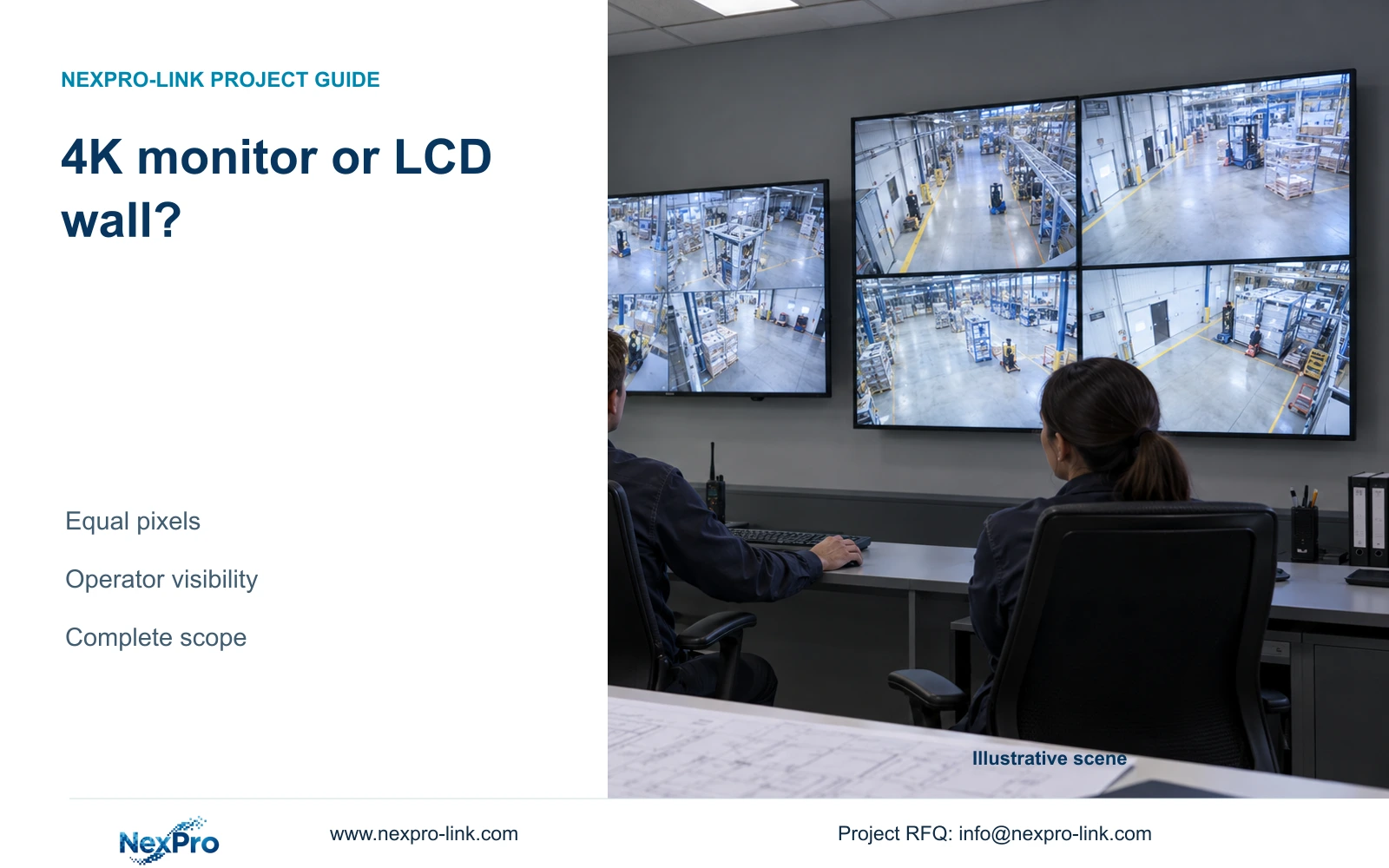
Rehearse the same incident at the desk and proposed shared-viewing positions, using actual labels and task-relevant detail. Record who needs to read what without taking over another operator's review.
Section 01
Choose the display around the operator's work
Rehearse the same incident at the desk and proposed shared-viewing positions, using actual labels and task-relevant detail. Record who needs to read what without taking over another operator's review. Where one screen meets the task, retain it; where shared visibility fails, compare a larger presentation without claiming extra pixels from panel count.
Choose a single 4K monitor when the required views are readable from the intended desk and one operator controls the display. Choose a 2x2 LCD wall when several people need a larger shared presentation and the room can accommodate its mounting, servicing and signal infrastructure. Four full-HD panels do not automatically provide more pixel detail than one 3840×2160 screen.
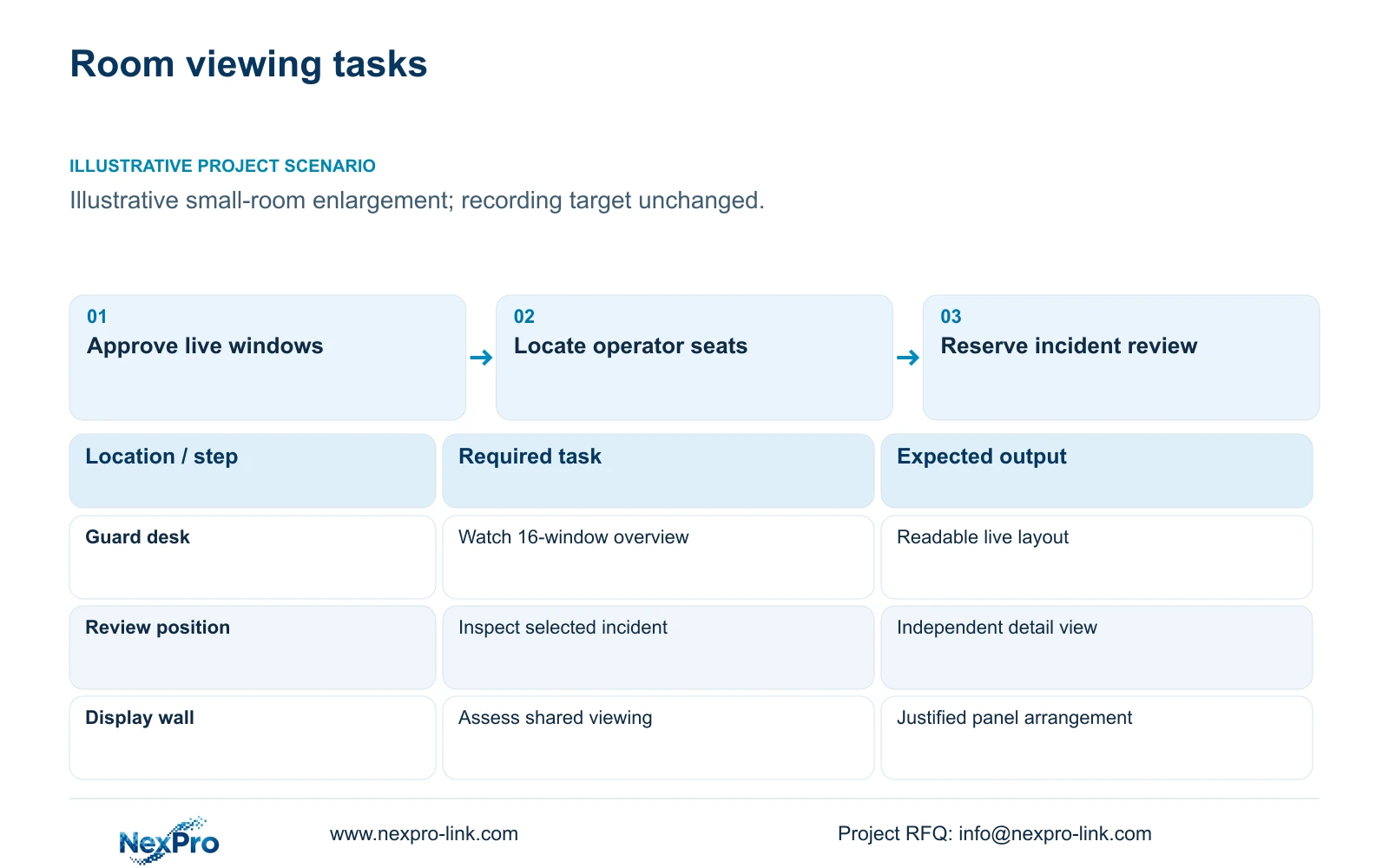
Illustrative project scenario: The owner wants to enlarge a small monitoring room without changing the recording target. Use the supplied 32-camera CNC factory reference as the recording background, with a proposed 16-window overview and a separate incident-review task. The window allocation is a planning assumption, not a completed installation or a decoder performance result.
The owner should approve what the guard must notice, which views remain continuously visible and where detailed playback happens. A designer can then compare both options using the same tasks. Keep the camera-to-recorder path independent of the display so switching off or servicing the wall does not become an intended interruption to recording.
Section 02
Check physical visibility before adding panels
Draw the display elevation together with desk positions, seated eye levels and the furthest routine viewing position. Include doors, equipment cupboards and the space needed to service the assembly. A larger wall may help shared viewing, but a nearby operator can still need a desk screen for menus, timestamps and export controls.
NexPro-Link lists NX-VP-5535 as a 55-inch, 1920×1080 LCD with a 3.5mm seam/bezel field and 400nit typical brightness. These are product references for the LCD option. They do not establish the assembled wall dimensions, installation clearances or readability of the proposed software layout. Obtain those dimensions from the selected mounting arrangement.
Use representative footage and the actual client interface during a seating review. Check camera names and time fields as well as the scene. If the enlarged room creates a second viewing position, reassess the physical presentation first. Adding panels without adjusting text, window priorities or the operator control point can leave the original visibility problem unresolved.
Section 03
Specify the complete signal and power path
For the single monitor, identify the device producing the mosaic and the supported output format. For the LCD wall, identify whether a controller divides one canvas across panels or whether separate outputs carry independently composed views. The quotation should describe source selection, decoding, layout control, signal cables and panel connections as separate functions.
NX-VD-4K16 is a modular network decoding reference in the NexPro-Link display range. Its name does not prove sixteen simultaneous 4K decodes or the required output arrangement. Ask for confirmation against the actual codecs, frame rates, stream dimensions and live/playback combinations. An HDMI connector count alone cannot close that qualification.
The CASE01 wall option adds four panels at an assumed 120W each and an assumed 100W decoder, a 580W planning increment. It retains the original operator equipment. No single-monitor power input is supplied, so a numerical energy-saving claim between these display options would be premature. Price and power comparisons must include whichever client or processing equipment each option actually needs.
Section 04
Compare equal canvases without confusing them with detail
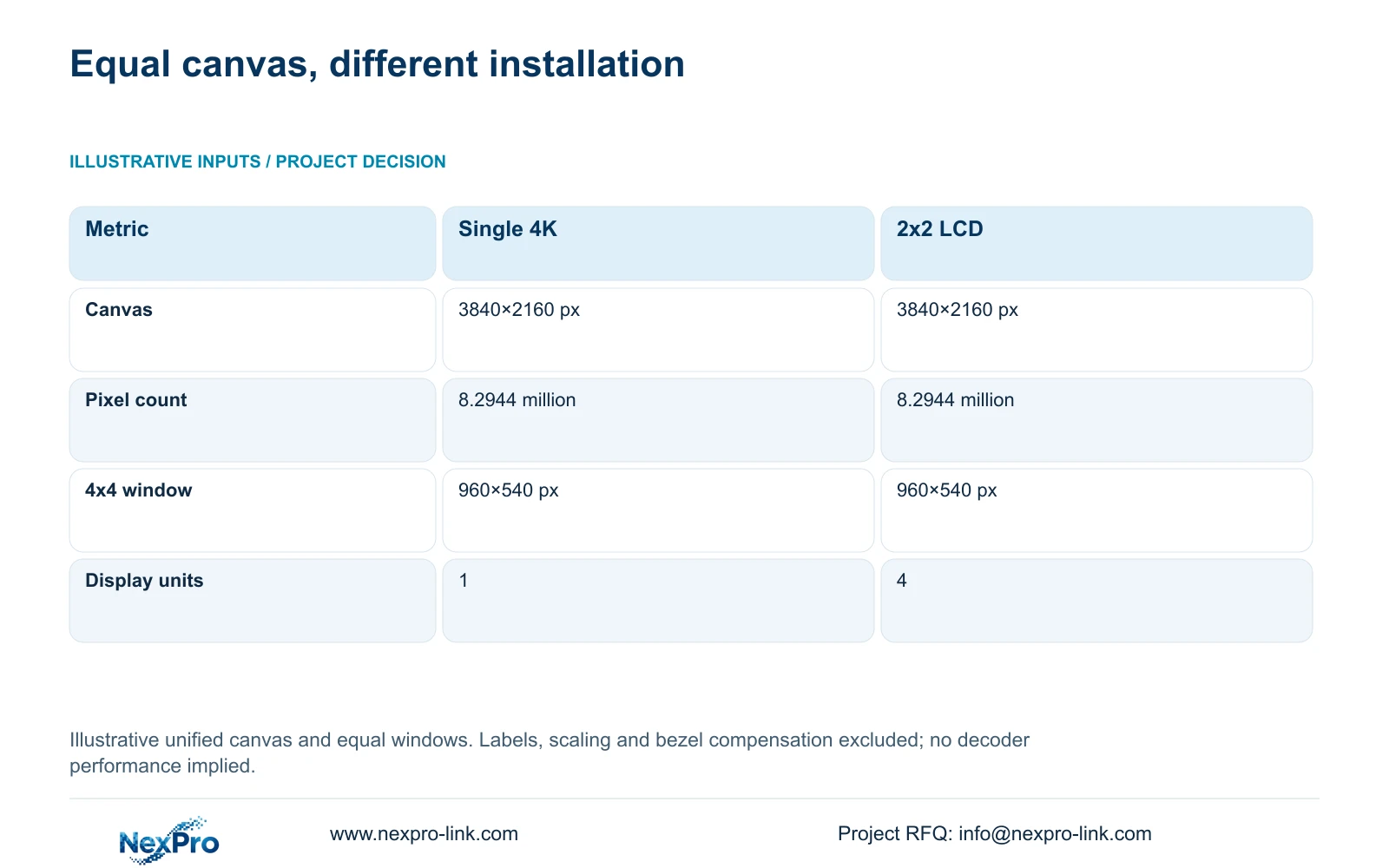
The illustrative inputs are one 3840×2160 display for Option A and two columns by two rows of 1920×1080 panels for Option B. Calculate canvas dimensions as columns × panel width and rows × panel height. The wall therefore gives 2 × 1920 = 3840 pixels horizontally and 2 × 1080 = 2160 vertically.
Both arrangements contain 3840 × 2160 = 8,294,400 pixels, or 8.2944 million. With an equal 4×4 mosaic, nominal window dimensions are canvas width / 4 and canvas height / 4, giving 960×540 pixels. Borders, labels, aspect-ratio handling and bezel compensation can reduce the area available to the picture.
The decisive difference is physical presentation and installation complexity. A main stream larger than the window is scaled into the allocated space; increasing the wall's physical size does not increase that window's native pixel allocation. When the operator needs finer detail, provide an enlargement or review workflow and verify its source stream, rather than treating panel quantity as a resolution upgrade.
| Metric | Single 4K monitor | 2x2 full-HD LCD wall |
|---|---|---|
| Canvas width | 3,840 px | 3,840 px |
| Canvas height | 2,160 px | 2,160 px |
| Total pixels | 8.2944 million | 8.2944 million |
| 4x4 window | 960×540 px | 960×540 px |
| Physical units | 1 | 4 |
| Signal arrangement | Single display path | Multi-panel path to specify |
Section 05
Keep the smaller arrangement unless shared viewing justifies more
For this small-room scenario, use the single 4K monitor as the initial display proposal, subject to a readability check. It preserves the stated monitoring task with fewer physical display units. Retain a separate review screen where an investigation would otherwise displace the live overview. This recommendation does not assume an unspecified monitor meets every duty or operating-hours requirement.
Change to a 2x2 wall when a documented shared-viewing need, seating distance or room layout makes the single-screen proposal inadequate. Confirm that important image regions remain clear of seams and that users can select detail without losing essential overview windows. The wall should solve a visible operating problem identified during the room review.
Compare quotations using the same accepted layouts and control functions. Include mounts, controller or decoder, signal cabling, commissioning, servicing access and any protected-power change. CASE01's base load is 682.7407W and its wall-inclusive load is 1,262.7407W under its own assumptions. Those totals are separate from a future single-monitor option whose actual load still needs to be established.
Section 06
Release a display package with clear interface ownership
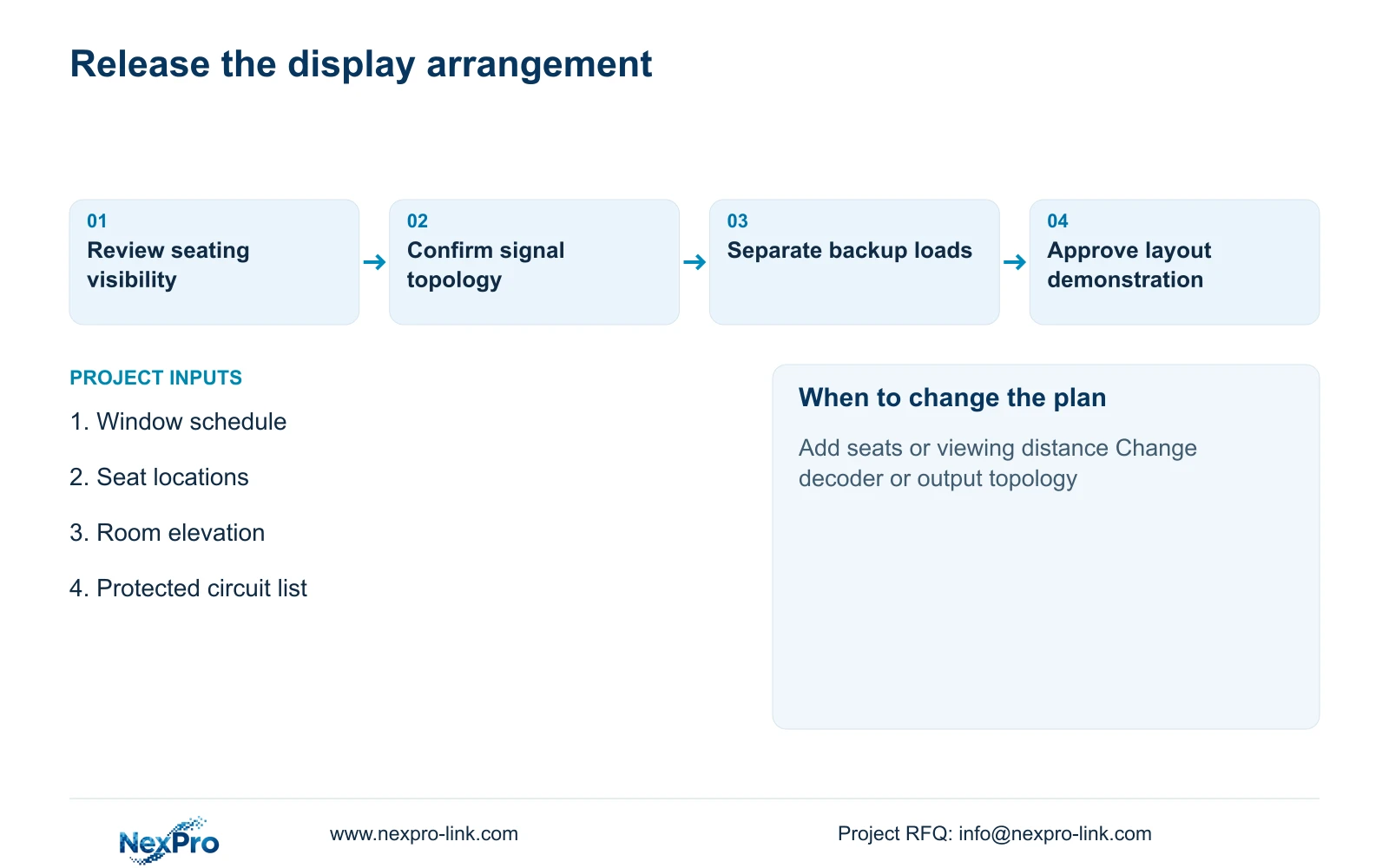
Prepare a display schedule that identifies retained recording equipment, the proposed screen arrangement, processing equipment and locally provided supports. Assign one responsible party to each connection between the client, decoder or controller and the displays. The local installer should confirm mounting suitability, cable routes and electrical distribution before equipment release.
NexPro-Link's BOQ and tender support can help align model references, technical documents, scope deviations and the equipment quotation. For this decision, the useful deliverable is a pair of task-sized display options with explicit incremental equipment and power requirements. Project packing should distinguish panel positions and processing accessories so installation does not depend on interpreting an unlabelled mixed shipment.
Acceptance should include the approved mosaic, camera selection, detail review and return to overview from the intended seats. Test the recording path while the display equipment is unavailable. Keep the results against the selected hardware and firmware identities, so a later controller substitution or room rearrangement triggers review of the affected display tasks.
Section 07
Buyer questions
Can a wall be added without increasing recording storage? Yes, if the recording streams, recording hours and retention stay unchanged. Additional viewing sessions still need network and processing checks, even when the storage requirement remains the same.
Should the whole wall remain powered during an outage? Only if shared wall viewing is an essential outage task. Otherwise, preserve recording and a suitable operator review point while keeping the optional wall on a separate, documented power boundary.
Does a four-panel wall provide four independent operator sessions? No. Independent sessions depend on the client or controller architecture and permissions. Four panels may simply present different portions of one composed canvas.
Section 08
Compare two display scopes for your room
Send your required simultaneous windows, operator seat positions, room plan and protected-power scope to info@nexpro-link.com for a discussion of single-monitor and LCD-wall equipment options.
Engineering references
These sources support the general planning principles. Always use the selected product's current datasheet and applicable project standards for final design.


