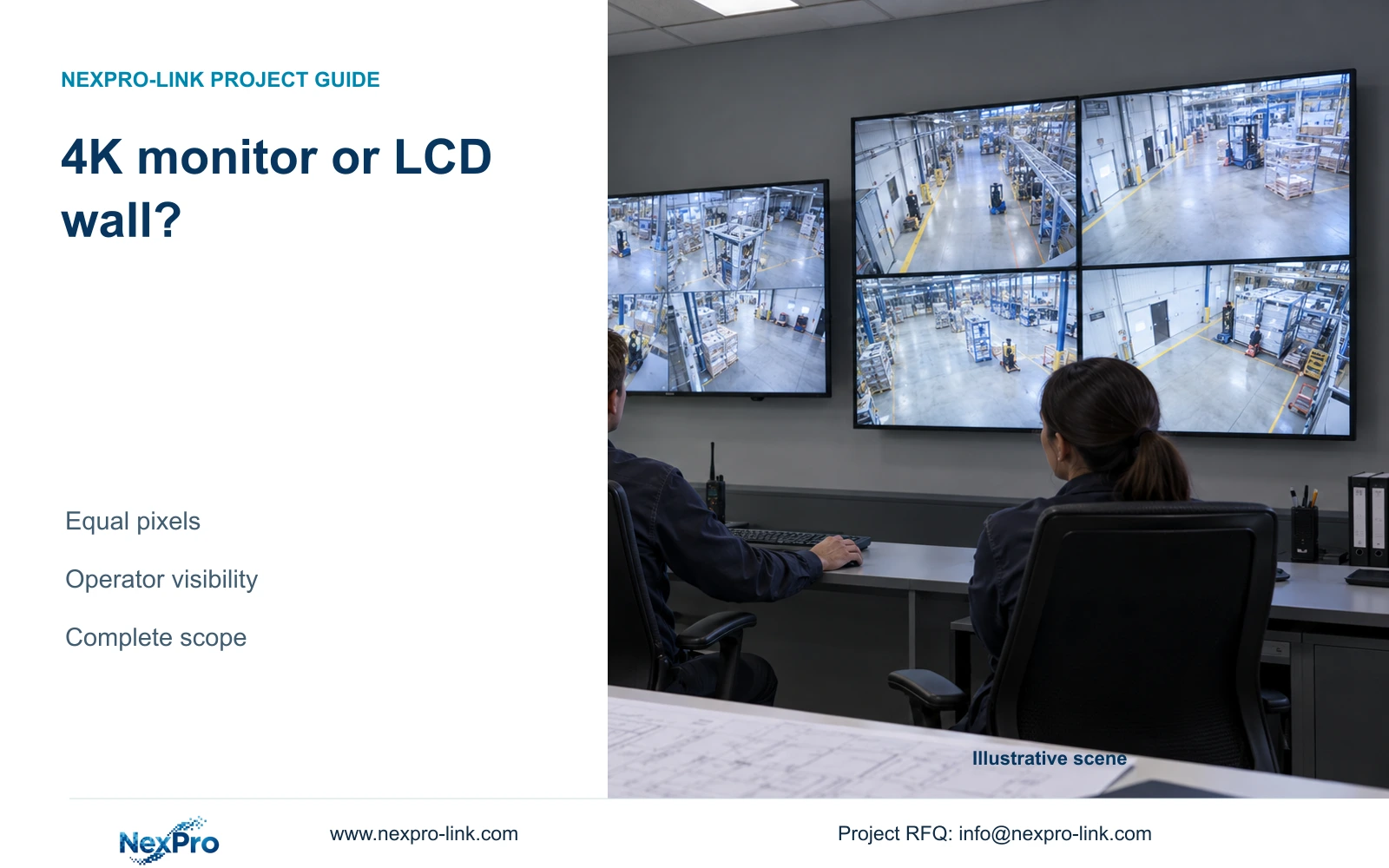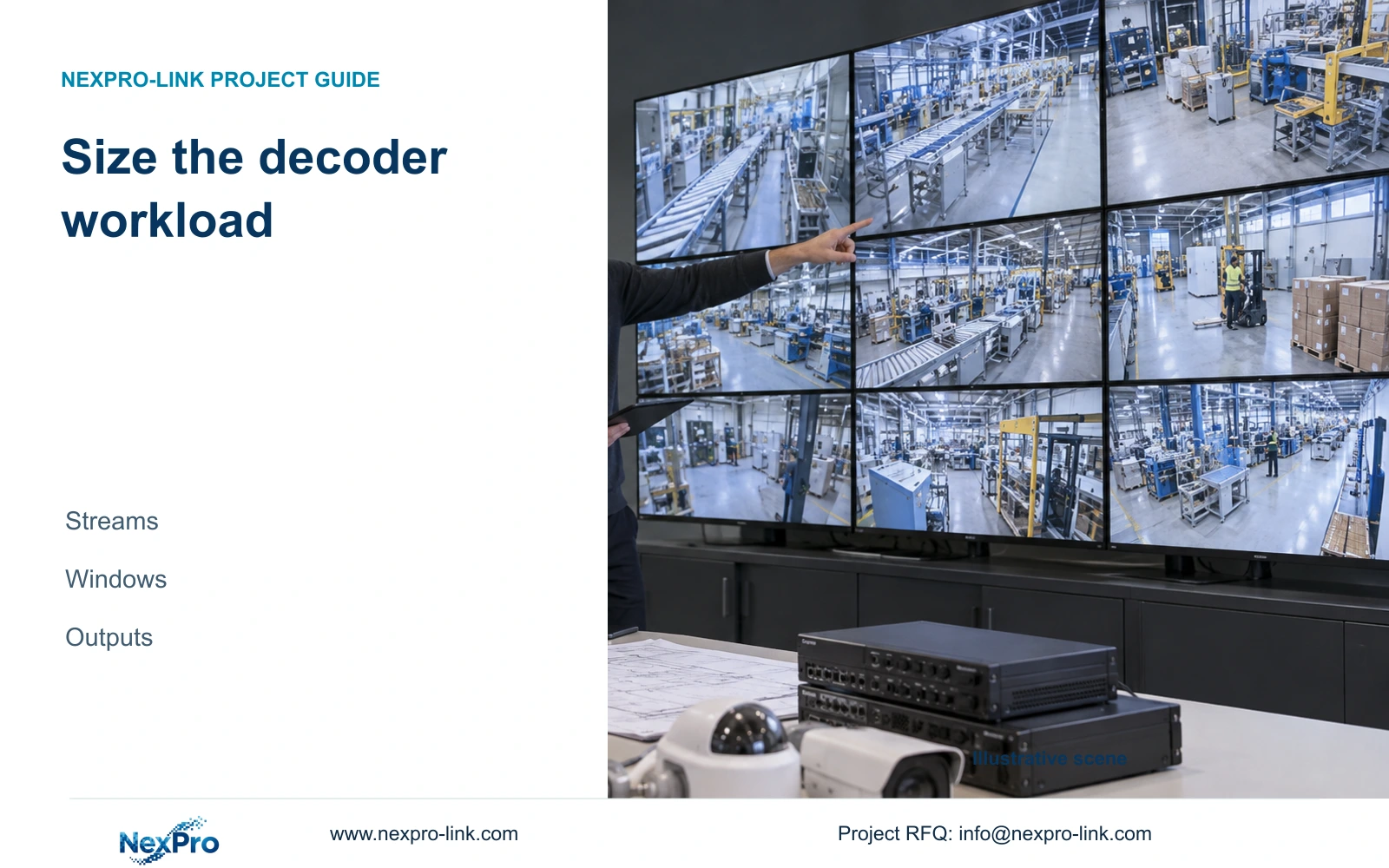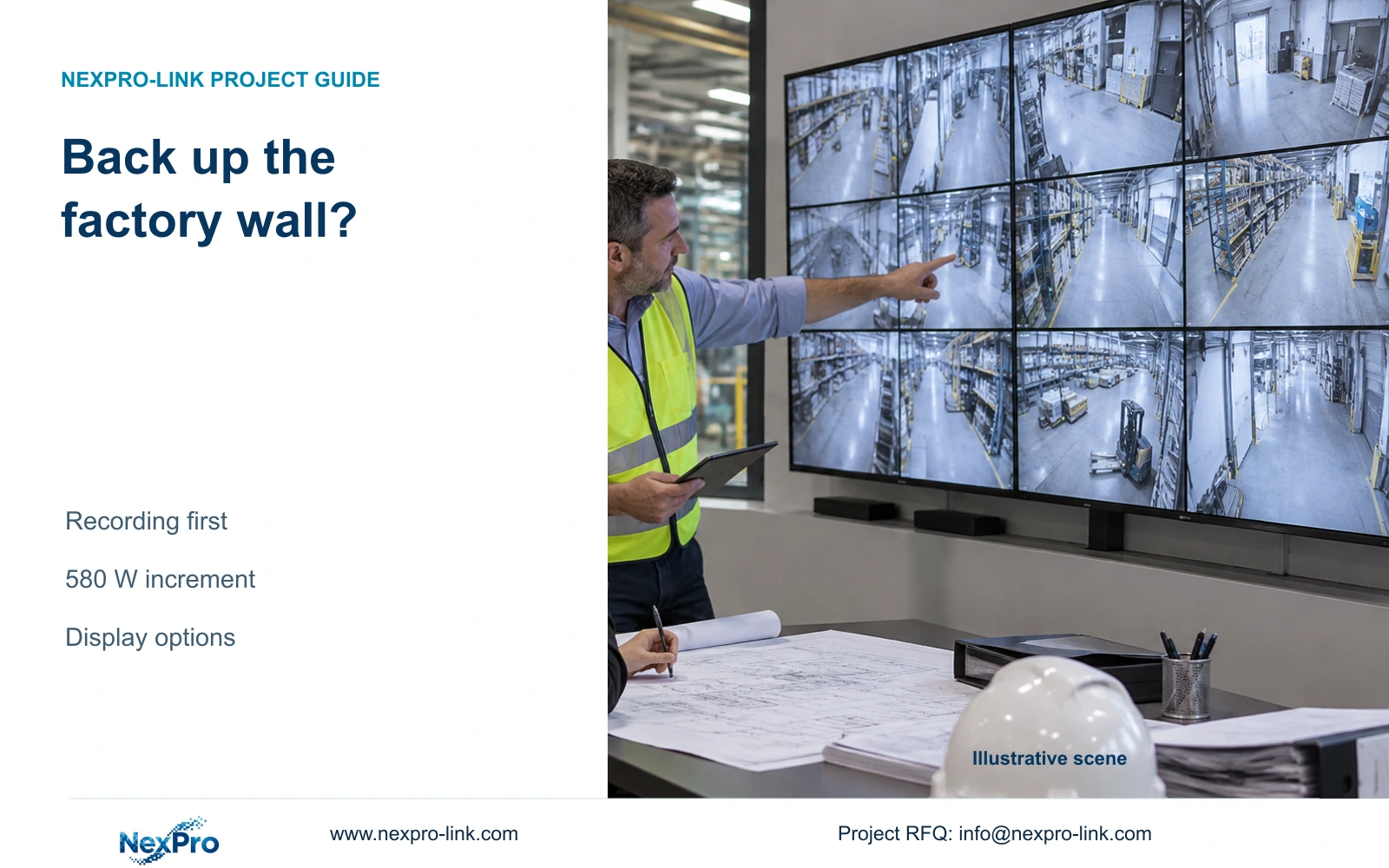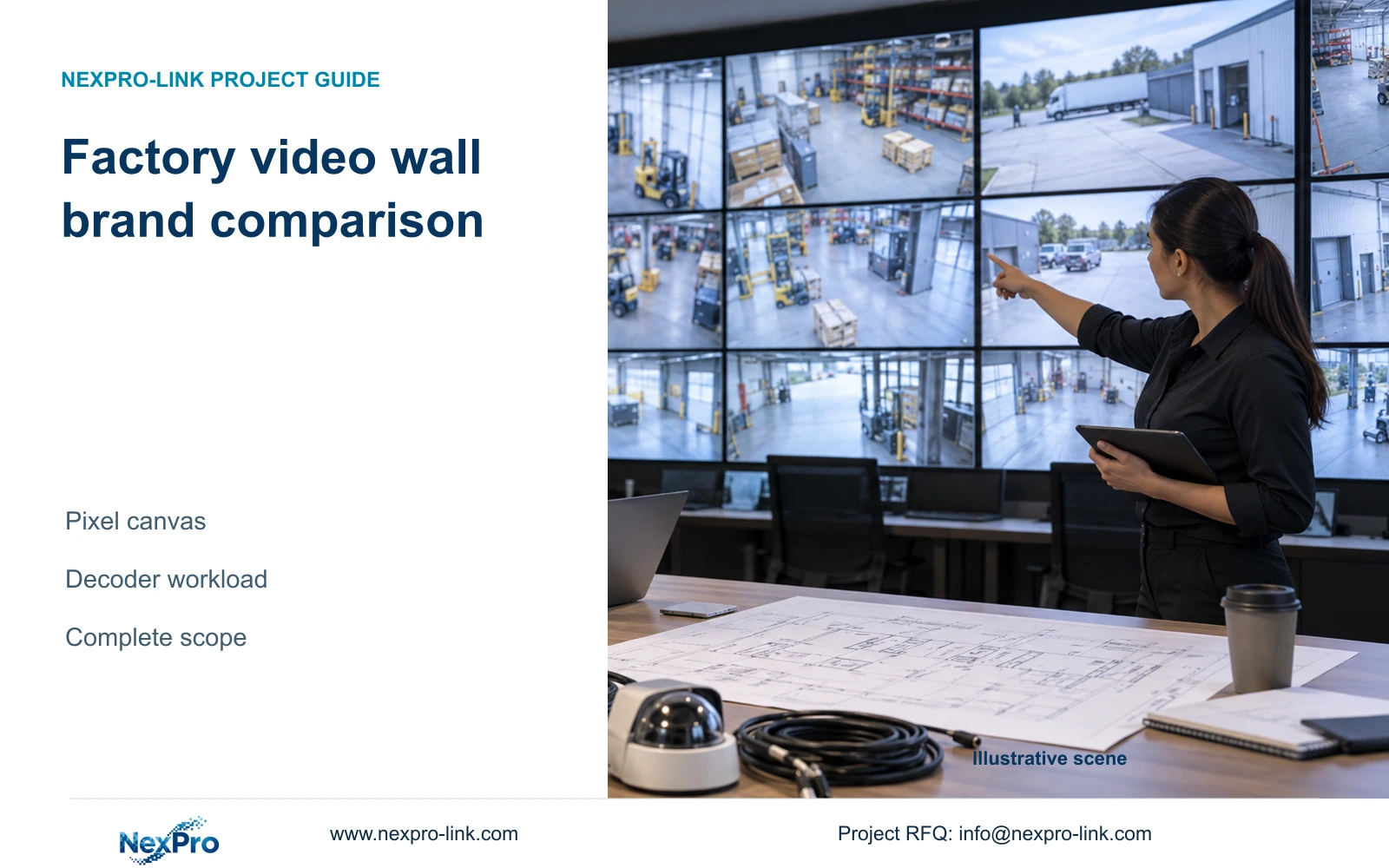
Separate replacement-panel scope from a camera-source change on the retained wall. Test the affected source formats and required layouts without assuming the existing decoder supports them.
Section 01
Define the viewing task before comparing panels
Separate replacement-panel scope from a camera-source change on the retained wall. Test the affected source formats and required layouts without assuming the existing decoder supports them. Record unsupported combinations before replacing equipment. A new camera brand alone does not justify discarding a wall that still passes its accepted operating task.
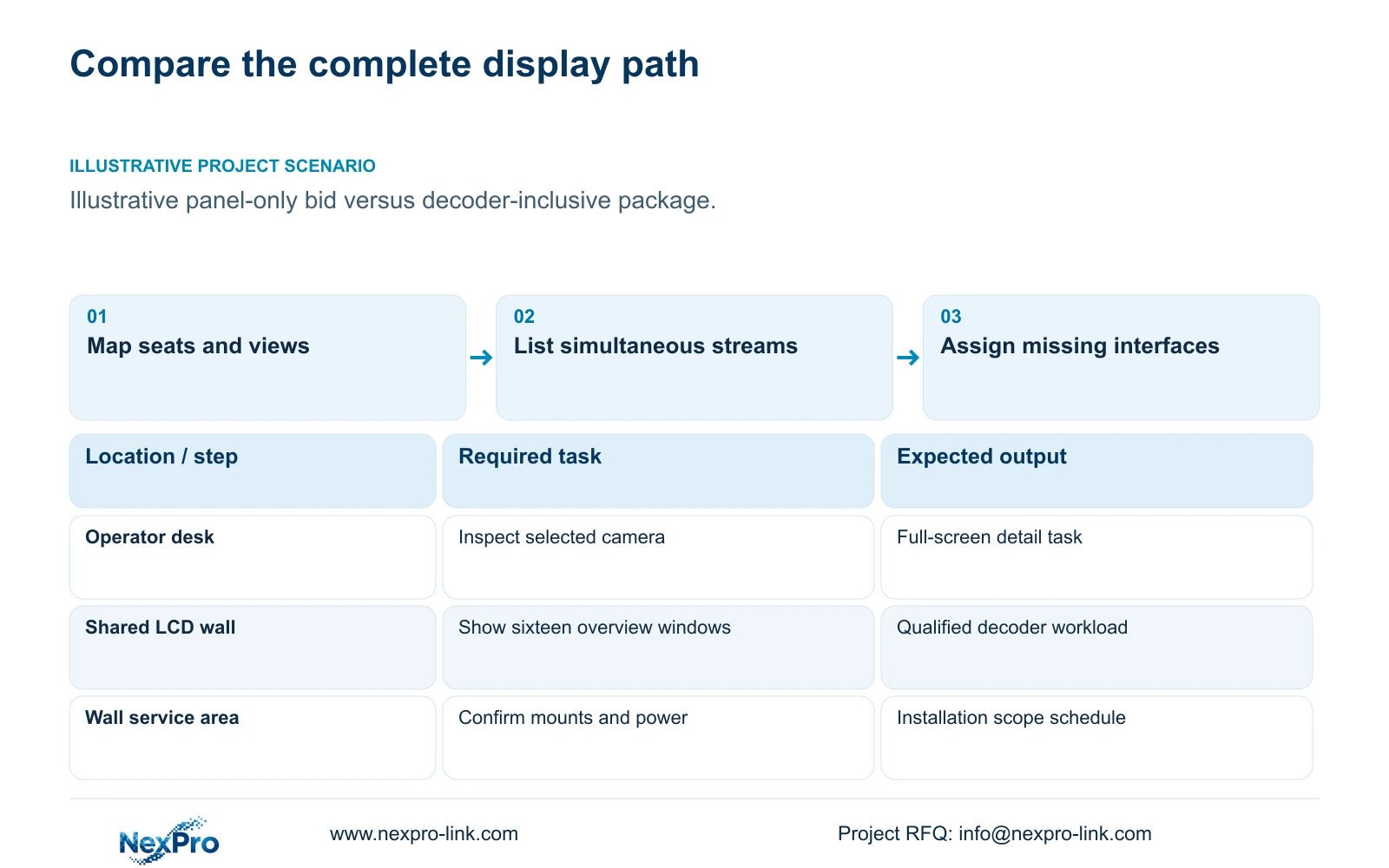
For a factory video wall brand comparison, compare the complete source-to-screen solution against one agreed operator task. Start with viewing distance, seating positions, required layouts and the detail operators must inspect. Then compare exact panel models, decoding equipment, management functions and installation scope. A suitable existing display platform can remain in service when cameras come from another supplier, provided the required interfaces are demonstrated.
Illustrative project scenario: The lowest quote includes panels while another includes a full decoder and management package. Assume the owner is reviewing display options for the supplied CASE01 planning reference, a 32-camera ordinary-area CNC factory. The cameras support access and material-transfer review, not machine inspection. The proposed wall is an optional addition to the existing operator display. These are planning assumptions, not a completed installation.
Ask the owner which views need continuous shared visibility and which need occasional full-screen inspection. Mark the proposed screen position and operator seats on a room drawing. A larger physical image may help several people follow an incident, but it also changes mounting, service access and sightlines. Without that room-level task, a comparison of panel dimensions offers little basis for approving the more extensive package.
Section 02
Make every bidder demonstrate the same source workload
Issue a source schedule stating camera or recorder origin, stream resolution, codec, frame rate, main-stream or substream use and the maximum simultaneous layout. For this scenario, an illustrative requirement is sixteen overview windows with selected views enlarged for inspection. Specify whether playback must appear alongside live video and whether an operator can change the wall without disturbing another user's retrieval session.
Preserve actual source dimensions when preparing the schedule. The NexPro-BL2812M55-5MP-DIC-AI specification lists 2880×1620 within its 5MP-family output fields. The BL8 reference lists 3840×2160 at 25fps. Those source formats are inputs to decoder qualification; neither establishes the detail visible in a small mosaic window. Record exact regional variants and firmware versions for competing equipment rather than treating a brand name as an interface specification.
The NX-VD-4K16 is a modular network decoder reference, but its name does not establish sixteen simultaneous 4K decodes. Likewise, the CASE01 recorder's recording-channel capacity does not prove a matching wall workload. Require a demonstration of the agreed streams, layouts, switching and playback. Where a mixed-brand network connection depends on ONVIF, check applicable device and client profiles and test the required workflow beyond basic live video.
Section 03
Assign mounting and power to the quoted scope
The project manager should turn each bid into a supplied, retained, optional or installer-provided schedule. For the illustrative wall, panels and decoder are supplied items; the original operator display is retained; wall mounting and electrical distribution belong to the appointed local contractor unless explicitly included. The engineer owns interface confirmation, while the cost manager identifies omissions before comparing totals.
NexPro-Link's NX-VP-5535 reference is a 55-inch, 1920×1080 LCD with a listed 3.5mm seam/bezel and 400nit typical brightness. Request the actual mounting arrangement, alignment provisions, maintenance clearance and replacement access for the offered panels. This is an LCD wall, not a direct-view LED system. The room drawing must also accommodate cable entry and ventilation without making routine service depend on dismantling unrelated equipment.
CASE01 illustrates the consequence of adding display loads to protected power. Its recording-priority option assumes 682.7407W; four panels at an assumed 120W each plus an assumed 100W decoder add 580W, producing 1,262.7407W. These are design-demand assumptions, not published measured panel or decoder consumption. The added wall therefore requires a fresh electrical and battery review even though the recording task is unchanged.
Section 04
Compare equal pixel canvases and different physical layouts
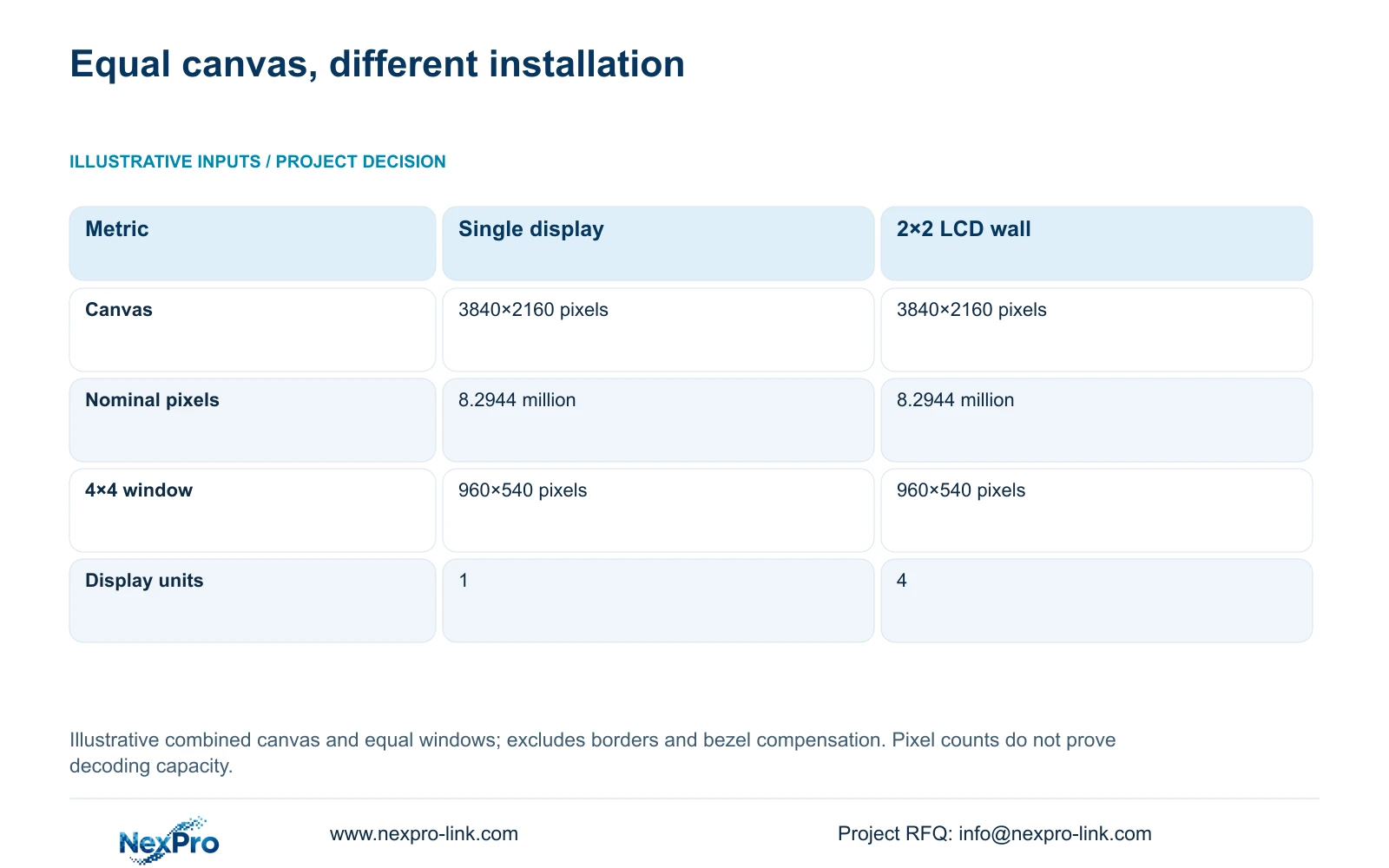
The illustrative geometry comparison uses Option A, one 3840×2160 display, and Option B, a 2×2 array of 1920×1080 LCD panels treated as one canvas. The formula is canvas = (columns × panel width in pixels, rows × panel height in pixels). For Option B, 2 × 1920 = 3840 pixels wide and 2 × 1080 = 2160 pixels high. Both arrangements contain 3840 × 2160 / 1,000,000 = 8.2944 million nominal pixels.
With an assumed 4×4 equal-window layout, nominal window dimensions are canvas dimensions divided by four in each direction: 3840 / 4 × 2160 / 4 = 960×540 pixels. The table shows why four panels do not automatically provide more native pixel detail than the single display. Option A's physical size is unspecified, so this arithmetic also cannot establish equivalent viewing comfort.
The decisive difference is physical presentation and the installation path. Option B introduces panel seams, multiple mounts and a multi-output arrangement to qualify. Keep critical details within a panel or enlarge them in a suitable layout. Scaling, source quality and decoder limits still determine usefulness; the calculation does not establish concurrent decoding performance or guarantee readable labels from every seat.
| Comparison input | Option A: single display | Option B: 2×2 LCD wall |
|---|---|---|
| Nominal canvas | 3840×2160 pixels | 3840×2160 pixels |
| Total nominal pixels | 8.2944 million | 8.2944 million |
| 4×4 window allocation | 960×540 pixels | 960×540 pixels |
| Physical display units | 1 | 4 |
| Installation difference | Single display path | Panel seams and multiple outputs |
Section 05
Retain the display platform unless a task justifies replacement
The preferred starting point is to retain a working display platform and compare any new package against its demonstrated limitations. If the operator mainly retrieves events and enlarges individual cameras, a suitable single display may satisfy the task with fewer installation interfaces. Choose the four-panel alternative when shared viewing, room geometry or independent presentation areas justify its physical arrangement.
Change that recommendation when the retained platform cannot accept the required streams, cannot support an essential workflow or is unsuitable for the room. If an approved Hikvision, Dahua or other platform supplies a necessary management integration, carry that requirement into the alternative scope. A camera supply change should not remove an accepted wall-control function or force operators to use an untested interface.
Compare completed quotations only after adding the missing decoder, software, mounts, cabling, commissioning and support responsibilities. Unknown costs remain unresolved rather than becoming zero. NexPro-Link's BOQ and tender support can help identify model and scope differences, but there is no matched quotation or decoder benchmark here that establishes a lowest-cost brand or an overall performance winner.
Section 06
Release a display package with an acceptance workload
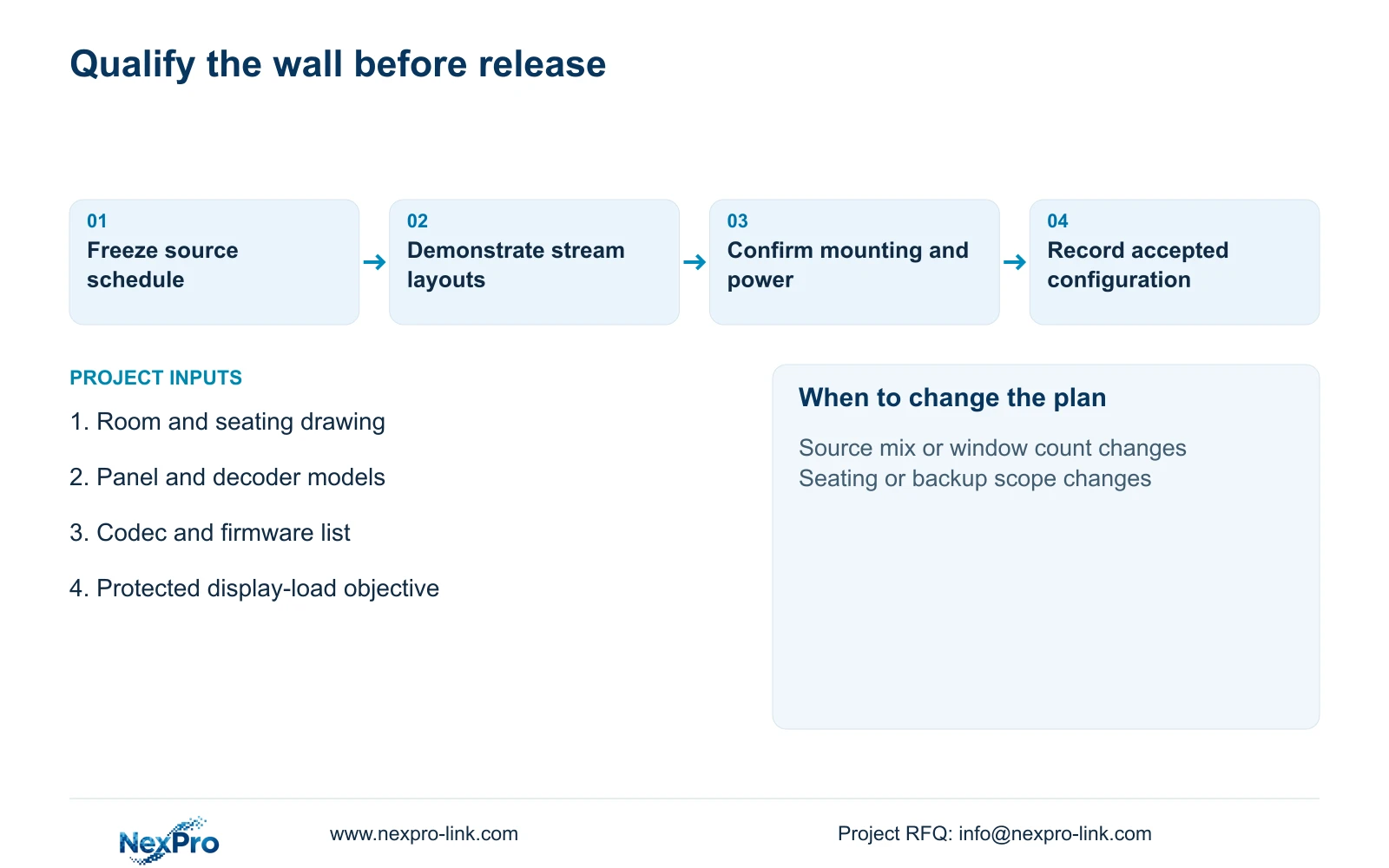
The procurement issue should contain the room layout, source schedule, required operating layouts and a model/scope delta table. Name the retained components and identify the party supplying every cable and interface. Include the required demonstration as an acceptance workload so a supplier cannot substitute an easier stream mix while retaining the same panel quantity.
Before shipment, agree which checks can be completed on a bench and which require the installed room. Stream acceptance and layout control can be demonstrated with representative sources; viewing comfort, mount access and local electrical completion require site confirmation. Record the tested firmware and configuration so the delivered decoder package can be compared with the approved sample.
NexPro-Link can discuss matching display equipment, technical documents and coordinated project supply within the agreed boundary. Keep local mounting, electrical work and final approval assigned to the project team. If the source count, codec mix, seating layout or protected-power objective changes, revise the affected display and power items before releasing the order.
Section 07
Buyer questions
Can a new camera supplier leave our existing wall untouched? Yes, if the retained display path accepts the required sources and preserves the operator workflow. Include that exact interface in the trial and assign responsibility for configuration. Camera procurement and wall replacement can remain separate decisions.
Should every overview window use a main stream? Only when the viewing task needs it and the decoder supports the complete workload. A qualified substream overview with main-stream enlargement may suit the task, but switching behavior and image usefulness should be demonstrated with representative sources.
Does the CASE01 power calculation prove 30 minutes of wall operation? No. Its 30-minute load-side energy is 631.3704Wh for the display-inclusive option, calculated as 1,262.7407W × 0.5h. Actual runtime requires the selected UPS, battery configuration and applicable runtime evidence.
Section 08
Request a comparable display package
Send your room and seating drawing, named display/decoder models with firmware variants, required source-and-window schedule, and itemized supply boundaries to info@nexpro-link.com. NexPro-Link can discuss a model/scope delta table for the retained platform and a justified alternative.
Engineering references
These sources support the general planning principles. Always use the selected product's current datasheet and applicable project standards for final design.