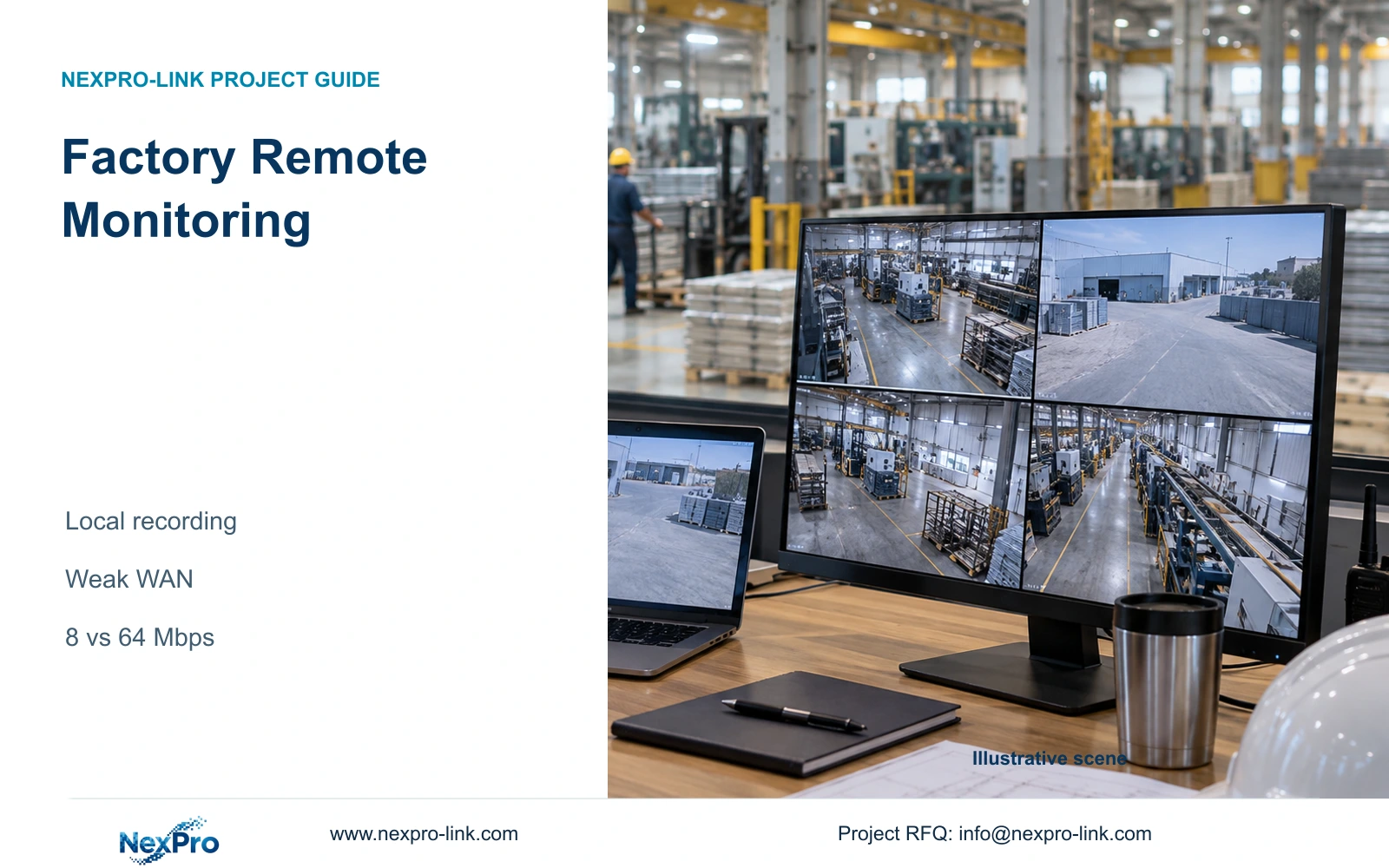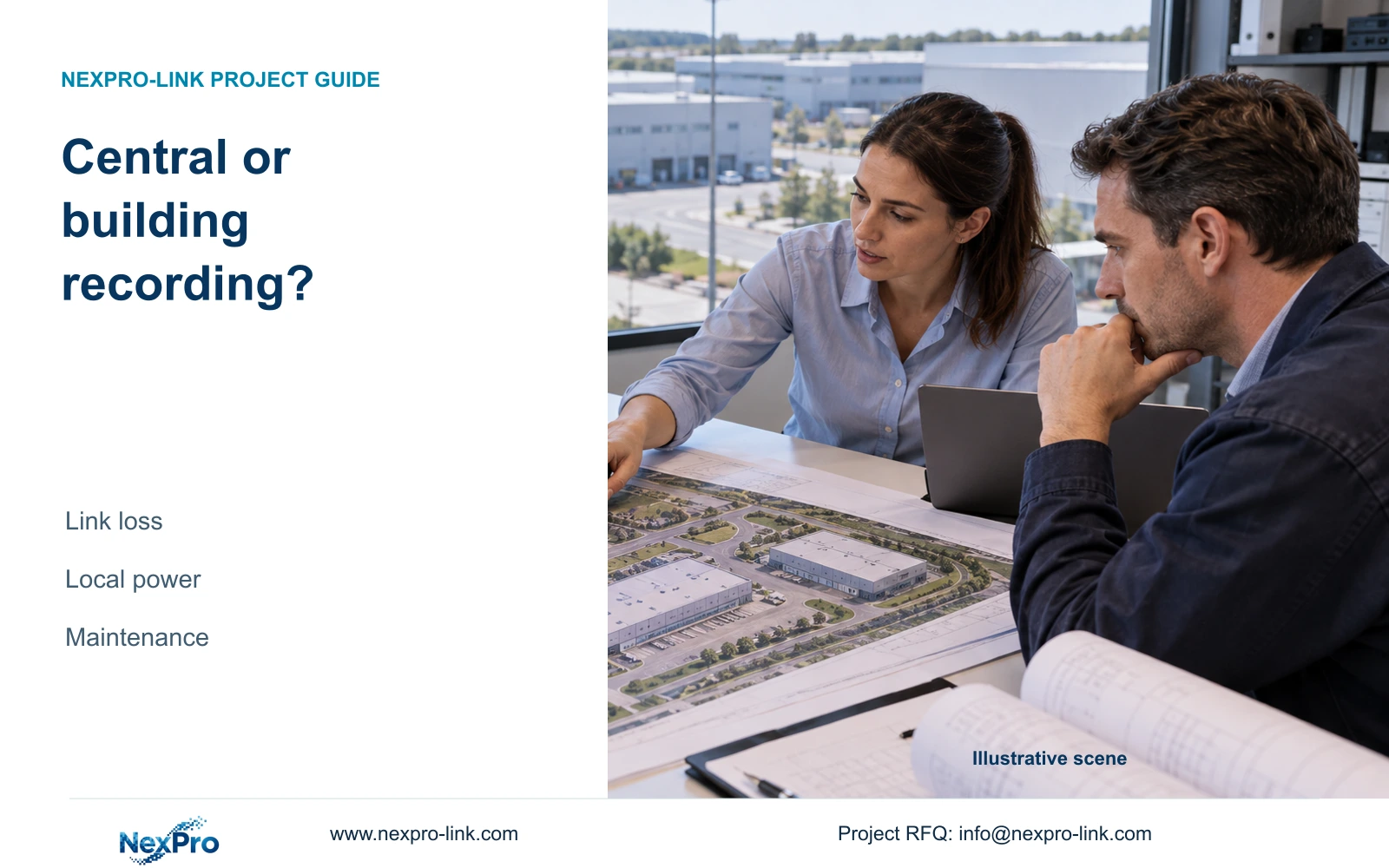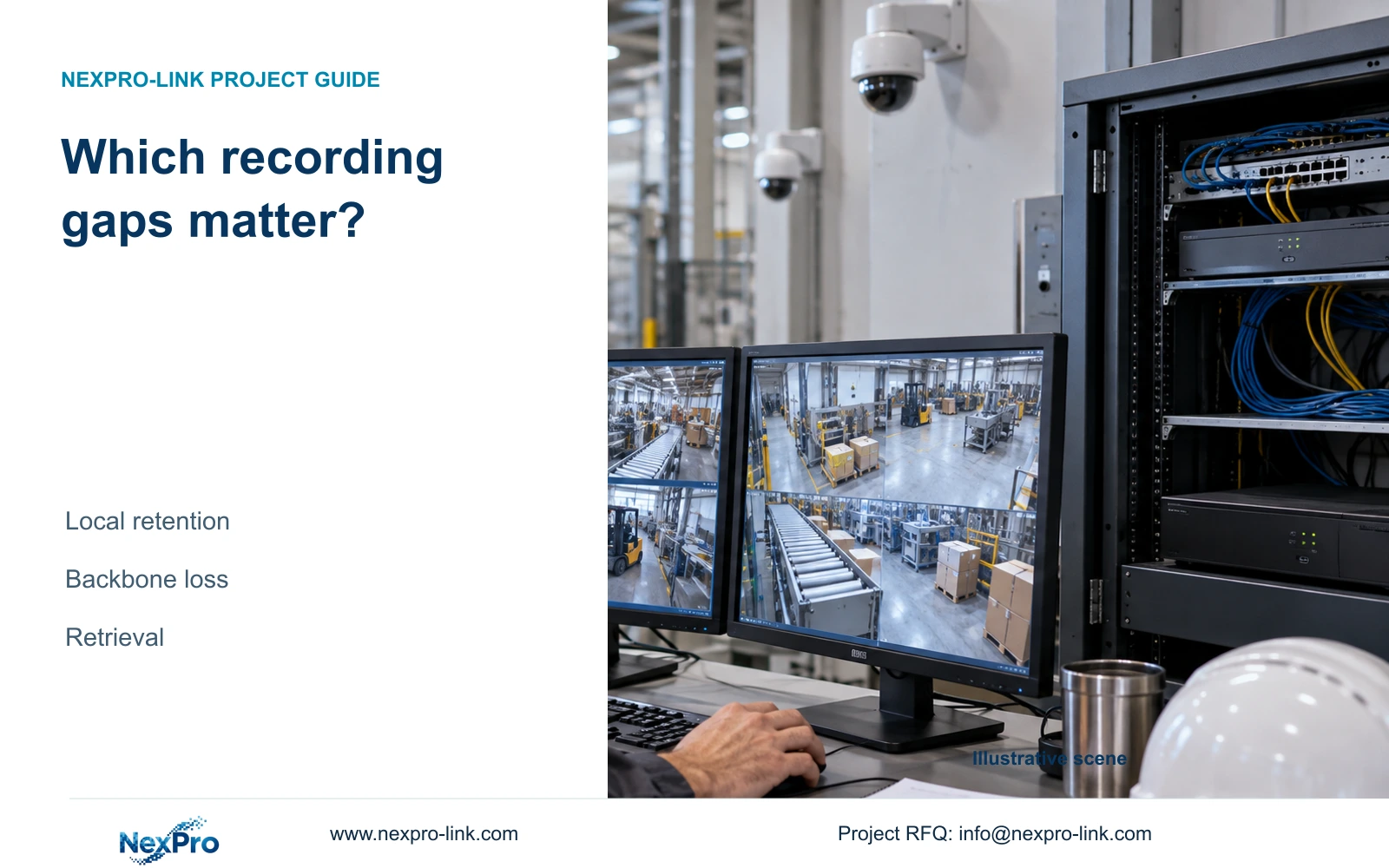
Review the interrupted interval at its actual recording node before labeling it lost. Separate footage retained locally but unavailable centrally from footage never captured.
Section 01
Define which footage must survive a network interruption
Review the interrupted interval at its actual recording node before labeling it lost. Separate footage retained locally but unavailable centrally from footage never captured. Record the retrieval route and any unsupported transfer step. A restored backbone cannot retrospectively supply frames that were not recorded; it may only restore access to existing footage.
Factory camera network recovery should preserve the owner's required evidence and make it retrievable after connectivity returns. Establish where recording takes place and whether the failed link sits between camera and recorder or only between recorder and viewer. A recovered live connection cannot establish that footage from the disconnected interval exists.
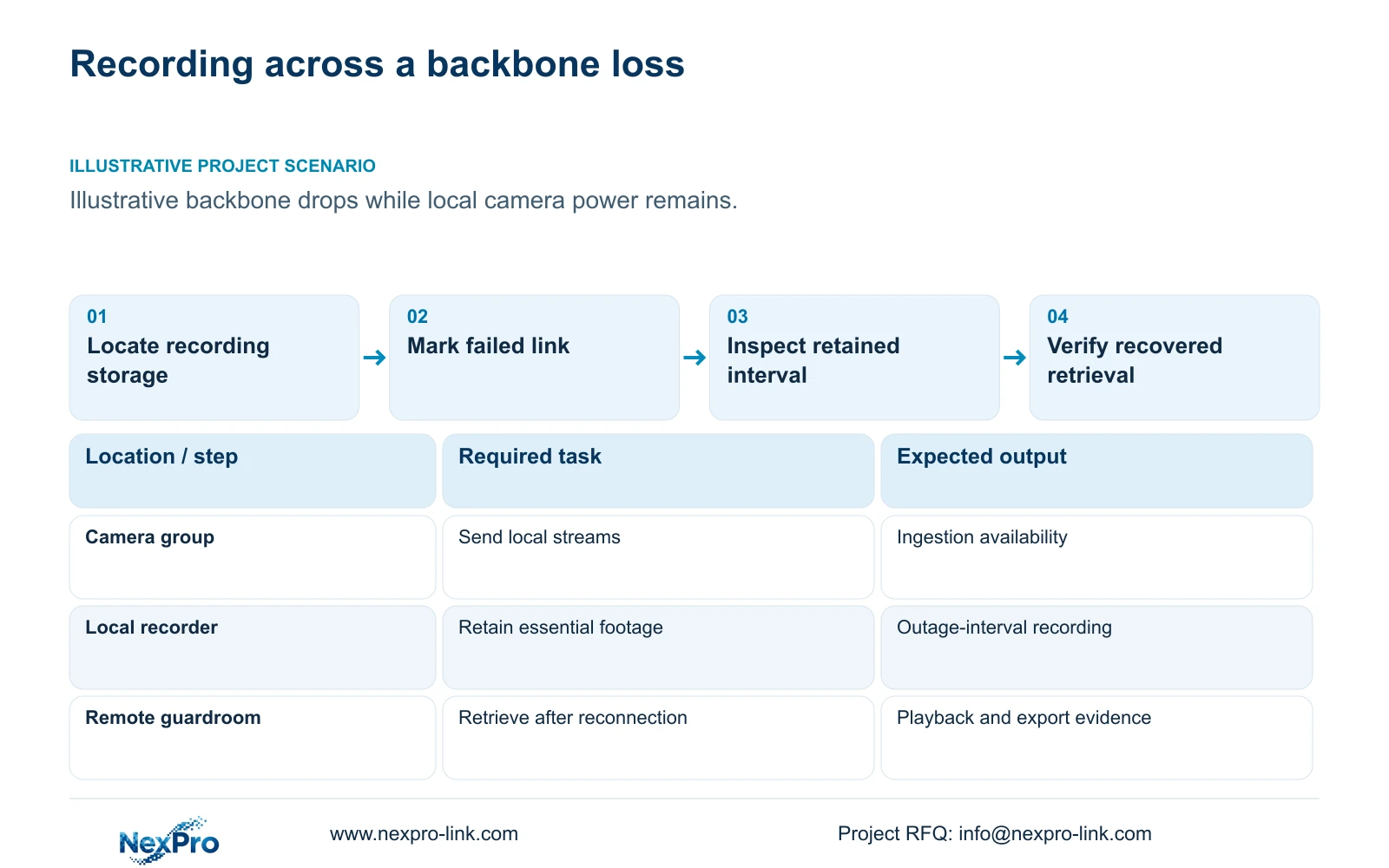
Illustrative project scenario: A factory backbone link occasionally drops while local camera power remains available. Use CASE01's 32 ordinary security views as the planning baseline. Assume the engineer is considering a separation between local recording and a remote guardroom viewing path. This extends the hypothetical reference topology for analysis; it is not evidence of an installed second building.
Define essential intervals by task. The owner might require gate arrival context, store handover evidence and dispatch release footage, with temporary loss of remote viewing accepted if local recording continues. Record the required retention and retrieval method for those tasks. Keep machine control and safety decisions outside this ordinary security-video scope.
Section 02
Measure viewing interruption and recording interruption separately
During an approved test or a documented fault, record camera availability at the recorder separately from availability at the operator client. Use consistent timestamps for link loss, reconnection and verified playback. The important evidence is the recorded interval around the interruption, not only a switch event showing that a port came back up.
For each affected channel, identify the last retrievable frame before the gap and first retrievable frame afterward. Describe the gap as a footage observation rather than automatically equating it with the network outage duration. Recording may resume later than link restoration, and locally stored footage may exist even while remote retrieval remains unavailable.
Preserve logs and configuration before attempting repeated resets. Compare channels sharing the same access switch, backbone or recorder to narrow the investigation. Do not label an unknown interval as recovered simply because an export begins after reconnection. Where time alignment is uncertain, keep that uncertainty in the incident record until the relevant clocks and files are checked.
Section 03
Compare local recording with explicitly supported recovery options
A recorder on the camera side of the interrupted viewing backbone can continue storing footage if its camera paths, power and disks remain available. This is the preferred basis where delayed remote viewing is acceptable. Confirm local service access and how authorised staff retrieve the retained interval after the backbone returns.
A central recorder across that failed backbone has a different dependency. Continued camera power alone does not deliver footage to it. Camera-side storage or automatic transfer of missed footage may be considered only when the exact devices, firmware and retrieval workflow support them. The supplied evidence does not establish those capabilities for the listed cameras or recorder.
ONVIF Profiles helps frame device and client compatibility questions, but basic video connectivity does not establish every recovery workflow. Require a demonstration that the requested interval is retained, located and exported. Manual retrieval may be acceptable for occasional incidents; automatic timeline restoration is a separate requirement with its own evidence and configuration scope.
Section 04
Calculate affected paths without implying recovered footage
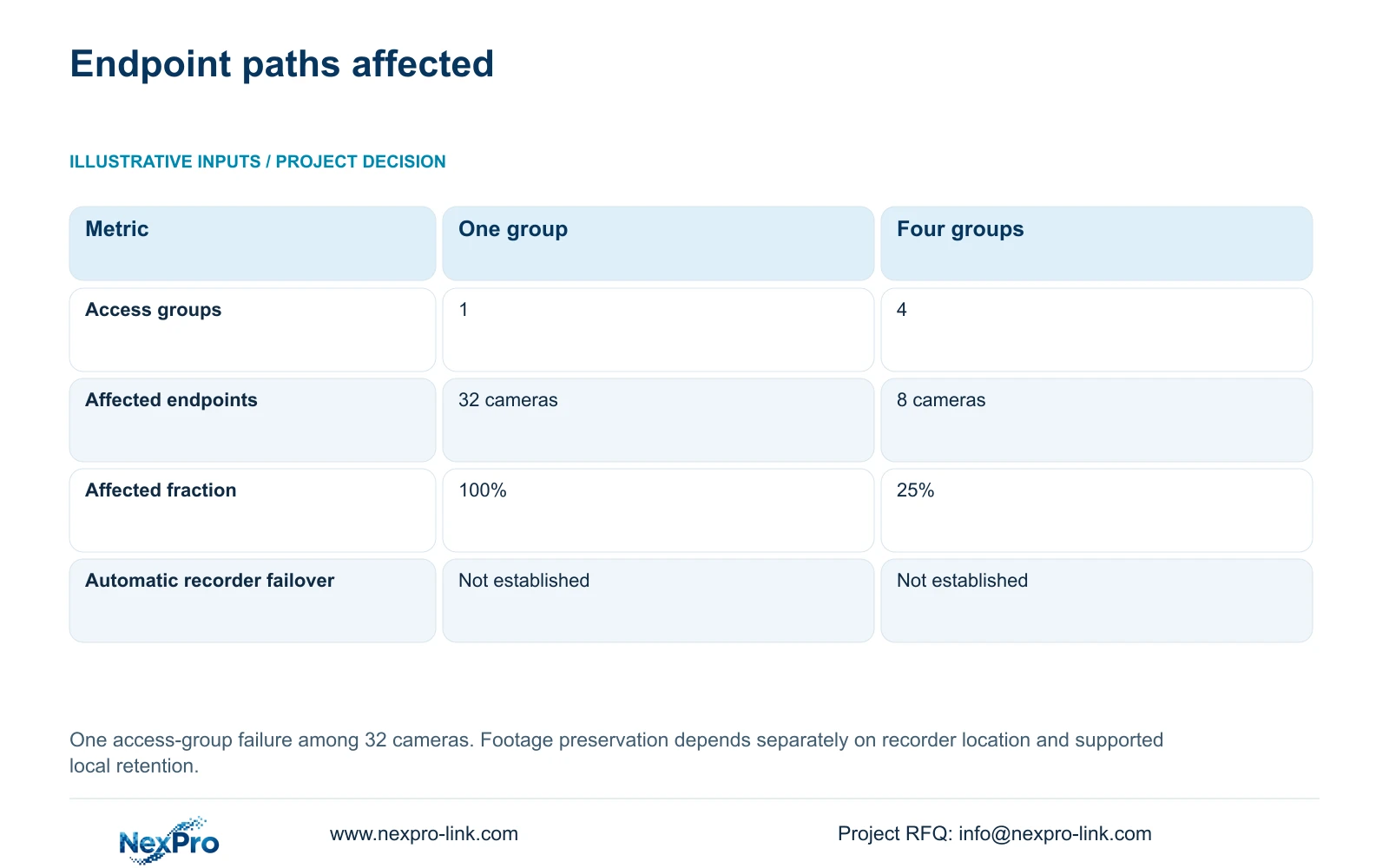
The supplied illustration holds 32 cameras constant. Option A has one common access group; Option B has four isolated groups of eight. Affected_endpoints = camera_count_in_failed_group and affected_fraction = affected_endpoints / 32. One failed group affects 32 endpoints, or 100%, under A and eight endpoints, or 25%, under B.
The decisive difference is how many endpoint paths are exposed to that local group failure. It does not determine whether their footage is lost. That depends on the recorder's location relative to the failure and any separately supported local retention. Four groups cannot protect every channel from a common failed backbone carrying all streams to a central recorder.
CASE01's four PoE load groups are not automatically isolated data paths. Verify their topology before using the eight-camera figure. No probability, repair time or SLA follows from this calculation, and neither option establishes automatic recorder failover or automatic recovery of missed recordings.
| Metric | Option A | Option B |
|---|---|---|
| Access groups | 1 common group | 4 isolated groups |
| Affected endpoints | 32 cameras | 8 cameras |
| Affected fraction | 100% | 25% |
| Automatic recorder failover | Not established | Not established |
Section 05
Keep essential recording on the available side of the link
For the stated backbone problem, prefer local recording where the owner can accept temporary remote-viewing loss and the local camera paths remain independent of that backbone. Preserve the complete local power chain, including PoE switches and any link equipment needed for recording. A UPS on the recorder alone does not establish camera continuity.
The reference workload is 32 × 4 Mbps = 128 Mbps average input. At 30 days of continuous recording, CASE01 requires 41.472 TB video against a 48.64 TB recording budget. That budget already contains assumed formatting and reserve allowances. The NexPro-NVR4449-4K's published 320 Mbps input and four SATA bays support capacity review, subject to the reference's supported 5MP-class stream assumption.
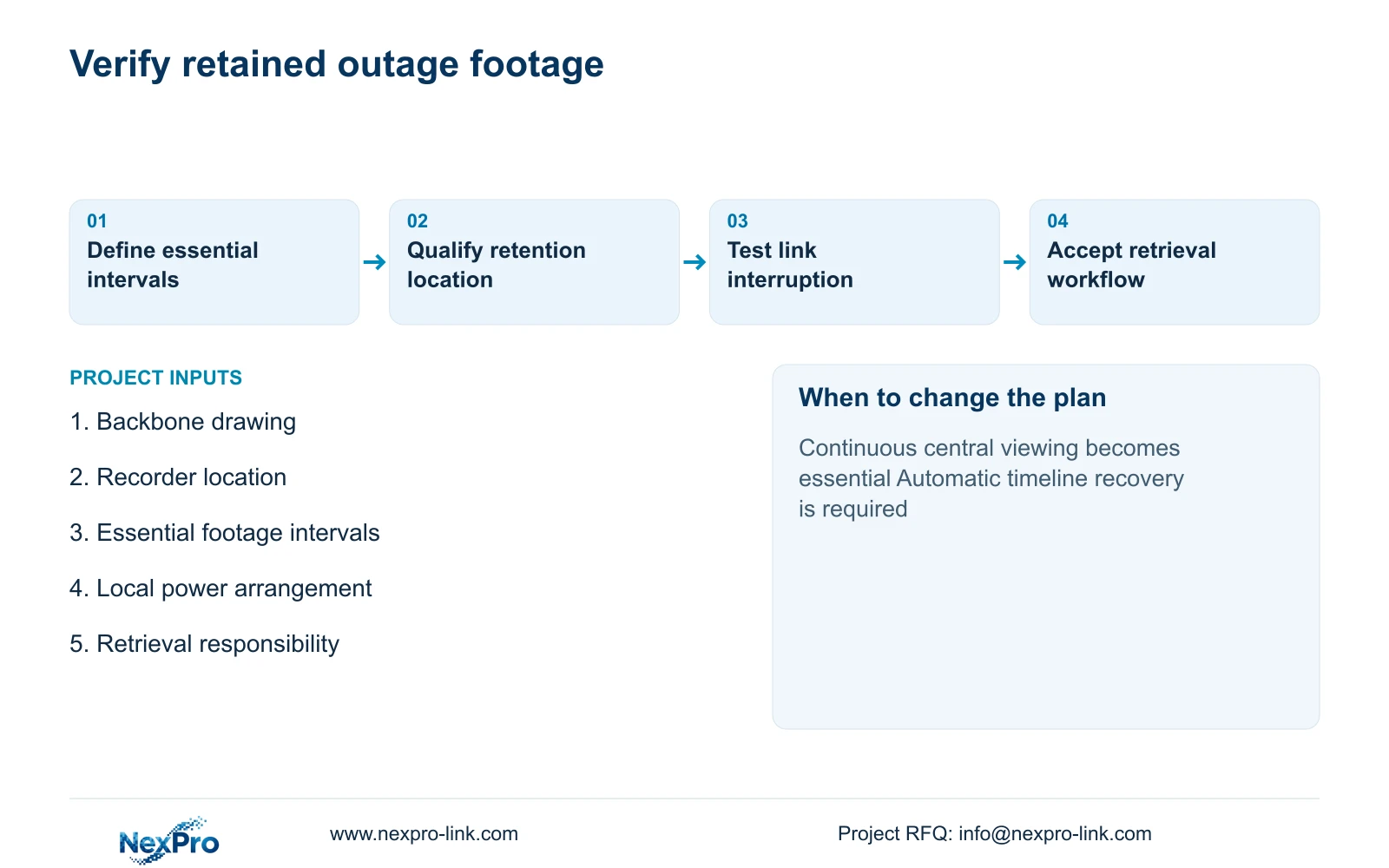
Change the recommendation if uninterrupted central viewing is essential, if local retrieval is impractical, or if the owner requires automatic recovery into a central timeline. Those conditions may justify a qualified alternate path or another recording architecture. Quote local disks, cabinets, protected supplies, management and retrieval work explicitly; moving recording closer to cameras creates maintenance responsibilities as well as a continuity benefit.
Section 06
Specify retention evidence and retrieval ownership
The RFQ should include a failure-impact drawing showing the interrupted backbone, local camera paths, recording location and operator access. For each essential view, state whether footage must continue locally, when it must become retrievable and who is authorised to export it. Avoid a single undefined requirement to reconnect automatically.
Mark retained infrastructure and new equipment separately. The network contractor owns the backbone repair or alternative path; the integrator owns recorder configuration and outage-interval tests; the owner approves retrieval rights. If a generator supplies local cabinets, its approved transition becomes part of the same dependency map.
NexPro-Link's project and BOQ support can help organise model matching, local recording equipment and technical submittals around this scope. Require acceptance evidence showing the interval during the interruption, followed by successful retrieval after recovery. A screenshot of restored live video should remain a connectivity record, not the final proof of preserved evidence.
Section 07
Buyer questions
Can footage recorded locally be useful without automatic central backfill? Yes, if authorised users can locate and export the required interval and the owner accepts that workflow. Document manual retrieval effort and time context rather than implying the central timeline repairs itself.
Does a fibre backbone remove the need for local backup power? No. Cameras, switches, recorder and optical link equipment still depend on their actual power supplies. Identify which of those supplies are protected at each node.
How should bidders price a recovery feature that has not been demonstrated? List it as an unresolved requirement or a separately qualified option. Request exact device support and a test scope before treating it as included functionality.
Section 08
Define the footage-preservation requirement
Send your backbone and recorder-location drawing, essential footage intervals, local power arrangement and required retrieval workflow to info@nexpro-link.com. NexPro-Link can discuss a recording package and verification scope that match those dependencies.
Engineering references
These sources support the general planning principles. Always use the selected product's current datasheet and applicable project standards for final design.