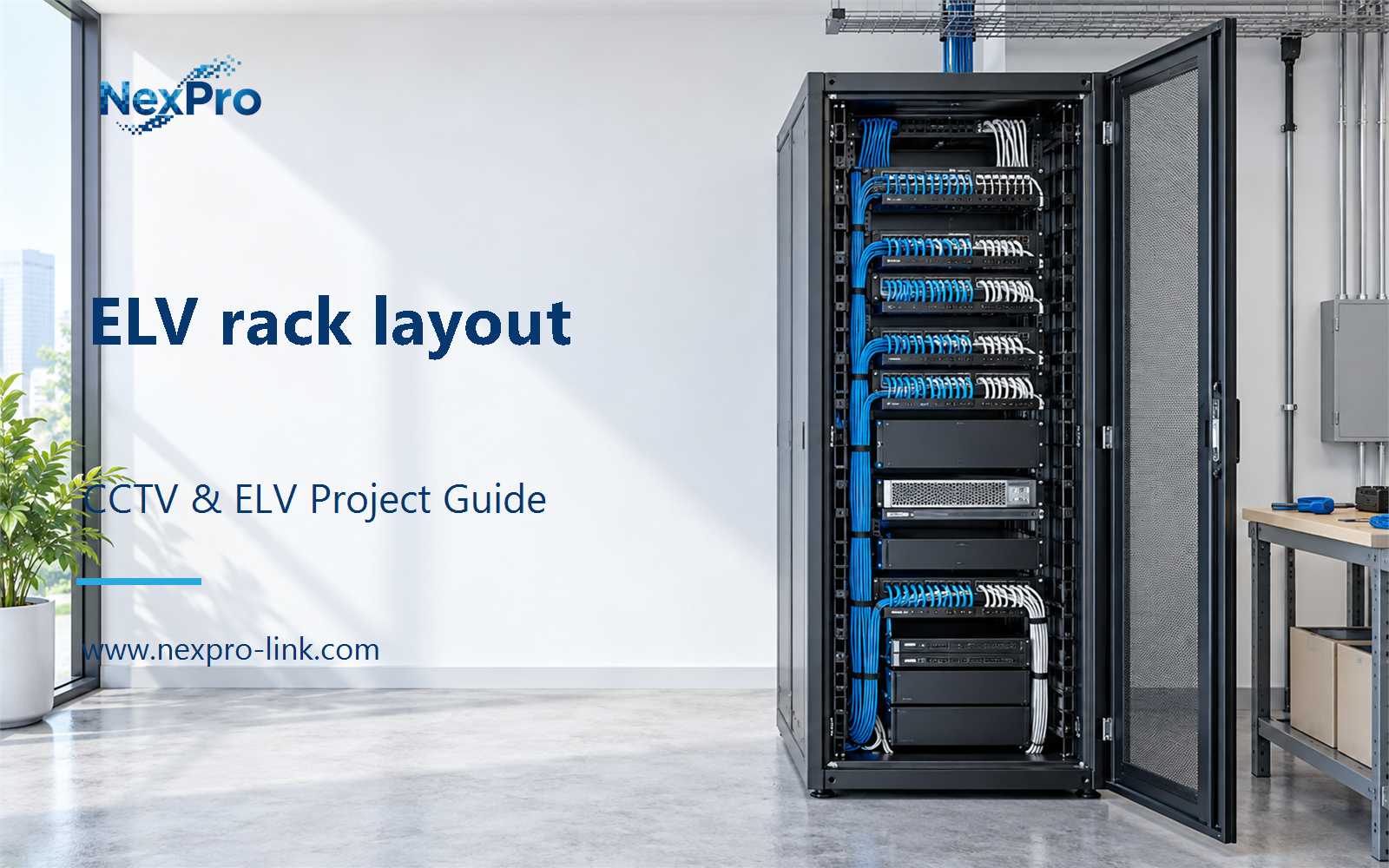
Plan ELV rack layout with practical guidance on inventory rack equipment and plan front and rear cable management. NexPro-Link project guide.
Section 01
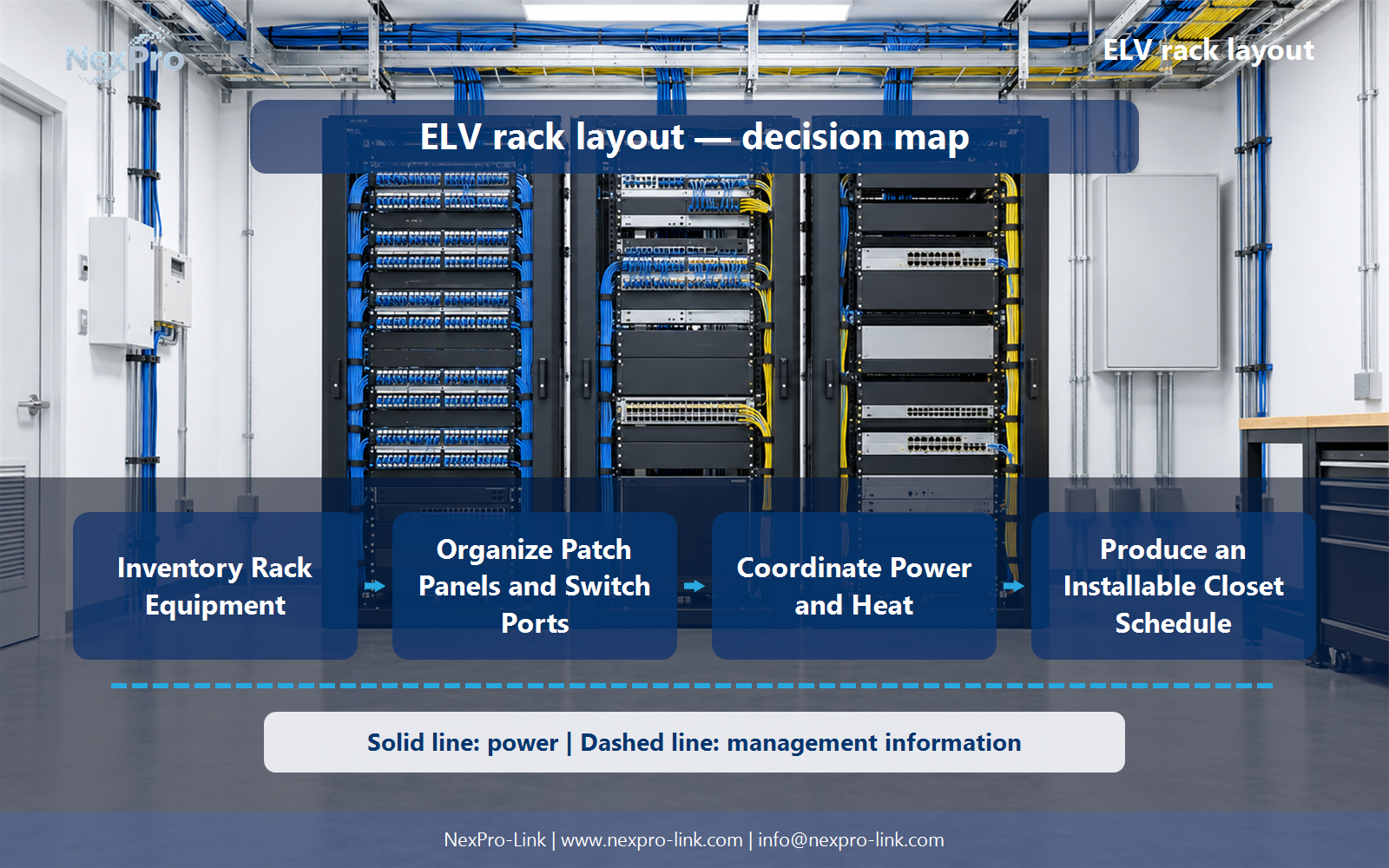
Inventory Rack Equipment
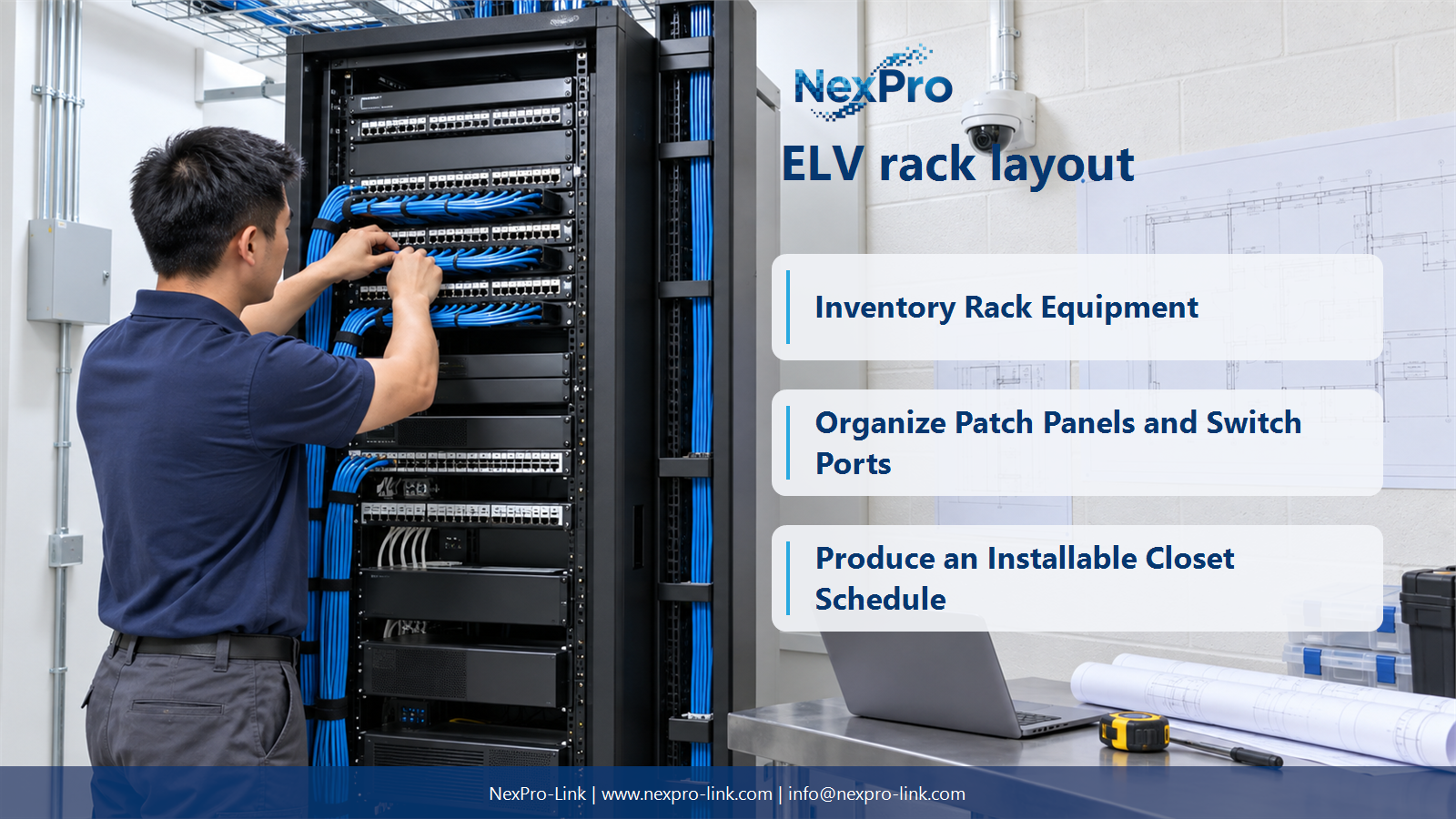
List each device's mounting form, height, depth, weight, cable connections and power requirement. Include patch panels and management accessories. A rack selected only by total U height can still be too shallow, overloaded or difficult to service.
Turn the answer into a working record using Device, U, Depth, Weight, Connection side.
| Decision area | Buyer question | Required output |
|---|---|---|
| Inventory Rack Equipment | What inputs are needed for an ELV rack layout? | List each device's mounting form, height, depth, weight, cable connections and power requirement. |
| Allocate Rack Units and Service Space | Should every empty rack unit be filled? | Leave space according to equipment cooling, cable management, access and planned expansion requirements. |
| Organize Patch Panels and Switch Ports | How should camera cabling connect inside the closet? | Keep permanent links, patch panels and switch ports traceable through consistent identifiers. |
Section 02
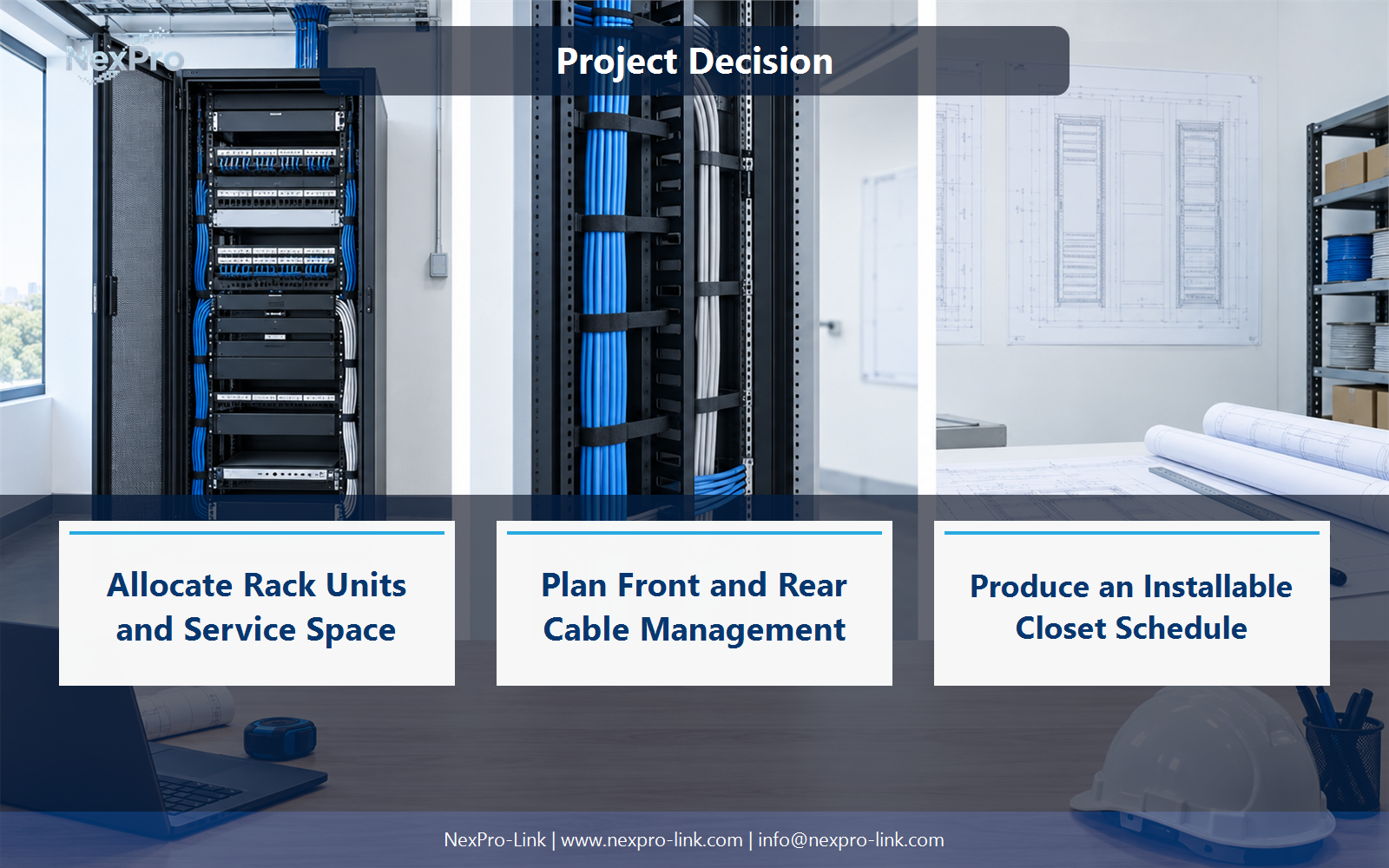
Allocate Rack Units and Service Space
Leave space according to equipment cooling, cable management, access and planned expansion requirements. Empty U positions are not automatically ventilation solutions, and some equipment needs specific airflow arrangements. Follow the intended cabinet and device layout rather than applying a universal blank-space rule.
Use U range, Device, Airflow, Access, Reserved use to compare options on the same basis. Keep product capability, project assumption and operating responsibility in separate columns.
Section 03
Organize Patch Panels and Switch Ports
Keep permanent links, patch panels and switch ports traceable through consistent identifiers. Use suitable patch leads and management so ports remain accessible. A structured arrangement supports testing and changes without repeatedly disturbing the fixed cable terminations.
The project output should make Camera, Cable ID, Patch port, Switch port, VLAN traceable from input to acceptance.
- Confirm the answer to: How should camera cabling connect inside the closet?
- Record the project fields: Camera / Cable ID / Patch port / Switch port / VLAN.
- Keep product capability, project assumptions and site responsibility in separate records.
Section 04
Plan Front and Rear Cable Management
Power, data and optical connections need appropriate routing, bend conditions and access behind the equipment. Sufficient rack depth includes connector and cable space, not just chassis depth. Avoid a layout that closes the rear door by compressing leads or blocking maintenance points.
Record Rear connection, Bend allowance, Access, Route before selecting a product family. That makes later substitutions possible without silently changing the operational requirement.
Section 05
Coordinate Power and Heat
Follow the supported mounting, load and cooling requirements for the rack and equipment. Include outlet type, accessible isolation and the load path to PoE devices. Heavy equipment and electrical connections need the appropriate installation arrangement, not an arbitrary position chosen only to make the drawing symmetrical.
Review Device, Outlet, Backed-up feed, Heat, Mounting with the party that will operate or maintain the system.
Section 06
Produce an Installable Closet Schedule
Show U positions, port identifiers, power assignments and meaningful service clearances, with the installed device list. Keep credentials in a separate controlled process. The layout should help a technician trace one camera to recording and power without guessing among unlabelled cables.
Use U position, Asset, Port map, Power map, Service note as the handoff between design and procurement.
Engineering references
These sources support the general planning principles. Always use the selected product's current datasheet and applicable project standards for final design.