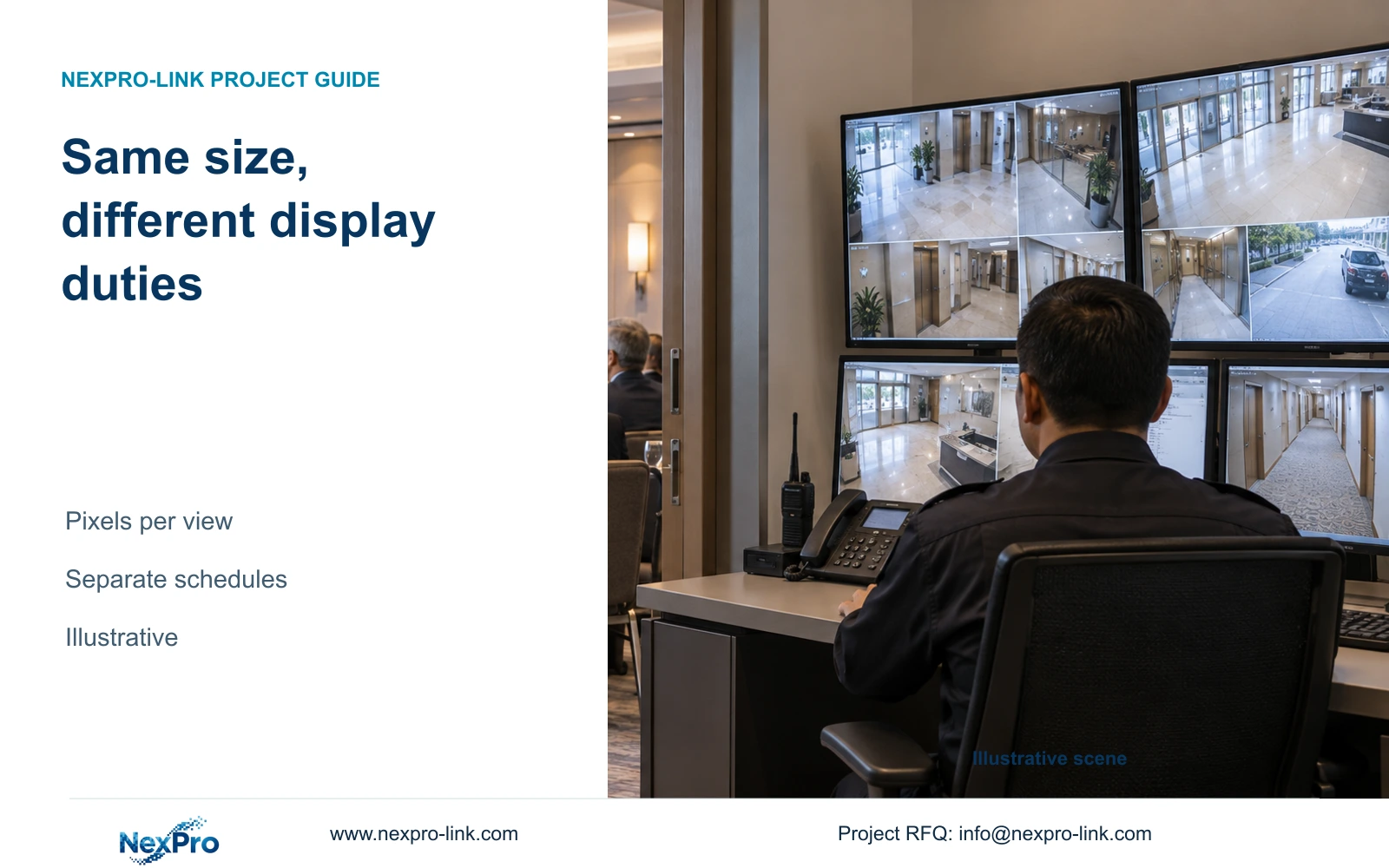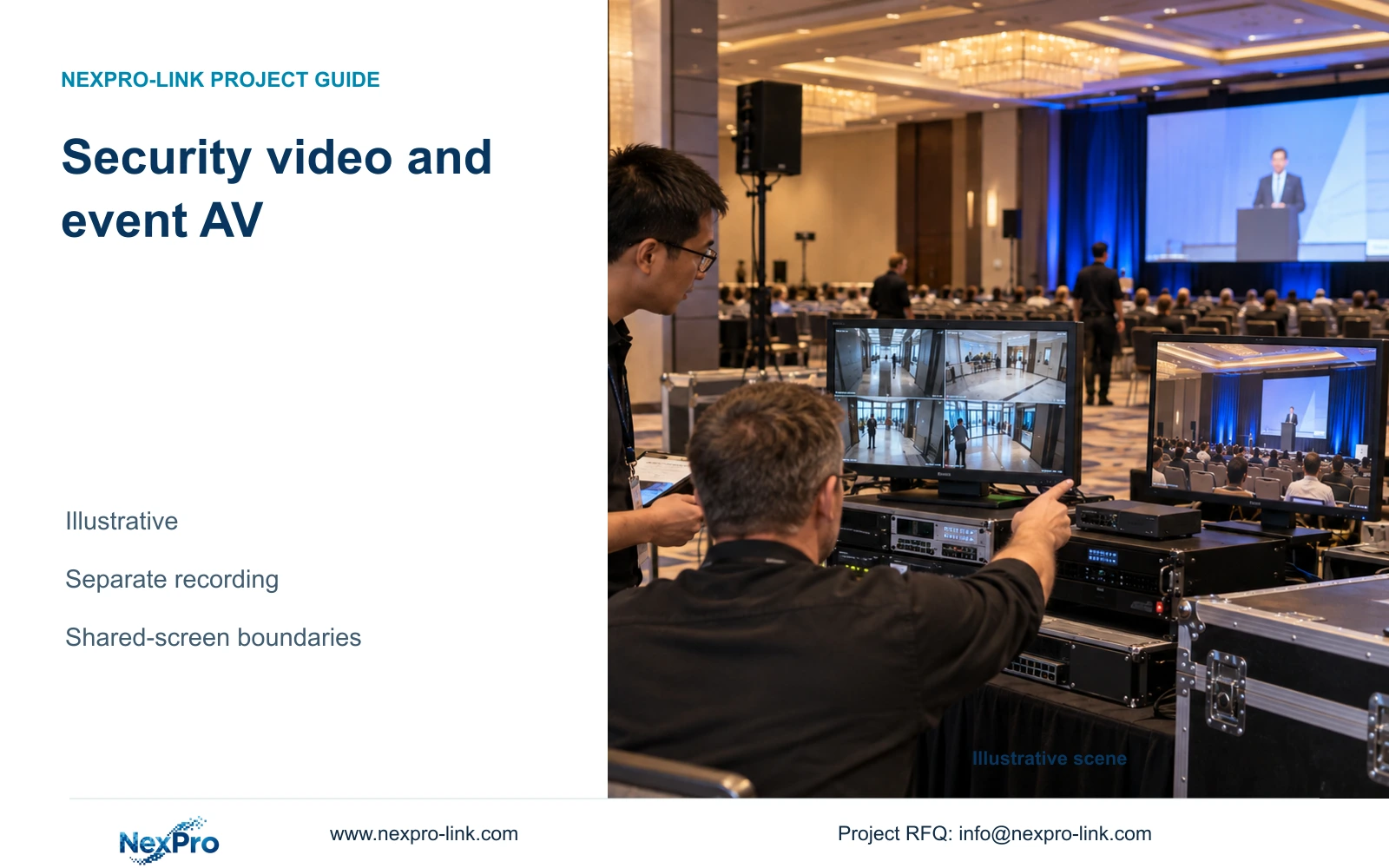
A shared screen does not make security recording and event AV one system. Define independent recording paths, then verify any shared display connection.
Section 01
Choose which sources may reach each display
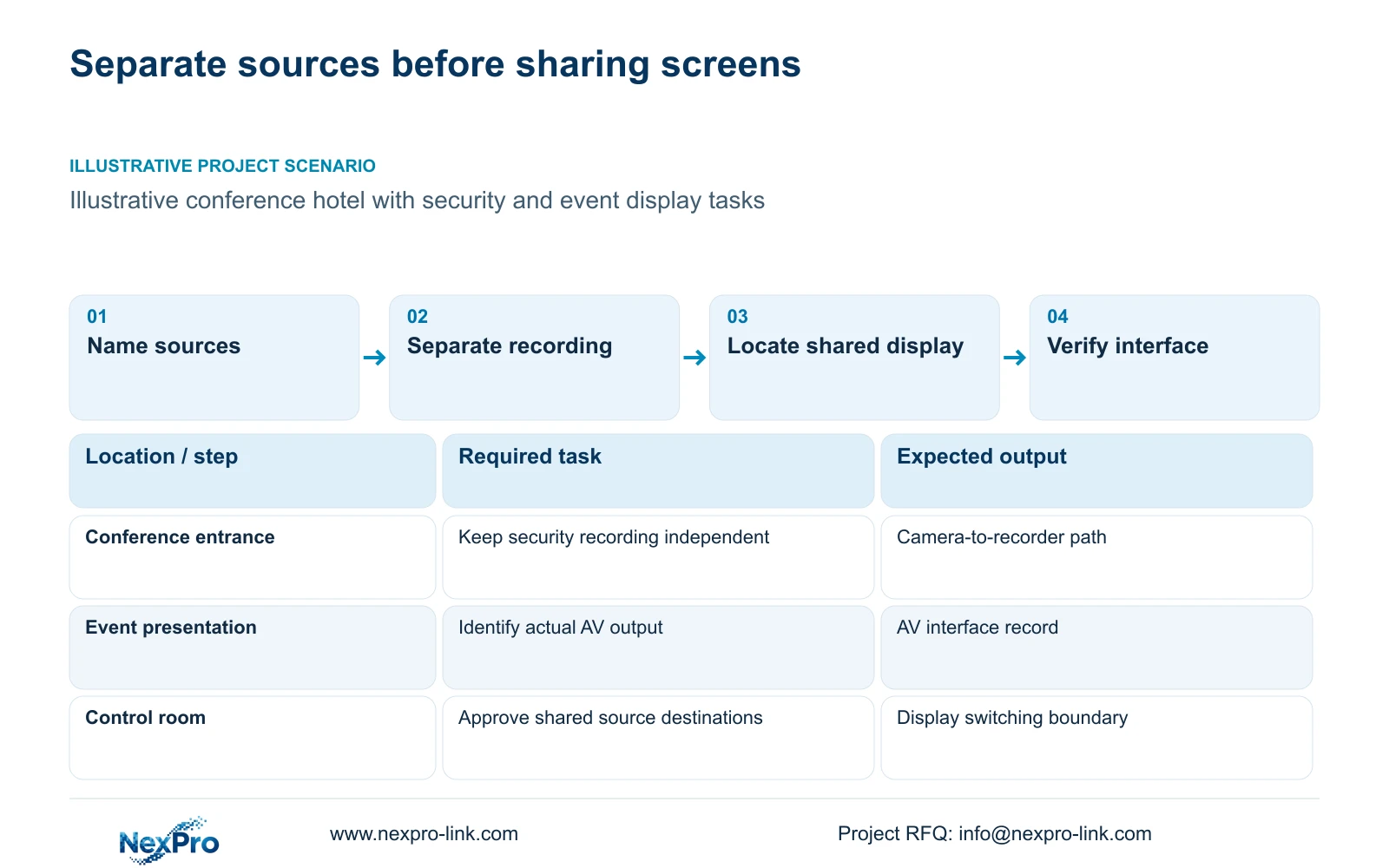
Keep security recording and event AV as separately defined systems. Share a display only when the hotel has an approved operating need and the exact interfaces, permissions and switching behaviour are established. Conference pictures and CCTV streams cannot be treated as interchangeable inputs simply because both contain video.
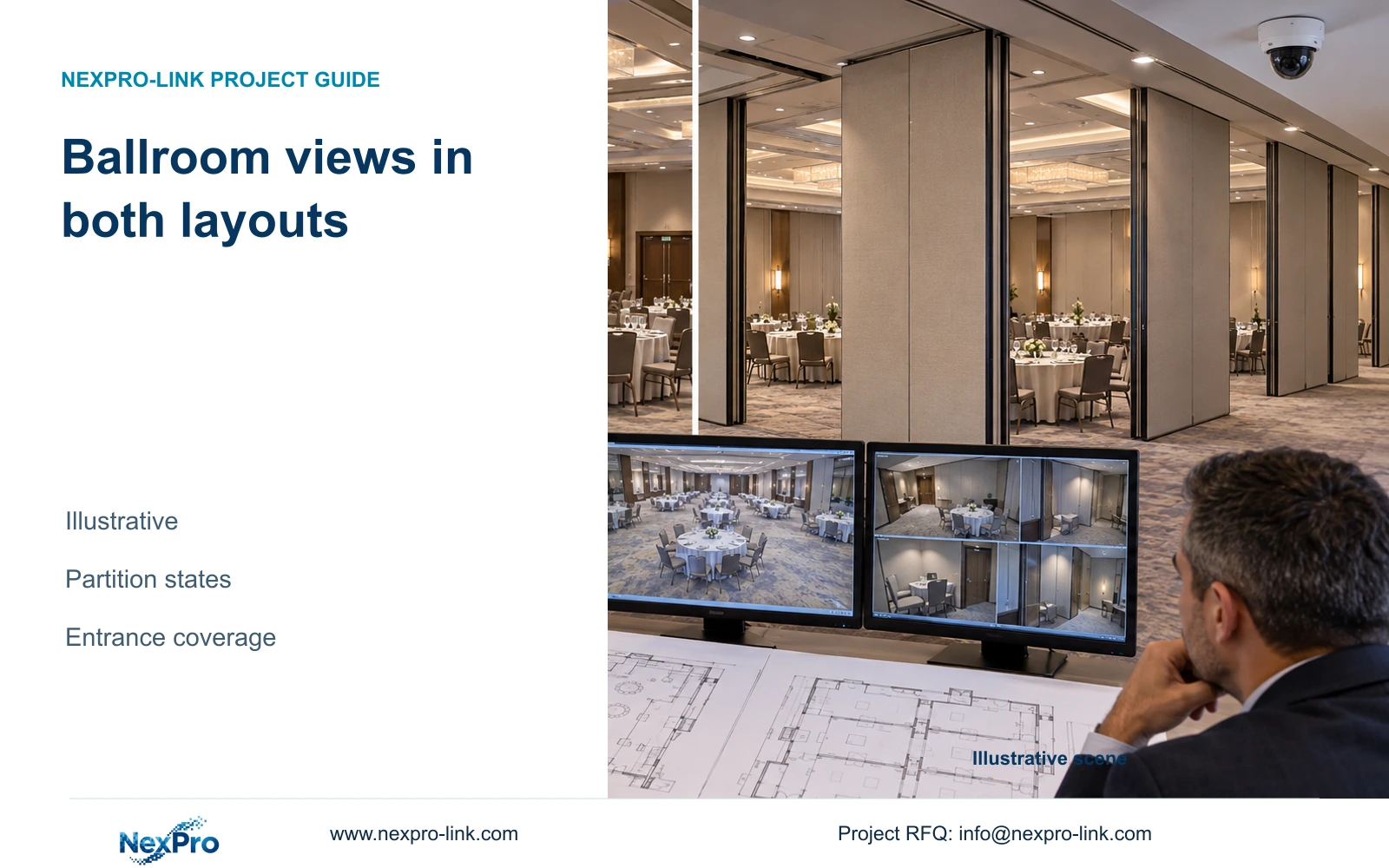
List sources by purpose and destination. Security cameras may serve conference entrances and public circulation, while event sources serve the presentation or production task. For each source, identify its owner, format and intended audience. Then describe normal operation and event-time operation, including any simultaneous security overview that must remain available.
Count live viewing, recording and playback as separate tasks. A source can be recorded without being displayed, and one displayed source can occupy several windows. Collect stream resolution, frame rate and codec for network video; obtain the actual interface requirements from the AV contractor for event sources. These records establish what the shared display must receive.
| Required task | Given information | Decision still needed |
|---|---|---|
| Review conference arrivals | Security camera stream | Authorized security destination |
| Show event content | AV source supplied by contractor | Actual signal interface and audience |
| Use a shared control-room display | Two source purposes | Switching scope and retained security view |
Section 02
Separate security retention from event recording
Write a security recording profile that remains active regardless of the display selection. Specify the approved camera streams, recording hours and retention purpose. Switching a wall to event content should not interrupt the camera-to-recorder path or silently reduce the recorded stream.
Event recording needs its own scope, including whether it is required at all, who owns the content and which recording destination the AV team proposes. The security NVR should not become the assumed event recorder without an explicit supported configuration. Likewise, a conference production feed does not replace the defined security entrance views.
Evaluate the systems against different outcomes. Security acceptance includes finding and exporting an authorized incident window. Event AV acceptance follows the agreed presentation and recording task. Shared equipment can create a dependency between them, so document what happens when the display or switching equipment is unavailable. Essential local security recording should remain independent of that optional presentation path.
| Item | Security video | Event AV | Effect on hotel operation |
|---|---|---|---|
| Recording destination | Approved security recorder | Separately specified | Avoid an assumed shared recorder |
| Retention | Purpose-based security policy | Event-specific requirement | Keep capacity budgets separate |
| Display failure | Recording path retained | Presentation may be affected | Define independent service states |
Section 03
Compare complete display input paths
Draw the security path from camera stream through the selected client or decoder to the display. Draw the event path separately using the AV contractor's actual source and control equipment. Identify the point where they would share a display, then verify that connection. Do not infer network-stream decoding from a display input socket.
NX-VP-5535 is a 55-inch LCD panel with a published 1920×1080 resolution, 3.5 mm seam field and 400 nit typical brightness field. It is not direct-view LED. NX-VD-4K16 is a modular network-decoder candidate with a 5U chassis description; its name does not prove simultaneous decoding of sixteen arbitrary 4K streams.
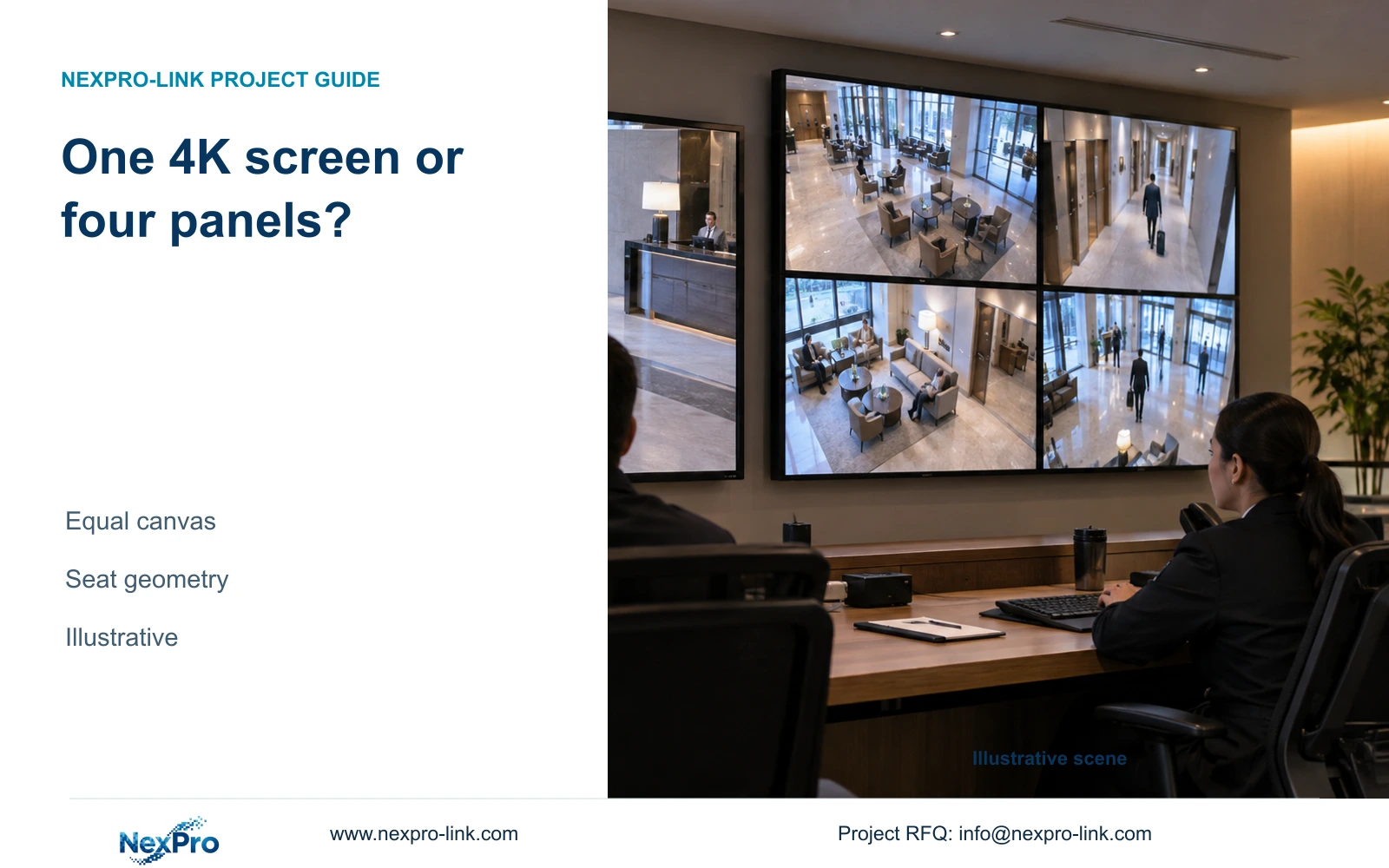
A suitable 2×2 arrangement of Full HD panels has a nominal 3840×2160 canvas, the same total pixel canvas as a single 4K monitor. Physical size, seams and operator distance still differ. A sixteen-view grid on that canvas allocates 960×540 pixels per tile. This helps explain why full-resolution decoding for every overview tile may add workload without displaying every source pixel.
Section 04
Calculate the simultaneous viewing workload
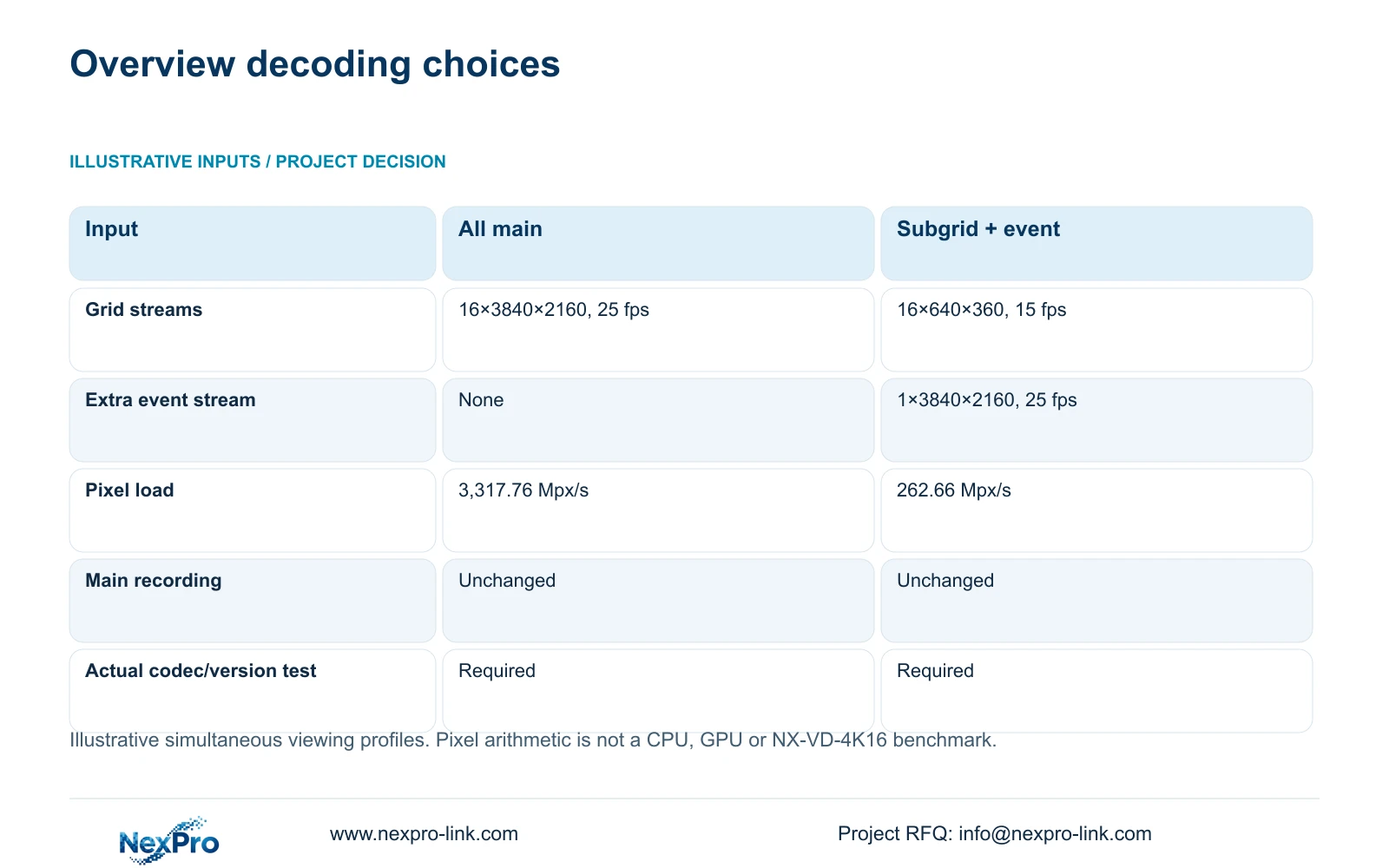
Compare viewing profiles while holding the recording profiles unchanged. The illustrative first option decodes sixteen 3840×2160 streams at 25 fps. The second decodes sixteen 640×360 substreams at 15 fps plus one 3840×2160 event view at 25 fps. These are workload assumptions, not a declared capability of NX-VD-4K16.
Decoded pixels per second equal the sum of width × height × frame rate × simultaneous streams. The first profile gives 3,317,760,000 pixels/s, or 3,317.76 Mpx/s. The second gives 262,656,000 pixels/s, rounded to 262.66 Mpx/s. This arithmetic describes nominal pixel processing; codec and hardware behaviour prevent its use as a device benchmark.
Prefer substream overview with main-stream event enlargement when the operator can still recognize the event requiring attention. Change that choice if simultaneous detailed views are necessary or the actual platform cannot implement the layout. Include required replay and audio in the concurrency assessment. Export processing and network traffic need their own checks and are not resolved by this pixel sum.
| Metric / condition | Option A | Option B |
|---|---|---|
| Viewing workload | 16 main streams for grid | 16 substreams for grid + 1 main event |
| Main-stream profile | 3840×2160 at 25 fps | One 3840×2160 at 25 fps |
| Substream profile | None in this comparison | 16×640×360 at 15 fps |
| Planning pixel load (Mpx/s) | 3,317.76 | 262.66 |
| Main recording | Unaffected by viewing choice | Unaffected by viewing choice |
| Hardware performance test | Required for actual codec/version | Required for actual codec/version |
Section 05
Assign switching permissions by operating task
Define who may select security sources and who may select event sources. Event staff needing presentation control do not automatically need security playback or export rights. The hotel should also identify who can restore the normal security layout after an event and who approves any temporary access.
Keep public event outputs outside the security viewing permission by default. If a shared controller can send pictures to several destinations, specify permitted source-to-destination combinations. Confirm that the selected controller and software can enforce the intended workflow. A written access matrix cannot compensate for unsupported equipment controls.
Sharing a display may avoid duplicate display scope but can add switching hardware, integration work and operational ownership. Purchase that scope when the shared use is frequent enough to justify it and the security task remains available. Choose separate displays when conflicting users, public destinations or unsupported restrictions make sharing difficult to control.
Section 06
Issue an interface schedule with named responsibilities
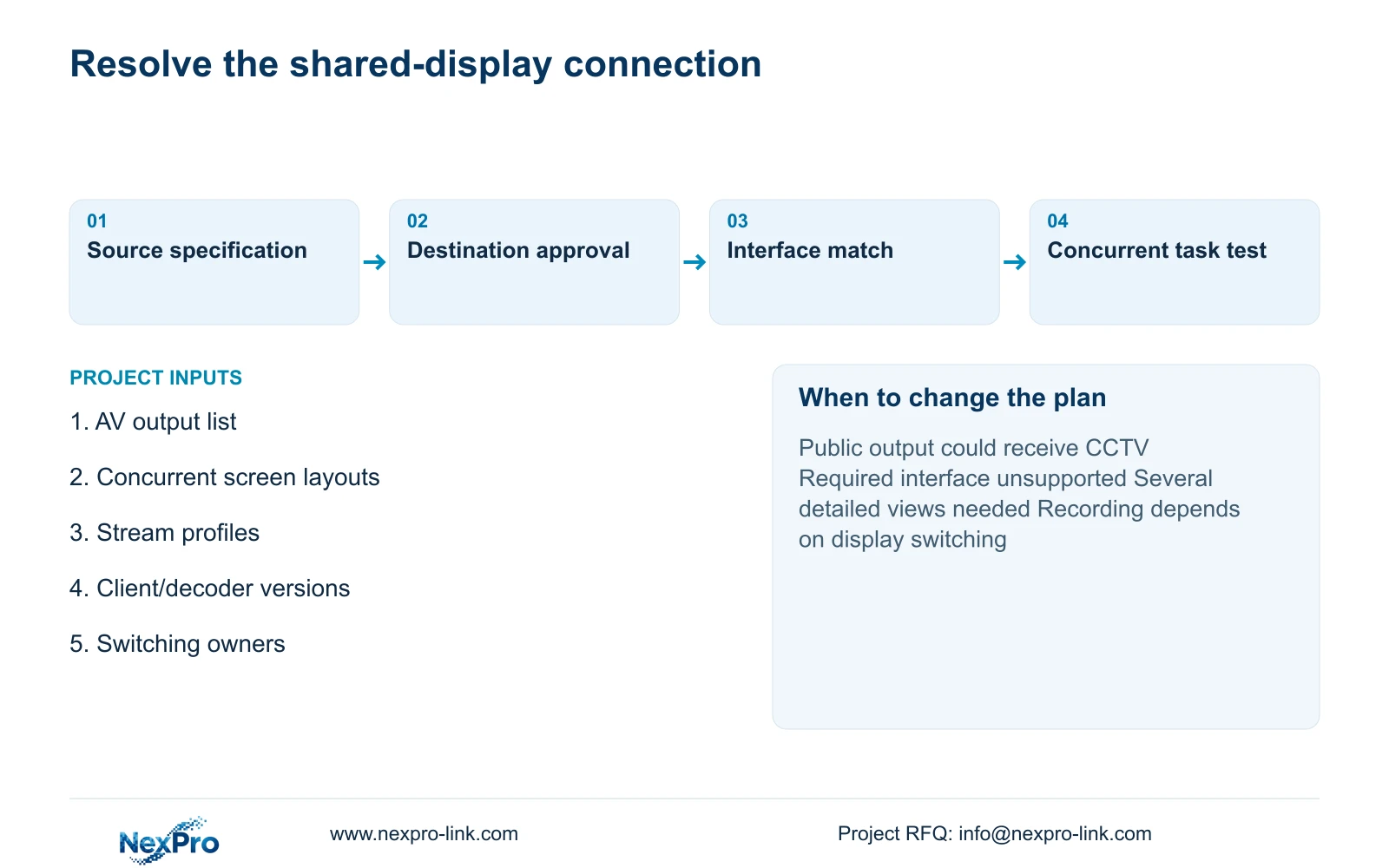
For each connection, record the source, destination, actual interface, required format and responsible contractor. Include the operating layouts and the test that will establish acceptance. Missing AV interface information should remain a stated proposal condition, rather than becoming an assumed adapter in the BOQ.
Identify the decision that releases each activity. Stream profiles may permit decoder assessment while the AV team confirms its output path. Shared-controller selection must wait for the relevant interface decisions. Equipment arrival, installation and accepted operation are separate milestones; parallel work should follow actual dependencies without turning an indicative sequence into a delivery promise.
NexPro-Link can discuss CCTV equipment matching, display candidates and BOQ coordination, with event AV and local integration responsibilities stated separately. Send the concurrent screen layouts, stream profiles, decoder/client versions and proposed AV interface list to info@nexpro-link.com. Keep the systems separate unless an approved shared-display task and supported connection justify integration.
Section 07
Buyer questions
Can a CCTV decoder accept our conference video source? Acceptance depends on the exact source format and supported input path. Provide the AV output specification and ask for a documented connection. A network-decoder name alone does not establish compatibility.
Will substream viewing reduce our recorded detail? It need not. Specify unchanged main-stream recording and a separate viewing profile. Acceptance should confirm both the overview layout and the recorded incident footage.
What should a shared-display quotation include beyond panels? Include the verified source interfaces, switching or control scope, permitted destinations, configuration work and acceptance responsibility. Request separate pricing for unresolved integration items.
Engineering references
These sources support the general planning principles. Always use the selected product's current datasheet and applicable project standards for final design.