

Plan CCTV monitoring workstation with practical guidance on describe the simultaneous client workload and plan network and storage access. NexPro-Link project guide.
Section 01
Describe the Simultaneous Client Workload
Define simultaneous live streams, playback, resolution, codec, frame rate and display layouts in the actual client software. Add other applications running on the workstation. Monitor count alone does not describe the processing load or the software's hardware-acceleration behavior.
Turn the answer into a working record using Client, Live streams, Playback, Codec, FPS, Other tasks.
| Decision area | Buyer question | Required output |
|---|---|---|
| Describe the Simultaneous Client Workload | What determines a CCTV workstation specification? | Define simultaneous live streams, playback, resolution, codec, frame rate and display layouts in the actual client software. |
| Separate Decoding from Display Outputs | Does a graphics card with four ports decode four times as much video? | No. |
| Choose Stream Profiles for Layouts | Should every camera use its main stream in a grid? | Not necessarily. |
Section 02
Separate Decoding from Display Outputs
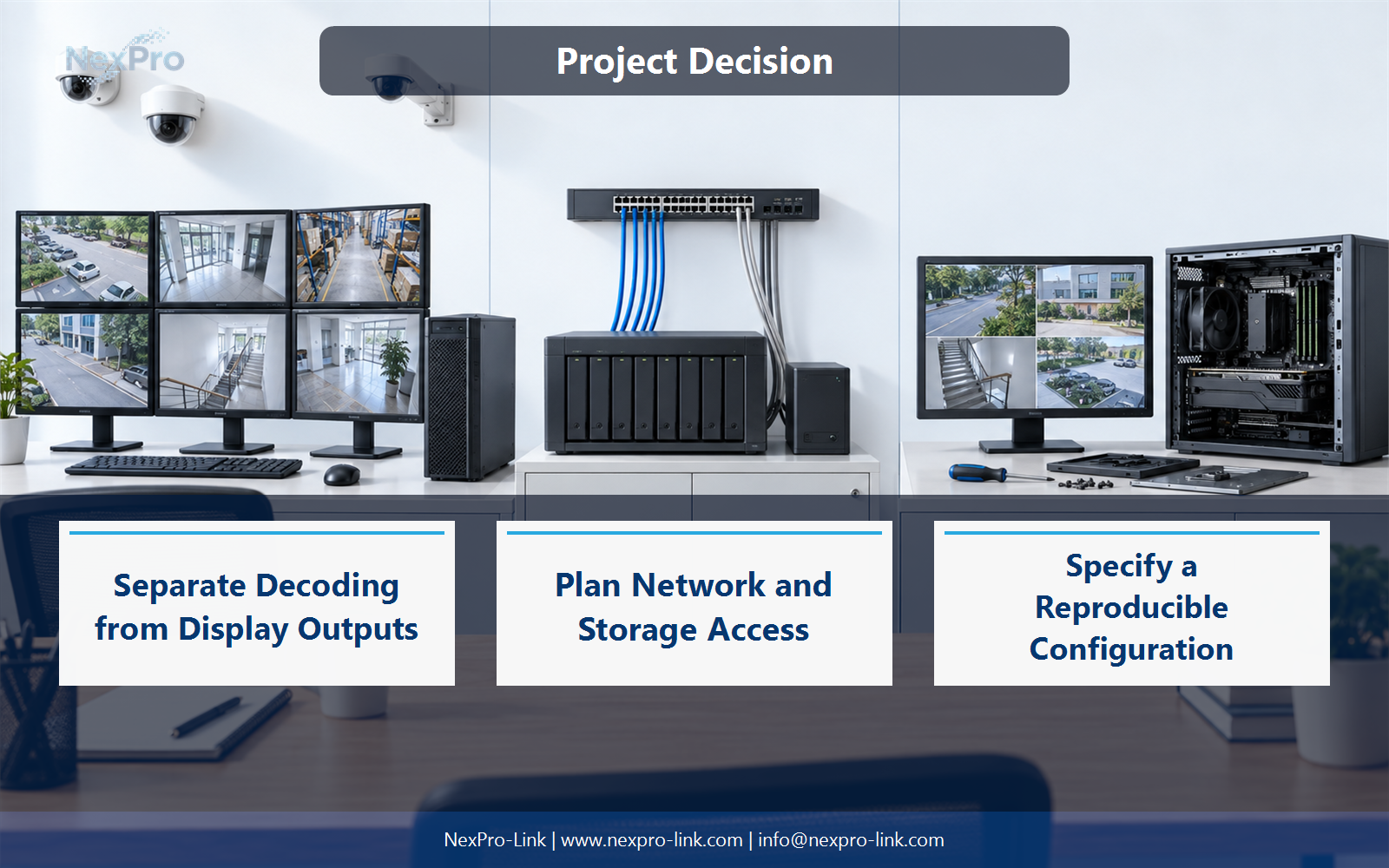
No. Physical display outputs and compressed-video decoding resources are different. Supported codecs, resolution limits and concurrent decode behavior depend on the hardware and software combination. Select outputs and processing capability separately, then test the intended layout.
Use GPU, Output capability, Decode support, Client use to compare options on the same basis. Keep product capability, project assumption and operating responsibility in separate columns.
Section 03
Choose Stream Profiles for Layouts
Not necessarily. A suitable substream may support overview windows while the selected camera uses a main stream for detailed inspection. The client and recorder must support the intended behavior. Match stream quality to window size without reducing the recorded quality merely to ease display load.
The project output should make Layout, Stream profile, Window size, Recorded stream traceable from input to acceptance.
- Confirm the answer to: Should every camera use its main stream in a grid?
- Record the project fields: Layout / Stream profile / Window size / Recorded stream.
- Keep product capability, project assumptions and site responsibility in separate records.
Section 04
Plan Network and Storage Access
It may add a separate flow from recorder or storage to the client. Calculate that path and account for simultaneous exports or investigations. A workstation may struggle because of network or server limits even when its CPU and GPU are adequate.
Record Operation, Source, Link, Mbps, Concurrent users before selecting a product family. That makes later substitutions possible without silently changing the operational requirement.
Section 05
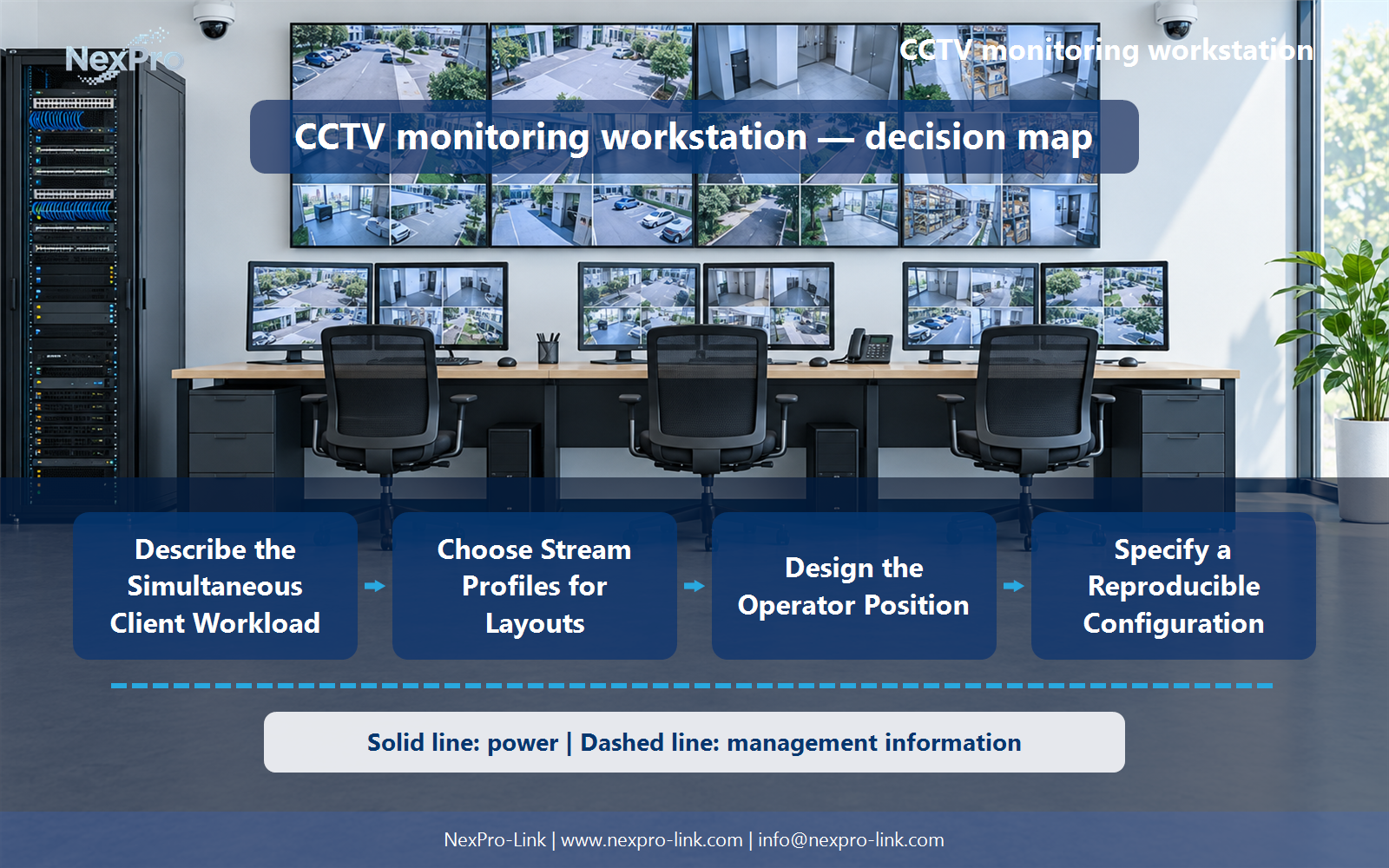
Design the Operator Position
Screen placement, input devices, visibility, user roles and recovery procedures affect how operators use the system. Keep dedicated control functions and general office tasks distinct where the project requires it. The workstation package should support the actual response workflow rather than merely display many images.
Review Operator task, Screens, Input device, Permission, Recovery with the party that will operate or maintain the system.
Section 06
Specify a Reproducible Configuration
Record the hardware, drivers, client version and representative operating layout, then verify required live view, playback and export. Describe the observed configuration rather than promising a universal stream count for a processor name. Keep future changes tied to the operational baseline.
Use Hardware, Driver, Client, Layout, Observed workload as the handoff between design and procurement.
Engineering references
These sources support the general planning principles. Always use the selected product's current datasheet and applicable project standards for final design.


