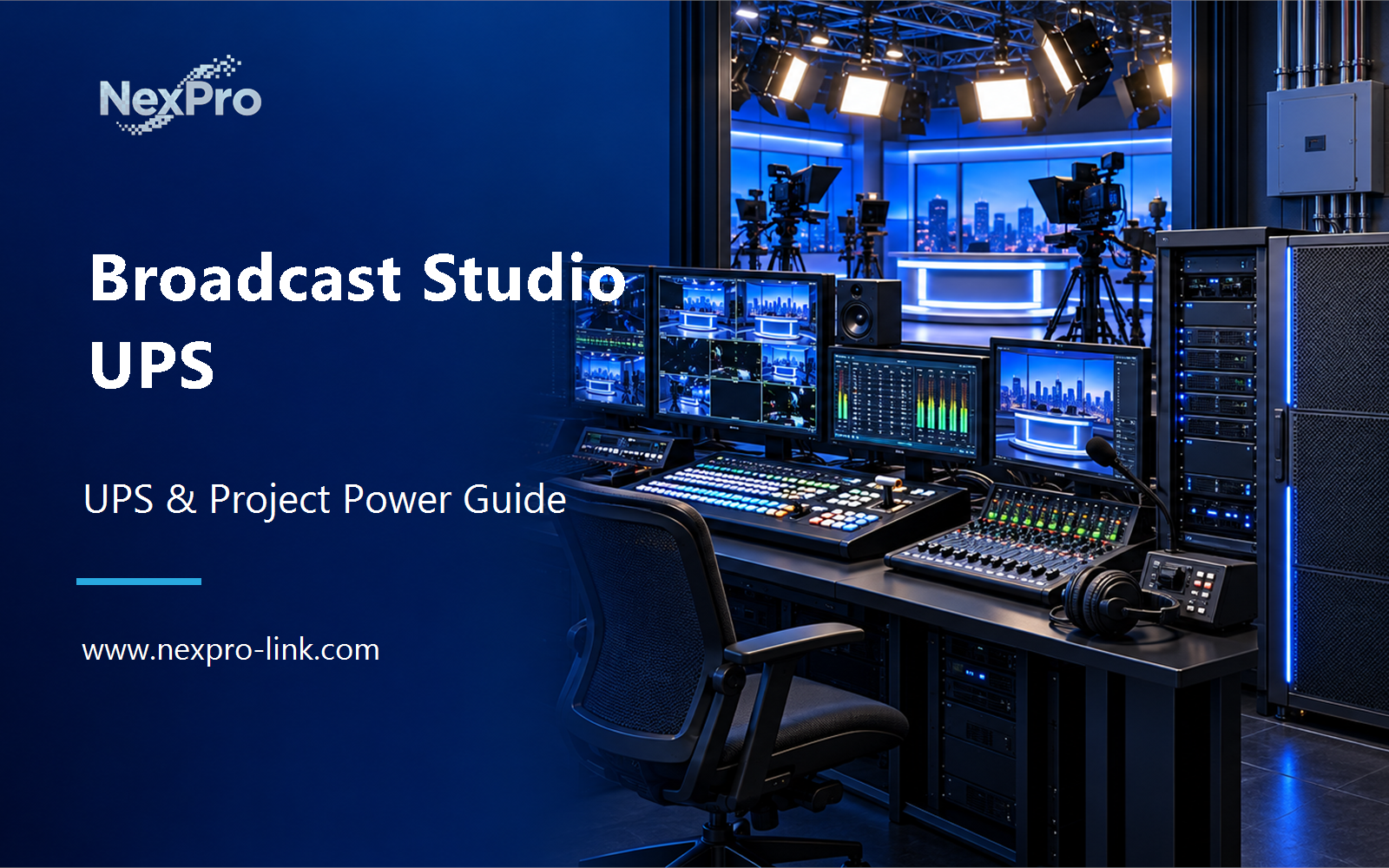
Separate lighting, audio, control and cooling using the boundary of uninterrupted production functions. Plan the project from the studio equipment list, essential production functions and source-change tolerance.
Section 01
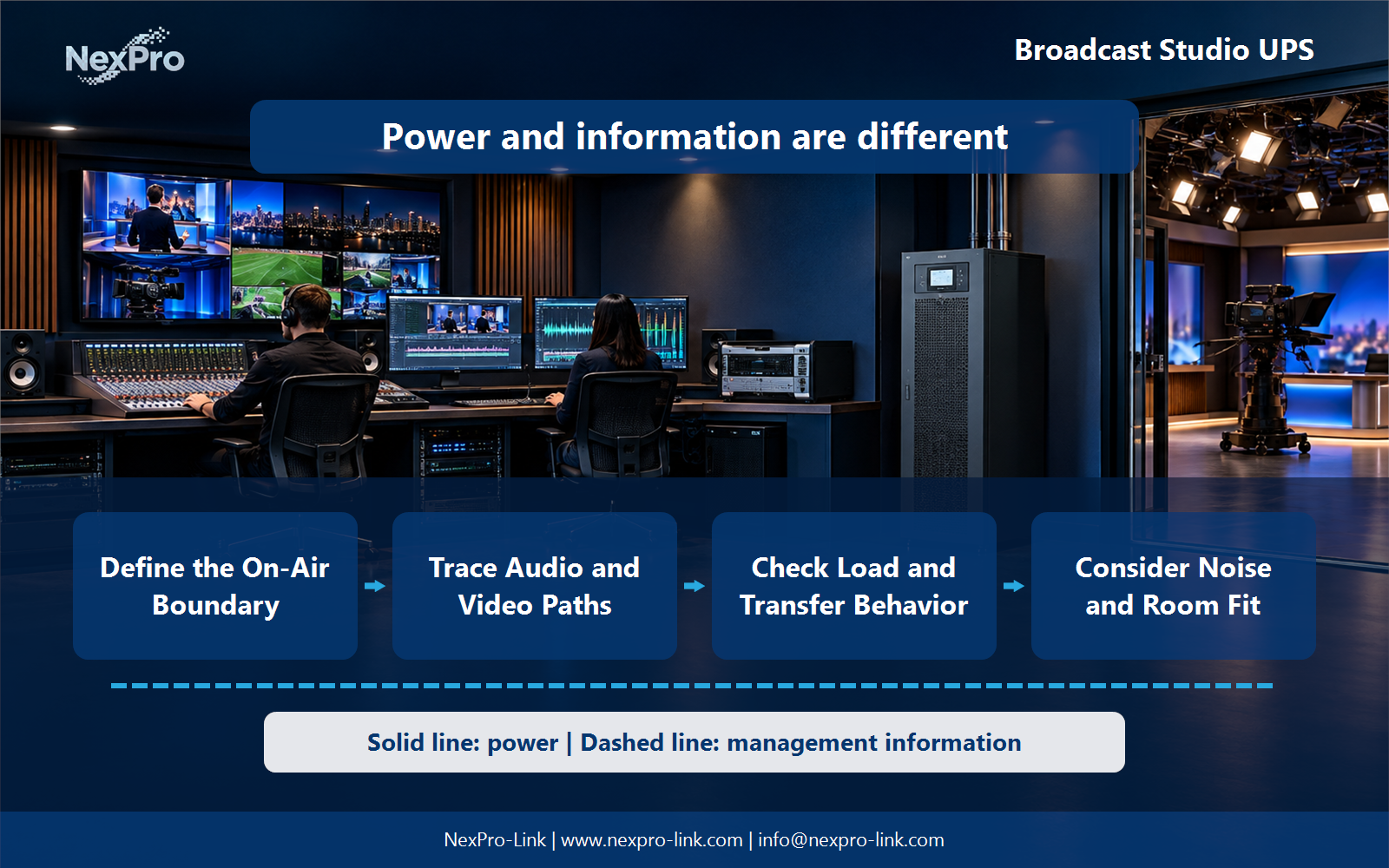
Define the On-Air Boundary
The immediate issue for Broadcast engineers and studio integrators is: Which studio equipment needs continuous backup? Start with the production functions that must remain available, then identify their devices and dependencies. Cameras, audio processing, control and monitoring may have different priorities. Do not place all lighting or auxiliary equipment on one UPS solely because it is in the studio. This article turns that answer into priority map: production / audio / control / lighting / support and a supplier brief based on studio equipment list, essential production functions and source-change tolerance.
Separate lighting, audio, control and cooling using the boundary of uninterrupted production functions
| Decision area | Project question | Required output |
|---|---|---|
| Define the On-Air Boundary | Which studio equipment needs continuous backup? | Priority map: production / audio / control / lighting / support |
| Trace Audio and Video Paths | Can a small unprotected device interrupt production? | Signal table: source / conversion / processing / sync / output |
| Check Load and Transfer Behavior | How should topology be selected for studio equipment? | Compatibility table: input / waveform / transfer / mode |
Section 02
Trace Audio and Video Paths
Yes, where it is a required part of the selected signal path. Include converters, distribution and synchronization components in the service map. The objective is to preserve a usable production chain, not just the largest equipment racks.
Use the signal table: source / conversion / processing / sync / output to keep real interfaces and operating states visible. Measured demand, equipment limits and future allowances should remain separate entries.
Section 03
Check Load and Transfer Behavior
Compare input requirements, source quality and interruption tolerance for the actual devices. Include output waveform and relevant operating modes. Isolation, overload behavior or specialized broadcast suitability should be described only for a specified configuration, not inferred from an online label.
Review the compatibility table: input / waveform / transfer / mode with the owners of the connected systems. Power continuity only supports the functions that remain connected and available during the event.
- Confirm the answer to: How should topology be selected for studio equipment?
- Draw electrical power as a solid path and management information as a separate dashed path.
- Keep external services and specialist approvals outside the UPS equipment claim.
Section 04
Consider Noise and Room Fit
Consider fan noise, ventilation, access and cable routes together with electrical requirements. Equipment that fits physically may still be unsuitable beside microphones or operator positions. The room plan should define acoustic and service constraints before a model is selected.
Document this choice in the fit schedule: acoustic zone / ventilation / depth / access, including the condition that triggers it and the person responsible for the response.
Section 05
Plan a Controlled Production Fallback
Define an approved reduced-production or safe-stop mode and its required devices. Keep the signal path coherent when optional loads are removed. Load shedding should be an operating policy, not an improvised attempt to extend an uncertain battery estimate.
Test the sequence represented by the fallback table: function / retained devices / duration / operator during an approved maintenance window. Record the observations needed to confirm recovery.
Section 06
Prepare a Studio Power Brief
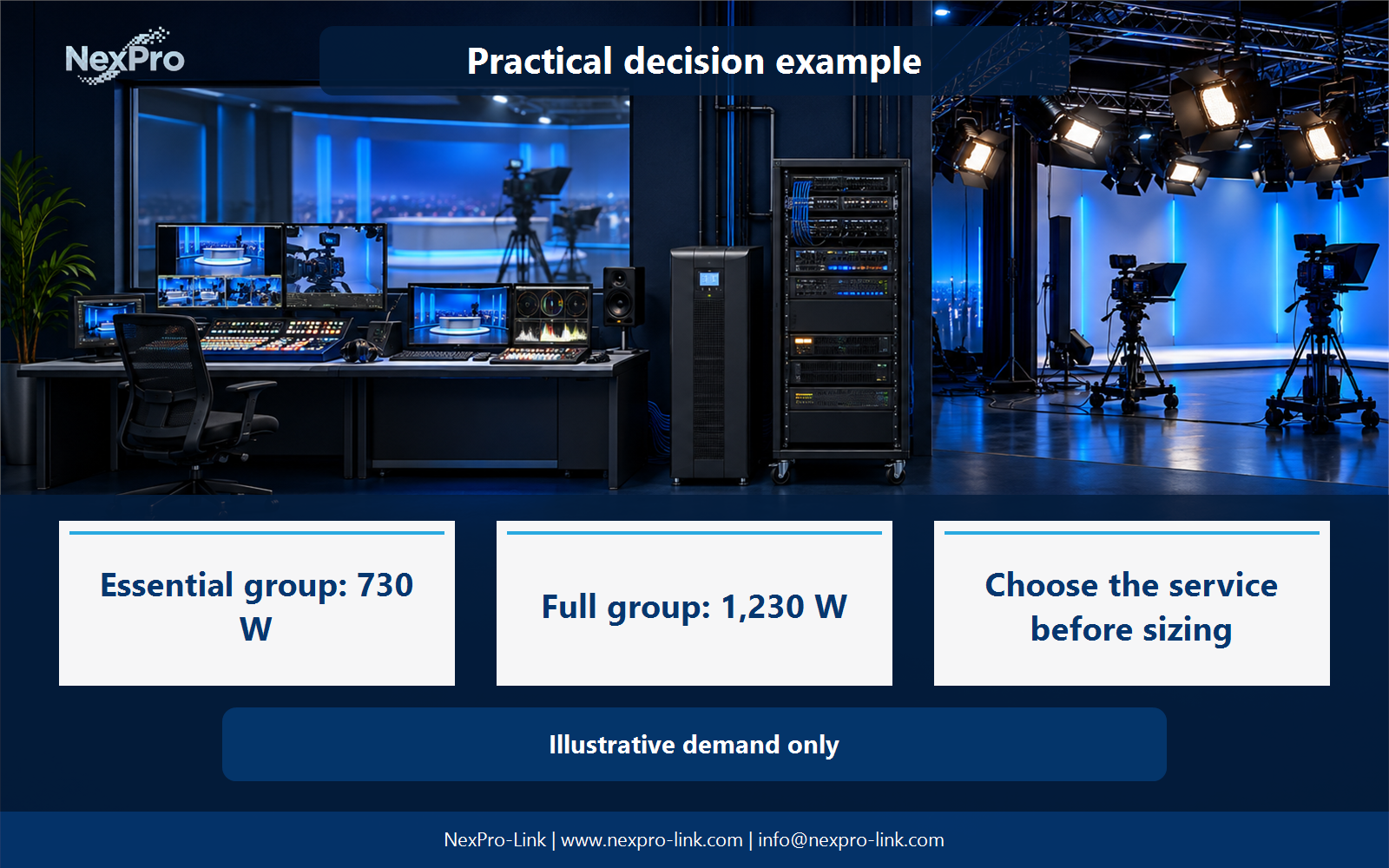
Provide essential signal functions, device inputs, measured demand and room constraints. NexPro-Link can discuss equipment packages against that basis. Any specialized broadcast or isolation requirement should remain a stated requirement rather than an automatic product claim.
Send the completed brief: signal scope / w and va / mode / acoustics / interfaces with the project request. It is more useful than a capacity number without interfaces, operating states or a defined service boundary.
Engineering references
These sources support the general planning principles. Always use the selected product's current datasheet and applicable project standards for final design.