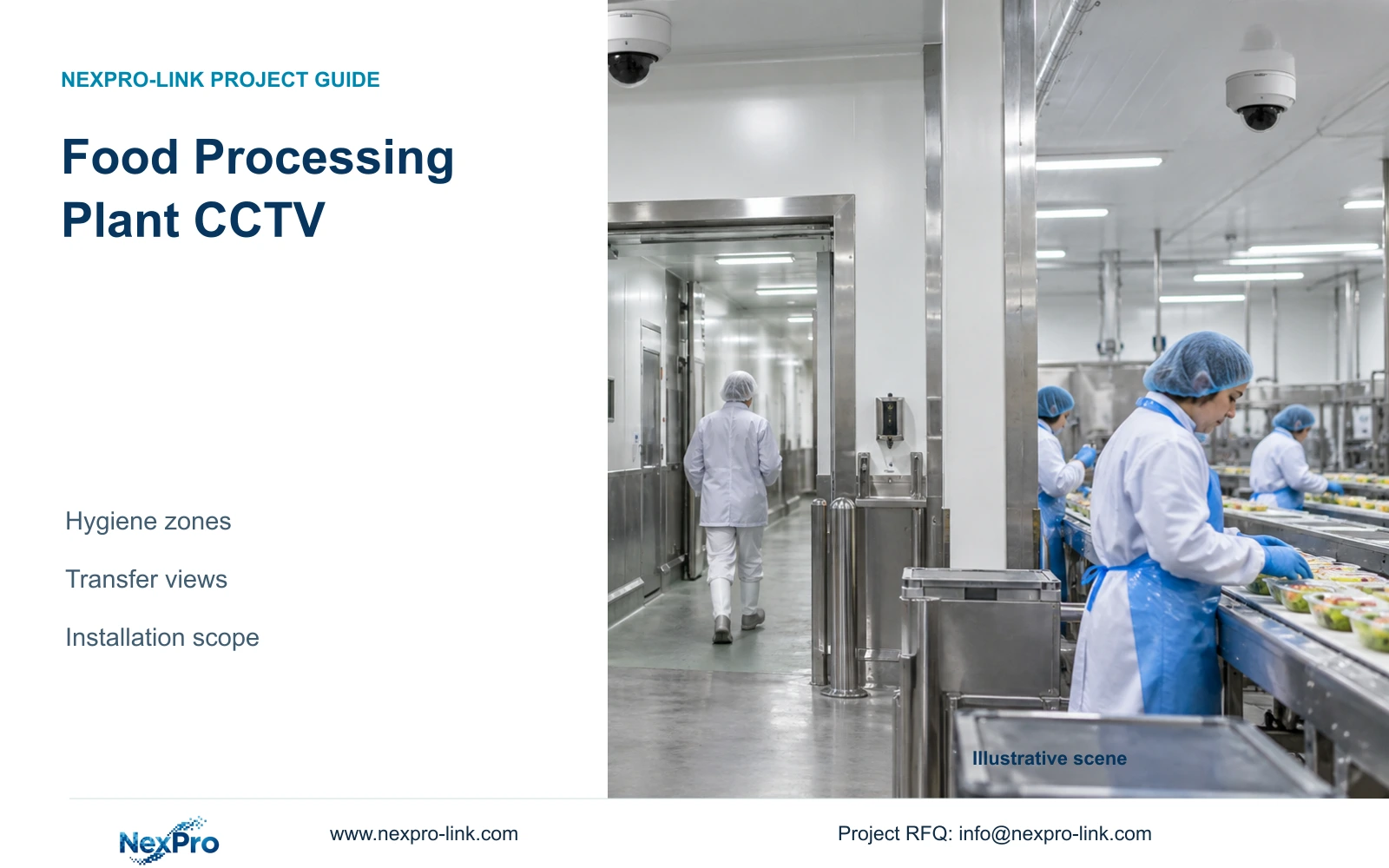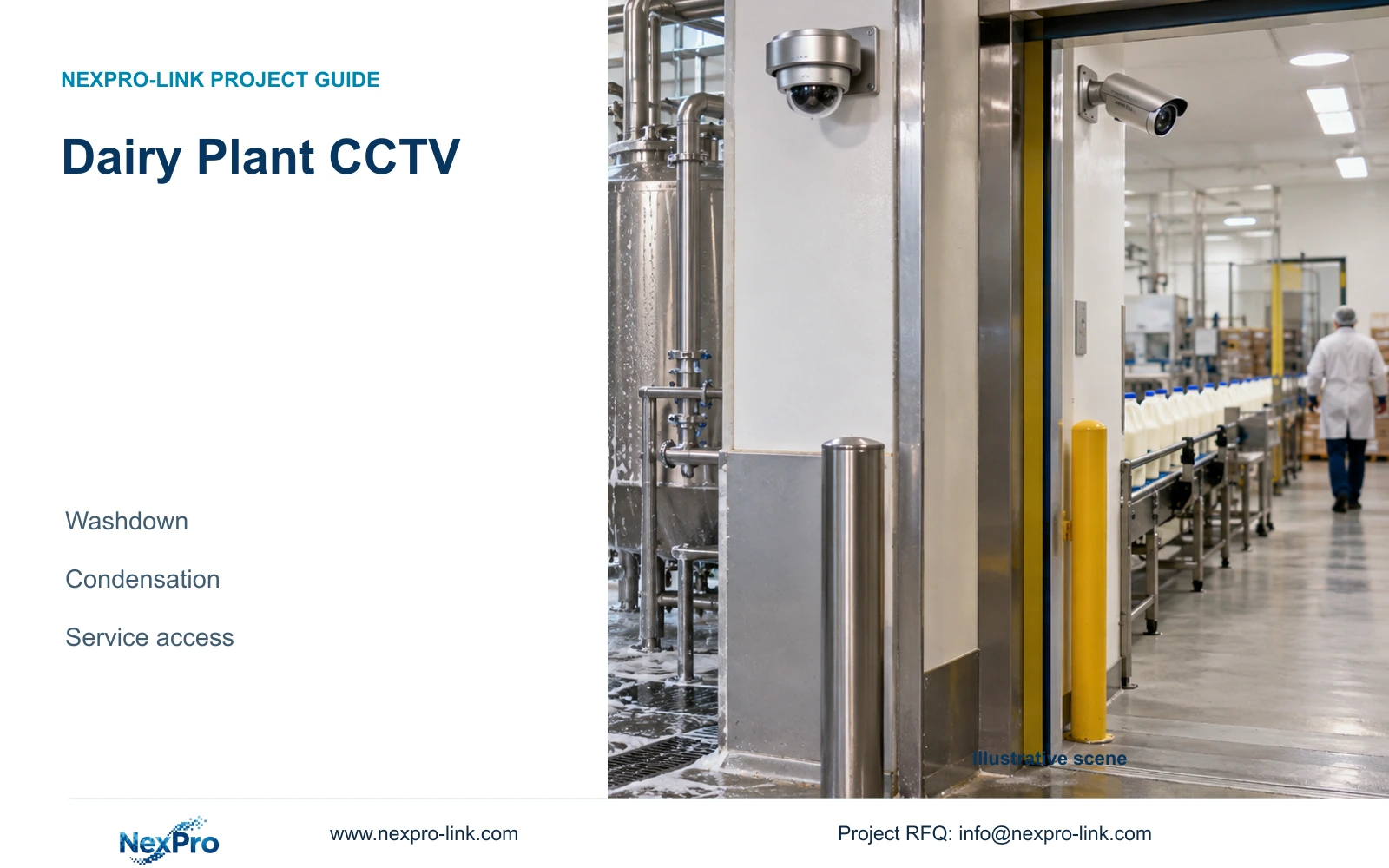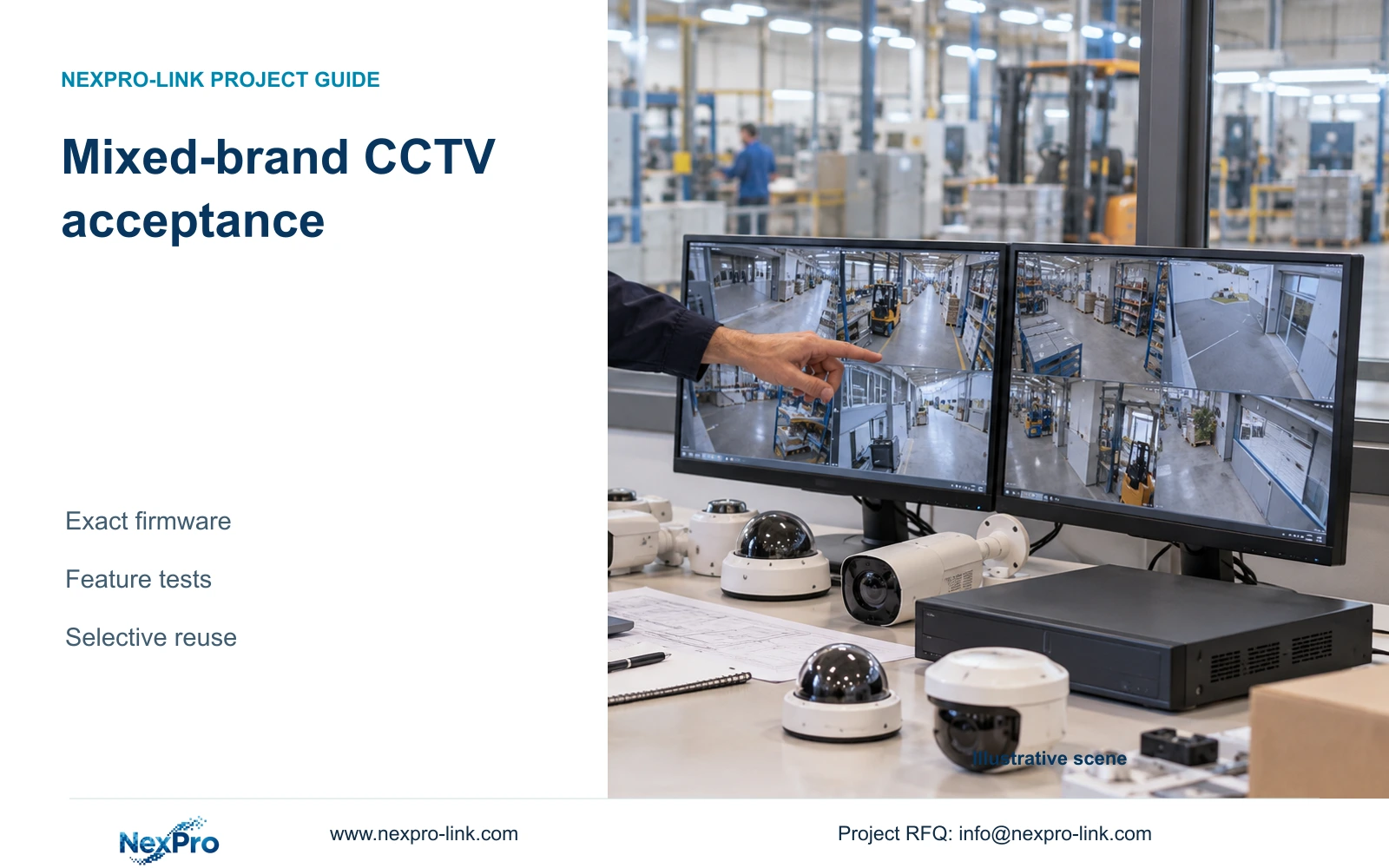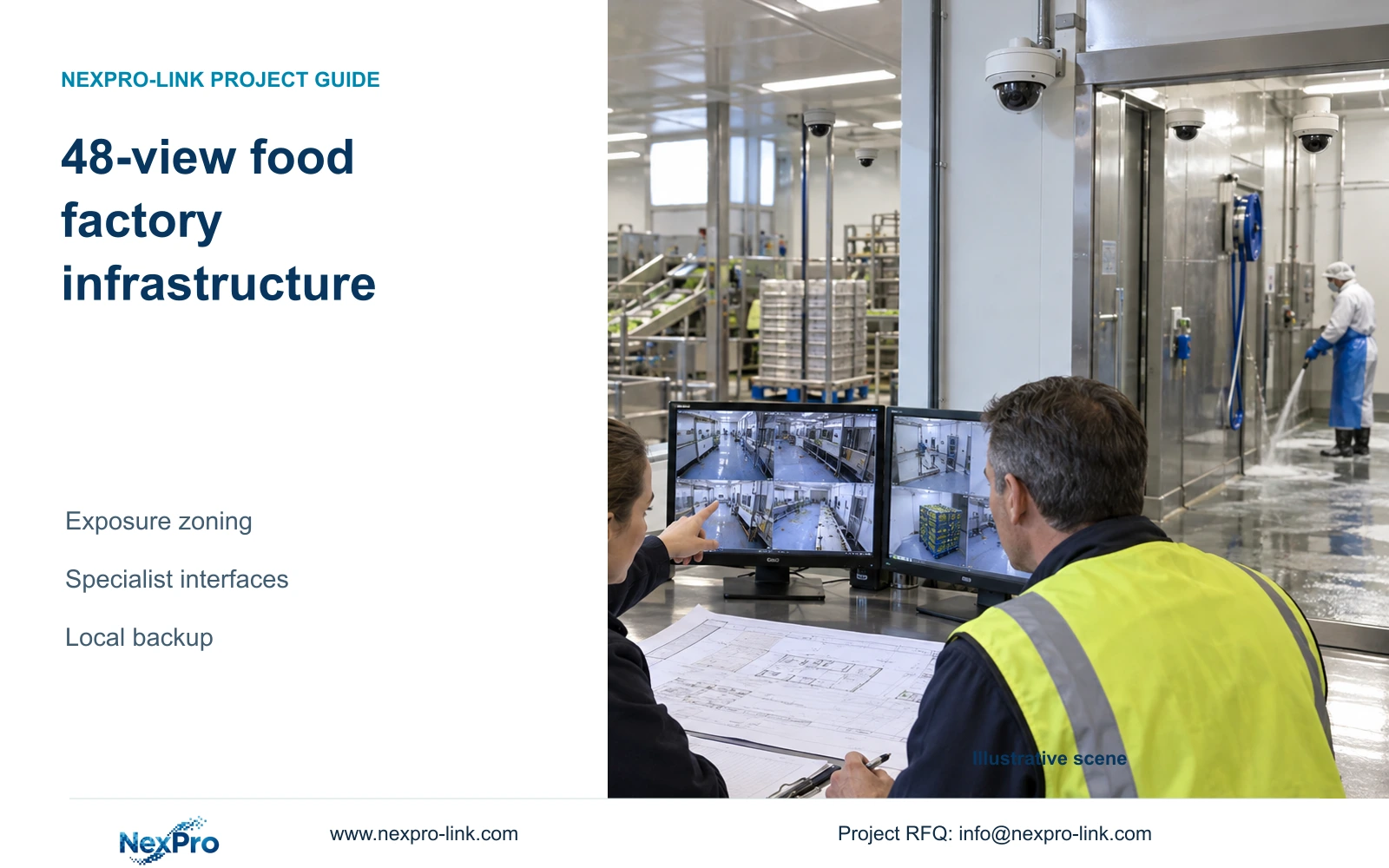
Wet-boundary camera selection cannot be isolated from the rest of a food-factory package. This 48-view reference preserves specialist scope while calculating each node's recording, power and cable requirements.
Section 01
Classify each mounting position by its actual exposure
A 48-camera food factory should separate ordinary locations from specialist wet or controlled-boundary positions before choosing models. Both groups belong in recording and infrastructure calculations once their interfaces are agreed. Keep the specialist equipment lines visible so value engineering in dry areas cannot quietly remove cleaning or installation requirements elsewhere.
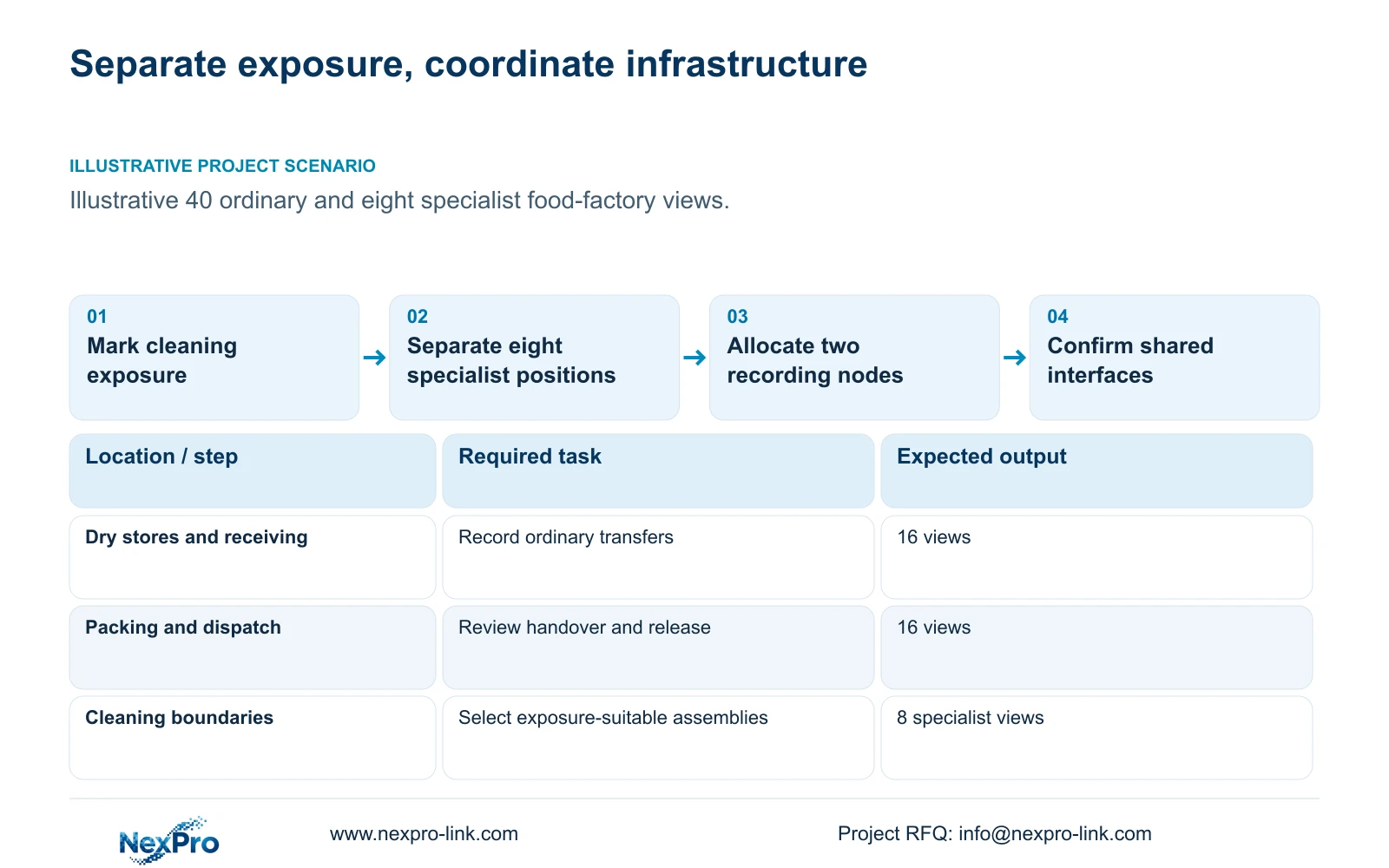
Illustrative project scenario: A food facility plans 48 views, including a separately specified set at wet or controlled boundaries. Eight views each cover receiving, dry stores, permitted corridor transitions, packing handovers, dispatch and special cleaning boundaries. The reference allocates 24 ordinary cameras to N1 and sixteen ordinary plus eight specialist cameras to N2.
For each mounting position, collect cleaning method, direct spray exposure, temperature transitions, mounting restrictions and maintenance access. An ordinary camera outside a cleaning boundary may observe a handover if the required view survives doors and traffic. A position within the exposure zone needs separately selected equipment and installation. Security footage supplements transfer review; it does not establish food-safety compliance or replace process records.
Section 02
Include specialist streams in each node's disk calculation
Assume all 48 selected streams fit the recorder's supported 5MP-class modes and average 4 Mbps for 24-hour recording over 30 days. Each 24-camera node receives 96 Mbps. Video_TB = 24 × 4 × 10^6 × 86400 × 30 / 8 / 10^12 = 31.104 TB per node, or 62.208 TB across the site.
Each node receives four 12 TB drives: 48 TB raw, 45.6 TB after the assumed 95% formatting factor, and 36.48 TB recording budget after retaining 20% free space. Compare 31.104 TB with 36.48 TB independently at N1 and N2. Required usable capacity is 38.88 TB per node and 77.76 TB total. Do not deduct reserve a second time.
NexPro-NVR4449-4K is the four-bay, 320 Mbps input reference. Its 49×5MP and 9×4K summary modes need separate treatment. Obtain the specialist camera's actual resolution, codec, bitrate controls and firmware interface before accepting the shared recording arrangement. Successful live video alone should not settle recording, retrieval, event or export requirements; ONVIF profiles apply to exact device/client combinations.
Section 03
Give the specialist group its own power and interface line
N1-SW1, N1-SW2 and N1-SW3 each serve eight ordinary cameras. N2-SW1 and N2-SW2 do the same, while N2-SW3 serves eight specialist devices. The assumed device-side demands are 12 W ordinary and 18 W specialist. They are planning placeholders, not measured ratings or evidence that an unnamed specialist model uses PoE.
For an ordinary group, PD demand is 96 W; PSE_output_W = 96 / 0.90 = 106.6667 W, and budget_W = 106.6667 / 0.80 = 133.3333 W. For the specialist group, 144 W device demand becomes 160 W PSE output and a 200 W budget target. With 15 W switch overhead and 90% AC conversion, complete switch loads are 135.1852 W and 194.4444 W respectively. These are illustrative aggregate-draw estimates, not sufficient switch order specifications. After confirming the specialist devices' actual power interface, check each group's negotiated PoE allocation against the selected switch's admission policy and budget; allocated power may exceed the draw used here.
Replace those figures when the specialist assembly is selected, including any separate power supply or enabled heating. Keep switches and recorders in suitable equipment spaces. Map the backbone to authorised viewing/export traffic while both nodes record locally. Manufacturing control access needs an explicit boundary and responsible support party; a shared physical route does not authorize shared system access.
Section 04
Protect both nodes before adding central display demand
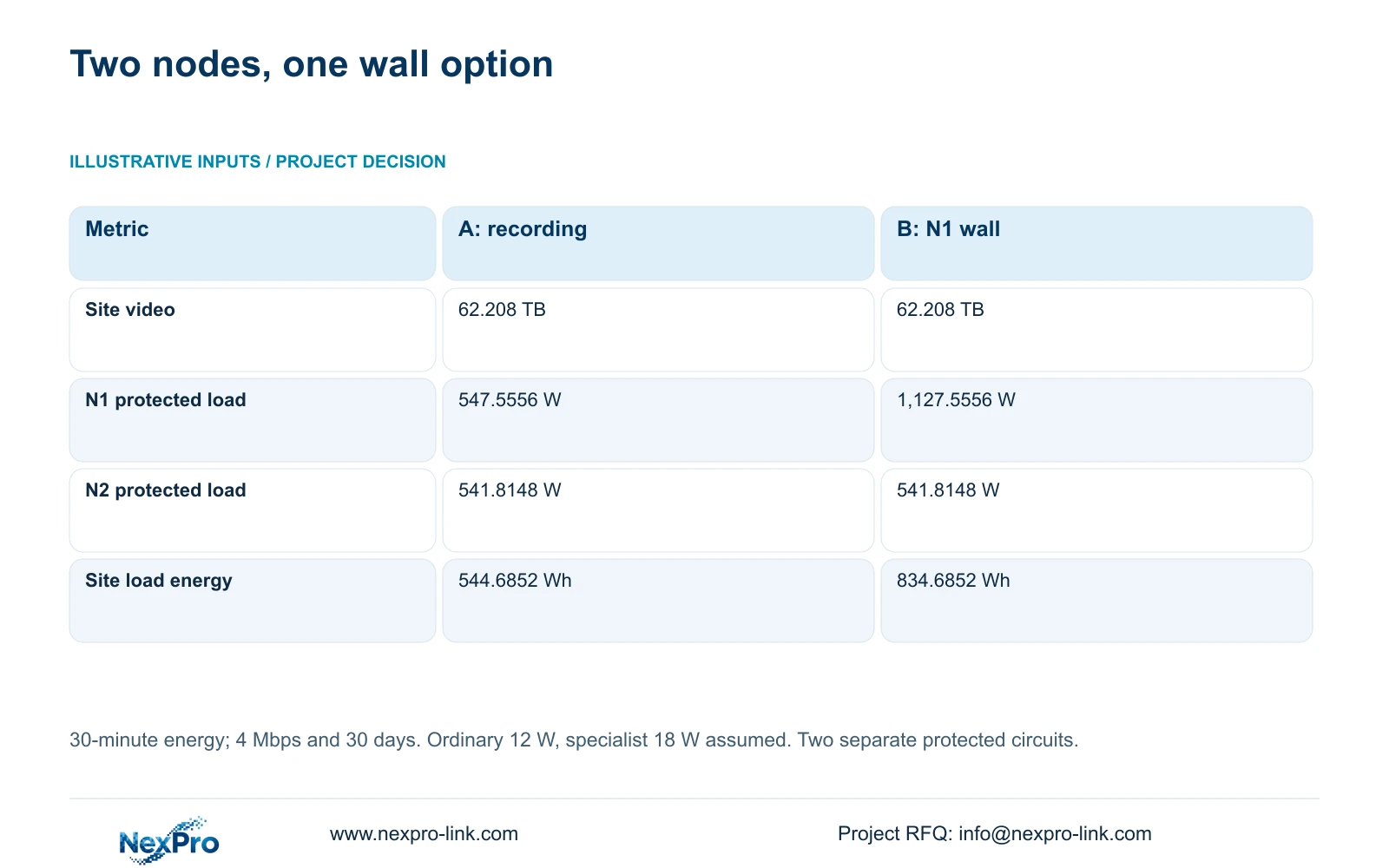
Option A protects N1 at 547.5556 W and N2 at 541.8148 W, totaling 1,089.3704 W. N1 includes three ordinary switch AC loads, a 30 W recorder, four drives at 8 W, core/router demand of 40 W and a 40 W retrieval display. N2 includes two ordinary groups, the specialist group, the same recorder/drive assumptions and a 15 W link terminal.
Option B adds four assumed 120 W LCD panels and a 100 W decoder at N1 only. N1 becomes 1,127.5556 W; N2 stays unchanged. The table's aggregate values aid budgeting, but the two local power circuits remain distinct. Choose B only for an approved shared-viewing task, with decoder formats and window concurrency verified.
Using PF 0.9 and 80% rated utilization, rated_W ≥ load_W / 0.80 and rated_VA ≥ load_W / 0.72. SP1KR(S), rated 1 kVA/900 W, is A's candidate at both nodes; B changes N1 to SP2KR(S), rated 2 kVA/1800 W. Load_Wh = load_W × 30 / 60 produces the stated energy demands. Exact batteries and curves must support the 30-minute objective.
| Metric | A: local recording | B: add N1 wall |
|---|---|---|
| Required site video | 62.208 TB | 62.208 TB |
| N1 protected demand | 547.5556 W | 1,127.5556 W |
| N2 protected demand | 541.8148 W | 541.8148 W |
| Site protected demand | 1,089.3704 W | 1,669.3704 W |
| Site 30-minute load energy | 544.6852 Wh | 834.6852 Wh |
Section 05
Carry exposure boundaries into the cable and termination schedule
The reference assumes continuous camera routes of 41 to 76 m, formed from base routes of 35 to 70 m plus a declared 6 m allowance. Total new cable is 2,808 m. The 305 m reel lower bound is ceil(2,808 / 305) = 10, and the supplied feasible allocation uses ten reels without adding an undisclosed waste percentage.
One allocation combines four 76 m cuts into 304 m; another combines four 66 m cuts and one 41 m cut into 305 m. Assign every cut to a node and camera ID. The module-ended assumption gives 96 modules and 24 occupied cabinet-side ports at each node. Patch panels must be allocated locally rather than purchased from a combined site port count alone.
Wet-boundary connections need cable construction, entries, supports and termination arrangements accepted for the actual exposure. SP5648 and DT968MX are ordinary structured-cabling references, not proof of washdown suitability. Keep specialist connection details, inter-building fibre, patch cords and containment on separate lines. Confirm the intended permanent-link or direct-plug test method before installation.
Section 06
Procure one coordinated package with two environmental scopes
Release forty ordinary cameras and eight specialist front ends as distinct BOM groups. The common infrastructure contains two recorders, eight compatible 12 TB drives, six qualified switches, two local UPS configurations, one retrieval display and ten cable reels. The optional wall remains separate from the specialist camera and installation allowance.
NexPro-BL2812M55-5MP-DIC-AI and NexPro-DM2812M55-5MP-DIC-AI provide ordinary-area candidates with listed 2880×1620 output, 2.8-12 mm motorized lenses and IP66. Those fields do not establish suitability for a particular cleaning regime. Use them only where the exposure review permits, retaining specialist scope where required.
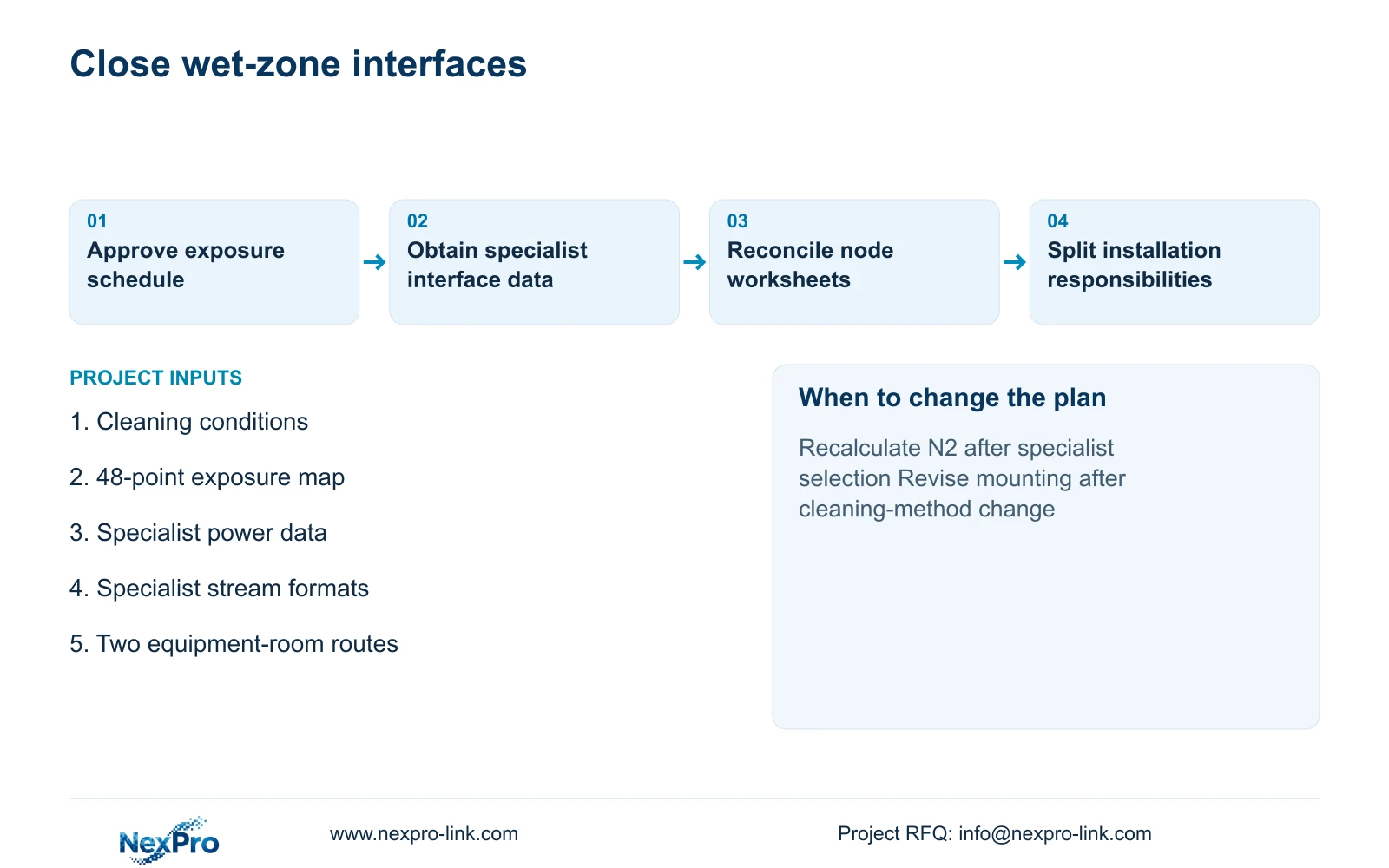
NexPro-Link can coordinate model matching and technical submittals for the relevant equipment package. Compare bids against the same transfer views, 30-day recording and complete wet-boundary installation responsibilities. If cleaning practice, specialist power or stream format changes, revise the affected node worksheet and interface schedule before substituting equipment.
Section 07
Buyer questions
Can a dry-area camera observe through a wet-area doorway? Possibly, if the approved mounting location remains suitable and a scene check confirms usable footage with doors, steam and transfer traffic present. That does not qualify the camera for installation inside the wet area.
Who supplies the specialist connection accessories? Name that party in the interface schedule. Include entries, power supplies and mounting components in the selected assembly scope instead of leaving them implicit in a camera-only price.
Must the specialist group use the same brand? No brand uniformity is assumed. Preserve its environmental requirements and qualify the exact recording, playback and export interfaces with the proposed recorder.
Section 08
Prepare the wet-boundary interface brief
Send the exposure-marked camera plan, cleaning/transition conditions, specialist stream and power data, and two-node retention/backup objective to info@nexpro-link.com for a coordinated scope review.
Engineering references
These sources support the general planning principles. Always use the selected product's current datasheet and applicable project standards for final design.