

Plan warehouse CCTV design with practical guidance on map aisles and operational questions and build distributed access and recording. NexPro-Link project guide.
Section 01
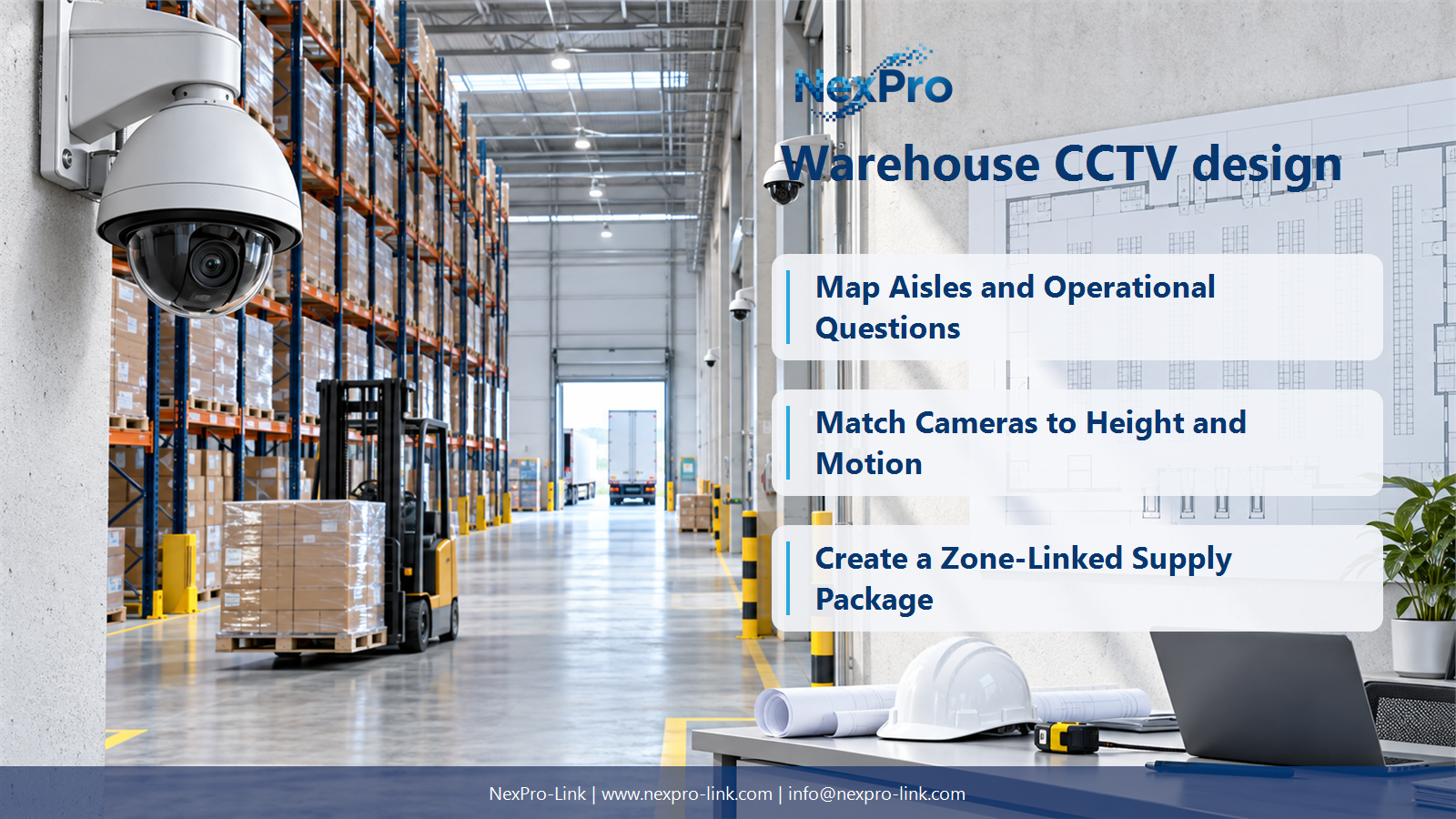
Map Aisles and Operational Questions
Identify the questions about movement, handling and access that the footage must answer, then map aisles, rack faces and loading zones. Empty floor area is a poor proxy for visibility when racks and stored goods block views. Use operating conditions, not only the architectural shell.
Turn the answer into a working record using Zone, Question, Rack geometry, Obstruction, View.
| Decision area | Buyer question | Required output |
|---|---|---|
| Map Aisles and Operational Questions | How should warehouse camera views be planned? | Identify the questions about movement, handling and access that the footage must answer, then map aisles, rack faces and loading zones. |
| Compare Panoramic and Fixed Views | Is one panoramic camera better than several warehouse cameras? | It may provide useful overview, but pixel allocation and occlusion determine whether it captures the required detail. |
| Match Cameras to Height and Motion | How does mounting height affect warehouse video? | It changes target size, angle and obstruction, and may make face or package detail less useful even while covering more floor. |
Section 02
Compare Panoramic and Fixed Views
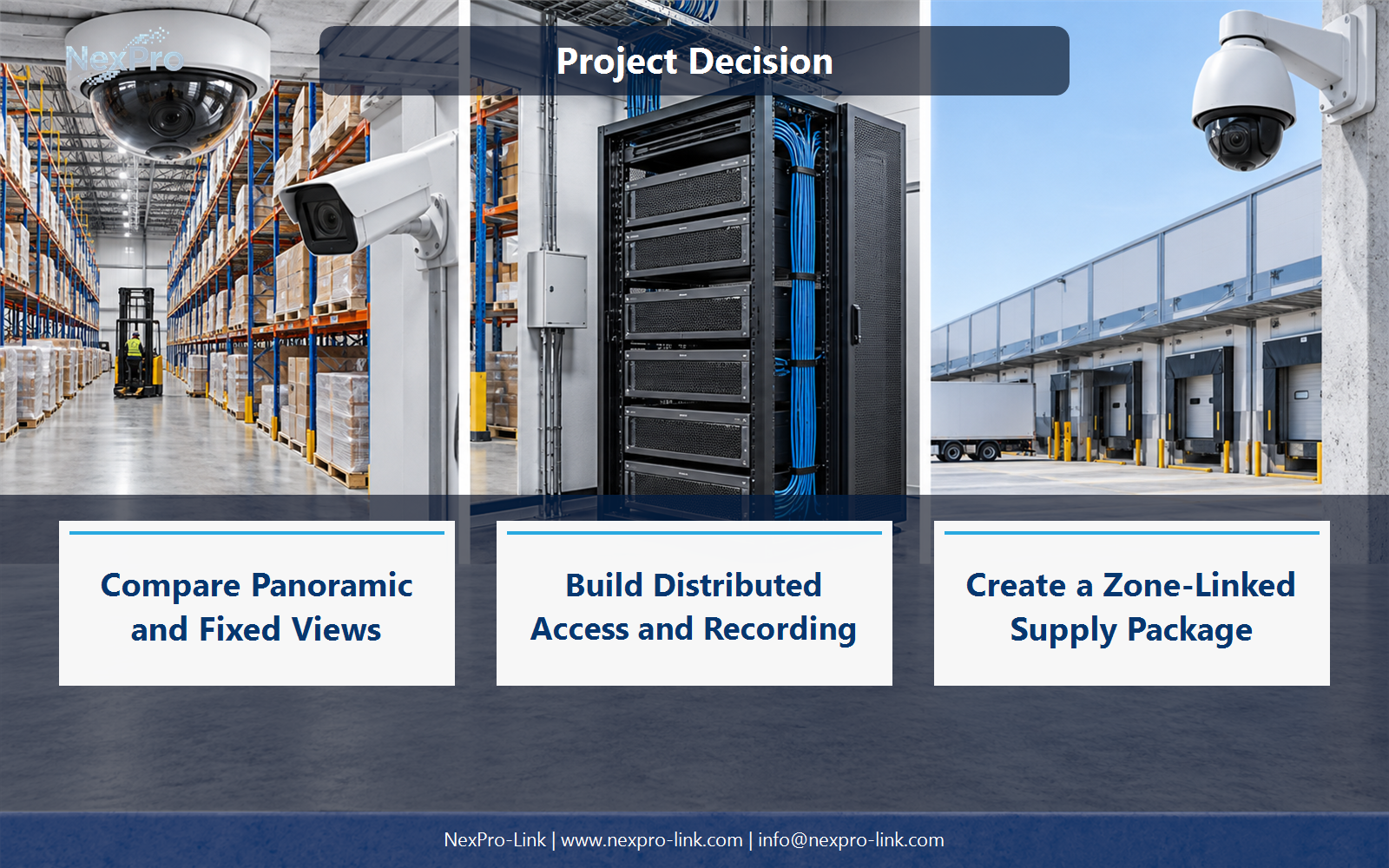
It may provide useful overview, but pixel allocation and occlusion determine whether it captures the required detail. Compare the actual views at the installed height, including dewarping where applicable. Multiple fixed cameras may better preserve particular aisle or handling details.
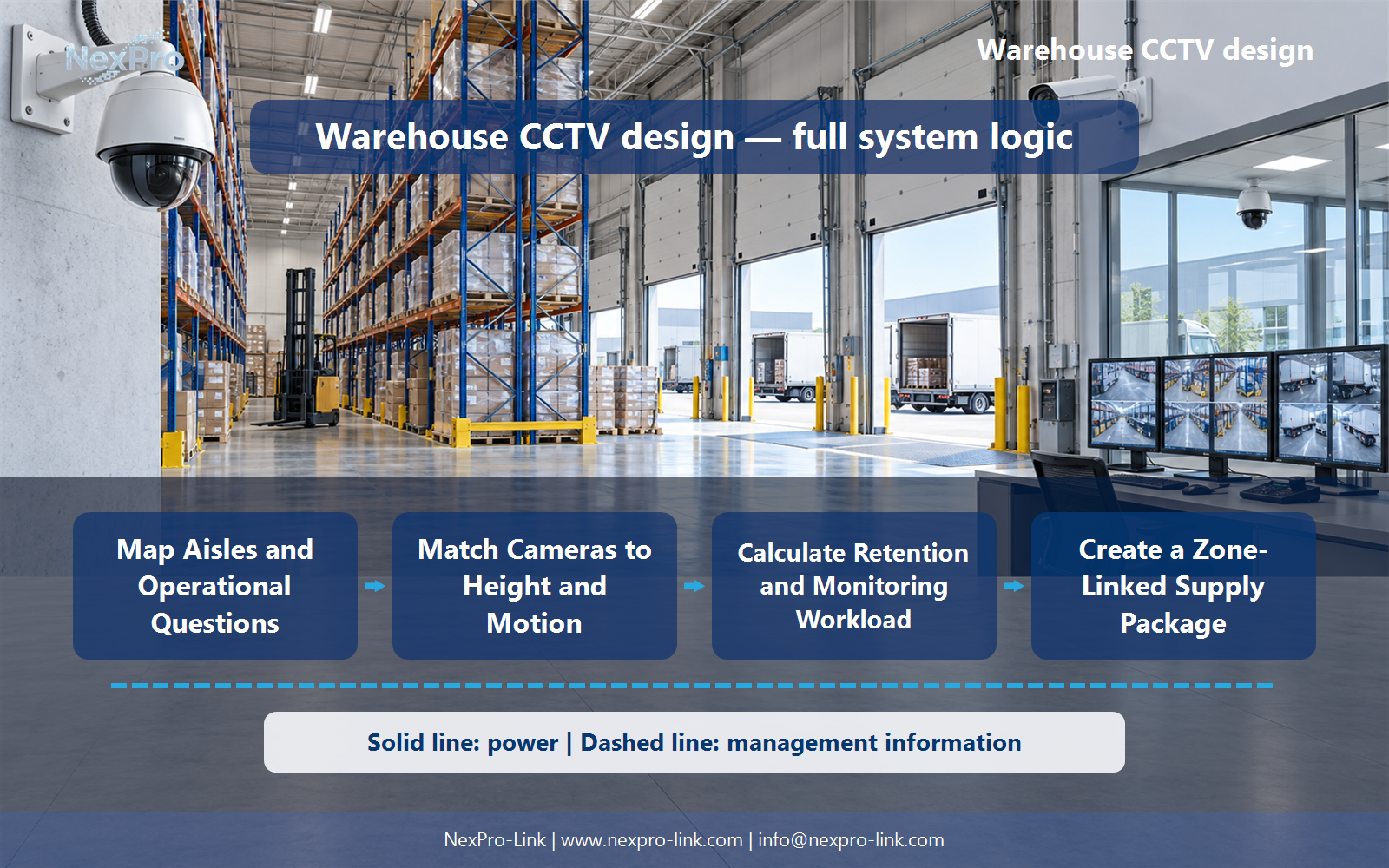
Use Option, Covered area, Detail per view, Occlusion, Cost scope to compare options on the same basis. Keep product capability, project assumption and operating responsibility in separate columns.
Section 03
Match Cameras to Height and Motion
It changes target size, angle and obstruction, and may make face or package detail less useful even while covering more floor. Forklift motion also affects exposure and temporal detail. Select lenses and positions for the required task rather than prioritizing the highest possible mounting point.
The project output should make Height, Target angle, Lens, Motion, Service access traceable from input to acceptance.
- Confirm the answer to: How does mounting height affect warehouse video?
- Record the project fields: Height / Target angle / Lens / Motion / Service access.
- Keep product capability, project assumptions and site responsibility in separate records.
Section 04
Build Distributed Access and Recording
Local cabinets can shorten supported camera runs and organize dense zones, but they add power, environment and maintenance dependencies. Use suitable backbone links and recording allocations. A total of 96 cameras can use supported nodes or servers without inventing one 96- or 128-channel branded recorder.
Record Zone, Cameras, Ports, PoE, Backbone, Recorder before selecting a product family. That makes later substitutions possible without silently changing the operational requirement.
Section 05
Calculate Retention and Monitoring Workload
Not directly. Calculate from recording streams, schedules and the stated retention target. Include operator layouts and investigations as separate viewing workloads. A 60-day example is not a universal warehouse requirement, and a large wall is optional if workstations meet the operating task.
Review Group, Mbps, Days, TB, Display task with the party that will operate or maintain the system.
Section 06
Create a Zone-Linked Supply Package
Connect each view to its mounting, network, recorder, storage, display and backup requirements, with actual cable routes and quantities. Identify environmental exceptions and maintenance access. NexPro-Link can support the equipment package while preserving the distinct roles of panoramic, fixed and PTZ devices.
Use Zone, Camera role, Infrastructure, Quantity, Scope as the handoff between design and procurement.
Engineering references
These sources support the general planning principles. Always use the selected product's current datasheet and applicable project standards for final design.


