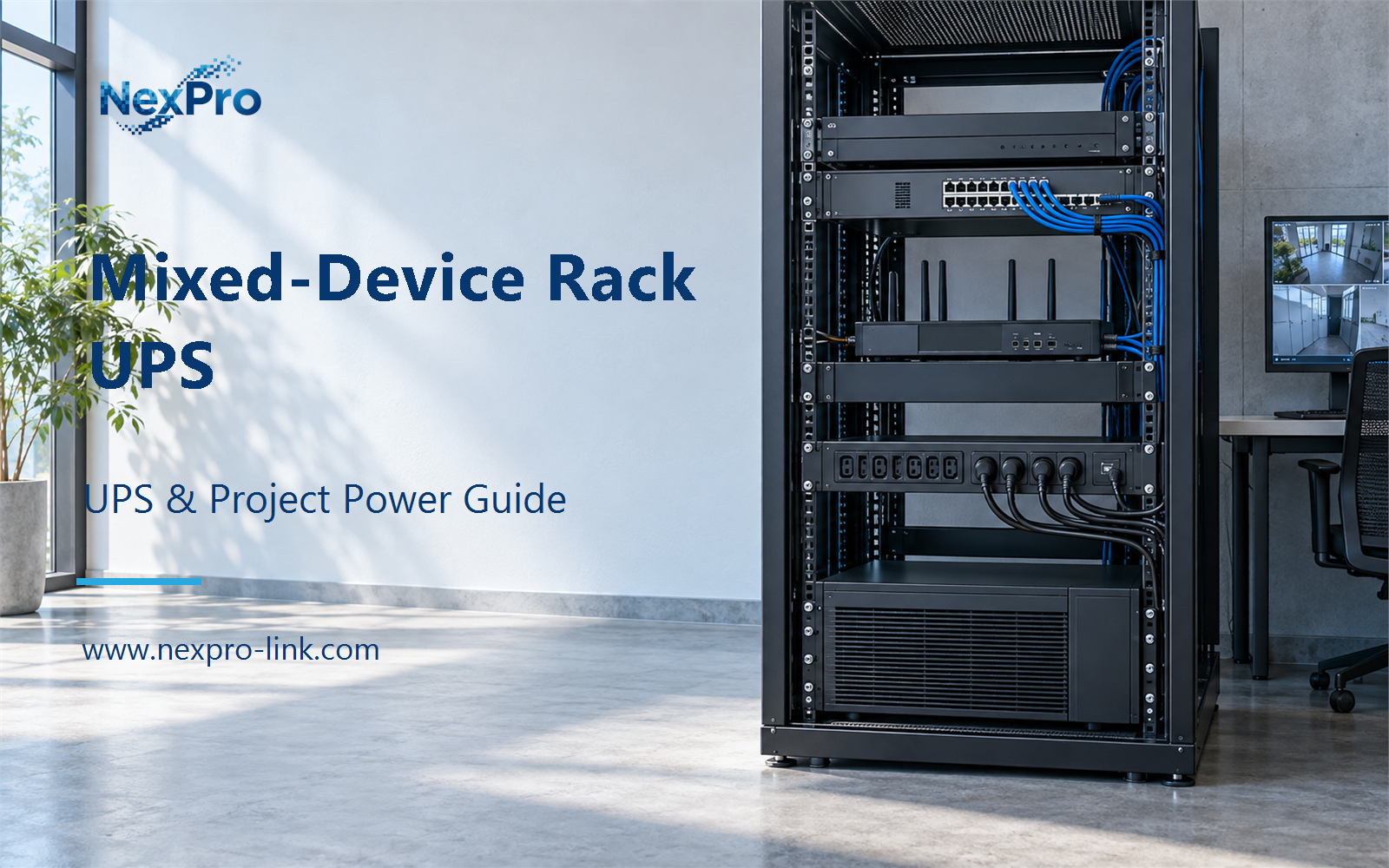
Rack U height is an occupancy value, not a power value: calculate the real load and shared facilities first, then choose centralized or distributed.
Section 01
Rack height does not tell you the UPS size
Rack U height is an occupancy value, not a power value: calculate the real load and shared facilities first, then choose centralized or distributed.
A rack's U count is a space measurement, not a power measurement. A lightly loaded storage rack and a GPU-heavy compute rack can occupy the same height while drawing very different power. Converting U height directly into UPS capacity therefore gives a tidy number with no dependable electrical meaning.
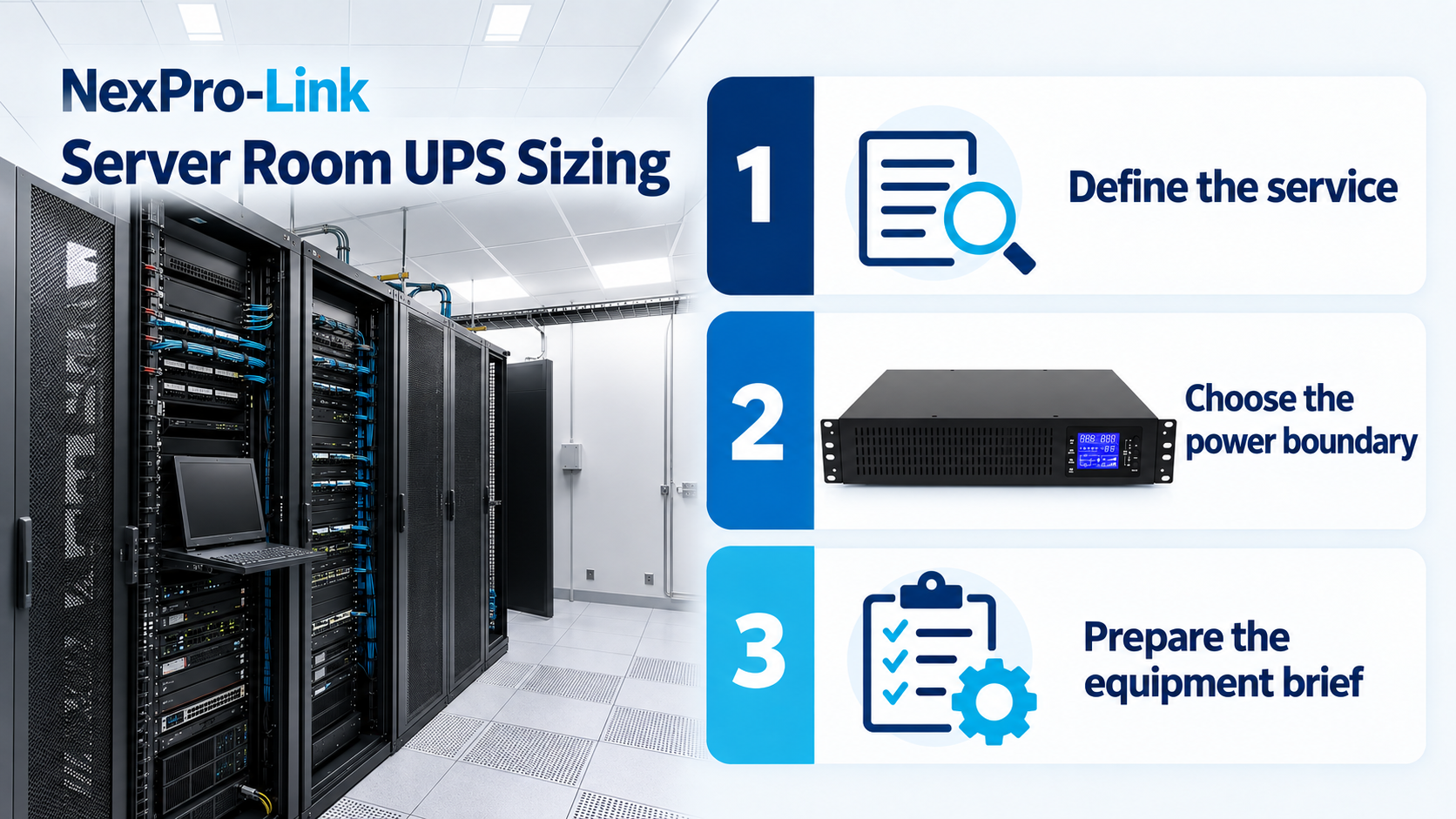
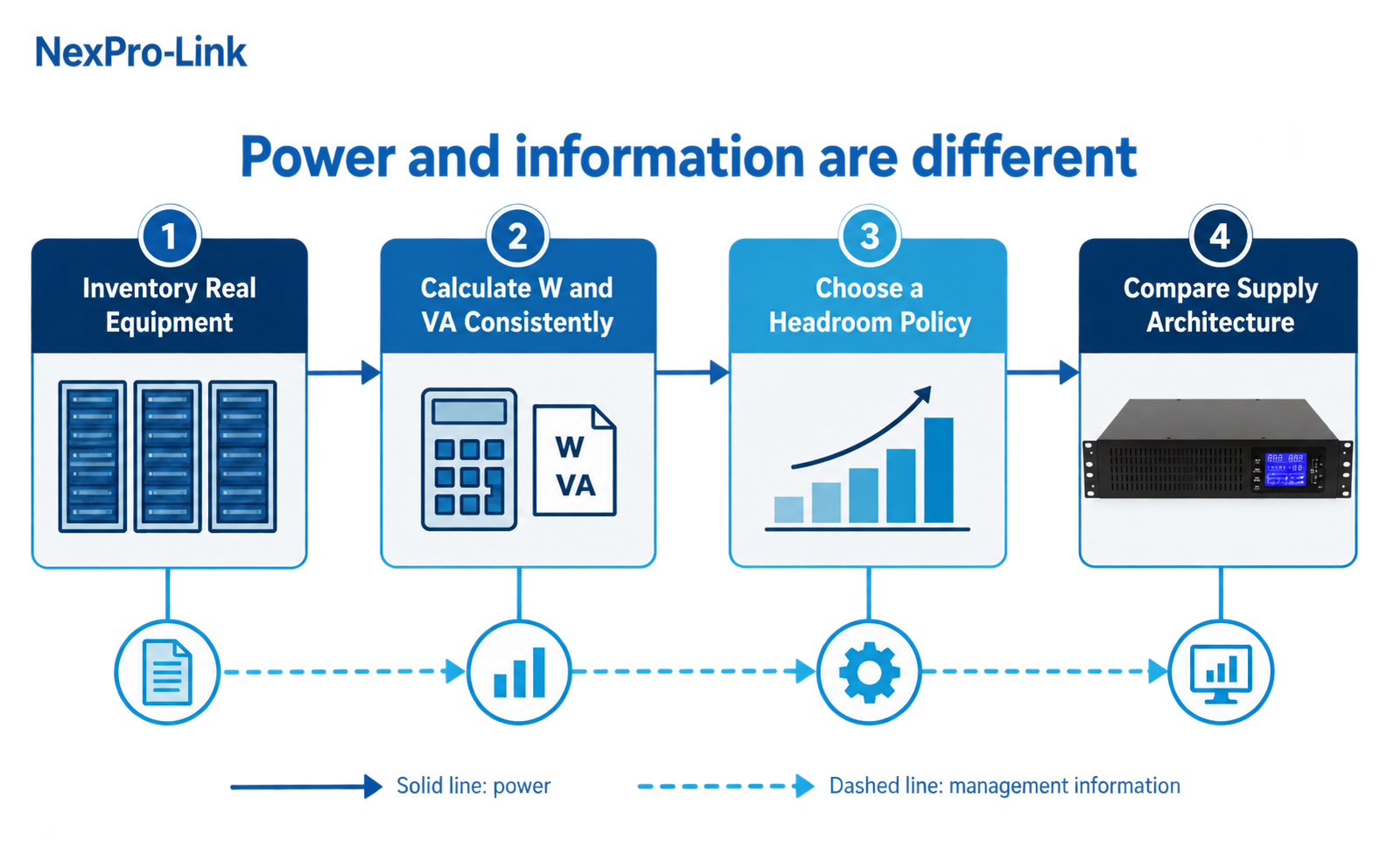
The useful starting point is a device inventory. Record what is installed in each rack, the load state that matters, and every shared device that must stay alive. Then check the combined demand against both the watt and VA limits of the proposed UPS. Headroom, runtime and distribution architecture come after that load picture is clear.
Section 02
Build the load schedule from real equipment
For each device, capture rack position, normal running watts, the highest credible operating load and the source of the number. Measured input is the best basis when the room already exists. Manufacturer documentation is useful for planned equipment, while nameplate maximums are better treated as an early upper-bound check than as the final design load.
Keep measured and estimated figures visible in the same schedule. That small discipline matters later: when a server configuration changes, the team can update one line instead of rebuilding the entire calculation from memory.
| Device | Rack / feed | Running W | Peak W |
|---|---|---|---|
| App server A | R01 PDU | 180 | 260 |
| App server B | R01 PDU | 180 | 260 |
| Top-of-rack switch | R01 PDU | 140 | 175 |
| Storage controller | R02 PDU | 200 | 260 |
| Disk shelf | R02 PDU | 200 | 250 |
| Core switch | R03 PDU | 150 | 190 |
| Firewall and router | R03 PDU | 150 | 200 |
| Management switch and OOB | Shared | 80 | 110 |

Section 03
Check watts and VA as separate limits
Watts describe real power: the portion the equipment converts into useful work and heat. VA describes apparent power, which also reflects the current associated with power factor. A UPS can have enough VA and still be short of watts, or clear the watt requirement and fail the VA check.
For the example load, dividing 1,280 W by an aggregate power factor of 0.90 gives about 1,422 VA. That figure belongs beside the watt total, not in place of it. The proposed UPS must pass both comparisons using ratings from the same configuration.
| Field | Value | How it is used |
|---|---|---|
| Total running load | 1,280 W | Compared with the UPS real-power limit |
| Aggregate power factor | 0.90 | Illustrative planning input |
| Apparent-power estimate | 1,422 VA | Compared with the UPS VA limit |
| Example UPS rating | 2,000 VA / 1,800 W | Both limits must remain above the design demand |
Section 04
Choose one reserve policy and show the math
Reserve is easier to defend when the policy is named. One project may cap normal loading at 80% of the UPS rating. Another may multiply the measured demand by 1.25. In this example both methods produce a 1,600 W minimum, but that is a coincidence of the chosen numbers, not proof that the formulas are interchangeable.
Known additions should sit outside the uncertainty reserve. If another storage shelf is already approved, add its expected demand as a separate line. Otherwise a planned expansion quietly consumes the capacity that was meant to cover measurement variation and operating change.
| Policy | Formula | Result for 1,280 W |
|---|---|---|
| 80% utilization ceiling | Load ÷ 0.80 | 1,600 W minimum |
| 25% demand allowance | Load × 1.25 | 1,600 W minimum |
| Committed growth | Add as a named load | Kept separate from reserve |
Section 05
Compare centralized and rack-level UPS on the same basis
Rack count alone does not settle the architecture. Compare cable routes, service access, failure domains, shared loads and expected growth. Rack-level units shorten local distribution and let one cabinet be isolated for service. A centralized unit makes shared loads easier to collect, but its distribution and maintenance plan affect the whole room.
Mixed arrangements are common where criticality differs. Compute and storage may use rack-level protection while selected network and management equipment share another backed-up feed. The design is sound when every protected load and dependency has an explicit home, not when every cabinet follows the same pattern for convenience.
| Factor | Rack-level UPS | Centralized UPS |
|---|---|---|
| Distribution | Short feeds inside each rack | One source with longer branch runs |
| Maintenance | One rack can be isolated | Major service can affect the whole room |
| Failure domain | Usually limited to one rack and PDU | Common bus can reach every protected rack |
| Shared loads | Need a dedicated unit or assigned feed | Straightforward to include as named circuits |
| Expansion | Add capacity with each rack | Plan central capacity and distribution in advance |
Section 06
Keep cooling and auxiliary loads outside the default total
Room cooling is not automatically part of the IT UPS load. Compressors, pumps and fans have different starting and cycling behavior from servers and switches. Decide how cooling must behave during an outage, then engineer that supply separately. Add a cooling or auxiliary item to the UPS only when the operating plan calls for it.
| Load class | Examples | Default treatment |
|---|---|---|
| IT | Servers and storage | Include when the service must continue or shut down cleanly |
| Network | Switches, routers and firewalls | Include when the communication path must remain available |
| Cooling | CRAC, CRAH, pumps and fans | Make a separate continuity and inrush decision |
| Auxiliary | General lighting and service tools | Exclude unless the operating brief requires them |
Section 07
Turn the calculation into a rack-by-rack RFQ
A supplier needs more than a final kVA figure. Send the rack schedule, shared loads, input supply, redundancy intent, runtime target and physical limits such as rack depth, outlet type and service clearance. Mark which values are measured and which are estimates.
This gives the quotation a traceable basis. If the rack population changes, the load sheet changes first; the proposed UPS, battery arrangement and distribution accessories can then be revised against the same operating objective.
| Load group | Demand basis | Priority | Power interface |
|---|---|---|---|
| R01 compute | Measured | Critical | Dual PSU |
| R02 storage | Measured | Critical | Dual PSU |
| R03 network | Measured | High | Dual PSU |
| Shared management | Estimated | Standard | Single PSU |
Section 08
Worked example: three racks plus shared management
Take a small room with separate compute, storage and network racks. The protected load is assembled from four named groups; no watts-per-U shortcut appears anywhere in the calculation.
| Load group | Input W | Subtotal W |
|---|---|---|
| Compute rack group | 500 | 500 |
| Storage rack group | 400 | 400 |
| Network rack group | 300 | 300 |
| Shared management | 80 | 80 |
Section 09
Read the result without confusing power and runtime
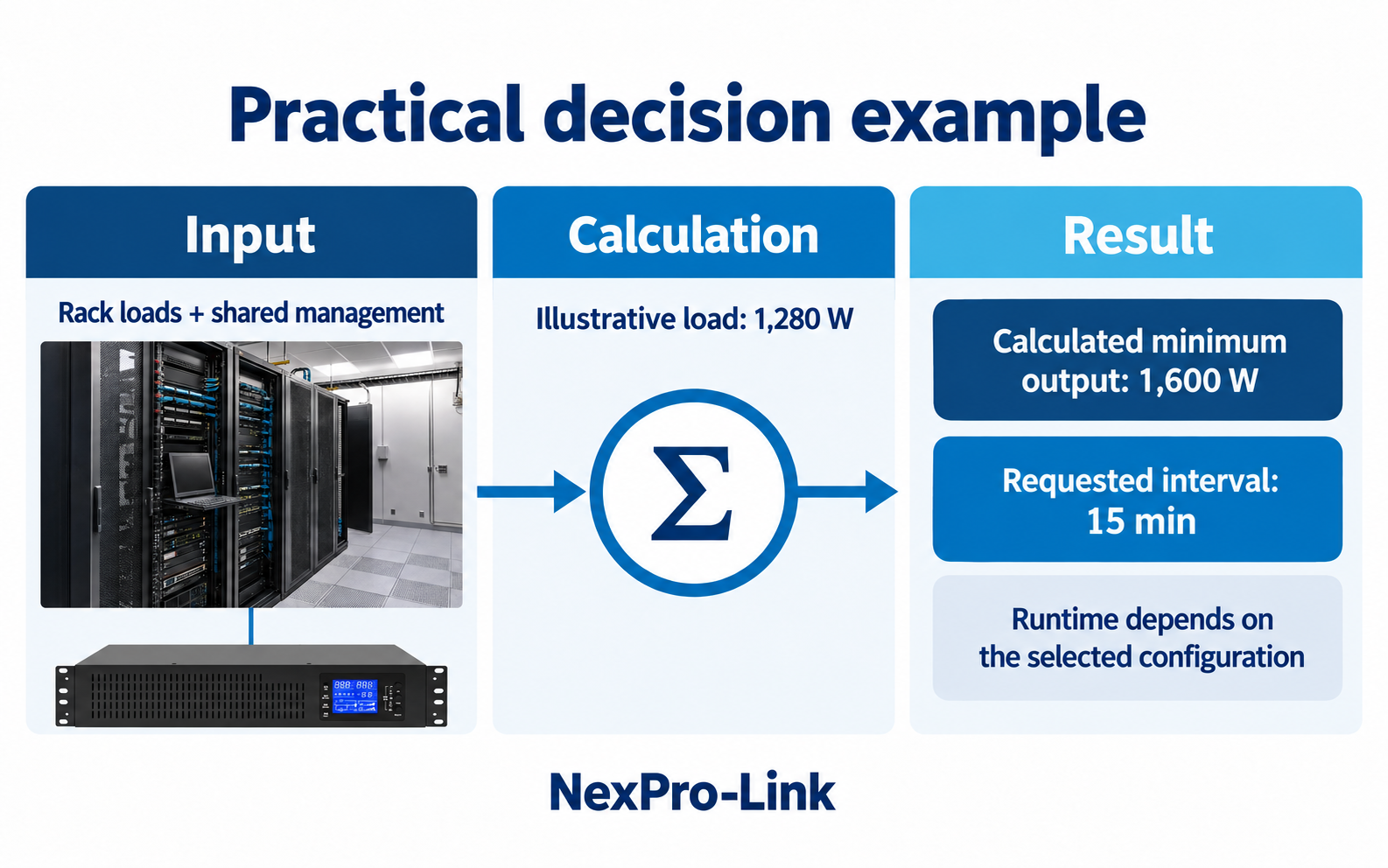
With a 0.90 aggregate power factor, the 1,280 W load is about 1,422 VA. Applying an 80% utilization ceiling raises the minimums to 1,600 W and about 1,778 VA. The proposed unit must meet both limits.
Fifteen minutes at 1,280 W represents 320 Wh delivered to the load. It is not a battery nameplate requirement. Conversion loss, discharge rate, temperature, battery age and the selected product's runtime curve still shape the battery configuration. Capacity and runtime are connected, but they are not the same decision.
| Calculation | Result |
|---|---|
| Protected AC input | 1,280 W |
| Apparent power at PF 0.90 | 1,422 VA |
| Minimum watt rating at 80% ceiling | 1,600 W |
| Minimum VA rating at 80% ceiling | 1,778 VA |
| Requested backup interval | 15 minutes |
| Load-side energy for that interval | 320 Wh |
Section 10
Where a 2 kVA rack UPS fits the example
A NexPro-Link NX-UP-RM-001 C2KR(S) configuration rated at 2,000 VA / 1,800 W clears the example's calculated minimums of 1,778 VA and 1,600 W. That makes it a capacity candidate for this scenario, not an automatic final selection.
The next review covers the input and output arrangement, rack depth, outlet and PDU plan, internal or external battery configuration, monitoring, service access and the real growth schedule. Those details belong in the same supplier discussion as the load calculation; leaving them until installation is where an apparently correct rating turns into an awkward project fit.

Section 11
Server room UPS sizing FAQ
These are the questions that usually surface when a room moves from a rough capacity guess to a purchase-ready scope.
- Can rack U height be converted into UPS capacity? No. U height describes occupied space. Inventory the installed equipment and calculate its electrical demand.
- Why check both watts and VA? They are separate output constraints. A proposed UPS can pass one rating and fail the other.
- How should spare capacity be shown? Name the policy—such as an 80% utilization ceiling or a 25% demand allowance—and keep committed growth on separate lines.
- When should centralized and rack-level UPS be compared? Whenever distribution routes, maintenance access, shared loads or failure domains could change the practical design.
- Does room cooling belong in the UPS total? Not by default. Define cooling continuity separately and include only the auxiliary loads the operating plan actually requires.
- What should go to the supplier? The rack schedule, shared loads, demand basis, input supply, redundancy intent, runtime target, interfaces and physical constraints.
- What changes when another server or storage shelf is added? Update the load schedule first, then recalculate watts, VA, reserve, runtime and the proposed equipment scope.
Section 12
Move from a sizing calculation to a supply scope
A server-room UPS brief becomes useful when the load schedule, reserve policy, architecture and runtime objective agree with one another. Send NexPro-Link the rack inventory, measured demand, planned growth and installation constraints. We can organize the UPS configuration, battery options, distribution interfaces and quotation scope around the service the room needs to maintain.
Engineering references
These sources support the general planning principles. Always use the selected product's current datasheet and applicable project standards for final design.