

Plan school campus CCTV design with practical guidance on define campus areas and purposes and set recording and retention by policy. NexPro-Link project guide.
Section 01
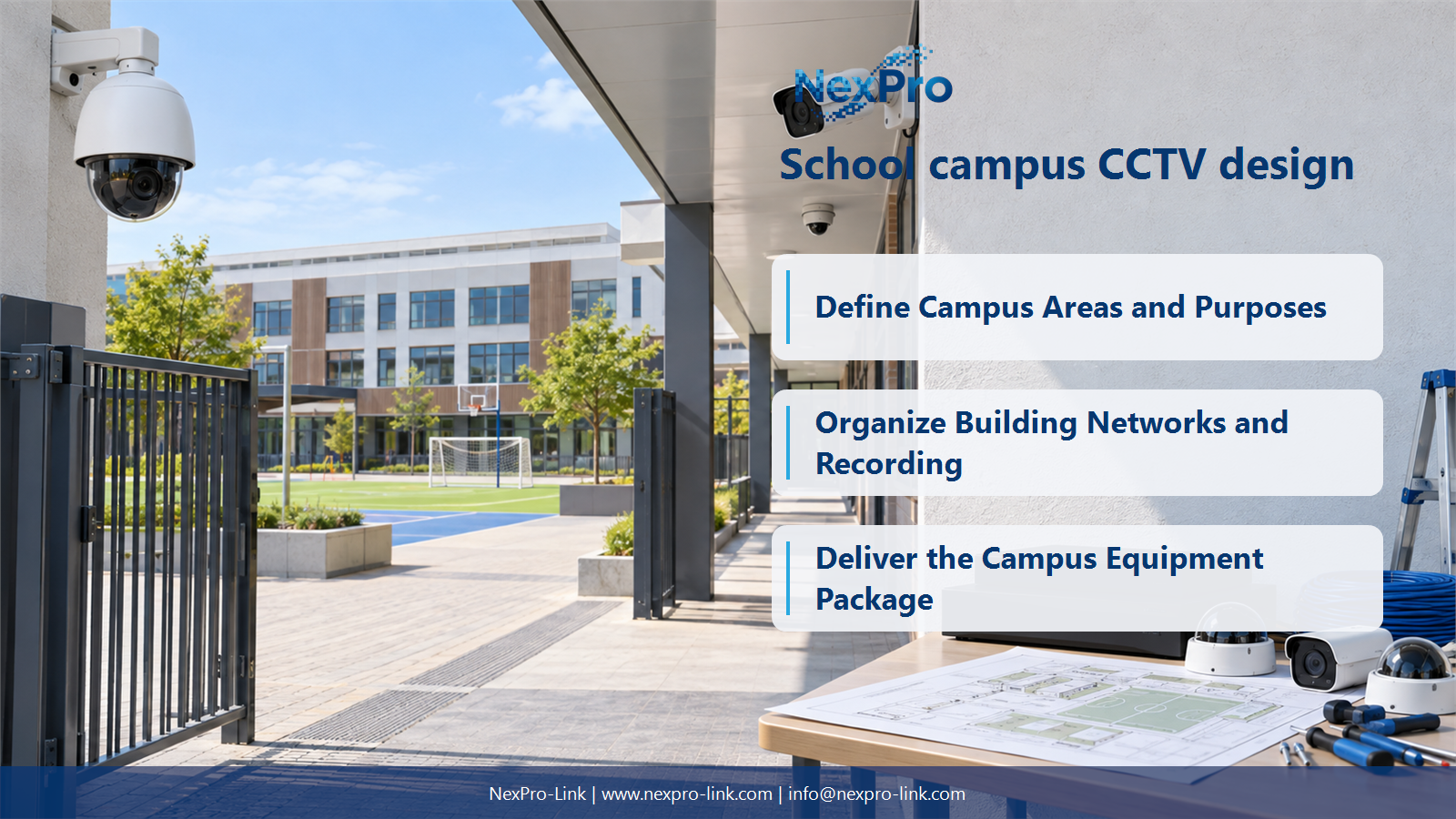
Define Campus Areas and Purposes
Identify the permitted purposes for entrances, public circulation, outdoor activity and controlled service areas. Consider students, staff and visitors separately where appropriate. A campus-wide plan should not assume that every space is suitable for routine monitoring or that all users need access to every camera.
Turn the answer into a working record using Area, Purpose, People affected, View boundary.
| Decision area | Buyer question | Required output |
|---|---|---|
| Define Campus Areas and Purposes | Where should campus CCTV planning start? | Identify the permitted purposes for entrances, public circulation, outdoor activity and controlled service areas. |
| Choose Entrance and Playground Camera Roles | Is a PTZ enough for an entire playground? | A PTZ can support operator inspection but does not continuously preserve all directions. |
| Organize Building Networks and Recording | How should multiple school buildings connect? | Use supported local camera links and a suitable backbone with clearly defined recording destinations. |
Section 02
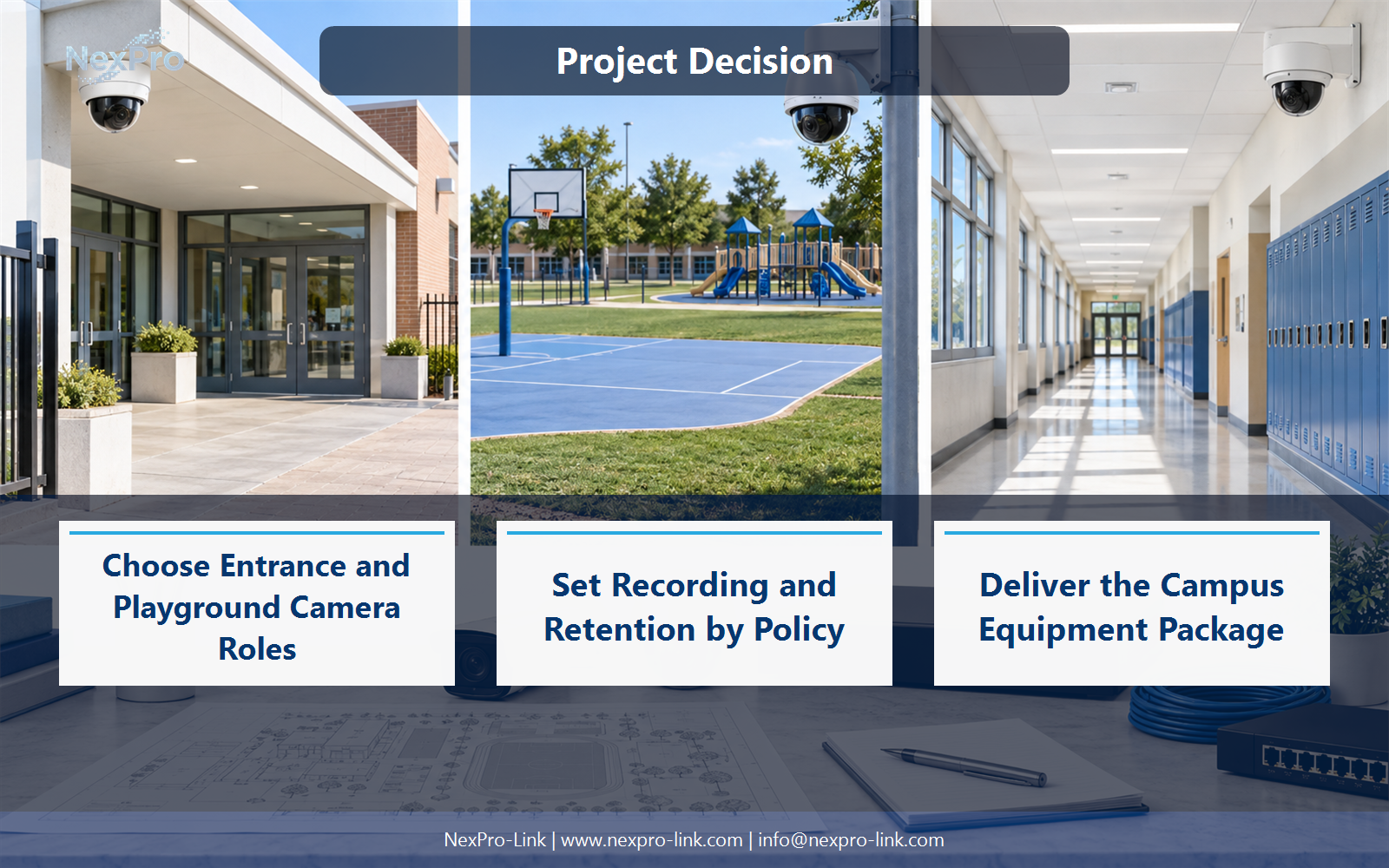
Choose Entrance and Playground Camera Roles
A PTZ can support operator inspection but does not continuously preserve all directions. Use fixed views for required coverage and define the PTZ task. At vehicle gates, plate recognition is a separate function and should not be inferred from ordinary human or vehicle classification.
Use Zone, Fixed coverage, PTZ role, Plate requirement to compare options on the same basis. Keep product capability, project assumption and operating responsibility in separate columns.
Section 03
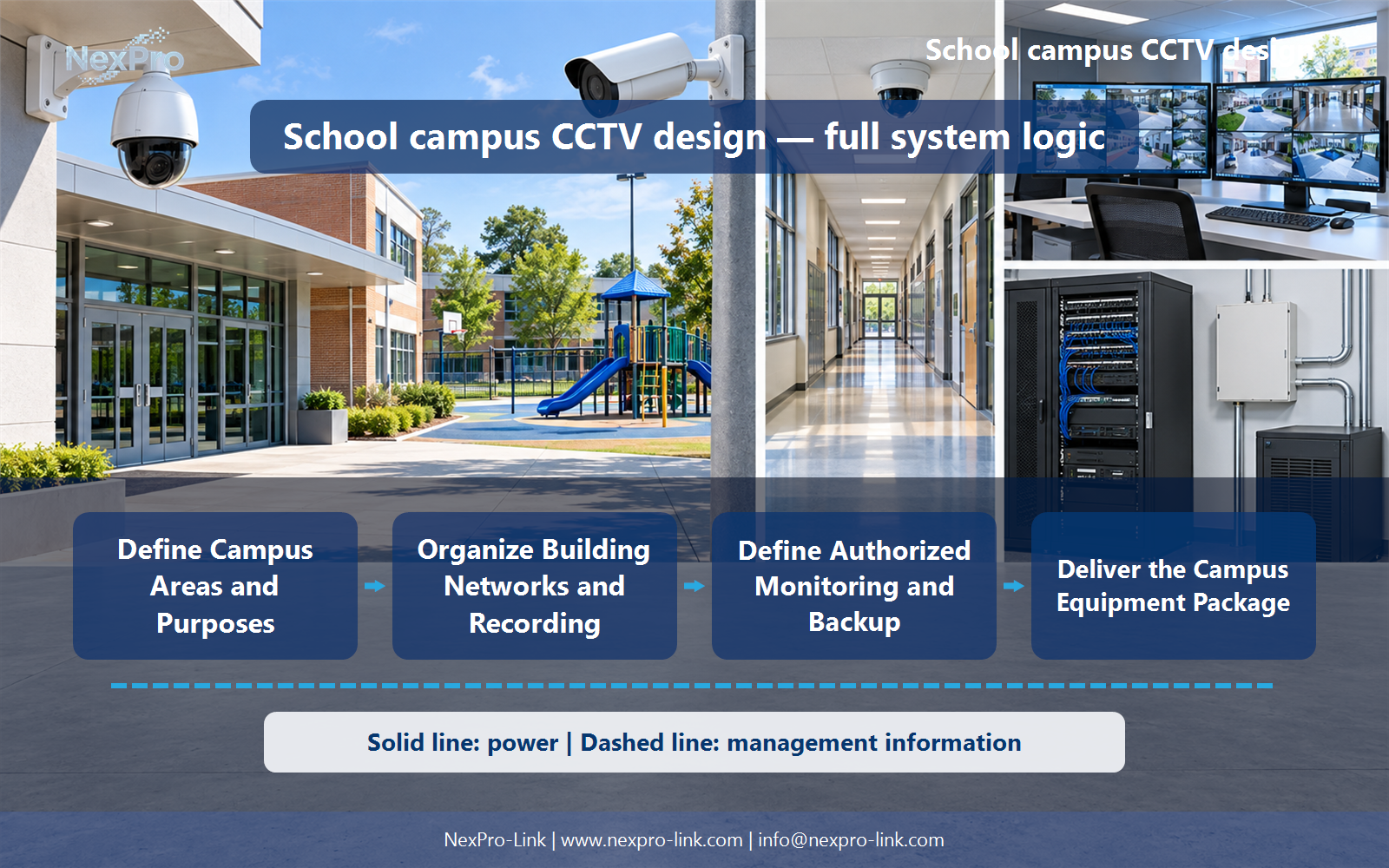
Organize Building Networks and Recording
Use supported local camera links and a suitable backbone with clearly defined recording destinations. Local recording may reduce dependency on a central link, while central management needs appropriate permissions and bandwidth. Calculate PoE per building rather than treating the campus as one undivided switch load.
The project output should make Building, Cameras, PoE, Backbone, Recorder traceable from input to acceptance.
- Confirm the answer to: How should multiple school buildings connect?
- Record the project fields: Building / Cameras / PoE / Backbone / Recorder.
- Keep product capability, project assumptions and site responsibility in separate records.
Section 04
Set Recording and Retention by Policy
This scenario does not establish a universal requirement. Use the institution's permitted purpose and applicable policy, then calculate storage from camera groups and recording schedules. Preserve relevant incidents through an appropriate separate process rather than extending all footage indefinitely.
Record Group, Schedule, Days, Required TB, Event preservation before selecting a product family. That makes later substitutions possible without silently changing the operational requirement.
Section 05
Define Authorized Monitoring and Backup
Show authorized views that support the operator's task, with a clear way to retrieve incidents. A large LED wall is optional rather than mandatory. Protect essential capture, network and recording paths and use a supported electrical arrangement for any required redundancy.
Review Role, Layout, Critical cameras, Power path, Runtime with the party that will operate or maintain the system.
Section 06
Deliver the Campus Equipment Package
A useful BOQ links zones, camera tasks, recording allocation, PoE, storage, displays, backup and cabling. Include phasing, maintenance access and responsibilities for local installation. Equipment support should not be described as approval of the institution's safeguarding or privacy policy.
Use Zone, Item, Quantity, Phase, Interface, Owner as the handoff between design and procurement.
Engineering references
These sources support the general planning principles. Always use the selected product's current datasheet and applicable project standards for final design.


