

Plan retail store CCTV design with practical guidance on separate checkout and store overview and set local retention and head-office viewing. NexPro-Link project guide.
Section 01
Separate Checkout and Store Overview
Checkout, aisle overview, entrance context and stockroom access answer different questions. Define those tasks before choosing one camera for the whole store. A broad ceiling view may show movement but fail to preserve the handling detail required at a checkout.
Turn the answer into a working record using Zone, Question, Target detail, View, Owner.
| Decision area | Buyer question | Required output |
|---|---|---|
| Separate Checkout and Store Overview | How should retail camera tasks be divided? | Checkout, aisle overview, entrance context and stockroom access answer different questions. |
| Frame Checkout Without Excessive Collection | What should a checkout camera show? | Capture the authorized handling or transaction context without unnecessarily exposing confidential customer information. |
| Build a Compact Recording and PoE Package | Is a 16-channel NVR automatically right for a 12-camera store? | It may provide channel room, but input throughput, disk capacity, power and required functions still matter. |
Section 02
Frame Checkout Without Excessive Collection
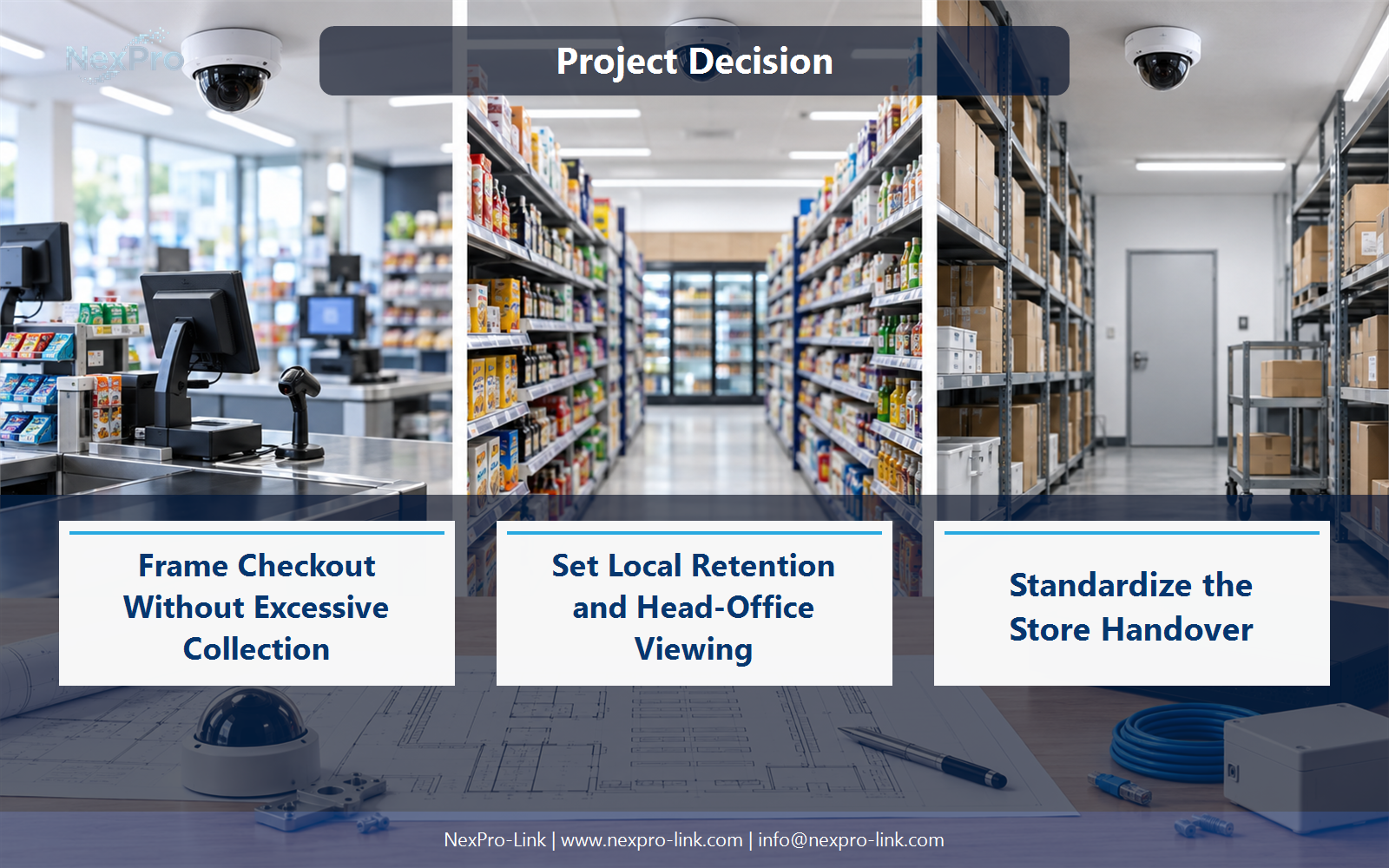
Capture the authorized handling or transaction context without unnecessarily exposing confidential customer information. Position, angle and lighting matter as much as pixel count. Any connection to transaction data should be specified as a separate supported integration rather than assumed from the camera view.
Use Checkout, Handling detail, Privacy boundary, Integration to compare options on the same basis. Keep product capability, project assumption and operating responsibility in separate columns.
Section 03
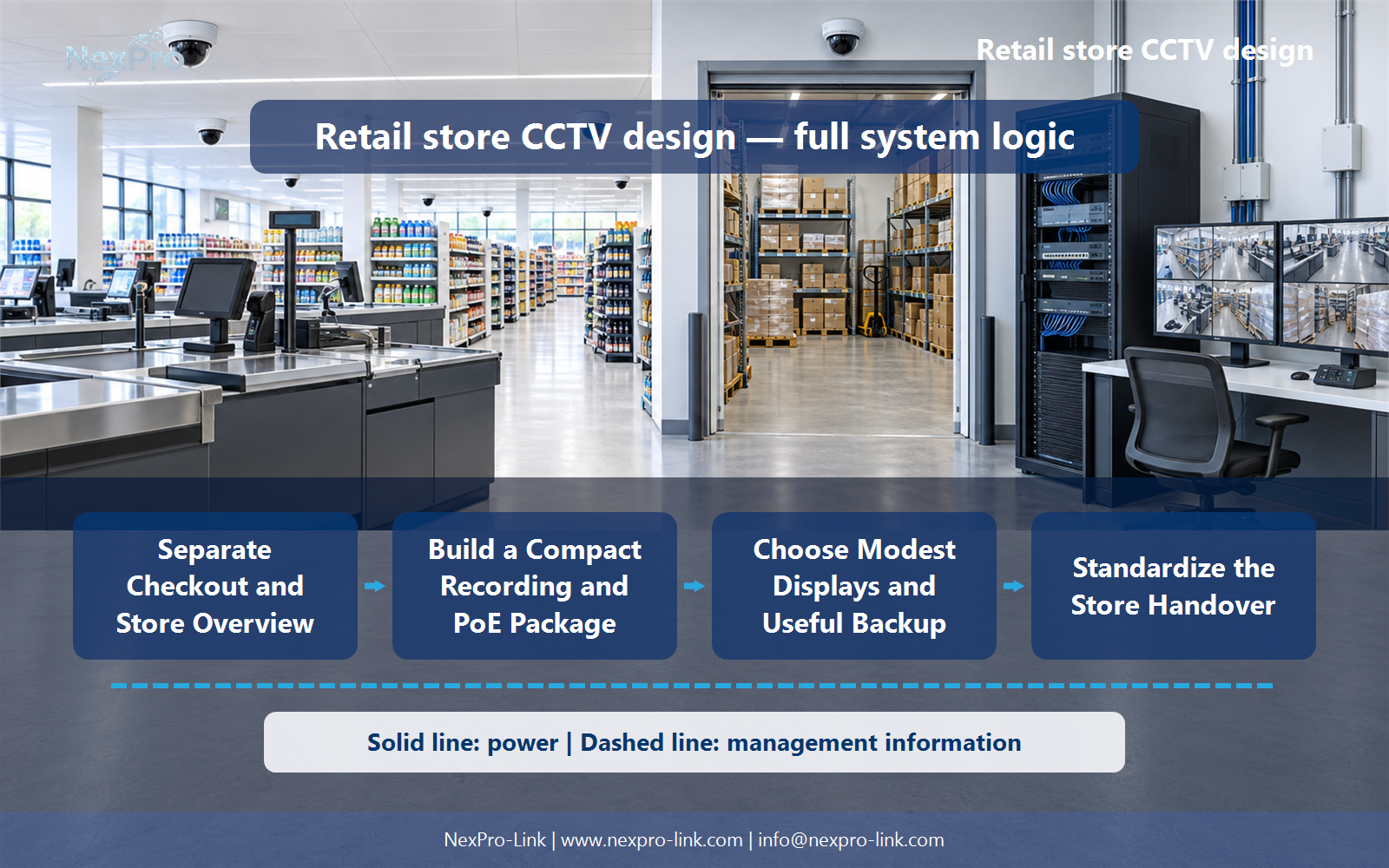
Build a Compact Recording and PoE Package
It may provide channel room, but input throughput, disk capacity, power and required functions still matter. Calculate the actual recording and PoE workload. Keep camera-powered ports distinct from recorder channel capacity and include patching and mounting in the store package.
The project output should make Cameras, Channels, PoE ports, Watts, Recording load traceable from input to acceptance.
- Confirm the answer to: Is a 16-channel NVR automatically right for a 12-camera store?
- Record the project fields: Cameras / Channels / PoE ports / Watts / Recording load.
- Keep product capability, project assumptions and site responsibility in separate records.
Section 04
Set Local Retention and Head-Office Viewing
Not necessarily. Local recording can continue while authorized central users view or retrieve footage through a supported arrangement. Calculate site upload and permissions separately. A 30-day example is a project input, not a default legal period for every store.
Record Local storage, Remote action, Upload, Permission, Retention before selecting a product family. That makes later substitutions possible without silently changing the operational requirement.
Section 05
Choose Modest Displays and Useful Backup
Select the display workflow and outage service actually required. A local monitor and a suitably configured small backup system may suffice; a large LED wall is not mandatory. Protect cameras through their switch, recording and any essential network path without double-counting PoE loads.
Review Essential service, Monitor, Switch, Recorder, Backup with the party that will operate or maintain the system.
Section 06
Standardize the Store Handover
Use labelled camera positions, a supported equipment configuration, recording settings and clear account ownership. Include cable routes and recovery instructions in the store handover. NexPro-Link can support standard equipment packages while site-specific layouts and privacy settings remain explicit.
Use Store, Position, Model role, Setting, Cable, Owner as the handoff between design and procurement.
Engineering references
These sources support the general planning principles. Always use the selected product's current datasheet and applicable project standards for final design.


