Distinguish the backup objective for appointment, payment and queue equipment from the counter workflow. Plan the project from the counter workflow, local device loads and approved limited-service policy.
Section 01
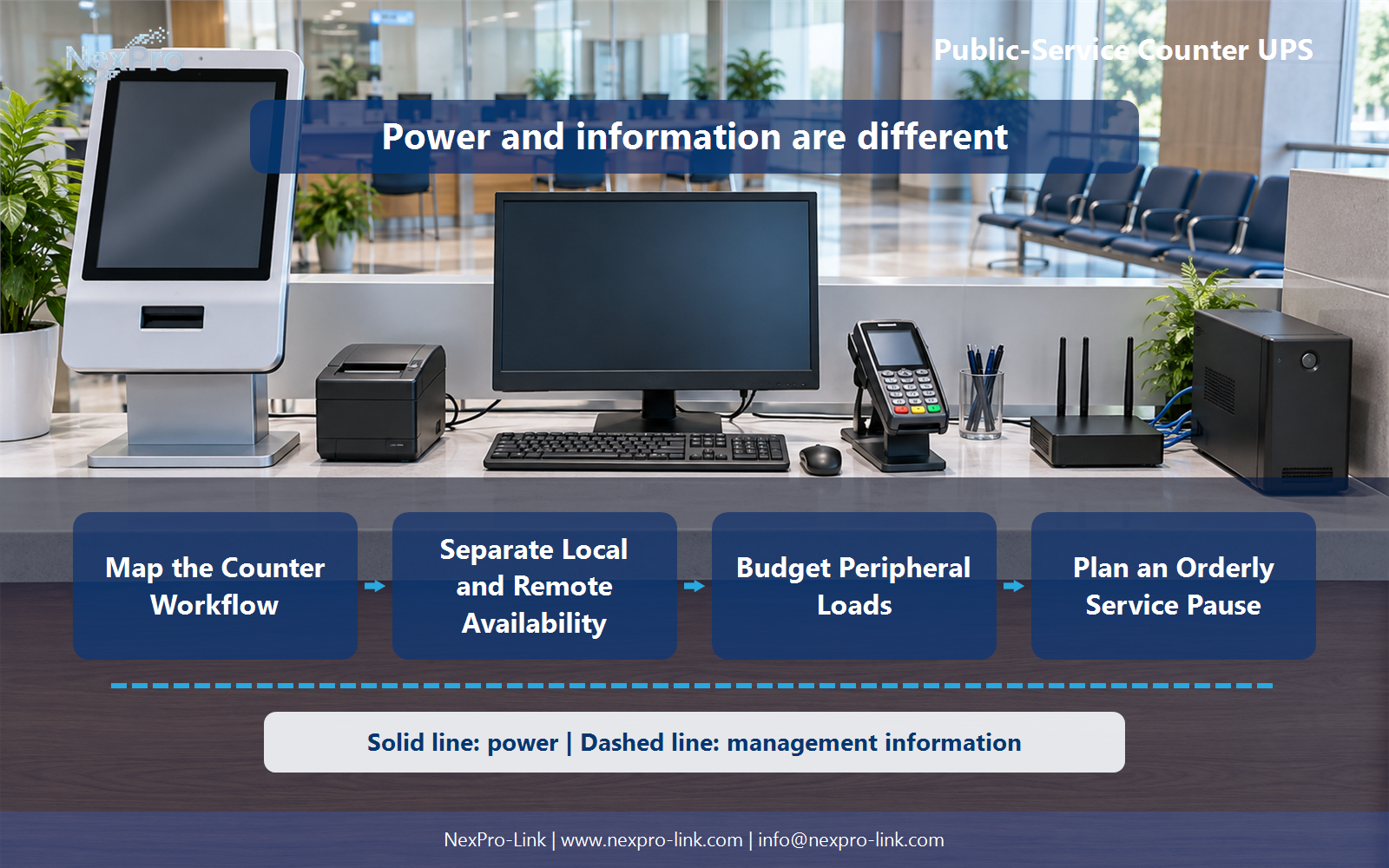
Map the Counter Workflow
Distinguish the backup objective for appointment, payment and queue equipment from the counter workflow.
The first question is which part of the counter service backup should preserve. The answer is rarely everything. A counter runs four functions at once, and each has a different tolerance for interruption.
Identify the approved appointment, record, payment and queue functions first. An appointment check-in may need the terminal and a ticket printer. A record lookup depends on a backend system the UPS does not power. A payment involves a card reader or a receipt printer. A queue display may run from a separate controller or from the same terminal.
Record these four functions in a workflow table. The table keeps the equipment inputs tied to the service outcome they support, which is what stops a UPS being sized for the wrong objective.
When two functions share a terminal, the terminal appears once in the power budget even though it serves four lines in the table. The table separates objectives, not necessarily machines.
| Decision area | Project question | Required output |
|---|---|---|
| Map the Counter Workflow | Which part of the counter service should backup preserve? | Workflow table: appointment / record / payment / queue |
| Separate Local and Remote Availability | Can local battery power keep the entire service online? | Boundary map: local terminal / network / backend / allowed fallback |
| Budget Peripheral Loads | Which peripherals should be included? | Load table: terminal / scanner / printer / gateway / priority |
Section 02
Separate Local and Remote Availability
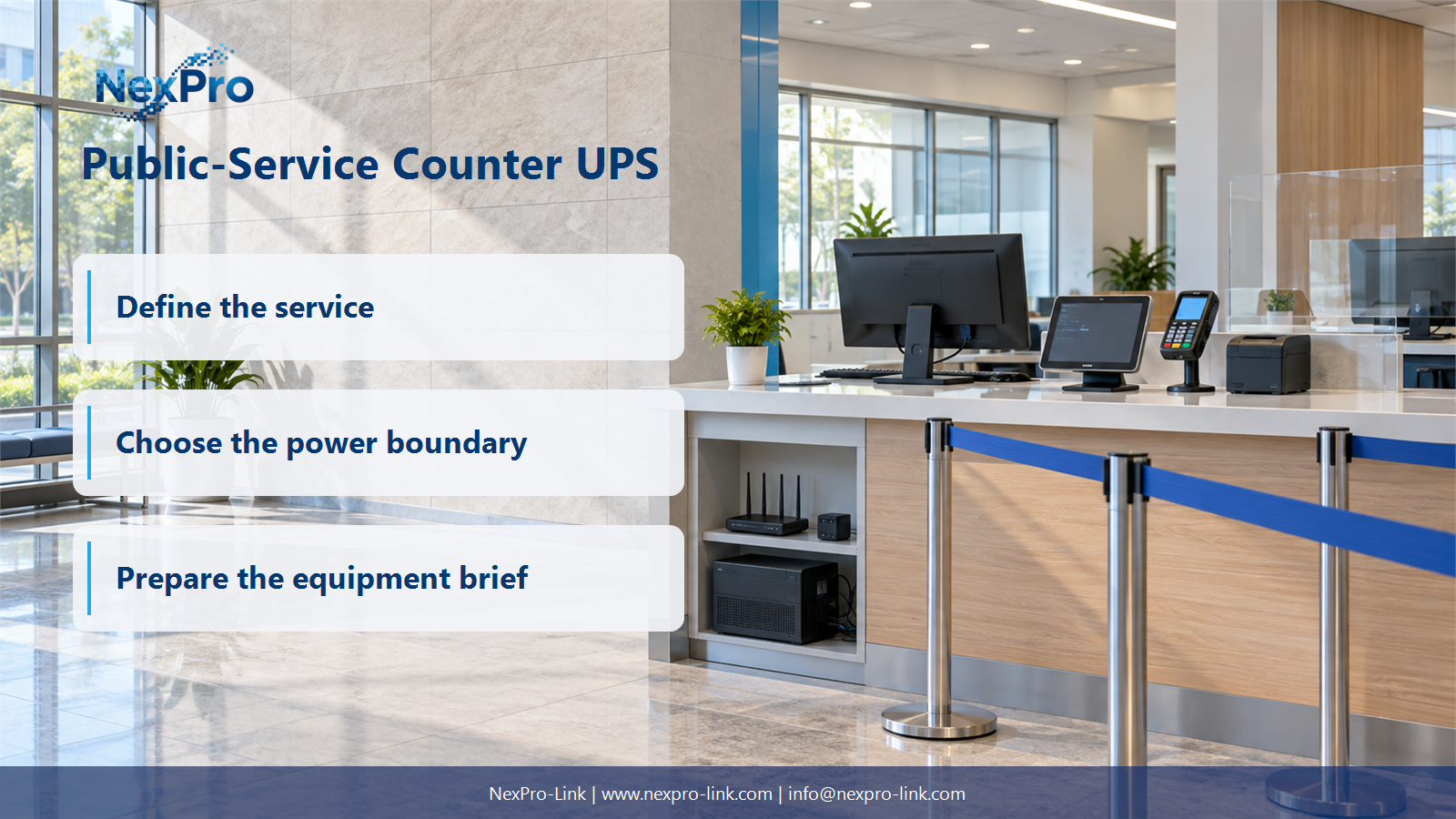
Local battery power cannot keep the entire service online when remote applications or networks are unavailable.
A counter terminal usually reaches a records service, a payment gateway or a queue service over a wide-area network. The UPS protects the terminal and the local network gear. It cannot restore a WAN link, a backend database or a payment processor that lost power somewhere else.
Trace those dependencies and record them in a boundary map. Then identify any approved limited-service mode. Some counters can keep issuing tickets or reading cached records while the backend is down. Others must stop accepting payments the moment the payment gateway is unreachable. Local backup power does not create offline transaction or identity-verification capability. That capability comes from the application and the operating policy, not from the UPS.
Write the boundary map before choosing capacity. It changes the backup objective from staying online to keeping the local part working and stopping the remote part cleanly, which is a different and usually smaller requirement.
Section 03
Budget Peripheral Loads
Which peripherals belong on the UPS depends on the outage objective. The practical way to decide is to list them and check their actual input and peak behavior.
Printers and scanners are not equivalent to a low-power terminal. A receipt printer draws little at idle and a bit more when printing. A laser printer has a fuser and a much higher, longer draw when it warms up or prints. Adding a laser printer to the backup budget can dominate the terminal load, and it is usually not needed for the ten minutes a counter spends pausing service.
List only the peripherals the outage objective requires. Exclude the optional ones explicitly instead of hiding them in an arbitrary margin.
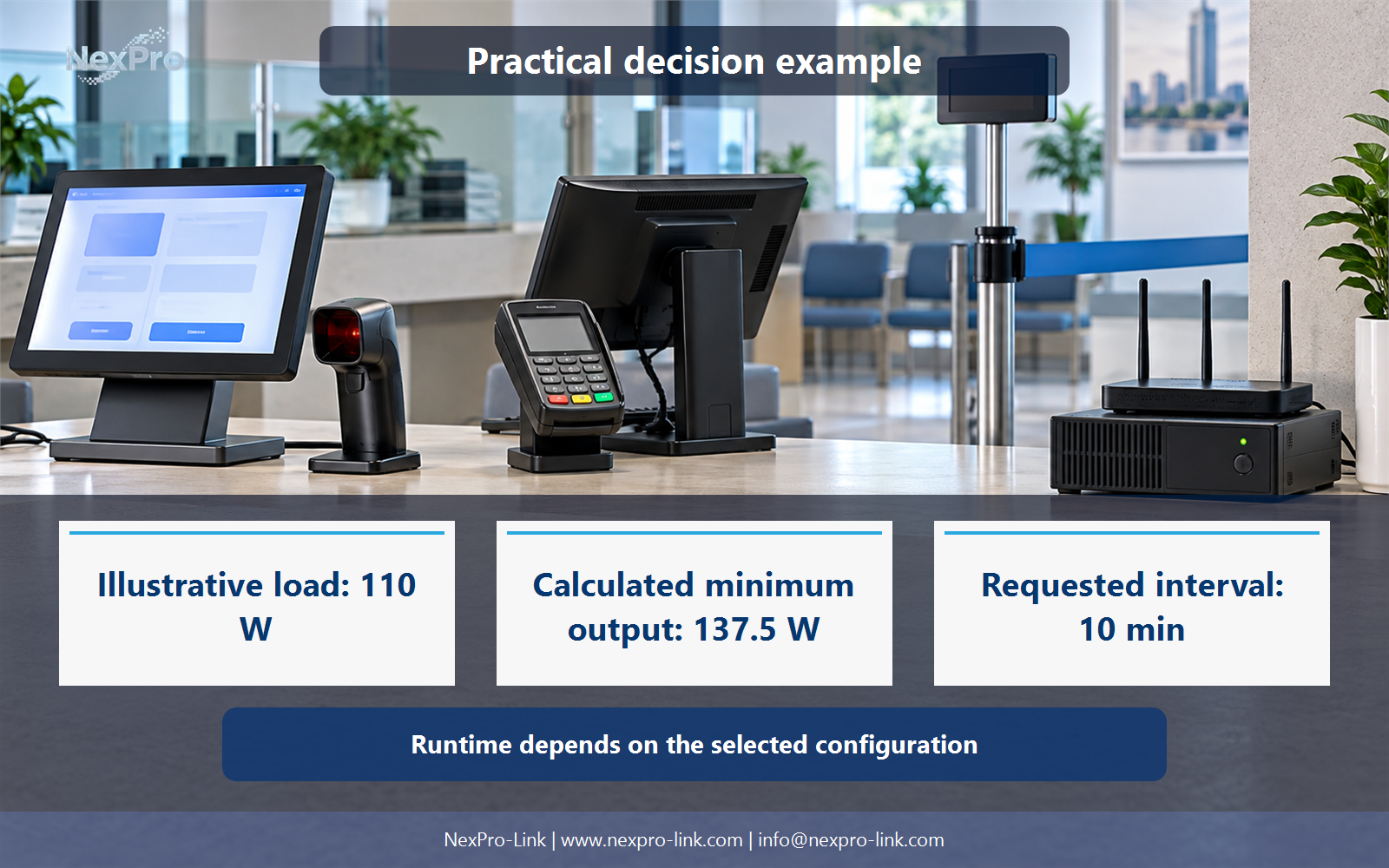
A barcode scanner usually draws through the terminal's USB port, so it adds little as a separate line. Confirm that on the site's own equipment. The illustrative numbers above total 110 W of AC input. That is the load-side figure used in the worked example later, and it is a teaching input rather than a reading from a specific building.
- Confirm the answer to: Which peripherals should be included?
- Draw electrical power as a solid path and management information as a separate dashed path.
- Keep external services and specialist approvals outside the UPS equipment claim.
Section 04
Plan an Orderly Service Pause
Backup time is never unlimited, so the counter needs a defined way to stop when the mains stay down.
Use the application's supported save or completion process. If the payment application offers a complete-and-confirm step, use it while the UPS holds the terminal up. If it does not, the operator should note the last completed step and stop starting new transactions. Communicate the pause to operators and to the people waiting, so nobody stands in a queue that has stopped moving.
The UPS should not be described as guaranteeing that every partially completed transaction can always be finalized. Some transactions will be interrupted, and the recovery step exists to find and fix them.
Define the interval this pause needs. In the worked example the requested interval is 10 minutes, which is an objective rather than a measured runtime.
Section 05
Confirm Recovery and Queue State
When power returns, energized equipment alone does not establish that customer order or payment status is correct. The terminal can be on and the queue still wrong.
Confirm the network and application first. Then reconcile the interrupted work and the queue state through the approved procedures. The operator who took the payment, or the supervisor who parked the queue, should confirm the state is right. Assign that responsibility before the outage, not during it.
A payment that timed out on the counter side but completed on the gateway side needs a reconciliation step. A queue ticket that was issued but never called needs the customer re-queued or served. These are procedure questions. The UPS only buys the time to handle them cleanly.
Section 06
Prepare a Repeatable Counter Package
The last step turns the earlier decisions into a brief a supplier can act on. NexPro-Link needs three things: the base counter device list, the variations between counter types, and the desired pause or continuity interval.
Provide the local device loads and the approved limited-service policy alongside the workflow. Keep application capabilities and any public-sector procurement requirements explicit. A universal counter kit that assumes every counter has the same terminal, printer and network setup will be wrong in one direction or the other.
For the single counter, the 110 W figure is the same teaching input from section 3. The other rows are marked for confirmation because a real project's kiosk or supervisor desk loads are not something this article can read from a category name.
Engineering references
These sources support the general planning principles. Always use the selected product's current datasheet and applicable project standards for final design.