

Plan POS CCTV integration with practical guidance on define the loss-prevention question and distinguish overlay from search. NexPro-Link project guide.
Section 01
Define the Loss-Prevention Question
Define the transaction event and the associated handling context to review, such as an authorized refund or void event. Video should support a specific question rather than collecting every available data field. A camera view alone does not provide searchable transaction integration.
Turn the answer into a working record using Event, Review question, Camera, Necessary data.
| Decision area | Buyer question | Required output |
|---|---|---|
| Define the Loss-Prevention Question | What should POS-linked CCTV help investigators answer? | Define the transaction event and the associated handling context to review, such as an authorized refund or void event. |
| Specify the Actual Interface | Can any POS system connect to any NVR? | No. |
| Align Time and Camera Mapping | Why is time synchronization critical for POS video? | Transaction and video timelines must align closely enough for the intended review. |
Section 02
Specify the Actual Interface
No. The POS, middleware and recording platform need a supported interface and compatible data format. Define the event fields, version and delivery method. Network connectivity or a generic analytics label does not establish transaction-overlay or search capability.
Use POS, Interface, Fields, Platform, Version to compare options on the same basis. Keep product capability, project assumption and operating responsibility in separate columns.
Section 03
Align Time and Camera Mapping
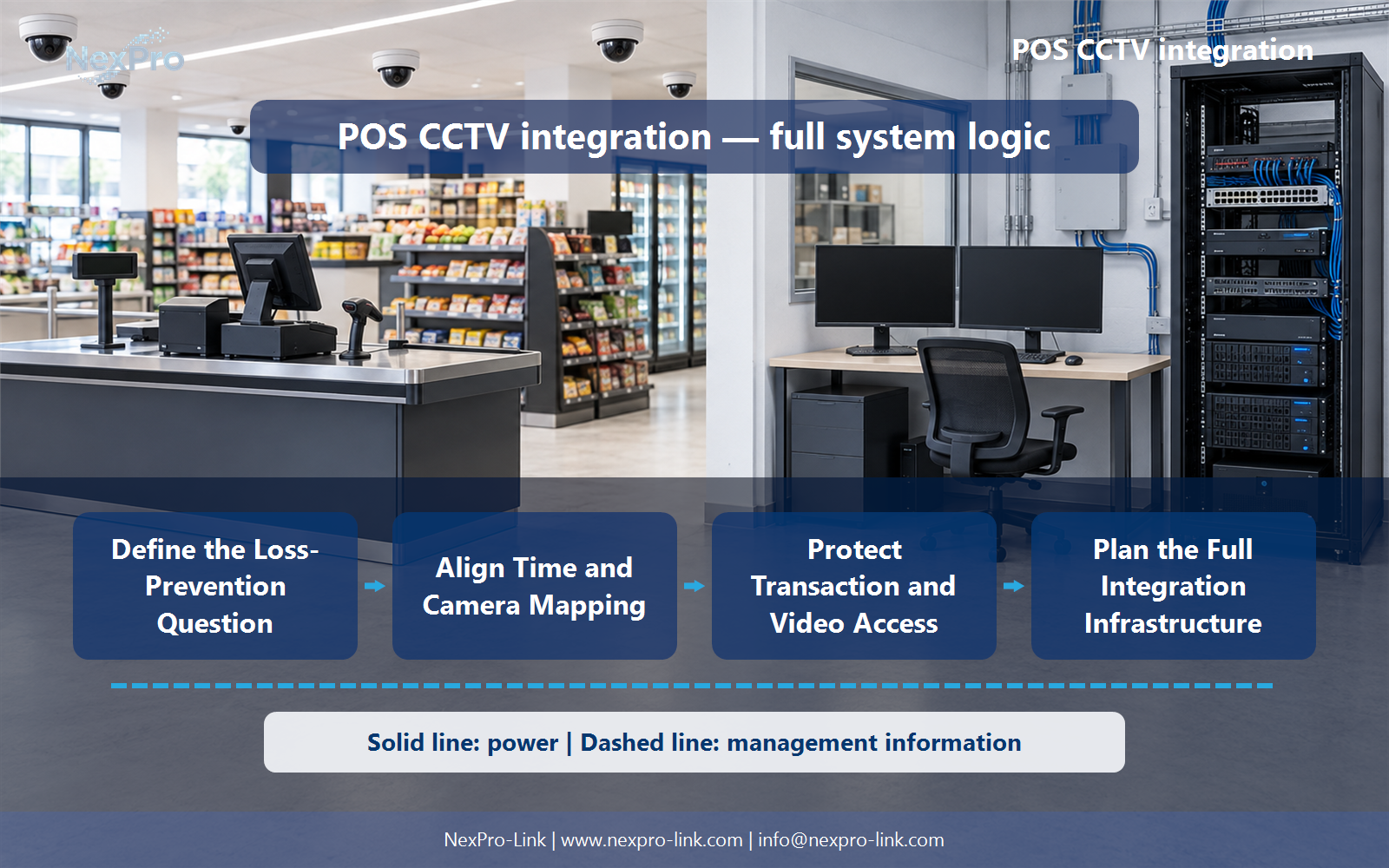
Transaction and video timelines must align closely enough for the intended review. Map each terminal to the correct camera and handle timezone or clock changes. A correct event identifier can still lead to the wrong clip when camera mapping or timestamps are inconsistent.
The project output should make Terminal, Camera, Time source, Offset handling traceable from input to acceptance.
- Confirm the answer to: Why is time synchronization critical for POS video?
- Record the project fields: Terminal / Camera / Time source / Offset handling.
- Keep product capability, project assumptions and site responsibility in separate records.
Section 04
Distinguish Overlay from Search
No. An overlay may show information visually while a searchable event system stores structured records for retrieval. Define whether operators need reading, filtering, event jumps or exports. The platform must support the actual workflow rather than only drawing text on an image.
Record Function, Stored data, Operator action, Export behavior before selecting a product family. That makes later substitutions possible without silently changing the operational requirement.
Section 05
Protect Transaction and Video Access
No. Transfer only information needed for the approved purpose and permitted by applicable requirements. Keep sensitive payment and customer information out of unnecessary video records. Apply access and retention controls to both transaction events and related footage.
Review Field, Needed purpose, Access, Retention, Exclusion with the party that will operate or maintain the system.
Section 06
Plan the Full Integration Infrastructure
Include cameras, recording, supported integration components, storage, operator workstations and network and power dependencies. Local recording and POS operation may have separate outage requirements. NexPro-Link can support equipment coordination while the actual integration functions and ownership remain explicitly specified.
Use Component, Function, Interface, Power, Scope as the handoff between design and procurement.
Engineering references
These sources support the general planning principles. Always use the selected product's current datasheet and applicable project standards for final design.


