

Plan PoE standards af at bt with practical guidance on distinguish poe names and types and handle high-power devices. NexPro-Link project guide.
Section 01
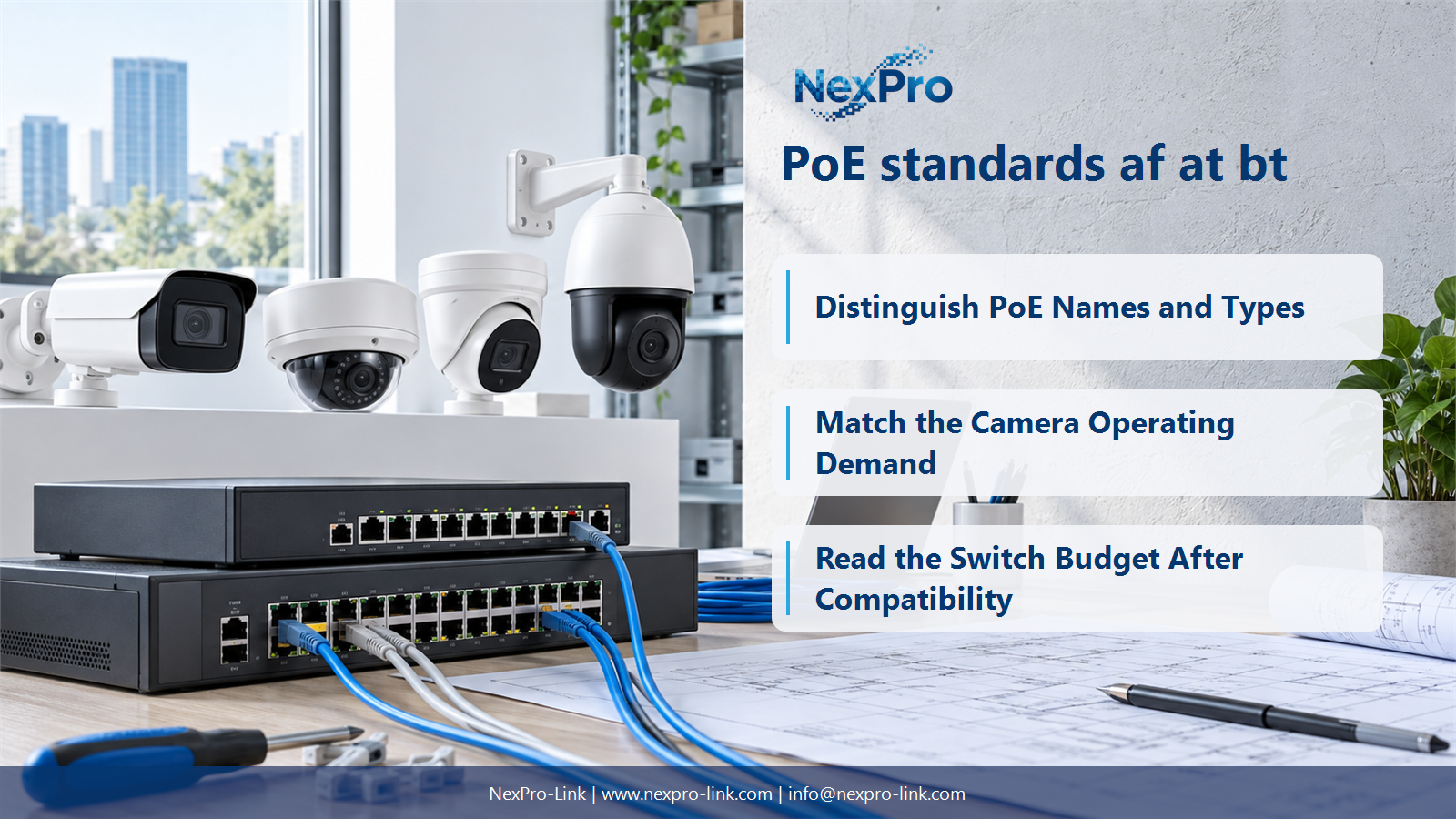
Distinguish PoE Names and Types
They are convenient labels but can hide differences in type, class and supported power. Specify the relevant IEEE capability and the device requirement. In particular, a broad PoE++ label does not tell the buyer which maximum power class a port can deliver.
Turn the answer into a working record using Common label, IEEE family, Type, Maximum class.
| Decision area | Buyer question | Required output |
|---|---|---|
| Distinguish PoE Names and Types | Are PoE, PoE+ and PoE++ precise enough for purchasing? | They are convenient labels but can hide differences in type, class and supported power. |
| Read Power at Both Ends | Is 30 W at the switch the same as 30 W at the camera? | No. |
| Match the Camera Operating Demand | Does an 8MP camera necessarily require PoE+? | Resolution alone does not determine the required PoE type. |
Section 02
Read Power at Both Ends
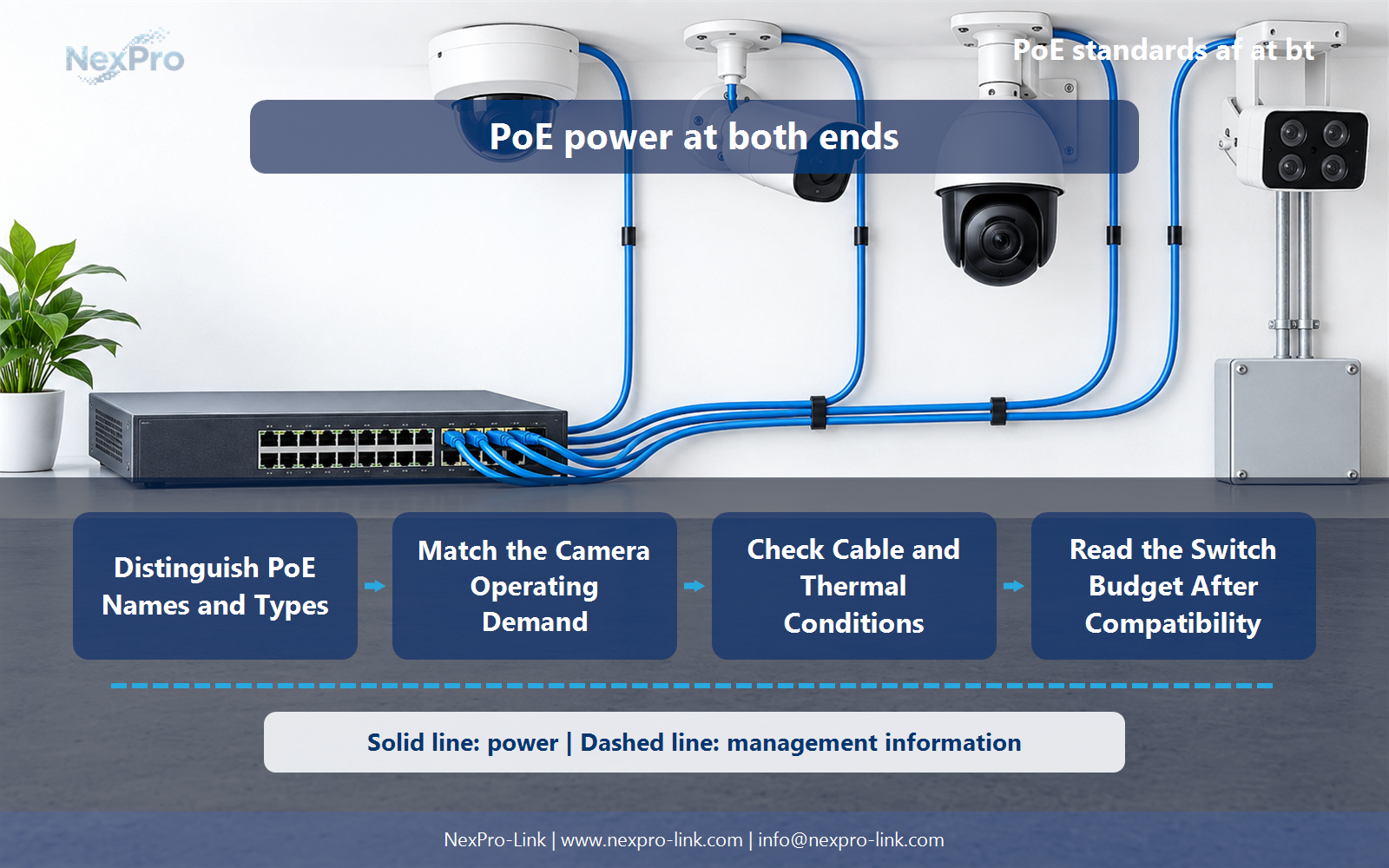
No. PSE output and power available to the powered device use different reference points. Cable loss is part of the system budget. Compare the camera's requirement with the appropriate device-side allowance rather than treating the switch's headline output as entirely available at the camera.
Use Type, PSE maximum W, PD available maximum W, Conditions to compare options on the same basis. Keep product capability, project assumption and operating responsibility in separate columns.
Section 03
Match the Camera Operating Demand
Resolution alone does not determine the required PoE type. Illumination, motors, processing and heaters can matter more than pixel count. Use the actual device power requirement and supported supply method; the PDF's general PoE statement is not enough to assign a specific class.
The project output should make Camera, Features drawing power, Required type, Supply method traceable from input to acceptance.
- Confirm the answer to: Does an 8MP camera necessarily require PoE+?
- Record the project fields: Camera / Features drawing power / Required type / Supply method.
- Keep product capability, project assumptions and site responsibility in separate records.
Section 04
Handle High-Power Devices
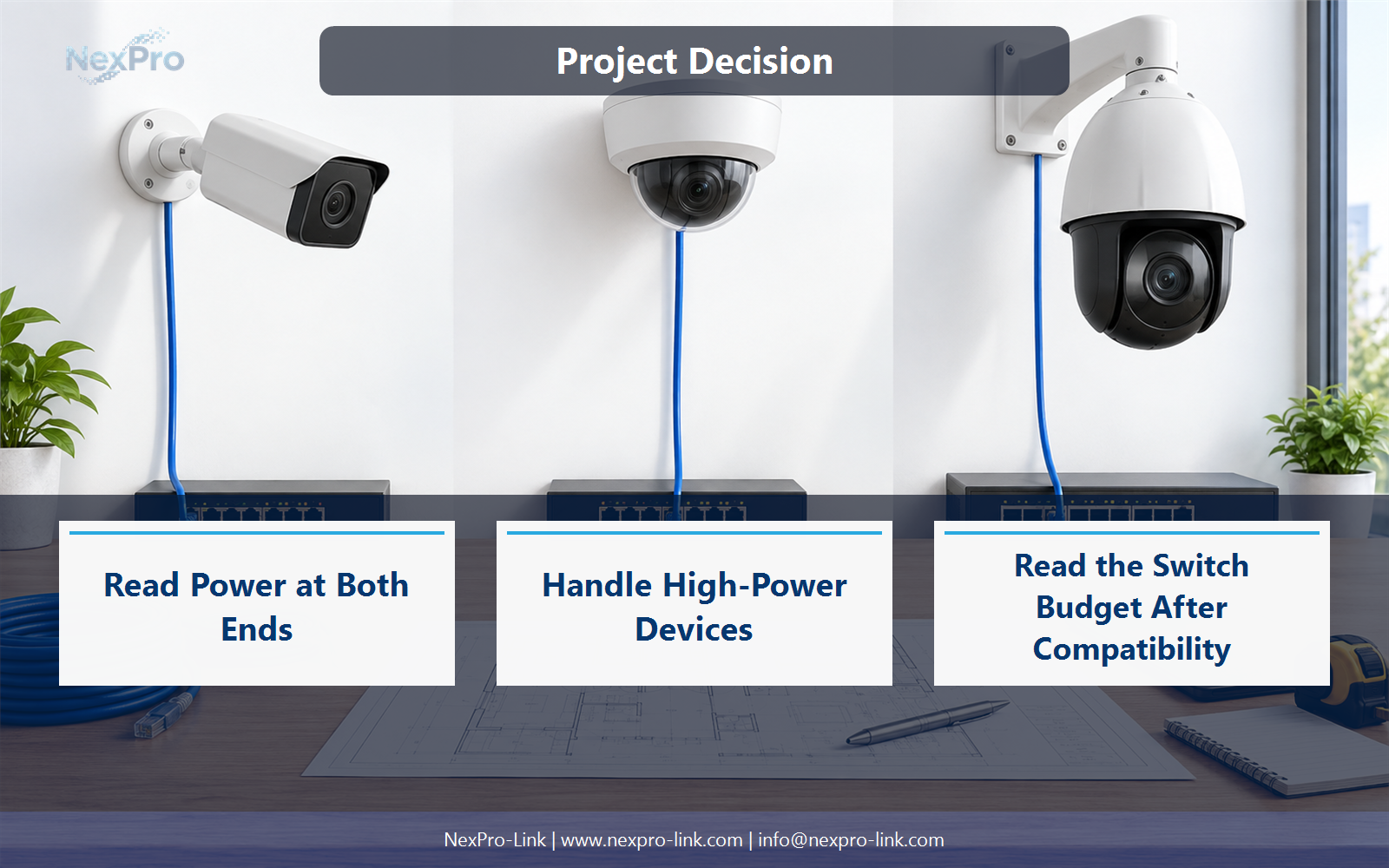
Consider higher-power PoE when the device's documented demand and supported input require it. Large PTZ mechanisms, powerful illumination or heating may drive that need. Confirm the complete port and cable arrangement instead of assuming every PTZ uses the same power level.
Record Device, Peak operation, Supported input, Port requirement before selecting a product family. That makes later substitutions possible without silently changing the operational requirement.
Section 05
Check Cable and Thermal Conditions
Higher delivered power makes cable construction, connector quality, bundling and operating temperature especially relevant. Use cable and equipment guidance for the intended installation. A cable category label alone does not describe every conductor, temperature or bundle condition affecting power delivery.
Review Cable, Conductors, Bundle, Temperature, Channel with the party that will operate or maintain the system.
Section 06
Read the Switch Budget After Compatibility
Check the total switch budget, port allocation rules and the number of devices that may draw power simultaneously. A switch can support a high-power type on individual ports without providing that maximum on every port at once. Specify the intended fully populated workload.
Use Ports used, Per-port allocation, Total W, Available budget as the handoff between design and procurement.
Engineering references
These sources support the general planning principles. Always use the selected product's current datasheet and applicable project standards for final design.


