

Plan PoE power budget calculation with practical guidance on list the camera operating loads and allocate the 32 cameras by zone. NexPro-Link project guide.
Section 01
List the Camera Operating Loads
Use the maximum relevant operating demand, including illumination, motors or heaters, and identify whether the value is measured at the device or allocated by the switch. A daytime average can understate the load that appears when many cameras change mode together.
Turn the answer into a working record using Camera group, Quantity, Operating mode, PD maximum W.
| Decision area | Buyer question | Required output |
|---|---|---|
| List the Camera Operating Loads | Which camera power figure belongs in a PoE budget? | Use the maximum relevant operating demand, including illumination, motors or heaters, and identify whether the value is measured at the device or allocated by the switch. |
| Match Each Port to the Device | Can a switch with a large total budget power any camera? | No. |
| Build the PSE-Side Budget | Should camera watts simply be added to the switch budget? | First ensure both figures use compatible measurement points. |
Section 02
Match Each Port to the Device
No. Each port must support the device's required PoE type and power negotiation, regardless of the remaining total budget. A high-power PTZ can exceed a port limit even when the switch has substantial unused capacity overall.
Use Device, Required PoE type, Port capability, Allocation to compare options on the same basis. Keep product capability, project assumption and operating responsibility in separate columns.
Section 03
Build the PSE-Side Budget
First ensure both figures use compatible measurement points. Device power and switch allocation may differ because of cable losses and power-class reservation. Use the switch's supported allocation method and documented device demand rather than silently treating PD and PSE watts as identical.
The project output should make PD demand, PSE allocation, Cable condition, Port count traceable from input to acceptance.
- Confirm the answer to: Should camera watts simply be added to the switch budget?
- Record the project fields: PD demand / PSE allocation / Cable condition / Port count.
- Keep product capability, project assumptions and site responsibility in separate records.
Section 04
Allocate the 32 Cameras by Zone
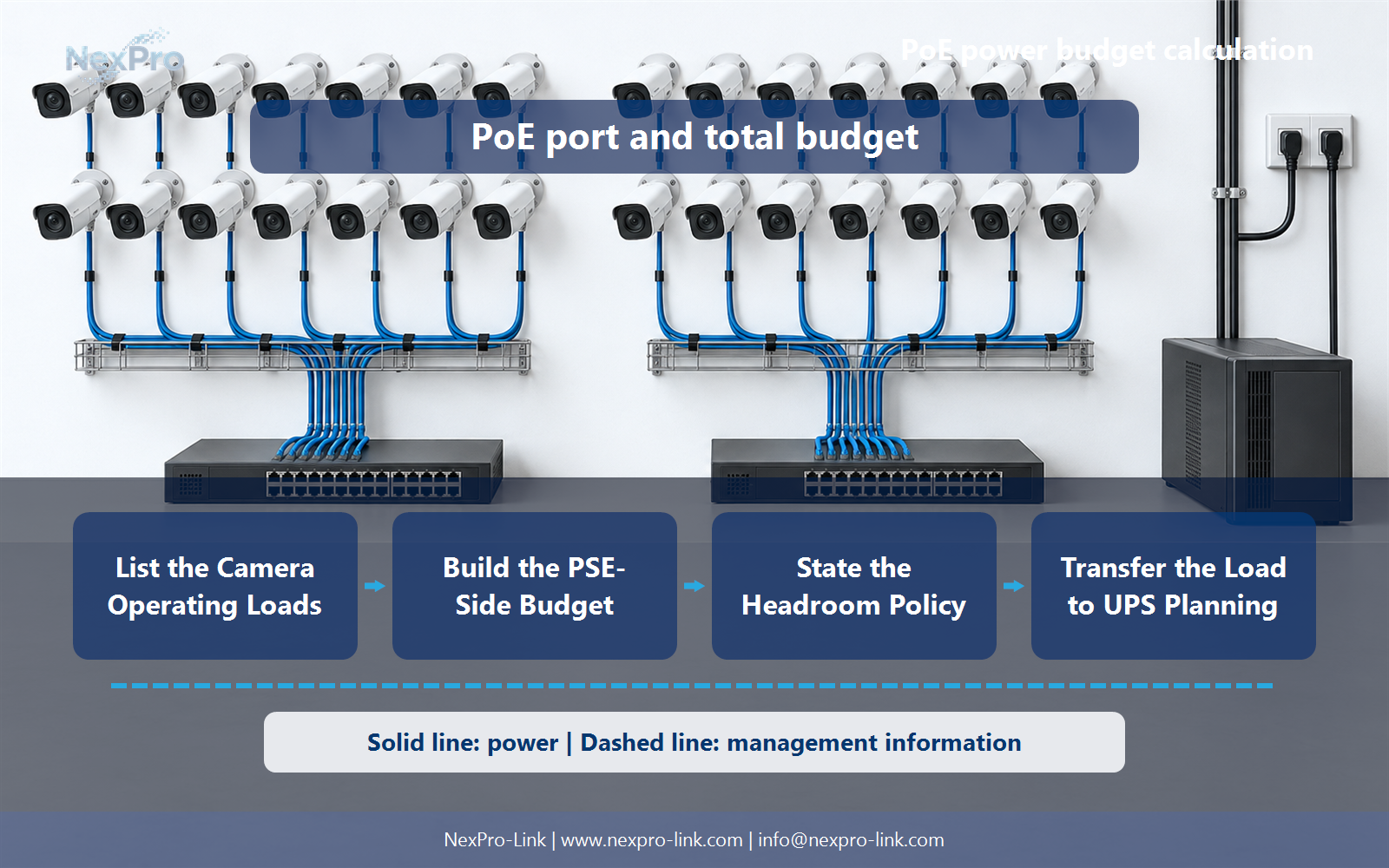
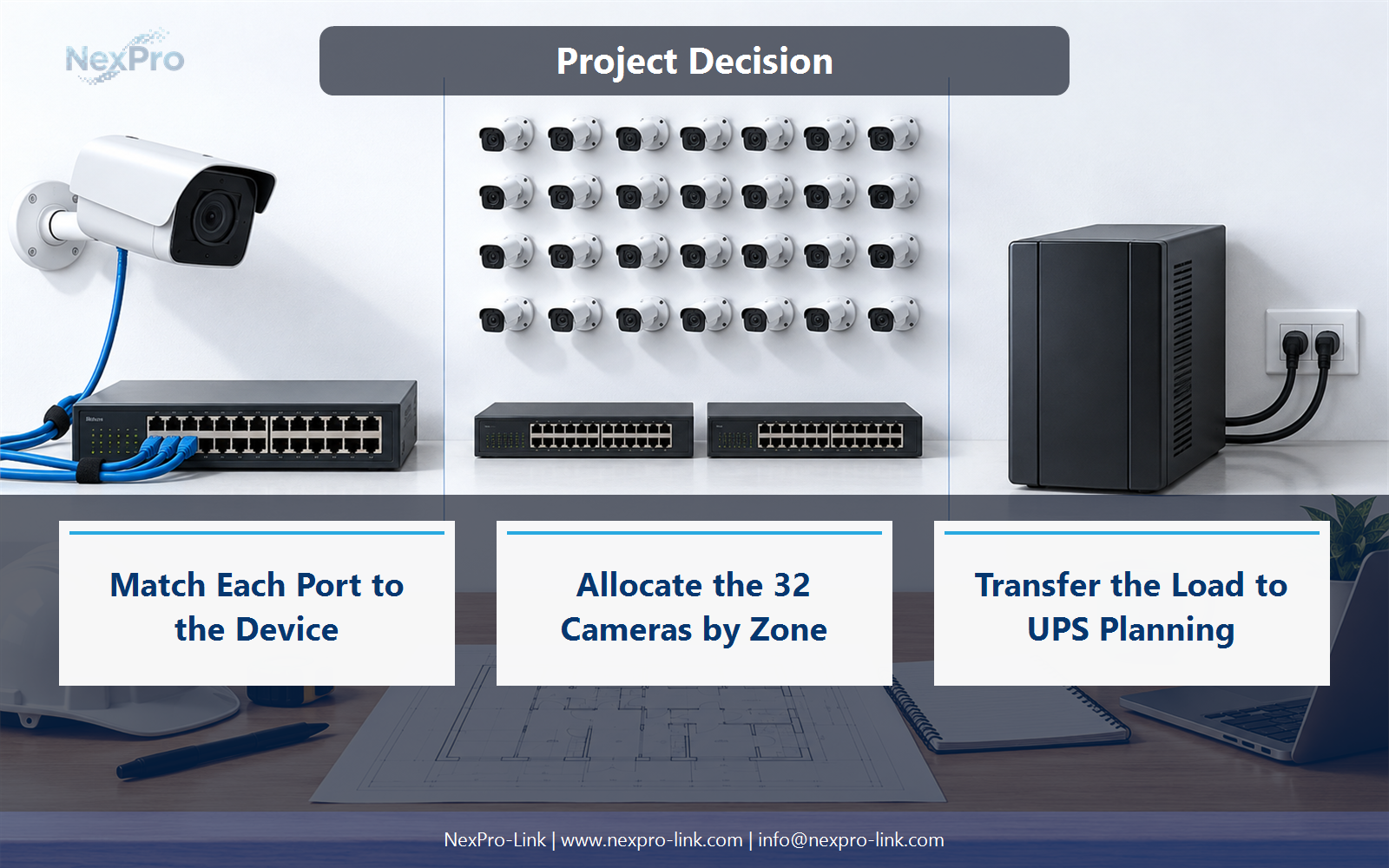
Group them by cable routes, port requirements and acceptable failure impact, then calculate each switch separately. Two switches with the same port count can serve very different power loads. Include uplinks and spare ports without counting them as available powered camera ports unless they actually are.
Record Zone, Camera ports, PSE allocation, Uplink, Spare ports before selecting a product family. That makes later substitutions possible without silently changing the operational requirement.
Section 05
State the Headroom Policy
No universal percentage applies to every project. A margin is a design assumption that should reflect uncertain loads, planned additions and the switch's operating limits. State whether the percentage means added capacity or a fraction kept unused, since those calculations are different.
Review Base W, Margin definition, Target budget, Expansion with the party that will operate or maintain the system.
Section 06
Transfer the Load to UPS Planning
The UPS supports the switch's AC input, including its own consumption and the power delivered downstream. Use the applicable input-load information or a clearly stated estimate. Do not add the same camera load again when it is already included in the switch input total.
Use Switch AC input, NVR load, Essential network, UPS total as the handoff between design and procurement.
Engineering references
These sources support the general planning principles. Always use the selected product's current datasheet and applicable project standards for final design.


