

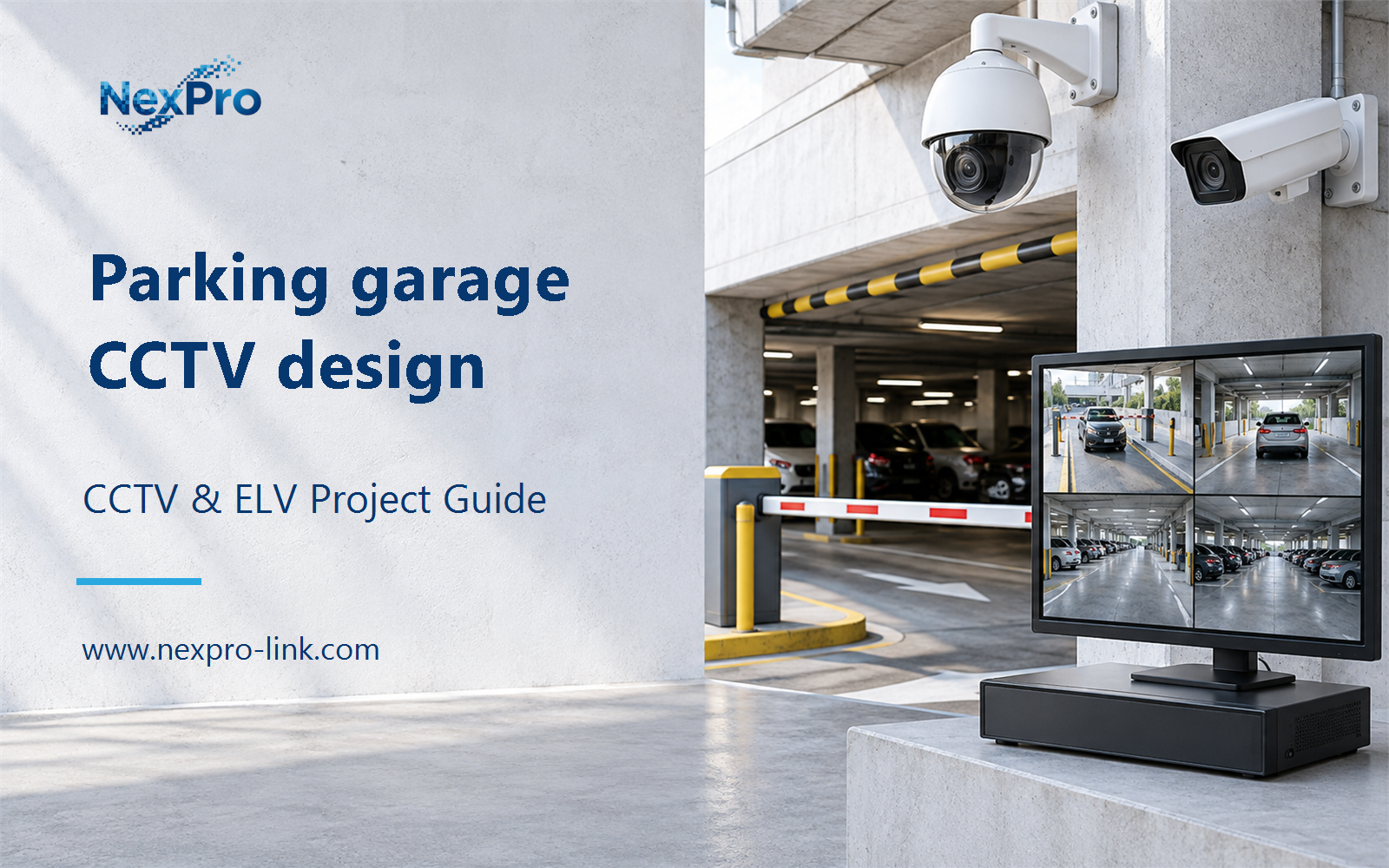
Plan parking garage CCTV design with practical guidance on map vehicle and pedestrian tasks and allocate network, poe and recording. NexPro-Link project guide.
Section 01
Map Vehicle and Pedestrian Tasks
Identify entry and exit events, vehicle circulation, pedestrian access and selected incident areas. The required detail differs across these tasks. A garage-wide overview is not a substitute for plate capture or a clear view of a pedestrian entrance.
Turn the answer into a working record using Zone, Vehicle task, Pedestrian task, Required detail.
| Decision area | Buyer question | Required output |
|---|---|---|
| Map Vehicle and Pedestrian Tasks | Which parking-garage views should be prioritized? | Identify entry and exit events, vehicle circulation, pedestrian access and selected incident areas. |
| Separate ANPR and Parking Guidance | Does a parking camera automatically provide space guidance? | No. |
| Handle Garage Lighting and Geometry | What imaging conditions matter in a garage? | Ramps, headlights, dark interiors, reflective surfaces and changing entrance illumination can affect usable footage. |
Section 02
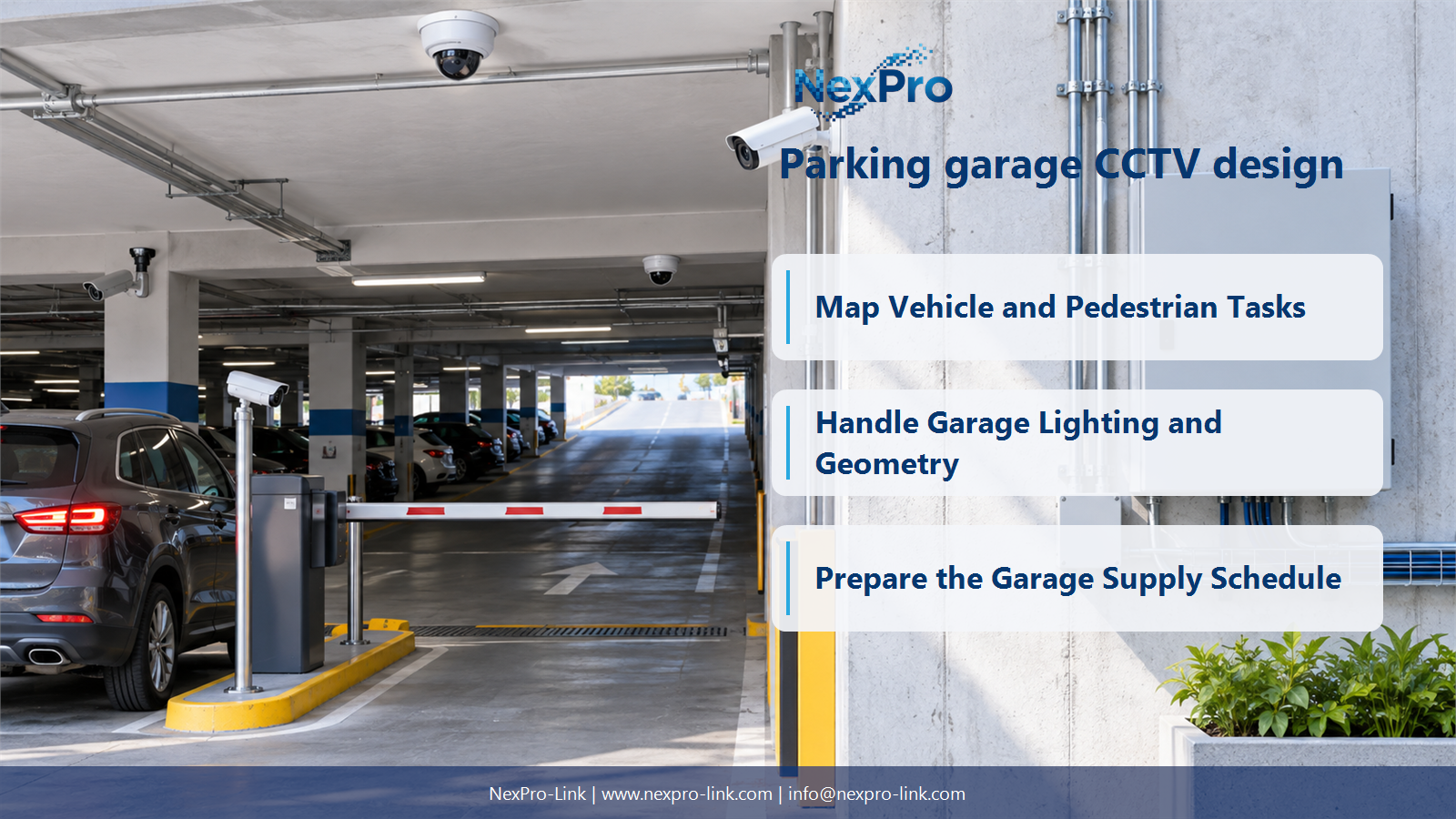
Separate ANPR and Parking Guidance
No. Plate recognition, general video and occupancy guidance use different functions and interfaces. Specify which system provides each result and how they interact. A camera capable of vehicle classification should not be promoted as a complete parking-management system.
Use Function, Sensor or camera, Processing, Interface to compare options on the same basis. Keep product capability, project assumption and operating responsibility in separate columns.
Section 03
Handle Garage Lighting and Geometry
Ramps, headlights, dark interiors, reflective surfaces and changing entrance illumination can affect usable footage. Frame each task and choose exposure and lighting accordingly. A high-resolution label alone does not guarantee readable plates or clear faces under those conditions.
The project output should make View, Lighting, Motion, Angle, Image setting traceable from input to acceptance.
- Confirm the answer to: What imaging conditions matter in a garage?
- Record the project fields: View / Lighting / Motion / Angle / Image setting.
- Keep product capability, project assumptions and site responsibility in separate records.
Section 04
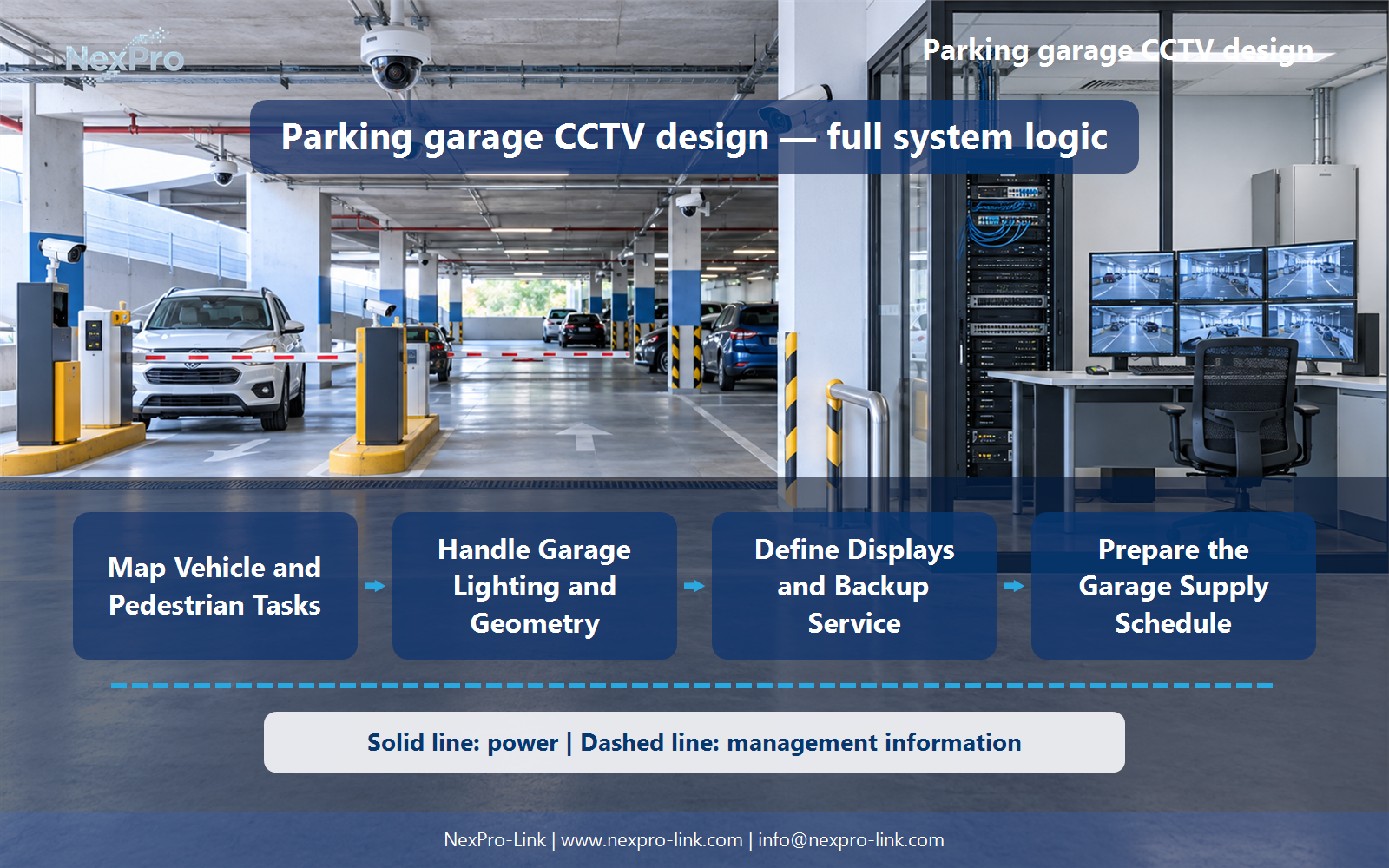
Allocate Network, PoE and Recording
Group them around supported cable routes and accessible distribution points, then calculate ports, power and uplink traffic. Match recording nodes and storage to the actual streams and retention. Floor count or parking-space count alone does not determine a complete equipment quantity.
Record Floor, Cameras, PoE, Uplink, Recorder, TB before selecting a product family. That makes later substitutions possible without silently changing the operational requirement.
Section 05
Define Displays and Backup Service
Define the essential video and operator service, and coordinate any gate or payment-system requirements separately. Protect the relevant cameras, switches and recording path. A staffed booth may need a local display, while a large wall is only an option for broader operations.
Review Service, Booth display, Recording, Field power, Backup with the party that will operate or maintain the system.
Section 06
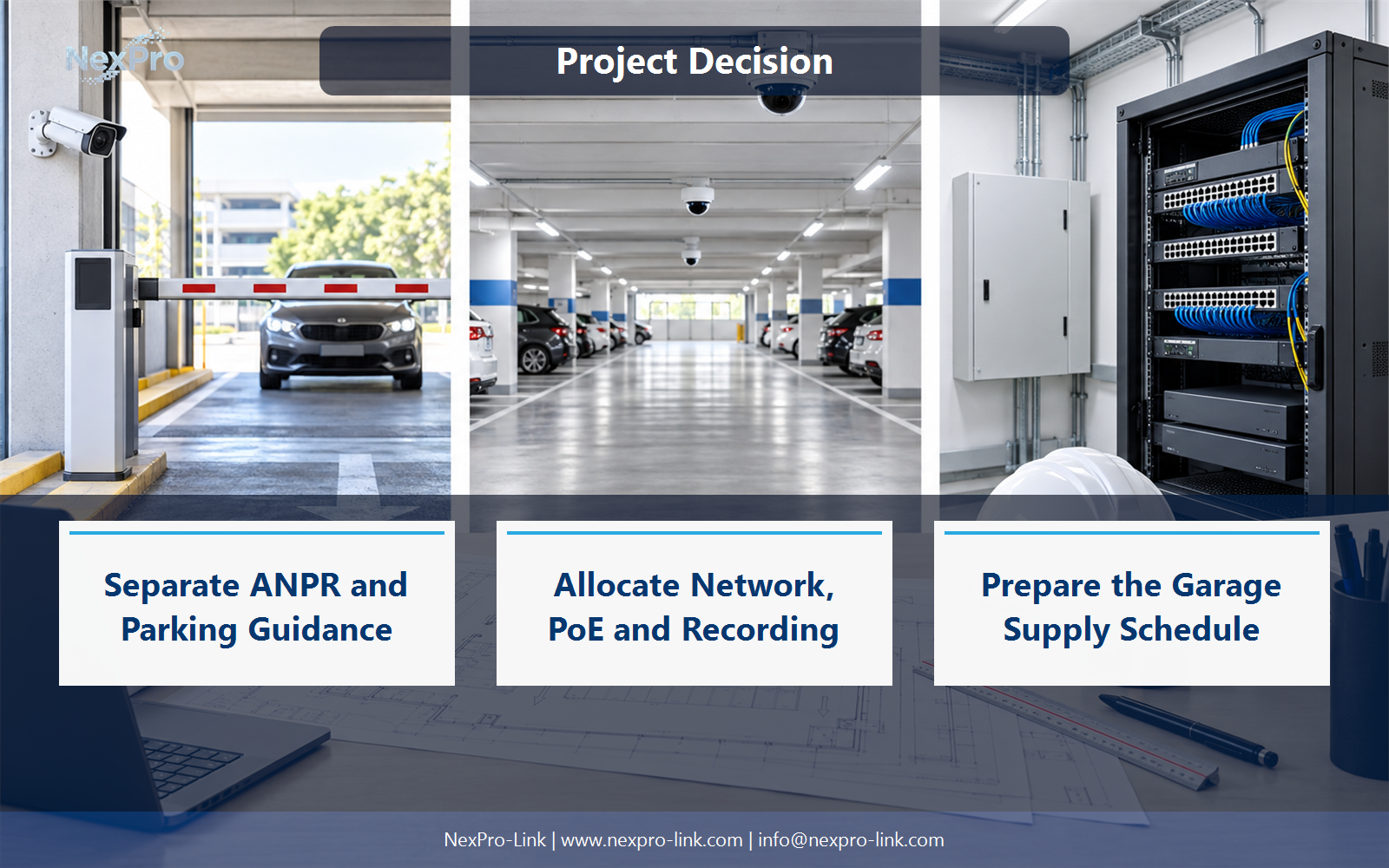
Prepare the Garage Supply Schedule
Include role-specific cameras, required integration components, recording, storage, switches, displays, UPS and appropriate cable and mounting scope. Separate parking guidance and payment interfaces. NexPro-Link can support coordinated equipment supply without claiming all parking functions are built into a standard camera.
Use Zone, Function, Equipment, Interface, Quantity as the handoff between design and procurement.
Engineering references
These sources support the general planning principles. Always use the selected product's current datasheet and applicable project standards for final design.


